

Hosanwell PS5 Wall Mount with Charging Station (for PS5/PS5 Pro/PS5 Slim) – Dual Use Dock with RGB Lights, White
Product description
If your PS5 setup feels a bit cluttered, a wall-mounted charging station can be a surprisingly practical upgrade. The Hosanwell PS5 Wall Mount with Charging Station is built to do two jobs at once: help you organise the console area on the wall (or desk), and charge controllers with visible status lights and RGB lighting.
That said, it’s not “one-size-fits-all” in every home. Where you place it, the space around your console vents, and how you prefer your controller charging routine will make a bigger difference than you might expect.
The essentials
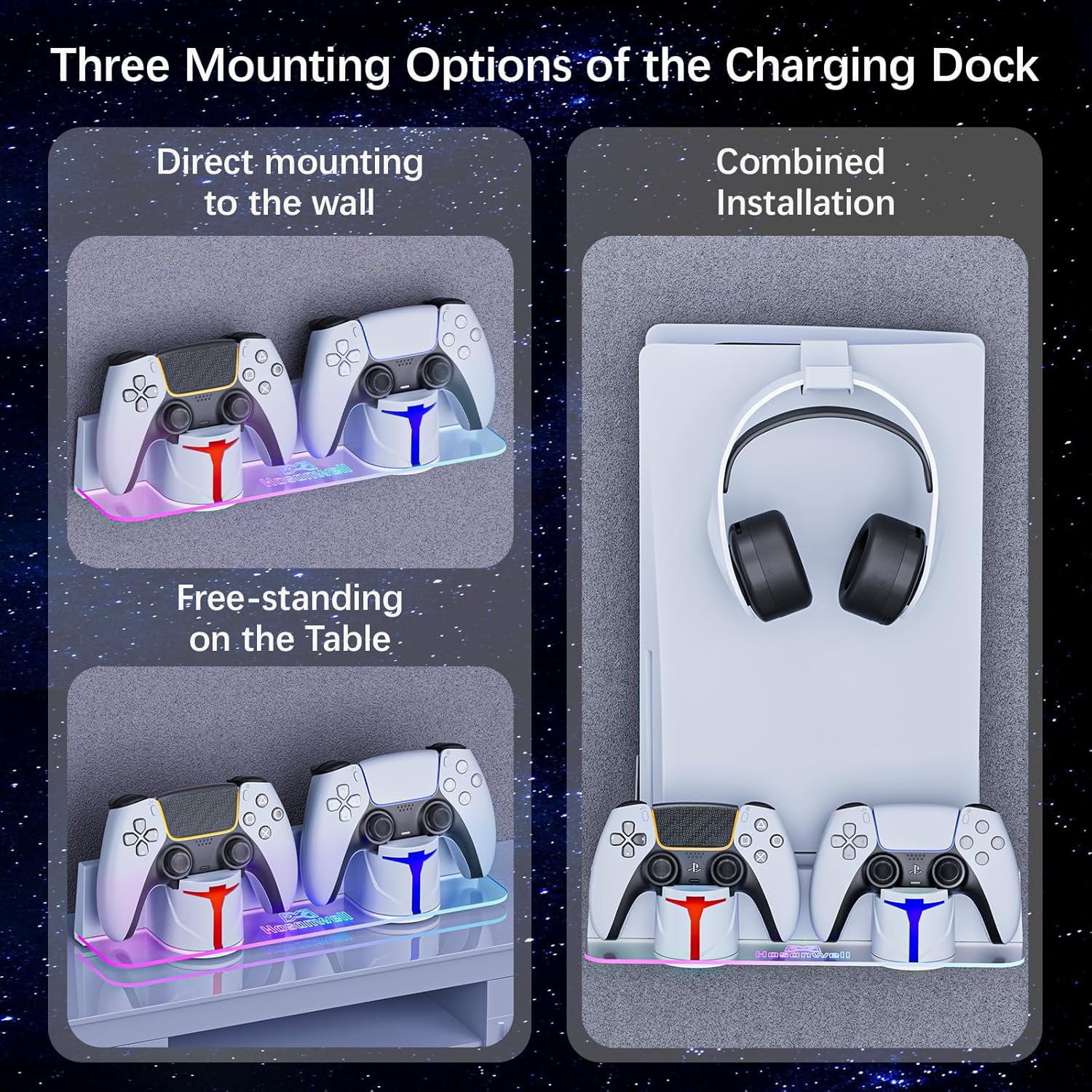
This kit combines a wall mount with a charging station for DualSense controllers. The charging dock is designed to fit both disc and digital PS5 versions mentioned in the name (including PS5 Pro and PS5 Slim), and it can be positioned in more than one way for different layouts.
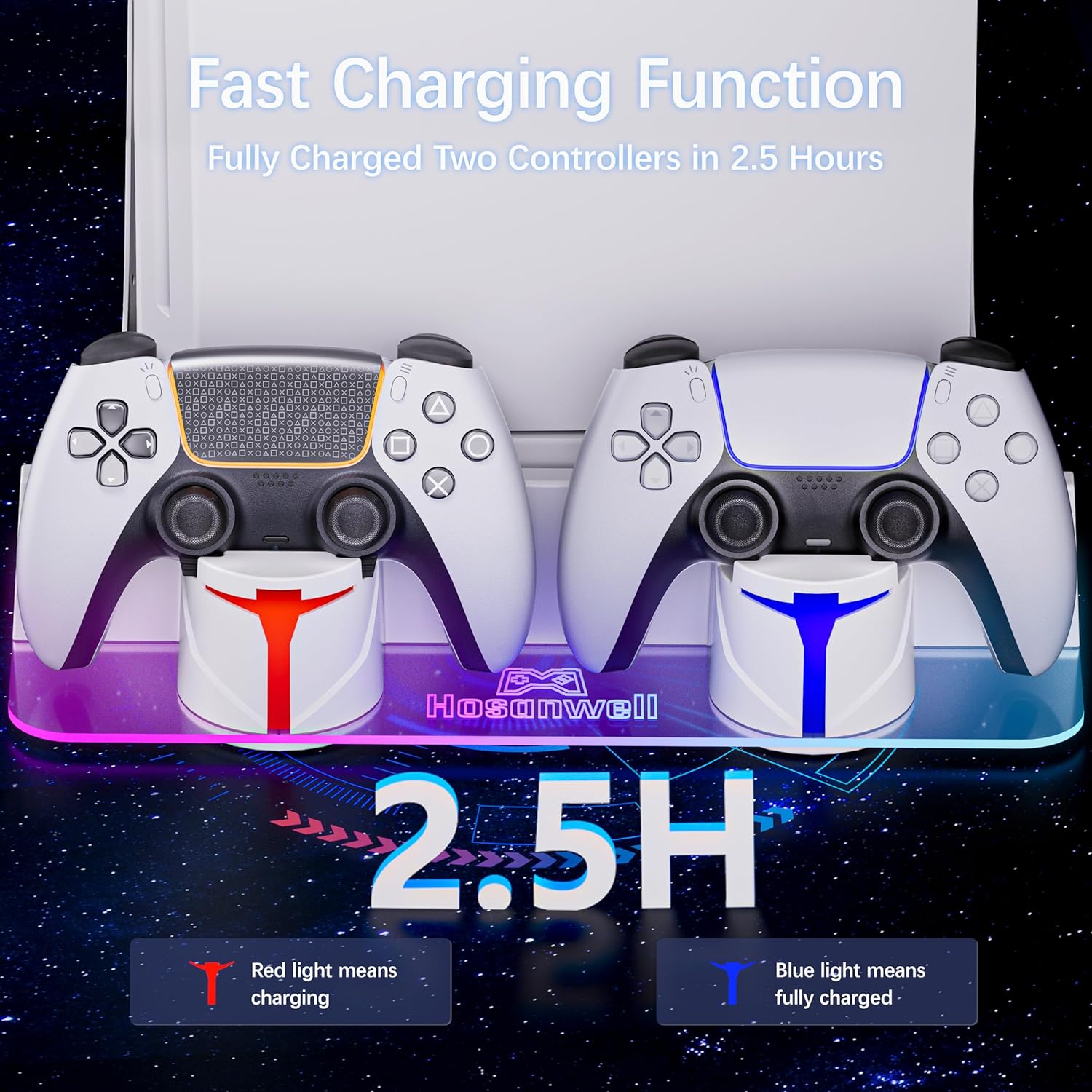
For charging, the unit uses indicator lights so you can quickly tell whether controllers are charging or fully charged: orange for charging, blue for finished charging.
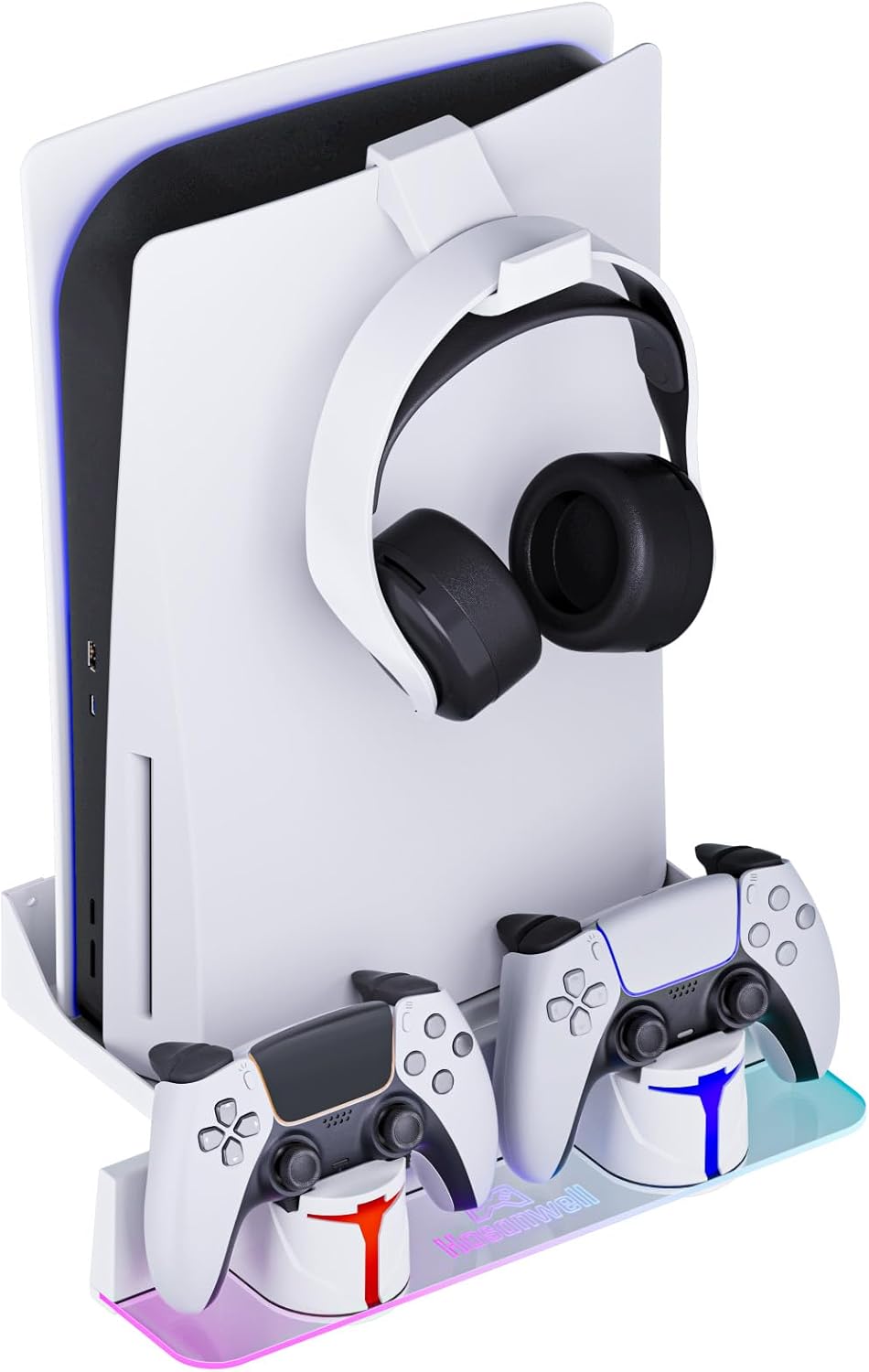
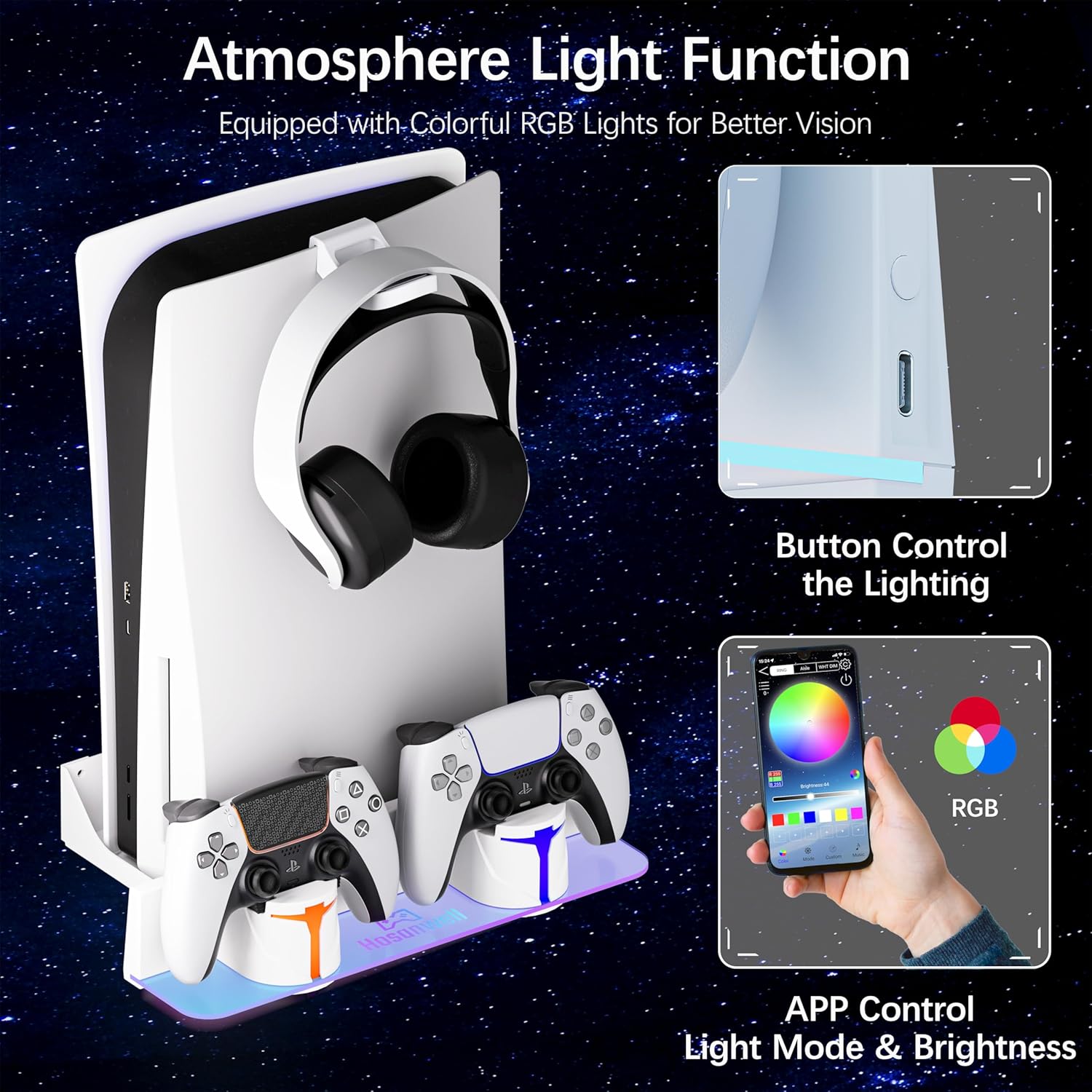
On top of that, there’s a multi-mode RGB light system. You’re not limited to one static colour, there are seven single-colour options and several dynamic modes, which you can change using the dock buttons or via a mobile app (as stated in the description).
What you’ll notice in everyday use
On paper, the biggest day-to-day benefit is reducing cable mess and desk clutter. Instead of hunting for the right charging spot or leaving controllers lying around, the dock gives them a dedicated home.
A practical example: after a gaming session, you could plug in the dock, place a controller on the charging station, and glance at the lights to confirm it’s charging (orange). When you come back later, blue indicates it’s done—no guesswork, no “did I really plug it in properly?” moment.
Where it feels more “gaming setup” than utilitarian is the RGB. If you already care about ambience, the ability to switch lighting modes (single colours like red/green/blue, plus dynamic modes such as gradient, flowing, chasing, and more) is the kind of feature you’ll either use daily or ignore completely.
Charging performance and controller fit
The description claims a full charge time of roughly 2.5–3 hours. That’s useful for planning around typical sessions, but it’s also worth bearing in mind that real-world charging speed can vary with controller condition and power setup.
Compatibility-wise, it states the charging station fits both DualSense and DualSense Edge controllers. If you own either (or both), that’s a solid point. If your controllers are different, you’ll need to check compatibility before relying on it.
Installation and placement options (and the catch)
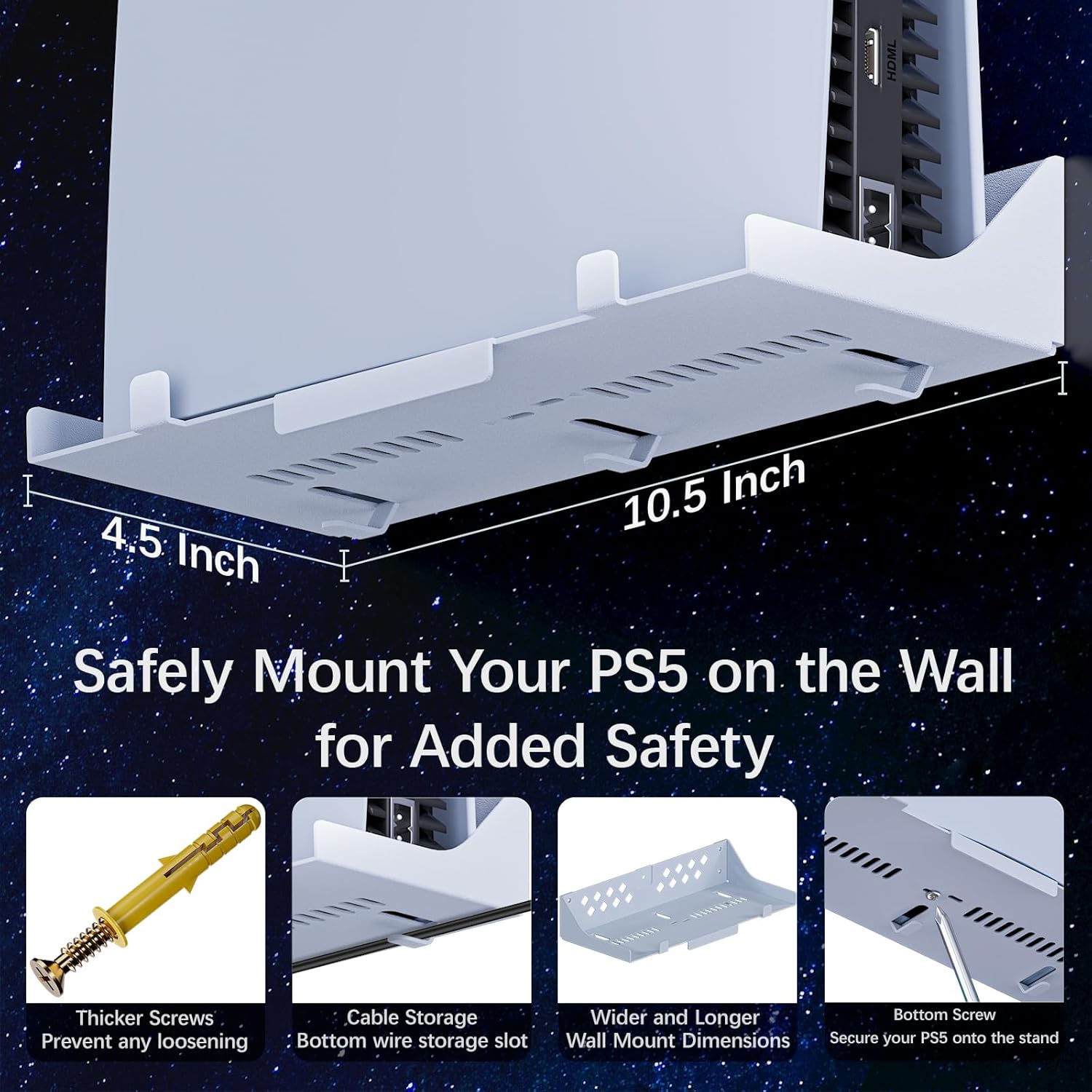
The kit is designed around flexible placement: it can be wall-mounted (with a metal mount) or placed on a desk next to your computer. The description also notes that the console can be placed in different orientations.
Installation guidance is included in the form of an installation guide and videos, and it recommends using a 6mm drill bit for installing the wall mount.
Important limitation to keep in mind: wall mounting means you’ll be committing to a specific spot on your wall. If you rent, frequently rearrange your room, or can’t drill where you want, this may not suit you—desk placement might be a better compromise, but you still need the cable routing and space.
Stability, cooling awareness, and build
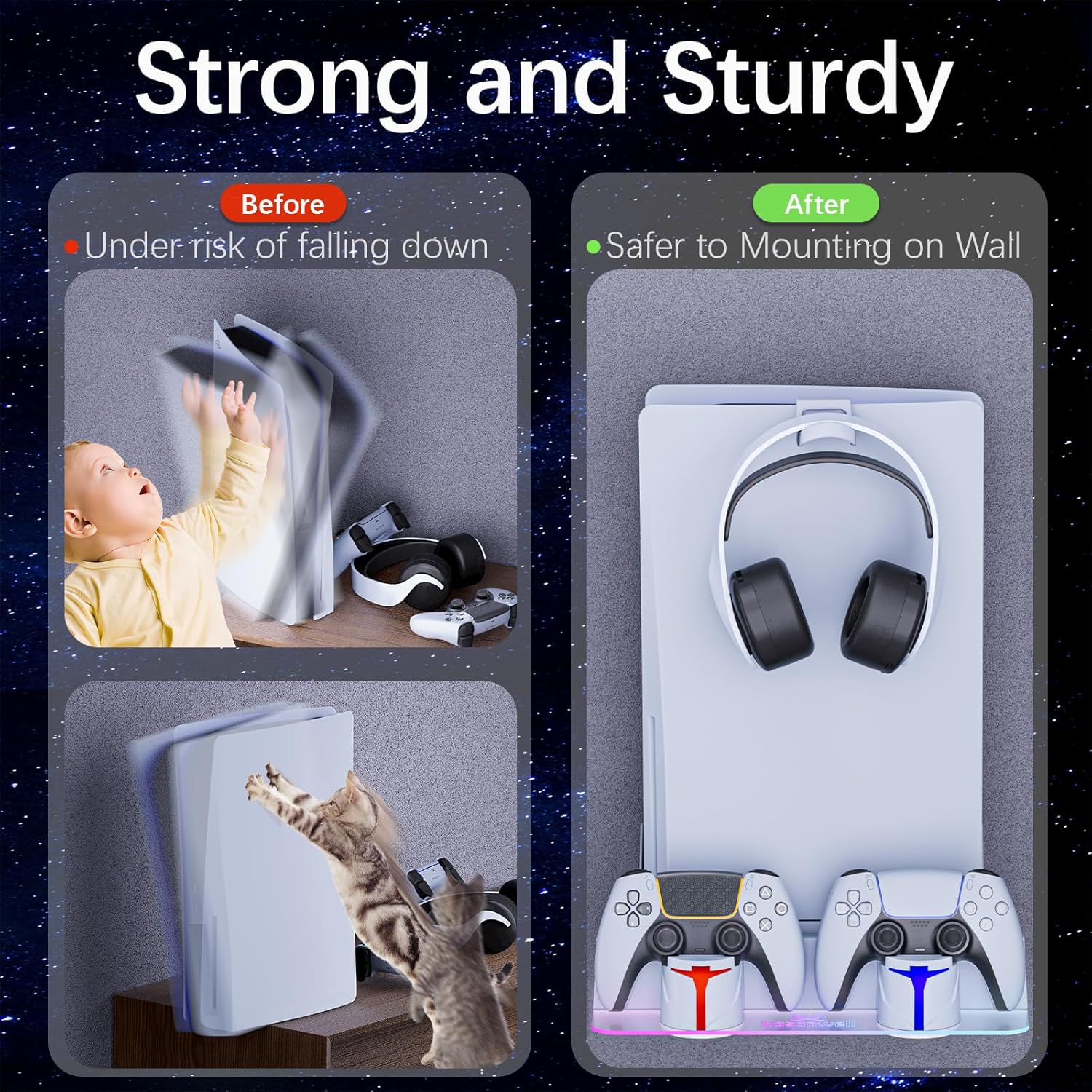
The mount is described as heavy-duty iron, designed to resist deformation and support up to 10 kilograms of weight. It also mentions that the hollow section matches the PS5 cooling vents, aiming to help with heat dissipation.
For most people, that’s the right kind of reassurance: it’s not just “hang it on the wall”, it’s designed to align with the console’s airflow points.

Still, stability ultimately depends on correct installation, wall type, and whether the mount sits securely. If you’re unsure about wall mounting, it’s worth taking extra care with drilling and fitting.
Key takeaways: who it suits (and who should skip)
It’s a good fit if you want a cleaner PS5 area, plan to charge controllers in a consistent routine, and you like the idea of RGB lighting that you can switch between modes.
It’s also a solid pick if you specifically want an all-in-one approach: storage plus charging, rather than using separate controller stands and leaving cables to sprawl.
It might not be for you if you don’t want to drill into your wall, you need maximum placement flexibility, or you’re sensitive to the fact that the lighting modes are part of the experience—great if you’ll use them, but potentially wasted effort if you prefer everything completely plain.
If you’re deciding between a simple stand and a wall-mount charging setup, it helps to ask yourself what you value more: tidy charging with status lights and atmosphere, or minimal fuss and zero installation.
Is it worth it?
Worth considering if you’ve got a PS5 setup where controllers tend to end up on the sofa/desk and you want them back on charge in a neat, visible way. The combination of charging indicator lights, RGB multi-modes (including app control), and the two placement options makes it more than just a decorative mount.
Better avoided if you can’t or don’t want to install a wall mount, or if you’re expecting the light and app features to be optional extras rather than part of the product’s identity.
Mini FAQ
Does the charging station show when controllers are fully charged?
Yes. Orange indicates charging, and blue indicates charging finished (as described).
How many lighting modes are there?
The description lists seven single-colour modes and six dynamic modes, with changes via buttons or a mobile app.
Where can the kit be placed?
You can wall-mount it, place the station next to the wall metal mount, or put it on a desk next to your computer (per the description).
What controllers is it designed for?
It states compatibility with DualSense and DualSense Edge controllers.
How long does a full charge take?
The description claims about 2.5–3 hours for a full charge, depending on real-world conditions.