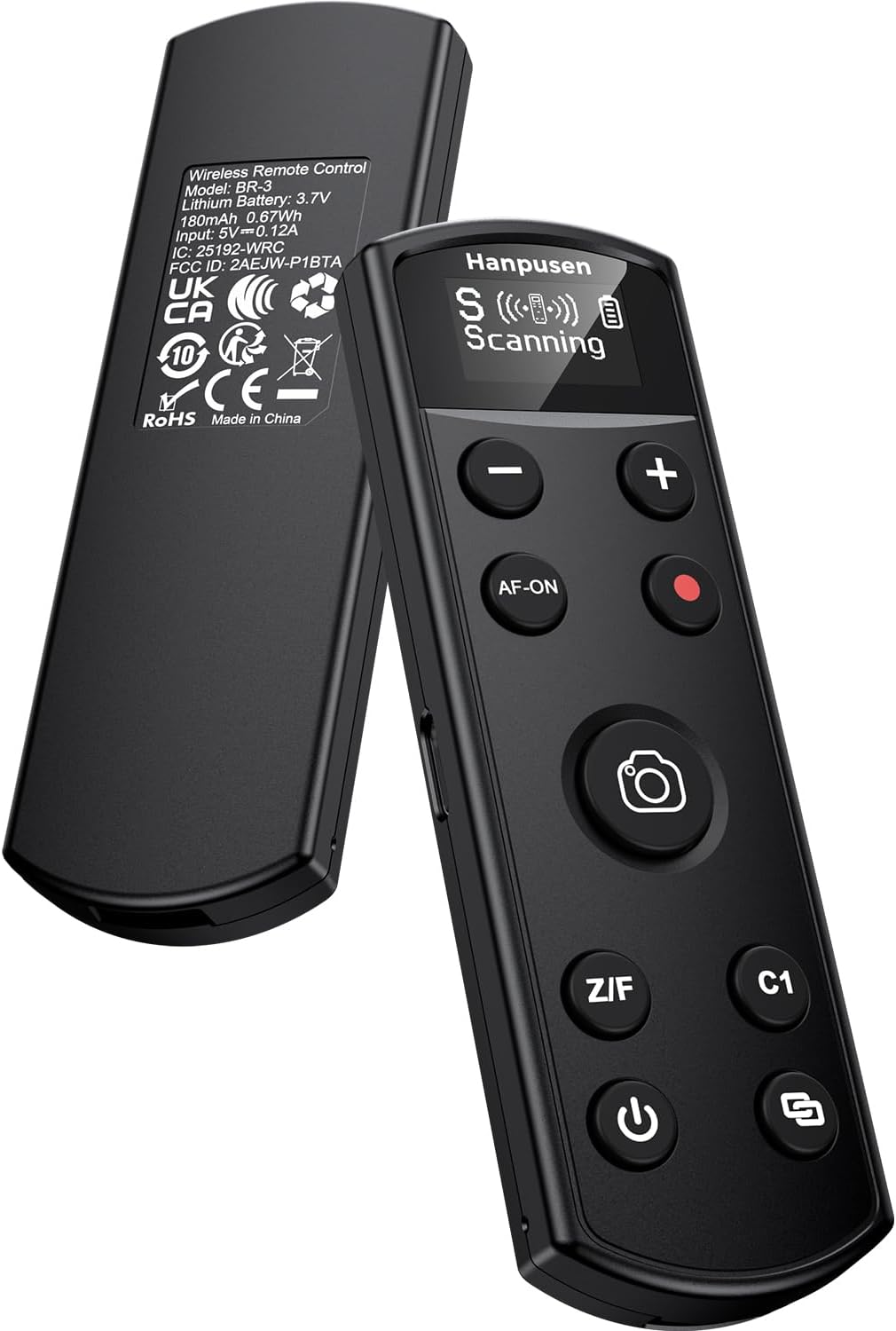
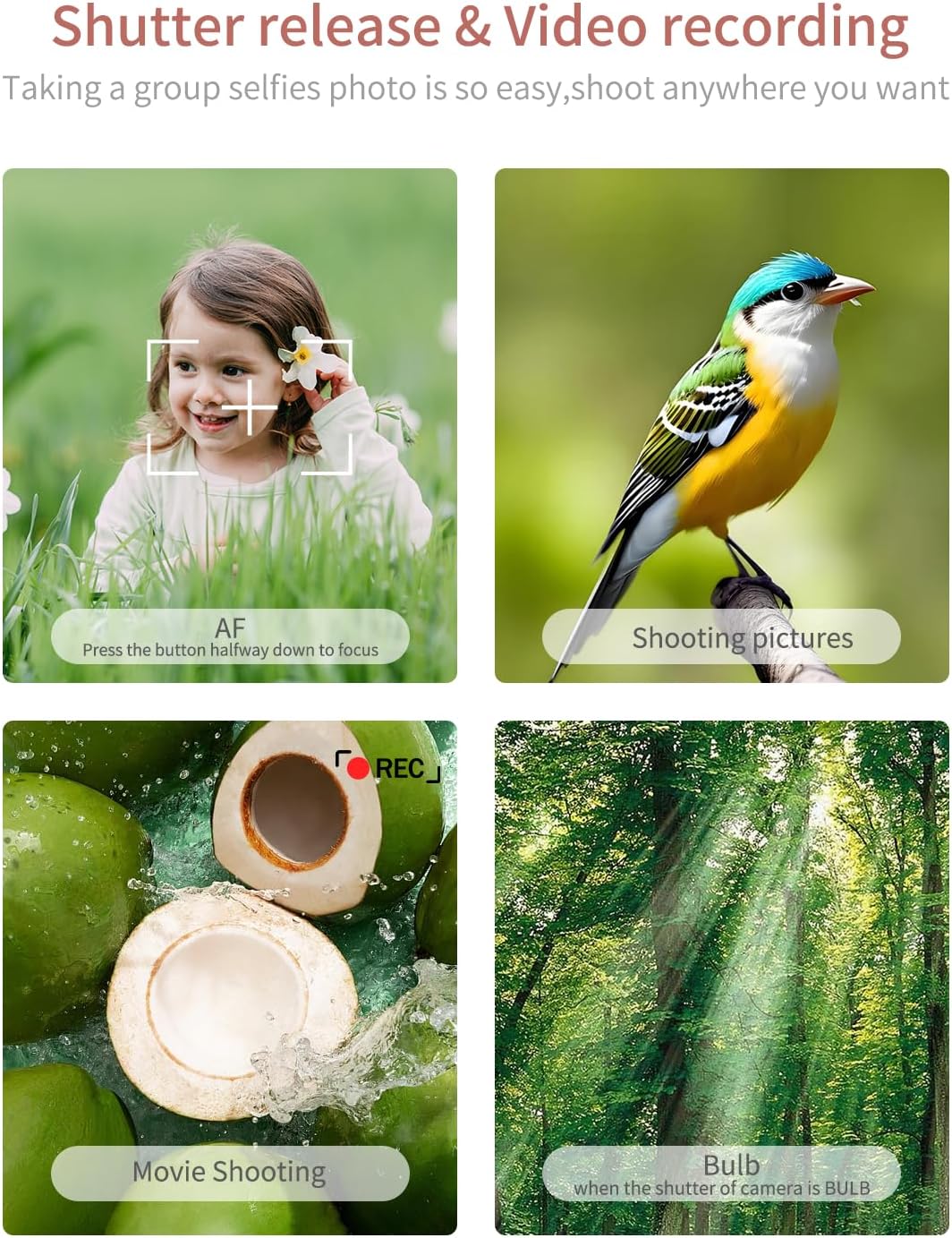
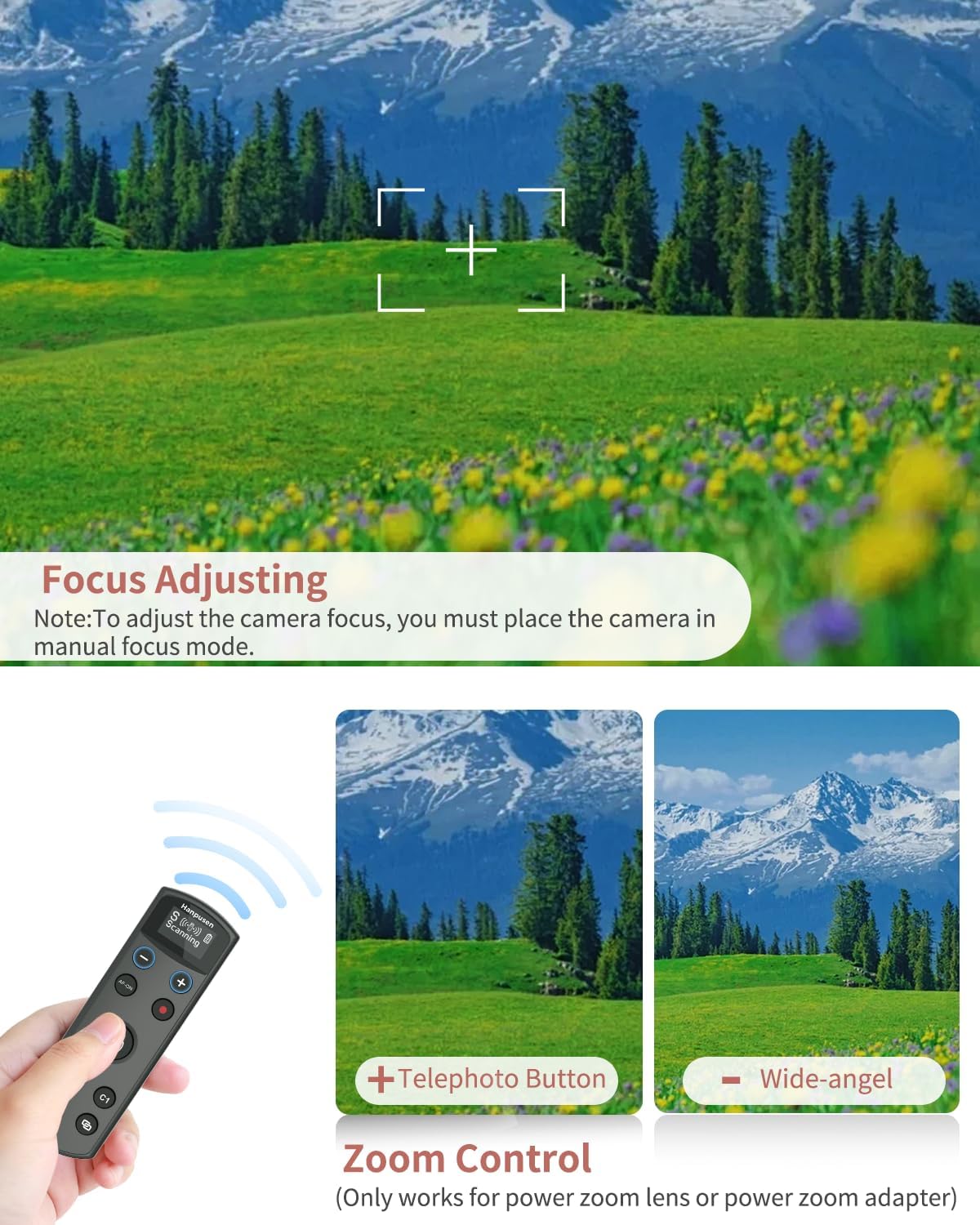
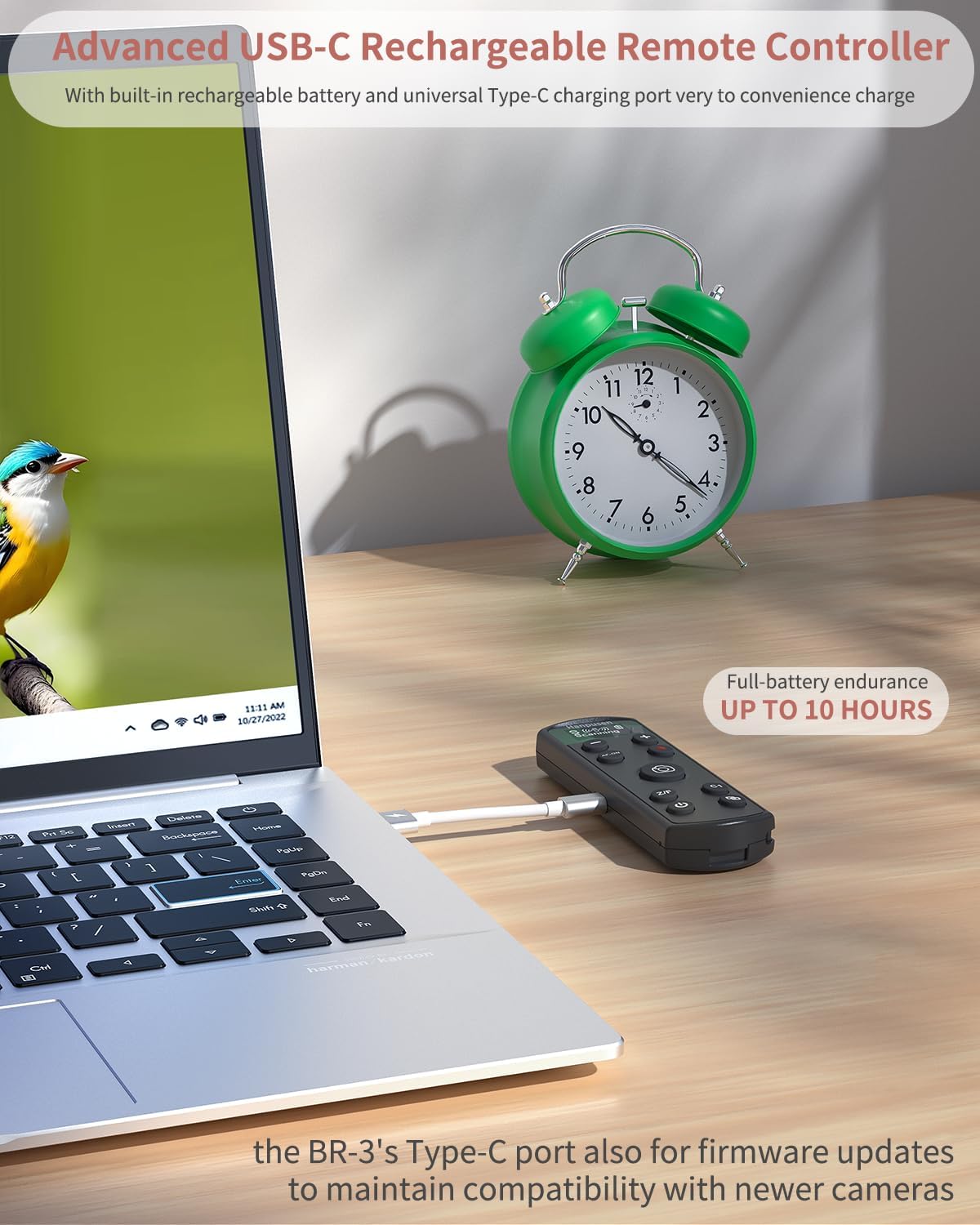
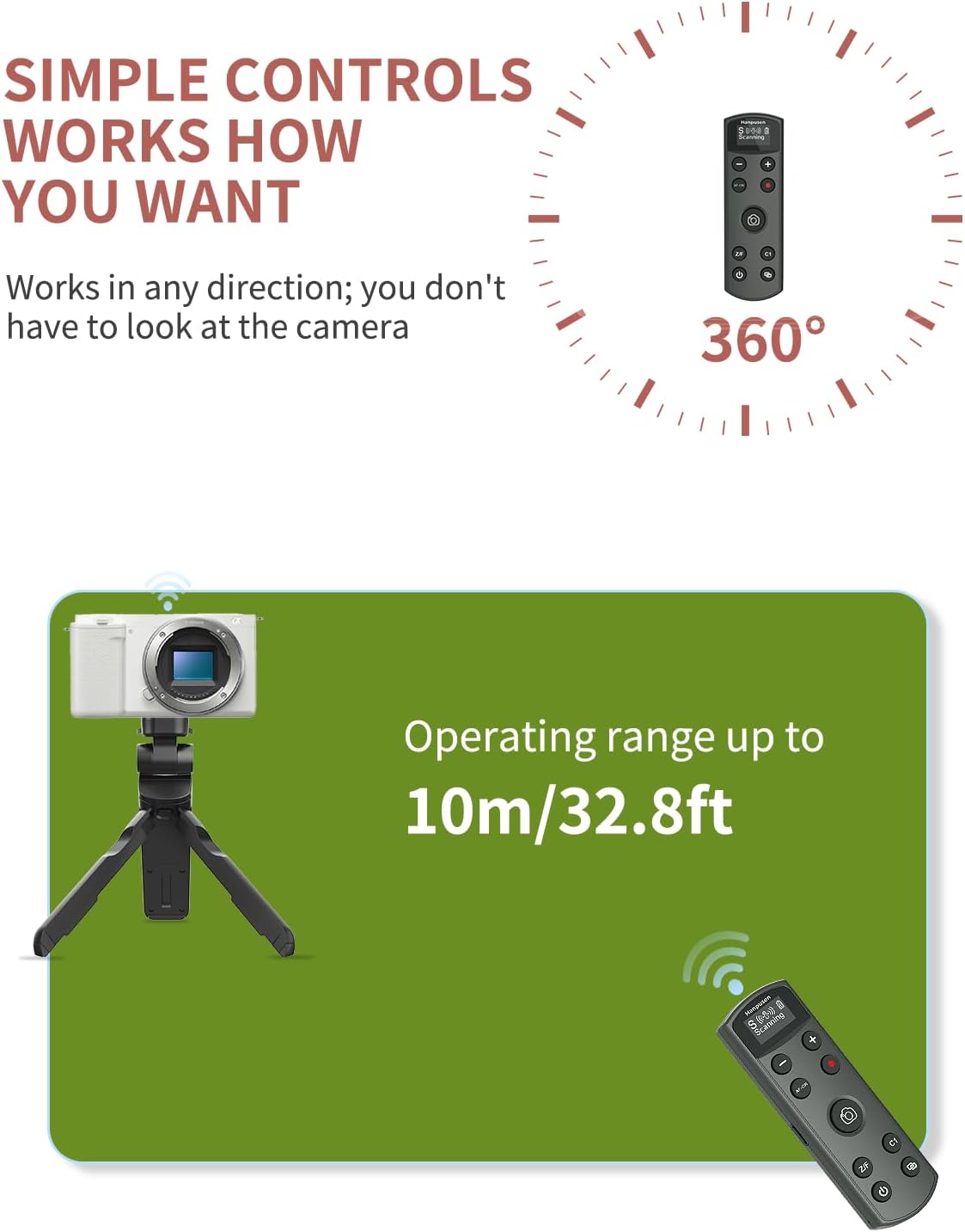
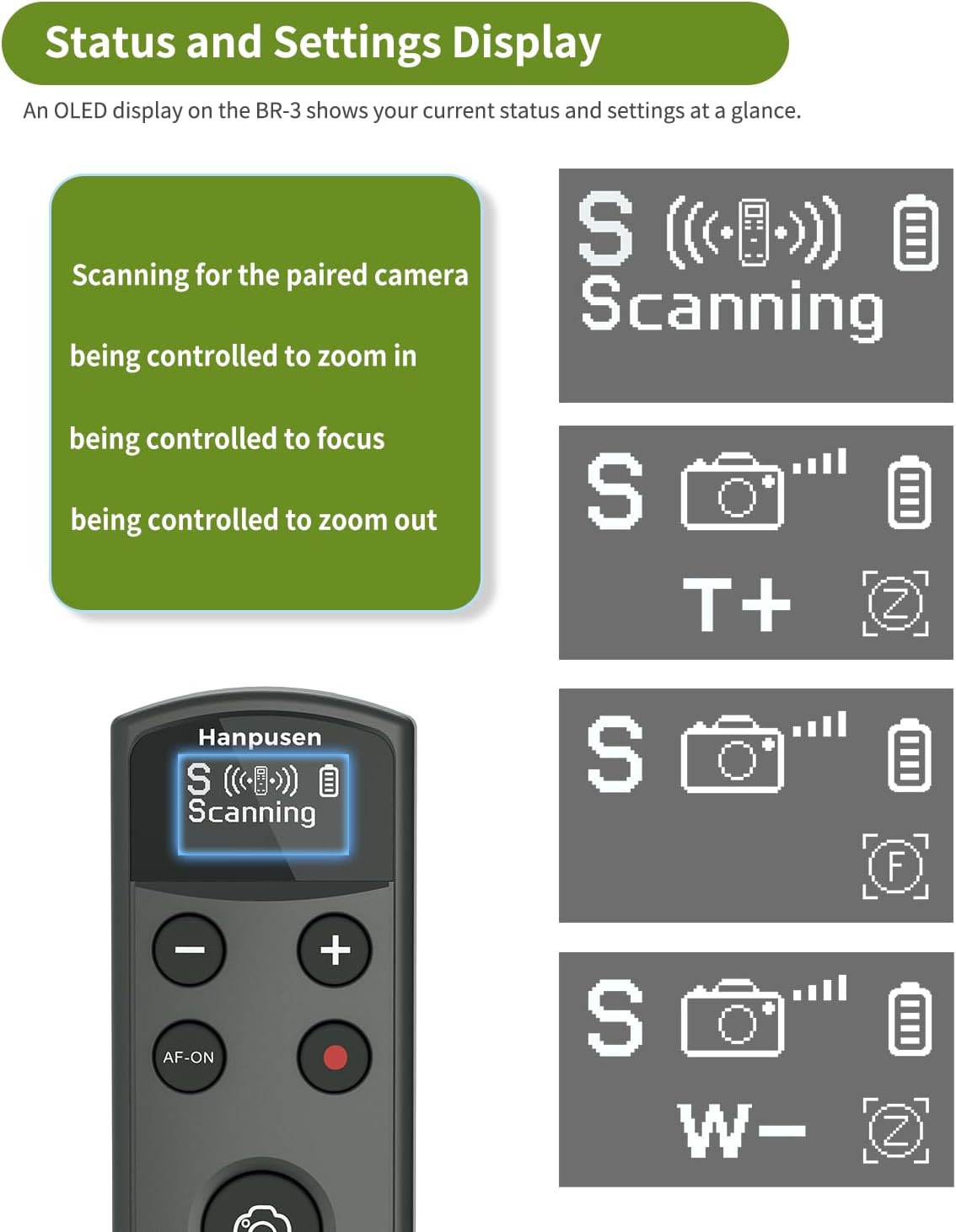
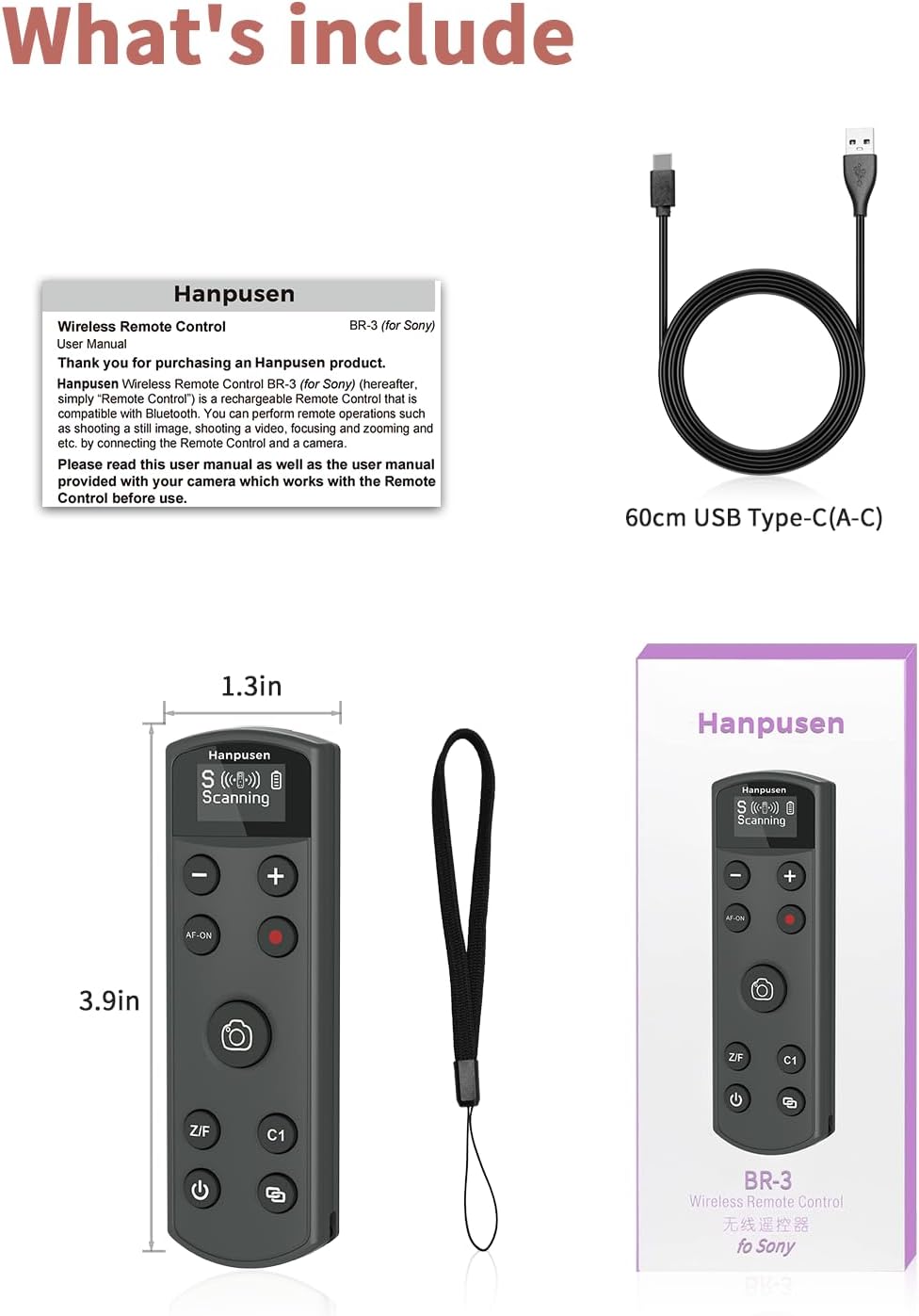
What this is and what it’s for\nThis is a rechargeable wireless remote shutter designed for a wide range of Sony cameras, including ZV‑1, ZV‑E10, A6400, A6700, A7 III, A7 IV, A7C II, FX30, FX3, and more. It acts as a companion to your camera, allowing you to trigger focus, take stills, or start/stop video from a distance. If you’re looking to reduce shake, capture interviews, or shoot from awkward angles, this remote can help you keep the camera steady while your finger stays off the shutter.\n\n## How it pairs and runs\nPairing involves placing both the camera and the remote into pairing mode. Once connected, you can rely on a quick pairing process, with reliable omni‑directional operation over a wireless range of up to 10 metres. The remote is built with a rechargeable battery, and a Type‑C port is used for charging. The same port can be used to upgrade the remote’s firmware in case Sony releases camera updates that affect compatibility.\n\n## Core features to know\n- OLED display shows status, battery life, and pairing at a glance.\n- Multi‑function control supports autofocus, instant shooting, short video recording, and C1/AF‑ON shortcuts (activating the camera’s corresponding button).\n- Focus and zoom mode: press the Z/F button to switch between focusing or zooming, use (+) and (−) for zoom control. Note that zoom is available on cameras with a built‑in motorised zoom or with a motorised zoom adapter.\n- Quick 10‑metre range and reliable remote operation make it practical for studio setups, vlogging from a distance, or capturing action with delayed shots.\n\n## What stands out (pros)\nOn the plus side, the OLED screen helps you monitor status without guesswork, and the firmware upgrade option via the Type‑C port future‑proofs the device against camera updates. The wide compatibility list means you’re not stranded if you upgrade body years down the line.\n\n## Limitations (cons)\nIf your workflow relies on a camera that isn’t on the compatibility list, you’ll need to look for alternative remotes. Also, zoom control only works on compatible motors or motorised adapters, so non‑motorised zoom setups won’t benefit from that function.\n\n## Who this is for\n- Photographers or videographers who want to shoot from a distance without touching the camera.\n- Creators using Sony bodies that support the listed models and firmware updates, especially those who value a visible status readout on the remote.\n- Setups where quick AF or C1/AF‑ON access is helpful for by‑the‑book focus pulls or start/stop control.\n\n## When it makes sense to buy\nIf you often shoot in controlled environments, on a tripod or gimbal, or you need a reliable remote for interviews or product shots, this unit offers practical convenience. It is also worth considering if you plan to upgrade Sony cameras later, since firmware upgradeability can help maintain compatibility.\n\n## What to check before buying\n- Confirm your current Sony model is listed among the compatible models or that firmware updates are available for your camera.\n- Consider whether you need zoom control and ensure your camera supports motorised zoom or a compatible adapter.\n- Ensure you’re comfortable charging via Type‑C and performing firmware updates when needed.\n\n## Usage scenario — an example\nImagine you’re filming a tabletop review: you mount your camera, set the remote within reach of your bench, and use the autofocus or C1/AF‑ON to keep focus while you adjust lighting. A quick press records a short video or captures a series of stills without touching the camera, reducing shake and allowing smoother motion.\n\n## FAQ (practical answers)\n- Does the remote work with my camera if it’s not on the list? Availability depends on firmware and model compatibility.\n- How long does the battery last? Up to 10 hours of full use.\n- Can I upgrade the remote’s firmware at home? Yes, via the Type‑C port.\n\n## Final decision\nIs it worth it? Worth considering if you frequently shoot with compatible Sony bodies and want a compact, rechargeable remote with an OLED screen and upgradeable firmware. It may not be the best choice if you need universal compatibility beyond the listed models or if your workflow relies heavily on non‑motorised zoom systems.