

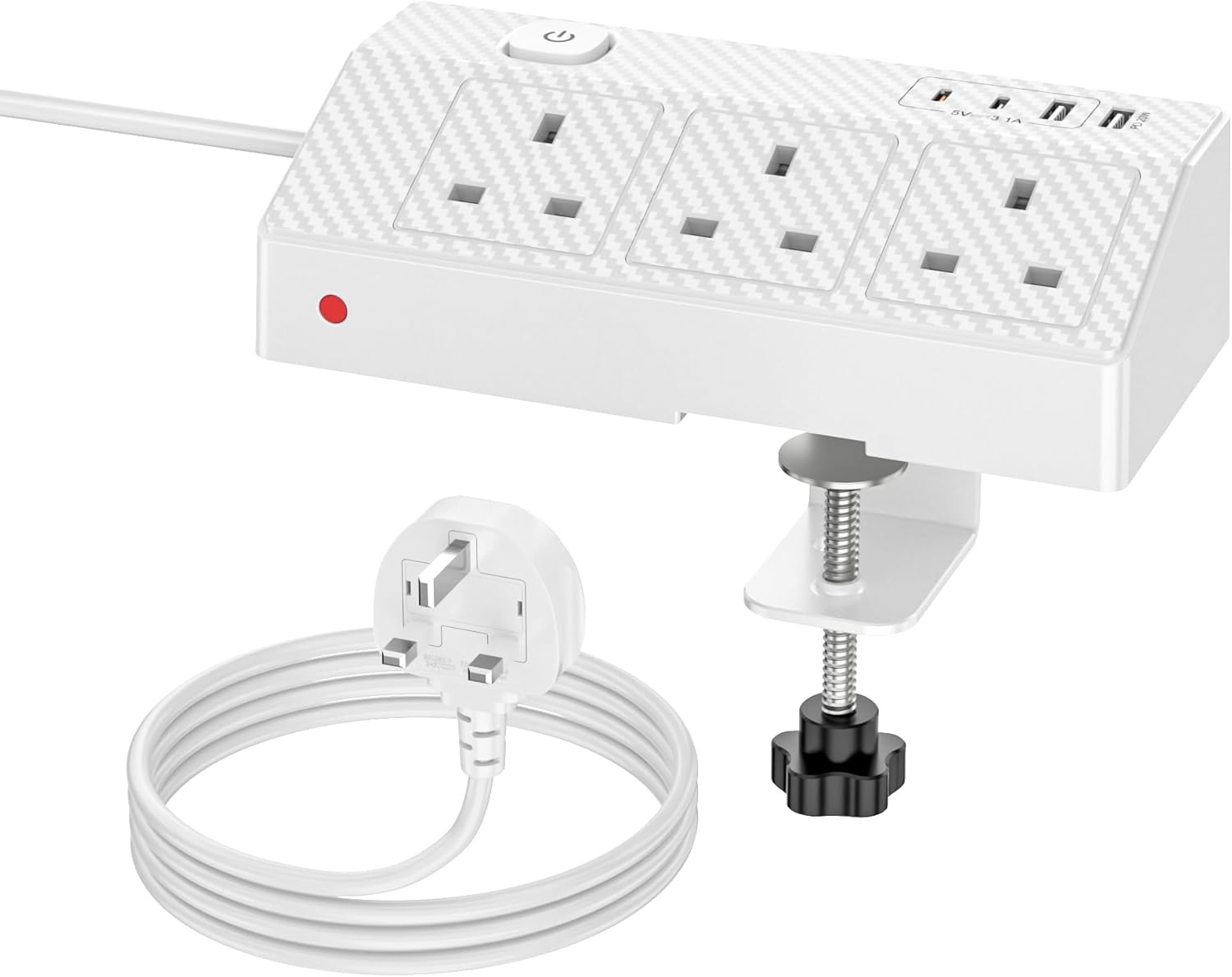
HAFINO PD 20W Desk Power Socket with USB-C slots and USB-A ports (7-in-1), 2m extension lead with clamp, White
Product description
The essentials
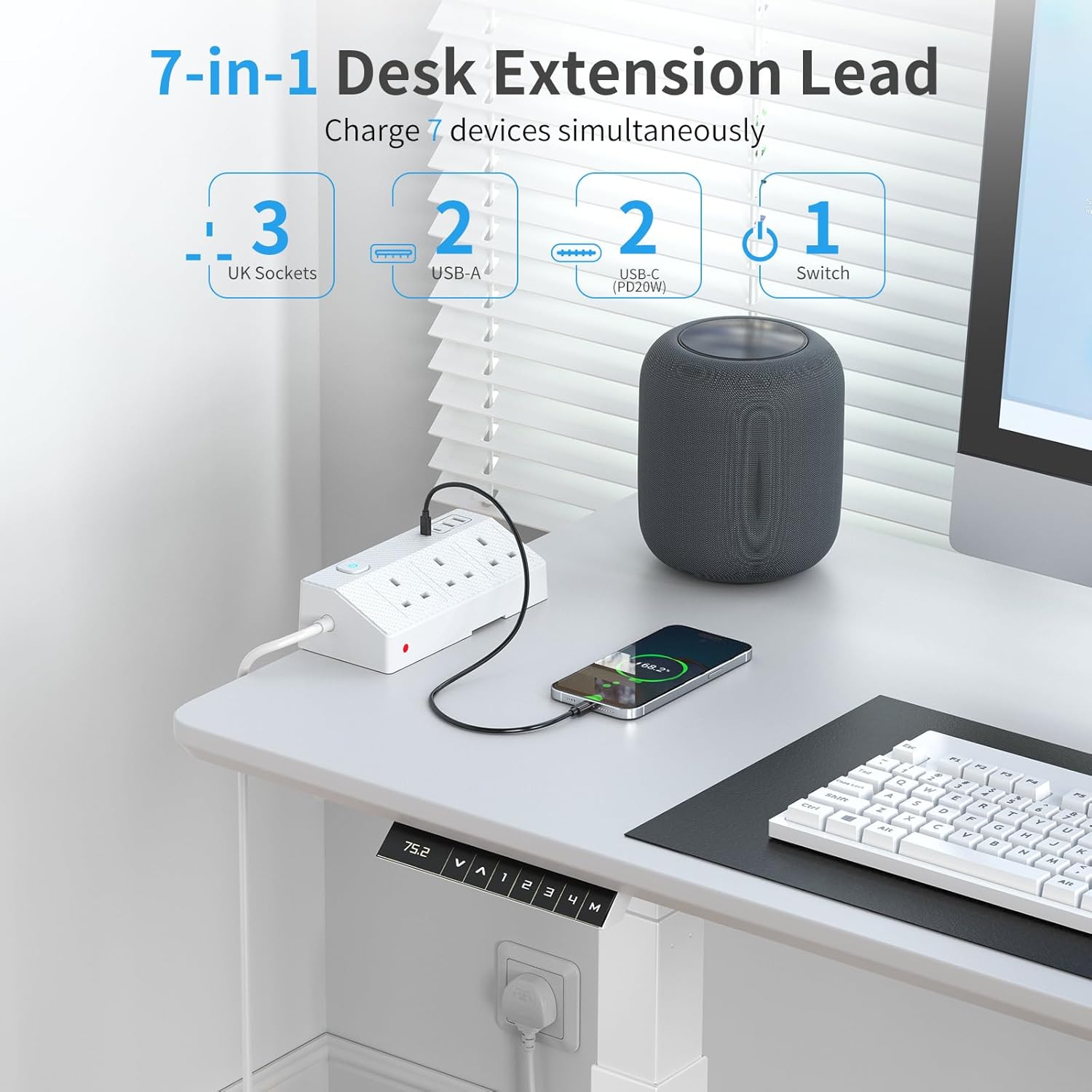
If your desk is starting to look like a cable museum, a desktop power socket with built-in USB can make day-to-day setup feel a lot calmer. This HAFINO desk power socket is a 7-in-1 setup: 3 AC sockets plus 2 USB-A ports and 2 USB-C ports, with fast-charging on the USB-C side (PD 20W). It’s designed to sit on your work surface, so devices can charge where you actually use them, rather than hiding behind furniture.
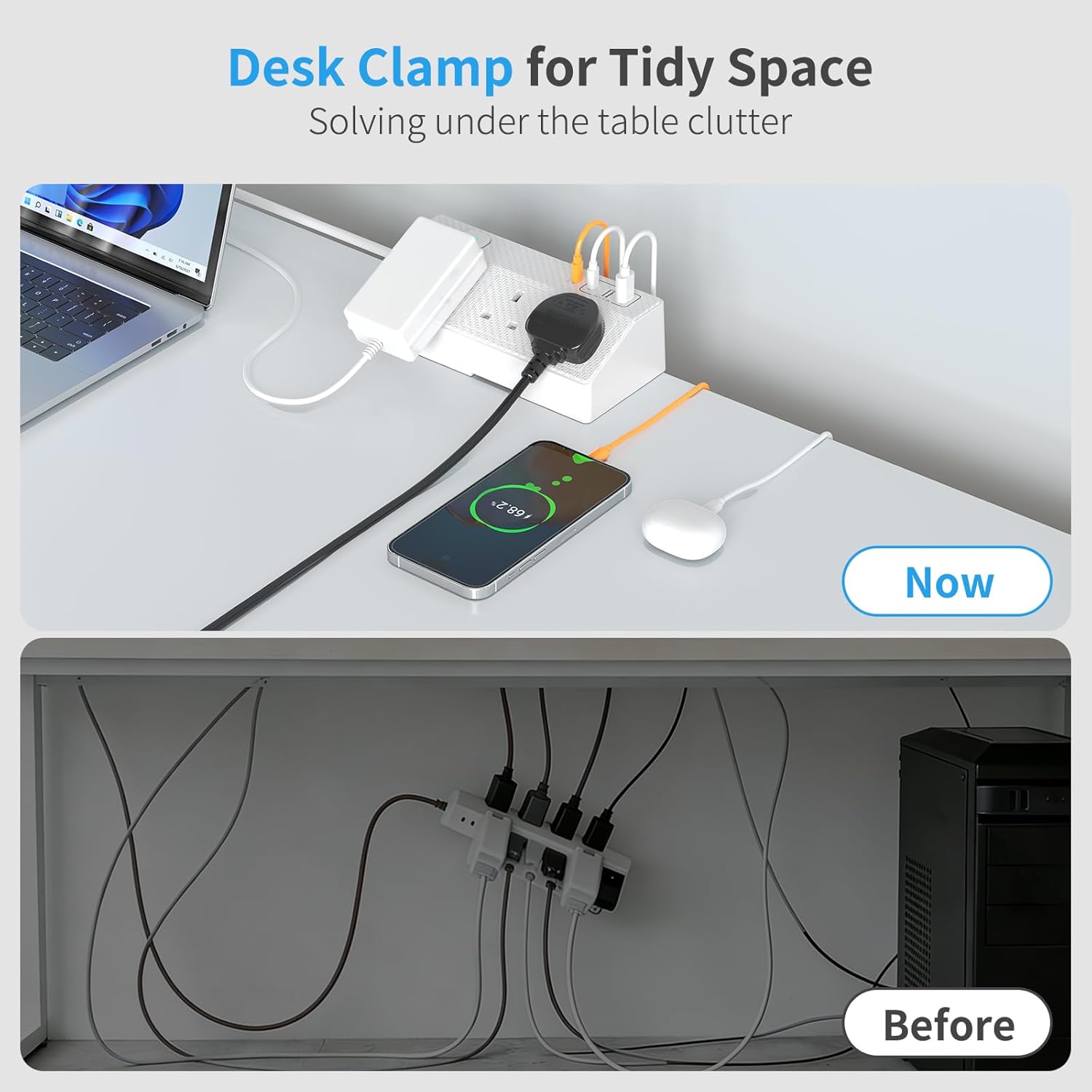
On paper, the combination of mains power and multiple USB types is the appeal. You get the convenience of plugging in accessories directly, while also keeping phones, tablets and other gadgets on USB without needing lots of separate chargers. The clamp mount is meant to keep things tidy too, and there’s a 180° rotatable plug extension socket to improve access from different angles.
What it does best (and what to watch)
The most convincing part of this desk extension lead is how it reduces “power sprawl”. Instead of reaching for wall chargers, multi-adapters and extension leads tucked under the desk, you can bring power to the top surface where cables are easier to route.
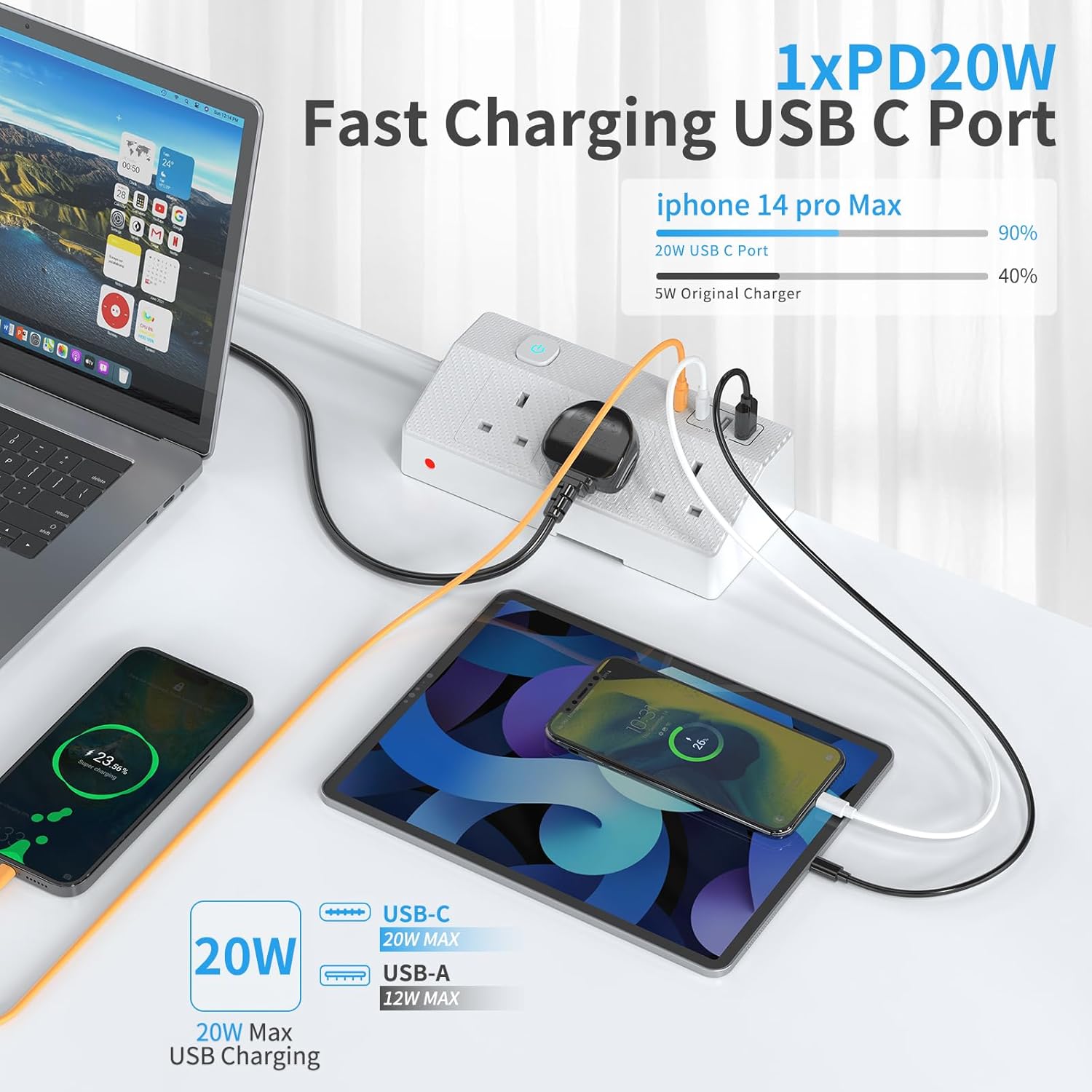
A couple of limitations are worth noting. First, the fast-charging claim is specifically for USB-C PD with a max output of 20W, so if your devices don’t support USB-C PD (or don’t draw well at that profile), you may not see the same benefit. Second, the headline “charge to 60% in half an hour” is presented as a general expectation (“takes just half an hour…”), but real-world charging varies quite a lot depending on the device battery level and how the device behaves while charging.
Key features that matter for desk use
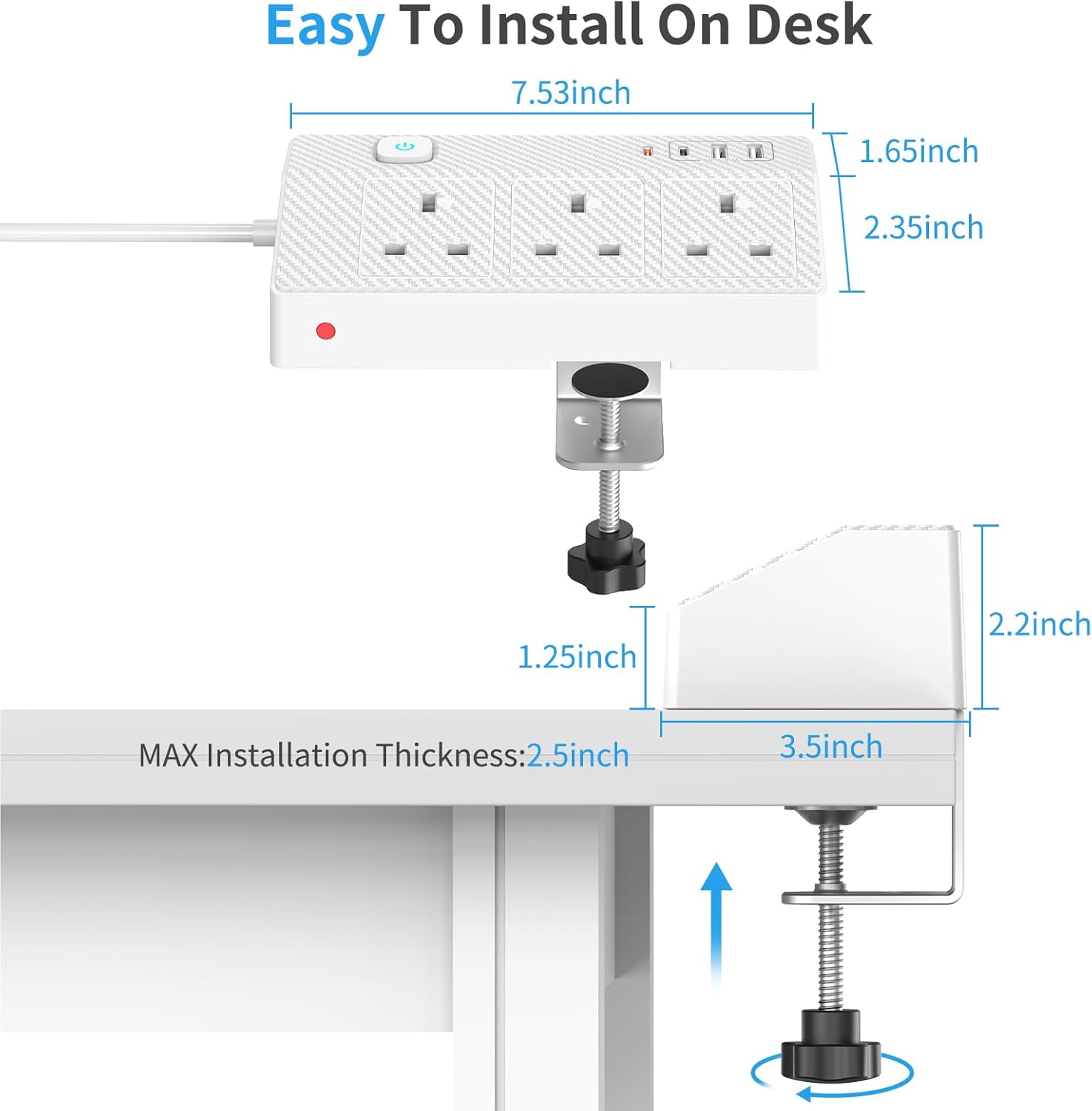
The installation approach is practical: you clamp it to the table without drilling, then complete the mount using the button at the bottom. That makes it easier for rental situations or for anyone who simply doesn’t want to drill into a desk.
The 180° rotatable design is also the kind of detail that can feel small until you try to plug things in behind monitor stands. Being able to rotate the plug extension socket can help you line up chargers and cables more neatly, especially when you’re working from the same side of the desk every day.
And because it includes both USB-A and USB-C alongside AC sockets, it suits mixed-use setups—think a phone that charges via USB-C, a headset or speaker that prefers USB-A, and a couple of desk accessories that still need a regular plug.
Who it suits (and who should be careful)
It’s a good fit if you want one compact “power station” on the desktop for a home office, study area, or small workspace. It suits people with multiple device types—phone plus tablet plus smaller peripherals—where you’d otherwise end up with a messy pile of chargers.
You may want to skip it if your setup is mostly low-power charging and you already have a well-placed USB hub or charger. In that case, the extra mains sockets and the space taken by a desk-mounted unit might be unnecessary. It might also not suit you if your desk arrangement doesn’t work well with a clamp-mounted device, or if you’re expecting it to replace a larger, wall-to-desk extension solution for heavier loads (the listing focuses on desk accessory charging rather than powering high-demand equipment).
A practical way to use it
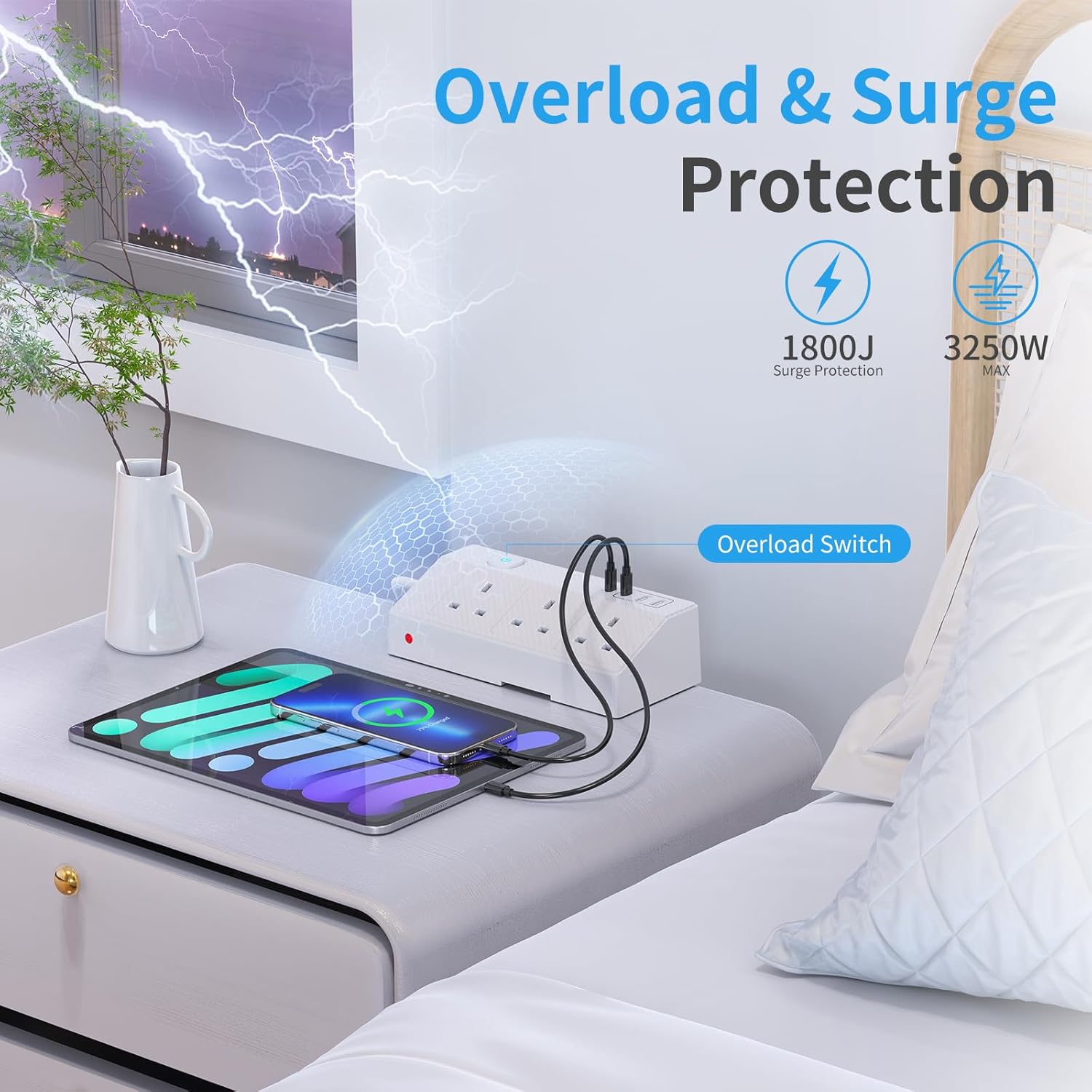
Imagine you sit down, switch on your laptop, and reach for your phone on the desk. With this power socket, you could plug your phone into one of the USB-C ports for PD 20W charging (when supported), while your tablet sits on the USB-A ports if that’s its charging preference. Meanwhile, a desk lamp or monitor accessory can go into one of the three AC sockets. Because it’s clamped and positioned on the desk, your cable routes are shorter and you’re less likely to yank a loose charger every time you move your arms.
Buying checklist before you commit
Before purchasing, it’s worth checking a few simple points: - Make sure your devices can charge via the port types you plan to use (USB-C PD 20W for the fast-charging function, and USB-A/USB-C where applicable). - Consider where you’ll clamp it on the desk so cables can reach comfortably without blocking monitor stands or creating strain. - Think about whether you’ll actually use the AC sockets for your accessories, not just the USB ports. - If your desk is already crowded, take a moment to picture cable clearance with the rotatable plug extension socket in its likely working direction.
Final verdict
It’s not for you if you only need simple USB charging and already have a clean, well-placed charger setup. It may not be a great match if your desk can’t accommodate a clamp-mounted unit or if you’re expecting it to act like a heavy-duty replacement for a larger power distribution approach.
It makes sense if you want a desk power socket that combines mains outlets with multiple USB-A and USB-C slots, plus USB-C PD fast charging at up to 20W for compatible devices. Worth considering if you care about an uncluttered workspace and like the idea of charging within arm’s reach.
Mini FAQ
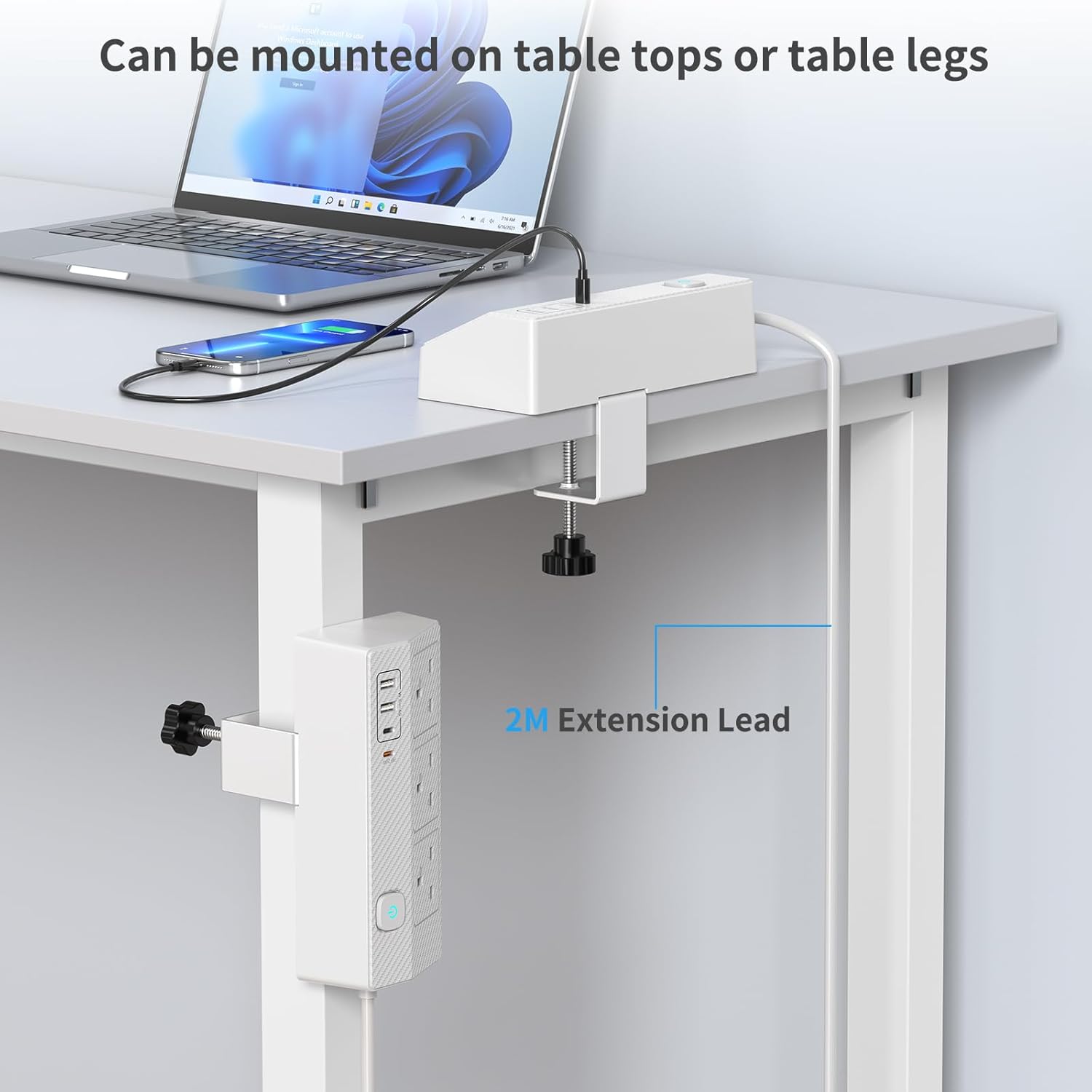
Does it need drilling to install?
No. The listing says you can fix the clamp to the table and mount it without drilling or extra tools.
How fast will USB-C charging be?
USB-C PD fast charging is specified up to 20W, with a claim that it can charge a device to 60% in about half an hour (for compatible devices). Actual speeds can vary by device.
What ports does it include?
It includes 3 AC sockets, 2 USB-A ports, and 2 USB-C ports.
Can the plug extension angle be adjusted?
Yes. The plug extension socket is described as rotatable 180°, intended to help with access and cable management.