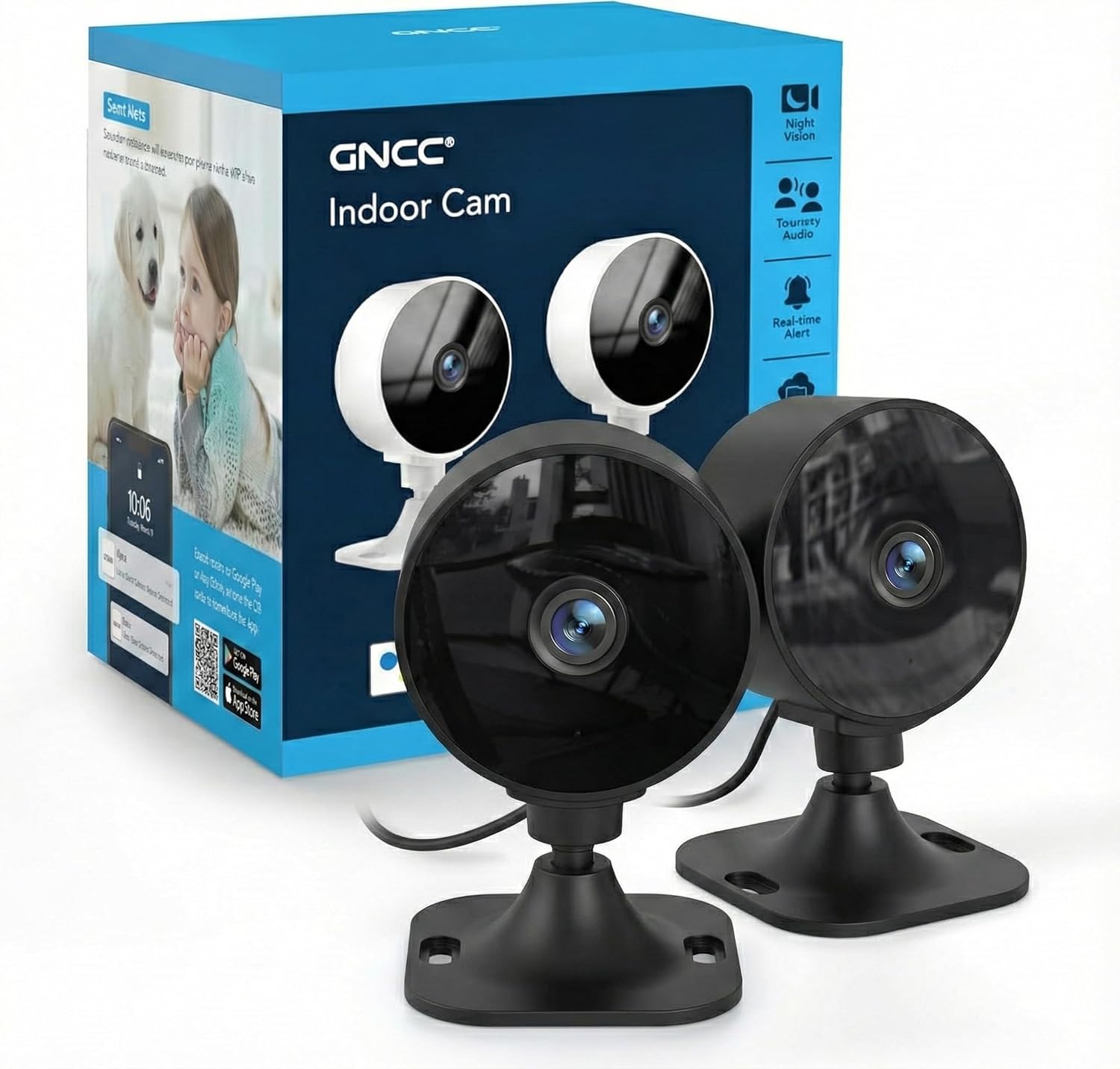
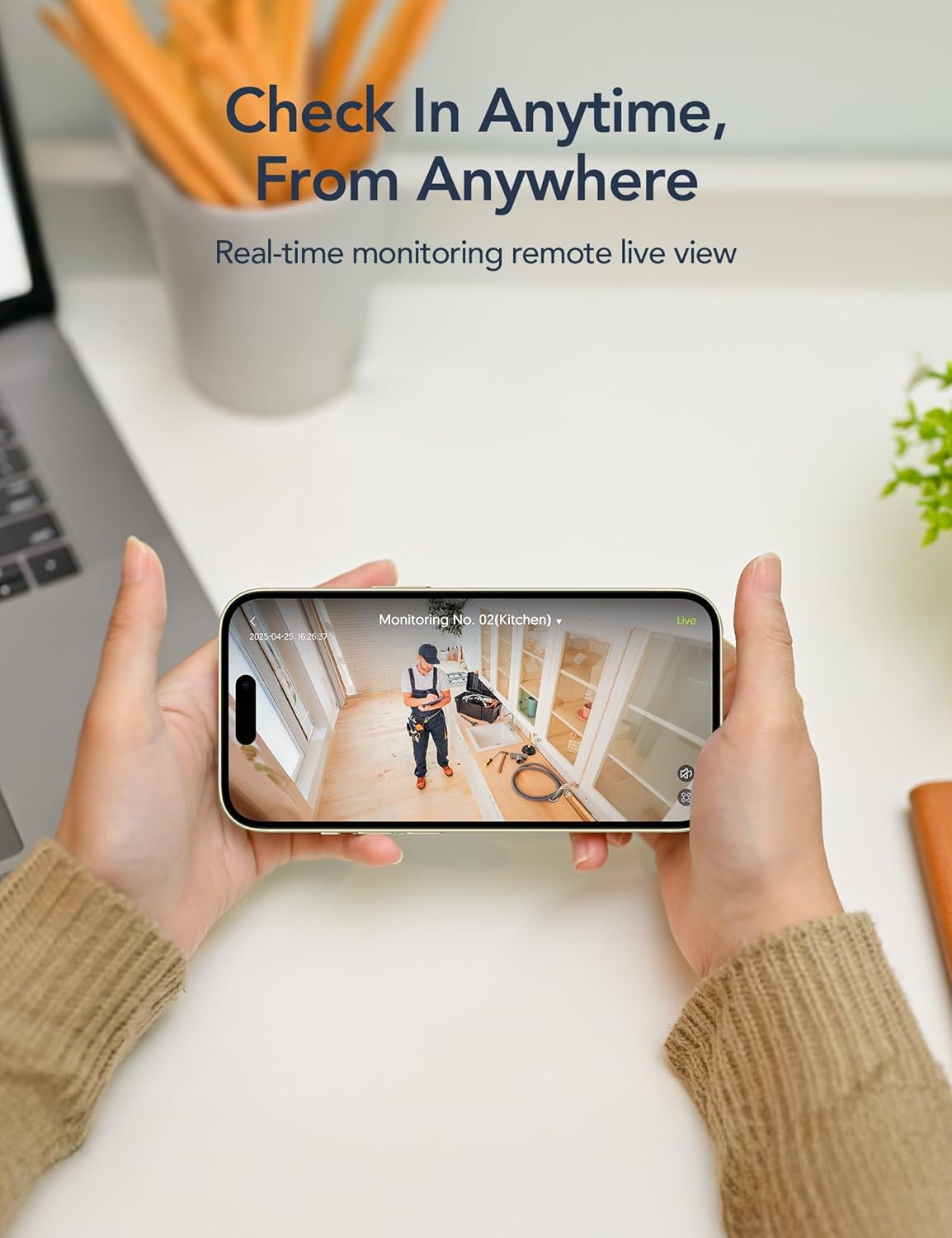
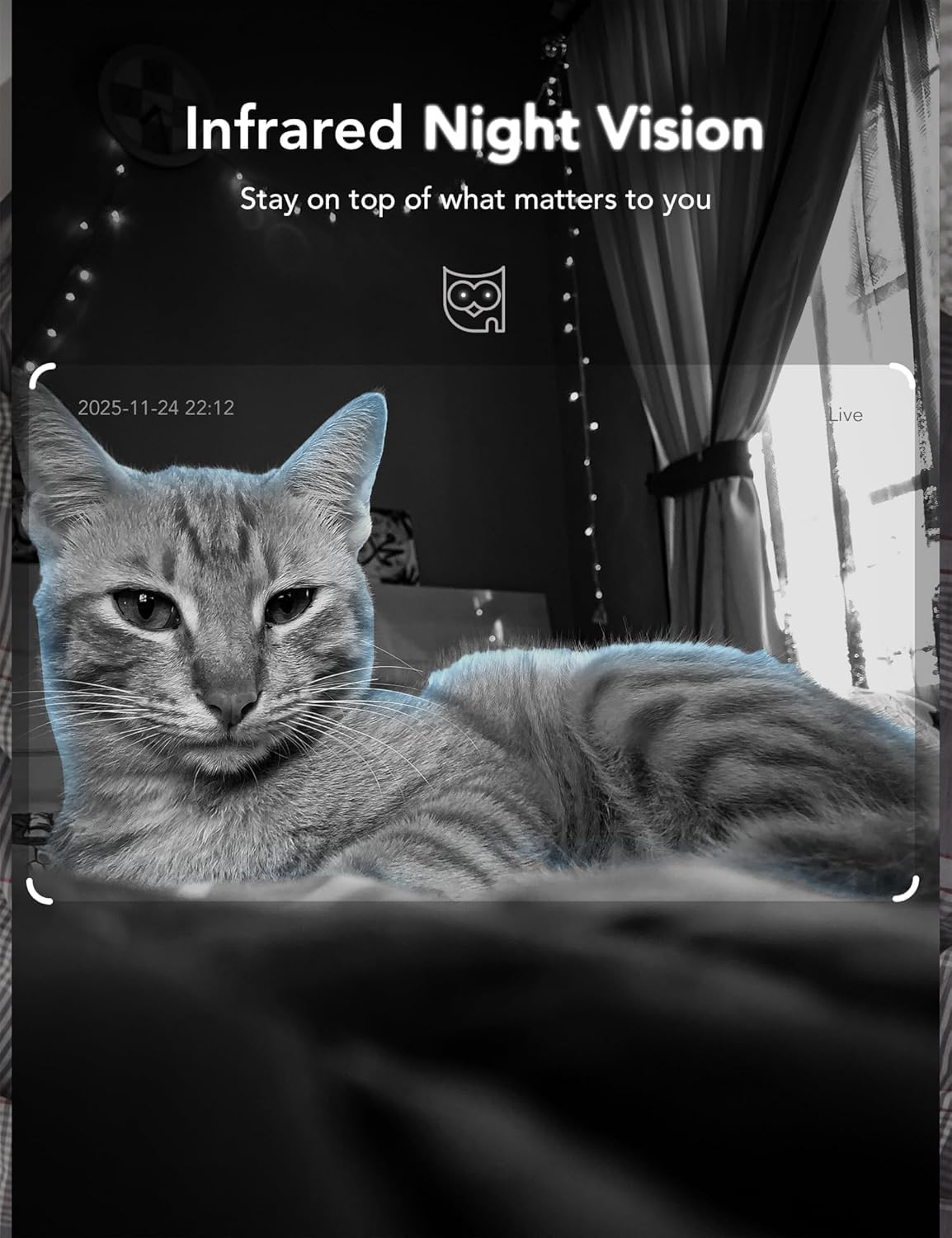
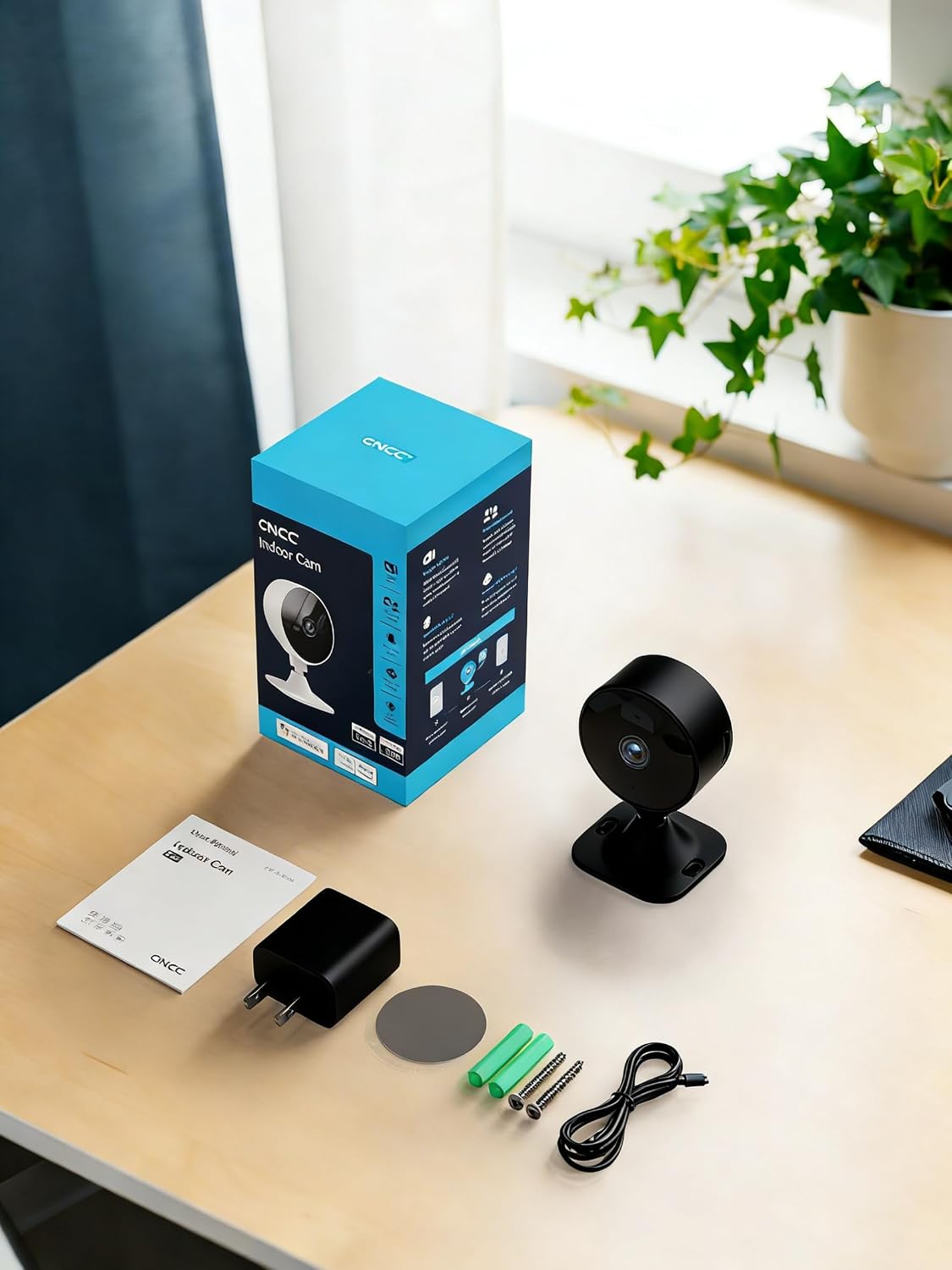
What it is and what it solves\nThe GNCC GC3 is a compact indoor security camera kit that aims to give you around‑the‑clock visibility of your home, pets or baby. It operates over 2.4GHz WiFi and is designed for quick plug‑in setup, so you don’t need an elaborate network install to start monitoring. If you’re renting or want a straightforward, budget‑friendly way to keep an eye on what's important, this 2‑pack can cover multiple rooms with fairly simple mounting options.\n\n## Quick setup and setup caveats\nSetup happens in two parts: hardware connect and in‑app pairing. The camera ships with a 6.5ft/2m power cord and can be mounted using adhesive tape or screws. Once powered, you connect to WiFi and complete pairing through the Osaio app. The process is intended to be user‑friendly, but if your space has a complex network, you might need to troubleshoot a tad—especially if your router’s settings are a bit particular.\n\n## Video quality, night vision and audio\nYou get 1080P live video with 32ft infrared night vision courtesy of six IR LEDs. That makes it practical for monitoring a child’s room, a pet area or a corridor after dark. The camera includes two‑way audio, so you can listen in and talk back from anywhere, which is useful for calling a curious pet or calming a baby remotely.\n\n## Storage options and what that means\nThere are two routes for footage: local storage via microSD (up to 128GB, not included) for continuous recording, and cloud storage (paid subscription) for remote playback and backups. A 14‑day free trial for cloud storage is offered for new accounts, with the caveat that you’ll need to manage the subscription if you want ongoing cloud access. Live viewing, notifications and two‑way audio remain free even if you opt out of the cloud. This split is worth considering if you want quick access to past events without cloud fees, but you’ll need a card or a plan for complete playback history.\n\n## Local operation and control in the app\nGNCC’s Osaio app is the central control hub for the GC3. It supports motion and sound detection, app notifications, privacy mode and camera sharing. The system allows simultaneous viewing of up to four cameras, which helps if you’re expanding or already tracking multiple spaces. One important note: data security is presented as account‑level—each app account can be logged in on one mobile device at a time, and sharing is limited to up to three family members.\n\n## Practical usage scenarios and limits\nIf you prioritise quick, non‑technical installation and a reasonable live feed for everyday monitoring, the GC3 fits a mid‑range need: it’s not a full‑blown professional setup, but it does cover typical home use well enough. It may fall short for users who demand ultra‑high resolution, extensive local recording without a card or who require advanced analytics. Also, if you rely heavily on cloud back‑ups and multi‑user access, you’ll want to factor in the ongoing subscription costs.\n\n## What to check before buying\n- Confirm your home uses a 2.4GHz WiFi network (2.4GHz is required, 5GHz isn’t supported).\n- Decide between local storage (card) or cloud storage, understanding local storage cards are not included.\n- Consider mounting space and whether you’ll use adhesive or screws for secure placement.\n- If you want voice control, check that Alexa or Google Assistant is available in your home setup, as this system supports both.\n- Think about privacy: you can disable recording or turn off the camera remotely via the app when you don’t need it.\n\n## How this compares to other approaches\nFor simple, affordable home monitoring, a plug‑in, WiFi camera with optional cloud storage is a sensible middle ground. If you need continuous, long‑term archival or higher resolution, or if you require very frequent cross‑device access, you might explore alternatives with more expansive storage options or integration. The GC3 demonstrates a practical balance between ease of use and function for everyday scenarios.\n\n## Final decision: Is it worth it?\nIf you’re looking for a straightforward indoor camera pair that’s easy to install, supports basic smart‑home voice control, and gives you flexible storage options (local or cloud), the GC3 2‑pack offers a sensible value point for a non‑specialist setup. It’s likely to appeal to renters or small households who want practical monitoring without over‑engineering the system. Not the best fit if you need top‑tier video quality, enterprise‑grade privacy controls, or advanced analytics.\n\n## FAQ\n- Does the camera work with Alexa? Yes, it’s compatible with Alexa.\n- What storage options are available? Local microSD storage (up to 128GB, card not included) and cloud storage via a paid subscription.\n- Can I view multiple cameras at once? Yes, you can view up to four cameras simultaneously in the app.\n- Is there a trial for cloud storage? New accounts get a 14‑day free trial for one camera.\n- How is privacy managed? You can enable privacy mode and remotely turn off recording through the app.