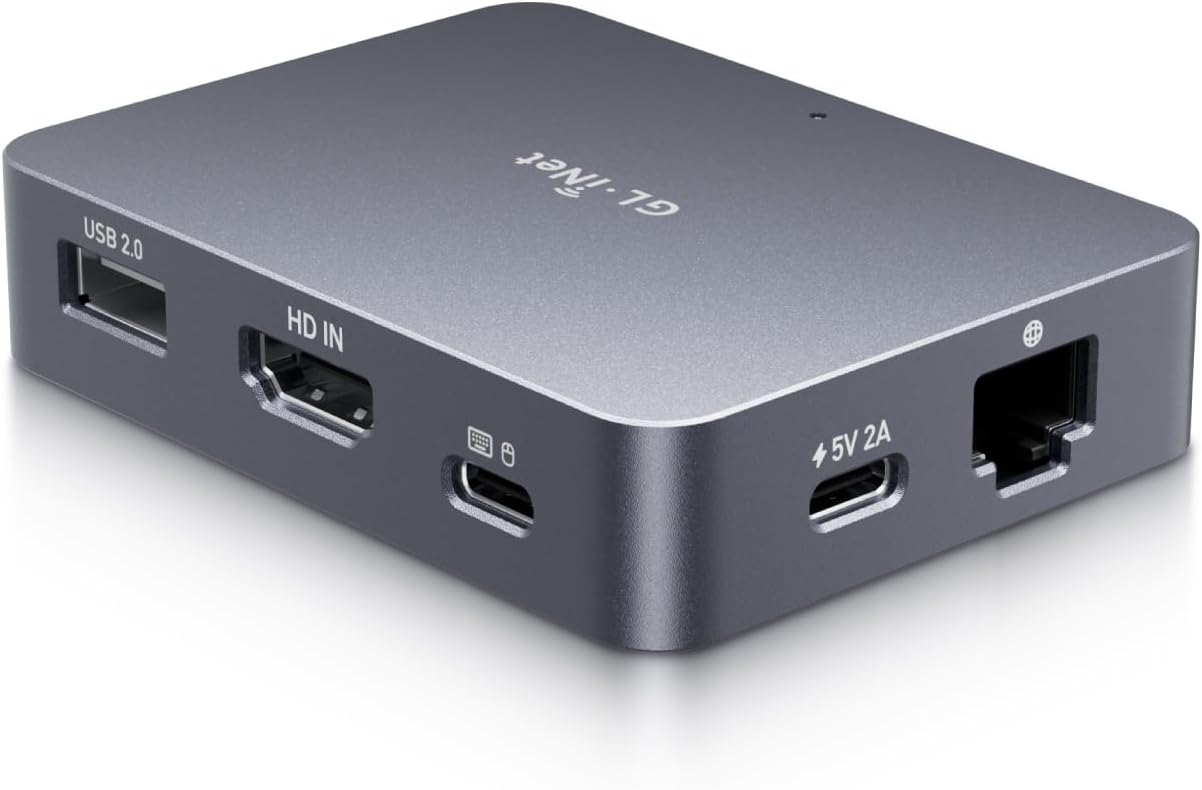
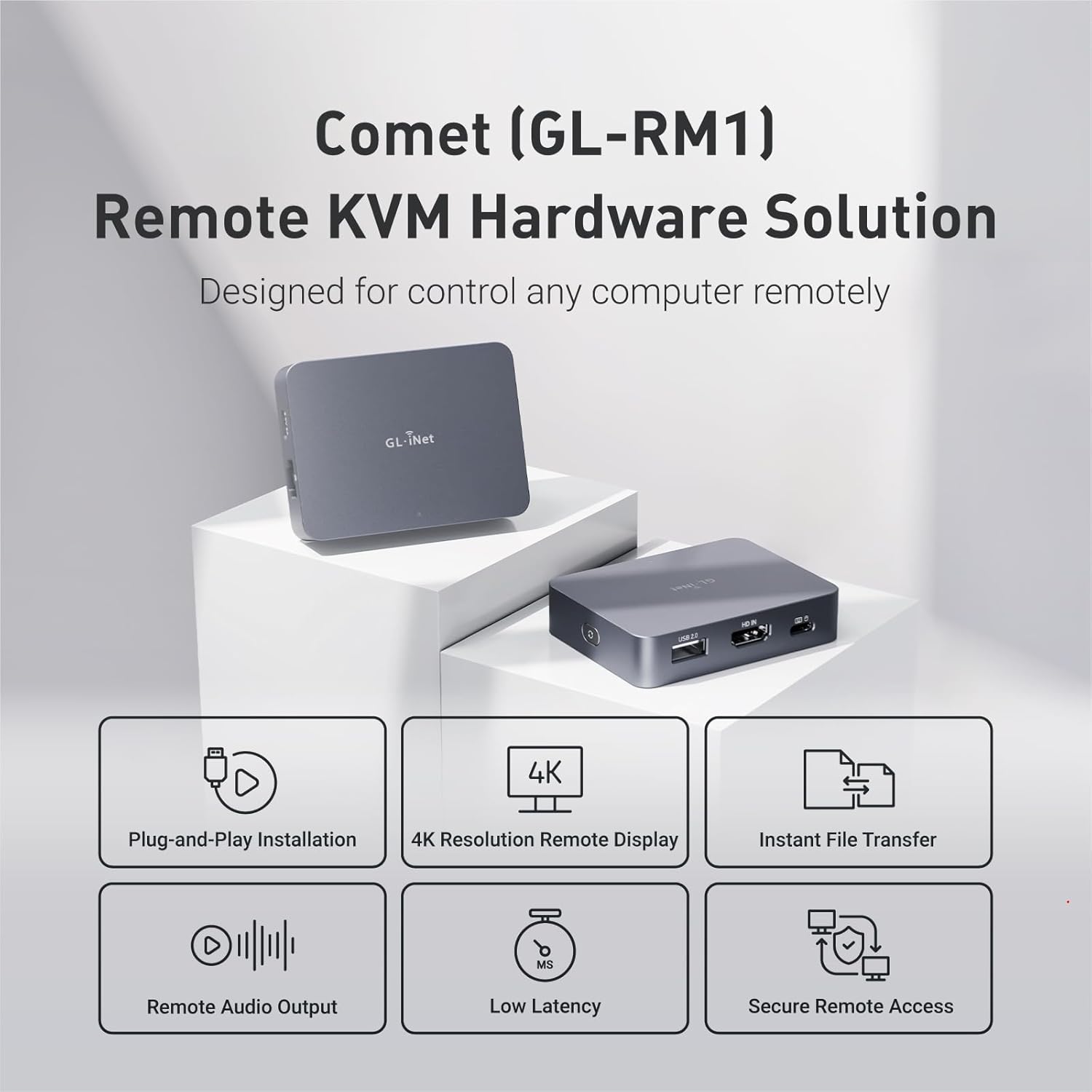
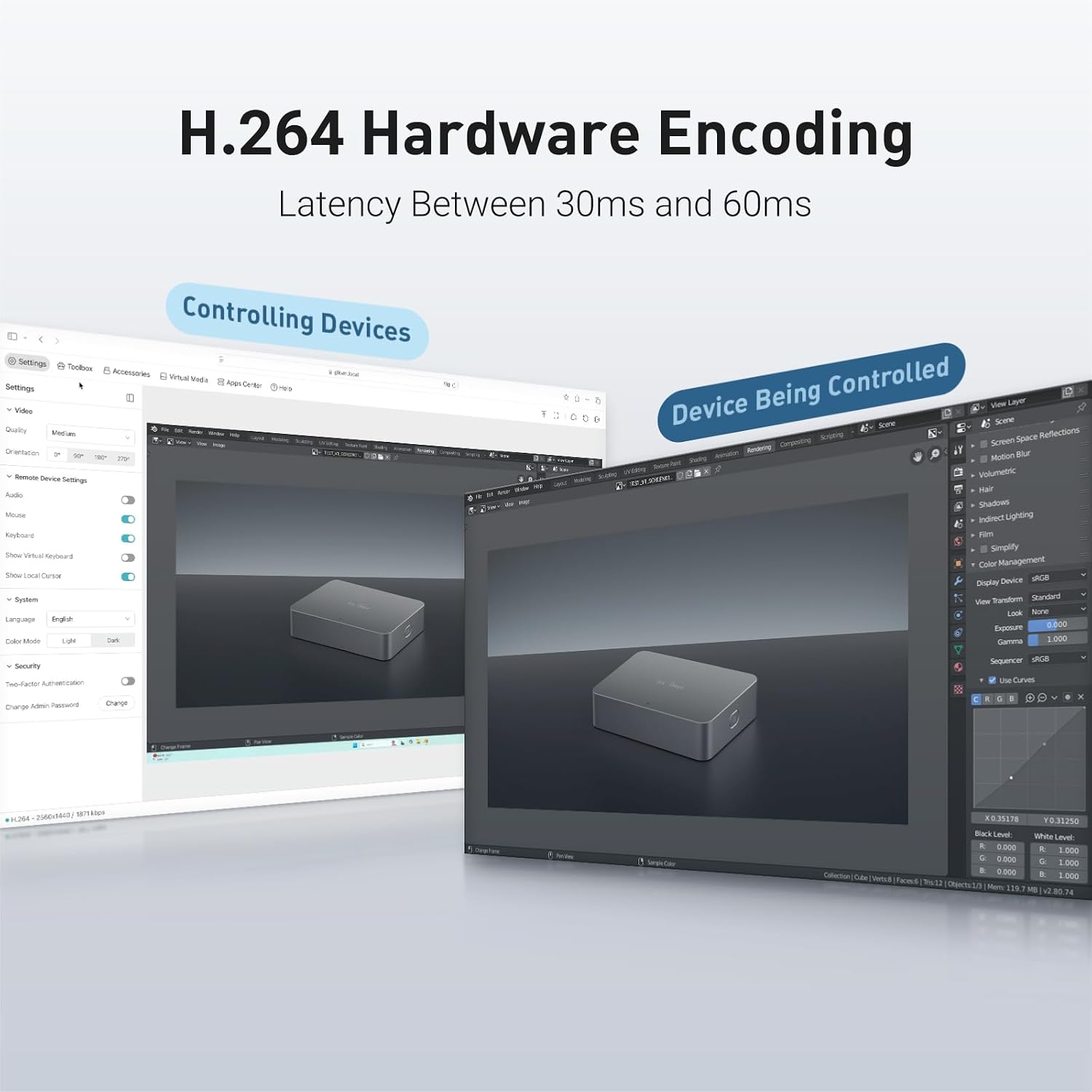
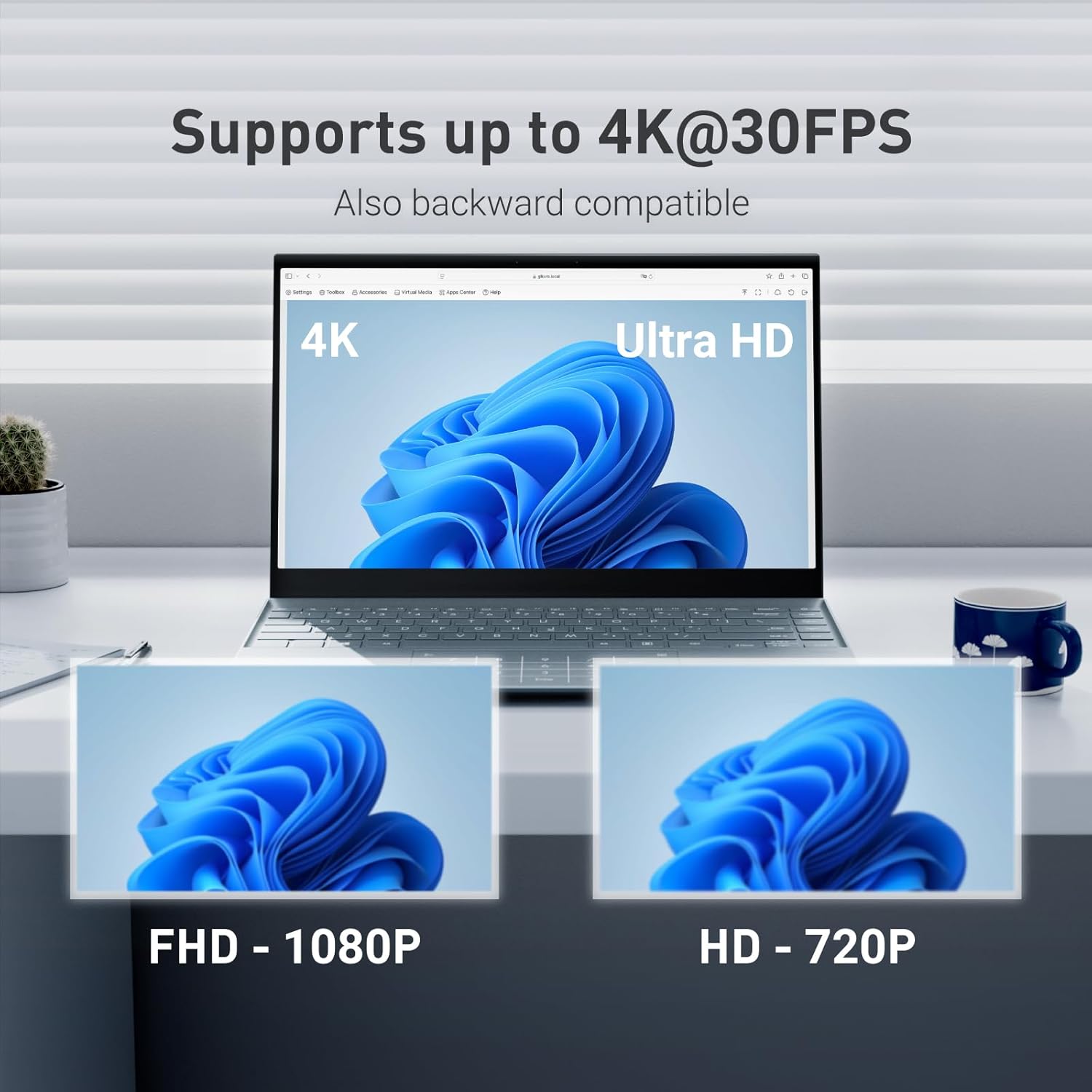
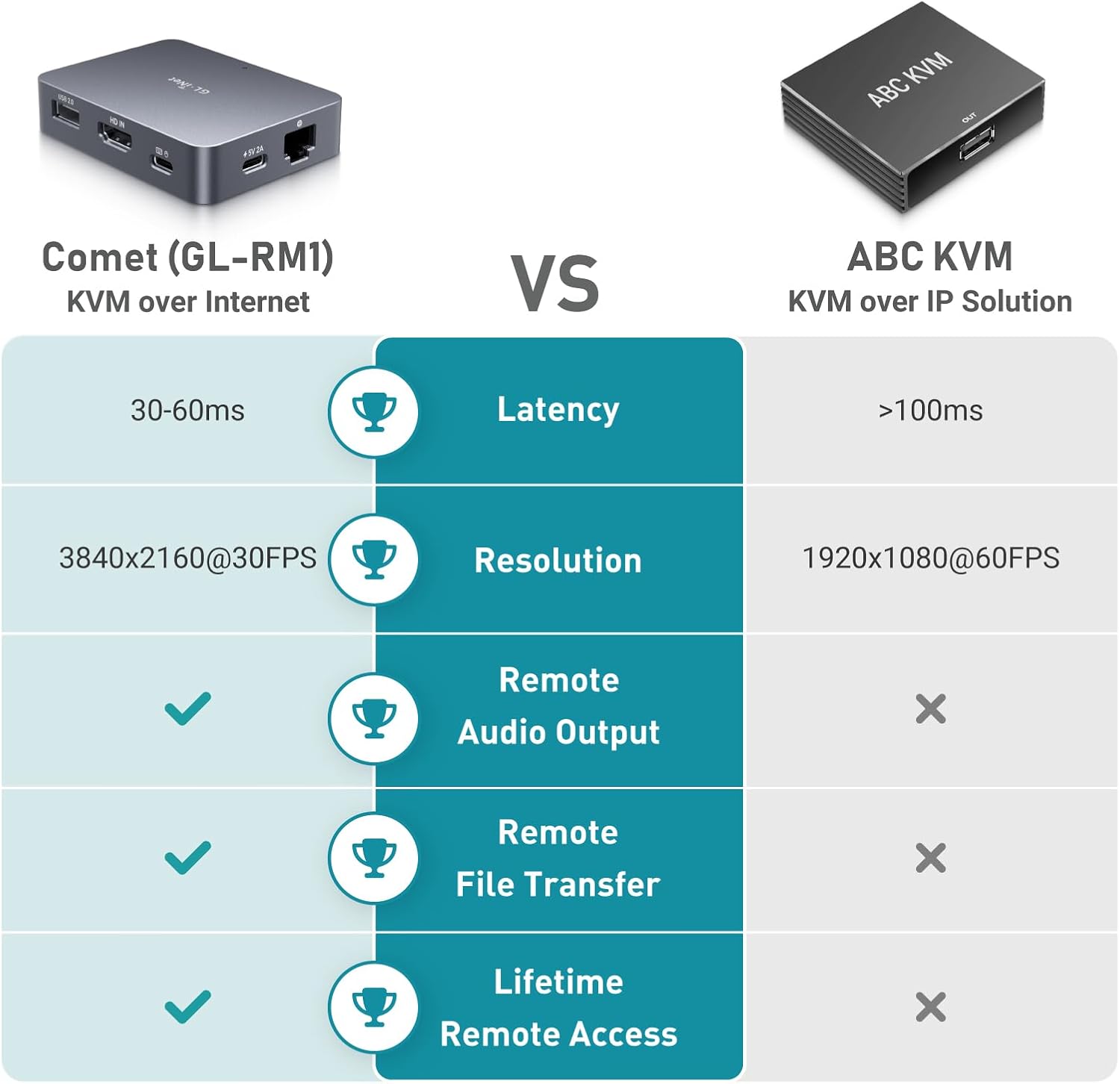
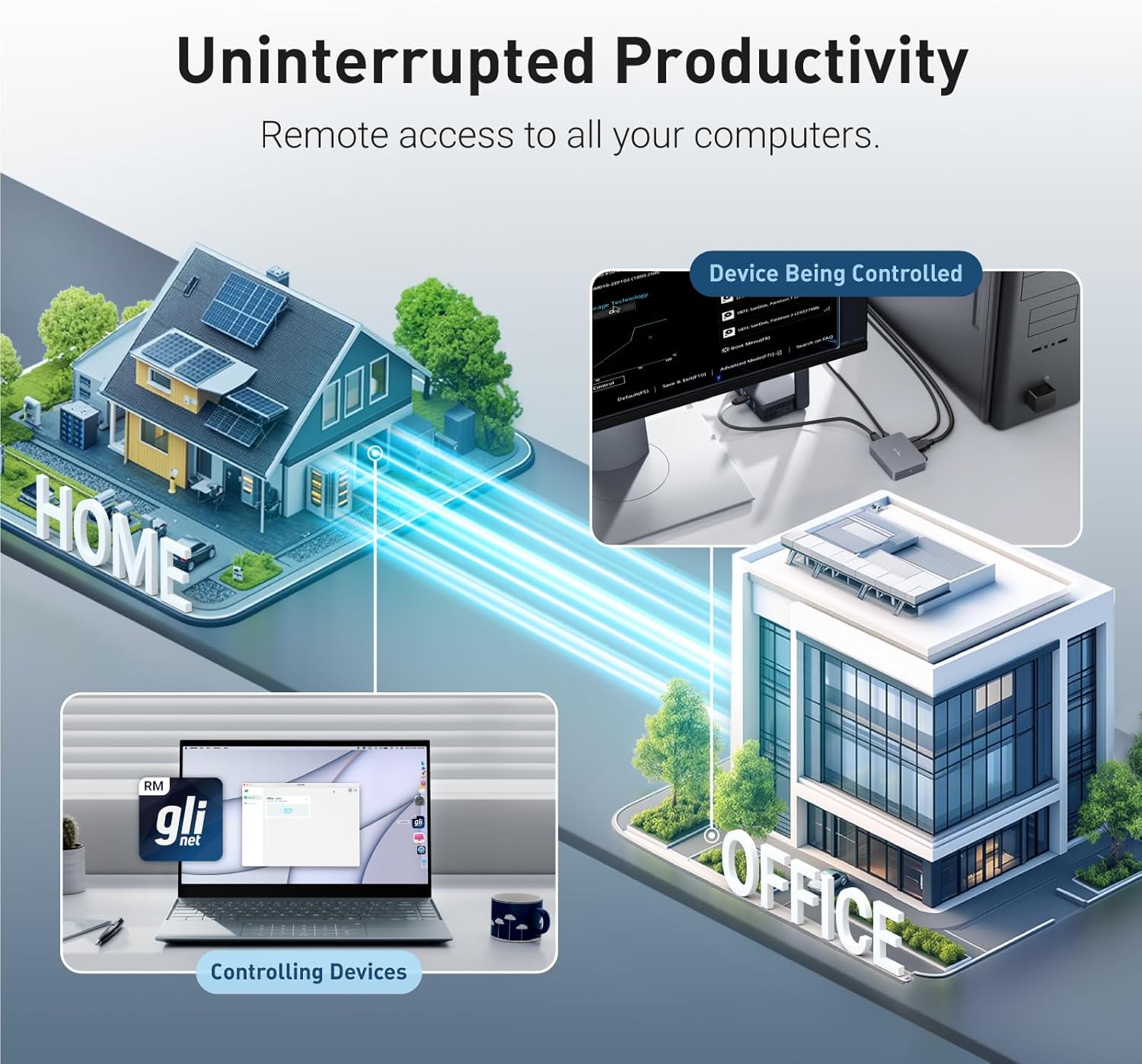
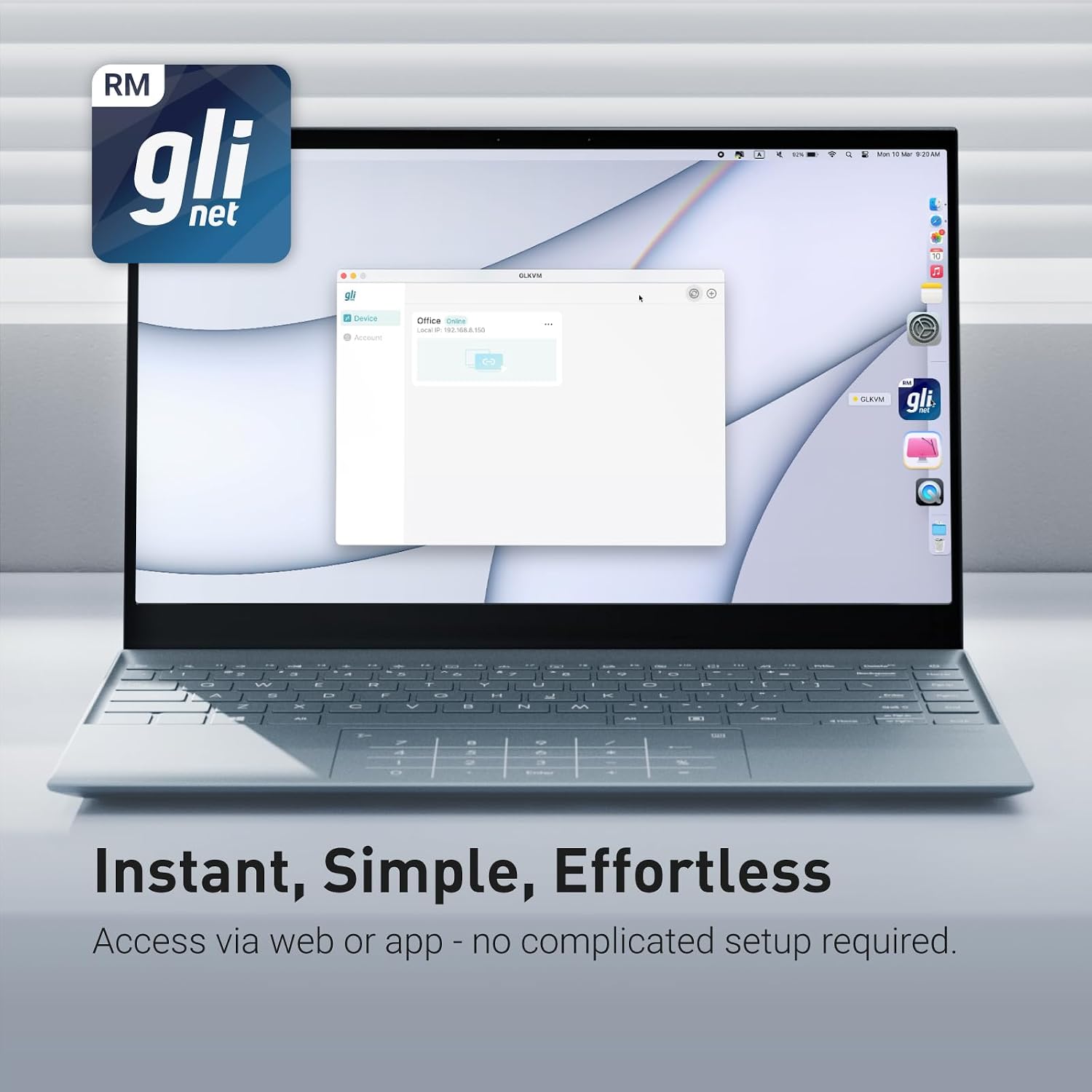
What it is and what it solves\nGL.iNet’s Remote KVM is a hardware-based remote management solution designed to control computers and servers over the internet. It lets you reboot, install operating systems via the BIOS interface, and power on devices without ever visiting the data centre. If you’re an IT professional or a home office user who values hands‑off maintenance, this kind of setup can simplify routine tasks and reduce on‑site visits. On paper it supports 4K visuals, remote audio, and file transfer, with hardware‑based encoding for potentially smoother remote work.\n\n## How it works in practice\nThe system connects to laptops, desktops, servers, and similar machines with a simple one‑click connection from a companion app. The device you’re controlling does not require extra software to be installed. This makes it suited to mixed environments where you need a single point of access across different machines. A notable feature is its 4K resolution at 30 Hz, which, while not the fastest on the market, can be adequate for basic remote administration, technical troubleshooting, or off‑site maintenance. The hardware encoding (H.264) helps keep the stream efficient, which is useful if bandwidth is a limiting factor.\n\n## What stands out day to day\n- 4K desktop‑quality visuals and remote audio create a more immersive remote session than a basic screen share.\n- The ability to reboot and interact with BIOS setup means you can address boot issues or perform OS deployments without physical access.\n- Instant file transfer reduces cross‑machine data handovers and mitigates synchronization headaches during remote work.\n- Tailscale support can simplify secure remote access within a known mesh of devices.\n- It’s hardware‑driven, which can help with compatibility in diverse IT environments.\n\n## Potential limitations you should know\n- The 4K video stream operates at 30 Hz, which is fine for control tasks but may feel laggier for high‑speed graphical work. If you require high‑refresh remote visuals or gaming‑grade responsiveness, this may fall short.\n- The base description notes PD adapters cannot be used, so power compatibility is worth confirming for your setup.\n- As with any remote KVM, successful operation depends on network reliability and proper setup, it isn’t a plug‑and‑play gadget in isolation.\n\n## Who this is for\n- IT pros managing multiple servers or workstations remotely.\n- Home offices needing off‑site BIOS access, reboot capability, and file transfers between devices.\n- Environments where secure, hardware‑level remote control via a trusted network solution (like Tailscale) is valued.\n\n## Who it isn’t ideal for\n- Those demanding very high‑fps, ultra‑low latency remote desktops or graphically intensive remote sessions.\n- Users who need plug‑and‑play PD‑powered setups or proprietarily bundled software ecosystems.\n\n## When it makes sense to buy\nIf your workflow benefits from remote BIOS access, on‑demand reboots, cross‑machine file transfer, and a hardware‑based KVM path across multiple devices, this device aligns with that use case. It’s particularly practical where you want secure, persistent access across a mix of laptops, desktops and servers without installing client software on every machine.\n\n## What to check before buying\n- Confirm network topology and whether Tailscale is already part of your remote access strategy.\n- Ensure the remote display needs are within 4K at 30 Hz expectations.\n- Verify that power adapters in your environment are compatible with this device’s limitations.\n- Consider yourWi‑Fi or Ethernet bandwidth to support smooth remote sessions and file transfers.\n\n## How it compares to broader approaches\nCompared with software‑only remote control, this hardware KVM gives you BIOS access and a dedicated remote channel, which can be more reliable for remote maintenance. If your priorities are rapid software deployment, BIOS control, and off‑site rebooting across several machines, this approach can be more robust than relying solely on OS‑level remote desktop solutions. On the other hand, if you primarily need lightweight screen sharing or high‑speed media streaming, a software alternative running on existing hardware may be cheaper and more flexible.\n\n## Final decision\nIs it worth it? It makes sense if you need persistent, hardware‑level remote access with BIOS control, 4K video at modest refresh, and secure cross‑device file transfer for IT management or remote work in a mixed environment. It may not be the best fit if your priority is ultra‑low latency for graphically demanding tasks or you require PD power adapters.\n\n## FAQ\n- Do I need to install software on target machines? No, the connection can be established via the app without extra software on the controlled computer.\n- Is 4K at 30 Hz sufficient for remote management? For typical administration tasks it should be adequate, but it isn’t designed for high‑frame‑rate use.\n- Can I transfer files between devices remotely? Yes, instant file transfer is supported.\n- What about secure access? Tailscale support is included, which helps manage secure remote connections across devices.