

Gimars RGB Gaming Mouse Pad with 15W Wireless Charging (XL 800x300x4mm)
Product description
If you want your desk to feel a bit more “set up” while you game or work, a combined mouse mat with wireless charging is a tempting idea. The Gimars RGB Gaming Mouse Pad with 15W Wireless Charging is designed to give you a large, smooth surface for fast mouse movements, plus built-in Qi charging and RGB lighting.
That said, it’s the sort of product that only makes full sense if you actually plan to use the charging and the lighting. If you just need a straightforward XXL mat, there are simpler options.
The essentials
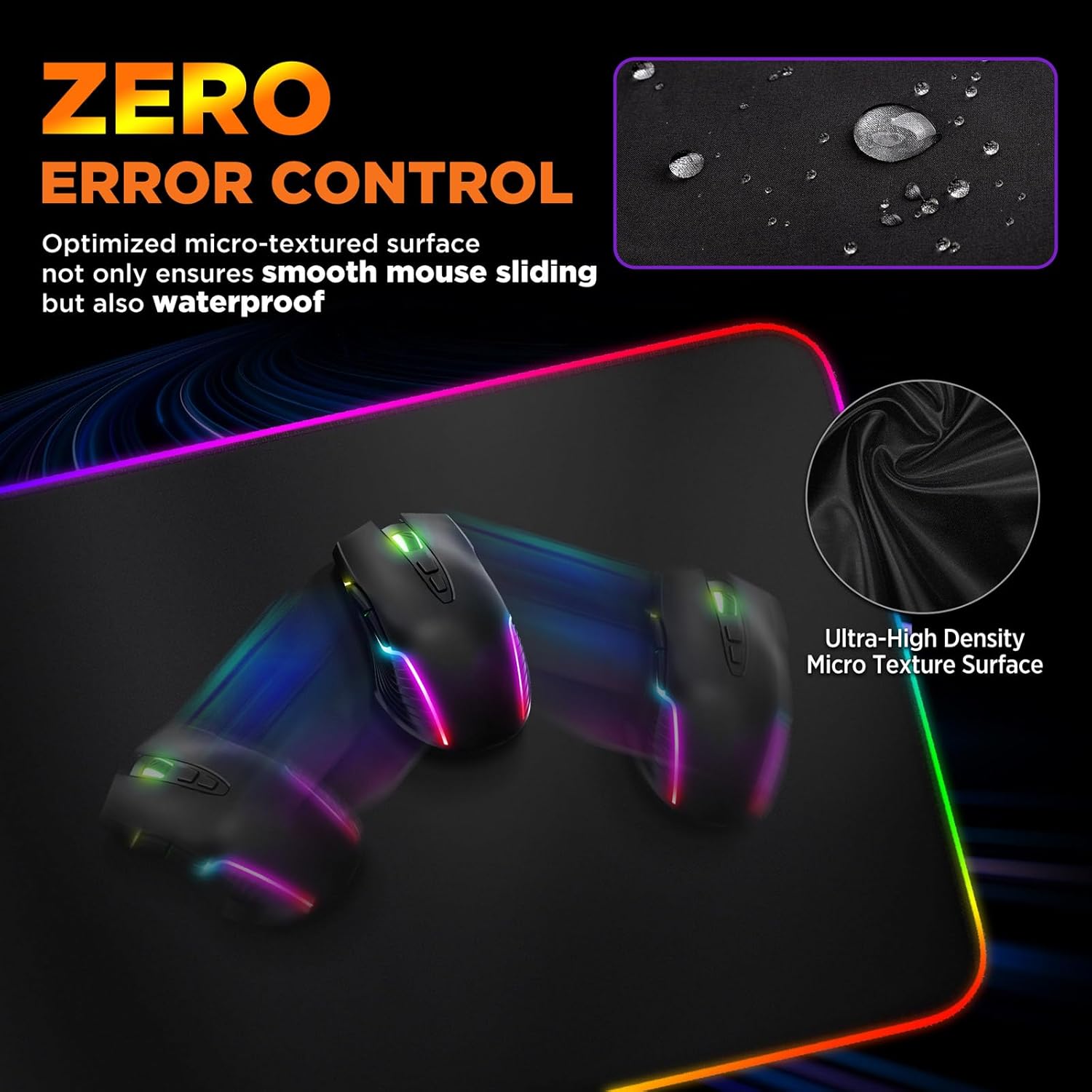
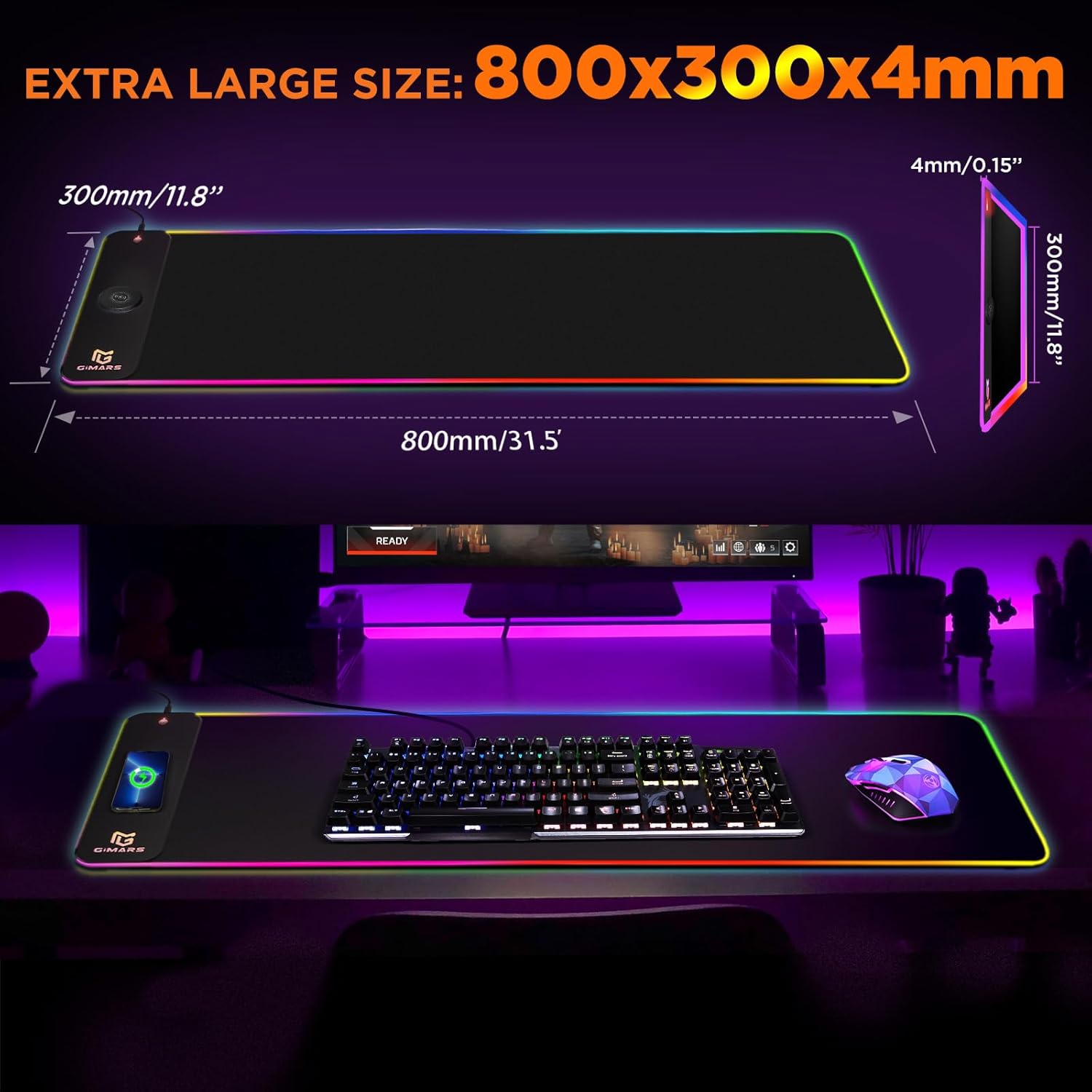
This is an extra-large gaming mouse pad (800x300x4mm) with a premium-smooth micro woven fabric top. On paper, the surface is aimed at fast, precise tracking for styles like FPS and MOBA play, and it’s also described as waterproof for easier cleanup of small spills.
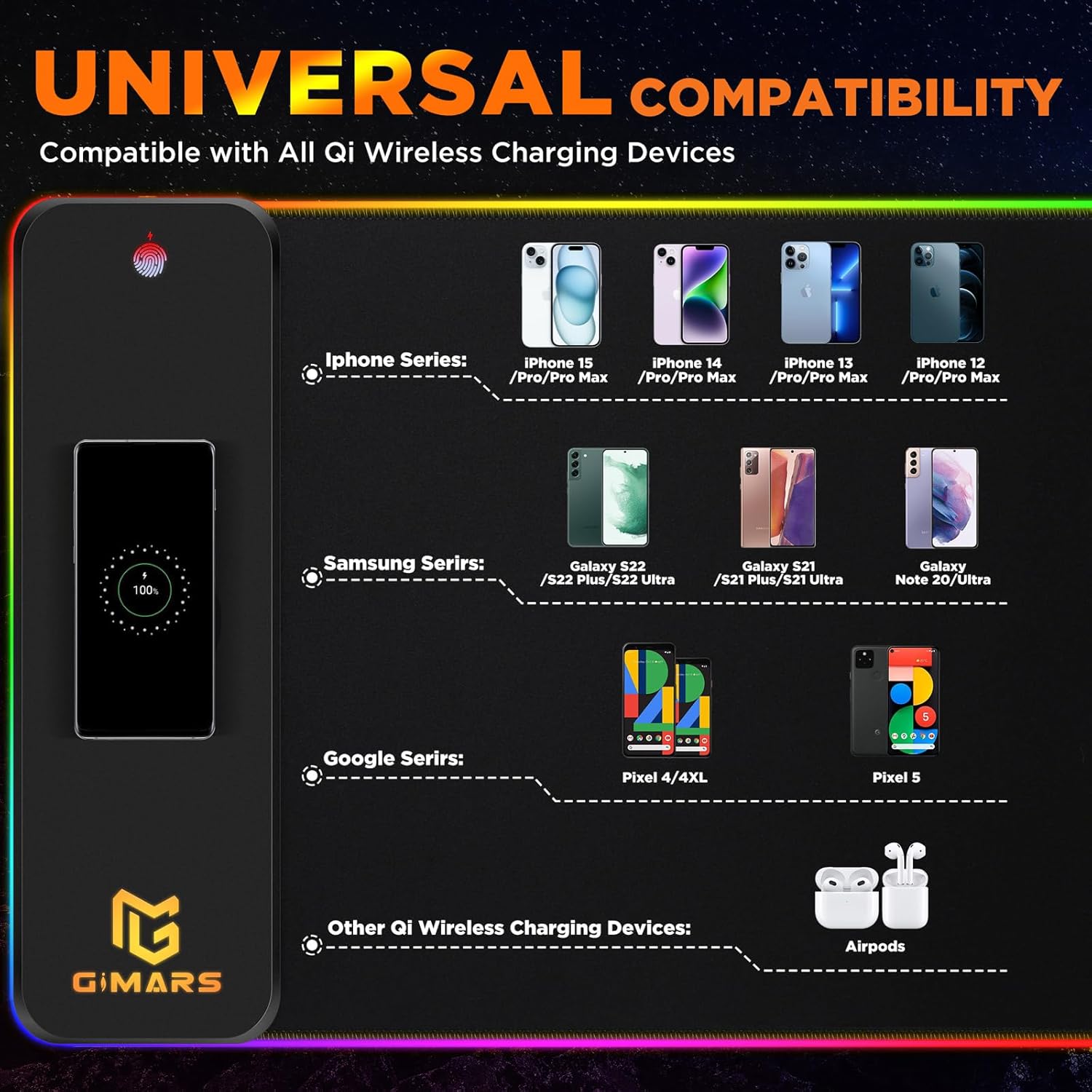
Where it gets more interesting is the built-in 15W wireless charging. It’s stated as compatible with Qi-enabled smartphones and specifically mentions several models/lines, including iPhone 8/X/XR/XS/11/11 Pro and Samsung Galaxy S10/S9/S8 Plus, Galaxy Note 9/8. It also includes three charging status indicators (red for charging, green for full, blue for standby).
What you’ll notice day to day
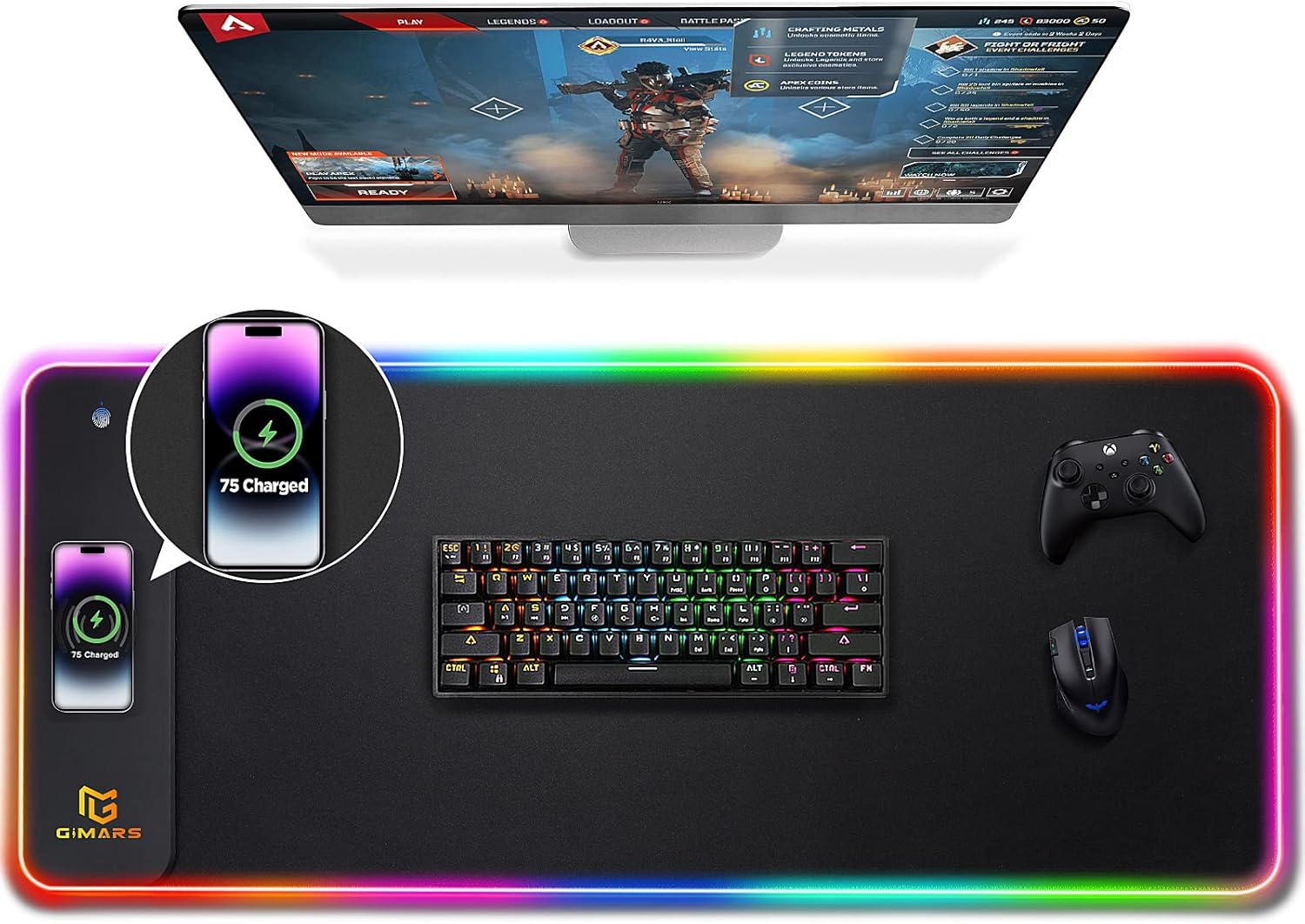
In use, the 4mm thickness and natural rubber non-slip base are there to keep the mat stable on your desk, which matters if you tend to move quickly or if your desk surface is slightly uneven. The size is also pitched for full coverage: it’s meant to cover mouse area and more—potentially including keyboard space on smaller desks.
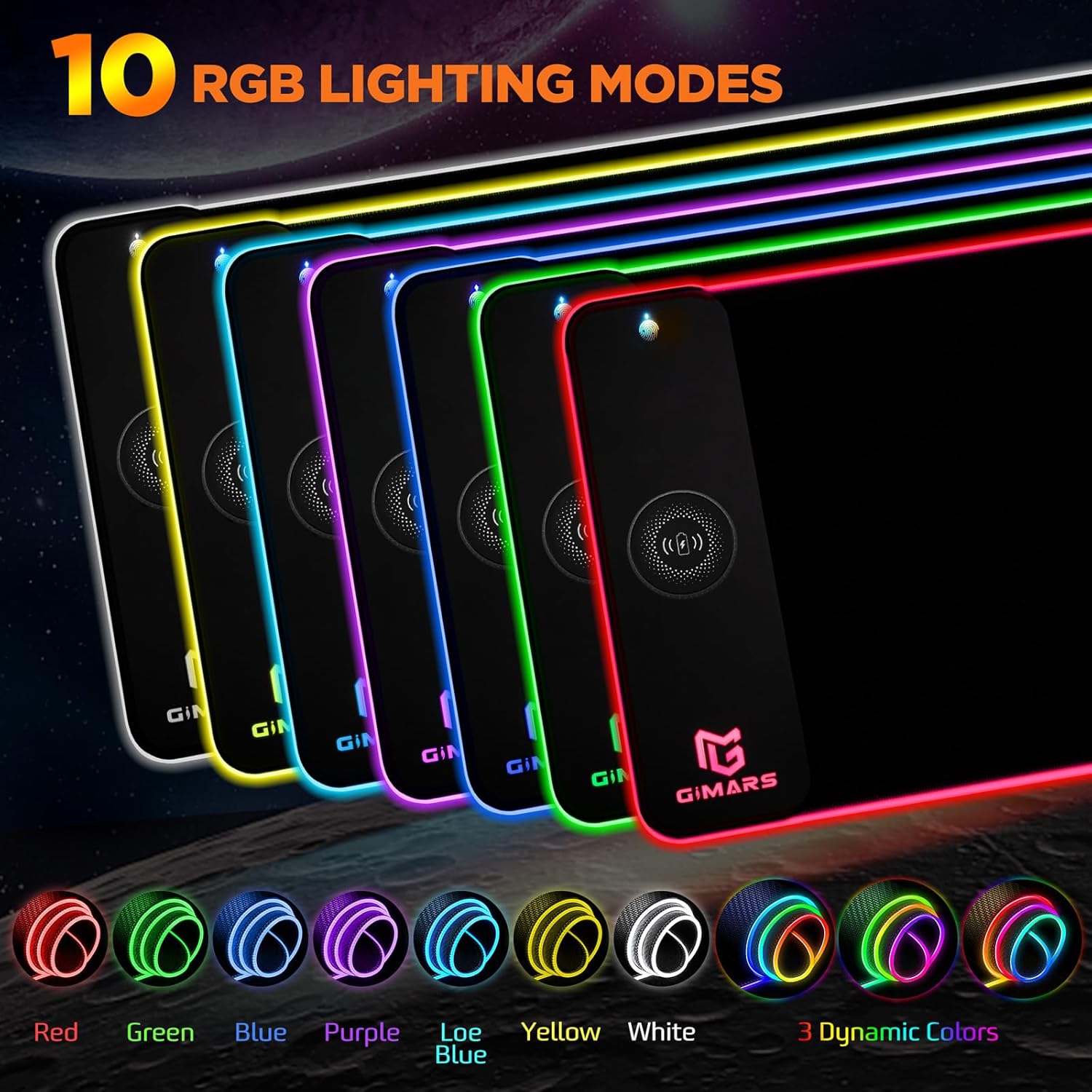
The RGB side is built around 10 lighting modes: 7 static options plus 3 dynamic effects. There’s also a memory function to remember the last light mode when you switch it on, which is a small but genuinely helpful detail—no one wants to cycle modes every time.
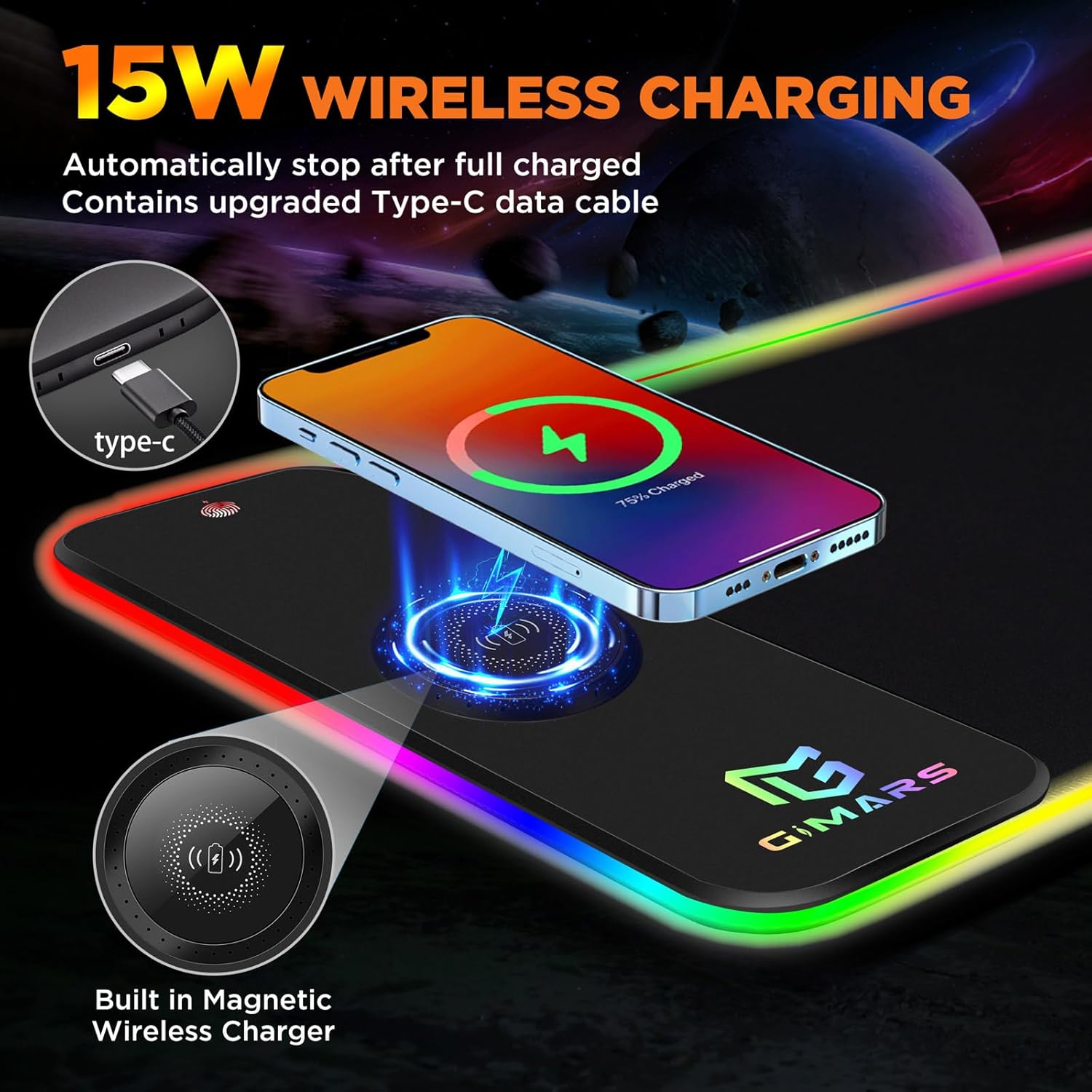
A practical limitation to keep in mind: the charger’s output has notes about power adapter requirements (15W, 10W, and 7.5W need a 9V 2a or similar adapter), and the power adapter is not included. So if you don’t already have a suitable adapter, you may need to factor that into your buying decision.
Key takeaways for gaming and work
This mat sits in the “proper desk upgrade” category rather than a basic mouse accessory. The micro textured surface is described as being tuned for accurate pixel tracking and for calibrating mouse sensors, and it’s claimed to work well with wired and wireless mice, including optical and mechanical types.
That’s the sort of positioning that suits people who play fast-paced games (FPS/MOBA) or anyone who wants smoother glide and better control than a cheap fabric mat. It also protects against daily mess: the waterproof claim is there so you’re not immediately panicking about crumbs or minor spills.
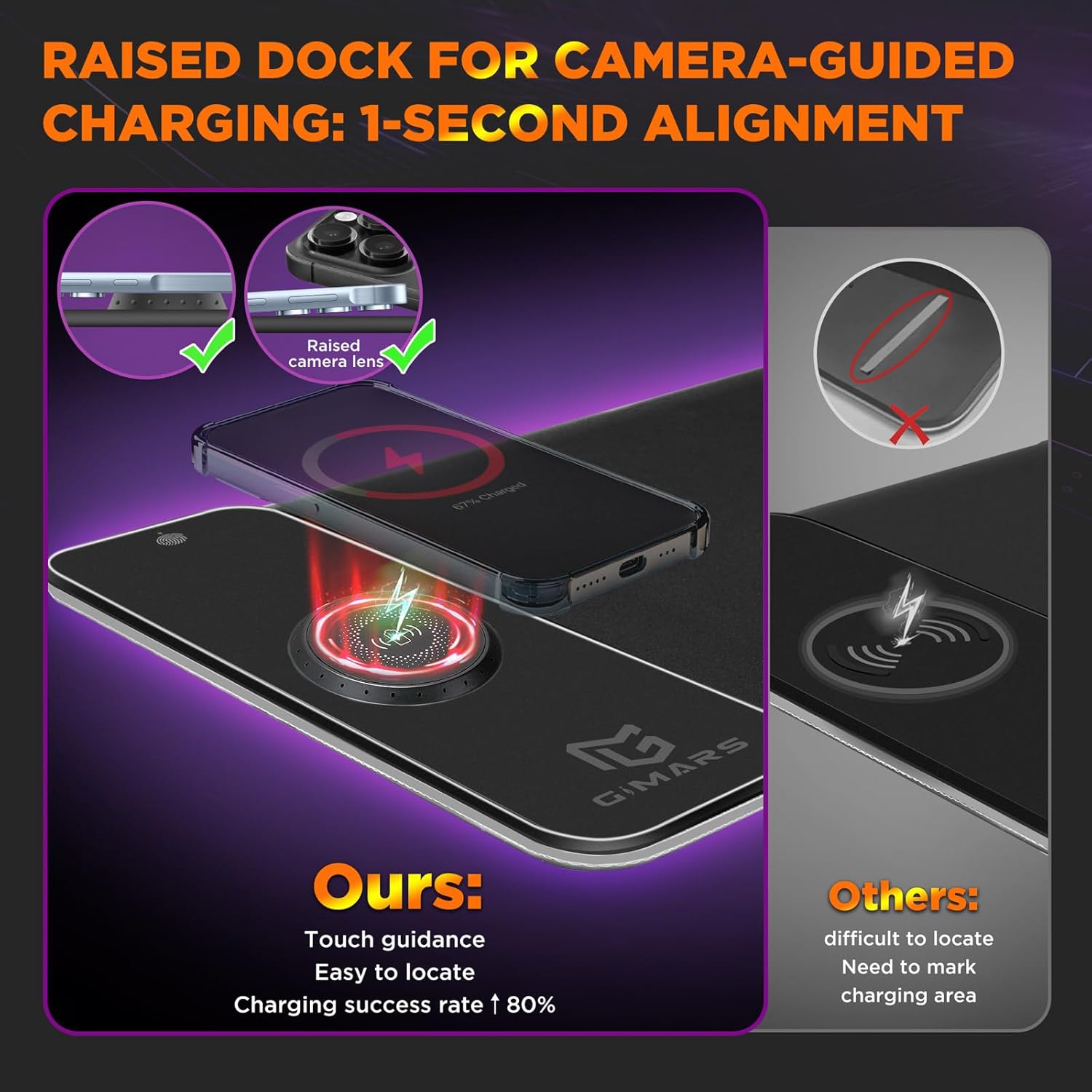
Where it may not be the best fit is if you’re particular about wireless charging placement. The mat does the charging through its design, but your phone still needs to be aligned properly to charge reliably—so if your setup makes that fiddly, it could become one of those features you stop using.
What’s included and what to double-check before buying
The listing doesn’t confirm a lot beyond the pad itself, but it does explicitly mention that no power adapter is included for the higher charging outputs.
Before you buy, it’s worth checking two things:
- Your phone supports Qi wireless charging (the pad is aimed at Qi devices).
- Whether you already have a compatible power adapter if you want the higher charging speeds (the notes call out requirements like 9V 2a/5V 2a/5V 2.4a, but the adapter isn’t included).
Also, think about whether you want the visual side. Ten RGB modes with static and dynamic effects can be great for ambience, but if you prefer a distraction-free desk, it might feel like extra cost.
Pros
- XXL 800x300 coverage for desk space, not just a small mouse area
- Non-slip natural rubber base for steadier movement during play and work
- Smooth micro woven surface aimed at fast, controlled mouse tracking
- Wireless charging with charging status indicators
- Waterproof surface claim for easier cleanup of minor spills
Cons
- Power adapter isn’t included, and higher charging outputs require specific adapter capability
- If you don’t use wireless charging or RGB, you may be paying for features you won’t use
- Wireless charging performance can depend on how your phone sits on the mat
Should you buy it?
It makes sense if you want one larger surface for accurate mouse control, you like the idea of RGB lighting, and you will actually place your phone on the mat often enough to make the built-in charging worthwhile.
You may want to skip it if your current setup already covers charging elsewhere, you prefer minimal desk lighting, or you don’t want to deal with adapter requirements for 15W/10W/7.5W charging.
If you’re buying for a desk that needs both functionality and a bit of atmosphere, this is the type of all-in-one mouse mat that can feel “right”—just be clear on charging hardware before you commit.
Mini FAQ
Is this mouse mat only for gaming?
It’s marketed for gaming (FPS/MOBA style tracking), but it’s also positioned as a desk mat for work because of its large size and spill-resistant/waterproof surface claim.
Does the wireless charging work with any phone?
It’s stated as Qi compatible and lists specific iPhone and Samsung Galaxy models/lines that support wireless charging. If your phone doesn’t support Qi, it’s unlikely to be the right match.
Will I get 15W charging straight away?
Not necessarily. The notes say a power adapter is not included, and the higher output modes have specific adapter requirements.
How many RGB lighting modes are there?
There are 10 modes: 7 static and 3 dynamic effects, plus a memory function to retain the last selected mode.