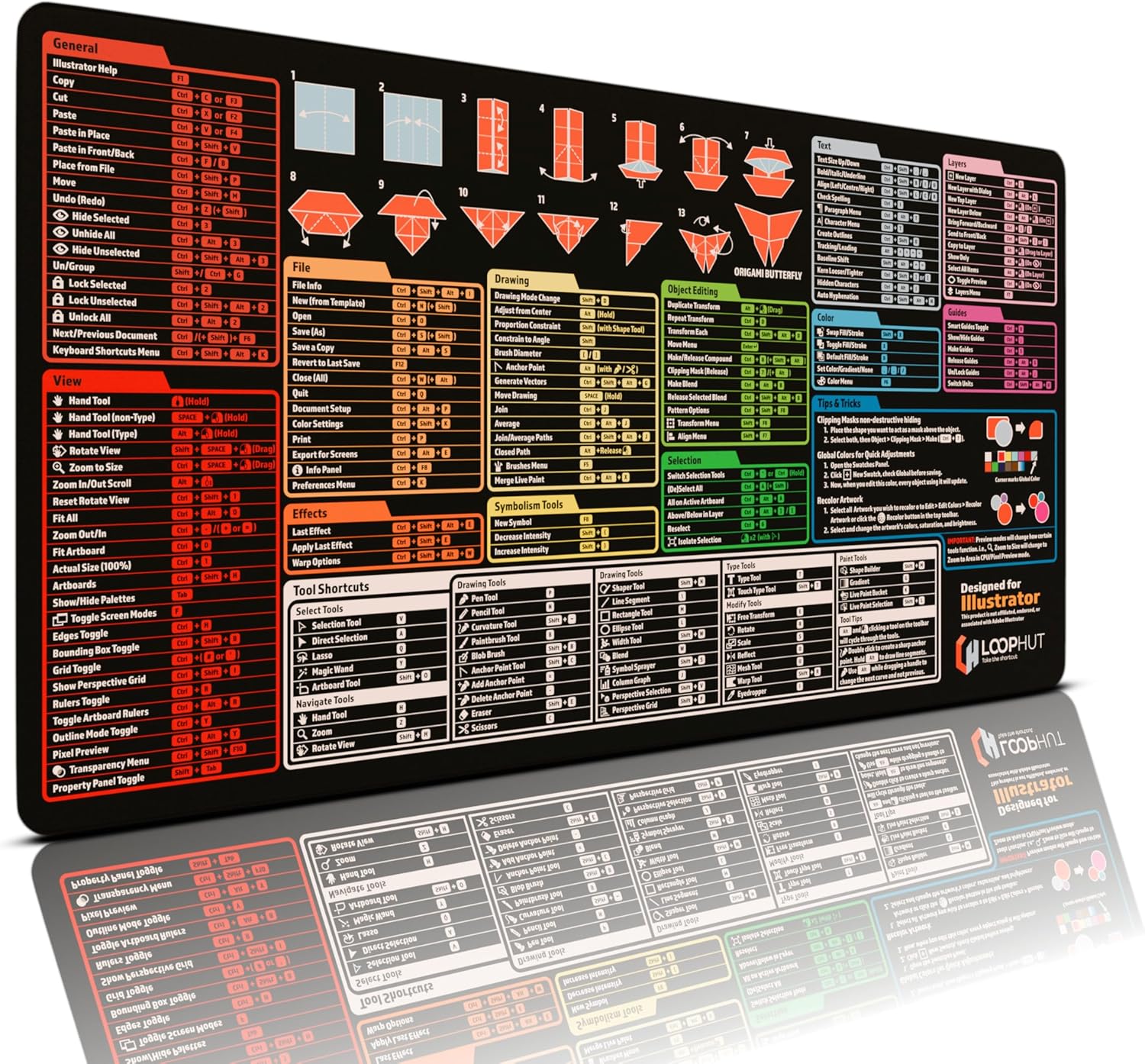
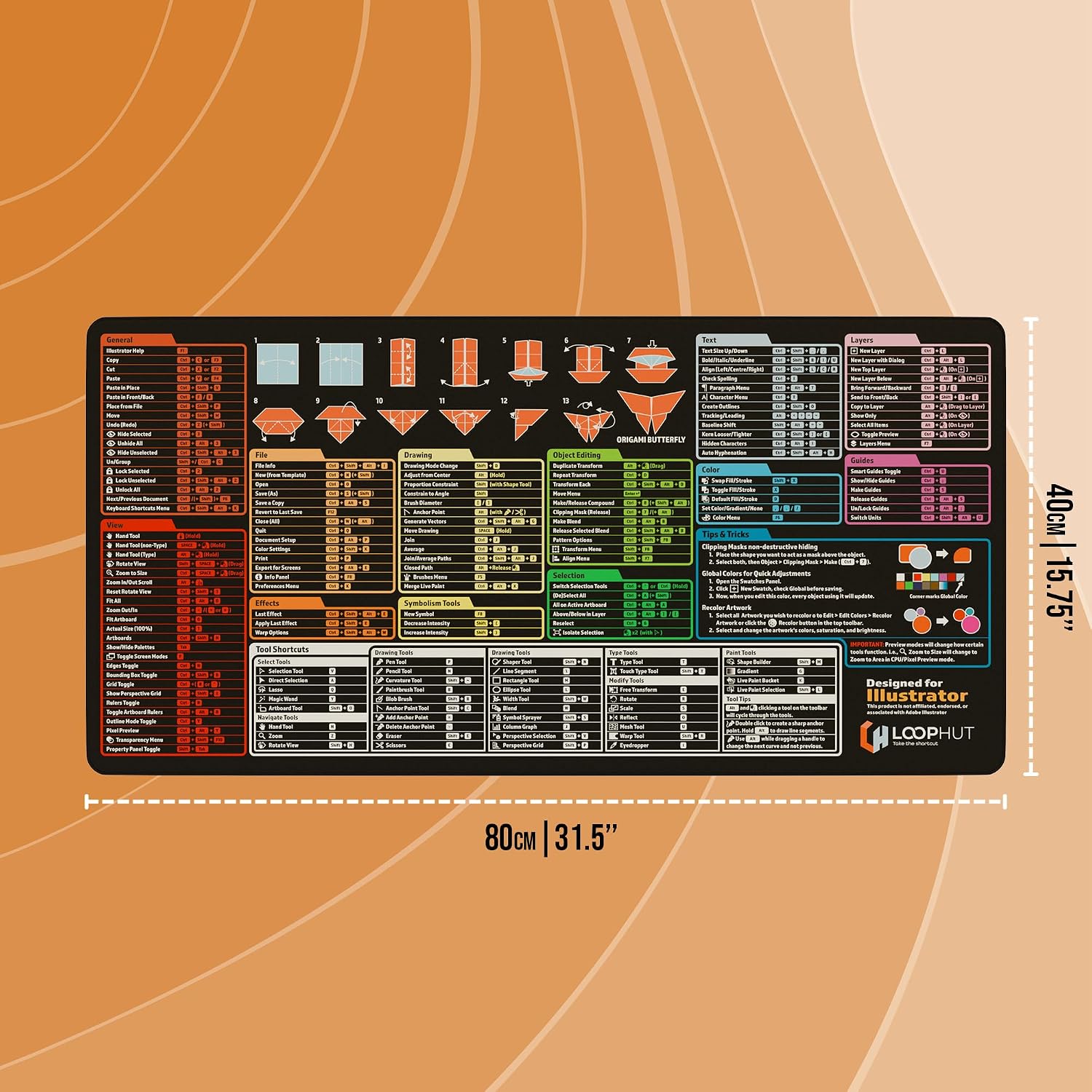
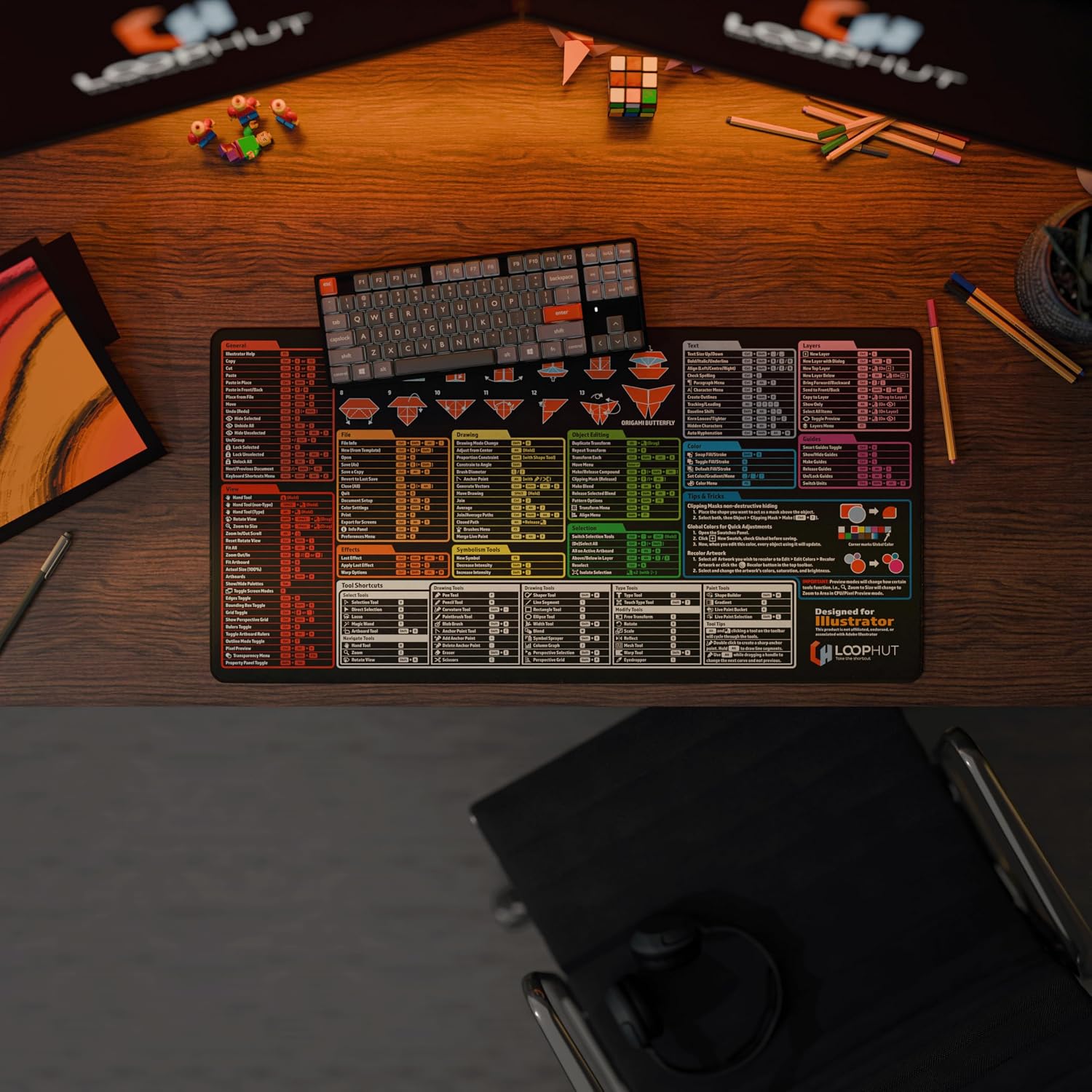
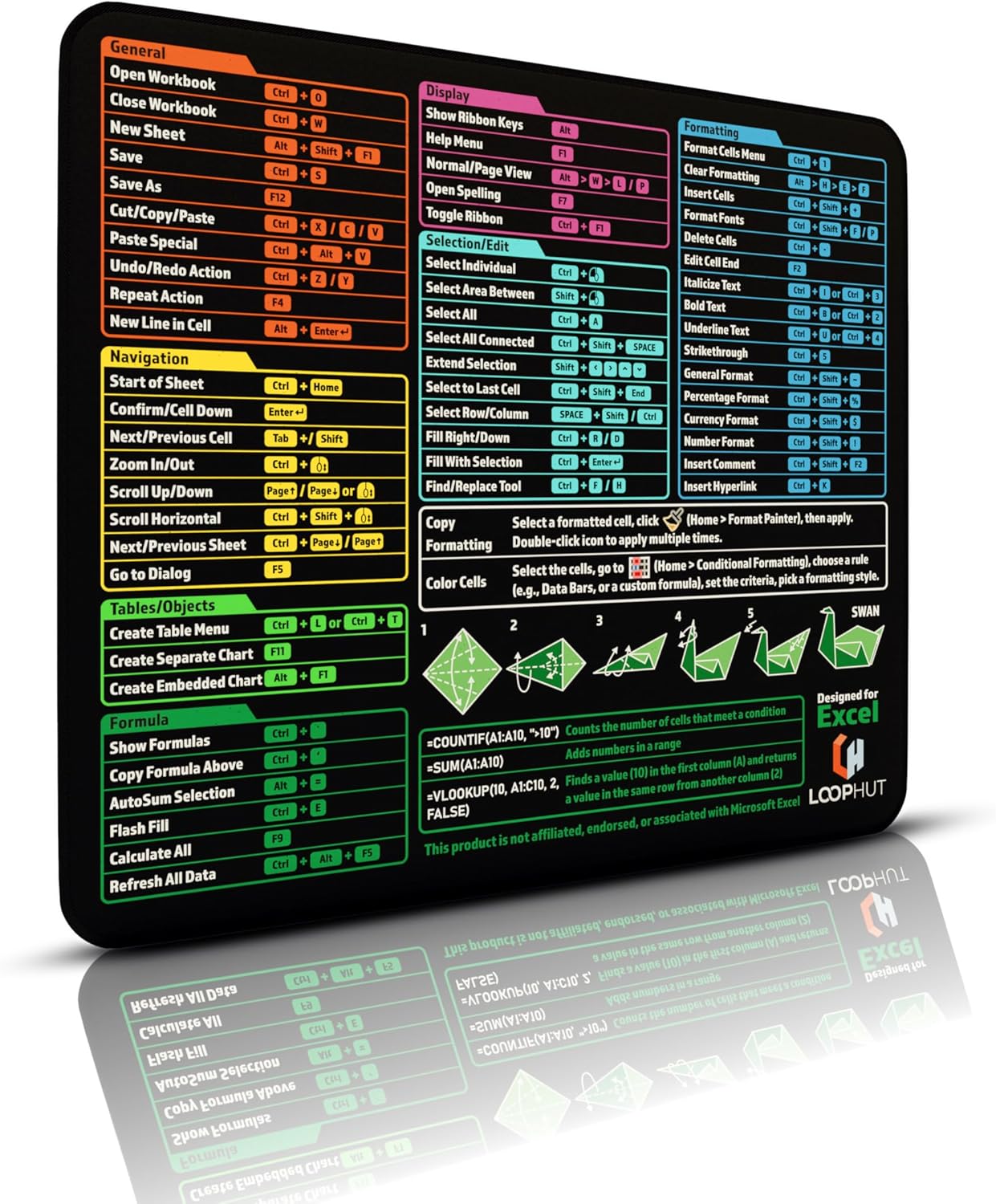
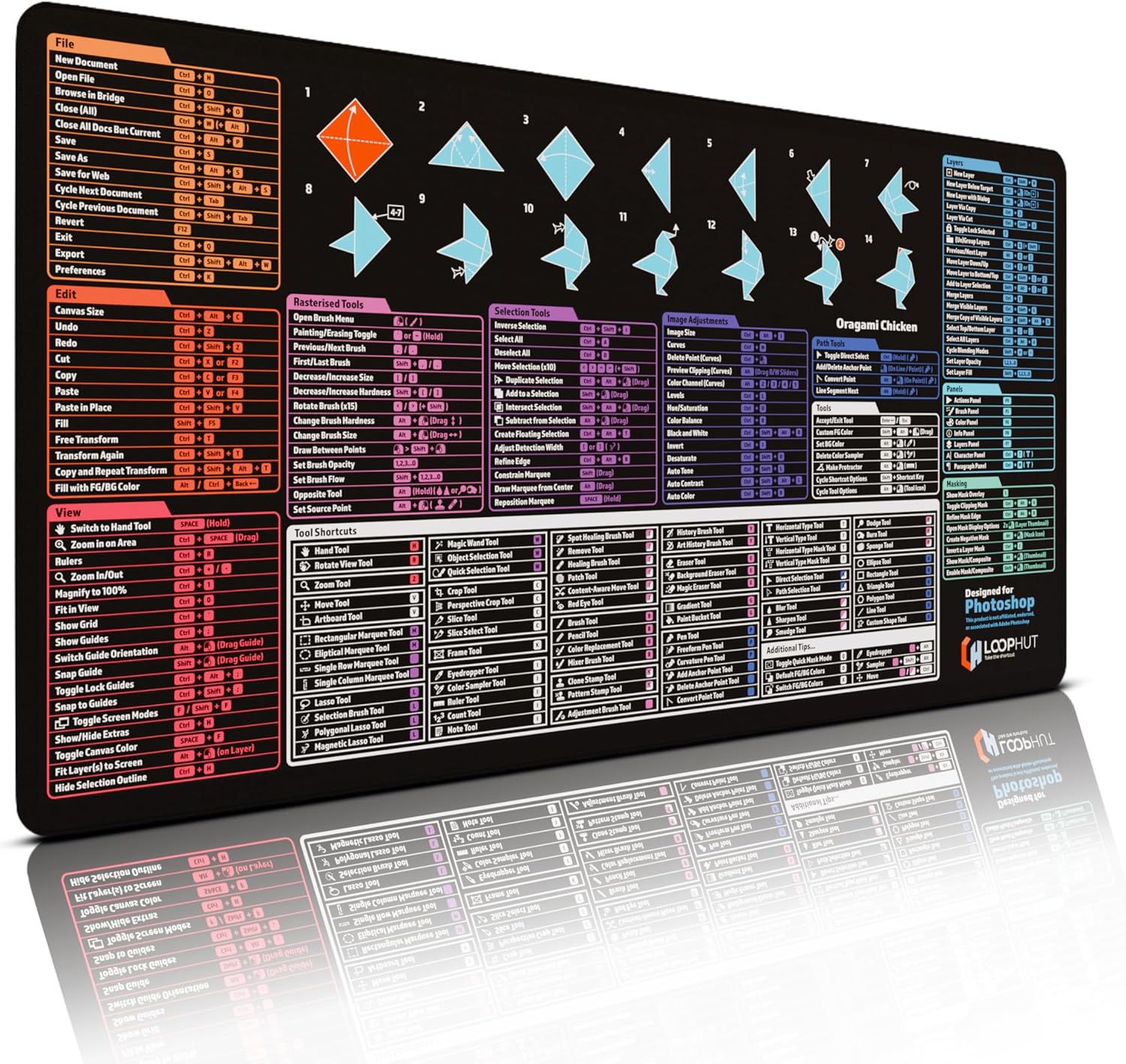
What this is and who it’s for\nThe Loop Hut Shortcut Keys Mousepad is an extra-large desk mat designed specifically for Illustrator users. It combines a comprehensive shortcut guide with a generous 800x400mm surface, giving you a practical place for both the keyboard and mouse. If you regularly switch between tools and panels in Illustrator, this pad promises to keep your most-used shortcuts visible and within reach, helping to streamline your workflow.\n\n## How it’s laid out\nThe pad features a well-organised set of Illustrator shortcuts (170+ in total) with over 40 tool shortcuts clearly marked with icons and practical tips. The ergonomic layout is intended to sit snugly beside your keyboard and mouse, creating a seamless workstation where your primary input devices never have to stray far. The material quality is described as durable with precision stitching to prevent fraying, and a substantial weight that helps it stay put during intense design sessions.\n\n## What stands out in everyday use\nOn the surface, this is more than a large mousepad: it’s a quick-reference guide that also serves as a desk mat. For anyone who frequently reaches for Illustrator’s tools, the visual cues can reduce the time spent hunting for commands. The stitched edge and non-slip rubber base contribute to stability, so you’re less likely to be disrupted mid-creation.\n\n## Strengths you’ll notice\n- Aimed at Illustrator users, with a curated set of shortcuts tied to common workflows.\n- Extra-large footprint suits setups where space is not at a premium, allowing both mouse and keyboard to live on the mat.\n- Durable construction with a neat edge finish.\n- Designed by users familiar with Illustrator’s interface, which can help new users learn via visual cues.\n\n## Limitations and things to watch\nIf you primarily work with other software or require shortcuts outside Illustrator’s ecosystem, the value may be reduced. It may also be less useful on very small desks where the 800x400mm footprint would dominate the workspace. The origin of the creation (from Illustrator users) implies a practical bias toward Illustrator rather than generic design tasks.\n\n## Use cases and who it’s for\n- Ideal for serious Illustrator hobbyists and professionals who want a quick reference while they design.\n- Useful for learners who want to build muscle memory for common commands without flipping through menus.\n- Suitable for mixed-discipline designers who also rely on creative shortcuts to speed up tasks.\n\n## When it makes sense to buy\nIf your workstation allows a dedicated space for an oversized mat and you value on-hand shortcut access, this pad can keep your command list visible without meaning a separate cheat sheet. It’s a pragmatic addition to a design setup where improving flow and consistency matters.\n\n## When you might skip it\nIf your focus isn’t on Illustrator or you have a smaller desk footprint, a more compact pad or a plain desk mat could be a better fit. Also, if you favour customisable shortcuts from multiple software suites, you might prefer a flexible, modular solution.\n\n## Quick things to check before buying\nLook at your desk layout to ensure there’s room for an 800x400mm mat. Consider whether you want the non-slip base in a high-friction environment (e.g., a busy desk) to prevent movement. Finally, assess how often you’ll reference Illustrator shortcuts and whether a standalone cheat sheet aligns with your current workflow.\n\n## Practical example of use\nImagine you’re switching from Pen tool to Eraser while juggling multiple panels. Having the shortcut guide printed on the mat means you can glance down and recall the most-used commands without breaking your rhythm. The extra-large surface also means you have ample space to rest your wrists ergonomically while you work.\n\n## FAQ (based on available information)\n- What is the size of the mat? 800x400mm.\n- Is the base non-slip? Yes, it features a non-slip rubber base.\n- Is it designed specifically for Illustrator? Yes, the shortcuts are curated for Illustrator users.\n\n## Final decision\nShould you buy it? If you value quick, visual access to Illustrator shortcuts and have space for a large desk mat, it’s worth considering. It’s more of a practical upgrade for dedicated Illustrator workflows than a universal design tool, so manage expectations about its applicability to other software.