

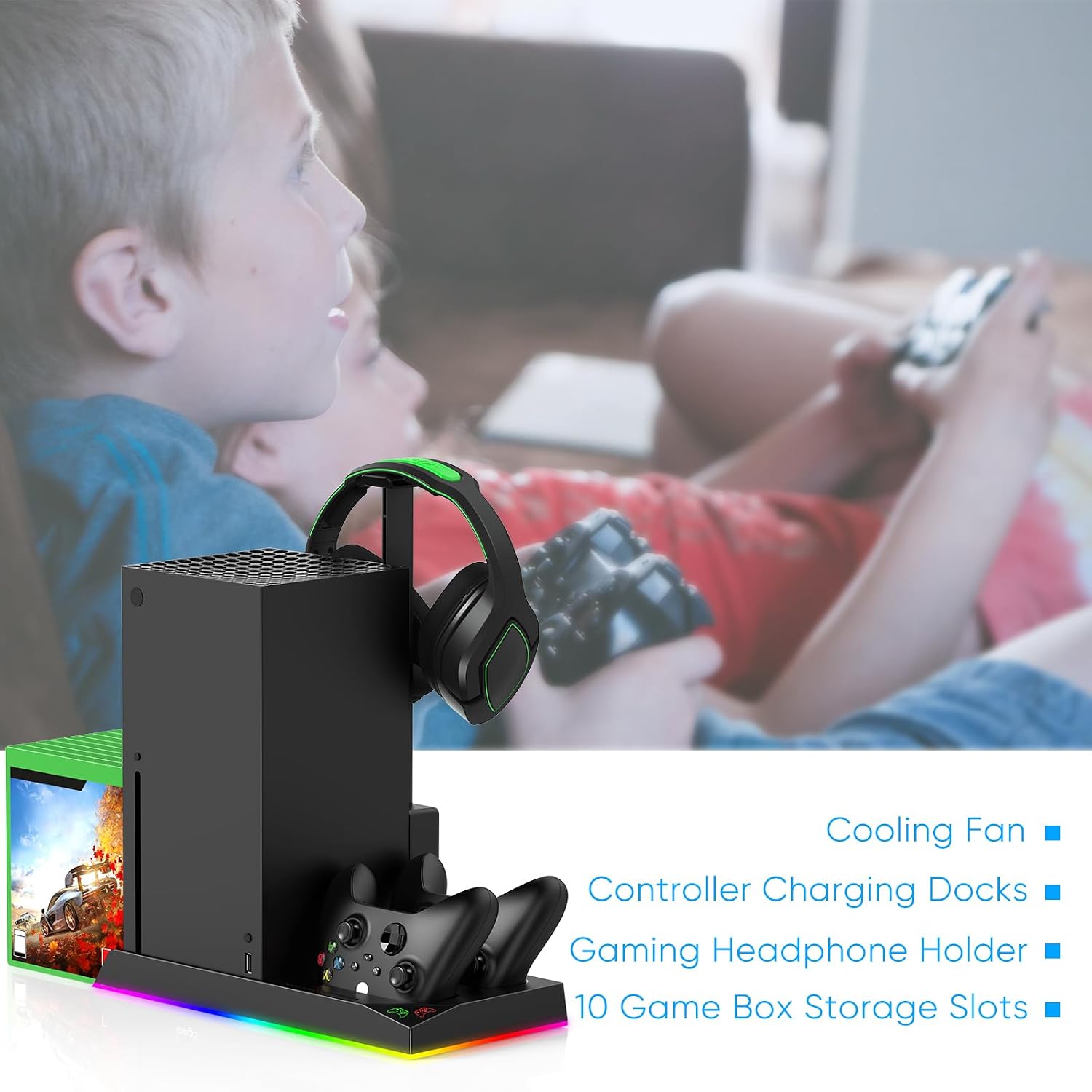
FYOUNG Upgraded Cooling Stand and Charging Station for Xbox Series X
Product description
What it is
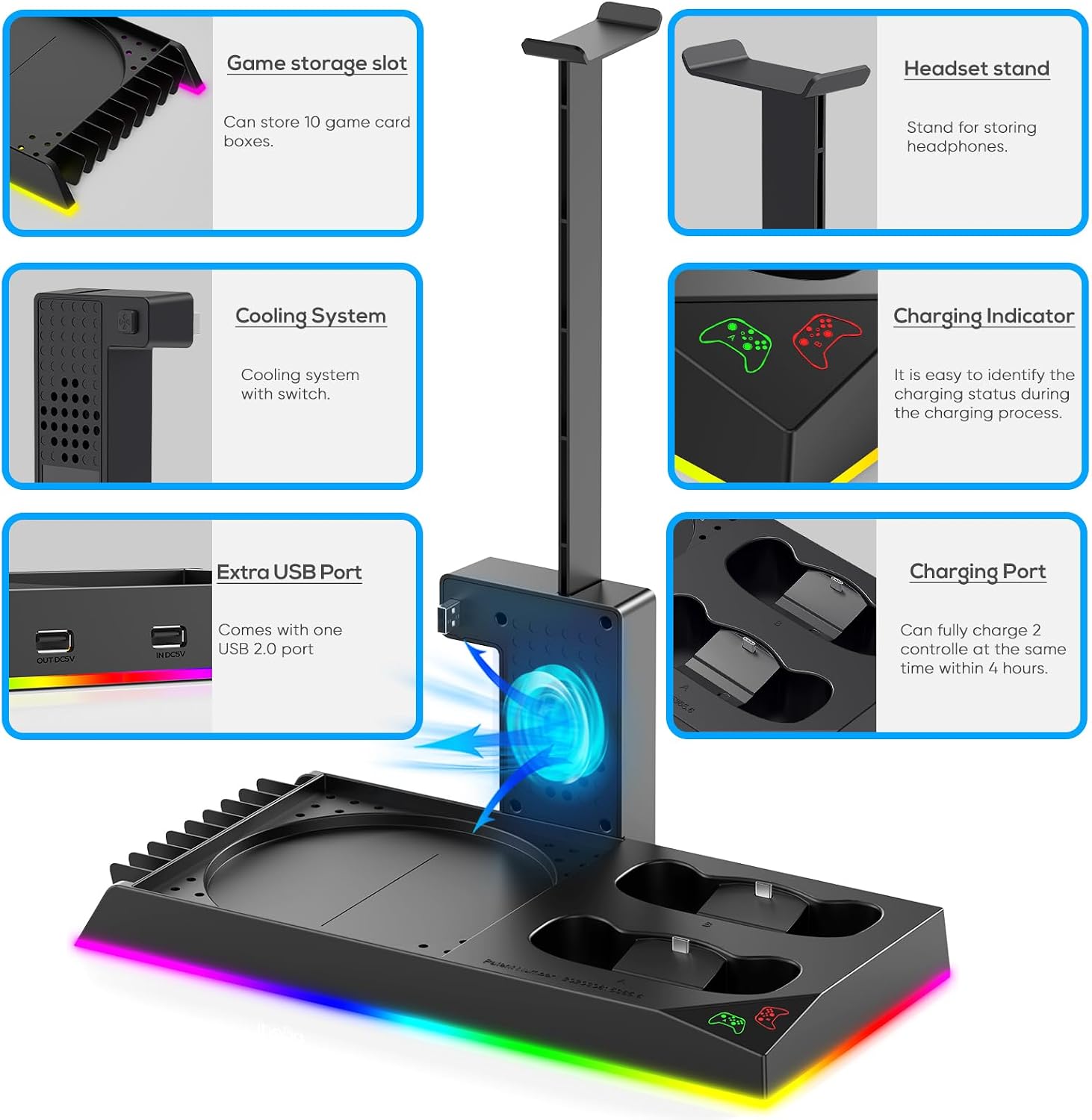
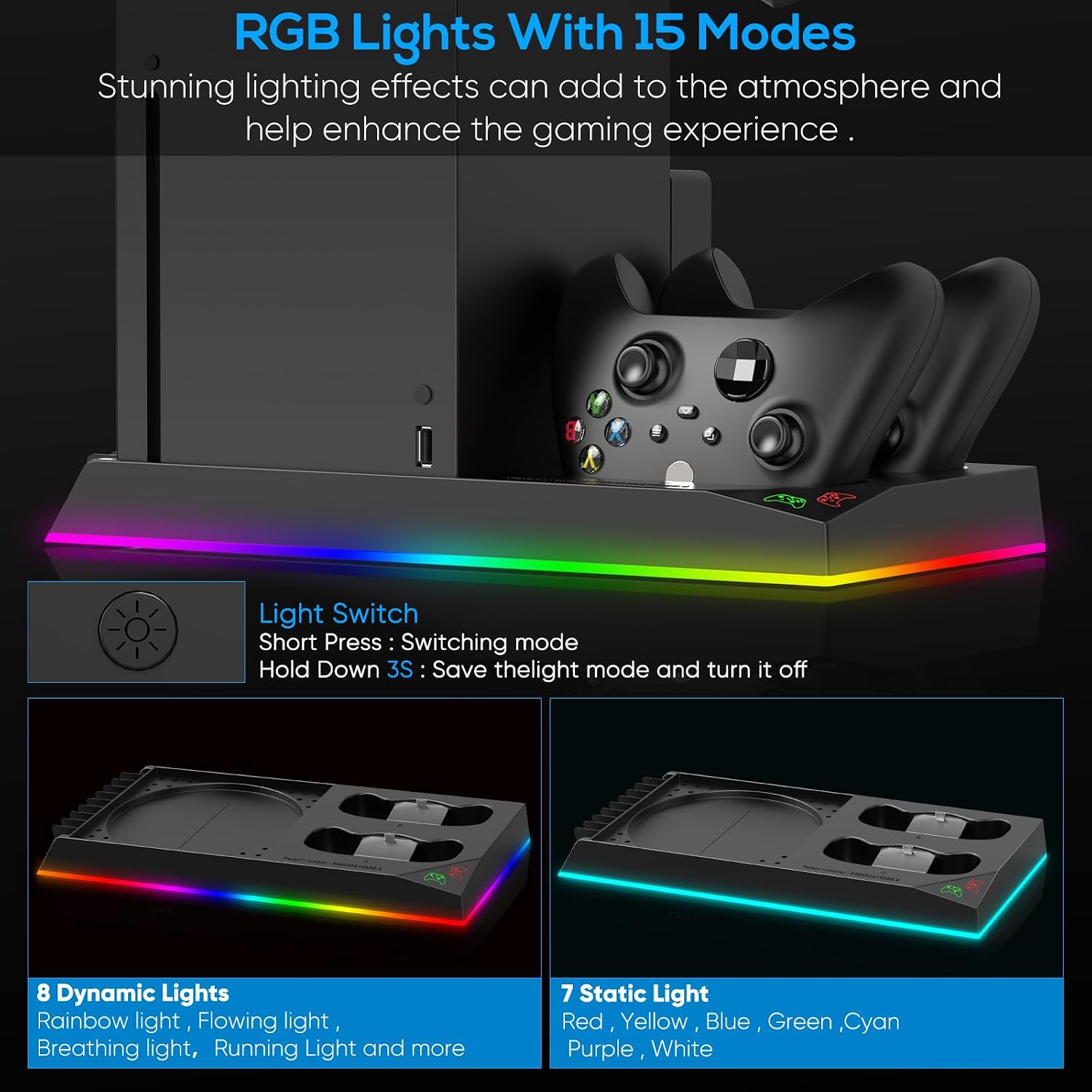
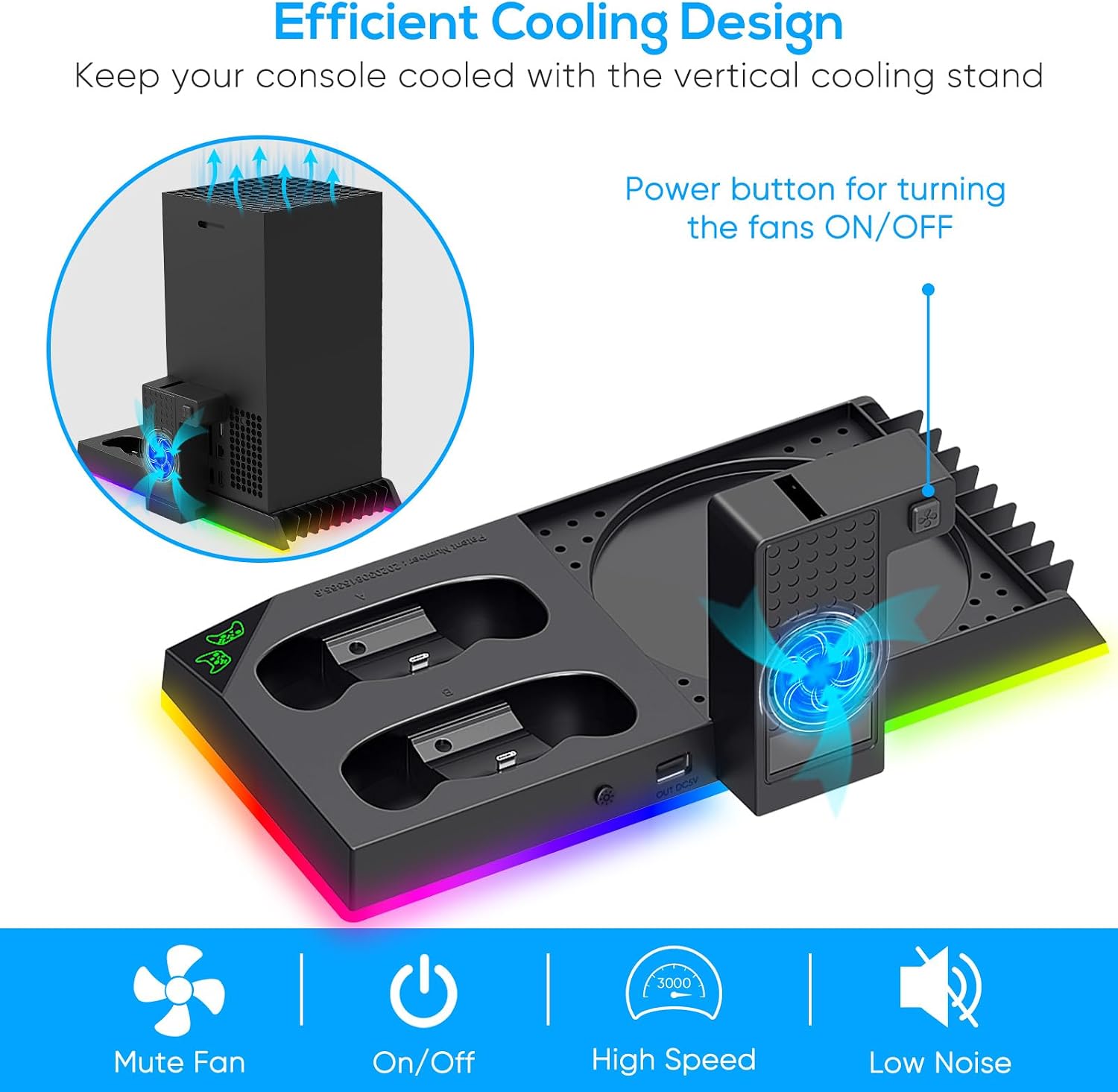
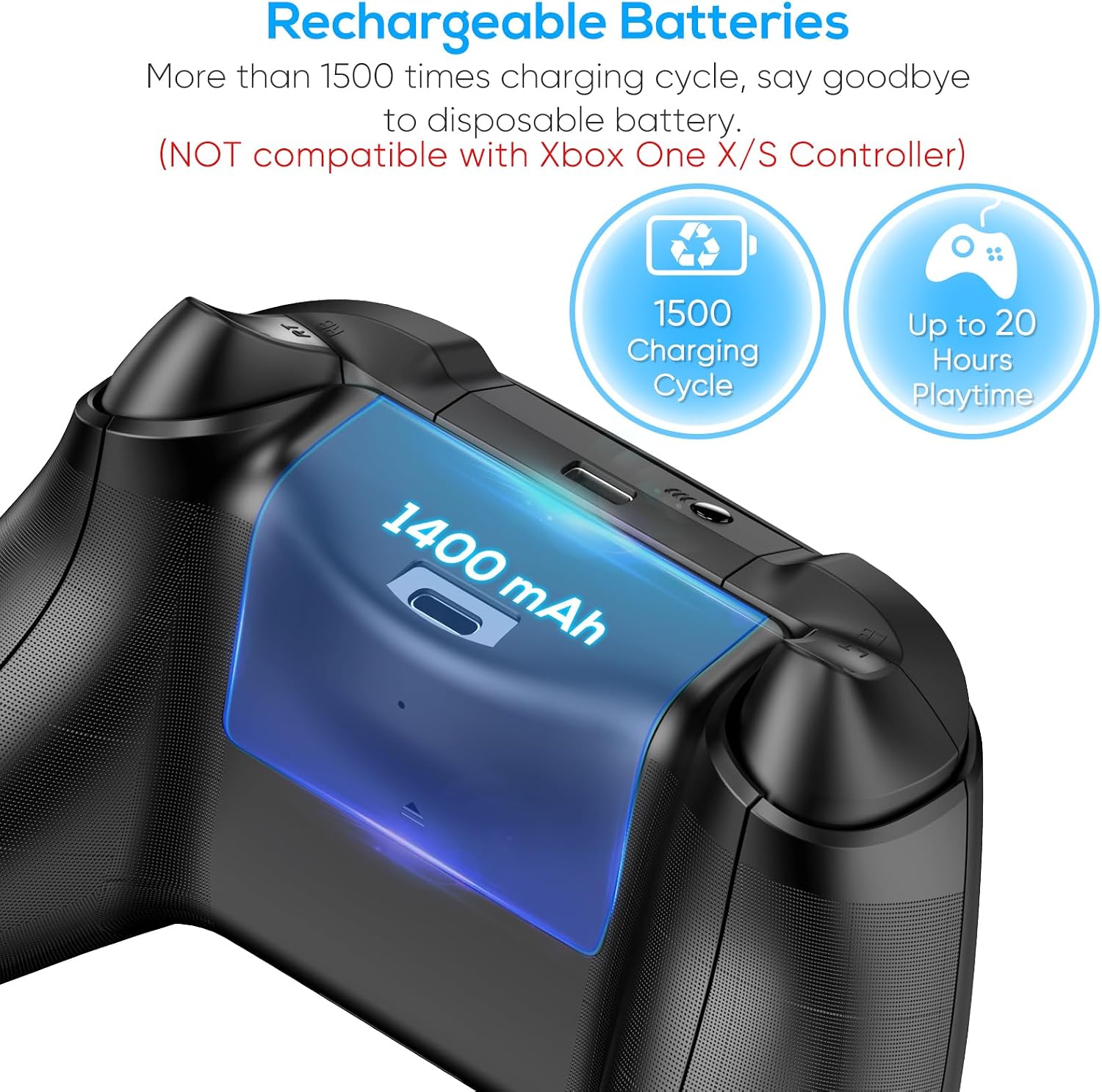
The FYOUNG unit combines a vertical cooling stand, a dual controller charging dock, and additional gadgetry into one compact hub for Xbox Series X. It features a side cooling fan to improve air circulation, a metal base with four vents and a non-slip pad, 15 RGB lighting modes, two 1400mAh rechargeable batteries for controllers, plus extra USB ports and a headset hook. It also offers space for up to 10 game discs. On the surface, it aims to reduce clutter and give your gaming area a unified look.
How it helps your setup
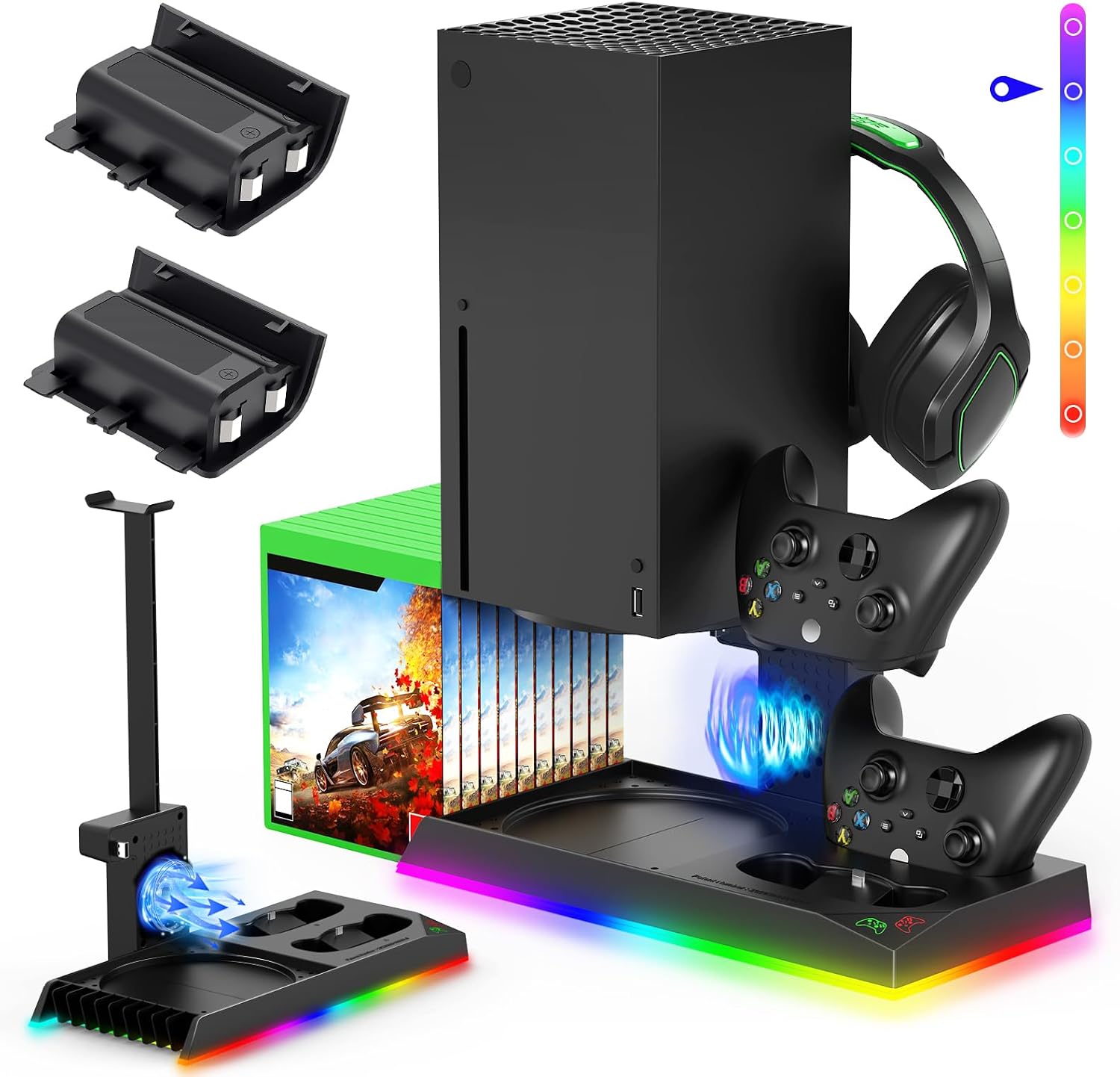
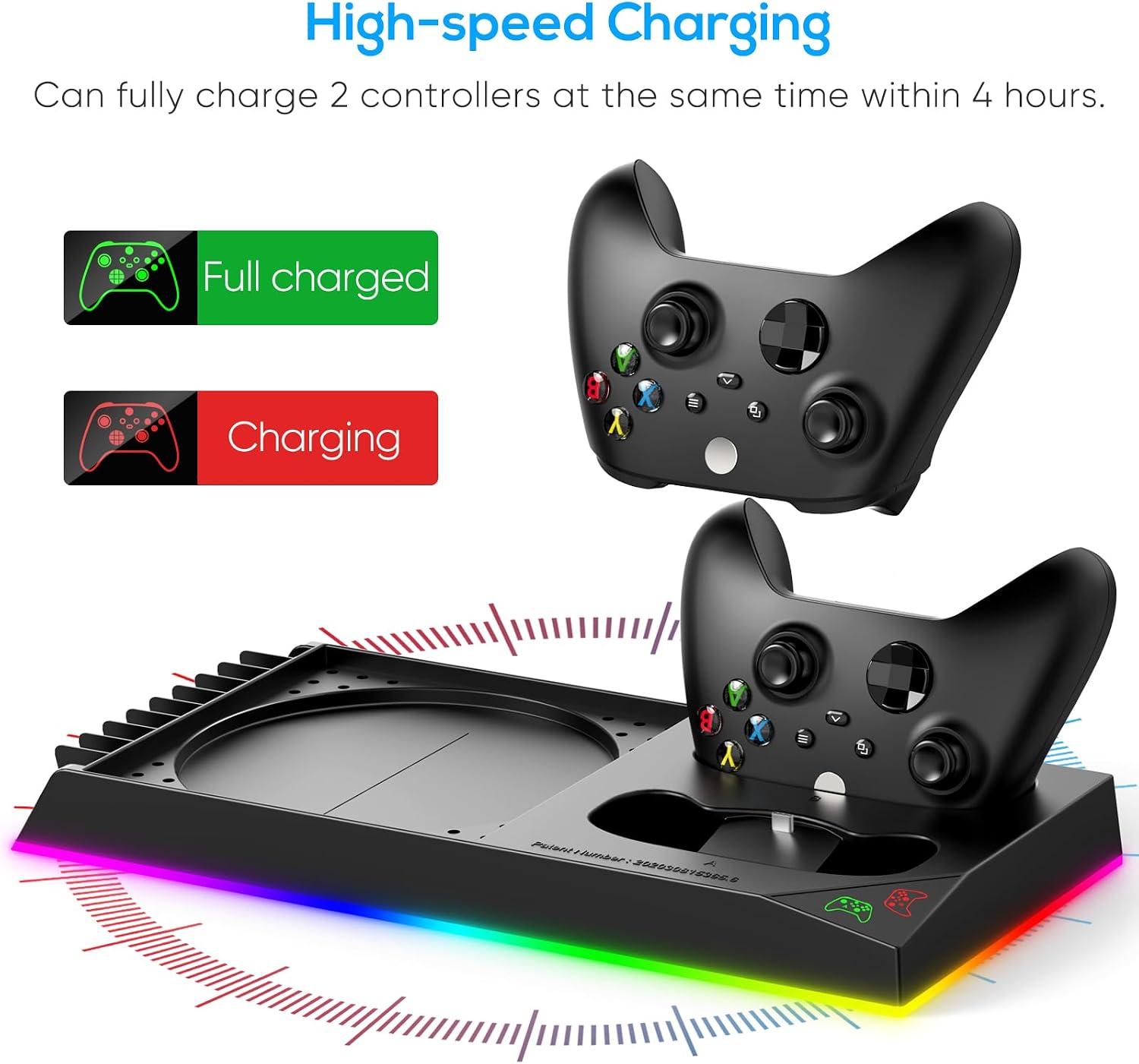
On paper, cooling is the standout function. The side fan is shaped to draw air under the console and exhaust it through multiple vents, which can help mitigate overheating during longer sessions. The non-slip base helps keep the unit steady while optimising airflow beneath the console. The built‑in charger docks provide a convenient way to power two controllers simultaneously, with the batteries acting as a compact backup if needed.
What stands out
The 15 RGB lighting modes offer ambience that’s easy to customise, with a memory function so you can save a preferred lighting setup. The two 1400mAh batteries are useful for keeping controllers charged during play, and the 3.5‑hour charging window is reasonably quick for a pair of pads.
What may be less convincing
If your priority is pure cooling performance, you’ll want to compare the fan’s effectiveness against dedicated cooling solutions. The integrated nature of the unit means you’re tying the charging and storage features into the same footprint, which could feel busy if you already have a tidy, modular setup. Some users may find the combination of features overkill if they don’t need extra discs storage or RGB lighting.
Who it’s for
This is a practical option for Xbox Series X owners who value a neat, all‑in‑one station that reduces wire clutter, adds controller charging, and adds atmosphere through lighting. It’s particularly convenient if you enjoy a compact hub that keeps accessories in one place.
Who it isn’t for
If you’re after maximum cooling capacity or a minimal aesthetic, this unit’s added features could feel unnecessary. Those wanting a dedicated, standalone cooling fan with no charging dock might opt for a simpler approach. It also requires space on your entertainment unit to sit flush with the console.
When it makes sense to buy
Consider this if you want an integrated solution that handles cooling, charging, and storage while giving your setup a cohesive look. If you frequently entertain with multiple accessories nearby or value the ability to charge on the fly, the docking function adds real convenience.
What to check before buying
- Confirm the footprint fits your current stand area and doesn’t block vents on the Series X.
- Consider whether you’ll use the 10-game discs slots and how it integrates with your current library.
- Think about lighting preferences, not everyone wants RGB lighting at full brightness throughout long sessions.
- If you rely on the USB ports for peripherals, verify the number and placement meet your needs.
Practical use case
Imagine pulling your controller from the dock after a session, and thanks to the 3.5‑hour charge cycle, you have a ready pair for the next round. The USB passthroughs can help connect a headset or other accessories without extra cables snaking across the desk. The RGB lighting can be set to a single calm colour for late-night sessions or cycle through effects during a heated multiplayer night.
In the market: how this compares
If you’re weighing options, you’ll likely encounter standalone cooling fans, separate charging docks, and modular storage. This FYOUNG unit is best for those who prioritise a compact, all‑in‑one footprint with the added mood lighting and a decent controller battery setup. It’s less about spectacle and more about reducing clutter and keeping essentials within reach in one place.
Is it worth it?
The decision hinges on how much you value integration over specialist performance. It’s a solid pick if you prioritise space efficiency and a tidy desk as much as you value the ambience and the convenience of charging two controllers simultaneously. It might not be the best fit if you already own separate charging docks and aren’t keen on RGB features.
FAQ
- Do the batteries charge while the controllers are in use? The description implies charging occurs when placed in the dock, using the controllers may extend charge times.
- Can the RGB lighting be turned off completely? The unit features a memory function for preferred lighting, you can switch modes, though explicit off-state isn’t stated.
- How effective is the cooling alone? The stand is designed to improve air circulation with a side fan and vented base, but exact cooling efficiency isn’t specified.