

FUHAYA MFi-certified USB-C SD Card Reader (dual slots) for iPhone, iPad, MacBook & cameras
Product description
The essentials
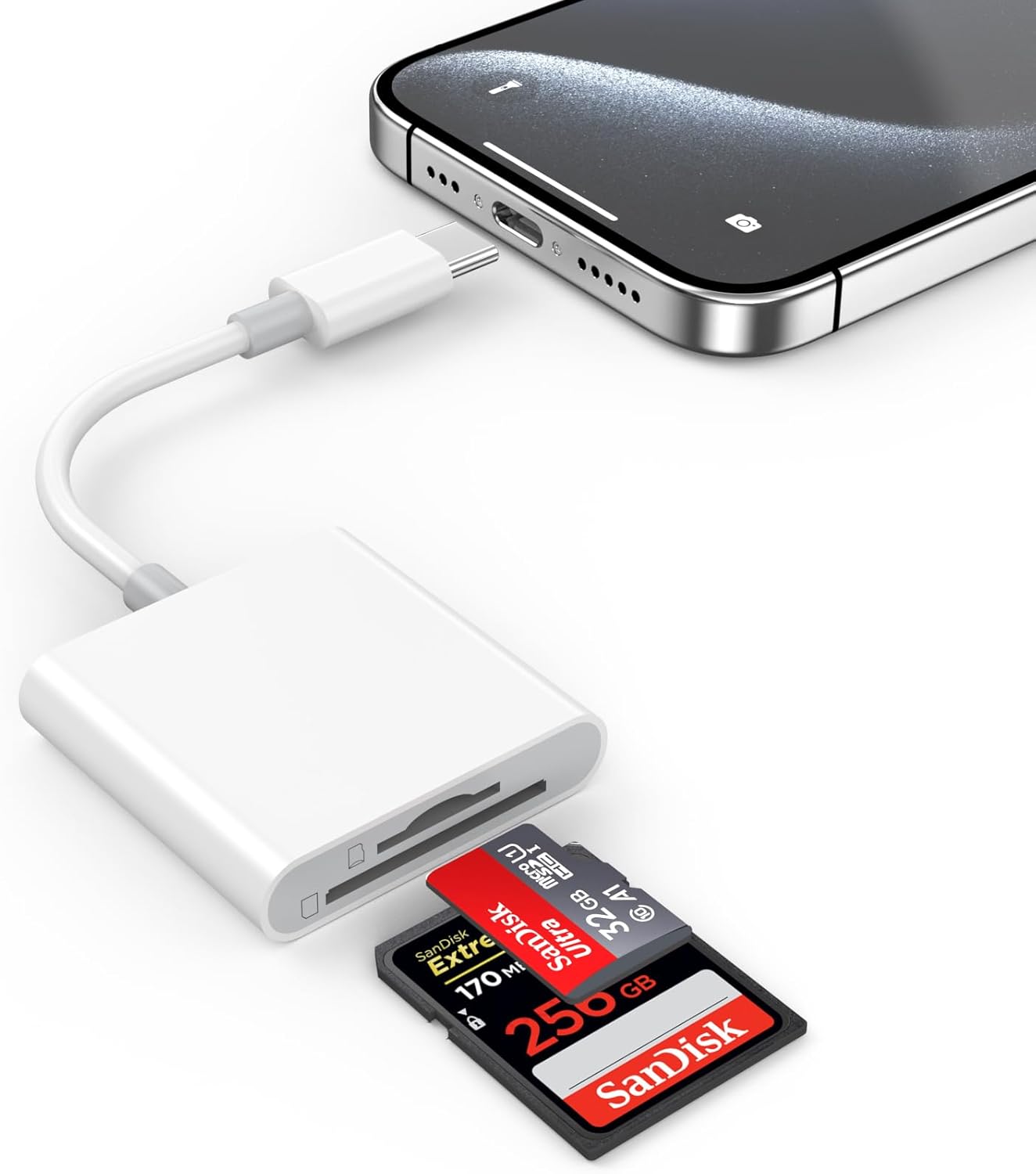
A USB-C SD card reader sounds like one of those small accessories you only think about when you’re stuck waiting for a cable. This FUHAYA reader is designed to let you plug in and access photos and videos from SD and MicroSD cards using a USB-C connection, with a dual-slot layout so you’re not constantly swapping approaches.
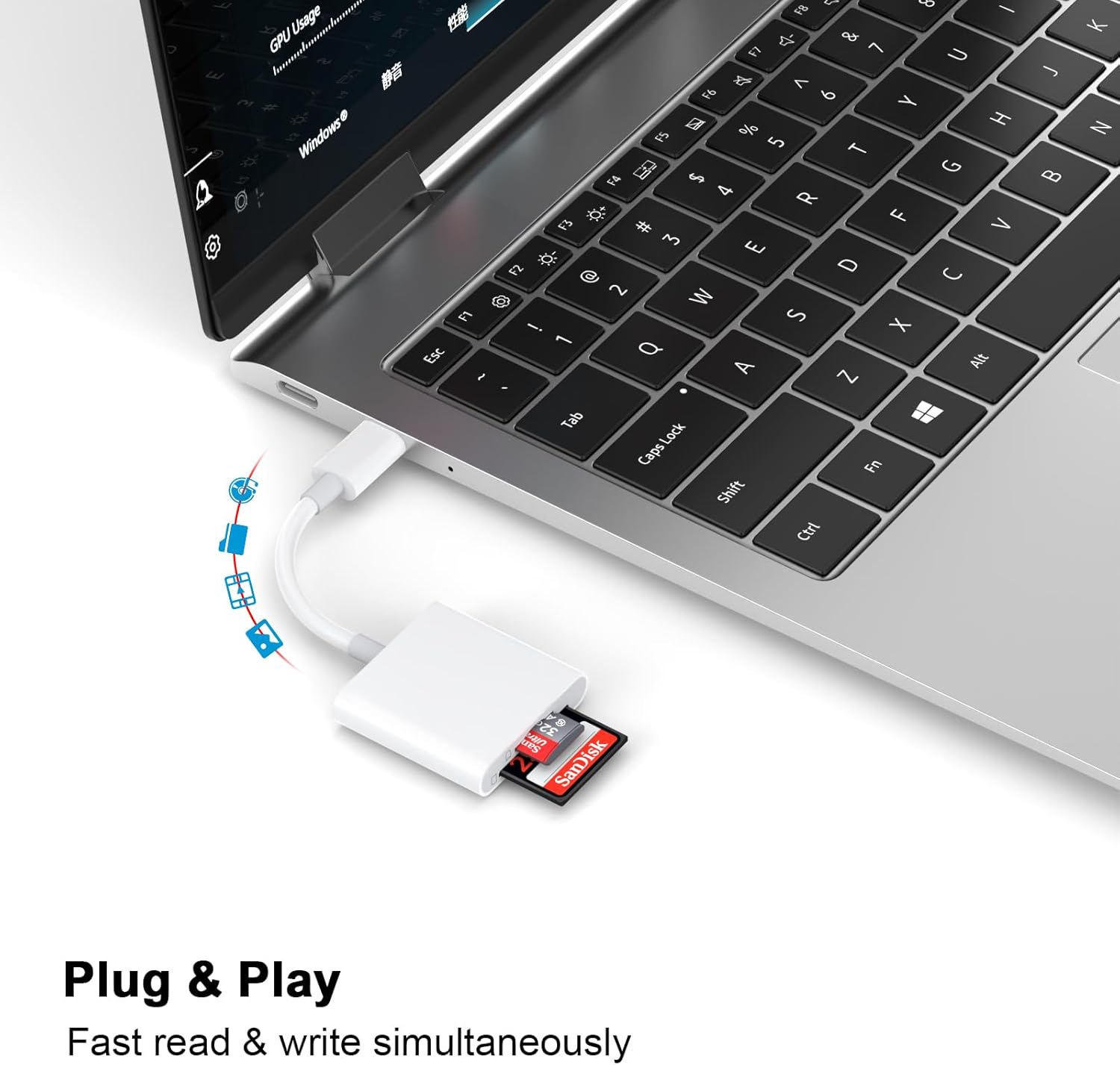
On paper, it’s aimed at people moving content between a mobile device, a MacBook, or even a camera setup. It supports SD/SDHC/SDXC and MicroSD/MicroSDXC/MicroSDHC card types, and it’s described as “plug and play”, meaning you shouldn’t need to install apps just to start transferring.
What matters in day-to-day use
The “dual slots” approach is the headline feature here. If you keep both SD and MicroSD cards around (for example, one in a compact camera and another for a different device), having both options in one reader can reduce faff. It also positions this as a travel-friendly accessory: grab the reader, connect to your USB-C device, and view or move files without needing a full PC workflow.
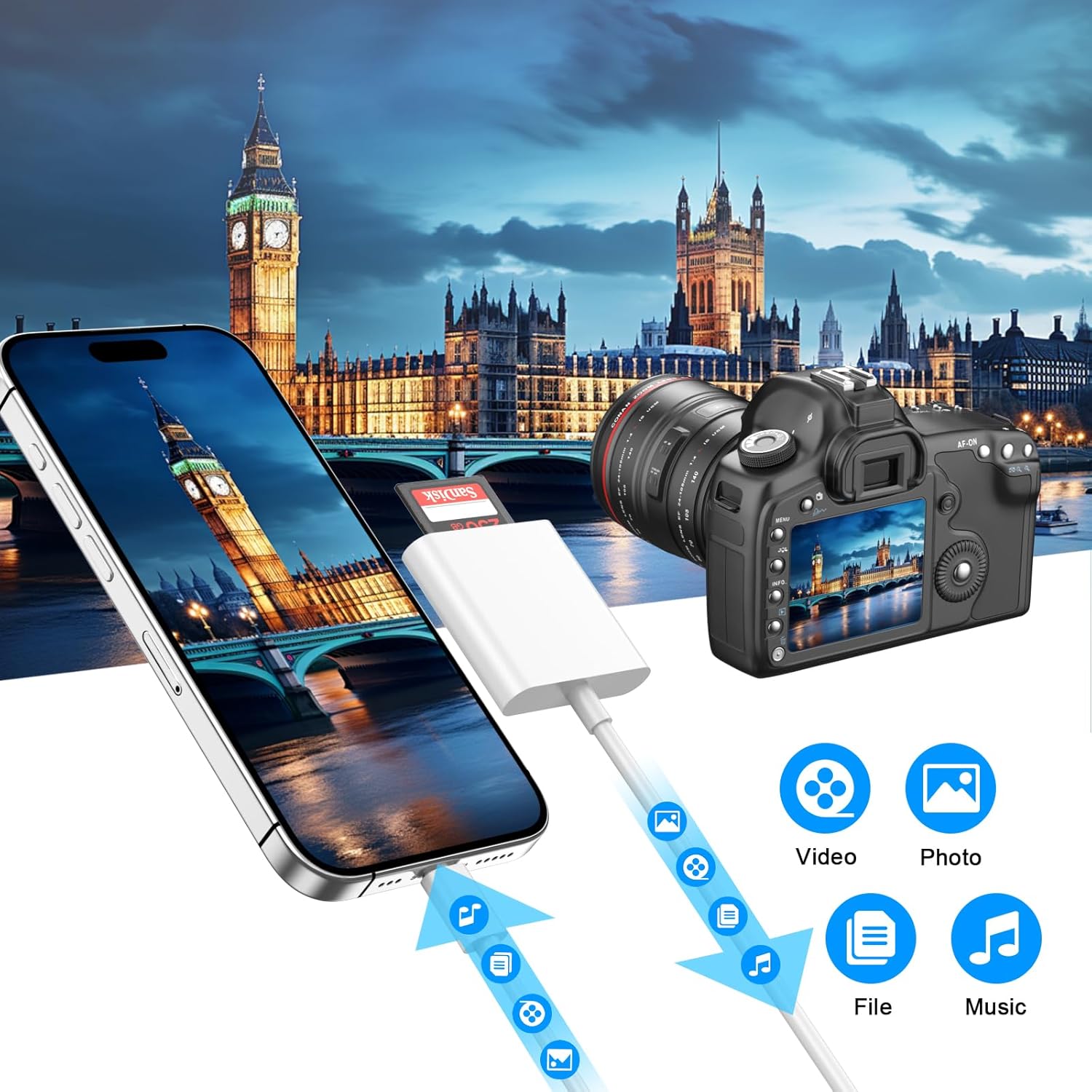
There’s also an emphasis on speed of data transfer and doing things quickly—transferring images, videos, audio and files between the card and a USB-C device. A practical way this could play out is when you’re at a hotel or on location: you import a batch of photos to your iPhone or iPad, then share selected clips straight away instead of waiting until you’re back at a computer.
That said, it’s worth keeping expectations realistic: “high-speed” is usually about relative performance, and without specific read/write benchmarks in the information provided, results can vary depending on the card you’re using.
Compatibility and requirements (what to check before buying)
This reader is described as Apple MFi certified and compatible with Apple devices including iPhone models from the 15 series through the 16 and 17 series (with Pro and Pro Max variants mentioned), plus iPad models listed in the description and several MacBook models and MacBook Air listed.
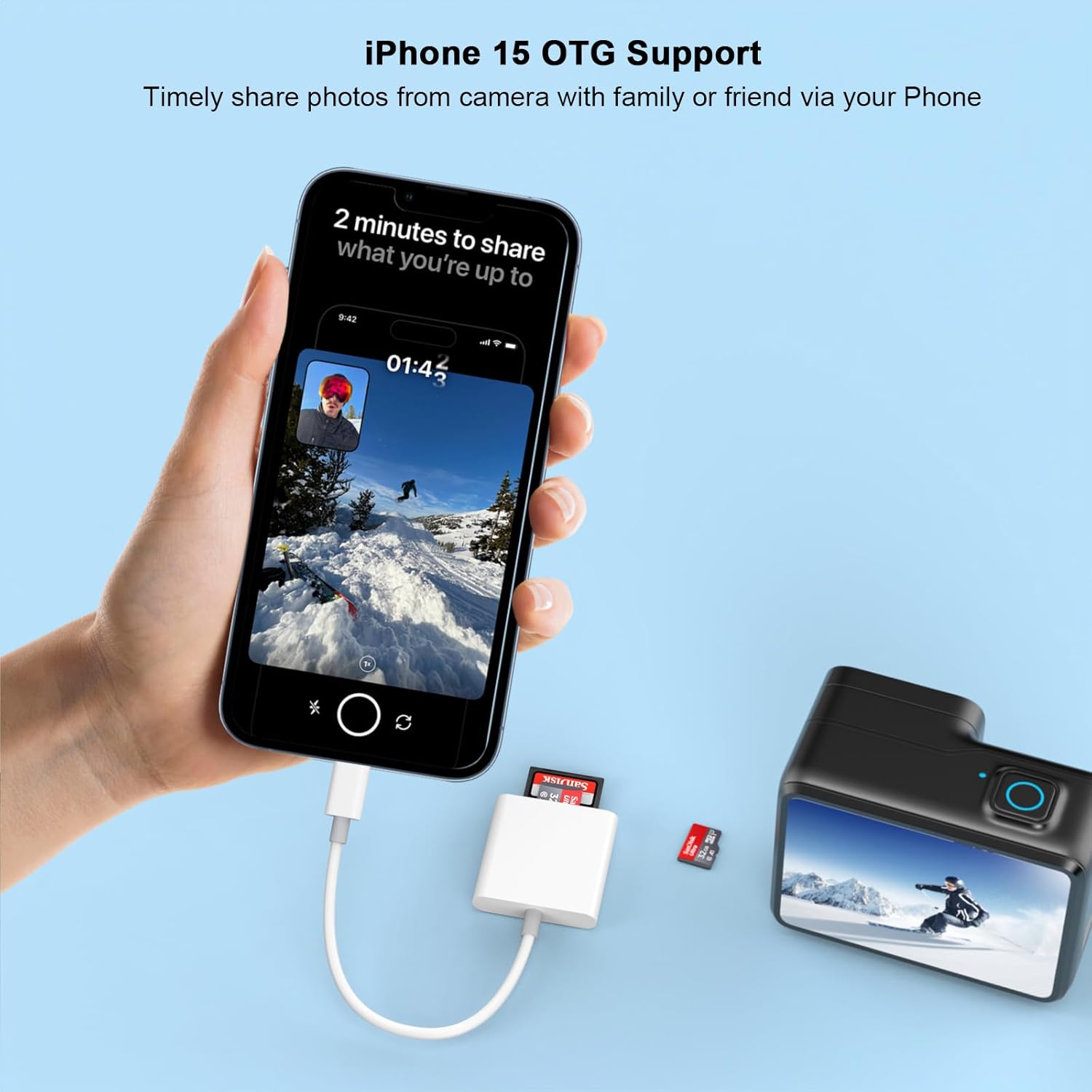
It also mentions working with the Apple Files app. That’s a useful detail because it tells you where you’re likely to find the imported media rather than it living in some separate companion interface.
If your setup is older or uses a non-USB-C port, this one may simply not fit the physical connection you need—so it’s sensible to double-check you’re buying for a USB-C host device.
What’s included (and the limits of the info)
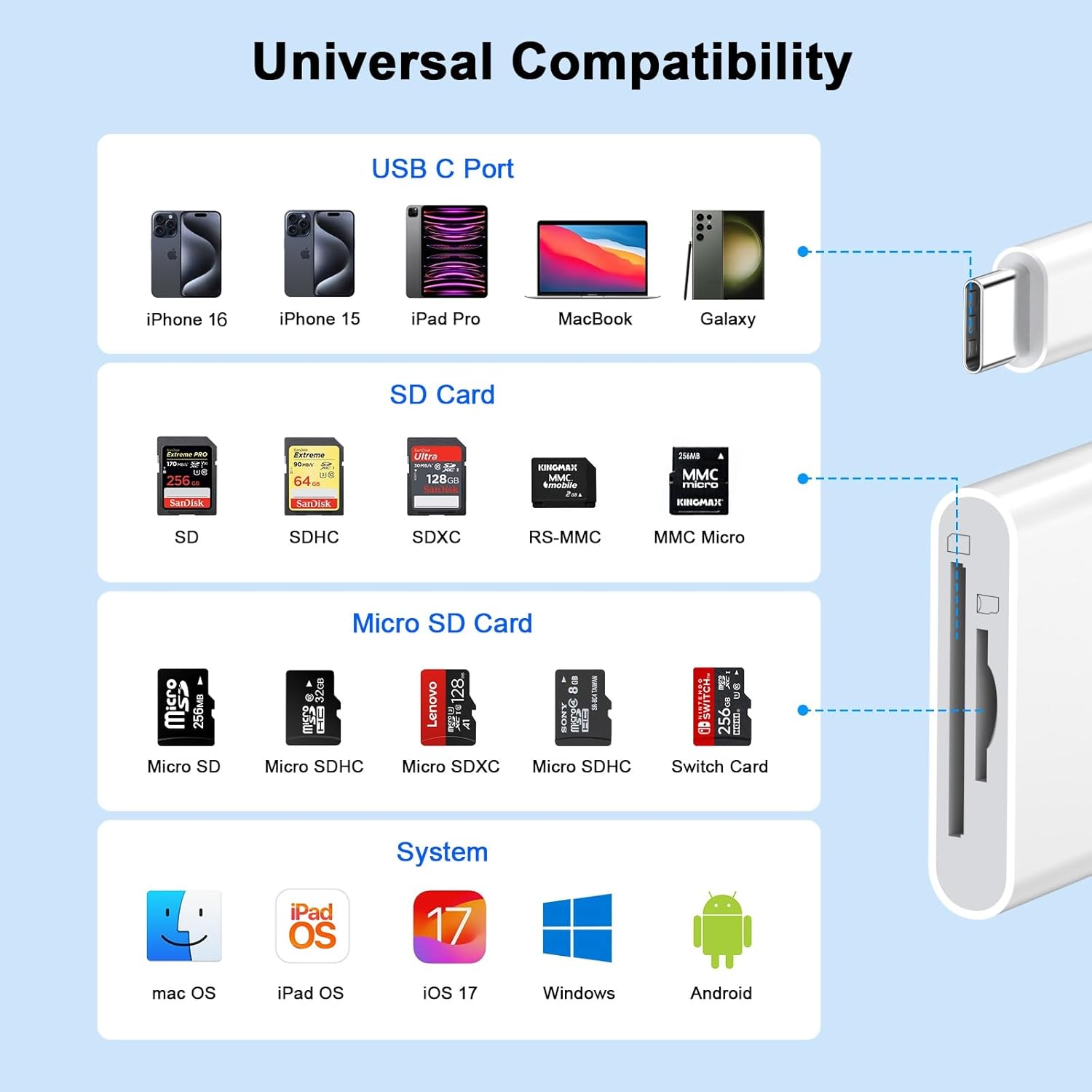
From the description, what you can reasonably expect is a USB-C SD card reader with dual card slots. However, there’s no detail in the information provided about what’s inside the box (for example, whether a cable or travel pouch is included). If you care about portability accessories, it’s worth checking the listing’s “in the box” section on amazon UK before relying on it.
Tech details that affect your decision
This is a USB Type-C to card reader designed for SD and MicroSD formats. It’s described as supporting fast reading and writing of files and enabling batch transfers of photos and videos. It also claims you can save data from your phone or computer onto an SD card through the reader.
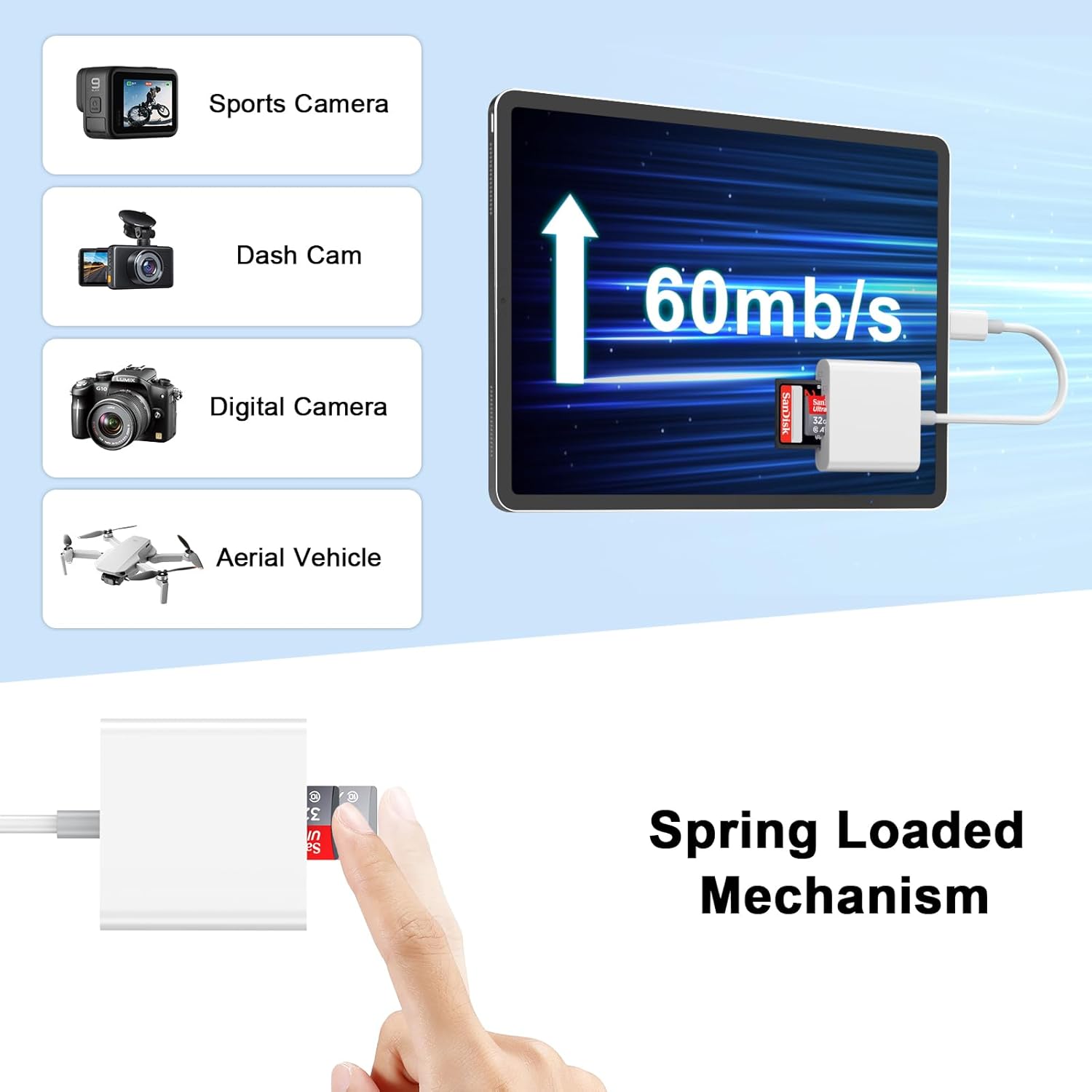
One more nuance: the description mentions using it for an iPhone/iPad experience and also references a camera viewer context (as a trail camera viewer). That suggests it’s meant to work in everyday photo workflows and also in setups where you periodically pull media off a card for viewing.
Should you buy it?
Final verdict
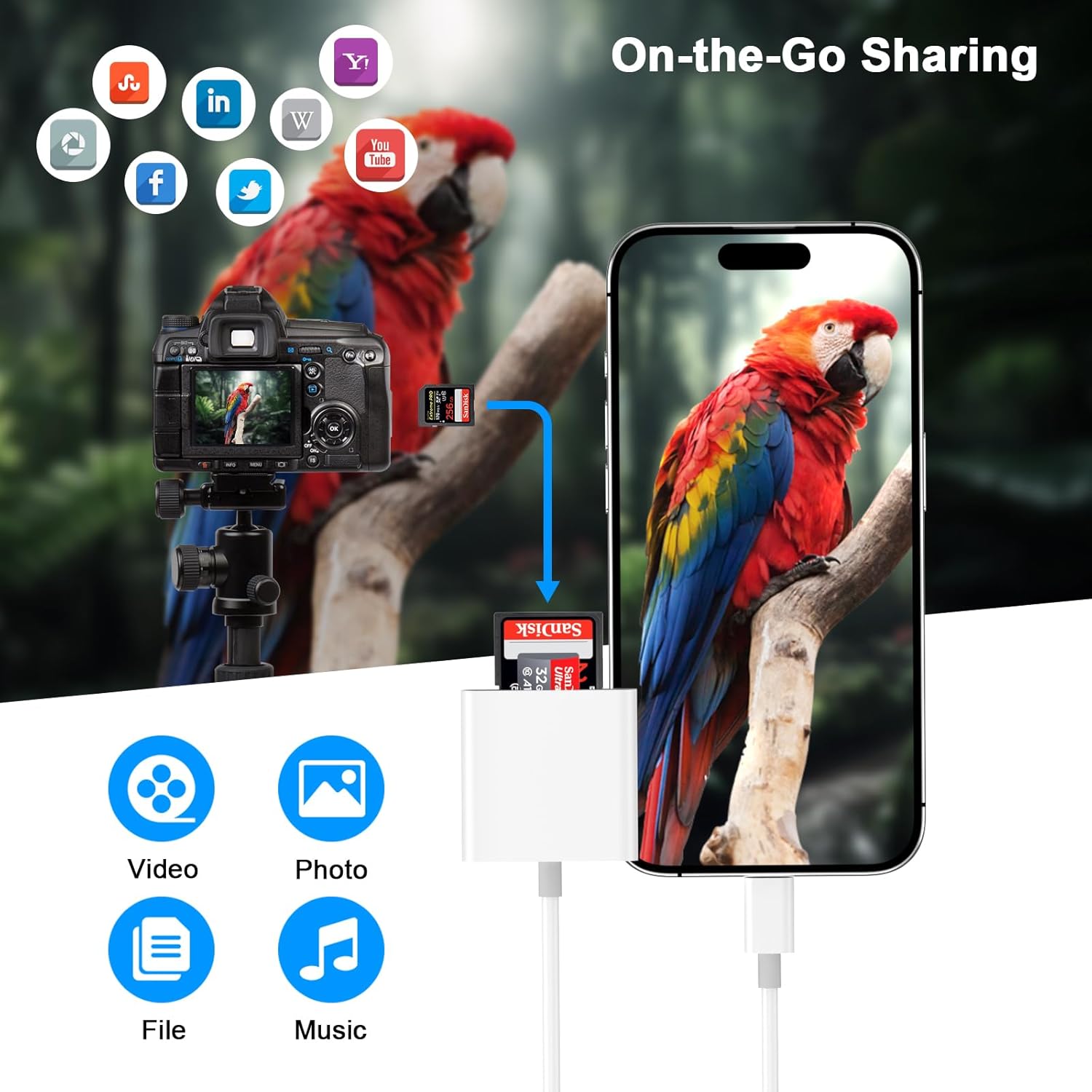
It’s a good fit if you want a straightforward USB-C SD card reader for moving photos and videos from SD or MicroSD cards to an iPhone/iPad/MacBook, and you specifically value the convenience of “plug and play” without downloading apps. If you often travel, or you keep more than one card format in use (SD plus MicroSD), the dual-slot design is the kind of detail that can save time.
You may want to skip it if you’re not sure your USB-C device is covered by the compatibility list mentioned, or if you need guaranteed top-tier transfer performance and you don’t want to rely on “high-speed” wording without concrete specs. It might not be a great match if you mainly use a non-USB-C workflow or you expect this to replace a full computer setup for everything.
Mini FAQ
Usage tips
- Will it work without apps? The description says plug and play with no need to download applications.
- Where do I view files on Apple devices? It mentions compatibility with the Apple Files app.
- Which card types are supported? SD/SDHC/SDXC and MicroSD/MicroSDXC/MicroSDHC are listed.
Is it worth it?
If your main goal is quick, cable-light media importing to a USB-C Apple device, this FUHAYA MFi-certified reader makes practical sense. If you’re chasing specific performance figures or your hardware doesn’t match the USB-C and device list implied, it’s safer to look for a reader with clearer measurable specs and fully confirmed compatibility for your exact setup.