


Epson FastFoto FF-680W: Wireless High-Speed Photo and Document Scanning System
Reviews
Product description
What it is
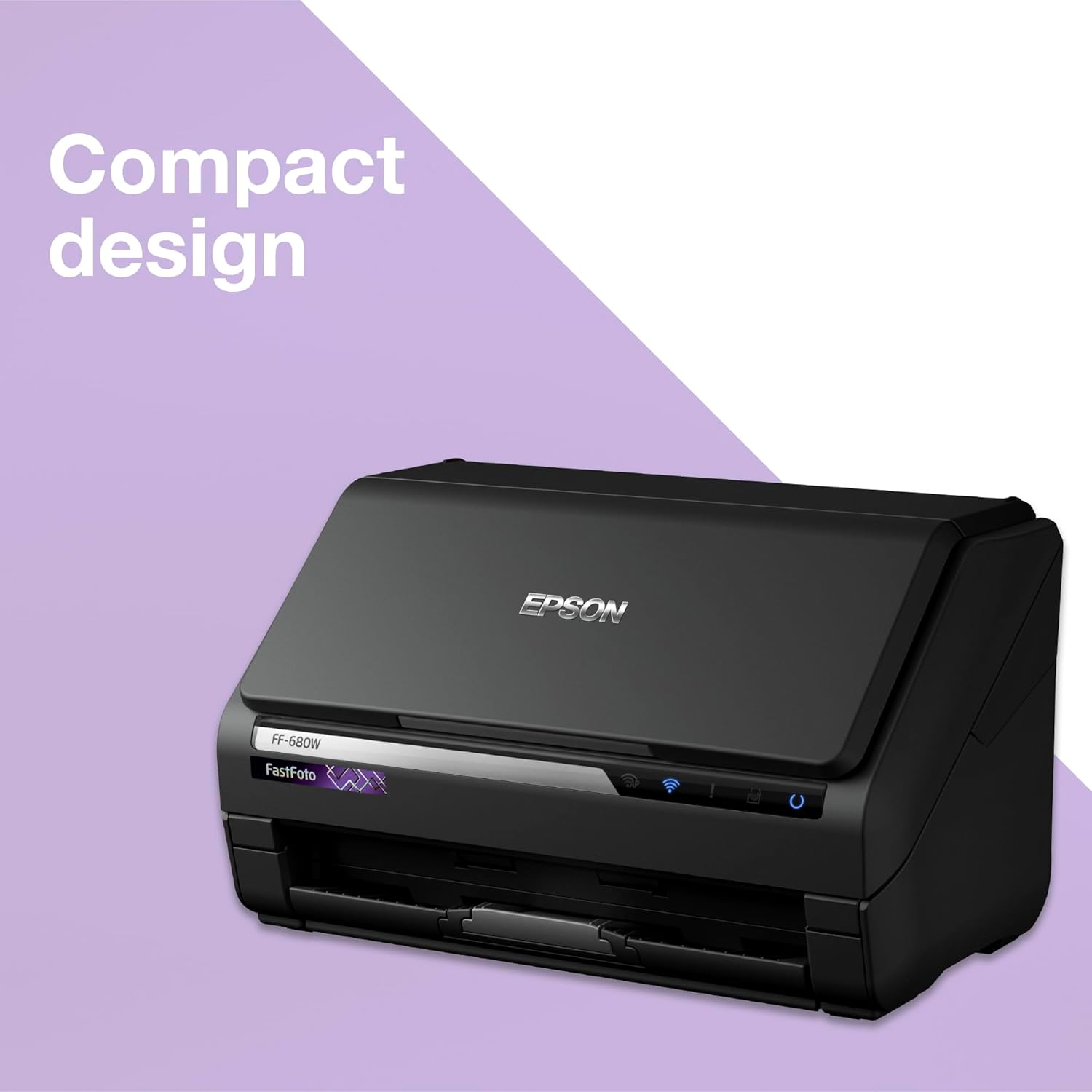
The Epson FastFoto FF-680W is a wireless high‑speed scanner designed to digitise photos and documents with minimal fuss. It combines a fast auto feeder, automated image enhancements and straightforward file-sharing options, all in a compact black chassis.
How it helps you
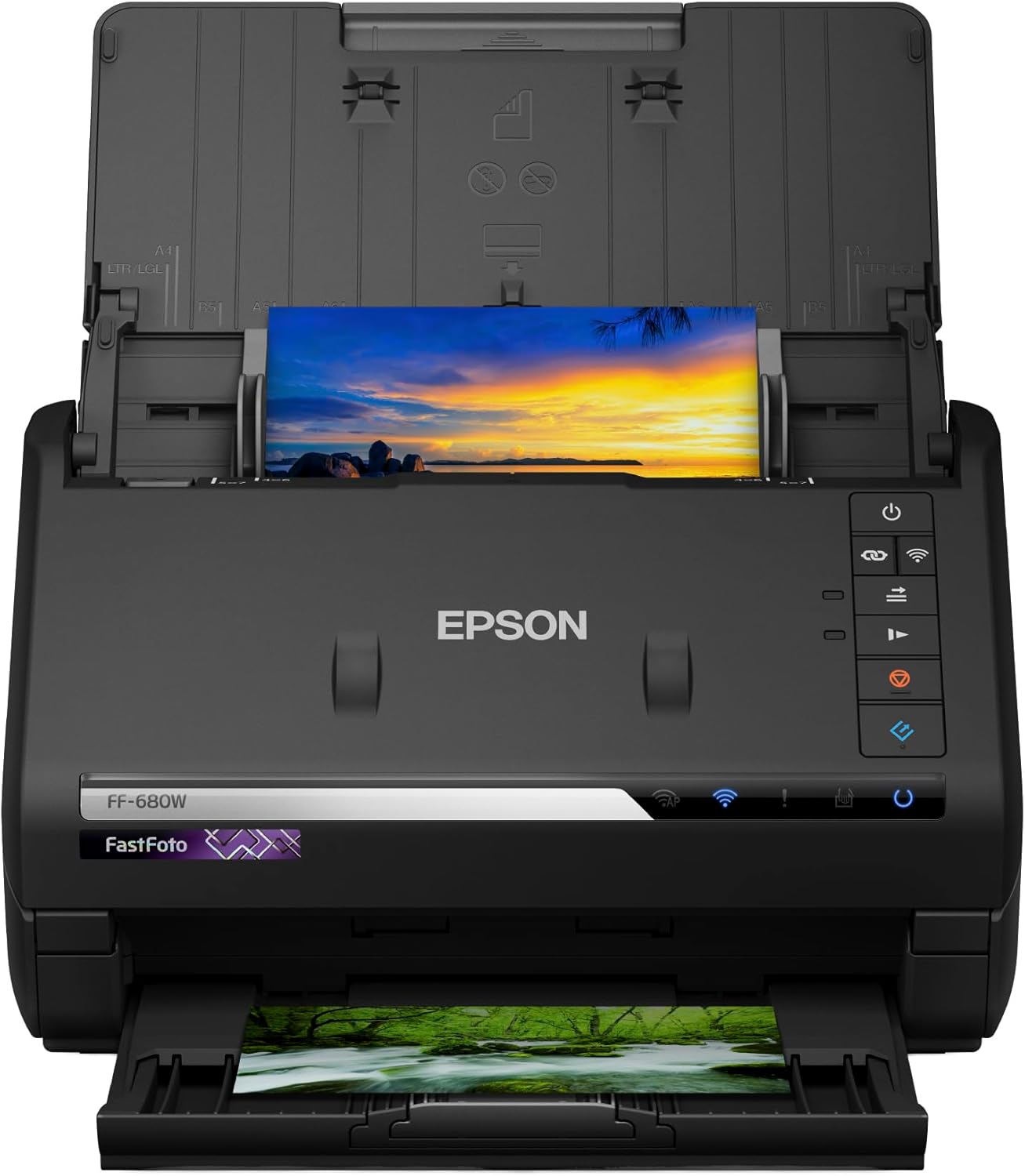
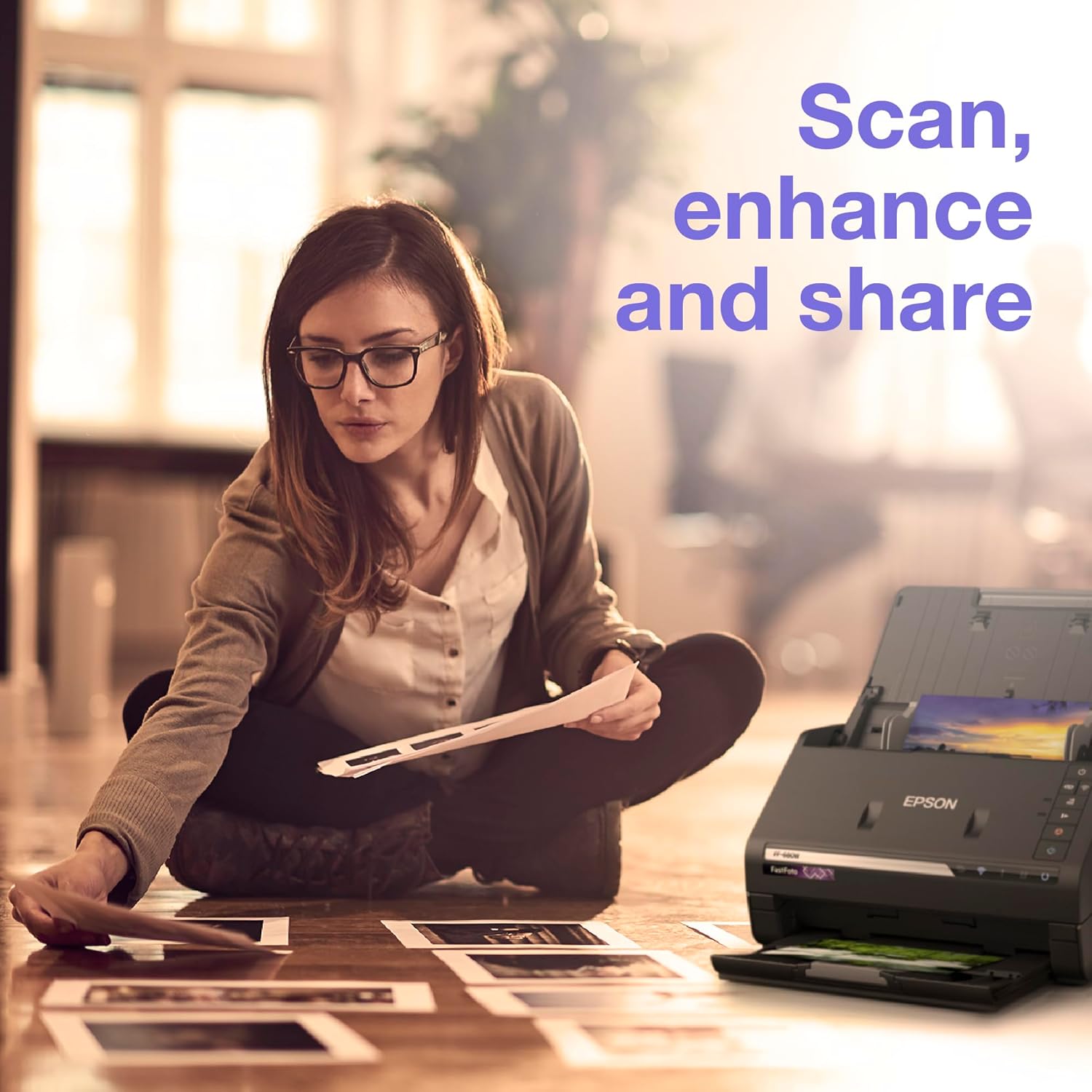
If you’re faced with archiving a large photo collection or digitising documents, this model aims to speed things up. It can process batches quickly and offer automatic cropping, rotation, colour restoration and brightness/contrast improvements, which reduces manual editing later.
What stands out
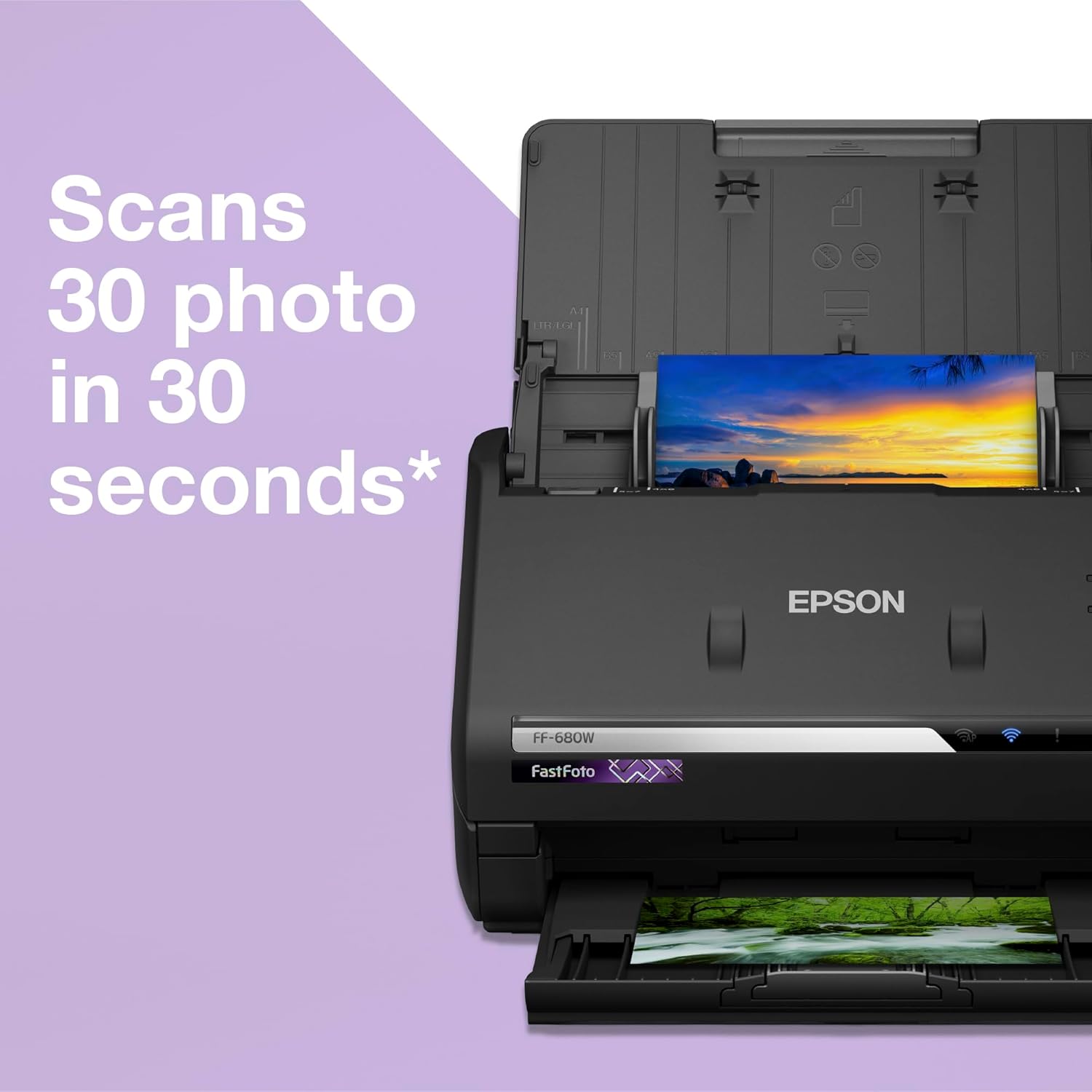
On the paper merit, its speed is notable: up to 30 photos scanned in 30 seconds with an auto feeder. It supports a range of photo sizes from 9x13cm up to 21x91cm, and can handle single- and double-sided documents up to the stated throughput. The ability to save to varying file sizes means you can choose sharable JPEGs for easy sharing or TIFFs for archival quality. Cloud integration is convenient for quick sharing, with automatic uploads to Dropbox and Google Drive.
What to consider before buying
- Speed and batch processing are appealing, but real-world performance depends on photo size, condition and the condition of the originals.
- The device relies on wireless connectivity for cloud uploads, which requires a stable network—consider your home or office Wi‑Fi setup.
- If you primarily scan non-standard sizes or fragile photos, test how well the feeder handles glossy or damaged originals.
- For those who prioritise local archival formats, TIFF offers high quality, but larger file sizes mean more storage and longer transfer times.
Who it’s for
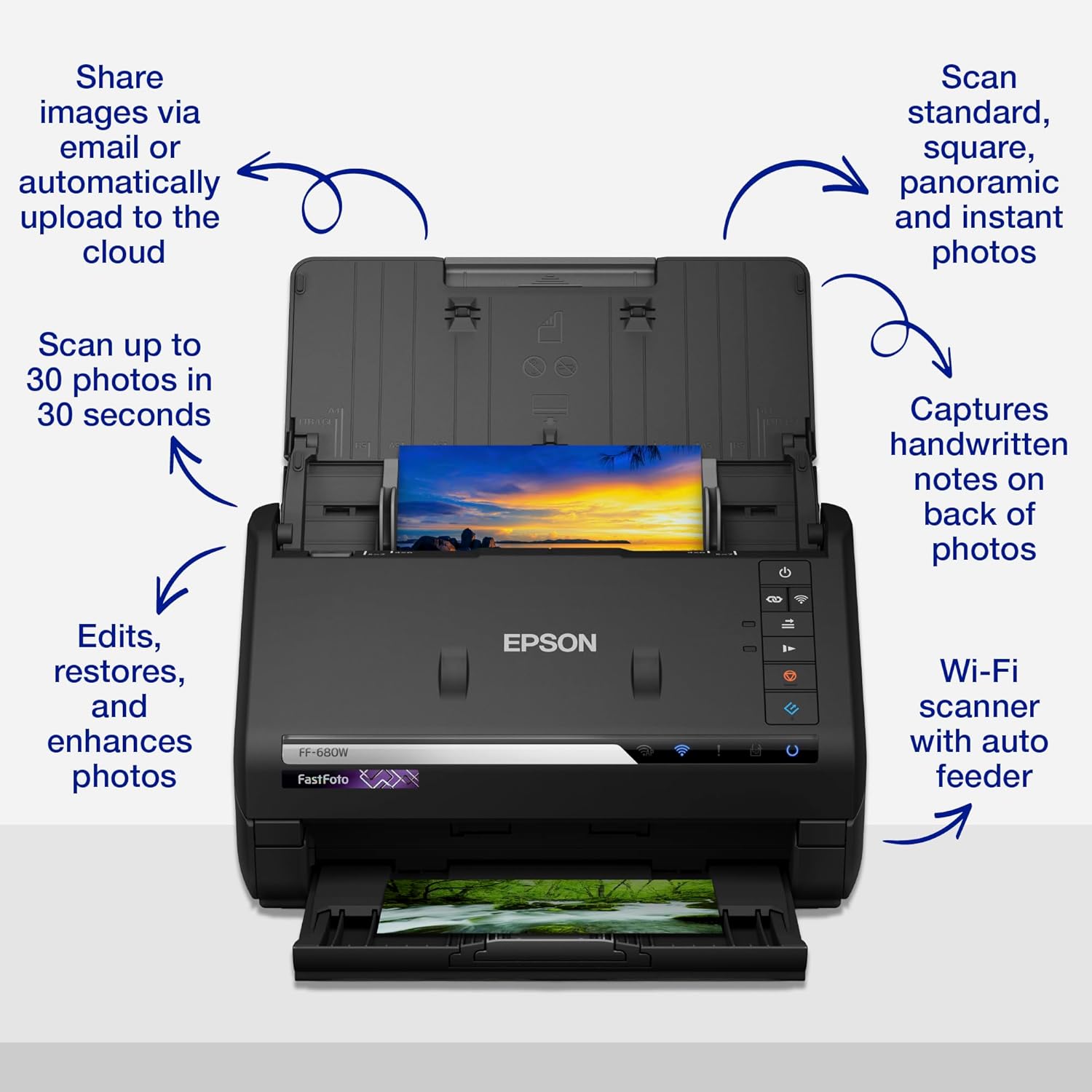
This scanner suits households or small offices with large volumes of photos and documents to digitise, especially when quick sharing or cloud backups are part of the workflow. It’s a sensible option if you want a hands-off workflow from scan to cloud.
Who it isn’t for
If you seldom scan photos or rely mainly on flatbed scanning for delicate items, there might be a better fit in models with manual handling and finer control. Also, if you don’t use cloud storage or need offline-only operation, the cloud integration may feel superfluous.
When it makes sense to buy
When you need to convert many physical images quickly and stream them to cloud storage, while keeping file sizes manageable, the FF-680W offers a balanced mix of speed and convenience. It can be particularly useful for compiling digital photo archives or preparing documents for digital collaboration.
When to hold off
If you’re on a tight budget, or if your scanning needs are occasional and manual editing is acceptable, a simpler or lower-cost option could be more appropriate. If you regularly work with non‑standard formats beyond the supported range, you may run into constraints.
Practical usage tips
- Organise batches by size to maximise feeder efficiency.
- Start with a small test batch to calibrate colour restoration and brightness before large scans.
- Review cloud sync settings to ensure automatic uploads align with your storage plan.
- Use the TIFF option only if you truly need archival-grade quality, otherwise JPEGs will usually suffice for sharing.
Technical snapshot (brief)
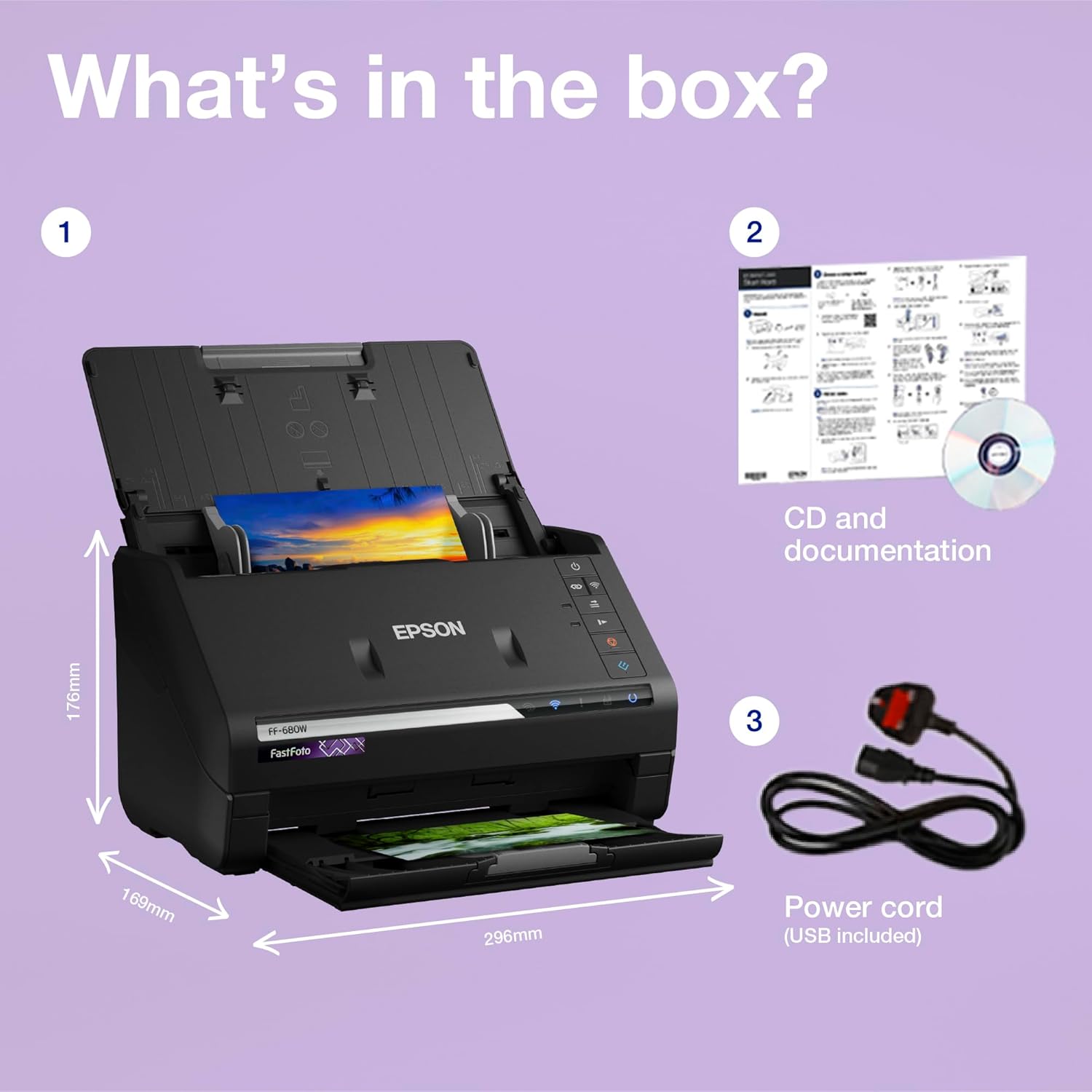
- Supported sizes: photos from 9x13cm to 21x91cm and both sides of documents.
- Speed: up to 30 photos in 30 seconds with auto feeder, documents up to 45 pages per minute.
- File options: adjustable for sharable JPEGs or higher-quality TIFFs.
- Connectivity: wireless with automatic uploads to Dropbox and Google Drive.
FAQ (practical answers)
- Can I scan non-photo documents with good results? Yes, it handles mixed media but performance depends on document conditions.
- Do I need an ongoing internet connection for cloud uploads? Cloud uploads are supported, a reliable network improves the automatic sharing workflow.
- Is it good for large photo libraries? It’s positioned as a high-speed option suited to batch processing and archiving.
Should you buy it?
Is it worth it? If you prioritise fast, automated digitisation with straightforward cloud sharing, the FF-680W offers a compelling workflow. It may not be the best choice if you rarely scan or prefer offline storage as a default, but for regular archiving tasks it provides clear value for money.