

Frameo 10.1 inch WiFi Digital Photo Frame with HD IPS Touch Screen and 32GB memory
Reviews
Price
Product description
What this is for
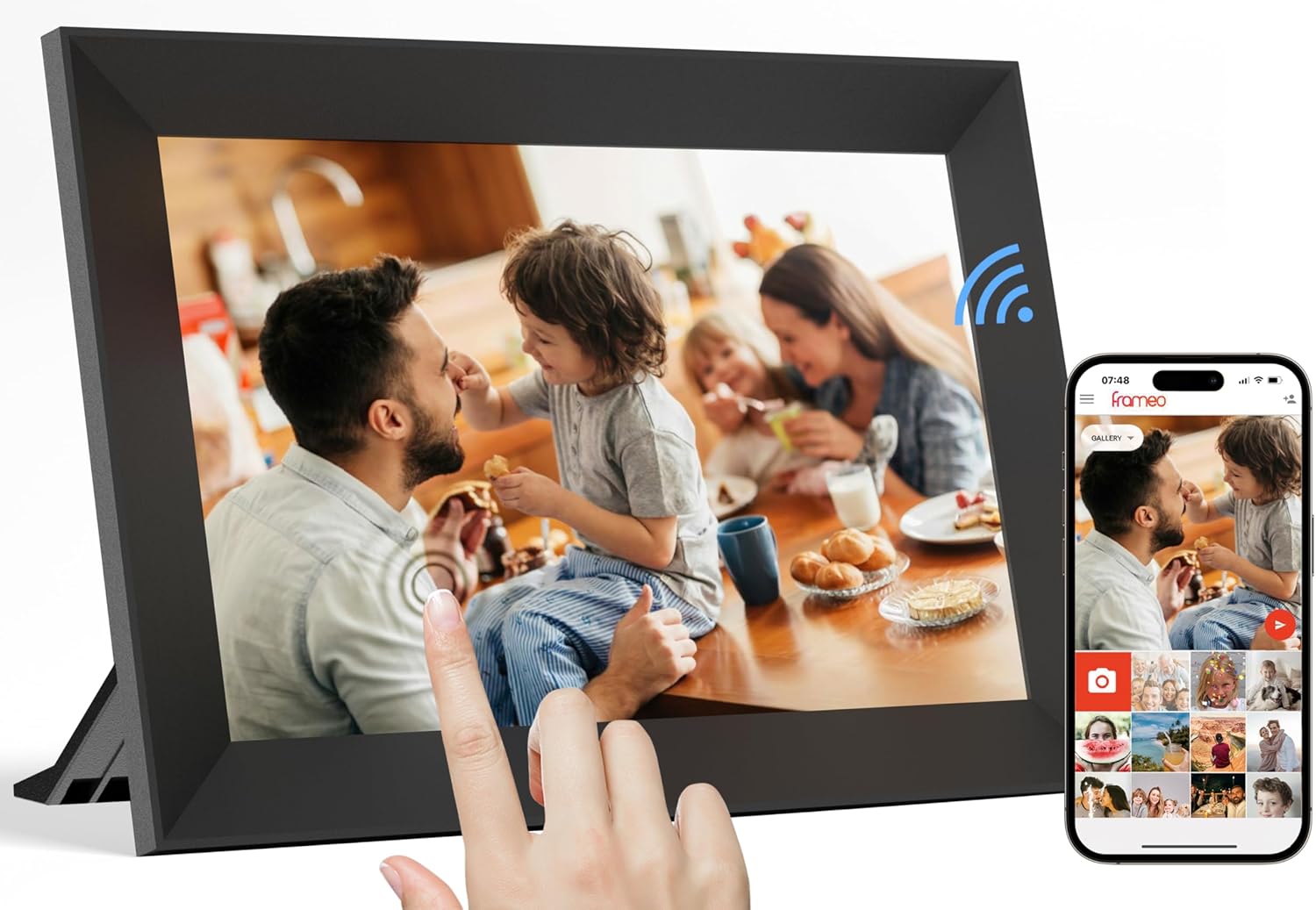
If you want a digital photo frame that feels more like “sharing moments” than “uploading once and forgetting”, the Frameo 10.1 inch WiFi Digital Photo Frame is built for that. It combines a touch-screen display, built-in storage, and wireless sending via the Frameo app, so family members can contribute photos/videos from elsewhere.
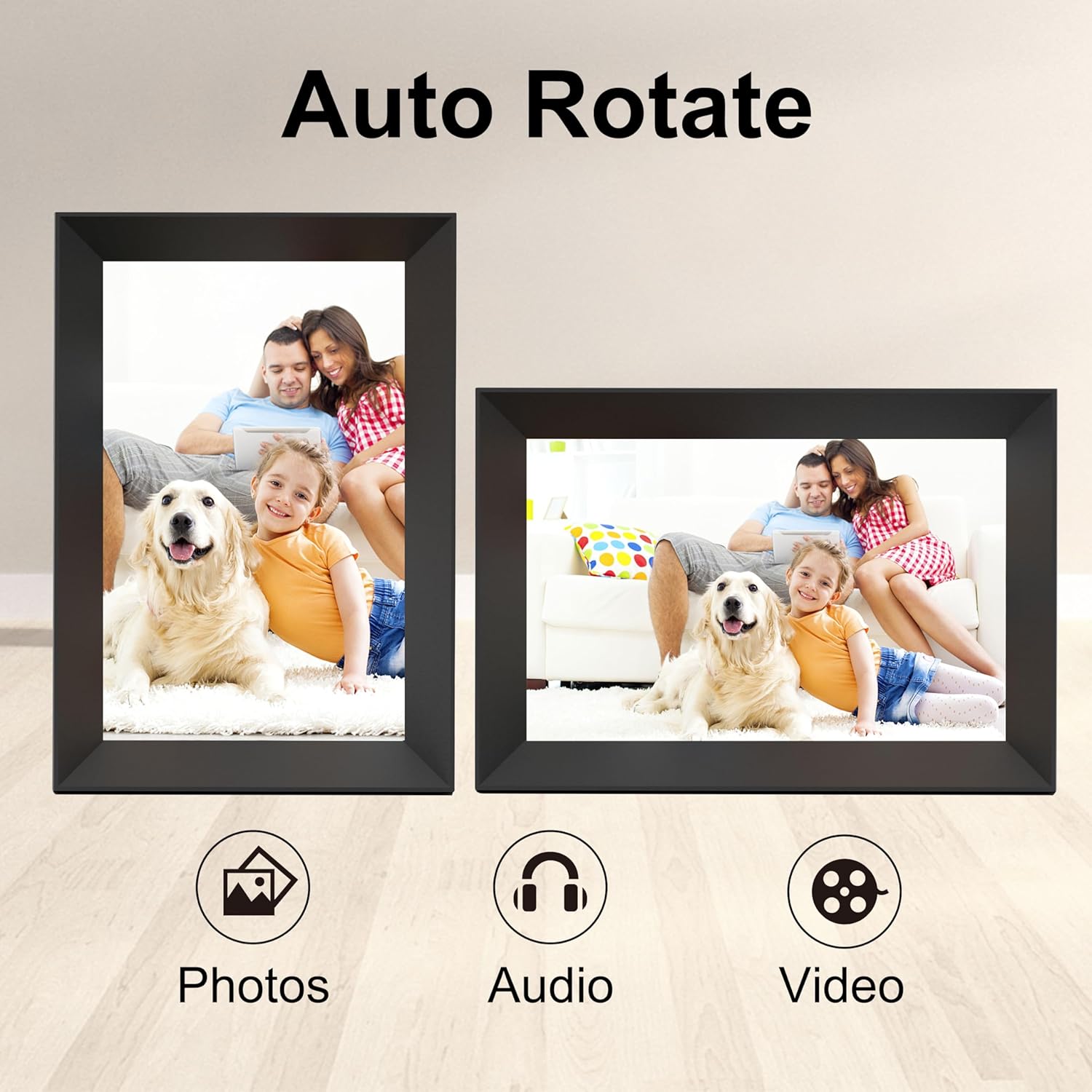
On paper, it ticks a lot of boxes for everyday home use: you can browse on the screen, pause a slideshow, tweak display settings, and even rotate images automatically so they fit the way the frame is mounted or placed. It’s the kind of setup that can reduce the usual friction—no one has to fiddle with a USB stick unless they want to.
That said, it isn’t a “smart display” in the broad sense of being a full tablet, it’s a dedicated frame. So if you’re expecting lots of apps, heavy editing, or advanced playback features, you may feel boxed in.
Key features worth paying attention to
The standout elements here are the display and the sharing flow.
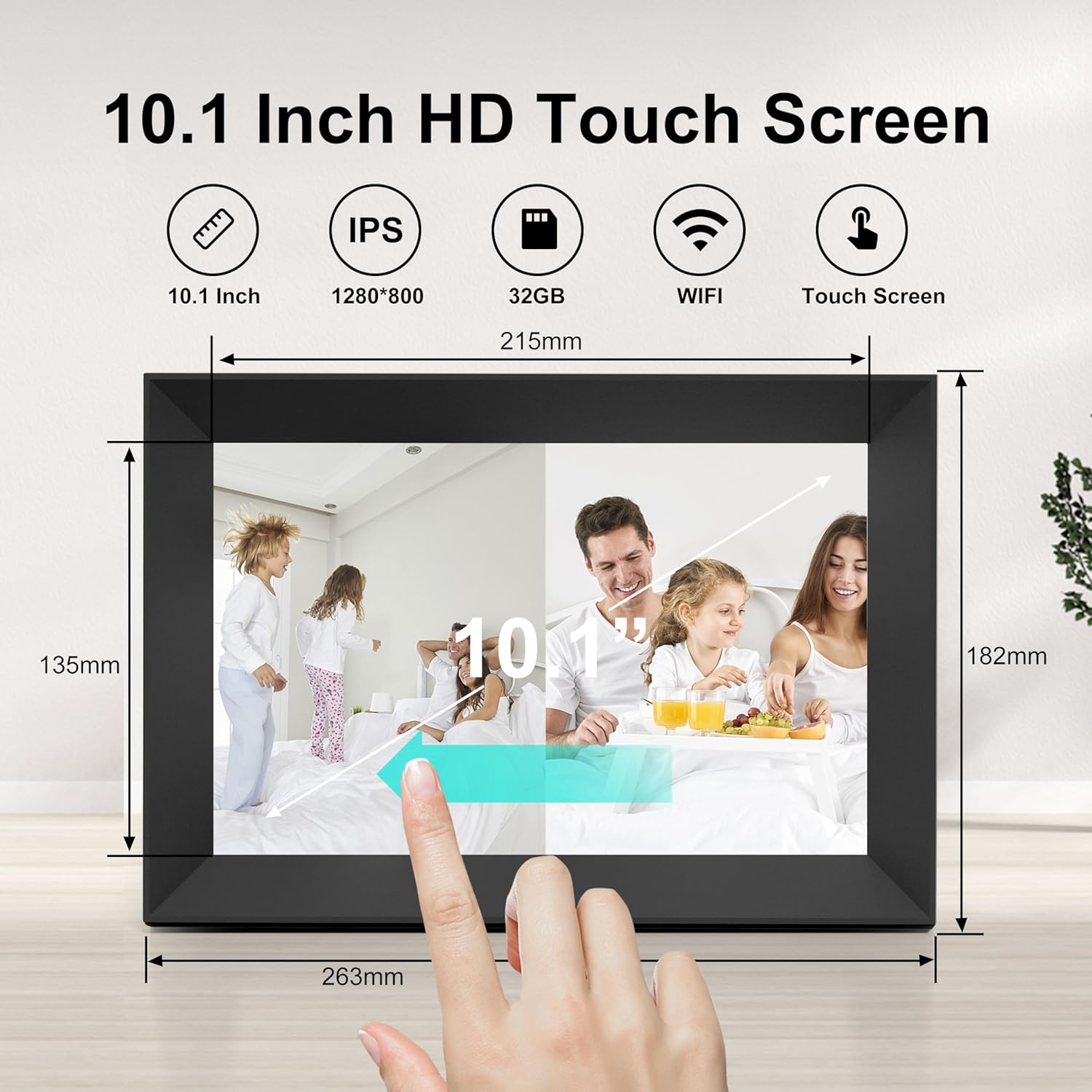
The 10.1-inch IPS HD touch screen uses a resolution of 800*1280, and it’s touch-controlled—so switching between photos, pausing a slideshow, or changing settings is meant to be quick with a tap.
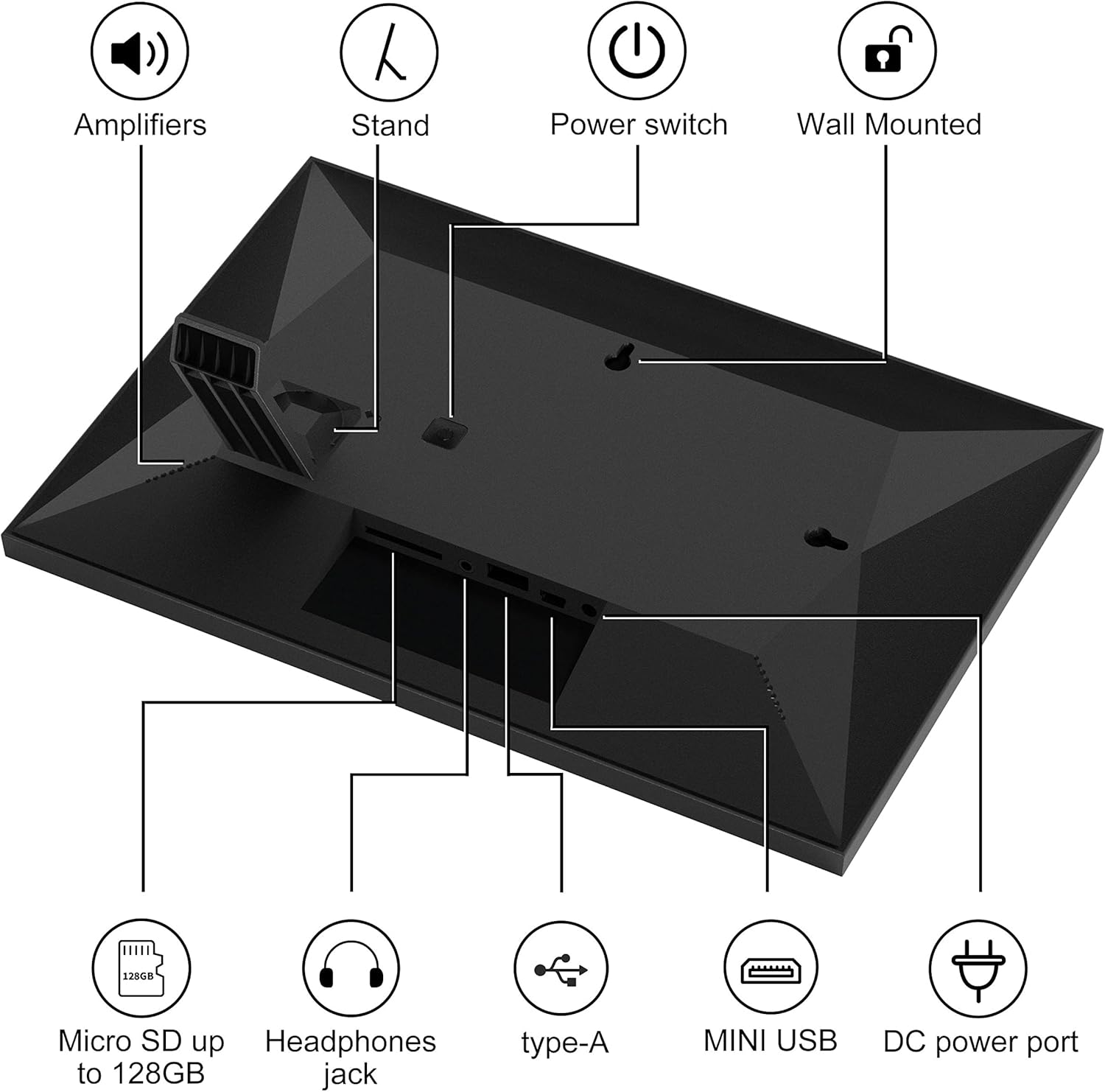
Storage is also a practical point: it includes 32GB built-in memory. If you run out of space or want to manage files more flexibly, it supports USB drive via a Micro USB port, and Micro SD up to 128GB. It can handle photos and MP4 videos, which makes it more than a “static images only” frame.
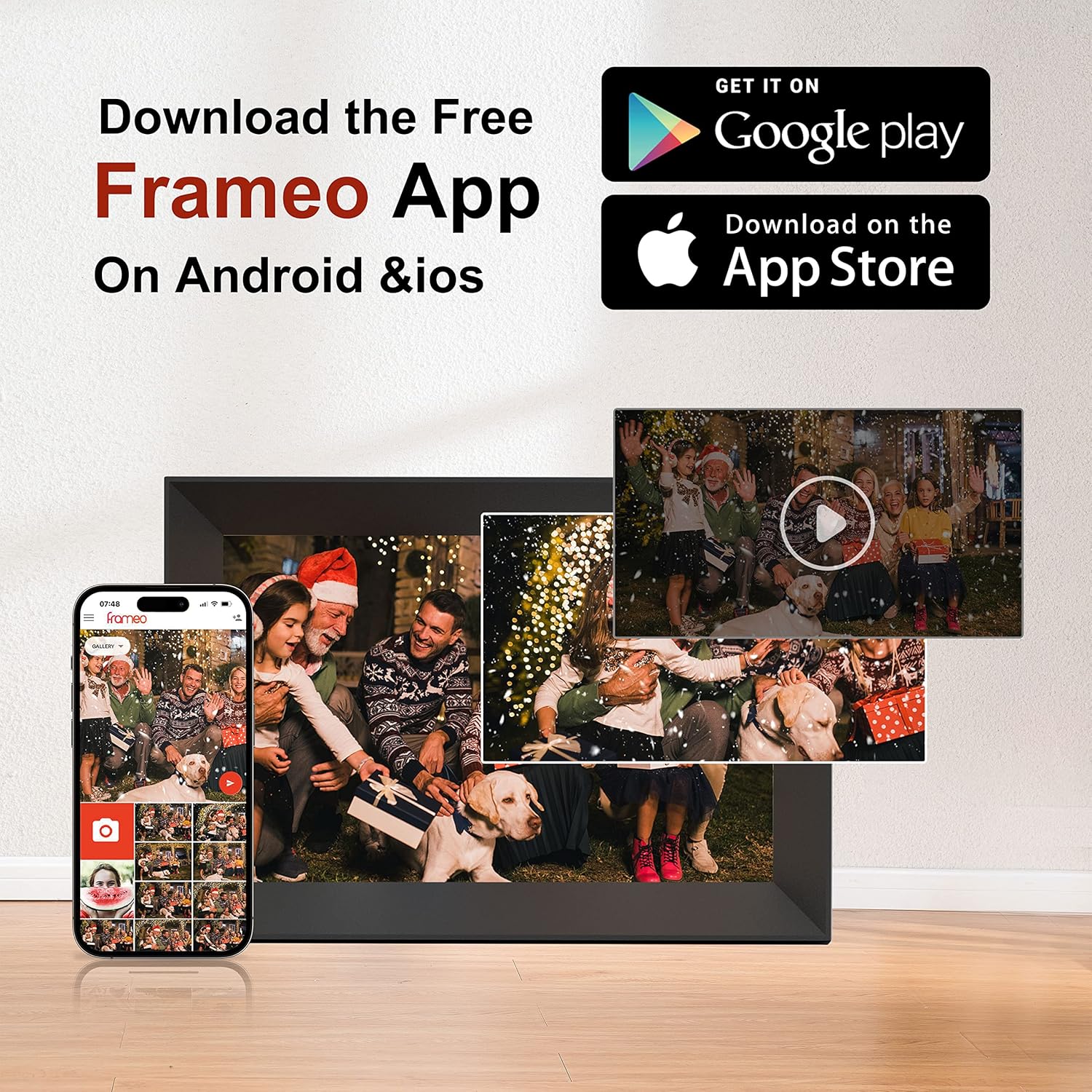
Then there’s the wireless sharing via the Frameo app. The idea is simple: download the Frameo app on Android or iOS, connect the frame to your WiFi, and share content from anywhere. This is the feature that tends to make these frames feel worthwhile—especially if grandparents, family abroad, or busy relatives can’t physically pass over storage devices.
What you’ll notice day to day
Auto-rotate is one of those “small” features that can save you from repeated manual adjustments. Depending on how you place or mount the frame, the device is designed to rotate photos and adjust orientation to fit.
There are also several customisation options mentioned in the product details, such as auto-play, picture zoom, and picture hide/publish. Add caption support, adjustable brightness, and sleep mode, and you’ve got enough control to make the frame suit different rooms and lighting conditions.
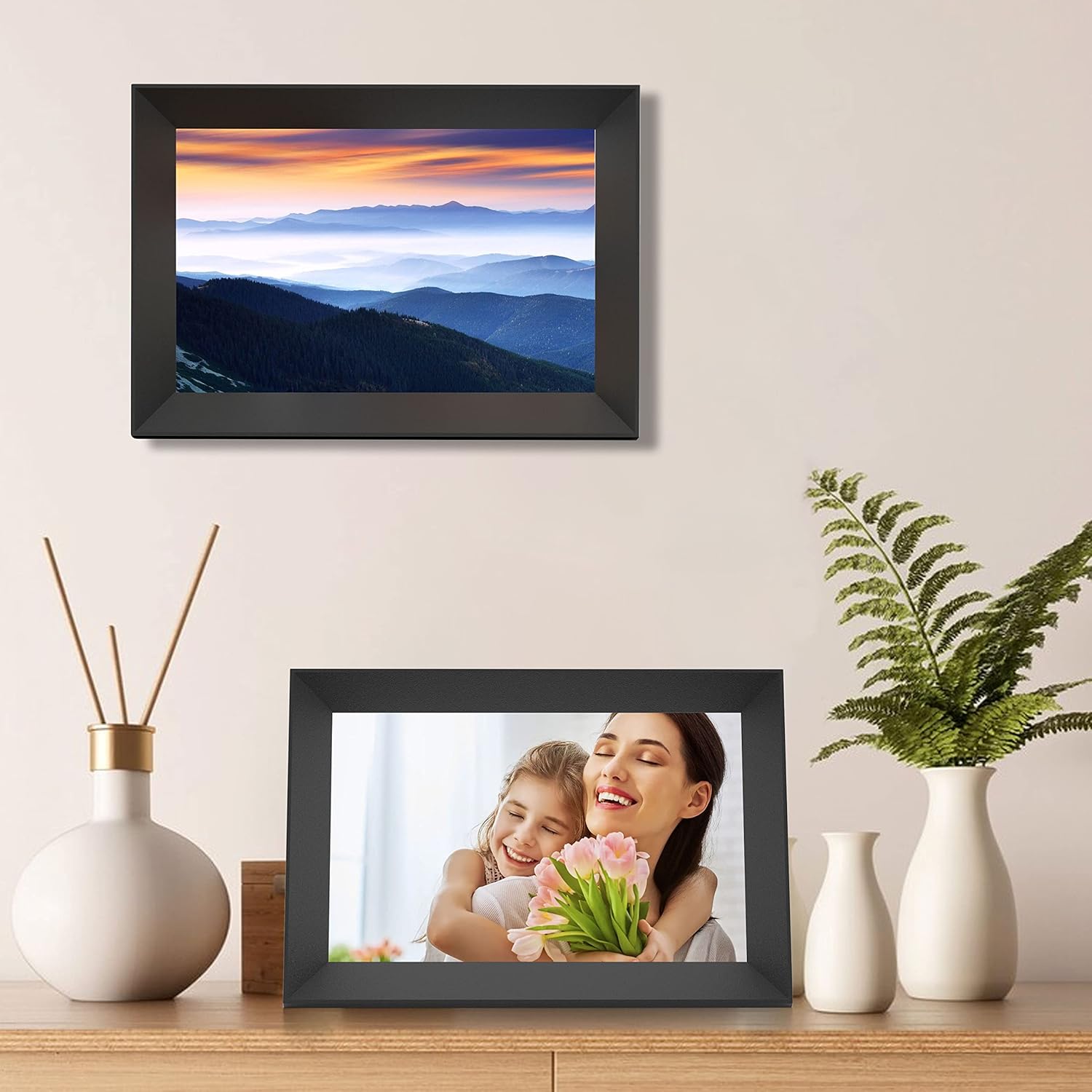
A quick practical example: imagine placing it on a sideboard in the living room. When someone sends new photos through the app, you can leave it running as a slideshow most of the day, then tap the screen to pause on a specific shot when visitors arrive. It’s a straightforward use pattern that suits family homes.
Spec sheet (tech summary)
- Name: Frameo 10.1 Inch WiFi Digital Photo Frame
- Type: WiFi digital photo frame
- Display: 10.1-inch IPS HD touch screen
- Resolution: 800*1280
- Memory: 32GB built-in memory
- Storage expansion: Micro SD up to 128GB
- File support: photos and MP4 videos
- Wireless sharing: via Frameo App (Android and iOS)
Who it suits, and who should look elsewhere
It’s a good fit if you want: - a touch-screen digital frame with built-in storage - WiFi sharing so multiple family members can contribute without extra hardware - basic media controls like slideshow pause, brightness tweaks, zoom, and auto-play
It might not be for you if: - you want a more general-purpose smart display rather than a dedicated photo/video frame - you don’t plan to use the Frameo app sharing feature much (in that case, the value of the WiFi approach may feel harder to justify) - your setup relies on very specific mounting/rotation behaviour, because orientation can depend on how the frame is placed in your space—auto-rotate helps, but it’s still not the same as hands-on re-framing every time
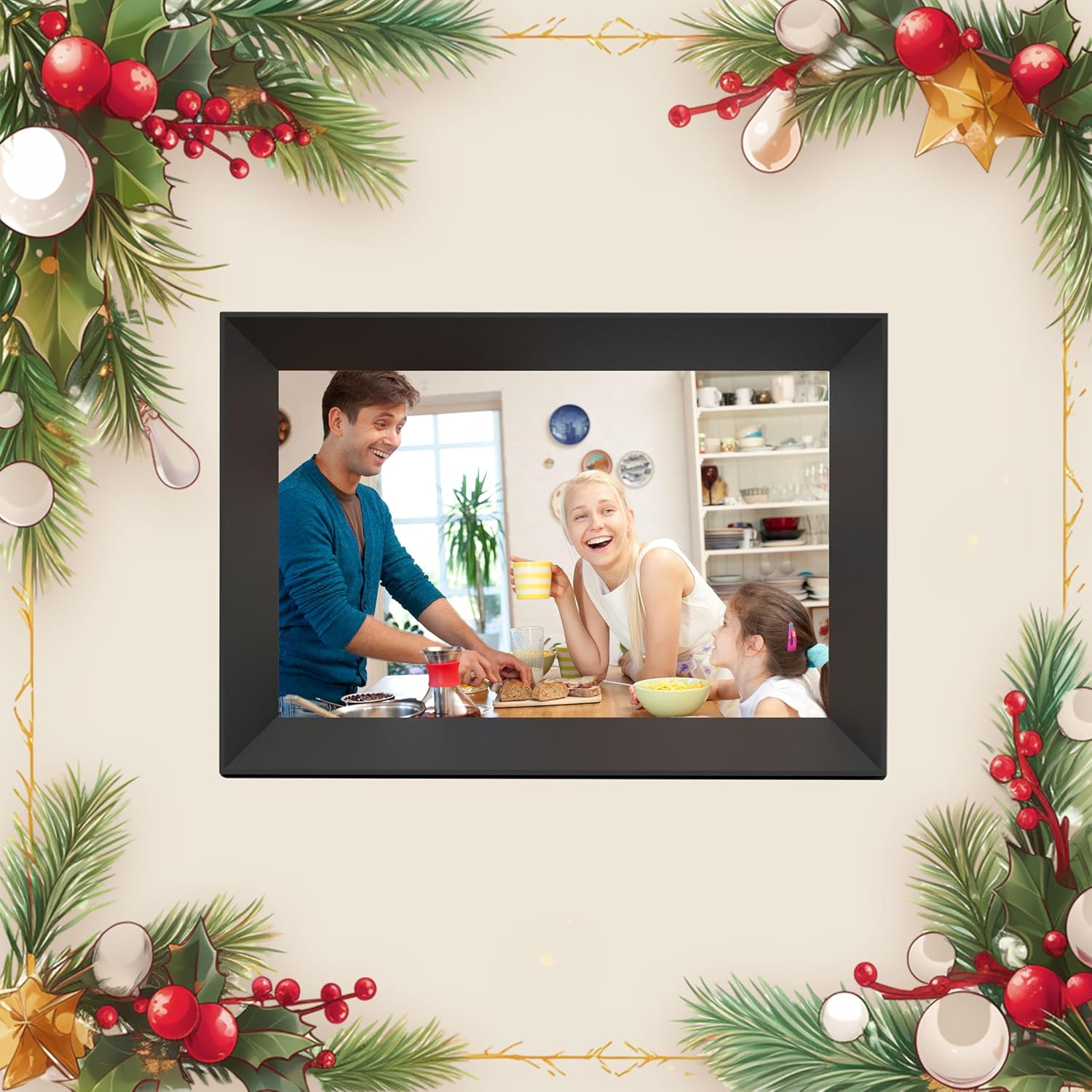
Worth considering if you’re after a practical family gift too. The details point to it being intended as a thoughtful present for occasions like Christmas and Mother’s Day, especially for grandparents or parents who receive shared updates.
Is it worth it?
If you’ll actually use the WiFi sharing from the Frameo app, this is the kind of digital photo frame that can genuinely reduce the “how do we get new photos on there?” problem. The combination of an IPS touch screen, 32GB storage, MP4 support, and app-based sending makes it more convenient than frames that only work via manual file transfers.
If you’re mainly looking to load a set of photos once and leave it static, you may not need this level of connectivity and app-driven approach—cheaper, simpler frames could do the job. The best decision depends on whether sharing from multiple people matters to you.
Mini FAQ
How does sharing work with the Frameo app?
You download the Frameo app on an Android or iOS phone, connect the photo frame to your WiFi, and then family members can send photos or videos from anywhere. The details describe this as instant sharing.
Does it support videos or only photos?
It supports photos and MP4 videos, so it’s not limited to still images.
Can I add extra storage?
Yes. Besides the 32GB built-in memory, it supports Micro SD cards up to 128GB and also USB drive support via a Micro USB port.
Does it rotate photos automatically?
It includes an auto-rotate function designed to rotate photos and adjust the orientation to fit the frame.
Is the touch screen useful?
The product notes that you can browse photos, pause a slideshow, and adjust display settings with quick taps, which suggests day-to-day navigation is handled directly on the frame.