

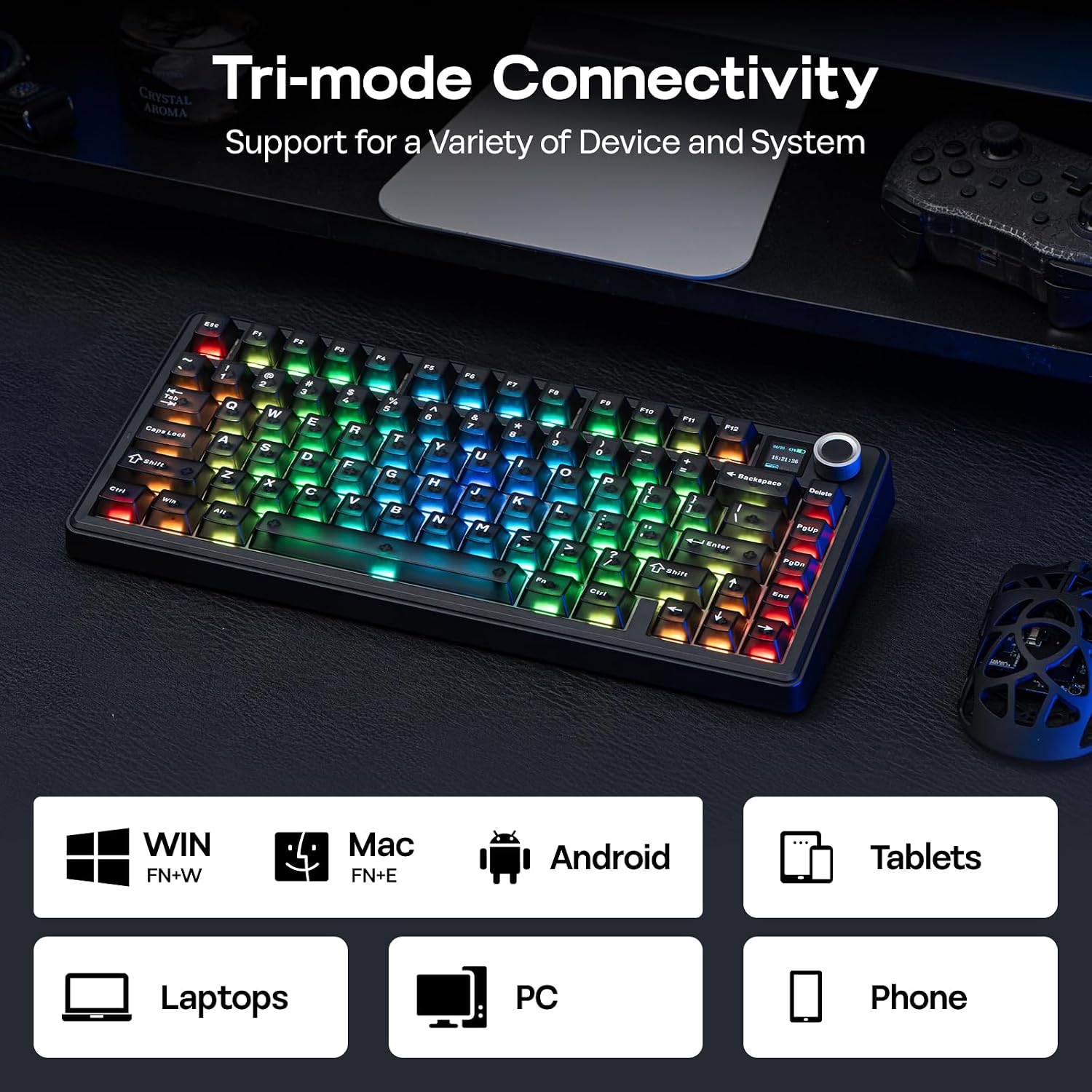
EPOMAKER X Aula F75 MAX Wireless Mechanical Keyboard with TFT Screen and Knob (75% US Layout, Matte Black, Reaper Switch)
Product description
What it is and what it solves
The EPOMAKER X Aula F75 MAX is a compact gasket keyboard aimed at gamers and productivity-minded users who don’t want to compromise on control or visual feedback. Sized at 75% with a US layout, it pairs a robust build with a learnable screenshot-inspired screen and a volume knob. The mix of wireless connectivity, a TFT display, and hot-swappable switches intends to reduce desk clutter and speed up work and play sessions. On paper, this keyboard attempts to blend core typing comfort with quick access to on-board feedback and system information, which can help cut down on time spent switching windows or fiddling with software.
What stands out in everyday use
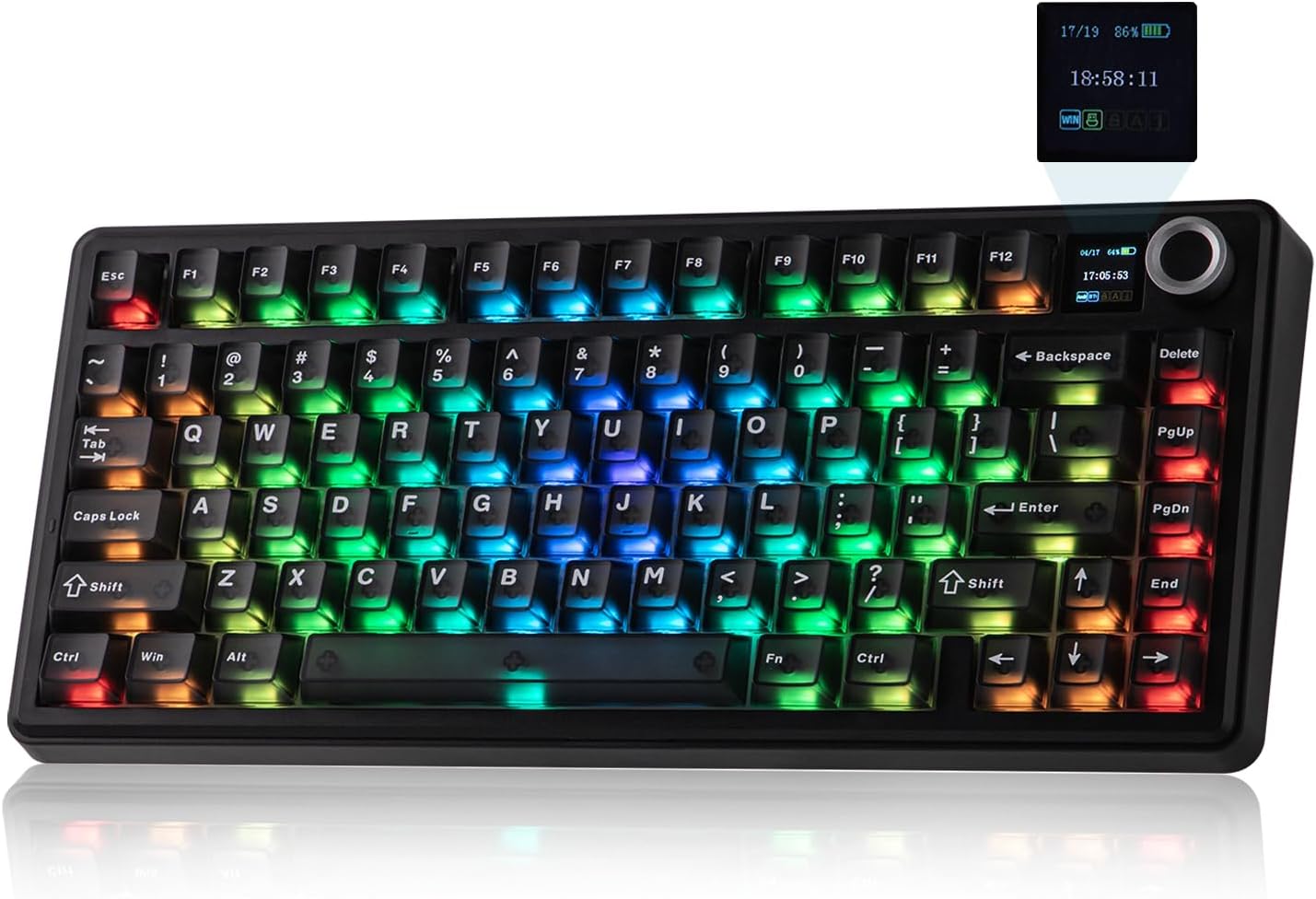
If you prioritise a tidy desk setup with fewer cables, the wireless capability can be a real decider. The built-in TFT screen isn’t just a gimmick, it’s designed to show backlight status, battery indicators, or lighting previews, making light customisation more intuitive without juggling software. The dedicated volume knob is another practical addition for quick adjustments during gaming or video conferencing. The 75% layout keeps most essential keys close at hand while giving you more space on the desk compared with a full-size board.
The best and the not-so-strong points
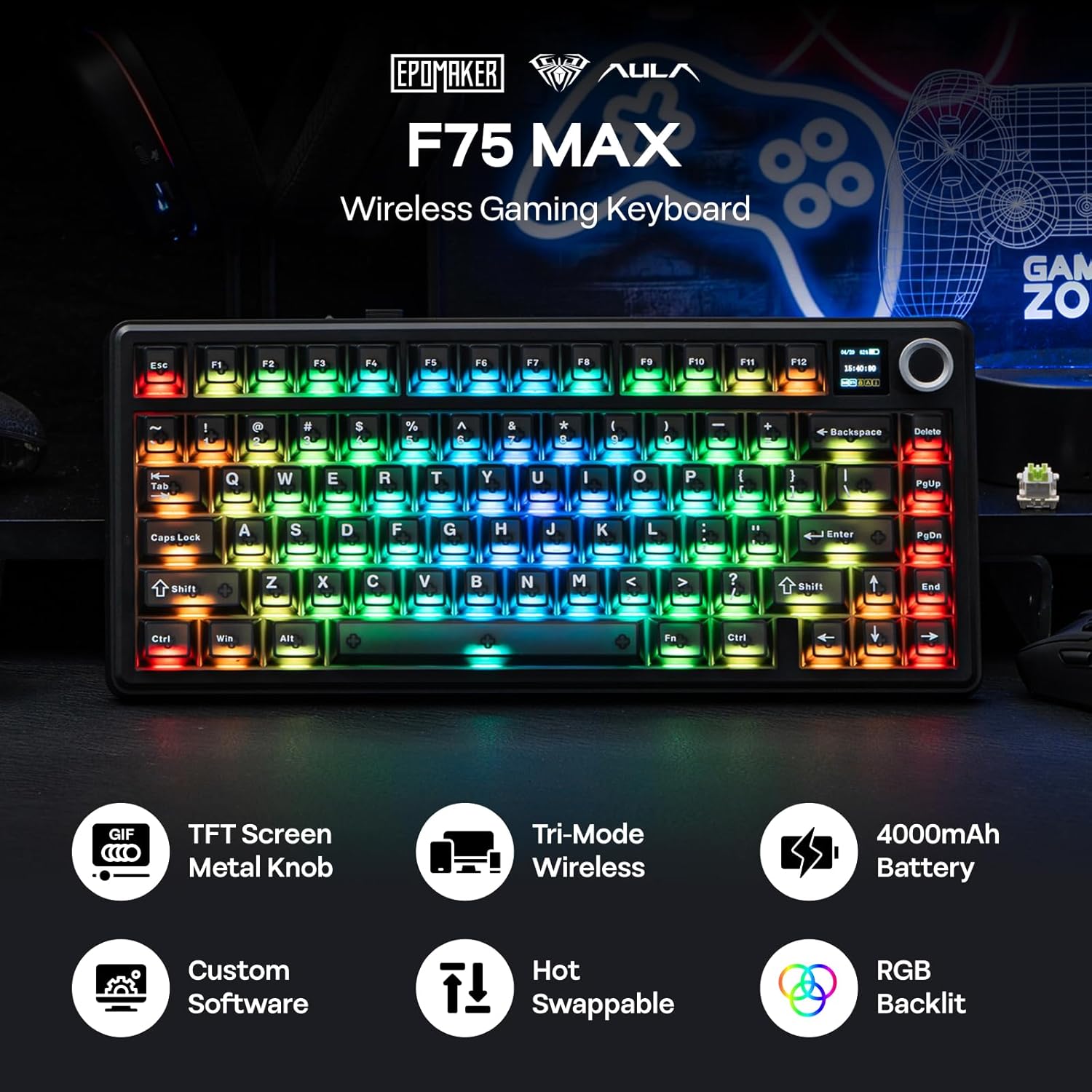
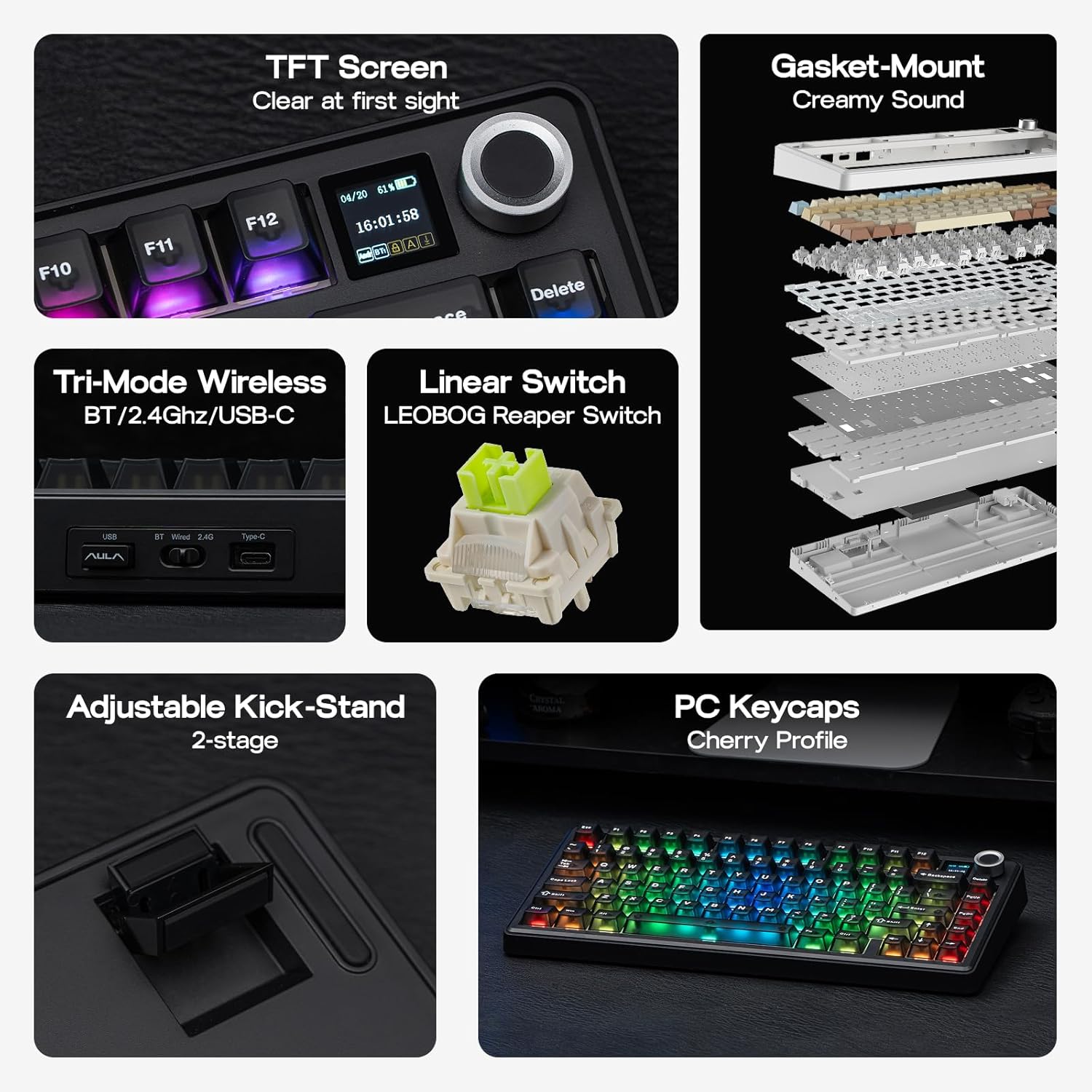
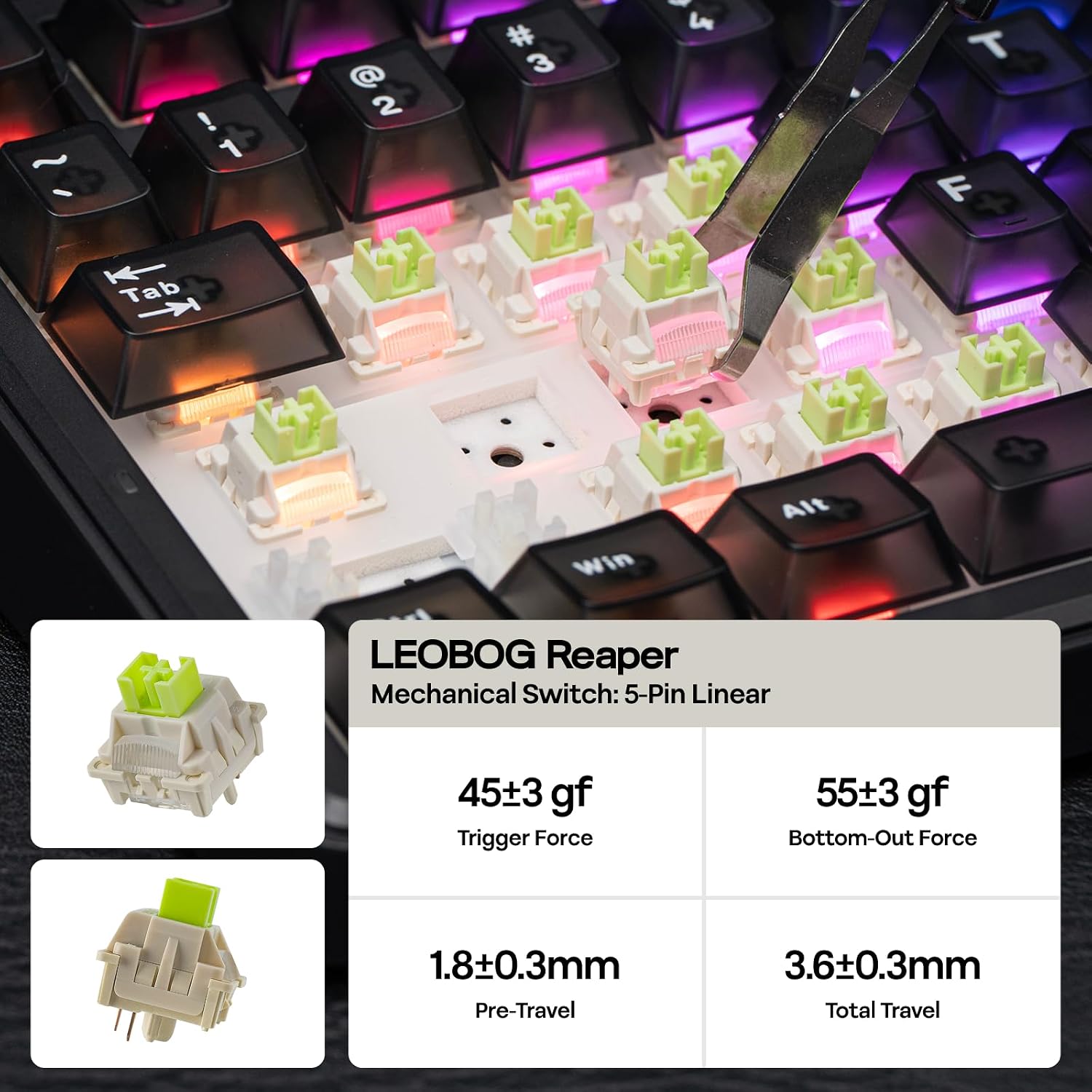
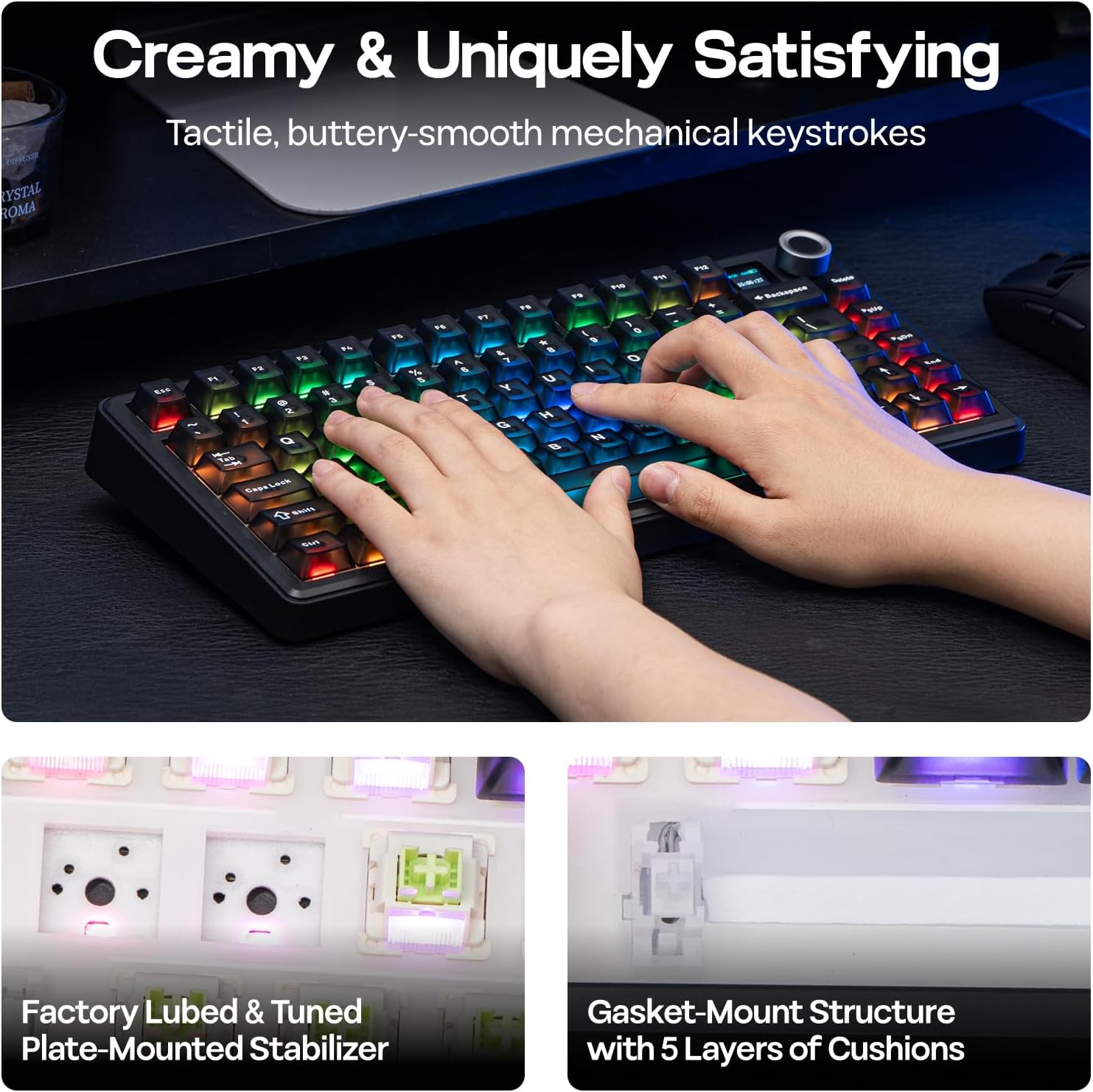
On the positive side, the gasket construction promises a softer, typing experience that can feel more forgiving over long sessions. The hot-swappable switches (in this case, noted with a Reaper switch variant) allow you to swap in or out switches without soldering, which is great for experimentation or tweaking feel without committing to a new board. The inclusion of 80 programmable keys indicates flexibility in macro setup or quick-access commands. However, the badge of “80 programmable keys” can be a little ambiguous in practice on a 75% layout, users should confirm how those macros map to the compact layer structure and whether software support is straightforward.
On the flip side, you’re relying on a more niche feature set. The TFT display is neat, but it may not be critical if you mainly type or game with standard needs. Battery life and exact wireless performance aren’t specified here, so you’ll want to observe real-world stability and latency in your setup. For some users, the 75% footprint still requires a short adjustment period, particularly if you’re moving from a full-size or 65% board. If you prioritise an ultra-simple keyboard without screens or knobs, this model might feel extra.
Who this is for
This keyboard is well-suited for someone who enjoys a compact form factor without sacrificing on controllability. It’s a reasonable pick for mixed-use setups—gaming, coding, content creation, or multi-device work across PC, Mac, and Linux. If you value on-board visual feedback and a tactile, gasket-mounted experience, the F75 MAX could justify its price for the right user. If you’re not looking for a screen, a straightforward, traditional mechanical board could be more economical and familiar.
Who it isn’t ideal for
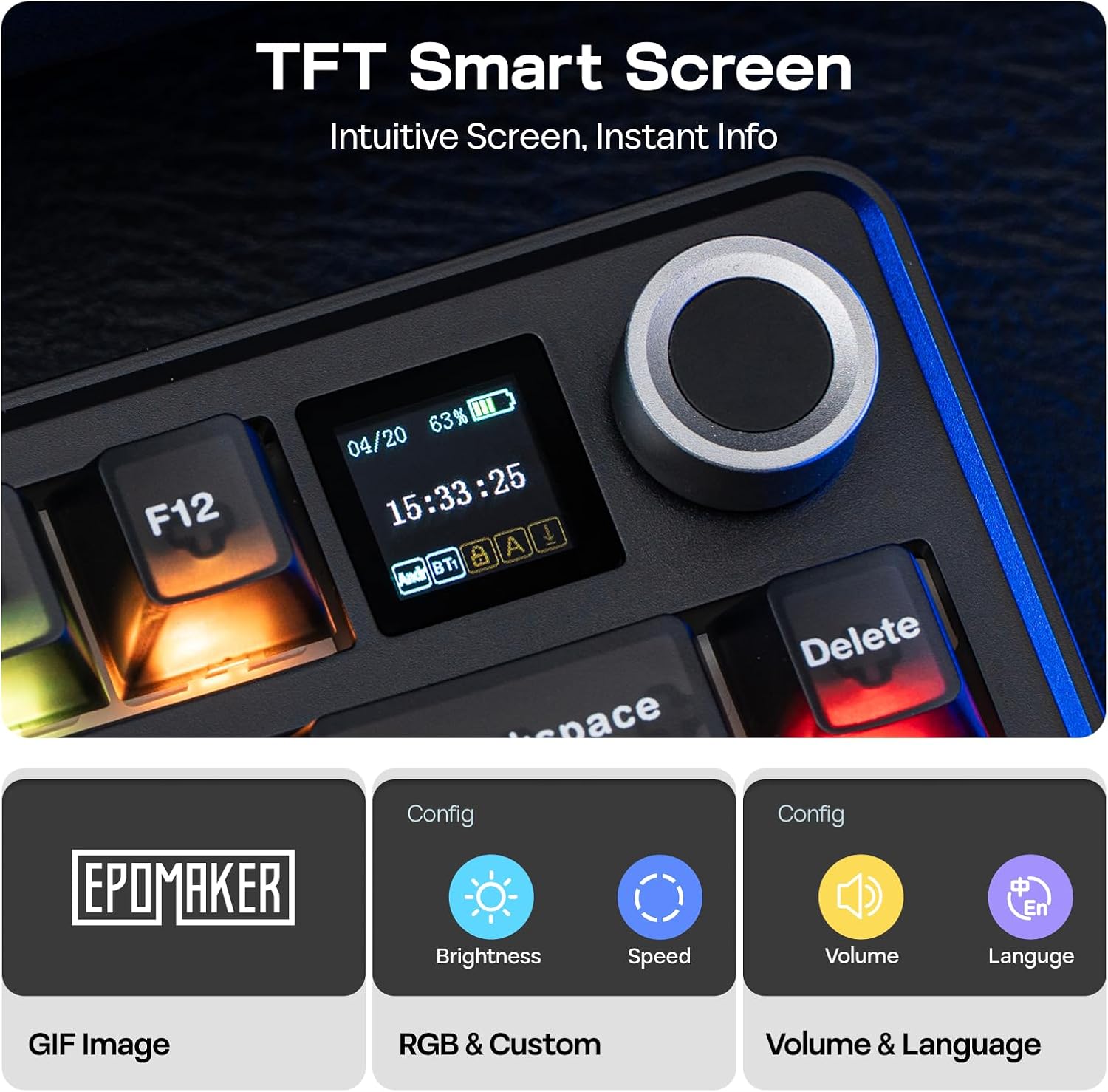
If you don’t intend to use a wireless keyboard or you need an absolute minimal bezel, this may feel over-featured. Likewise, if you rely heavily on a familiar 100% array or require exact software macro mapping across multiple devices, you’ll want to check how the 80 programmable keys map to your workflow before buying.
When it makes sense to buy
Consider this model if you want: - A compact yet feature-rich gaming or work keyboard with a visual display for quick status checks and lighting previews. - A keyboard that integrates a volume control and a single‑unit indicator system to reduce clutter on your desk. - Compatibility with PC, Mac and Linux, plus the ability to swap switches if you enjoy tuning the feel without soldering.
What to review before purchasing
- Confirm how the 80 programmable keys are laid out on a 75% board and how macros are activated on different layers.
- Check the exact wireless performance in your environment and whether there’s any noticeable latency in gaming scenarios.
- Ensure the switch type (Reaper) aligns with your preferred tactile or linear feedback and that hot-swapping is supported for your chosen switches.
- Consider your lighting preferences and whether the TFT display’s functionality fits into your workflow, not just as a novelty.
Practical use scenario
Imagine you’re coding late at night. You can glance at the TFT to confirm lighting profiles or battery status without breaking focus. A quick twist of the volume knob adjusts media playback during a break, while macros mapped to common editor commands sit ready on the 80 programmable keys for speed, all on a compact board that leaves more room for mouse movement.
A practical comparison in context
If you’re weighing options between a standard compact mechanical keyboard and this model, the core trade-off is additional built-in feedback versus potential extra cost and complexity. A plain compact board may offer straightforward typing and plug‑and‑play setup. The F75 MAX adds on-board TFT feedback, a volume control, and gasket-mounted feel—features that can justify the extra step up if they match your daily rhythm and desk space needs.
FAQ (based on available information)
- What is the layout? 75% US layout.
- Does it support hot-swappable switches? Yes, it is marketed as hot-swappable with a specific switch variant mentioned (Reaper Switch).
- Which platforms are supported? PC, Mac and Linux.
Final verdict
Is it worth it? It makes sense if you value a compact form factor paired with on-board feedback and a versatile multi-platform setup. If those features align with your workflow and you’re comfortable with potential abstraction around exact macro mapping on a 75% board, the F75 MAX offers a cohesive package. If you prefer a simpler, more affordable option or you don’t need the TFT screen and knob, you might be better off with a more conventional keyboard.