

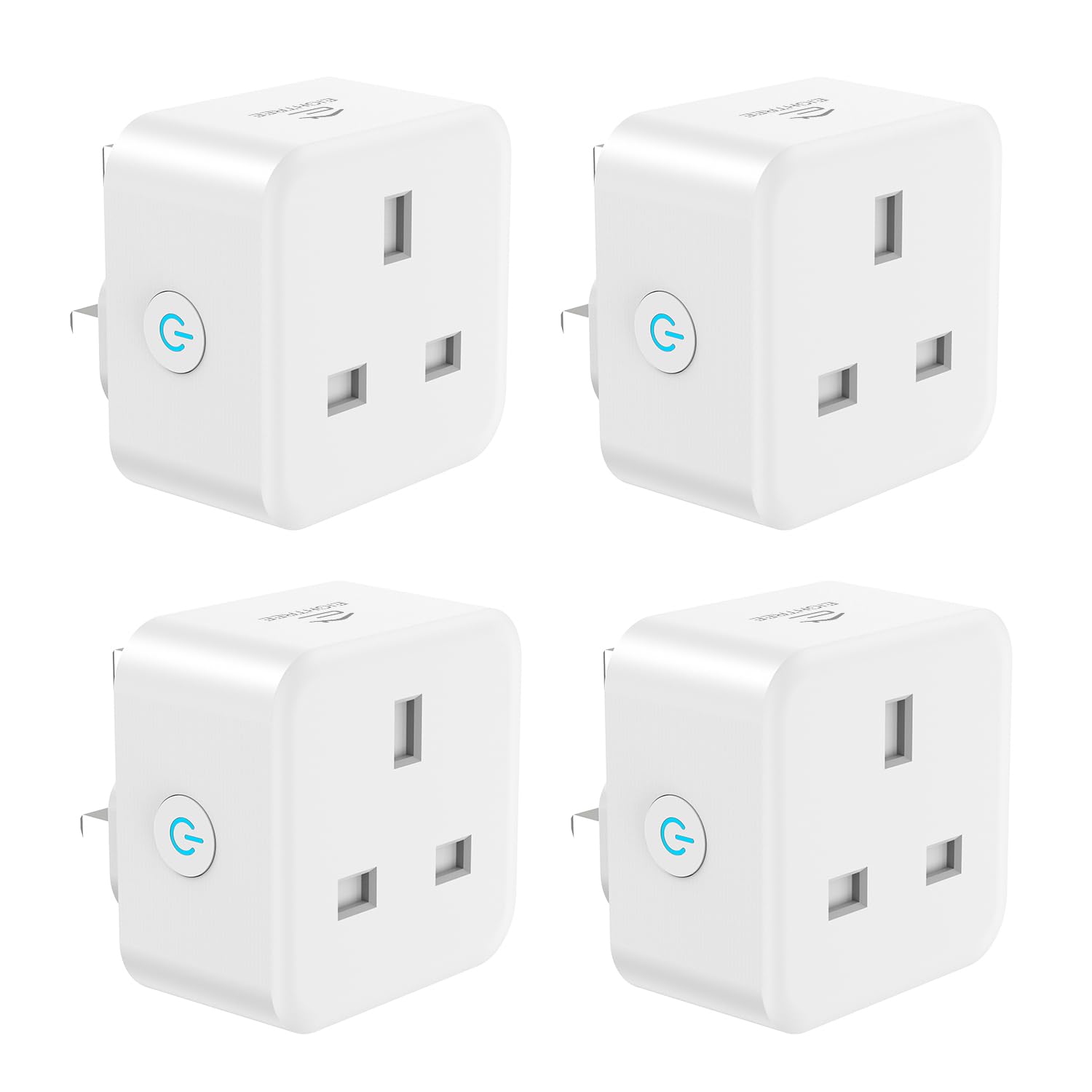
EIGHTREE Smart Plug with Energy Monitoring – 13A, 2.4GHz Wi‑Fi, Works with Alexa, Google Home & SmartThings
Product description
What it is and what it solves
The EIGHTREE Smart Plug with Energy Monitoring is a 13A Wi‑Fi smart plug designed to give you remote control and awareness of a plugged device’s energy use. It relies on a 2.4GHz Wi‑Fi connection and integrates with common voice assistants, offering hands‑free control and the ability to schedule when appliances run. On the surface, it aims to turn ordinary outlets into connected, timer‑driven devices that you can monitor and manage from your phone or via voice.
How it works and setup notes
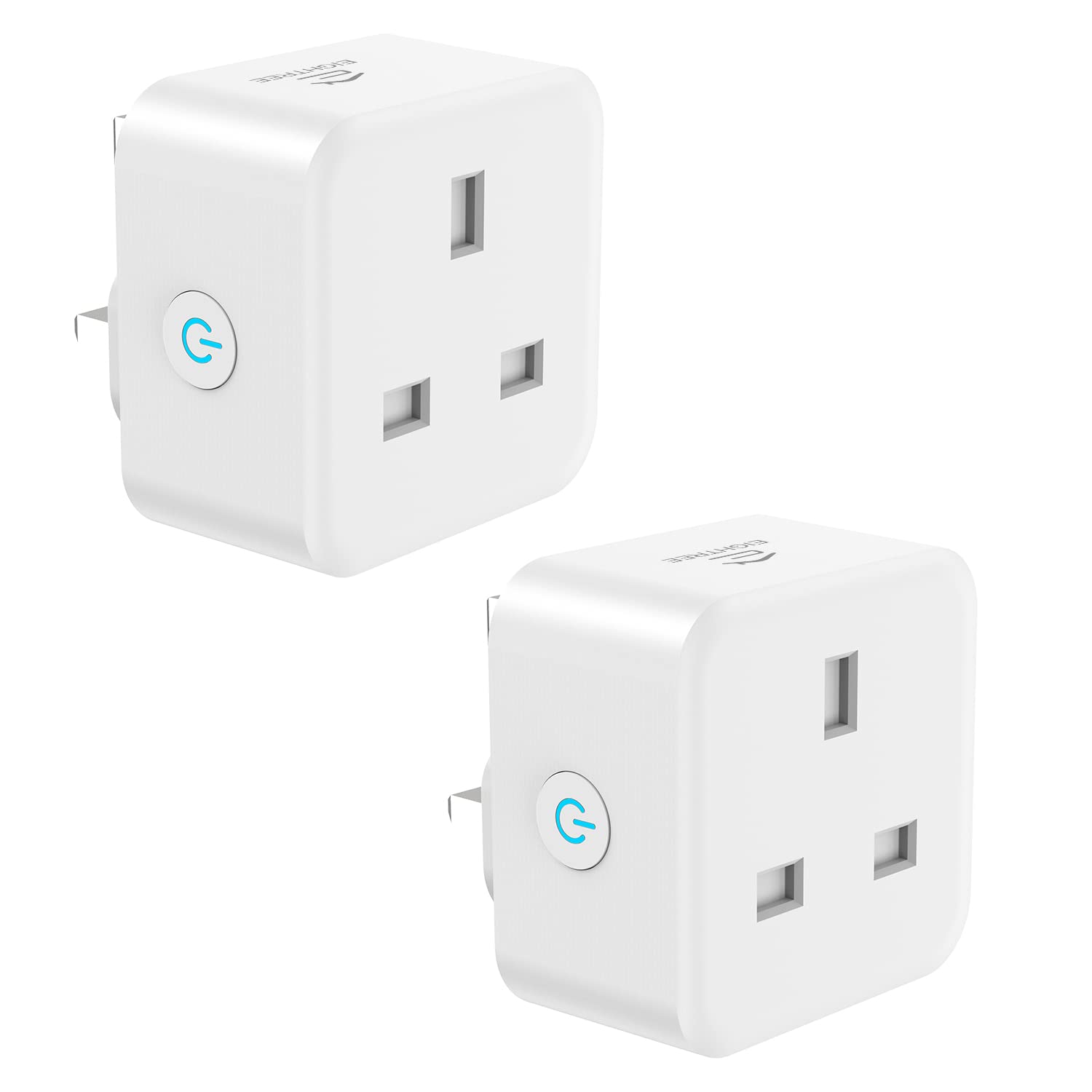
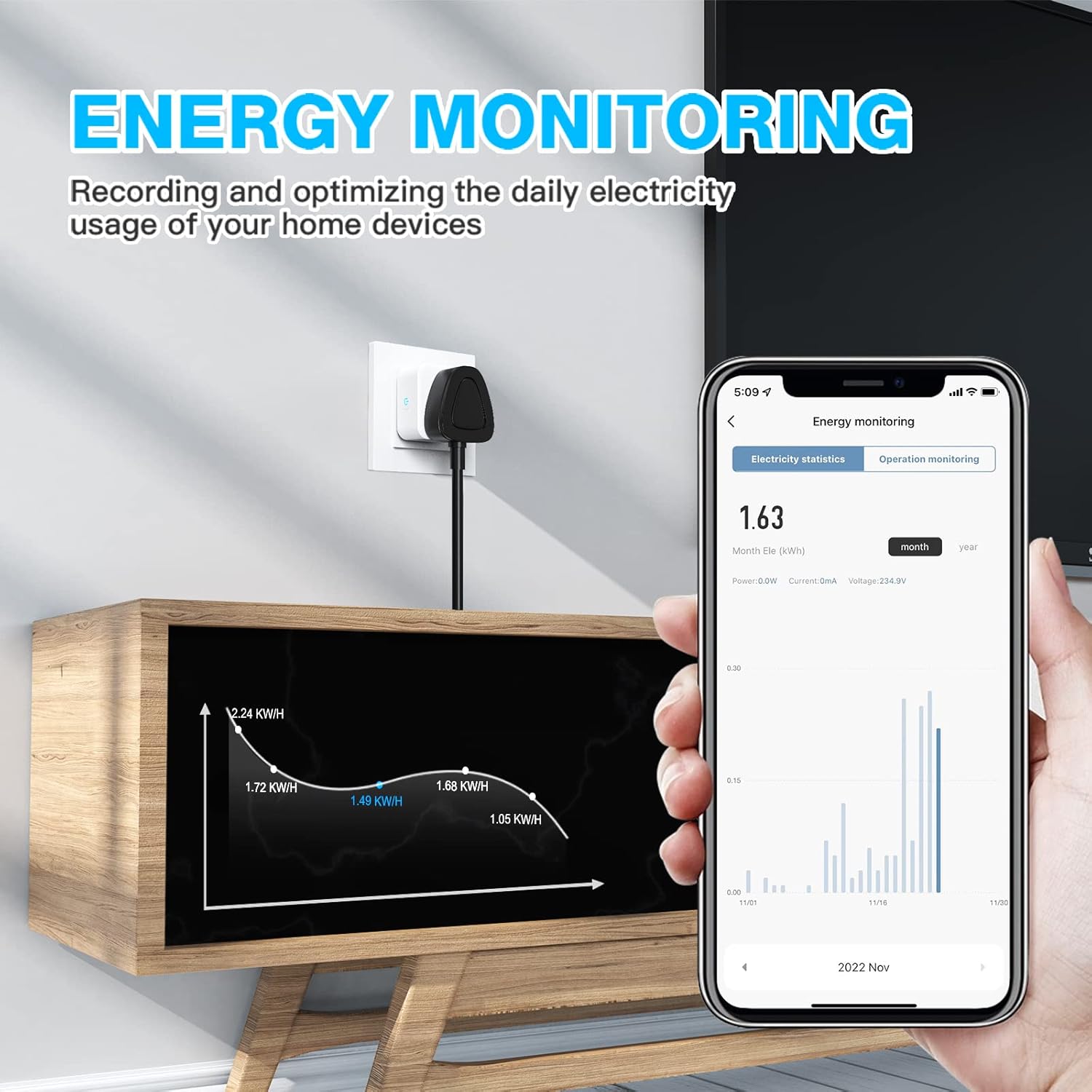
setup requires a 2.4GHz network during installation to ensure reliable connection. Once linked to the Smart Life ecosystem, you can monitor real‑time power draw and view usage trends over time. Remote control lets you switch devices on or off from anywhere, potentially helping to reduce waste by remembering to turn things off when not needed.
What stands out in daily use
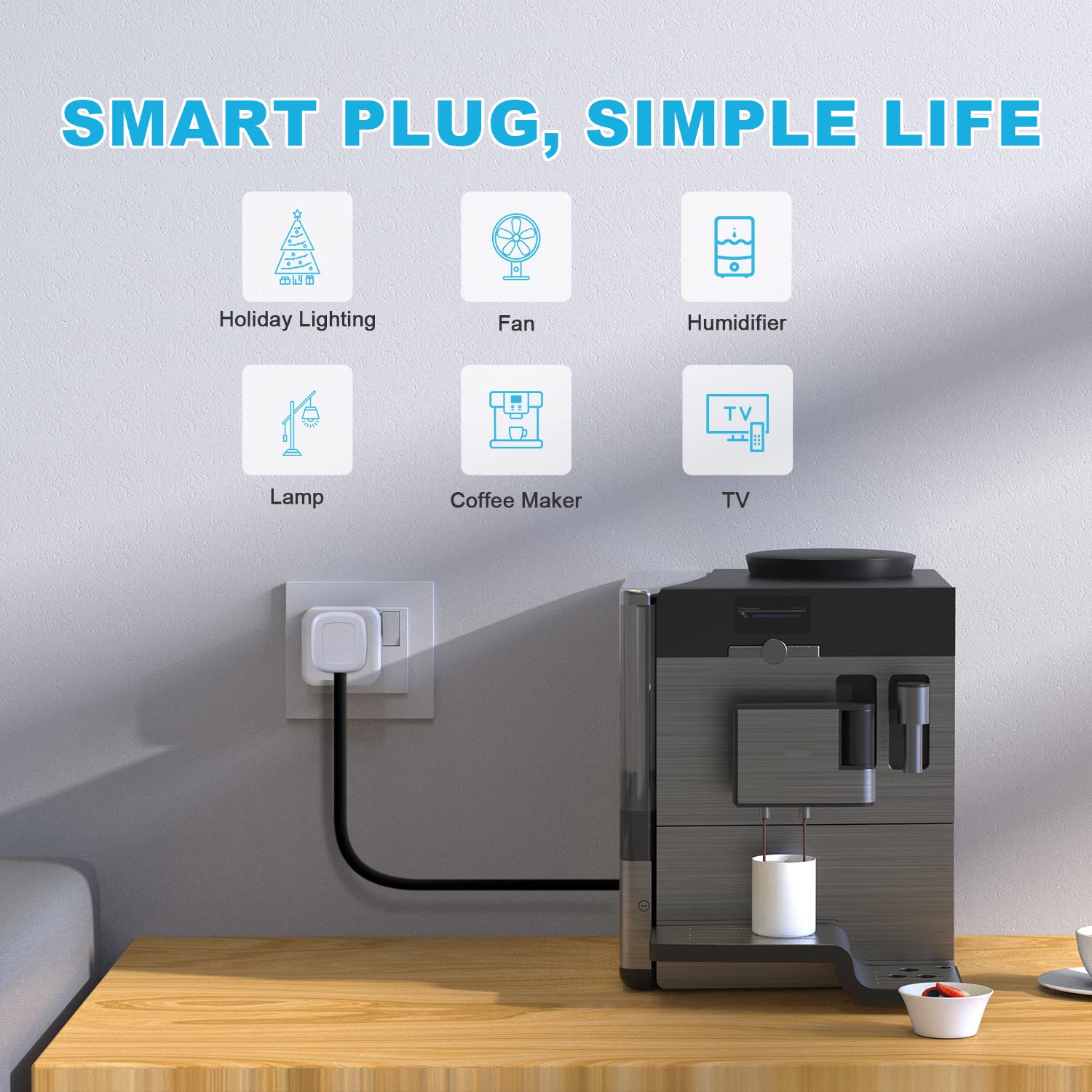
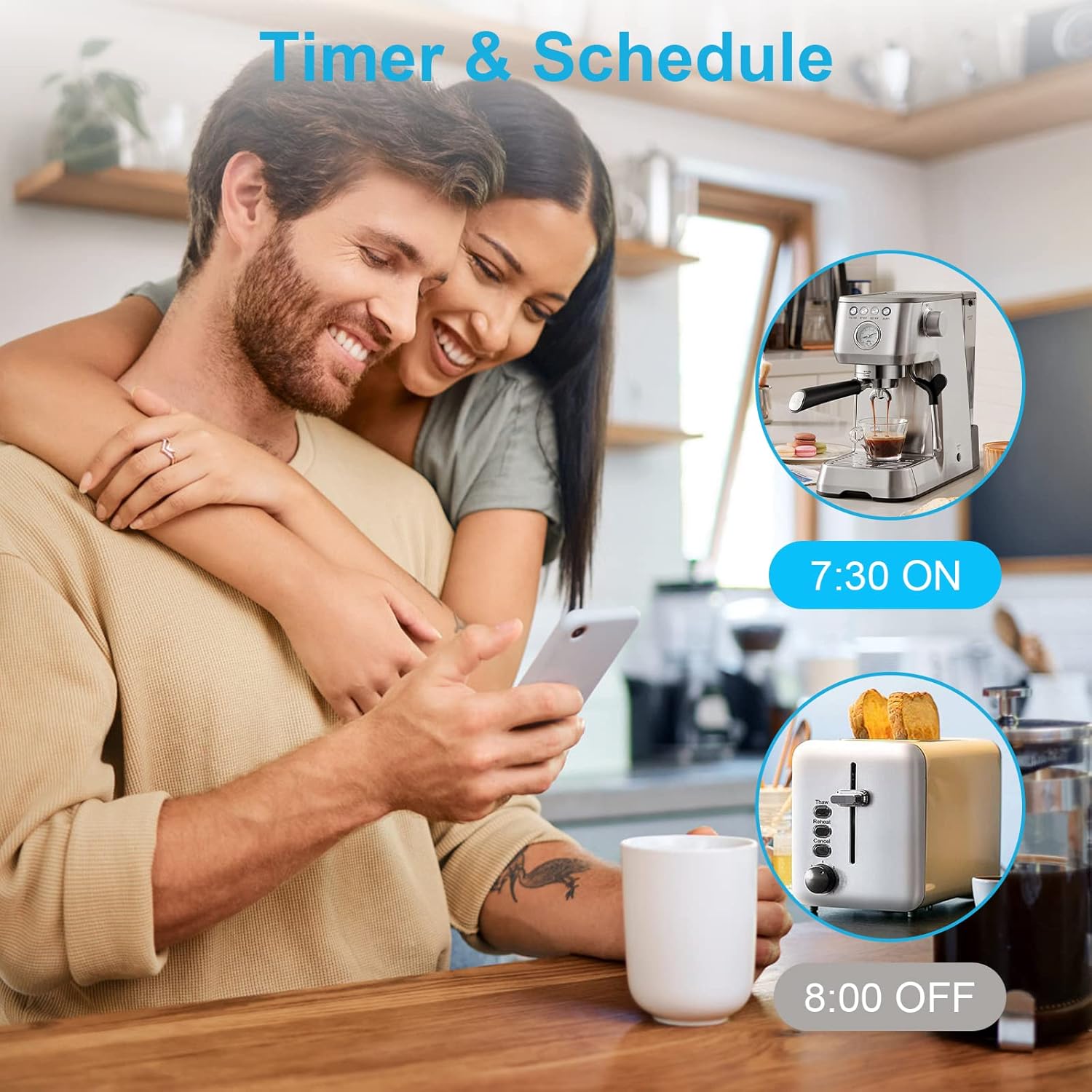
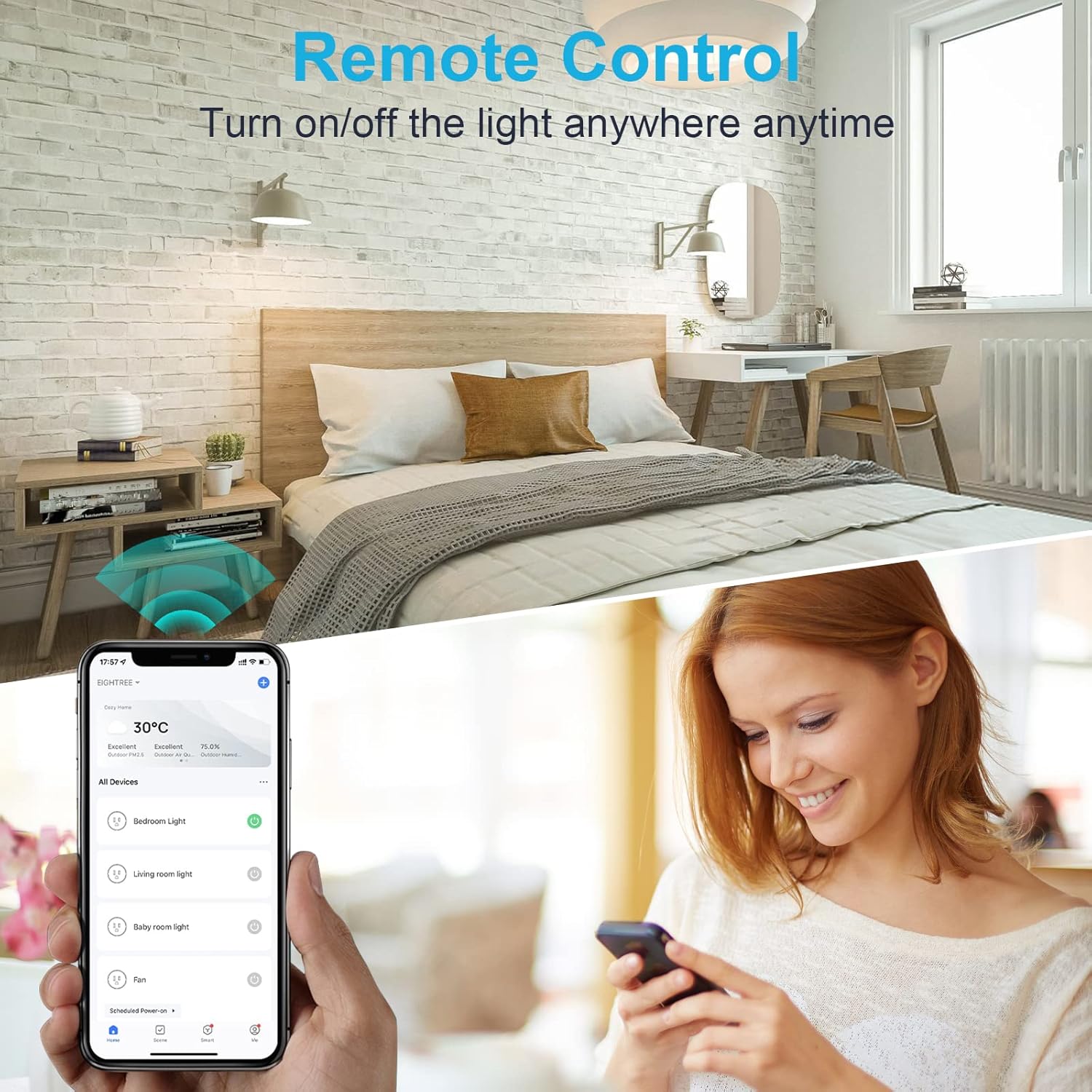
The energy monitoring feature is useful for identifying how much power an appliance consumes and when it does so. Scheduling is handy for routine tasks such as turning off a printer after work or powering a lamp on a preset time, which can simplify daily life and support cost awareness. Voice control with Alexa and Google Assistant adds convenience, letting you issue simple commands even from the sofa.
Limits and things to watch
On paper, this plug supports 2.4GHz Wi‑Fi and operates within a single 13A limit, so it’s well suited to everyday household devices but not all high‑draw mains appliances. The note about 2.4GHz setup means you’ll need to ensure your mobile device is on the correct network during installation, if your home is heavily wired for 5GHz only, there could be a hurdle during setup. Also, energy data is only as useful as the app’s presentation, if you rely heavily on advanced analytics, you may find the in‑app graphs adequate but not deeply granular.
Who it’s for
If you want to automate lamps, fans, printers, kettles and other common mains devices while keeping an eye on energy use, this plug could fit well. It’s likely most appealing to small households or individuals looking to start with smart home automation and basic energy awareness without committing to a full smart outlet system.
Who it might not suit
If you need support for 5GHz networks, or you regularly power high‑duty appliances that exceed the 13A rating, this plug may not be the best fit. For those who require more detailed energy analytics or fabricates in‑depth device‑level reporting, the built‑in monitoring might feel limited.
When it makes sense to buy
Choose this plug if you want a straightforward, voice‑driven, remotely controllable option that also tracks real‑time energy use. It’s sensible for creating a smarter home setup gradually, particularly for lighting or small office devices where scheduling and energy awareness deliver tangible benefits.
What to review before buying
Verify your home network supports 2.4GHz in the area where you plan to place the plug. Consider which devices you plan to power and whether their load fits within 13A. Check compatibility with the smart home ecosystem you already use (Alexa, Google Assistant, SmartThings).
Practical use case
Imagine you forget to switch off a desk lamp after work. With this plug, you can schedule the lamp to turn off at a specific time or simply use a quick voice command to deactivate it, while the energy graph helps you see how much the lamp contributes to your daily consumption.
Final decision
Is it worth it?
Worth considering if you’re starting to build a connected home with energy awareness and want a reliable, 2.4GHz only plug that plays nicely with common assistants. It may not be the best choice if you need 5GHz compatibility, deeper energy analytics, or to power high‑demand mains appliances.
Quick FAQ
- Can I use this plug with both Alexa and Google Assistant? Yes, it supports both.
- Does it monitor energy usage in real time? Yes, via the app with a graphical view of usage trends.
- Is it suitable for a kettle or heater? It’s designed for typical 13A loads, avoid high‑duty appliances beyond that rating.
- Do I need a 5GHz network to operate it? No, setup requires a 2.4GHz network.