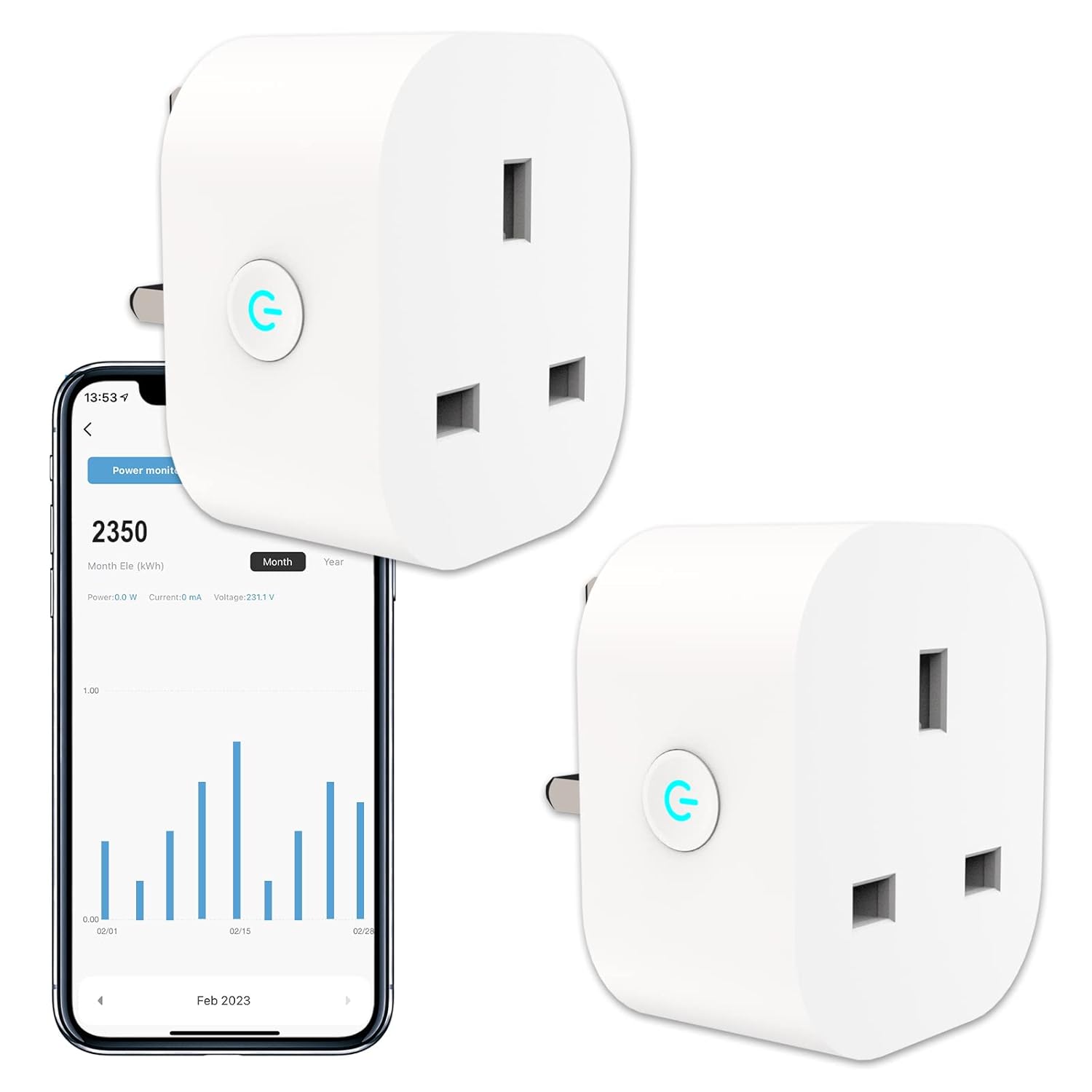
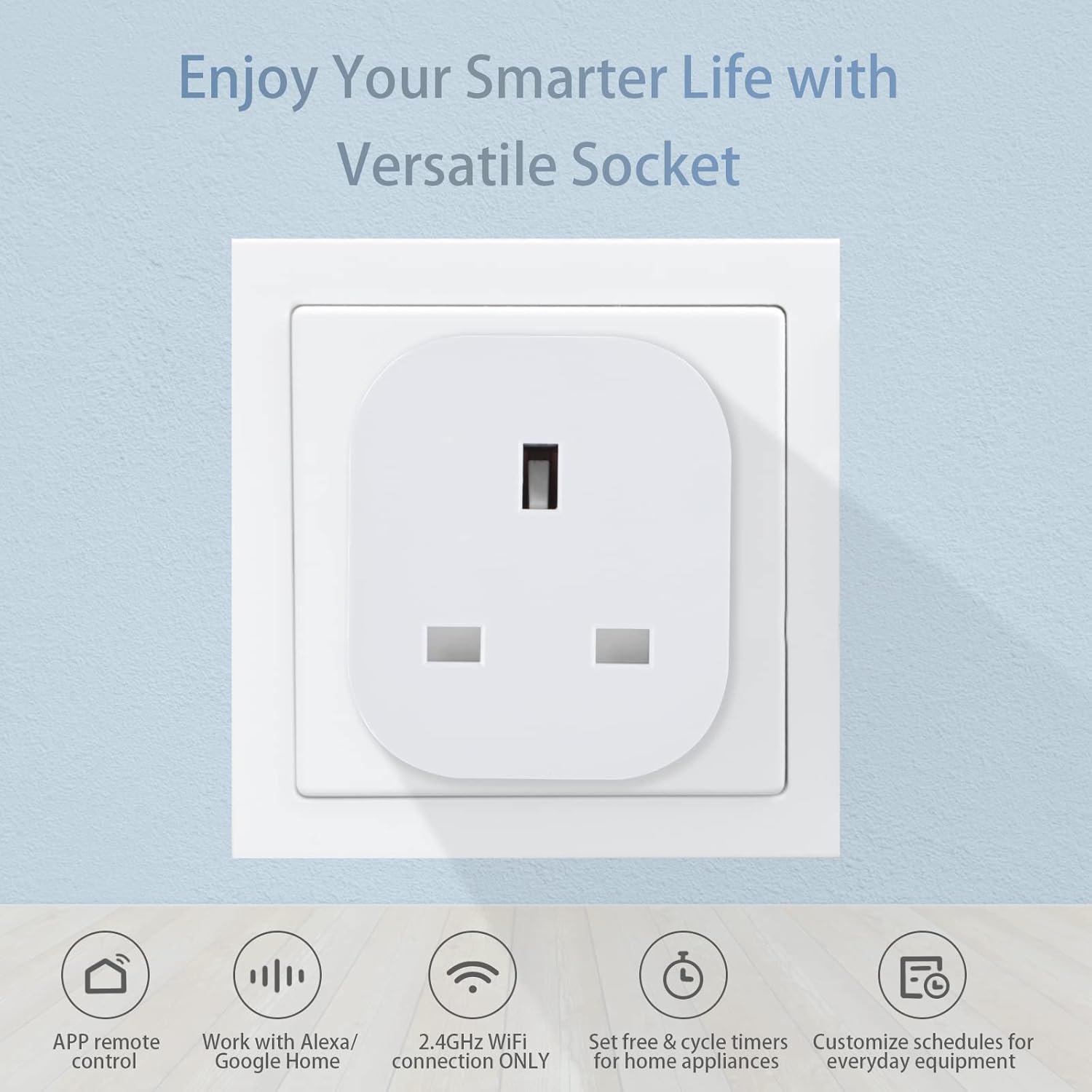
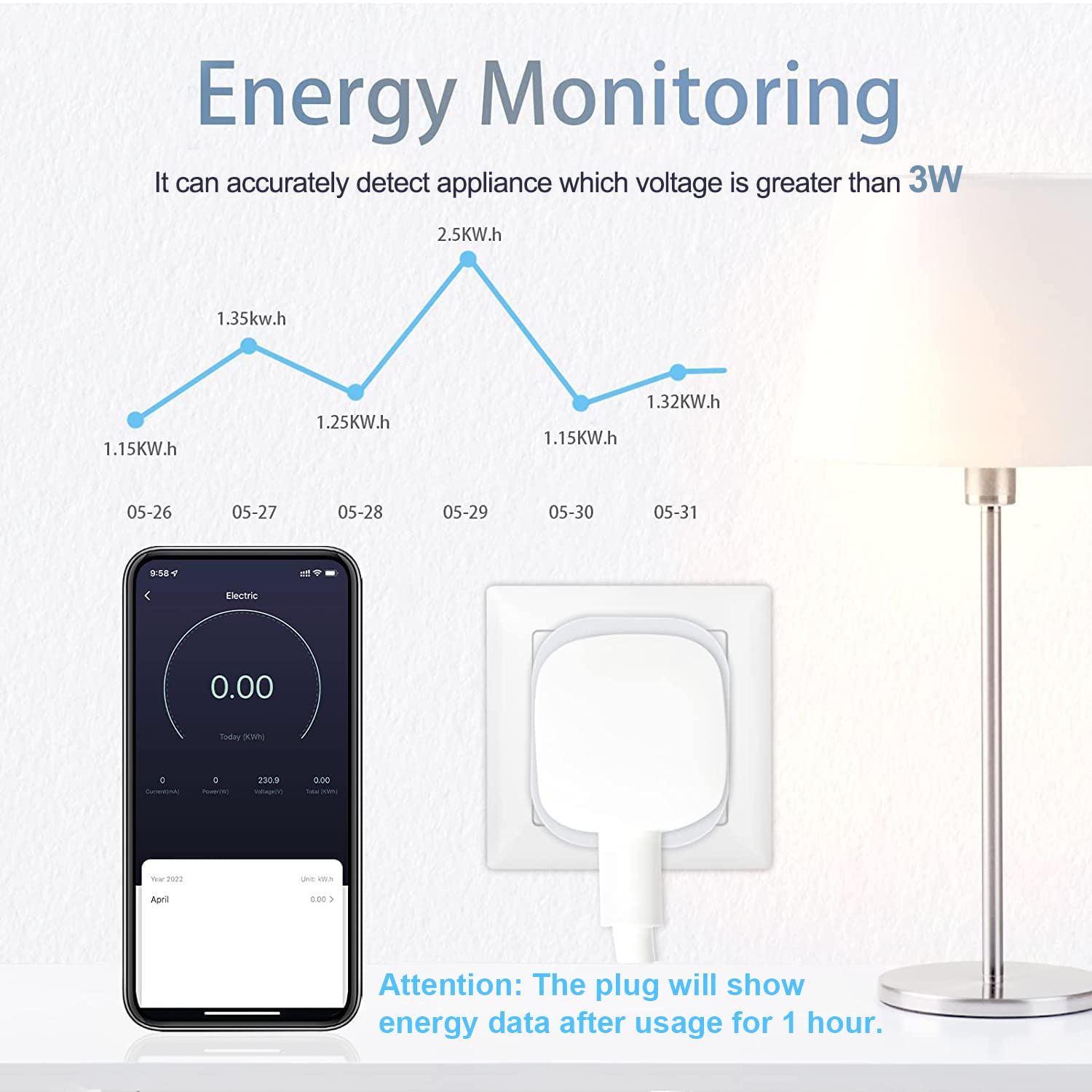
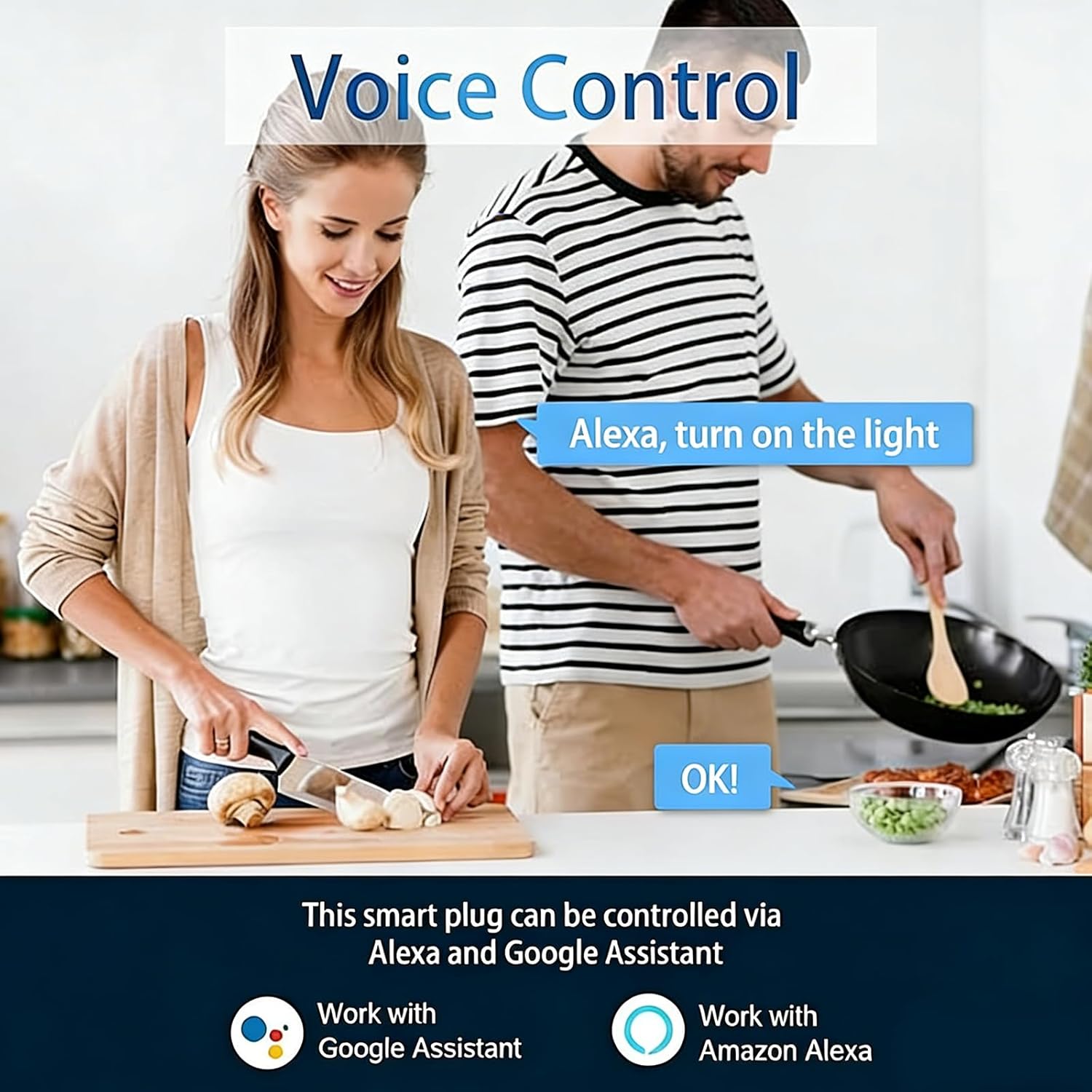
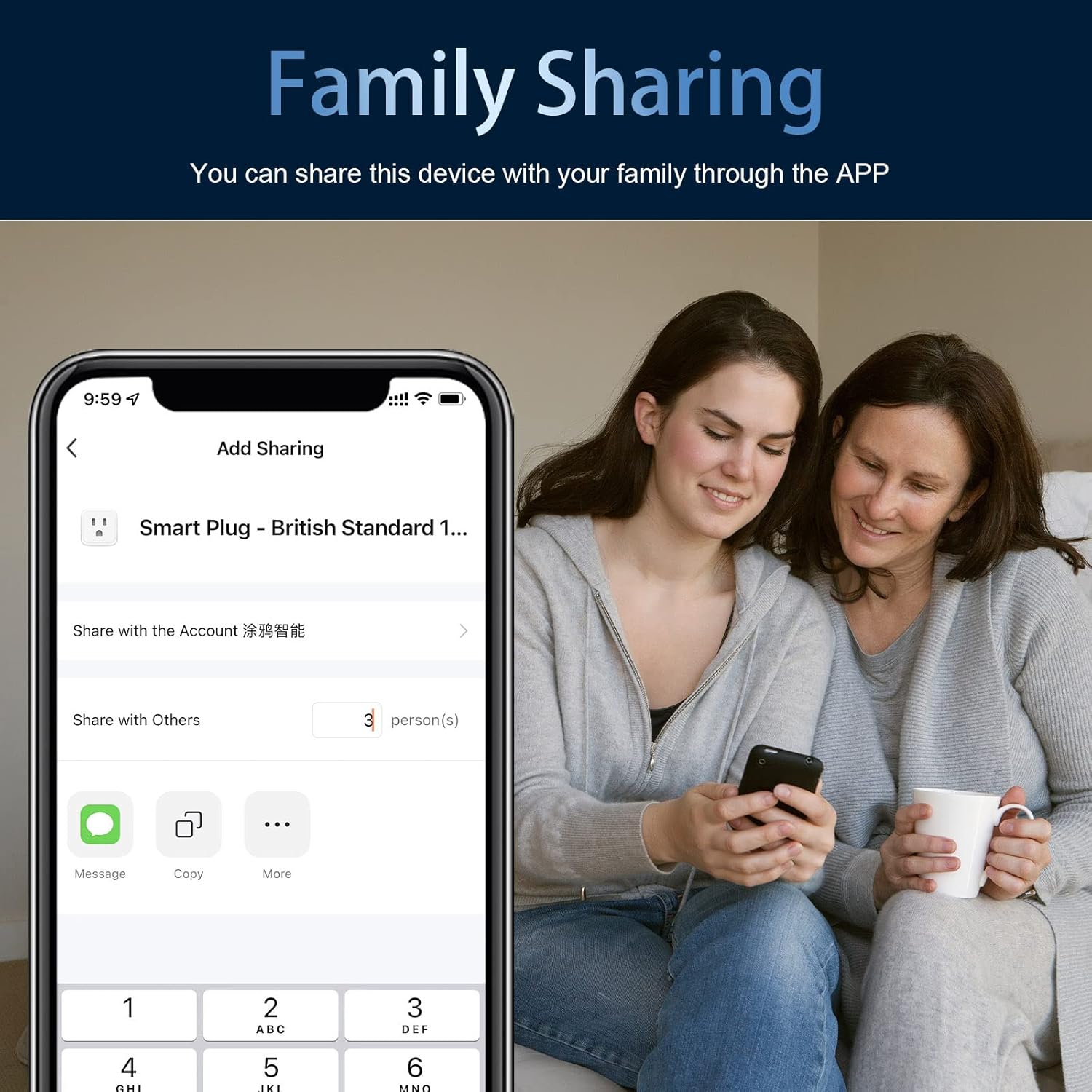
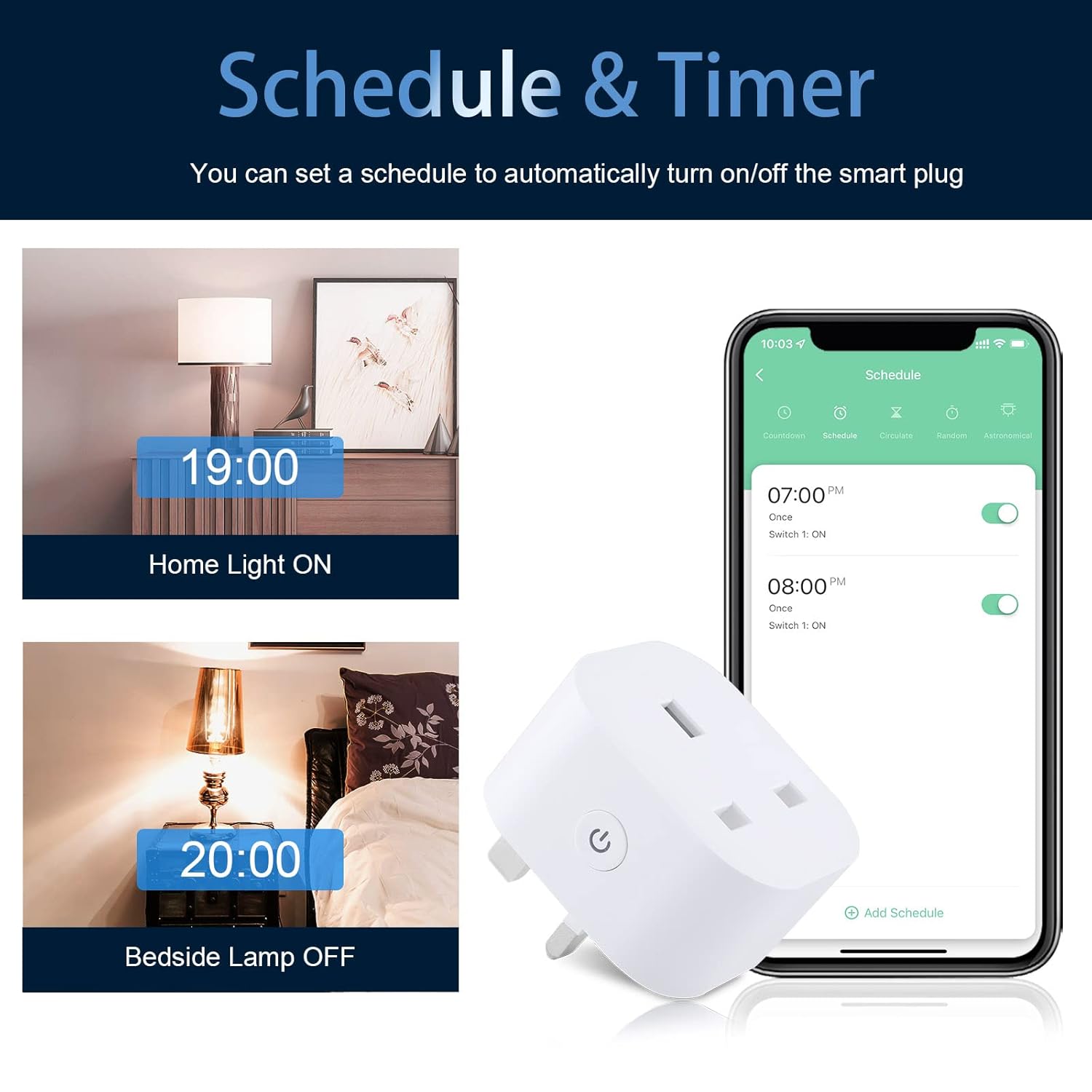
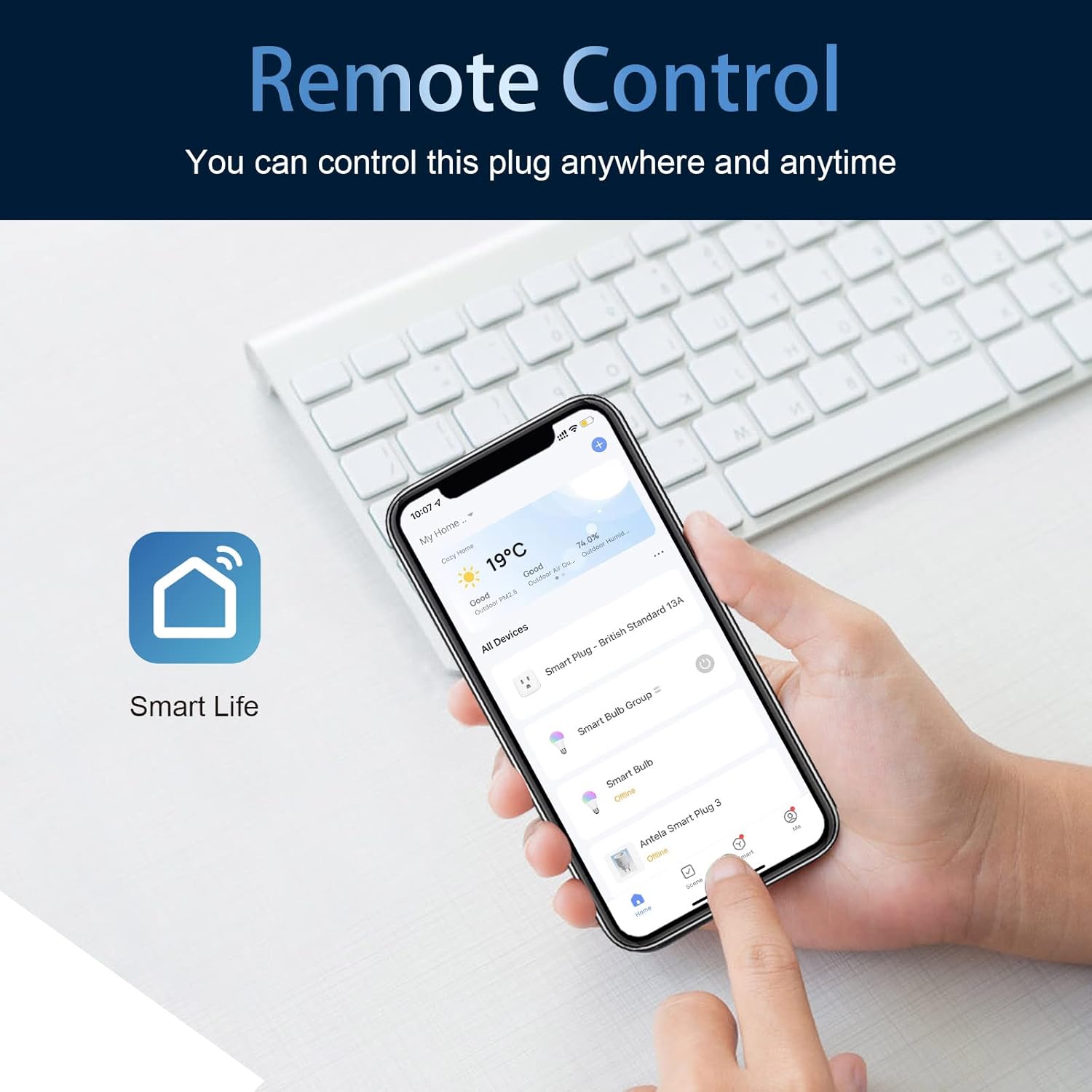
What it is and what it solves\nANTELA's Smart Plug with Energy Monitoring is a Wi‑Fi enabled socket designed to bring everyday appliances into your smart home system. On paper, it tracks energy usage after an hour of activity, giving you a view of consumption trends via the Smart Life app. In practice, this can help you spot energy-hungry devices and make small behavioural changes that add up over time, such as scheduling standby to cut unnecessary load. The plug is aimed at households wanting a pragmatic, no‑fuss way to observe and modulate energy use without upgrading their entire setup.\n\n## How it works\nSetting up is straightforward: connect to a 2.4GHz Wi‑Fi network and use the Smart Life app to manage on/off scheduling, timers, and groups. No hub or ongoing subscription is required, which keeps the cost and maintenance profile modest. You can also control the plug by voice through Alexa or Google Home, making it useful for hands‑free commands when you’re busy or resting.\n\n## Pros and what to watch for\nOn the plus side, the energy monitor provides a clear data trail and the scheduling feature can help cut standby usage. Voice control adds convenience for daily routines, and the group control option lets you manage multiple devices at once—handy in larger homes.\nHowever, the energy data is reported after an hour of use, so you won’t get real‑time half‑second updates. The effectiveness of energy savings depends on how consistently you use the scheduling and how well you interpret the trend graphs. If you prioritise granular, instantaneous energy metrics or advanced automations, this plug may feel modest in comparison.\n\n## Who it’s for\nThis is a sensible choice if you want a practical entry into smart plugs with energy awareness, simple remote control from anywhere via the app, and reliable compatibility with Alexa and Google Home for voice commands. It’s particularly suitable for small to medium households looking to automate lamps, fans, or other common appliances without a costly upgrade.\nBut if you rely on micro‑level power data, frequent on/off cycling, or require an extensive multi‑socket solution with deep automation rules, you may prefer higher‑end devices or a system built around a broader smart home plan.\n\n## What to check before buying\n- Confirm the 2.4GHz Wi‑Fi requirement and your router’s compatibility.\n- Consider how you’ll use scheduling: are the on/off times aligned with your daily routines?\n- Review whether you’ll benefit from energy monitoring given the data is available after an hour of use.\n- Think about room placement and the number of outlets you’ll automate to take full advantage of group control.\n\n## Practical use case\nImagine the living room lamp and a small fan. You set a schedule so the lamp turns on in the evening and the fan automatically powers down after two hours. Over time, the energy trend graph helps you evaluate whether the combination is worth keeping or adjusting, potentially reducing unused consumption without sacrificing comfort.\n\n## Technical snapshot\n- 2 packs in the set, each 13A socket capacity\n- 2.4GHz WiFi connectivity for remote control\n- Works with Alexa and Google Home\n- Energy monitoring visible after 1 hour of use via the app\n- No hub or subscription required\n\n## Final thought and decision point\nShould you buy it? It makes sense if you want basic energy insight, practical scheduling, and hands‑free control within a modest budget. It’s a sensible step up from traditional sockets for households prioritising ease of use over deep, real‑time energy analytics. If you need more granular metrics or aggressive automation, you may want to compare with higher‑end options or expandability in a broader smart home plan.\n\n## FAQ\n- How soon does energy data appear? After about 1 hour of usage.\n- Do I need a separate hub? No, a hub is not required.\n- Can I control multiple devices at once? Yes, via the Group Control feature in the app.