

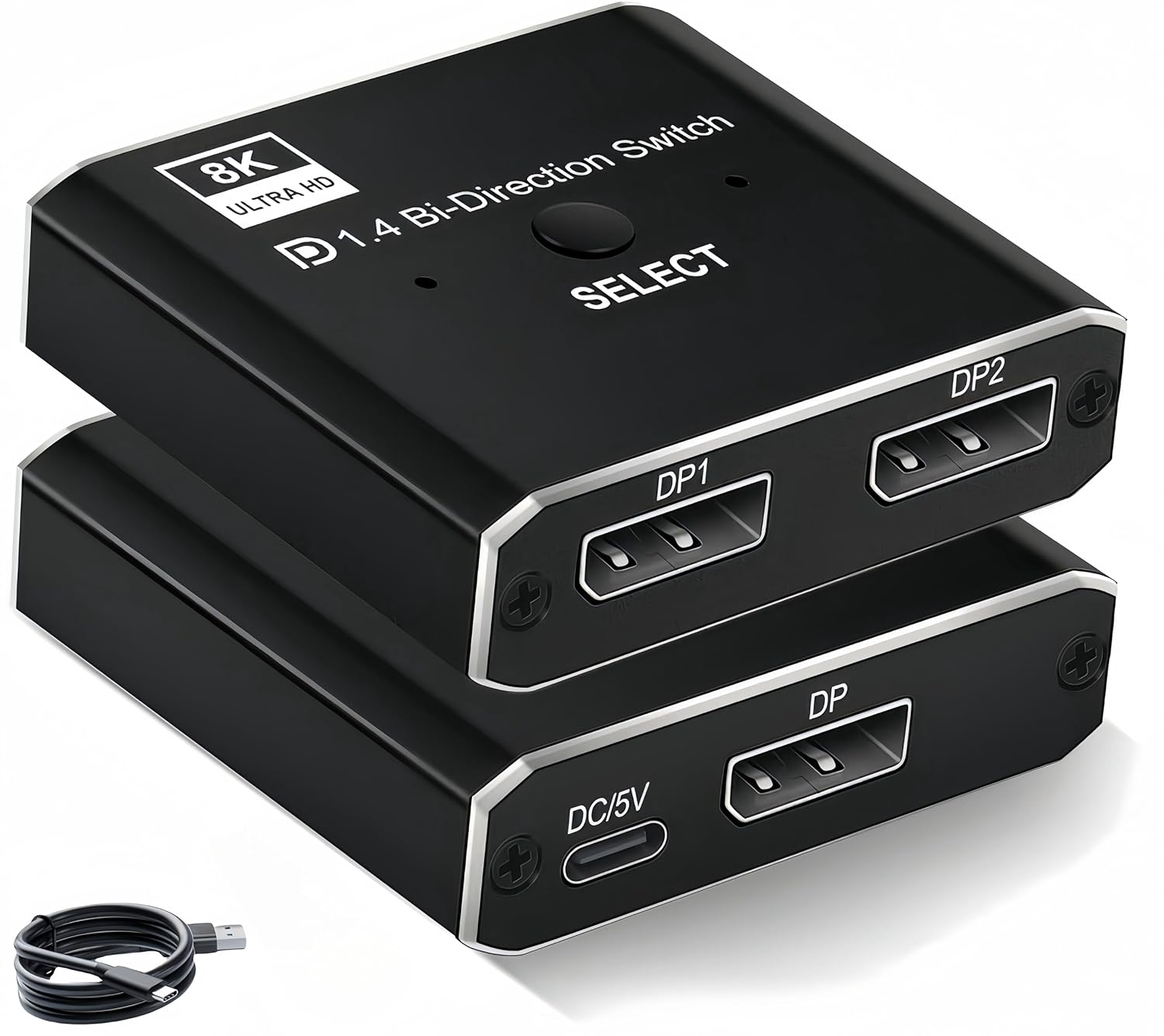
DisplayPort Switch 8K Bi-directional DP Switcher (1 in 2 out / 2 in 1 out) DP 1.4 8K@60Hz, USB-powered – Black
Product description
What it is and why you might want one
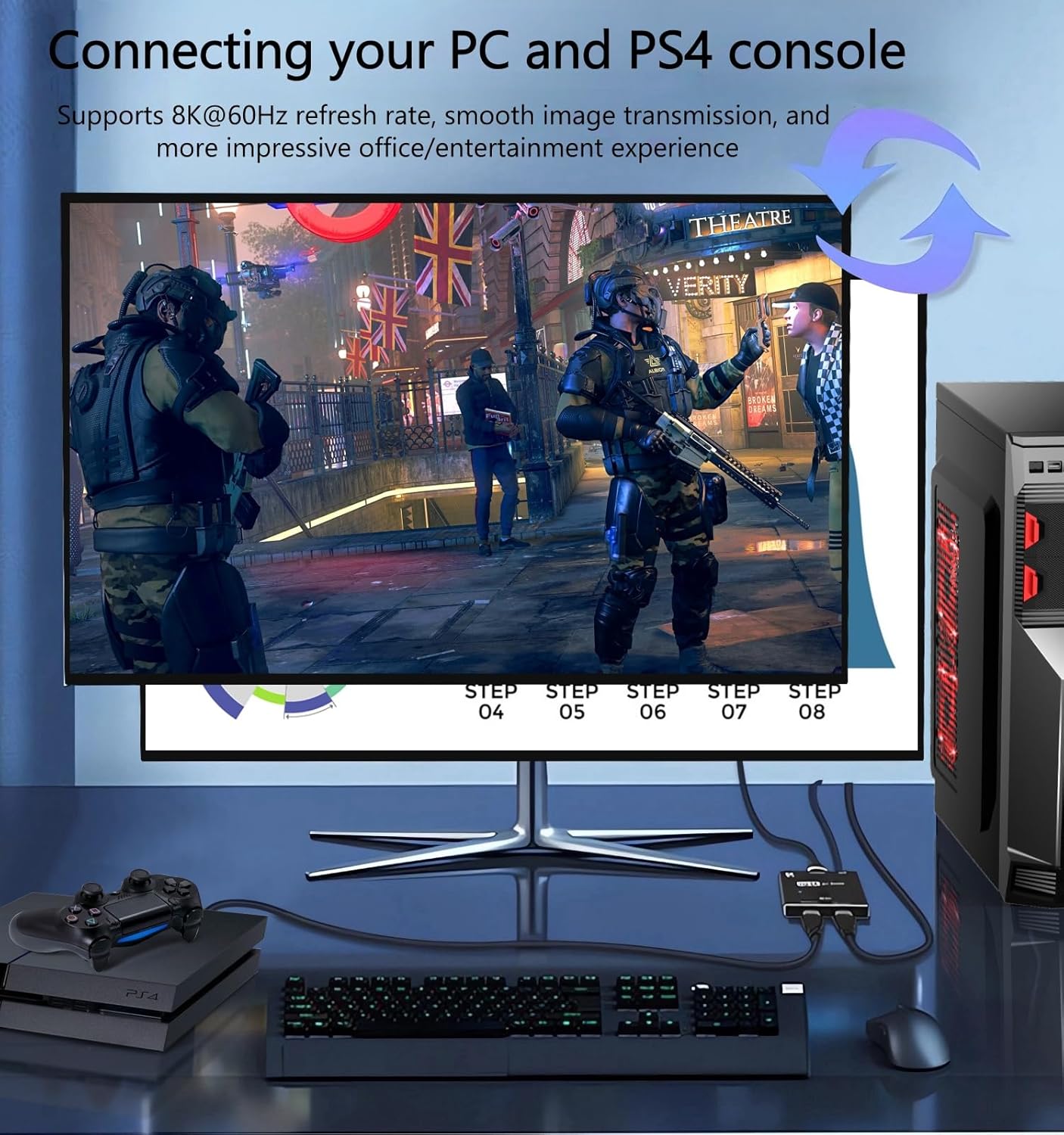
This bi-directional DisplayPort switcher is designed for a simple but common headache: you’ve got multiple DisplayPort sources (for example a PC and a laptop), and you don’t want to manually keep swapping cables.
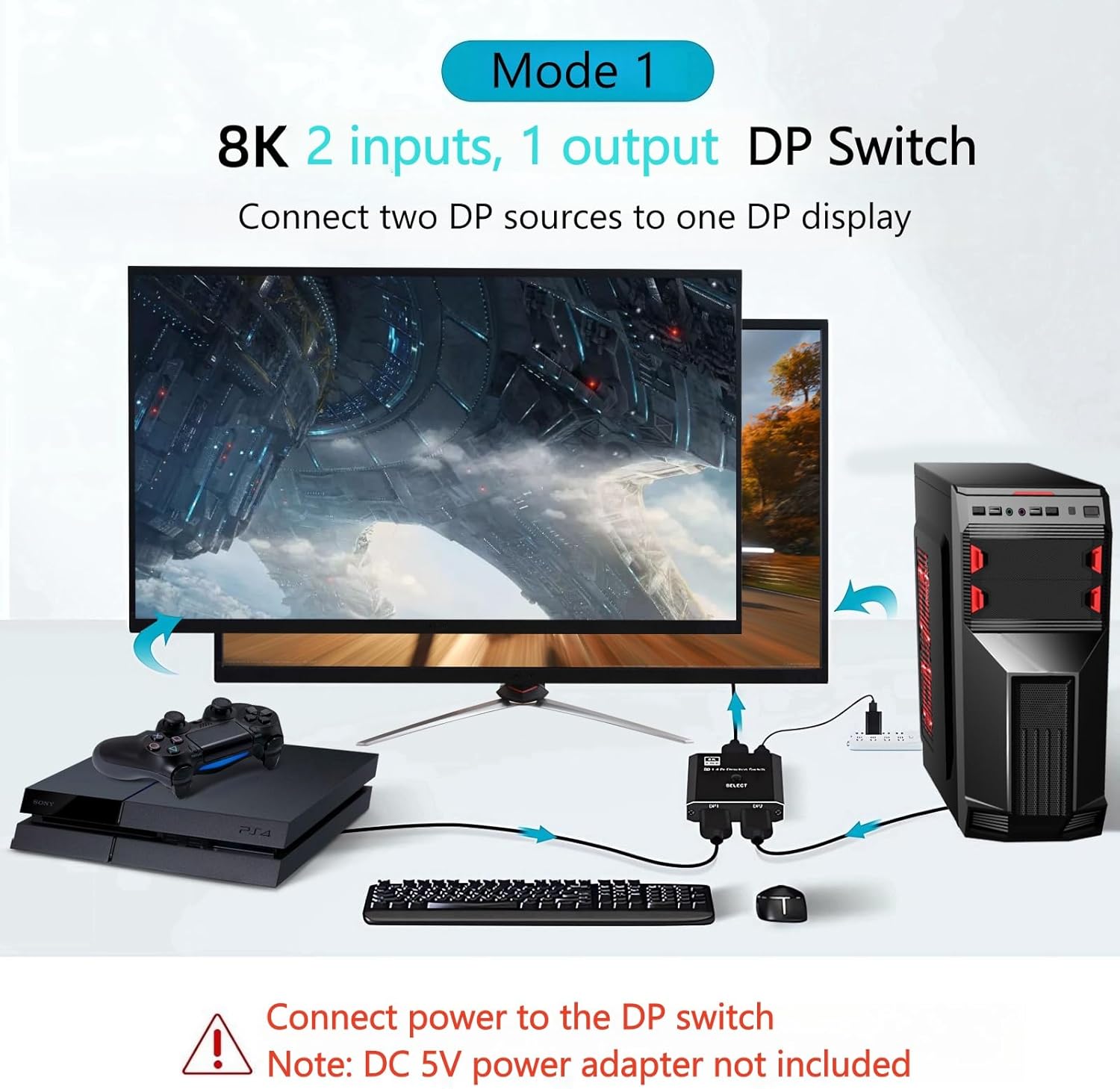
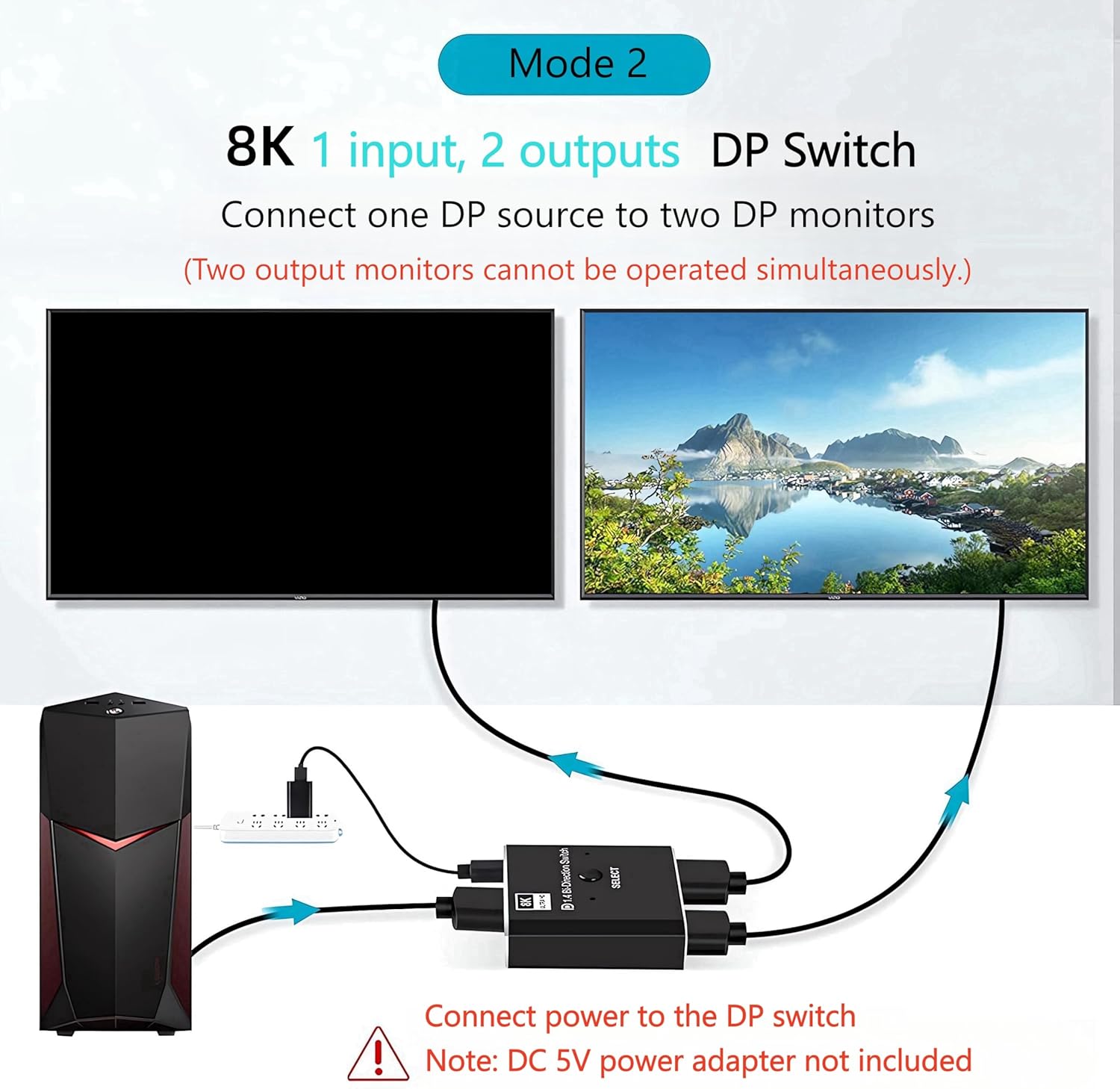
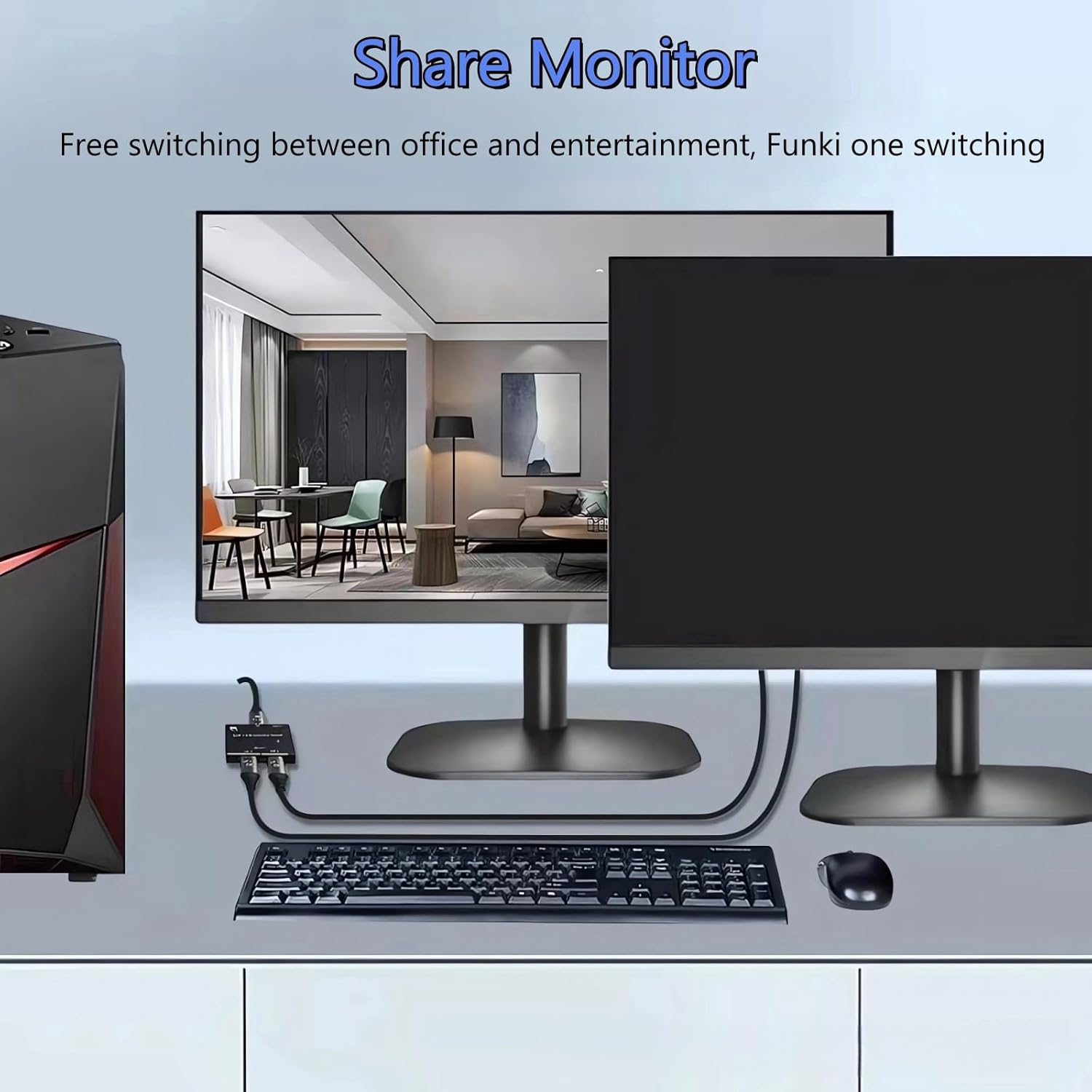
On paper, it does two different jobs. In one direction it lets you connect one DisplayPort source to two displays, letting you toggle between them with a button. In the other direction it lets you connect two DisplayPort sources to one display and switch which device is currently shown. The manufacturer is also pretty clear about a limitation: you can’t show two displays at the same time.
There’s also a “no delay and no flicker” claim, plus plug-and-play set-up. Whether that feels seamless day to day depends a lot on your source and monitor combination, but the goal here is clearly a quick, low-faff signal exchange.
Key takeaways (the bits that matter)
If your setup is the sort where you regularly alternate between devices, this kind of DP switch can be a practical time-saver. A single button is used for switching, and it’s aimed at keeping changes fast (the text mentions switching within about one second).
Worth noting that this is not a splitter that mirrors both outputs simultaneously. The product’s intent is controlled switching, not simultaneous multi-screen output.
It’s also backward compatible with DisplayPort versions down to DP 1.0, which is helpful if one part of your setup isn’t brand new.
The display quality angle (8K DP 1.4 support)
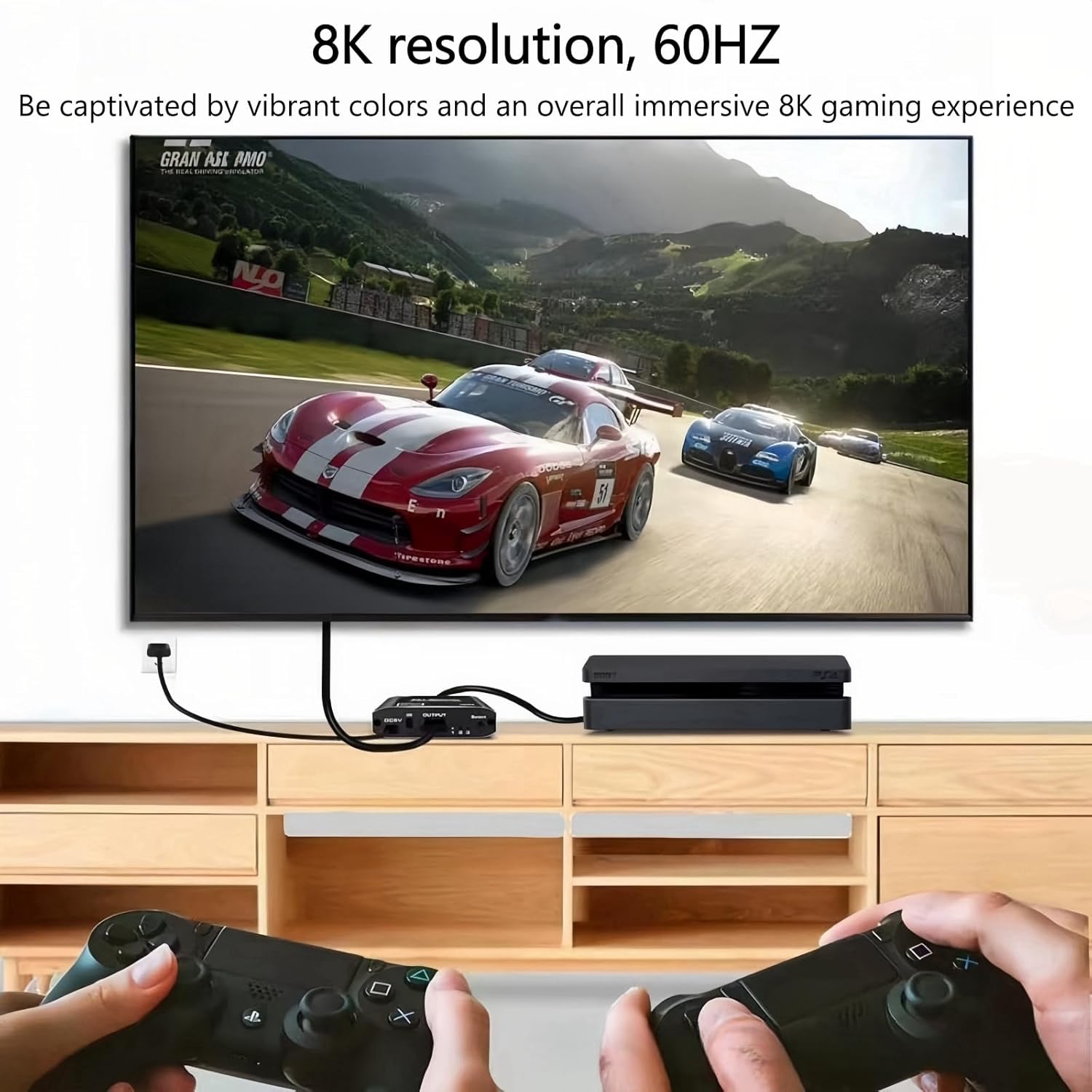
The switcher is positioned around DisplayPort 1.4 performance and very high resolutions. The input/output are described as supporting 8K display (provided your equipment and cables support it).
The provided resolution examples include 8K @ 30Hz, 4K @ 120Hz, and 1080p @ 240Hz, with an important caveat: 240Hz at 1080p only applies if your equipment can support it. It also mentions a maximum broadband of 32.4Gbps.
In real buying terms, that means this should fit well with gamers and high-refresh setups, as long as you’re matching the right DP version and using a suitable DP 1.4 cable. If your cables or devices aren’t up to the task, you may not see the headline numbers—still, the switch function itself is the core feature.
What stands out in day-to-day use
The control is straightforward: one button toggle, designed so you can change which source feeds the display without going back to the desk and swapping leads.
It’s described as having sensitive buttons and a frosted metal shell (anti-drop, less likely to scratch), plus gold-plated interfaces intended to resist corrosion. Those are small details, but when you’re handling the switch fairly often, they do matter.
The power situation is also clearly explained: you need an external power supply via USB cable. There’s a specific note that you should use the USB cable for power, and it’s described as a 5V 1A USB C power cable.
Tech specs
- Name: DisplayPort Switch 8K Bi-directional DP Switcher
- Type: DP switch / DP switcher (1 in 2 out and 2 in 1 out)
- Format: One-button toggle switch
- Resolution: Supports up to 8K (example outputs listed include 8K @ 30Hz, 4K @ 120Hz, 1080p @ 240Hz)
- Refresh rate: Example refresh rates given above (dependent on compatible equipment)
- Processor: Built-in high-performance chip (as described)
- Memory: Not stated
- Material: Frosted metal shell
- Colour: Black
- Display compatibility: Backward compatible with DP 1.4, DP 1.2, DP 1.1 and DP 1.0
- Maximum broadband: 32.4Gbps (as stated)
Who it’s for (and who should be cautious)
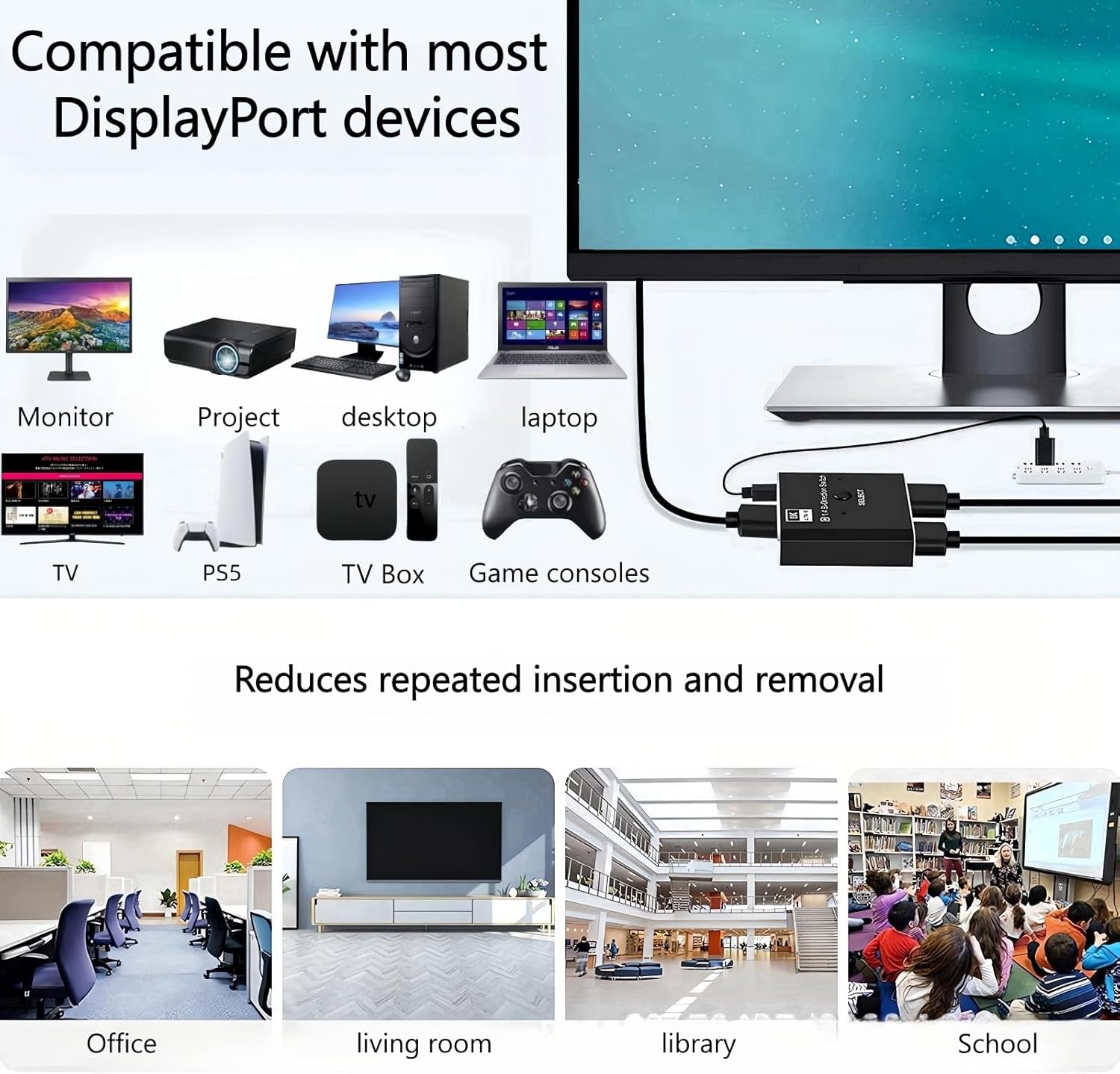
It makes sense if you regularly swap between two DisplayPort sources and want one monitor (or, depending on your direction, one source between two displays). This is especially relevant for home office setups where a laptop and PC both get used, or for a gaming rig where you want to keep cables tidy.
It’s not the best match if your goal is “always-on” dual output—because the text specifically notes that two monitors cannot be displayed at the same time.
Also, keep the limitations in mind. The listing notes that it cannot support the Valve Index VR headset. If VR is a priority in your setup, you’ll want to look for a switch that’s explicitly compatible.
Finally, if your current cables don’t support the relevant DP version, the high-end resolution claims won’t automatically apply. The guidance says to use a standard DP 1.4 cable that supports 8K to enjoy the visual effects.
Buying verdict
Final verdict
This DisplayPort switcher is a sensible purchase if you want a simple, button-based way to swap DisplayPort sources and you’re happy with switched output rather than simultaneous dual display. Its DP 1.4 focus, backward compatibility, and high bandwidth positioning make it more than just a basic office switch—provided your monitor, GPU/laptop, and DP cables are up to the standard.
But you should skip it if you need two monitors showing at the same time, or if you’re using it for Valve Index VR. And if you’re chasing specific high refresh rates, remember that the 240Hz example is conditional on your equipment supporting it.
Mini FAQ
Quick answers before you buy
Can I show two displays at the same time? No—the notes say two monitors cannot be displayed at the same time.
Do I need a driver? The text says no driver is required, but you do need external power.
How is it powered? It needs USB power via the included USB C power cable, described as 5V 1A.
Will it work with older DisplayPort versions? It’s described as backward compatible with DP 1.4, DP 1.2, DP 1.1 and DP 1.0.
Does it support Valve Index? The listing states it cannot support the Valve Index VR headset.