


DAOKAI USB to 3/4 Pin PWM Fan Power Cable (Boost DC5V to DC12V) with Switch — Plug and Play
Product description
The essentials
If you’ve got PC case fans that need a 3 or 4-pin connection, but you only have a spare USB-A port to hand, this DAOKAI USB to 3/4 Pin fan power cable is basically a sensible middle ground. On paper, it takes the standard USB-A 5V supply and uses an internal boost circuit to step it up to a higher output for fan power, with a simple on/off switch so you don’t have to keep plugging and unplugging the USB.
It’s a plug-and-play style adapter aimed at people who just want airflow without getting into controller setup, wiring tweaks or software. That convenience is its main selling point—though it’s worth keeping expectations realistic, because a USB-based approach can be a bit more “accessory” than a full motherboard fan header solution.
Key points
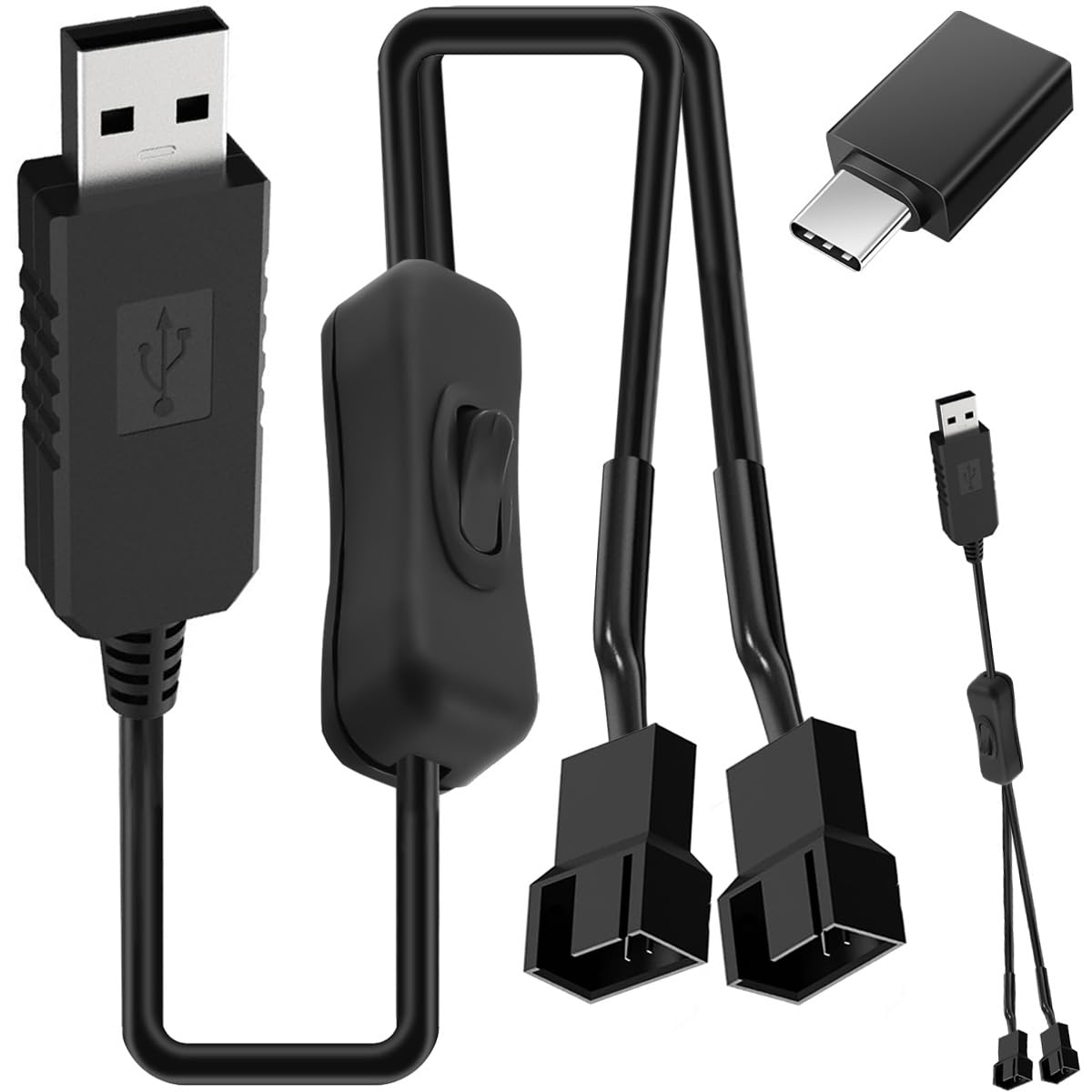
The standout here is the combination of USB-A power input, a 3/4-pin fan output (via two cables in the pack), and a physical switch. The boost circuitry is there to move beyond 5V-only fan powering, and the product is presented as ready to use straight away.
It suits builds and setups where you’d rather power case fans from a readily available USB-A outlet. For example, if you’re testing fan orientation, running light cooling for a desk PC, or adding extra fans to a chassis where you don’t want to hunt for extra fan headers, the “connect, switch on” flow can save time.
Still, not every fan setup behaves the same, and your results depend quite a lot on how your fans are rated and what they expect from their power/control method. This cable is designed for powering—if you’re trying to get full motherboard-level speed control, you may find it doesn’t match the behaviour of proper fan control headers.
Where it shines
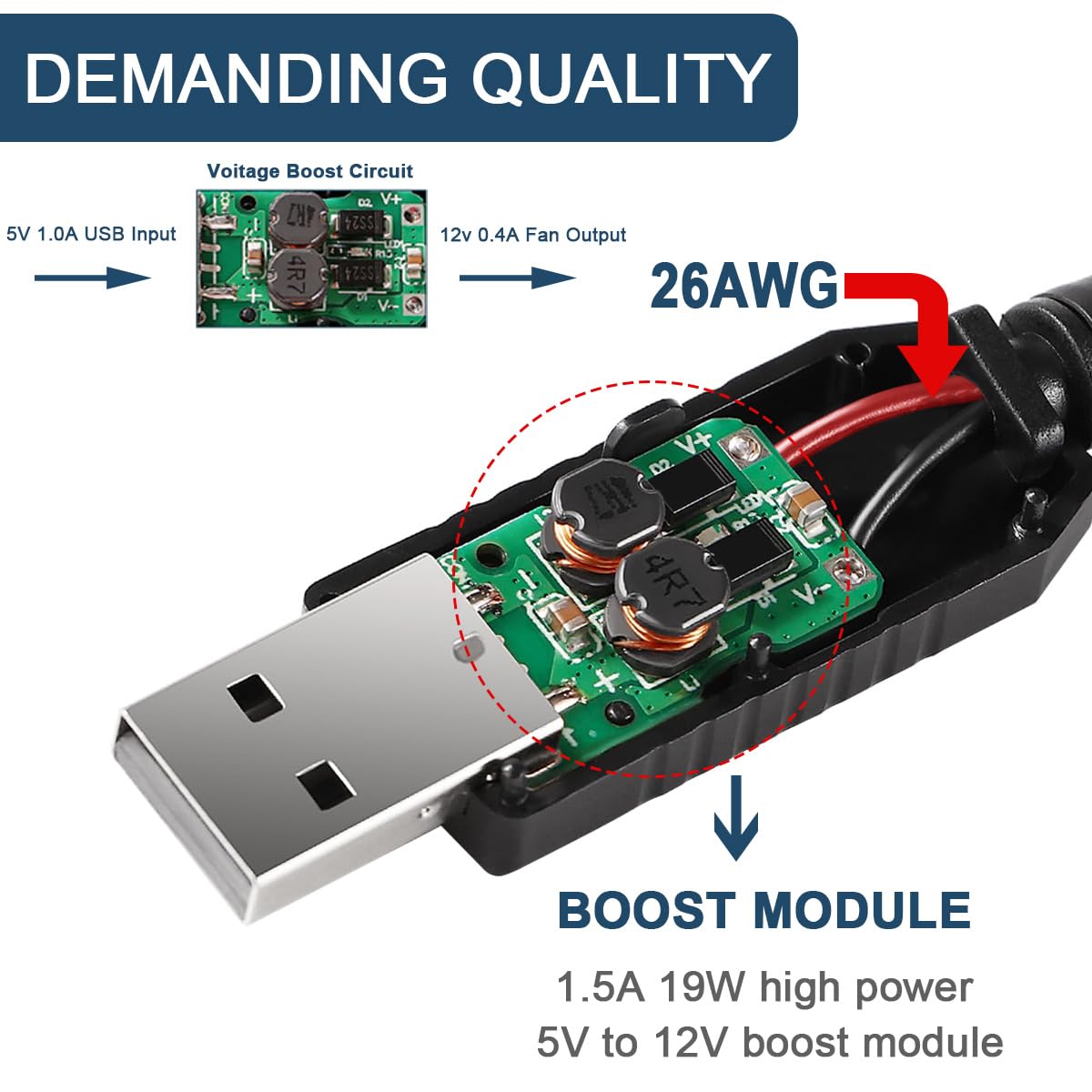
This is the sort of product you keep around when you want reliability without complexity. The integrated boost converter (boosting USB 5V up to 12V, with the provided output figures) is the key piece that makes the USB-A-to-fan idea practical.
A physical power switch is genuinely useful. Instead of reaching behind your PC to remove the USB connection, you can toggle the cooling on and off with a single press. It’s a small feature, but day-to-day it reduces fiddling.
On top of that, the plug-and-play positioning matters if you’re not keen on installing extra drivers or changing BIOS/firmware settings just to get fans spinning.
Tech specs
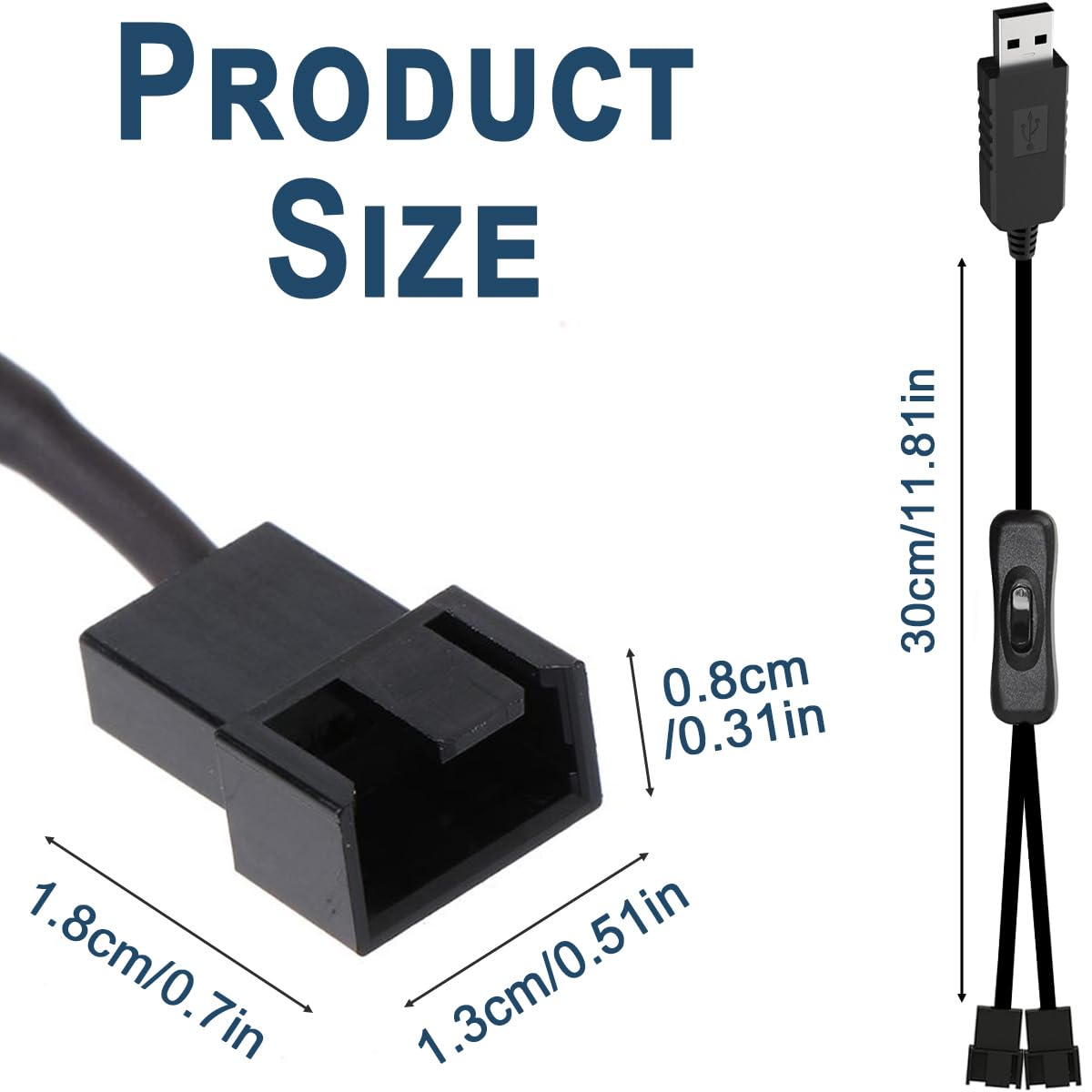
- Name: DAOKAI USB to 3/4 Pin 1 to 2 Step-Up Fan Power Cable with Switch
- Type: USB-A male to three 3/4 pin male plug fan power adapter with integrated boost
- Interface 1: USB-A power input for 5V compatibility
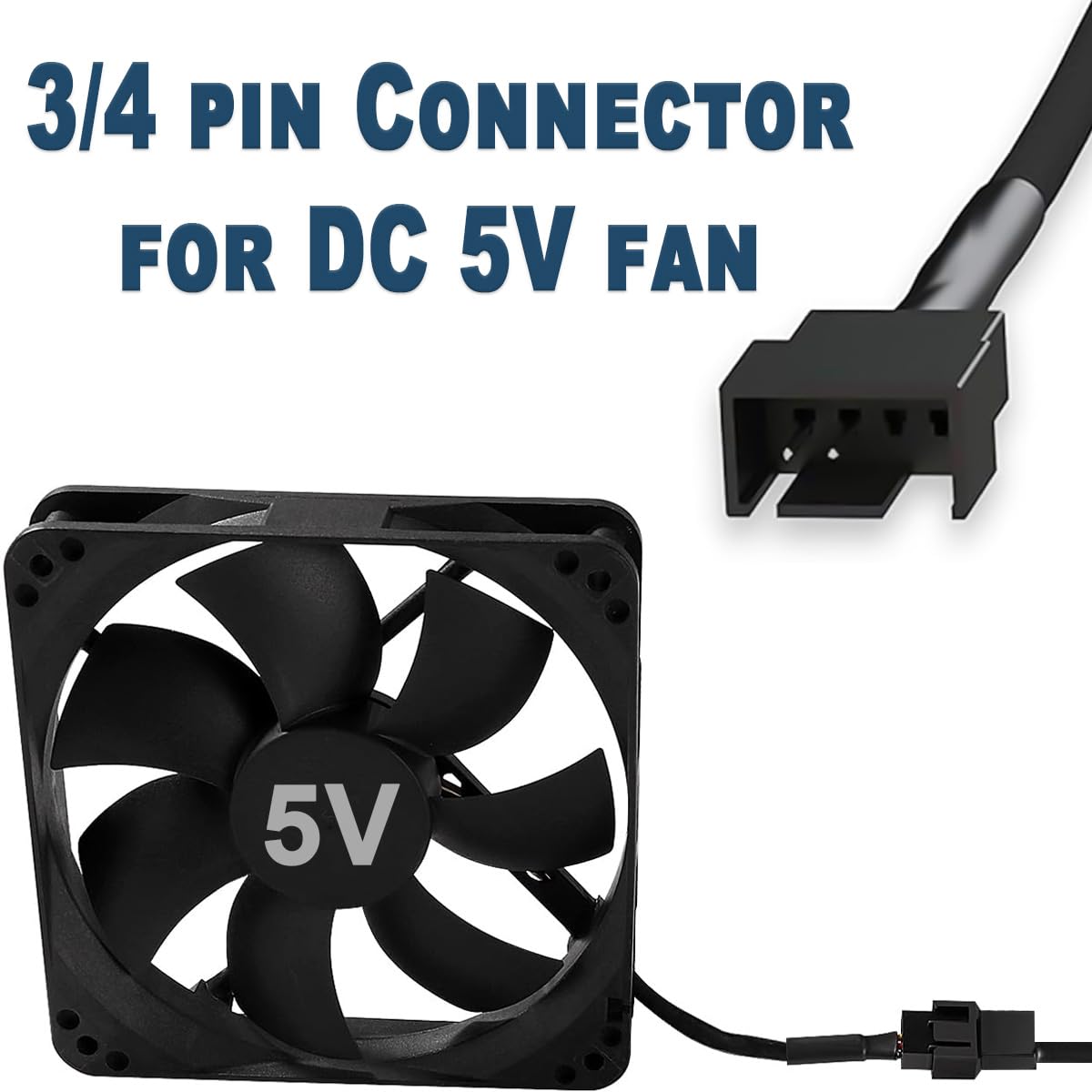
- Interface 2: Adapter cable for 3-pin and 4-pin case fans
- Boost output: 12V boost circuit built-in
- Output figures (as stated): 1.5A and 19W
- Switch: On/off switch for controlling fan start/stop
- Plug and play: No drivers or configuration required (as stated)
- In the box: 2 x USB to double PWM 3/4-pin fan extension cables and 1 x adapter
What to consider before buying
Before you commit, check your intended fans against what this adapter is actually designed to do. The description focuses on powering fans (and includes support for 3-pin and 4-pin plugs), but it doesn’t spell out advanced control behaviour beyond “start/stop via the switch”. If your goal is motherboard-style RPM monitoring and PWM speed regulation, this may not be the closest match.
Also, USB-A power is convenient, but USB ports can be limited depending on where they come from (front-panel ports, hubs, adapters, etc.). The cable is described with the boost circuit and stated output capability, so it should be suitable within that scope—but it’s still smart to confirm that your power source can provide stable USB-A power for your use.
Who it’s for (and who should skip it)
It makes sense if you want an easy way to run most PC chassis fans from a USB-A connection, especially where you’d rather avoid repeated plugging/unplugging thanks to the built-in switch.
It may not suit you if you need tight motherboard-level fan control features, or if you want a more traditional approach with fan headers for speed management and monitoring. In that case, a dedicated fan header solution (or a controller approach designed for the specific control signals you need) will usually be the more appropriate route.
Is it worth it?
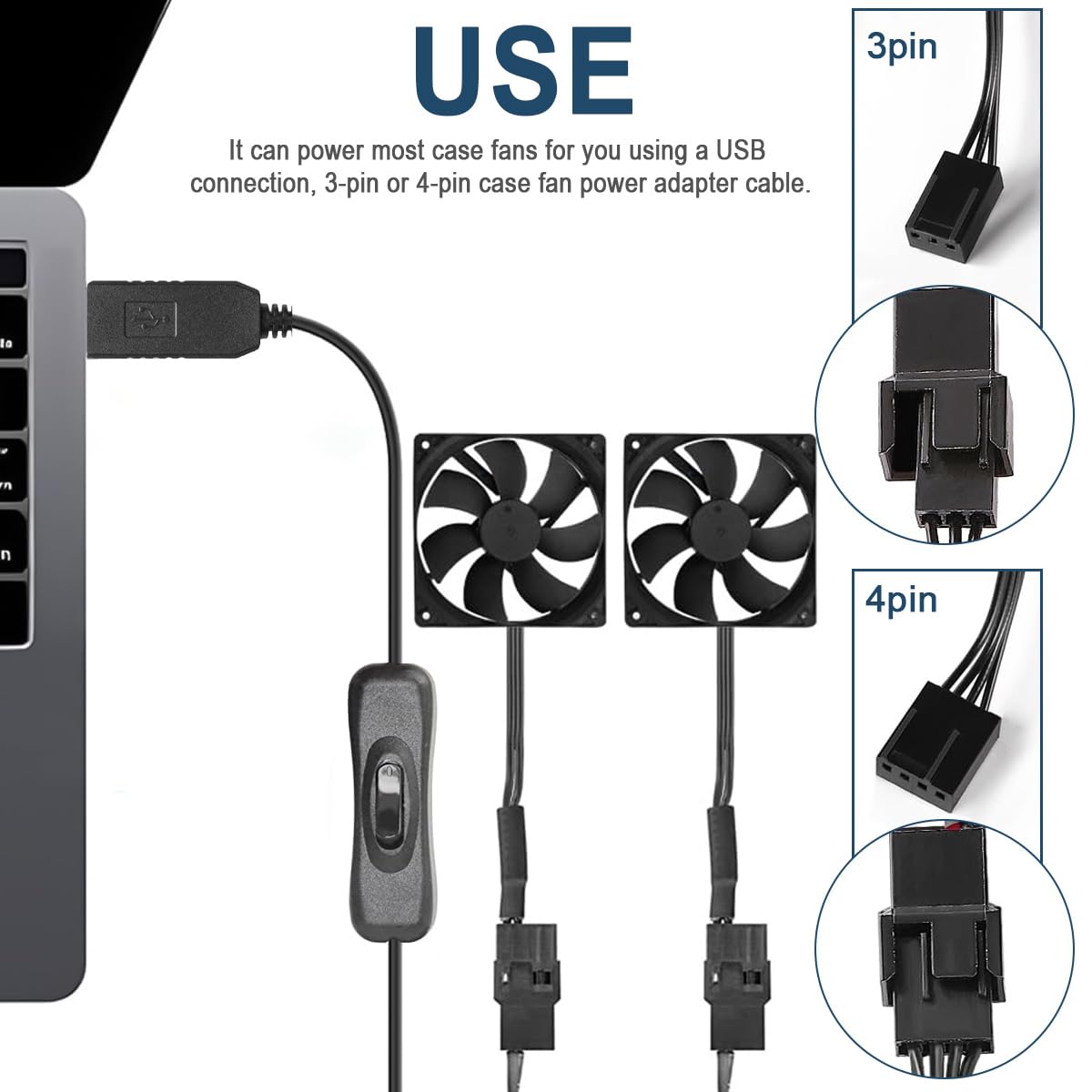
Buy it if you’re looking for a straightforward USB-A powered way to run 3 or 4-pin PC case fans, and you value the convenience of a physical switch and plug-and-play operation.
Skip it if your priority is advanced speed control and monitoring in the same way a proper motherboard fan header setup provides, because this adapter is framed primarily as a power bridge rather than a full control system.
If you want a neat “connect it and go” approach for extra airflow or fan testing, it’s a practical choice to consider.
Mini FAQ
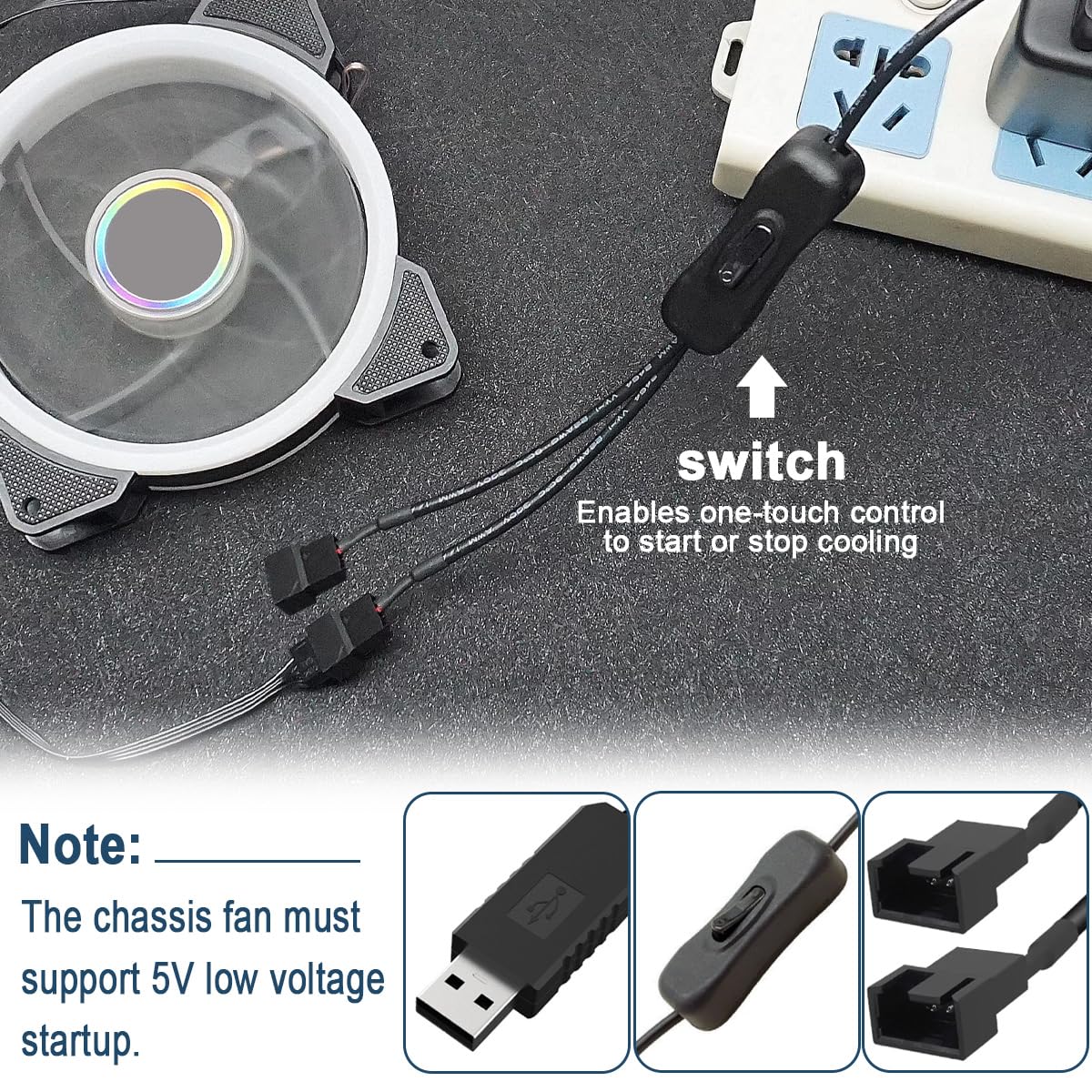
What does the switch do?
The switch is for starting or stopping the cooling without having to unplug and replug the USB connection.
Does it need drivers?
The description says it’s plug and play, with no drivers or configuration required.
Will it power 3-pin and 4-pin fans?
It’s described as compatible with case fans using 3-pin or 4-pin connections.
Is it actually boosting USB power to run fans?
Yes—an integrated boost circuit is included, stepping USB-A 5V up to the stated 12V output figures.
How many cables are included?
The pack includes two USB-to-fan extension cables and one adapter.