

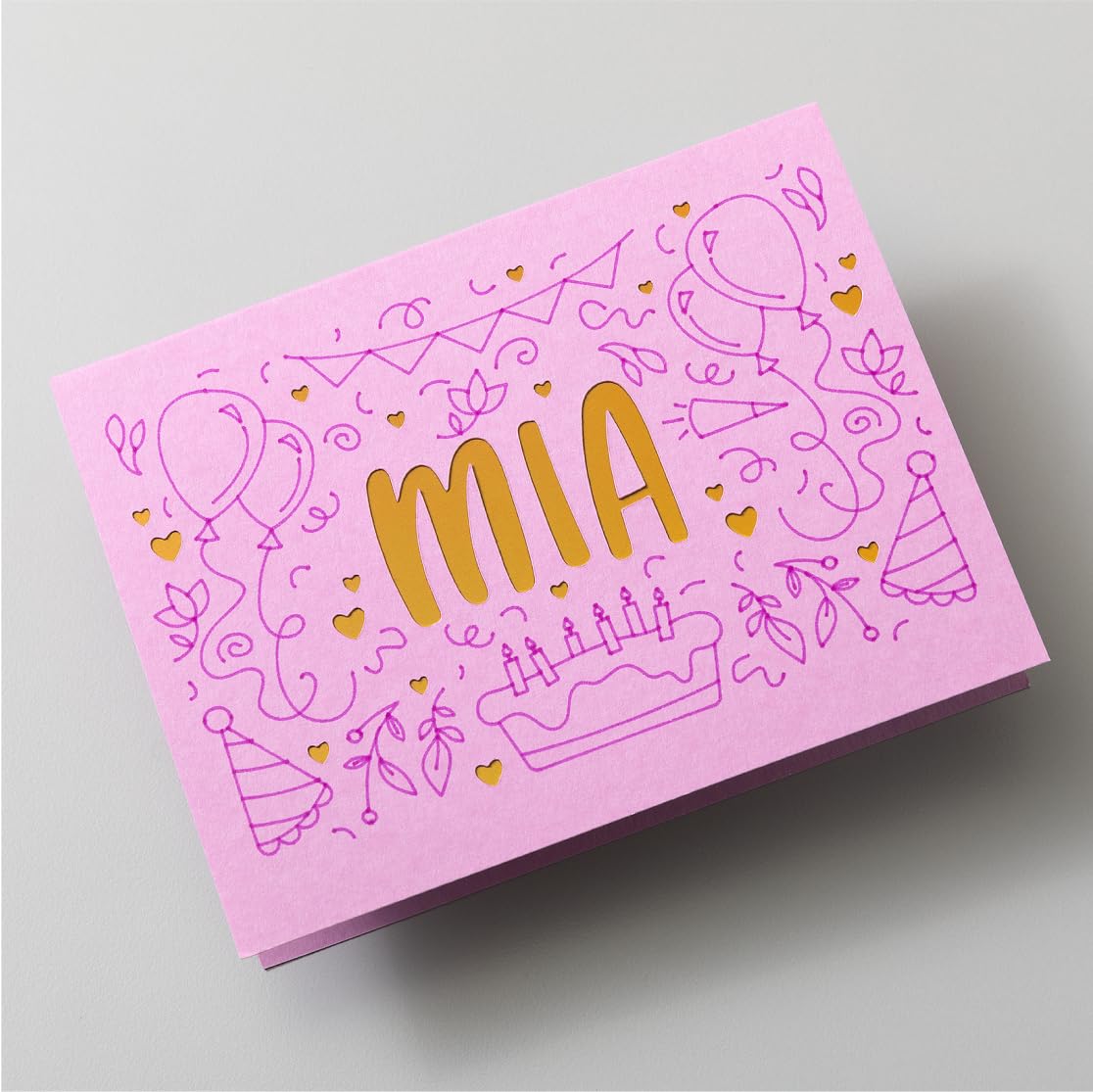
Cricut Maker 4 Smart Cutting Machine
Reviews
Price
Product description
The essentials
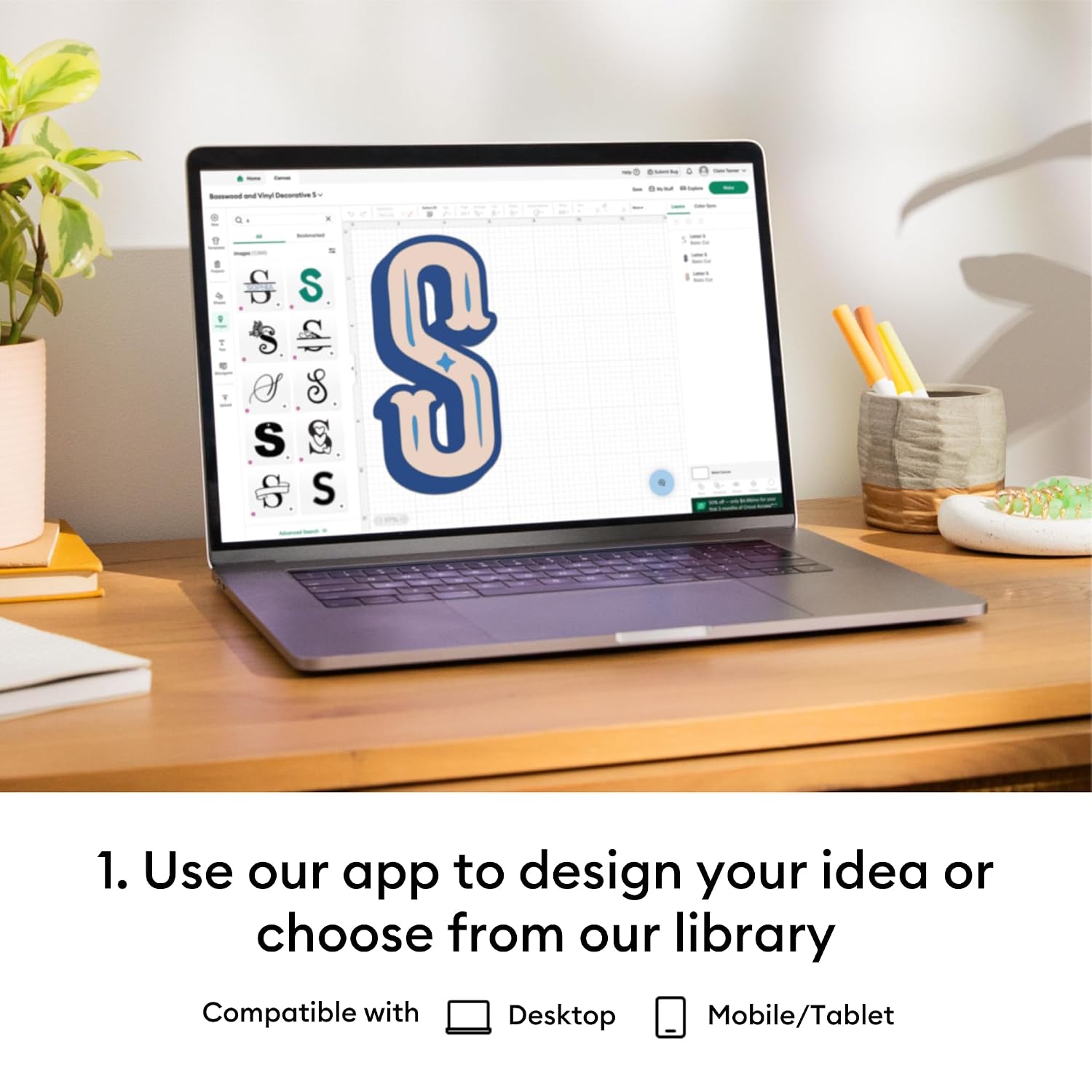
The Cricut Maker 4 Smart Cutting Machine is a cutting machine built for people who want more than basic shapes. On paper, it’s aimed at fairly ambitious makes: intricate designs with precision, a wide range of compatible materials, and the convenience of designing either from the Cricut Design Space library or by uploading your own ideas.
It also leans into a modern workflow. If you have a home inkjet printer, you can print then cut full-colour designs, using the machine alongside Design Space. And if you’re new to this sort of kit, the Design Space app is positioned as free and easy to learn, which matters because the software is often where beginners get stuck.
Where it stands out
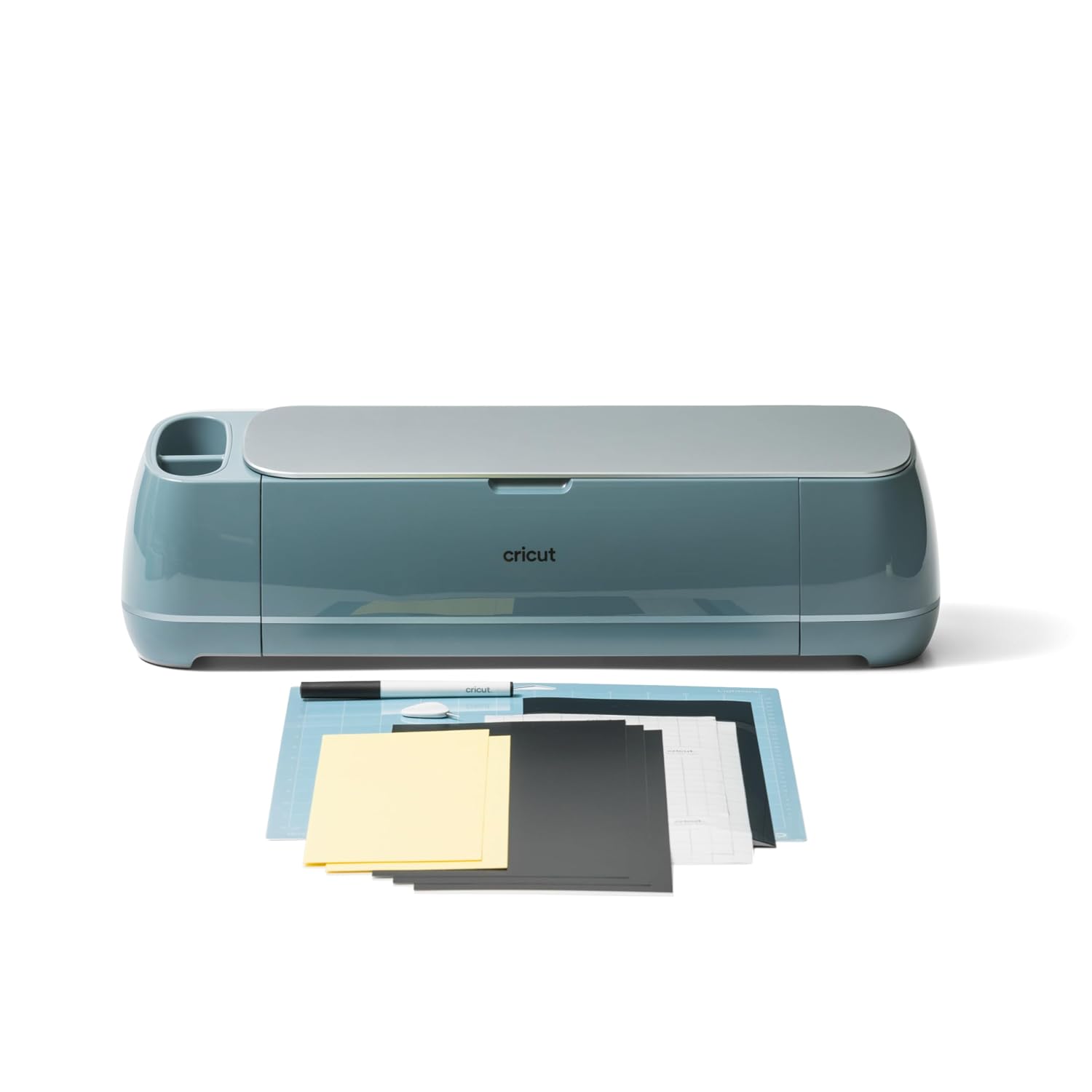
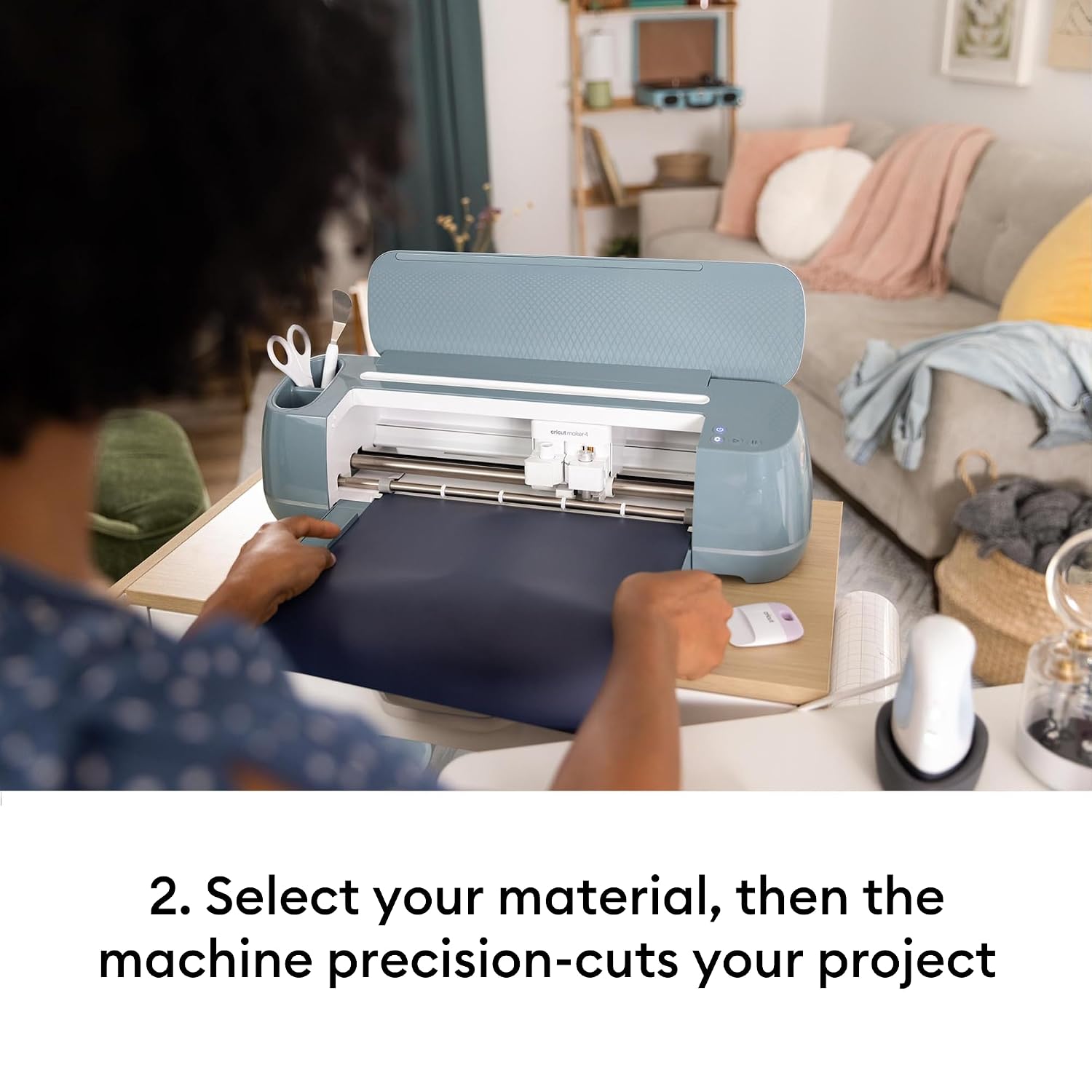
What makes the Maker 4 feel practical is the range of materials it’s described as supporting. The base info mentions 300+ materials, including popular crafting staples like vinyl, iron-on and cardstock, plus tougher or more specialised options such as leather and posterboard. In other words, it’s not just for label-sized projects.
It also gives you two clear ways to start: - Use the Design Space library for ready-to-go designs. - Upload your own designs to cut what you’ve made or found.
There’s also a small extra package angle: it’s noted that amazon UK includes a curated collection of 25 additional images in your Design Space library. That’s not the same as a full-on “all the materials included” bundle, but it can shorten the time between unboxing and getting a first project done.
Key points for real-life use
The print-then-cut option is the bit that most people tend to care about once they move past simple monochrome cuts. If your typical projects involve full-colour artwork—stickers, labels, decorative cutouts—having support for printing from a home inkjet printer and then cutting the result is a genuinely useful workflow.
You should also think about what you enjoy. If you like browsing libraries and tweaking small details, Design Space can keep you moving. If you prefer custom work—logos, personalised patterns, text you’ve prepared—uploading your own designs is the better match.
Worth noting, though, that “300+ materials” is a promise of compatibility, not a guarantee that every material will behave identically. The real-world result often depends on choosing the right material setup for your project.
Tech specs
- Name: Cricut Maker 4 Smart Cutting Machine
- Type: Smart cutting machine
- Format: Works with 300+ materials
- Compatibility: Works with home inkjet printer for print then cut
- Software: Cricut Design Space app
- Library support: Upload & cut your own designs, or use Cricut Design Space library
- Included: Curated collection of 25 additional images in your Design Space library
Who it’s for (and who should think twice)
This is a strong fit if you want a machine that can cover a wide variety of everyday crafting—vinyl and iron-on for wearable or household upgrades, cardstock for paper crafts, and the option to go further into leather and posterboard if your projects evolve.
It may not be the best choice if you only plan to do very basic cutting now and then, or if you’re not keen on using software as part of the process. Cutting machines are easiest when you’re happy to spend a little time learning the workflow.
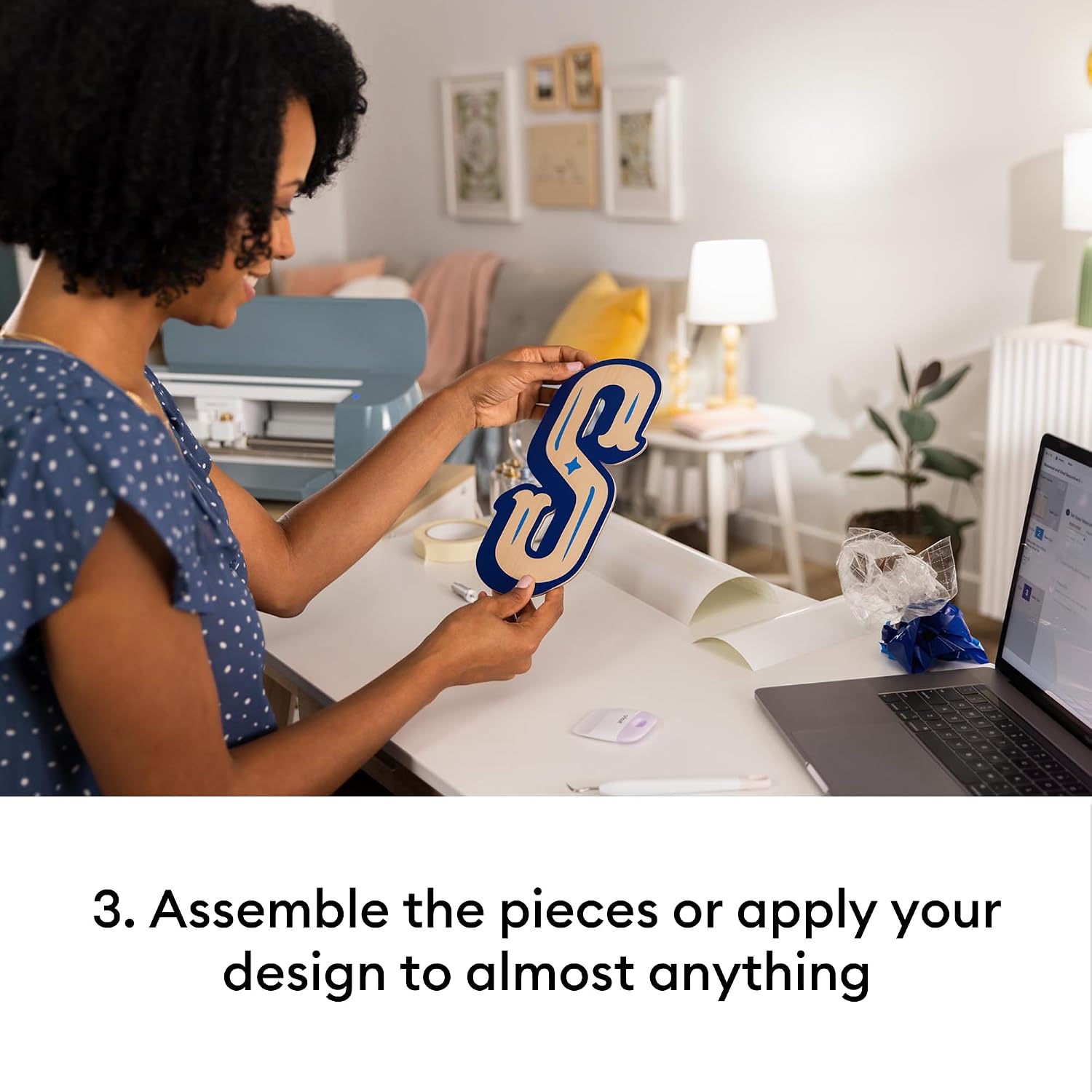
Also consider your space and planning habits: print-then-cut setups work best when you’re organised about preparing files and lining up the workflow from printer to cutting.
Getting the most from it
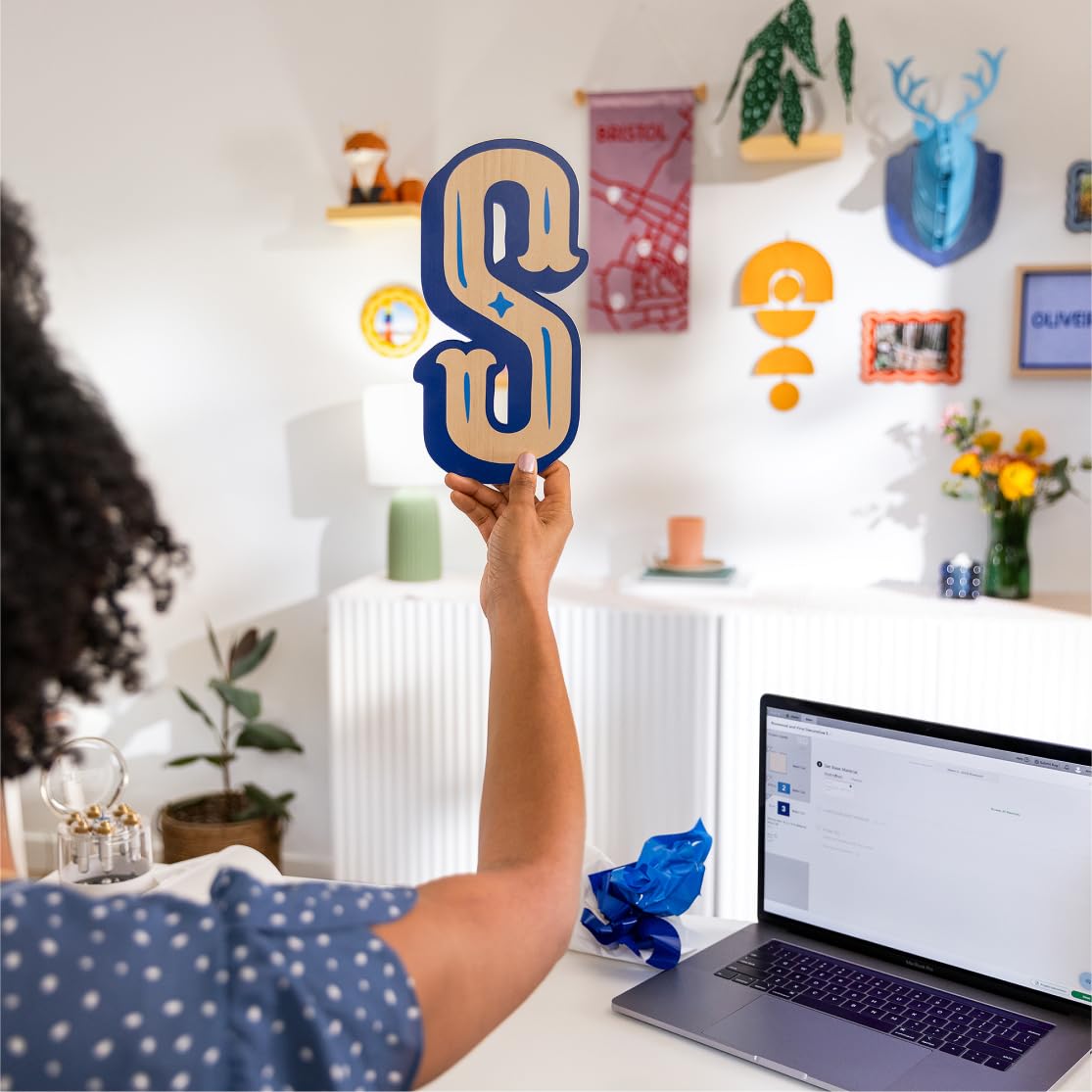
A practical example: imagine designing a full-colour sticker or label in Design Space, printing it at home with your inkjet printer, and then letting the Maker 4 cut around the printed artwork. That’s the kind of workflow the product is clearly built for.
To get smoother results, try starting with a library design first. Once you’re comfortable, move to uploading your own files. That approach usually reduces trial-and-error compared with jumping straight into custom work.
Should you buy it?
Buy the Cricut Maker 4 Smart Cutting Machine if you want a cutting machine with broad material support (including vinyl, iron-on, cardstock and more), and you specifically value the print-then-cut workflow using your home inkjet printer. The Design Space app, plus the ability to upload your own designs or start from the library, suits both beginners and regular crafters who want room to grow.
Skip it if you’re looking for something simple and occasional, or if you’d rather avoid software-driven crafting. It can be more of a commitment than entry-level cutters, and the “300+ materials” promise means you still need to choose setups carefully for the best results.
Mini FAQ

How does print then cut work with this machine?
It’s designed to be used with a home inkjet printer to print then cut full-colour designs, using the Design Space workflow.
Can I use my own designs instead of the built-in library?
Yes. The Maker 4 supports uploading your own designs in the Cricut Design Space app for cutting.
What materials does it support?
The information provided says it works with 300+ materials, including vinyl, iron-on, cardstock, leather, posterboard and more.
Is the Design Space app required?
Based on the description, yes—it’s the free, easy-to-learn app used to choose designs and manage upload-and-cut.
What’s included for Design Space?
Amazon UK is stated to include a curated collection of 25 additional images in your Design Space library.