

CorelDRAW Graphics Suite 2026 | 1 Year, 1 User – Digital Download
Product description
What it is and what it aims to solve
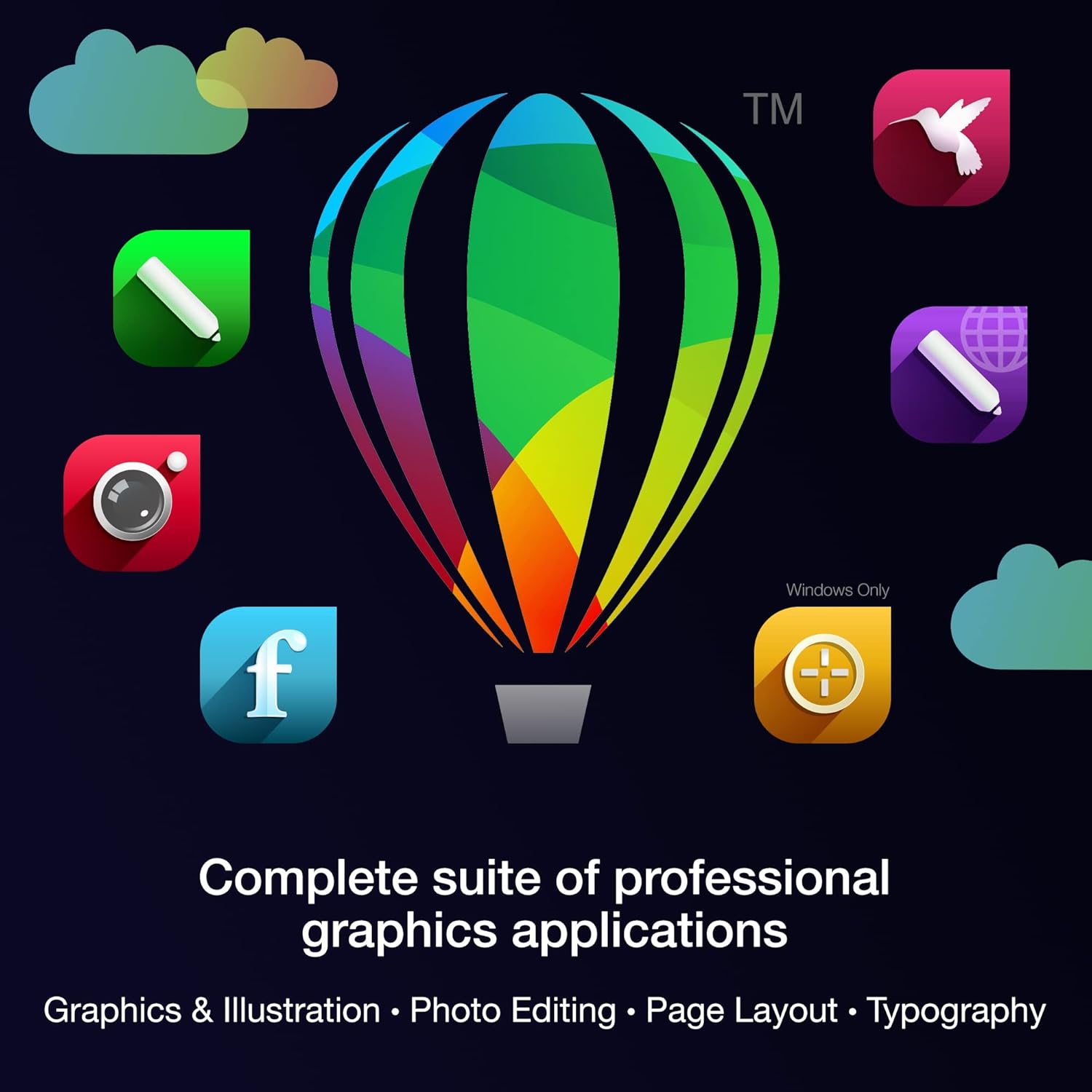
CorelDRAW Graphics Suite 2026 is a professional graphics package designed for vector illustration, layout, photo editing, and font management. For a single user with a one-year licence, it targets designers who need an all-in-one toolkit to move from concept to finished work, whether that’s multi-page brochures, web graphics, or print-ready layouts. On the surface, it combines drawing, page design, and photo editing in one environment, which can simplify workflows when you prefer a single supplier for multiple tasks.
How it’s put together
The suite emphasises a comprehensive toolbox with features described as painterly brushes, a focus on non-destructive effects, and an updated workflow for complex designs. It also mentions streamlined processes for print and export, including multi-page outputs. While the specifics aren’t exhaustively listed, the design intent seems to balance vector work, layout, and image adjustments under one roof.
What stands out in use
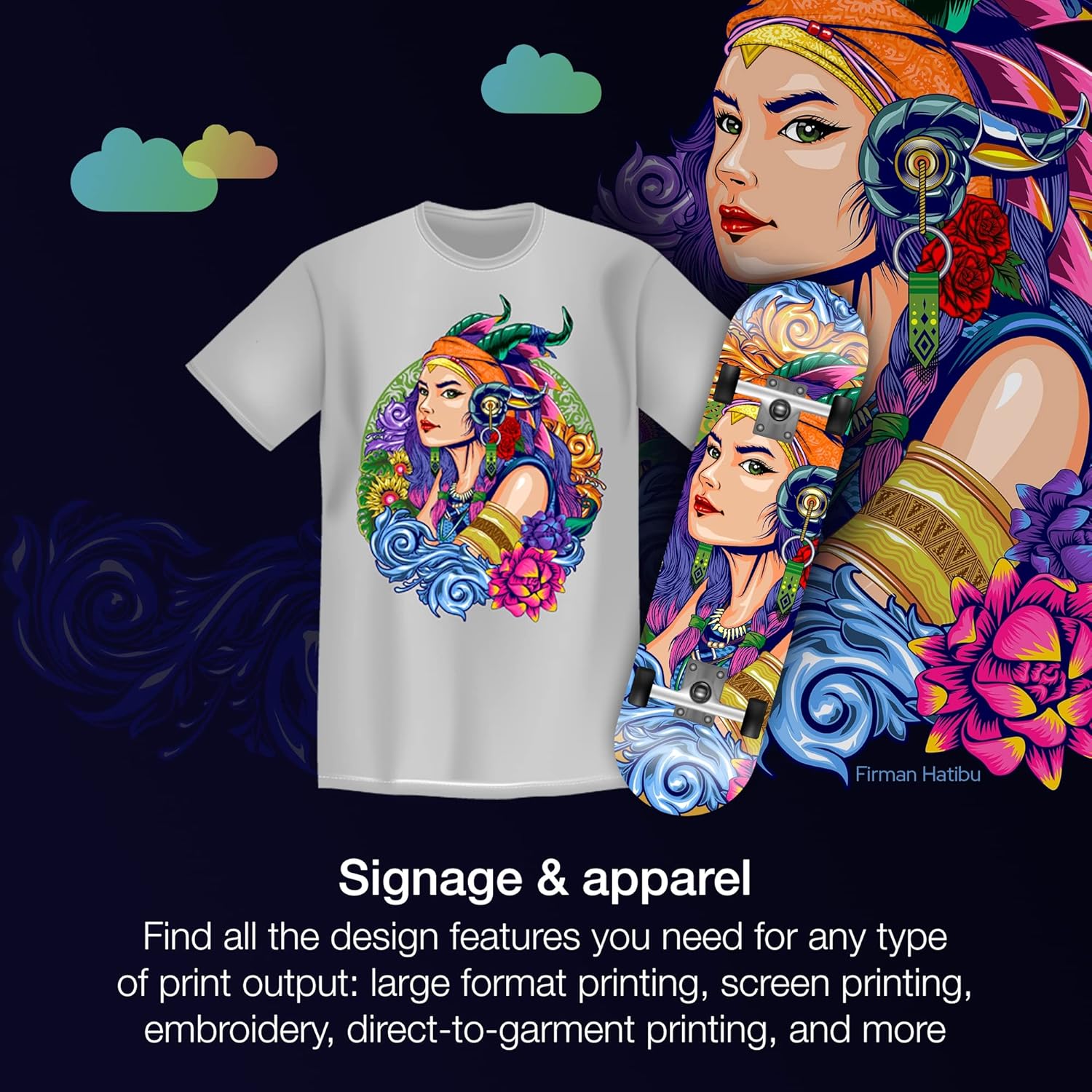
If you’re juggling brochures, posters and digital visuals, the suite’s layered photo editing and AI-assisted enhancements could save time by reducing back-and-forth between apps. The inclusion of Pantone colour palettes and advanced printing options suggests decent colour management for print projects, while web graphics presets indicate readiness for online assets.
Strengths and potential limits
On the plus side, the all-in-one nature can streamline creative workflows and keep assets tightly aligned in one project space. For those who value integrated fonts and layout tools, the package offers a cohesive environment. However, the entry is priced as a one-user, one-year licence, which may be a constraint for teams or freelancers who need ongoing access beyond twelve months or multiple seats. Also, while the feature list hints at powerful capabilities, it’s prudent to verify whether the exact toolset and keyboard shortcuts align with your current workflows before committing.
Who it’s for

This suite is well suited to individual designers and small studios who need vector drawing, page layout, and photo editing in one package, with a focus on print-ready output and consistent colour management.
Who it isn’t ideal for
It might not be the best fit if you require ongoing multi-user licences, or if you primarily work in non-Adobe ecosystems and rely on advanced, platform-specific tools that aren’t highlighted here. If you prioritise a perpetual licence or cloud-heavy collaboration features, you may want to weigh alternatives.
When it makes sense to buy
Consider CorelDRAW Graphics Suite 2026 if you want an all‑in‑one workflow for vector art, page layouts and image tweaks, and you’re comfortable with a yearly licence for a single user. It’s sensible when your projects involve multi-page documents, brand guides, or print and web assets that benefit from a shared colour workflow and integrated fonts.
What to check before purchasing

- Confirm that the platform compatibility aligns with your setup (the description is platform-focused but doesn’t list specifics).
- Check whether a one-year, single-user licence suits your capacity needs for updates and access after twelve months.
- Consider your needs for print accuracy, especially colour management and Pantone palette support.
- If your workflow relies heavily on external plug-ins or specific design apps, verify compatibility.
Practical example
Imagine preparing a small-brand brochure: you draft vector illustrations, configure a multi-page layout, apply stylistic photo edits, and export for both print and digital use from the same toolset. The built‑in fonts and consistent colour profiles can help maintain brand integrity across formats with fewer export steps.
FAQ
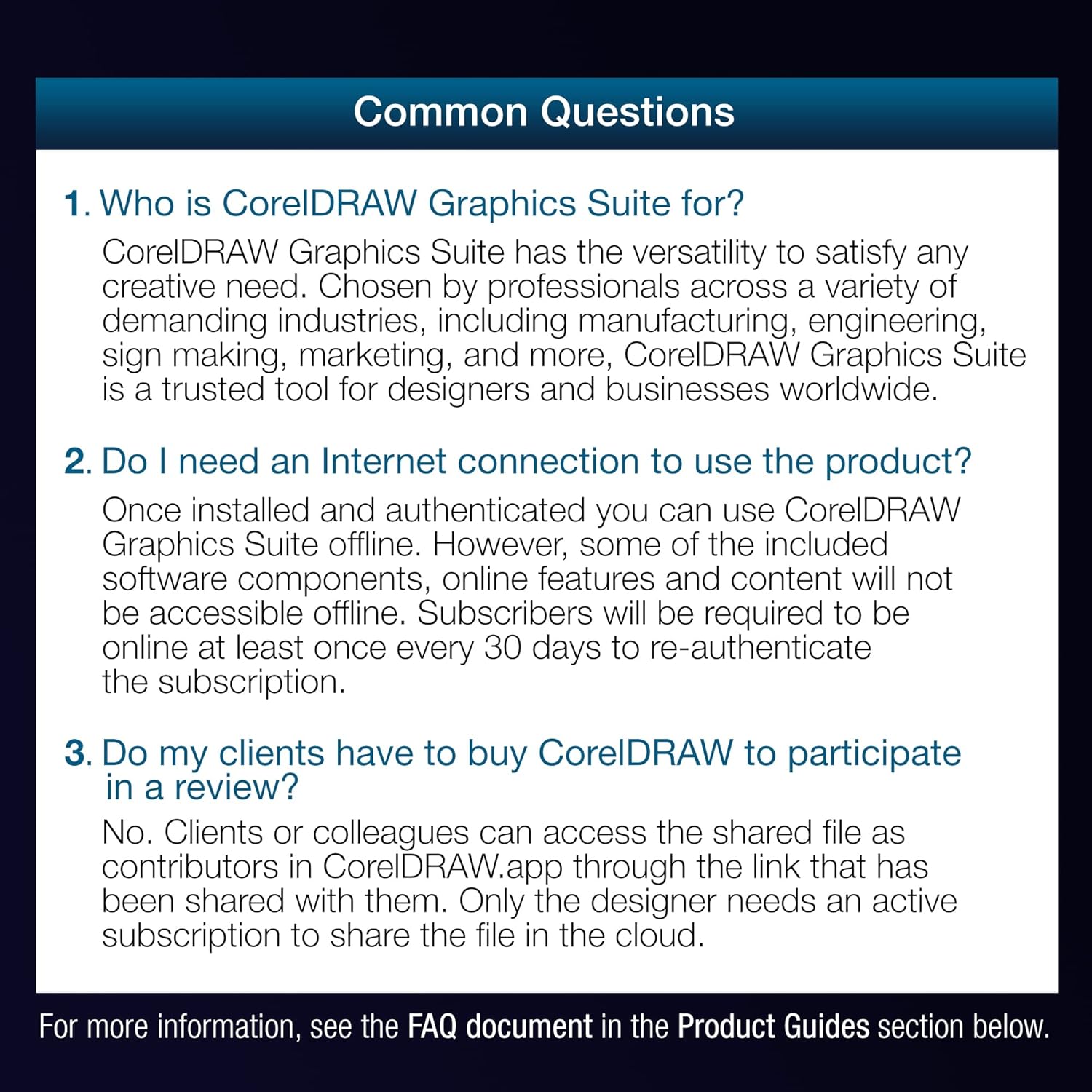
- What does a 1-year licence mean for ongoing use? It provides access for twelve months from activation, after that period, access may require renewal.
- Can I use it for both print and web? Yes, the software mentions print-ready output and web graphics tools, with Pantone colour palettes for accurate print colour.
- Is it suitable for beginners? The description targets professional graphics tasks, beginners may need time to learn the interface, but the suite aims to cover a wide range of needs within one product.
Decision time
Should you buy it?
It makes sense if you want a consolidated toolset for vector work, layout, and photo editing within one licence and value a strong emphasis on print-ready colour management. Not ideal if you need a perpetual licence, multi-user access, or non‑Adobe-centric features beyond the described scope.