

Corel Pinnacle Studio 26 Ultimate: Powerful, Pro‑grade Video Editing Software
Product description
What it is and who it’s for
Corel Pinnacle Studio 26 Ultimate is a digital download designed for creators who want professional‑quality video editing without jumping to a high‑end, enterprise solution. If you’re assembling HD, 4K, or even 360° footage across multiple tracks, this software aims to keep the workflow smooth with stable performance. It targets the creator who values a capable toolset—masking, motion tracking, colour grading, green screen, multi‑cam editing, and more—without necessarily needing a full post‑production suite.
What matters most on paper
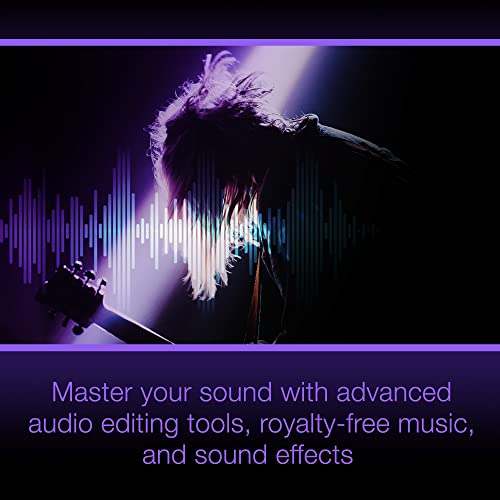
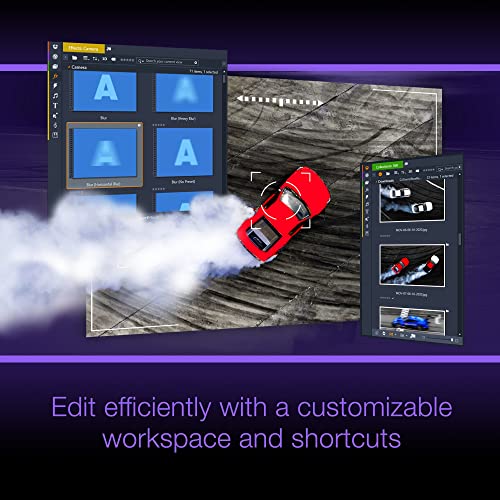
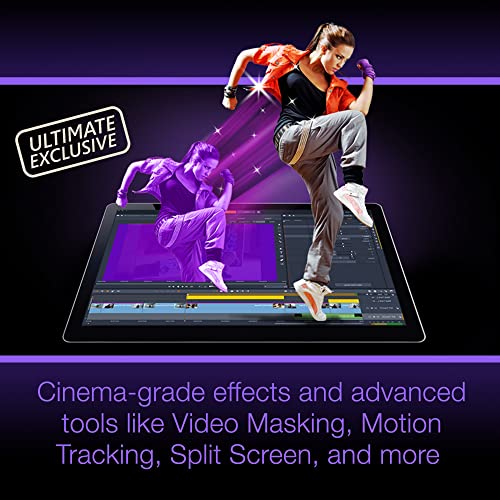
On the surface, Pinnacle Studio 26 Ultimate stacks up with a comprehensive feature set: advanced video masking, motion tracking, keyframe‑based control for positioning and colour, and enhanced editing for multiple streams. It also includes tools for audio work (noise profiles, pitch, multi‑channel mixing and voiceover) and a sizeable library of templates for quick outputs. For those who publish online, it provides direct upload options to popular platforms and a range of export formats.
Strengths in everyday use
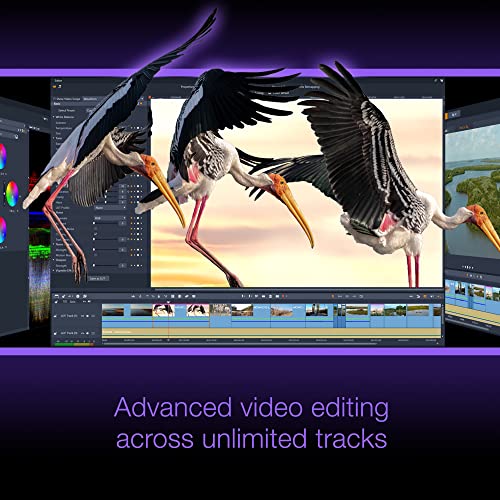
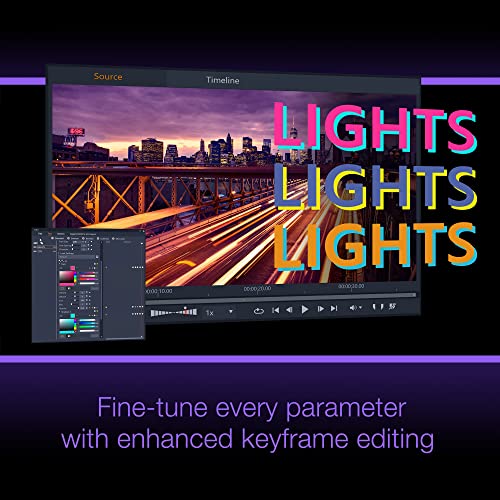
If you prioritise an all‑in‑one workflow, the ability to import 8K footage and edit across unlimited tracks can be a big plus, provided your PC can handle the load. The inclusion of features like green screen and video masking offers practical ways to craft effects without external plugins. For creators who want a strong balance of control and convenience, the suite’s keyframe editing and colour work are notable—enabling precise visual tuning rather than reliance on presets alone.
Potential drawbacks and where it might fall short
It’s worth noting that, on paper, this is a feature‑rich toolset. For some users, the breadth may feel overwhelming if they only need basic cuts and simple titles. Also, while the software supports 8K import, real‑world performance will depend on your hardware and project complexity. If you’re evaluating up‑scaling needs or ultra‑high‑end colour pipelines, you might outgrow the package and seek additional tools or plugins.
How it fits different users
- For hobbyist or semi‑professionals: a capable, affordable step beyond entry‑level editors, especially if you work with HD/4K and want robust effects and titles.
- For small creators and freelancers: a practical all‑in‑one solution with templates and online export options to speed up publishing.
- For students or learners: a rich feature set to practise advanced techniques like motion tracking and masking before moving to heavier systems.
What to check before buying
- Your hardware’s ability to handle 8K import and multi‑track timelines, performance hinges on CPU/GPU and RAM.
- Your needs around colour grading depth and motion tracking sophistication, if those are core to you, the tools here should cover them, but confirm you’re not seeking a specialised colour pipeline or high‑end monitoring workflow.
- The relevance of included templates and royalty‑free media for your typical projects, to ensure it aligns with your publishing plan.
How it compares to other approaches
If you’re balancing cost and capability, Pinnacle Studio 26 Ultimate sits between basic editors and full professional suites. It’s a sensible option when you want more control than consumer editors offer, without committing to annual subscriptions or specialist software. For those who frequently produce multi‑cam or advanced effects, consider whether you’d benefit from a broader ecosystem or plugins beyond what this package includes.
Practical usage example
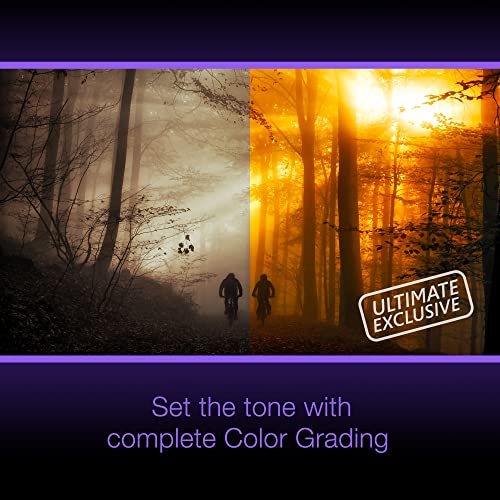
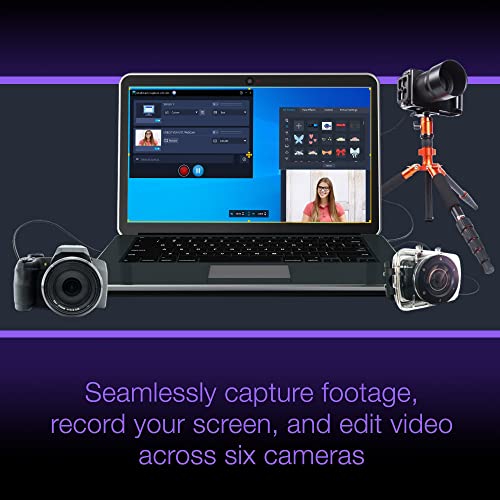
Imagine you’re editing a travel vlog with a mix of 4K clips, a few 360° inserts, and a talking head segment. You’d use motion tracking to keep overlays aligned with a subject, apply a consistent colour grade across clips, and layer audio tracks with a dedicated noise profile. A simple green screen could open up a shot from an on‑location interview, while templates speed up titles and lower thirds for a polished finish ready to upload.
Decision and what it means for you
Is it worth it?
Worth considering if you want a feature‑rich editor that stays pragmatic about price and practicality, and you intend to publish regularly on online platforms without jumping to a subscription model.
Quick FAQ
- Can I import 8K video with Corel Pinnacle Studio 26 Ultimate? Yes, it advertises 8K import alongside HD, 4K and 360 video editing.
- Is it beginner‑friendly or more suited to advanced users? It targets a broad audience, offering advanced tools but with an intuitive interface, some features may require a learning curve if you’re new to multi‑track editing.
- Does it include audio tools and templates? Yes, it includes audio editing features and 100+ pro‑calibre templates for editing and output.