

Corel PaintShop Pro Standard: Photo Editing & Graphic Design, Digital Download
Product description
What it is and who it’s for
Corel PaintShop Pro Standard is a subscription-free photo editing and graphic design package designed to accommodate all skill levels. If you want to correct photos, remove distractions, or craft composite graphics without paying ongoing fees, this could be worth considering. It combines practical editing tools with AI-assisted features, RAW support via AfterShot Lab, and a robust set of graphic design capabilities. The approach is practical rather than flashy, aimed at steady daily use rather than rapid-fire social posts.
How it helps with photography
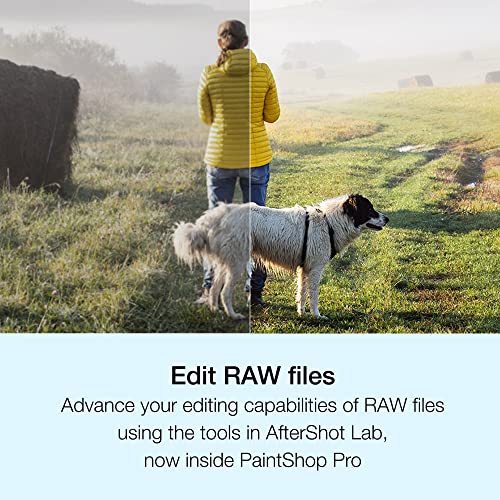
On the photo side, you can use full‑featured editing tools to adjust exposure, colour, and sharpness, and to correct flaws or remove unwanted objects. Background changes are possible, and there are AI-powered tools that aim to streamline routine tasks. RAW editing is supported through the newer AfterShot Lab workflow, which can be convenient if you work with more demanding image files. You can also create HDR images and batch process tasks, which is useful for workflows that involve batches of photos or a steady stream of projects.
What stands out for graphic design
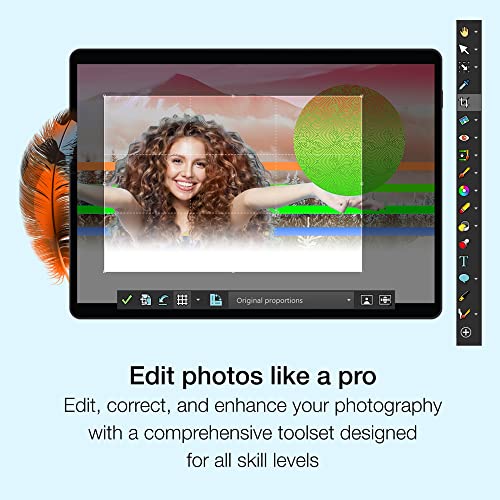
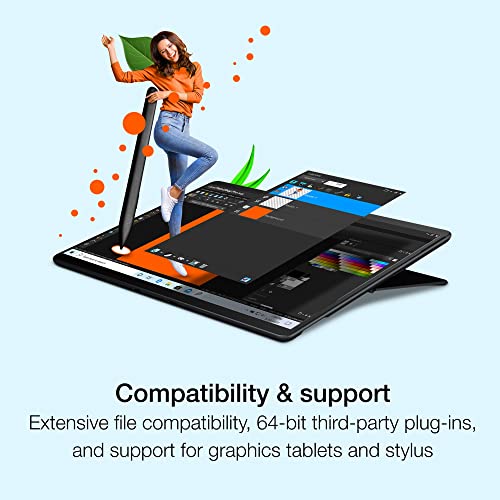
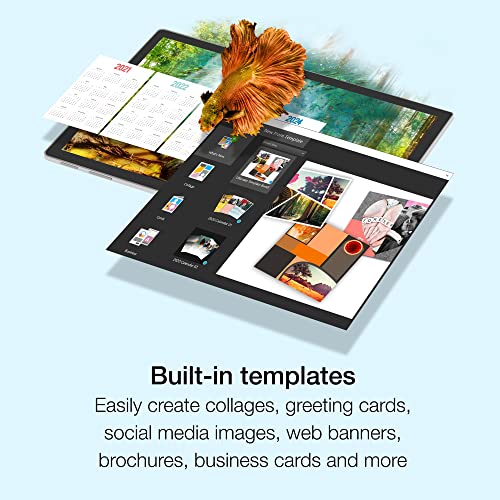
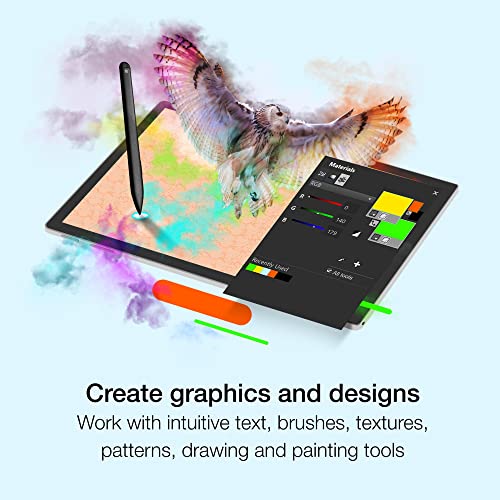
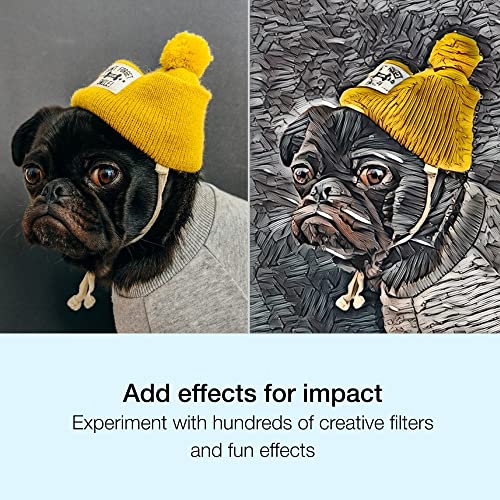
When it comes to design, PaintShop Pro offers layers, masks, and a strong selection system, making it capable of more than basic edits. There are brushes, drawing and painting tools, hundreds of filters and effects, plus built‑in templates and an enhanced Frame Tool to help layouts feel less flat. Importing and exporting a variety of formats—including PSD—helps with interoperability in mixed workflows. If you work with third‑party plug‑ins and graphic tablets, the 64‑bit compatibility is a positive mention, though you should verify compatibility with your setup.
How it feels to use day to day
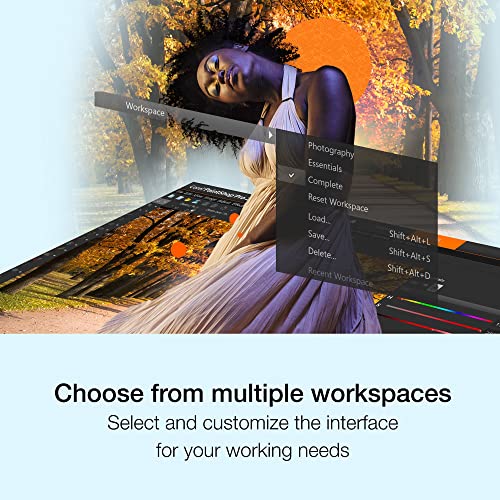
The software supports multiple customisable workspaces, which can speed up editing once you settle on a preferred layout. It isn’t marketed as the most feature‑heavy option on the market, but the blend of photo editing and design features can be convenient for someone who needs a single tool for both tasks. The interface aims for a familiar, accessible approach rather than overwhelming complexity, which can suit hobbyists and semi‑professionals who want a pragmatic kit.
Strengths and limitations
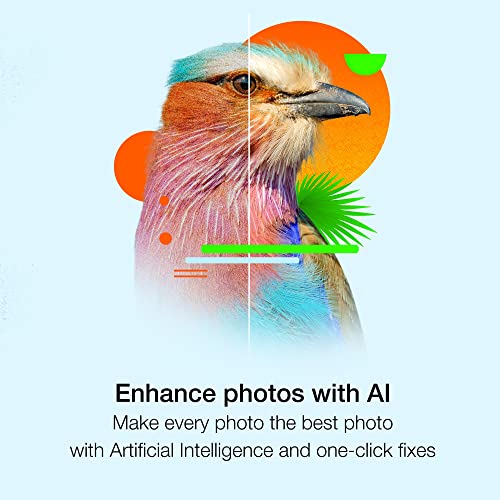
What works well: a solid set of tools for common editing tasks, useful AI options that may save time, and a practical design suite with templates and frames. It’s a sensible option if you want to avoid ongoing subscriptions while keeping a capable editing workflow and reasonable design flexibility. What may hold it back: while feature‑rich, it won’t necessarily match the depth of dedicated high‑end editors in every niche. If you need cutting‑edge AI generation, advanced 3D workflows, or industry‑specific plugins, you might find gaps without additional investments or different software.
Who it’s for
It suits photographers and designers who prefer a no‑frills, one‑box solution that covers both picture editing and simple graphic projects. It’s a sensible mid‑range choice for those who want to handle RAWs, perform batch edits, and produce polished visuals for social posts, portfolios, or marketing collateral without committing to a steep price tag or a perpetual learning curve.
Who it isn’t ideal for
If you require the most advanced AI tools, vector‑heavy design features, or professional printing‑grade colour workflows, you may outgrow this package. It’s also not the best pick if you rely heavily on cloud collaboration, real‑time team editing, or niche plugin ecosystems that map to other leading software.
Things to check before you buy
Consider whether your current hardware is up to date enough for 64‑bit workflows and whether you already rely on PSD‑centric workflows or specific plug‑ins. If you work mainly with cloud‑based collaboration or need cutting‑edge AI content generation, this package may feel conservative. On the positive side, the lack of a subscription model can be a meaningful saving over time, especially for occasional users who still want robust editing and design functionality.
Practical usage example
Imagine editing a batch of family photos: you correct exposure, remove a stray object from a background, adjust white balance, and apply a consistent skin tone across images. You then switch to a design task, perhaps creating a simple poster with layered text and a frame, using templates to keep things cohesive. The ability to export PSDs helps if you later hand off work to someone who uses a different tool, maintaining a familiar structure.
FAQ snapshot
- Does it support RAW editing? Yes, including integration with AfterShot Lab for RAW workflows.
- Can I import PSD files? Yes, PSD import is supported, aiding interoperability with other software.
- Is it suitable for beginners? The package is described as suitable for all skill levels, with guidance available in‑product.
- Are there many templates and design assets? There are built‑in templates and a library of effects and frames to accelerate design tasks.
- What about learning resources? In‑product learning resources are available to support new users.
Final purchase decision
Should you buy it?
It makes sense if you want a practical, subscription‑free suite that combines photo editing with graphic design in a single package and you don’t require the most advanced or newest AI features. It’s well suited to everyday creators who value straightforward workflows, reasonable depth, and interoperability with PSD files and tablets. If you prioritise cutting‑edge AI generation, rapid collaboration features, or very specialised design tools, you might prefer a different option. In short: solid mid‑range value for mixed image editing and graphic design needs, without ongoing commitments.