


Colorfly 924 ink cartridges (4-pack) for HP 924 — compatible for OfficeJet Pro 8120 series, with chip remover tool
Product description
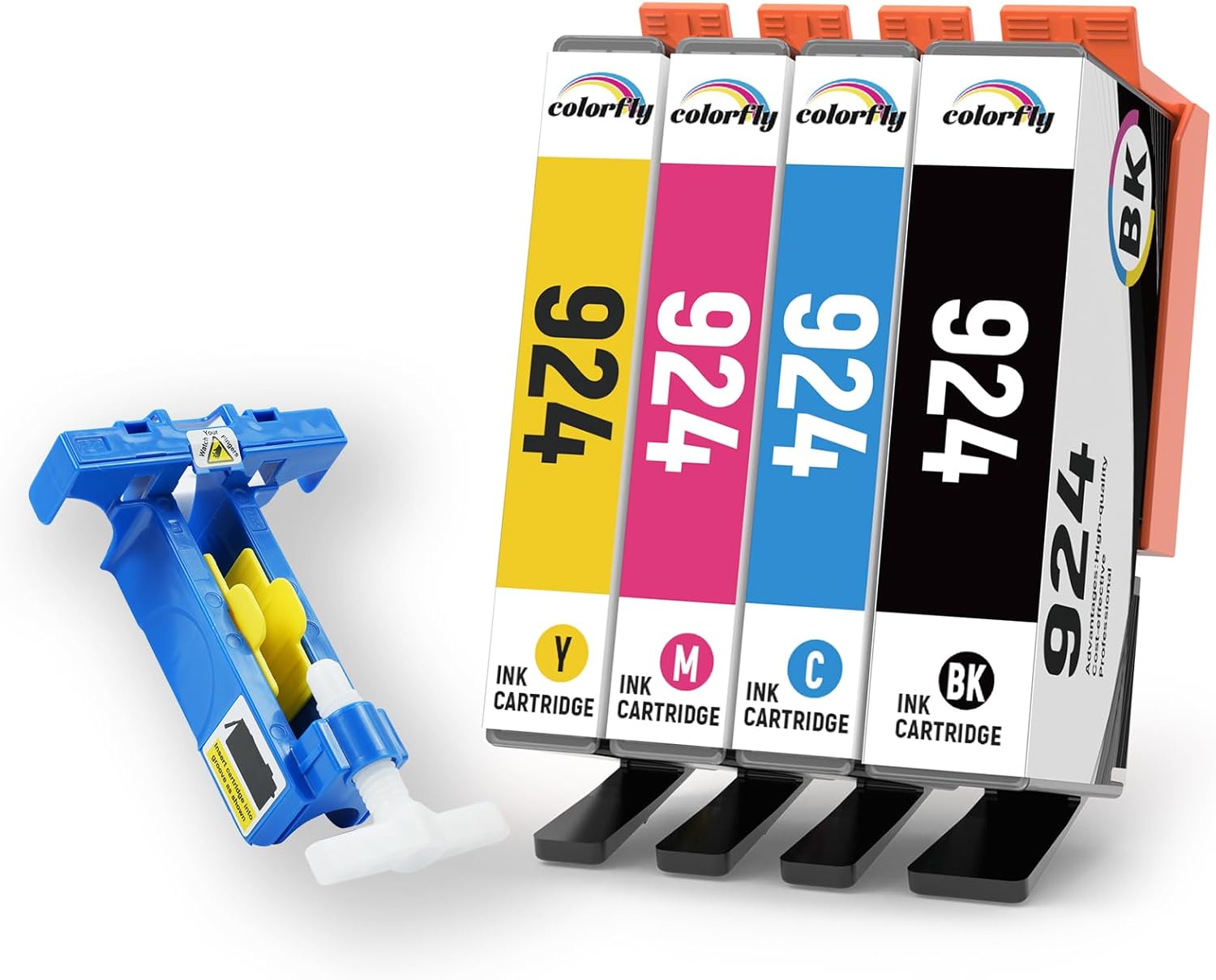
If you’re trying to keep your HP OfficeJet Pro running without swapping cartridges as often, compatible options like the Colorfly 924 ink set are worth a look. This pack is built around HP 924-style cartridges (black plus cyan, magenta and yellow), and it also includes a chip remover tool for reusing OEM chips.
That “reuse the chip” idea is the defining feature here. It can feel fiddly the first time, but for the right buyer it’s a practical way to work with cartridges while keeping your printer up to date. Still, it’s not for everyone—there’s a bit more involvement than standard replacements.
What to know before you buy
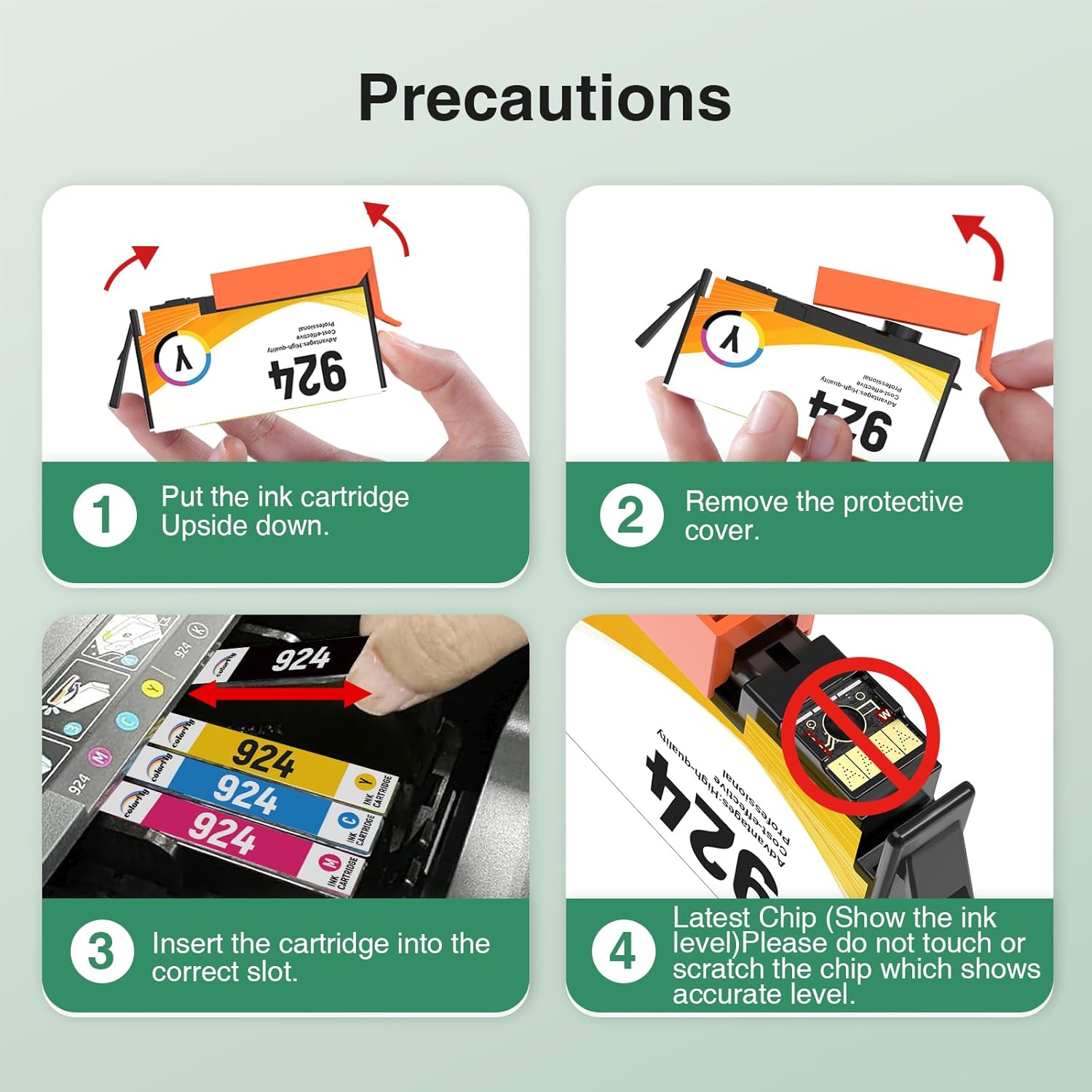
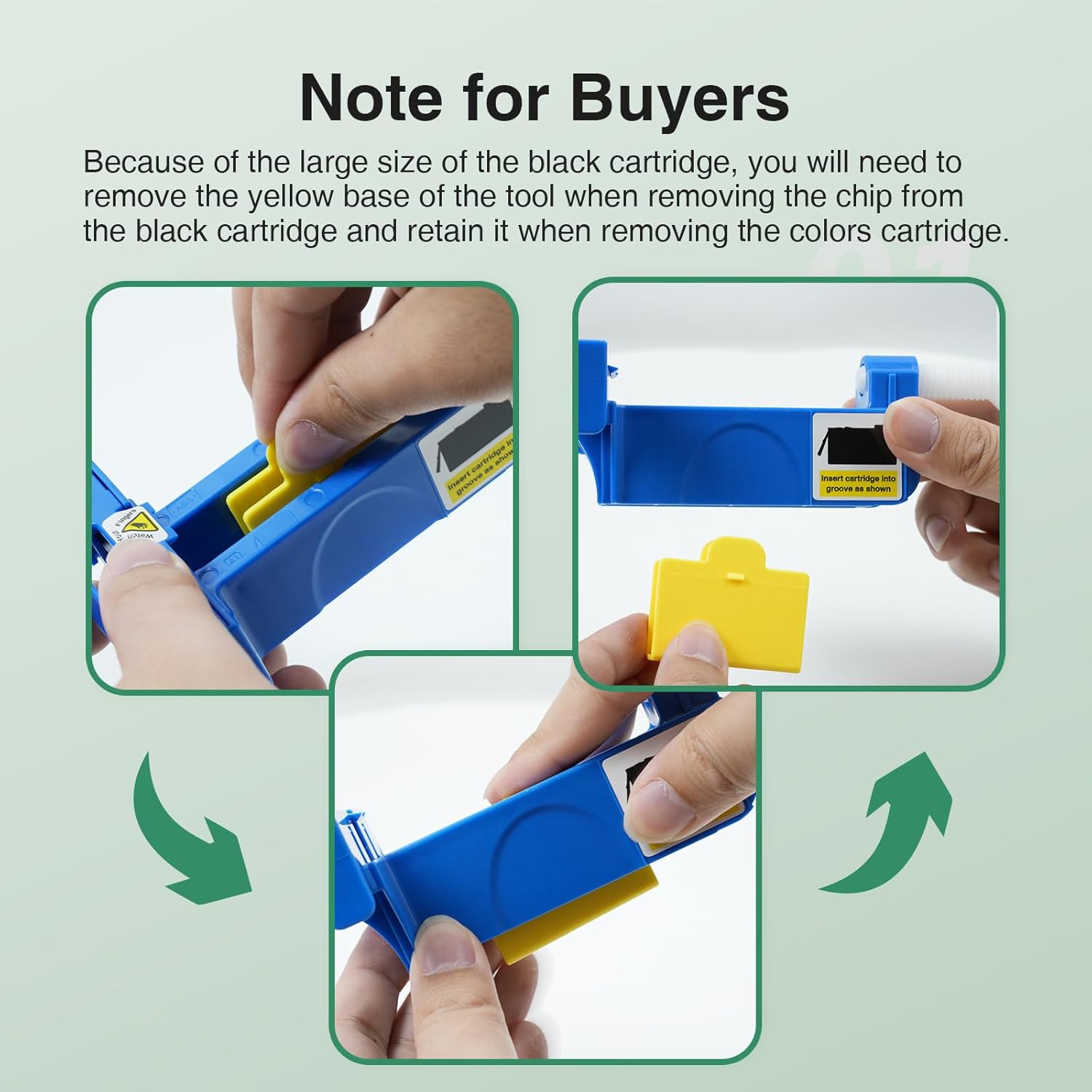
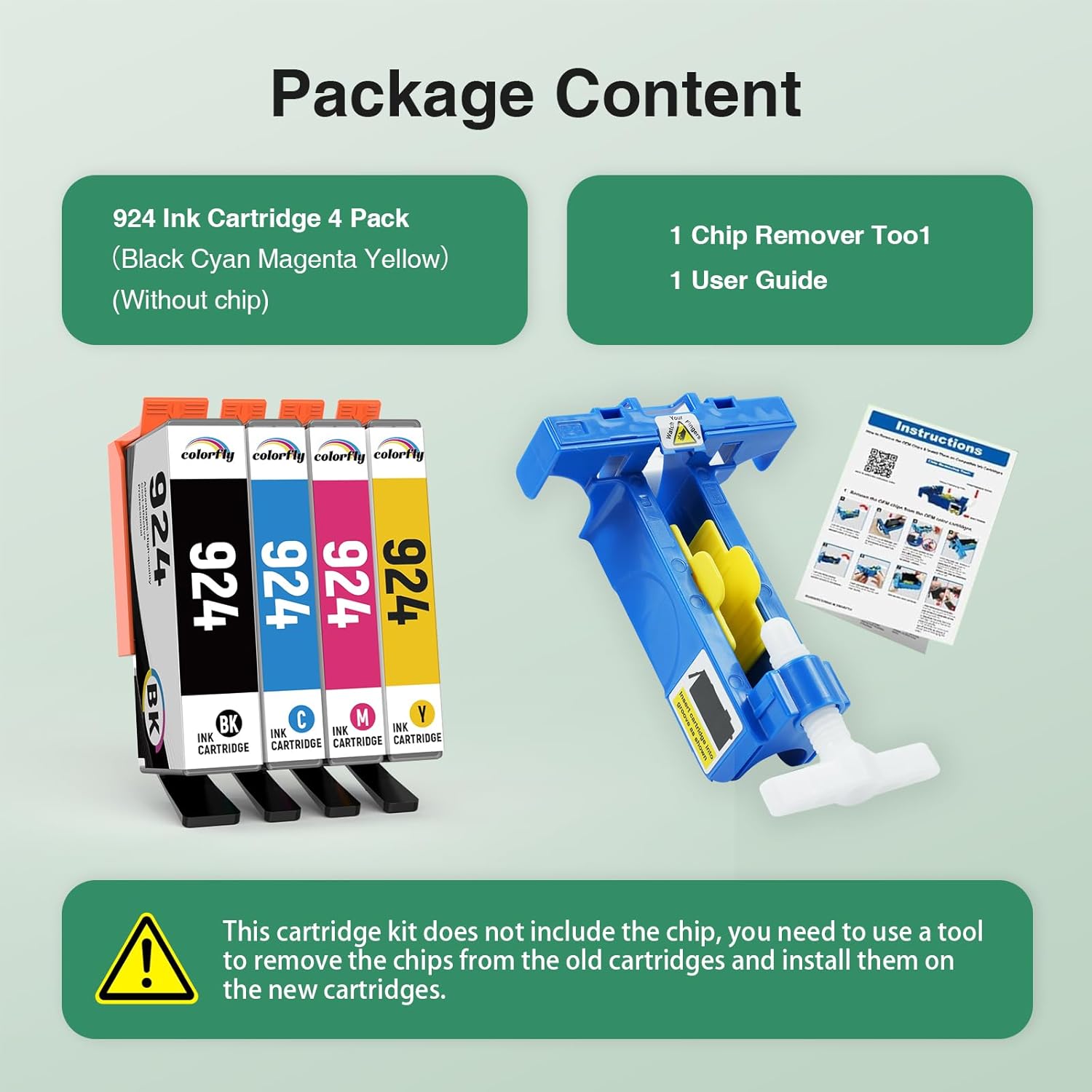
This is a compatible ink cartridge pack for HP 924, supplied as a 4-pack: one black cartridge and one each of cyan, magenta and yellow. Alongside the cartridges, the box includes a chip remover tool, plus instructions that involve taking chips out of your original OEM cartridges, fitting them into the compatible Colorfly 924 cartridges, and then installing those in your printer.
On paper, the aim is straightforward: reduce waste by reusing the chips you already have, and avoid firmware “upgrade” hassles. The listing also states that the cartridges can work with all firmware versions, including newer firmware versions.
One limitation to keep in mind: because you’re removing and refitting chips, you’ll need a steady hand and willingness to follow the steps carefully. If you’d rather not handle chips at all, this may not suit you.
Key takeaways
The main reason to consider this pack is the combination of: a multi-colour set (useful if you print in colour), an indicated page yield for both black and colour, and the inclusion of a chip remover tool.
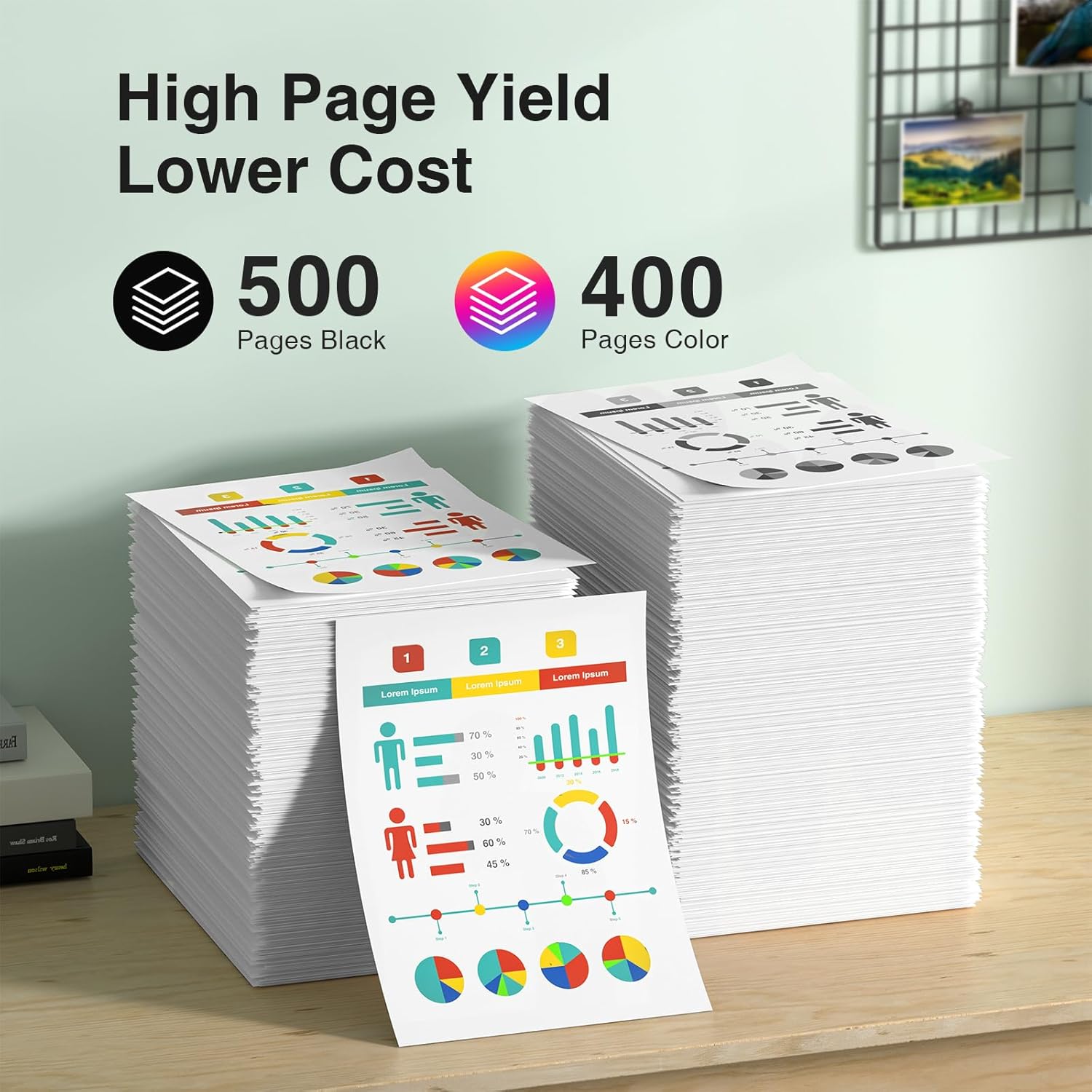
The headline numbers provided are: - 500 pages per 924 Black cartridge at 5% coverage on A4 paper - 400 pages per 924 Colour cartridge at 5% coverage on A4 paper
It’s also positioned as compatible with a range of HP OfficeJet Pro and OfficeJet models listed in the description. That matters, because with compatible cartridges, model matching is where most “does it work?” questions start.
Tech specs
- Type: Compatible ink cartridges for HP 924
- Format: 4-pack (Black, Cyan, Magenta, Yellow)
- Included in the pack: 924 Black, 924 Cyan, 924 Magenta, 924 Yellow ink cartridges and a chip remover tool
- Stated page yield: 500 pages (Black) / 400 pages (Colour) at 5% coverage on A4 paper
What you’ll notice day to day
If your printing routine is typical office/home-office stuff—documents, letters, forms, and periodic colour printing—the 4-pack approach is handy because you’re not forced into buying each colour separately as your usage builds.
A realistic “micro-experience” looks like this: you finish a black cartridge, then replace it while you still have the other colours installed. With a full 4-pack on hand, you can swap colour cartridges later without waiting, which can reduce downtime if your printer is used daily.
That said, the biggest day-to-day difference versus simple “drop in and go” cartridges is that here you’re expected to reuse OEM chips. If you’re in a hurry, it can be an annoyance, if you’re methodical, it becomes a manageable routine.
Where it shines (and where it doesn’t)
It makes sense if you: - want a compatible HP 924-style set for an OfficeJet Pro 8120-series printer - print in colour often enough that having cyan/magenta/yellow together is convenient - are comfortable following the chip removal and refitting steps - prefer a setup that claims to keep working across firmware versions
It might not be the best choice if you: - dislike opening up cartridges or handling chips - want a fully plug-and-play replacement without any extra tooling - only print very occasionally and don’t want to store a whole 4-pack
Is it worth it?
Worth considering if you’re trying to balance ongoing running costs with a process you can follow. The inclusion of a chip remover tool and the focus on reusing OEM chips are the main value drivers, and the stated page yields (for both black and colour) help you judge whether the set fits your usage.
You may want to skip it if you want zero-touch replacements, because chip handling is the trade-off. Before buying, double-check your printer model matches the ones stated in the listing, and make sure you’re comfortable doing the OEM chip transfer exactly as described.
Mini FAQ
How do you use the chip remover tool?
The listing indicates you remove the OEM chips from your original cartridges using the included chip remover tool, then install those OEM chips into the compatible Colorfly 924 cartridges, and finally install the compatible cartridges into the printer.
Does this work after printer firmware updates?
The description states there is “no upgrade hassle”, and that the cartridges can work with all firmware versions, including newer firmware versions.
What’s included in the 4-pack?
A set of four cartridges: black plus cyan, magenta and yellow, and a chip remover tool.
What page yield should I expect?
The listing provides stated yields of 500 pages for black and 400 pages for each colour cartridge at 5% coverage on A4 paper. Actual results can vary with your content and print settings.
Which printers is it compatible with?
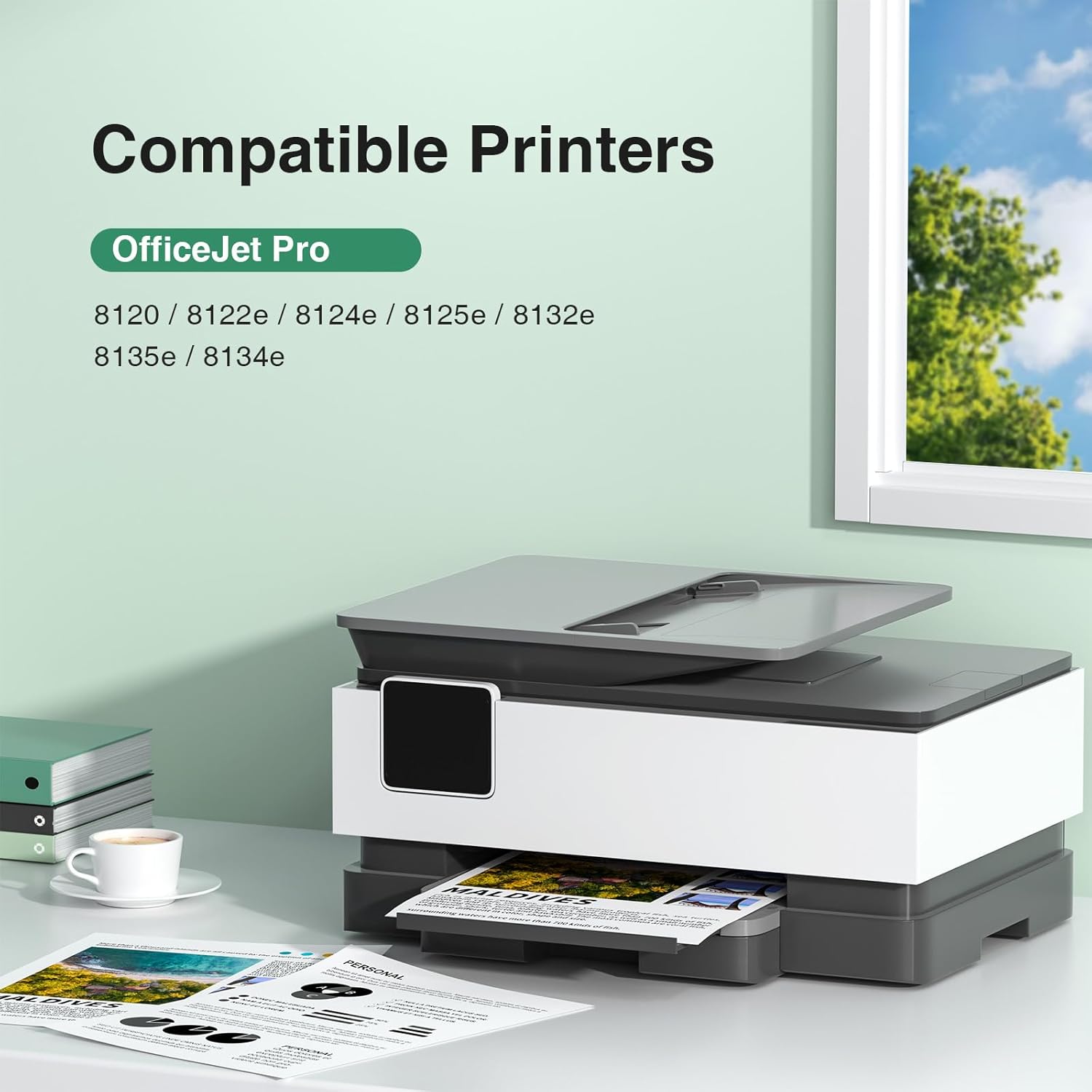
Compatibility is listed for multiple HP OfficeJet/OfficeJet Pro models in the 8120 series range (as written in the description). If your exact model isn’t listed, it’s safer to verify before purchasing.