

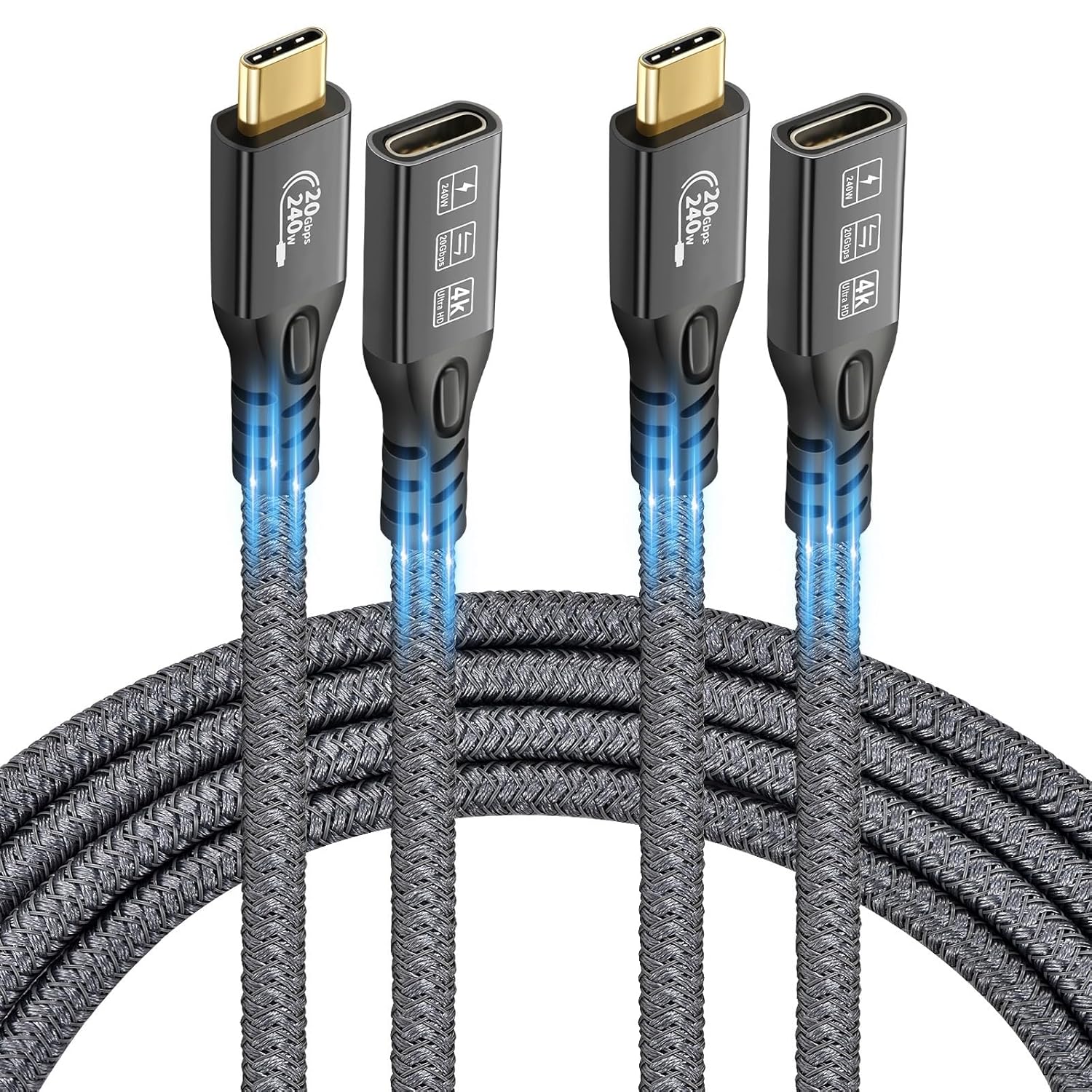
CHENLENIC 20Gbps USB C 3.2 Extension Cable (0.5m+0.5m): USB-C Gen2, 4K@60Hz, 240W PD, for External SSD/eGPU
Product description
Overview
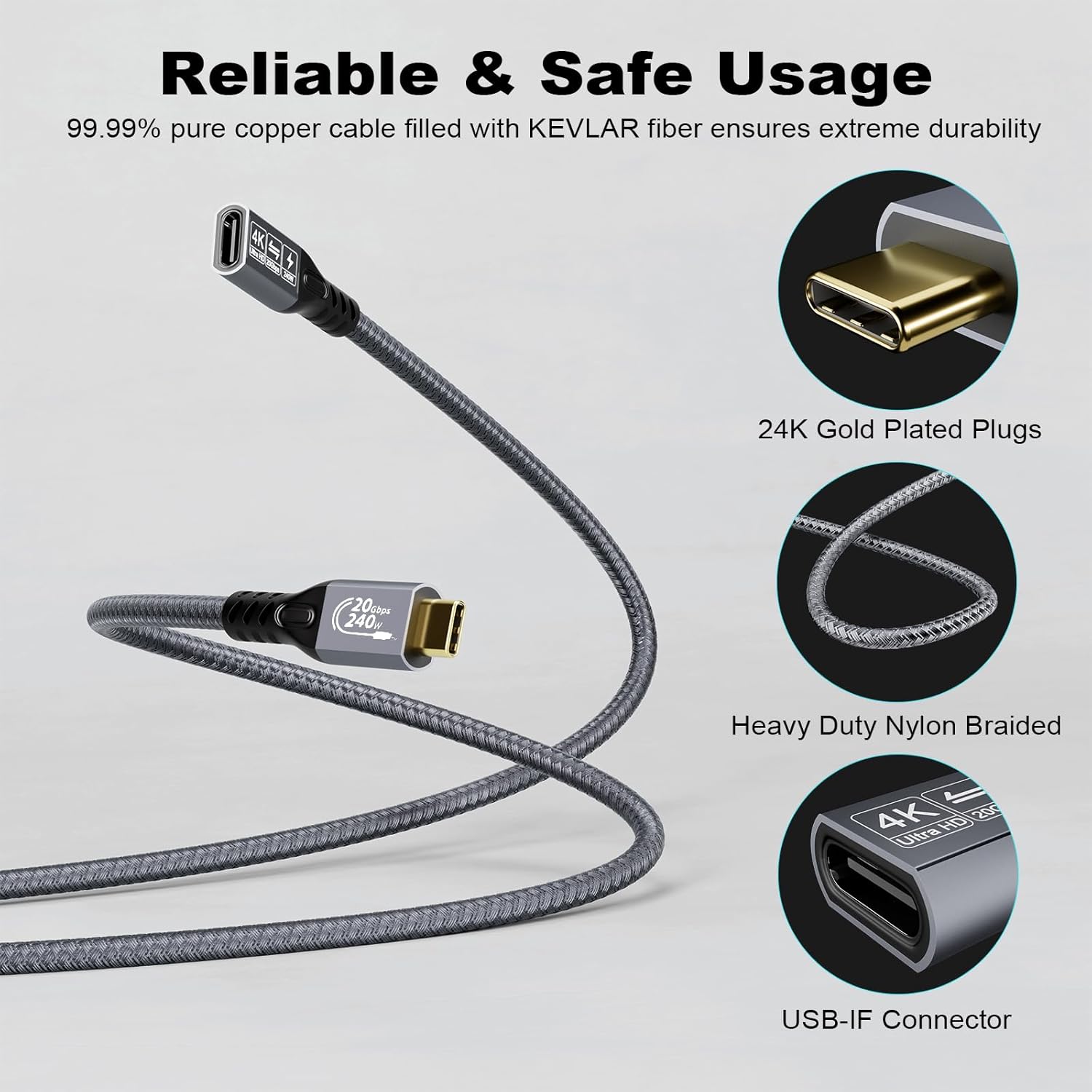
CHENLENIC offers a USB-C 3.2 Gen2 extension cable designed to extend the reach of USB-C devices. The cable supports data transfer up to 20Gbps and video output up to 4K@60Hz when used with compatible ports that allow video in/out. It’s intended to connect a laptop or device with a USB-C port to an external monitor or other USB-C devices, where a separate USB-C link is needed to reach the display or periphery. Note that the product description states the 20Gbps speed depends on both ends being connected to USB 3.2 Gen2, USB4, Thunderbolt 3 or Thunderbolt 4 devices.
What it’s for
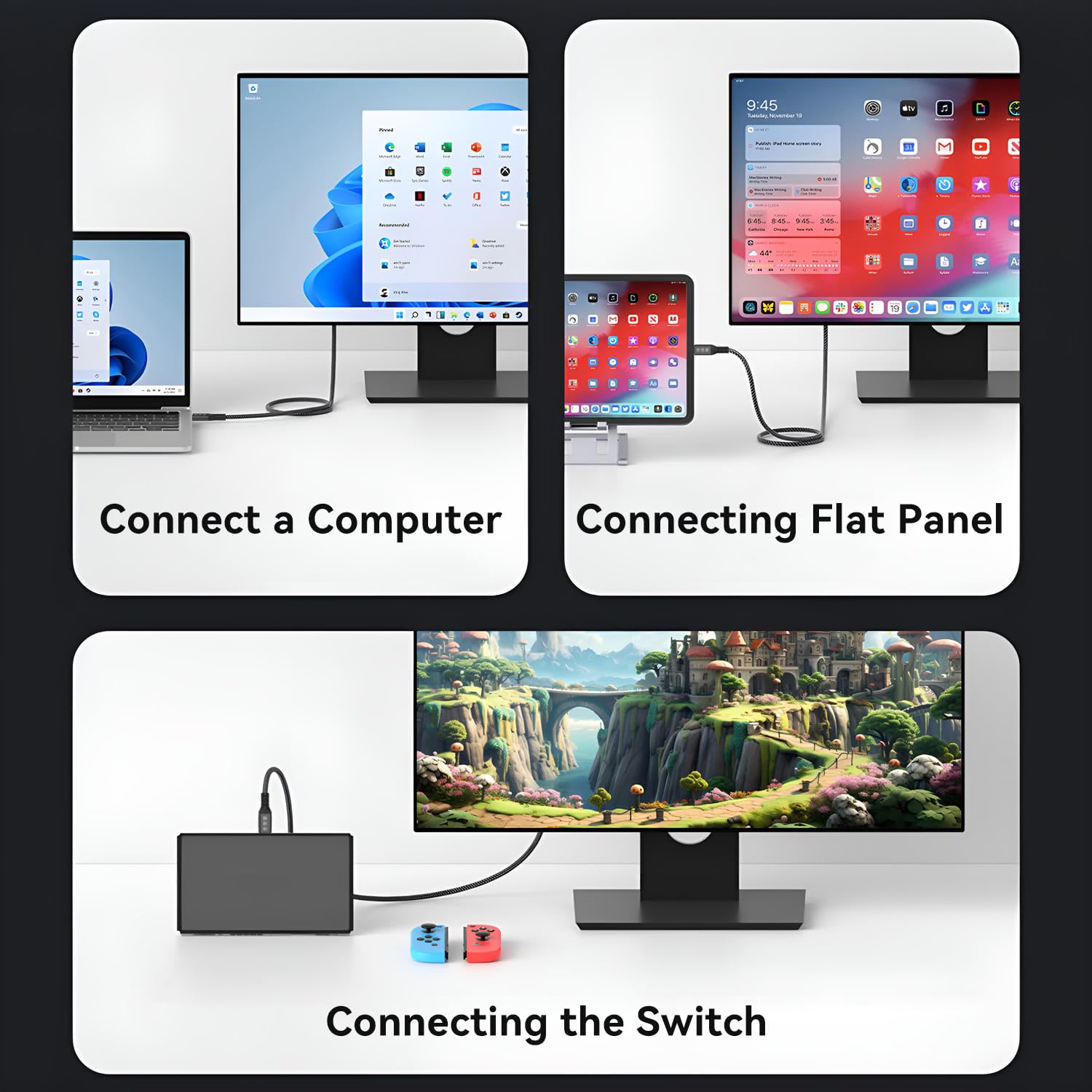
If you’re expanding a compact workspace or need to link a laptop to a larger monitor or external SSD/eGPU setup without moving the host hardware closer, this extension can help by adding length to USB-C connections. It’s also suitable for scenarios where the charging path and data path are managed via USB-C, given its PD protection features and compatibility with USB-C Power Delivery adapters.
Performance and charging
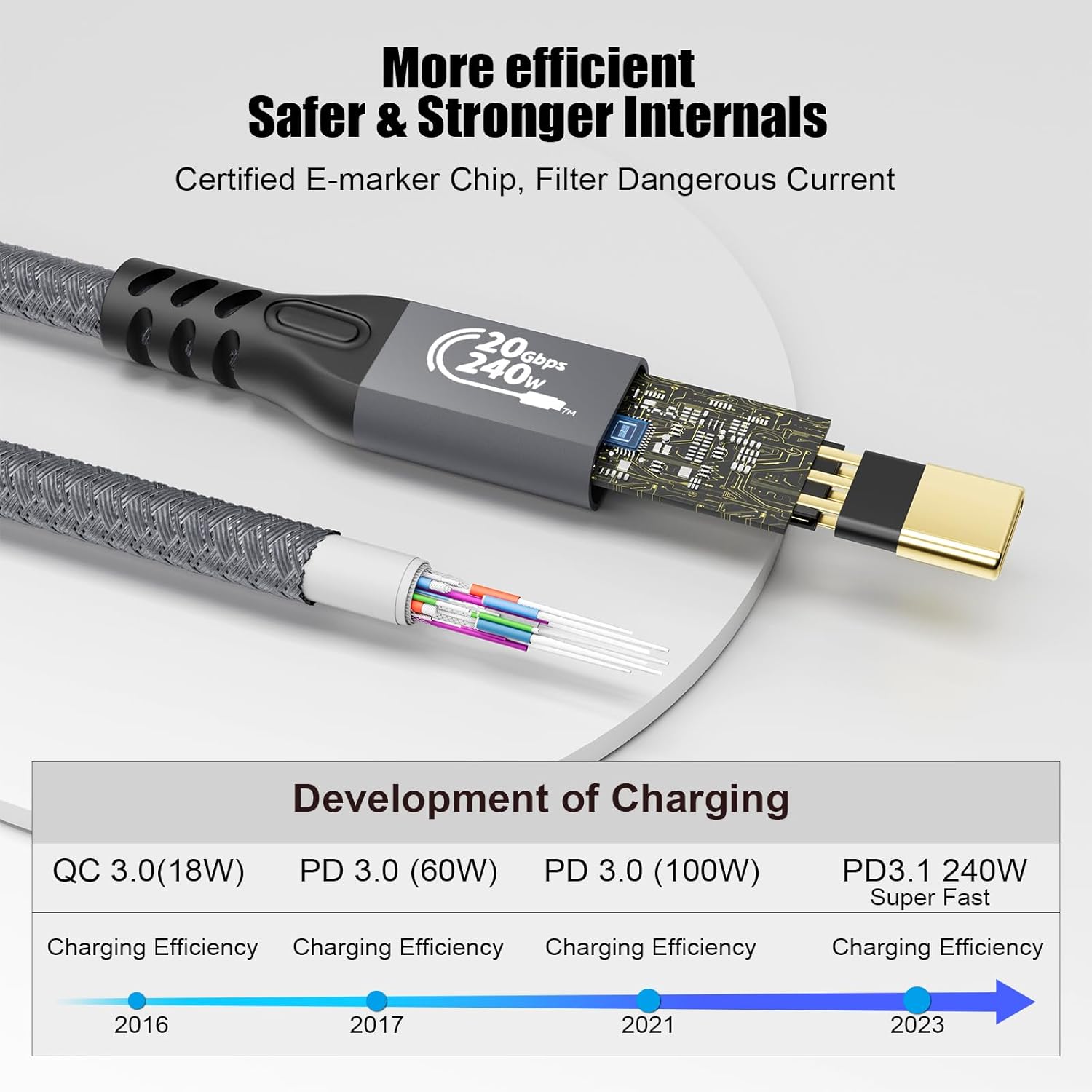
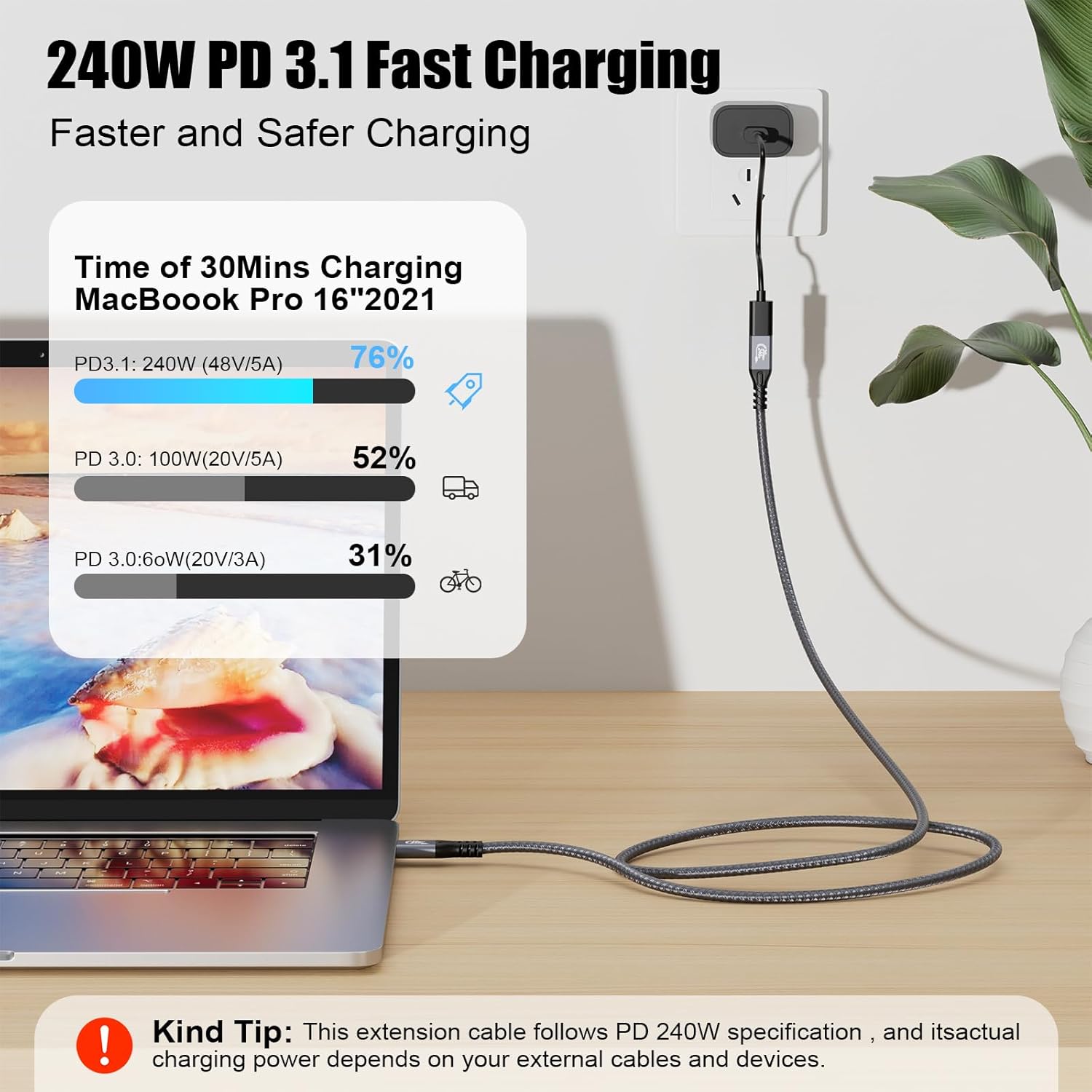
The cable touts 240W PD protection and supports PD 3.1 and QC4.0 fast charging, with compatibility claimed across a range of USB-C wall adapters. In practice, the charging speed will depend on the power profile of the connected device and the supplying charger. The data side is described as supporting up to 20Gbps when paired with compatible 3.2 Gen2 or Thunderbolt interfaces. Keep in mind that to achieve the higher data rate, both ends must be connected to appropriate high-speed ports, otherwise you may see reduced performance.
Video and compatibility limits
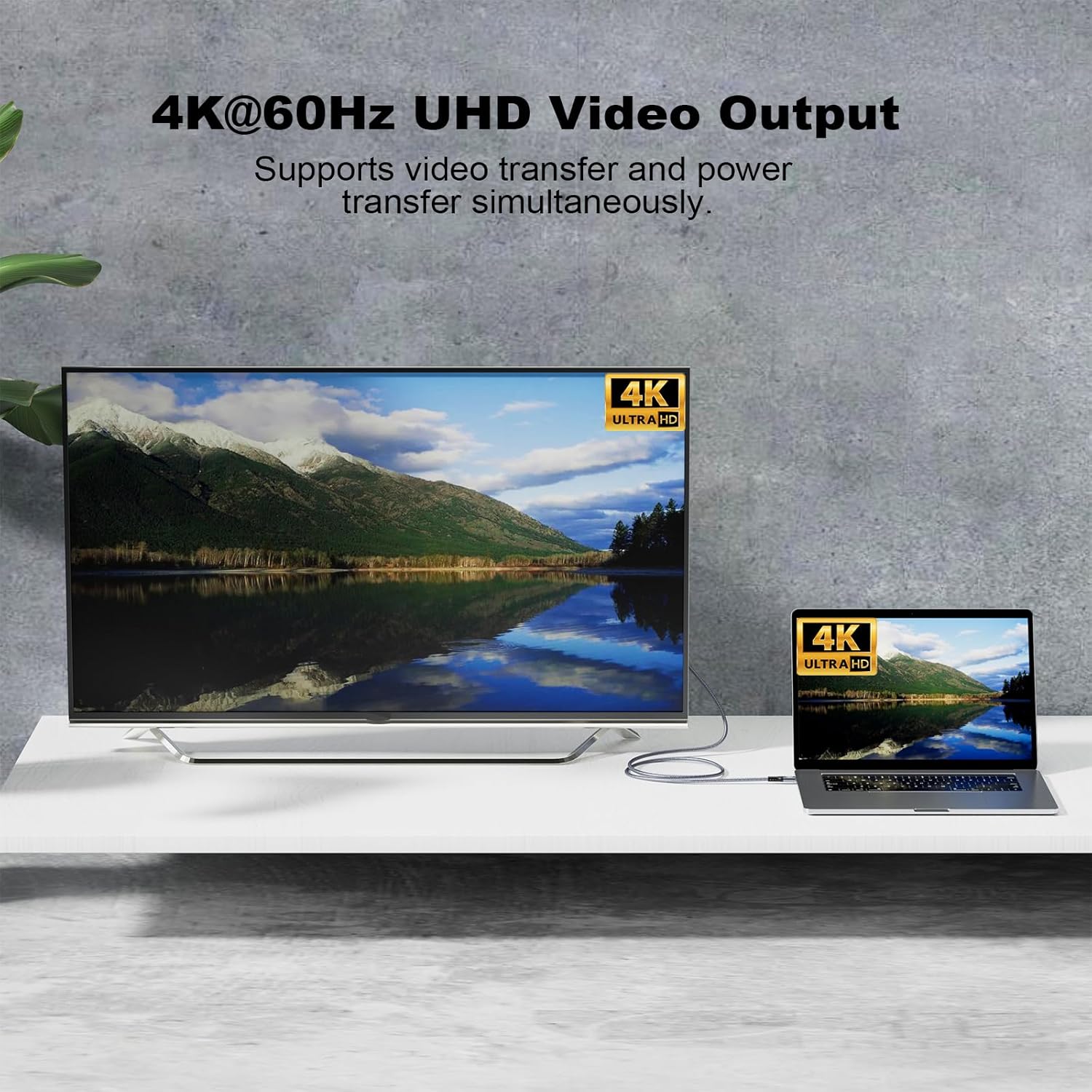
The extension supports 4K at 60Hz video when both ends and the connected devices support video in/out via USB-C or Thunderbolt ports. If you’re connecting to a monitor, ensure the monitor input and the source support the relevant video mode. The product notes backward compatibility with USB 3.1/3.0/2.0, which is useful if you’re using older peripherals, but the top-end performance is tied to Gen2/Thunderbolt capable devices.
What stands out and where it may fall short
On the plus side, you get a compact, dual-length extension (0.5m + 0.5m) that can help tidy cables and position devices more conveniently, plus visible emphasis on safe charging with PD protections. The 20Gbps data claim is attractive for fast file transfers or heavy data workflows, though real-world speed depends on both ends and the devices involved. A potential drawback is the note that the M/M USB-C cable is not included—if you need a complete working extension you’ll have to supply your own USB-C male-to-male link.
Who it’s for
This product is likely suited to mobile professionals, students, or home office users who value a clean desk setup and need reliable USB-C extension for displays or fast data transfer, especially when using external SSDs or eGPU enclosures that sit further from the host.
Who it’s not ideal for
If you don’t require extended reach or you’re connecting devices that don’t support USB-C Gen2 speeds or 4K video, the extra length may not justify the cost. Also, if you rely on a ready-made cable included in the box, you’ll need to source the appropriate USB-C link separately since it’s not provided.
Buying considerations and what to review
- Check that both ends of your setup support USB-C Gen2 and Thunderbolt 3/4 to unlock the 20Gbps data path. If either end is USB-C 3.1/3.0/2.0, you may not reach the top speed.
- Confirm your monitor or display supports 4K@60Hz over USB-C or Thunderbolt input.
- Verify your charging needs align with PD 3.1 and the charger’s wattage, using a higher-wattage adapter may be necessary for maximum performance.
- Remember the extension cable length is in two halves, plan your desk layout to minimise tension on connectors.
Practical use案例
Imagine you’re giving a presentation with a compact laptop and an external monitor. You pull the laptop closer to the desk for typing, then extend the display via this USB-C extension so you can still drive the 4K monitor from a distance without juggling cables. If you also run an external SSD for quick file transfers, the claimed 20Gbps path can help reduce wait times, provided all components support Gen2/Thunderbolt.
Quick FAQ
- Do I need to buy a separate USB-C cable to use it? Yes, the M/M USB-C 3.2 cable is not included.
- Will this work with any USB-C monitor? It requires host and display ports that support video in/out and USB-C Gen2 or Thunderbolt on both ends.
- Can I charge my laptop through this extension? The cable supports PD charging, but effective charging depends on your adapter and device compatibility.
Final verdict
Is it worth it? It makes sense if you need a tidy, longer USB-C chain with strong data throughput and PD protection for a setup involving external storage or displays. It may not be the best choice if you already have a shorter, compatible link or if your devices don’t consistently support the higher bandwidth or 4K60 video. For users prioritising a clean layout, practical PD protection, and the potential for high-speed data transfer, this extension can be a sensible addition—so long as you verify the compatibility requirements before buying.