

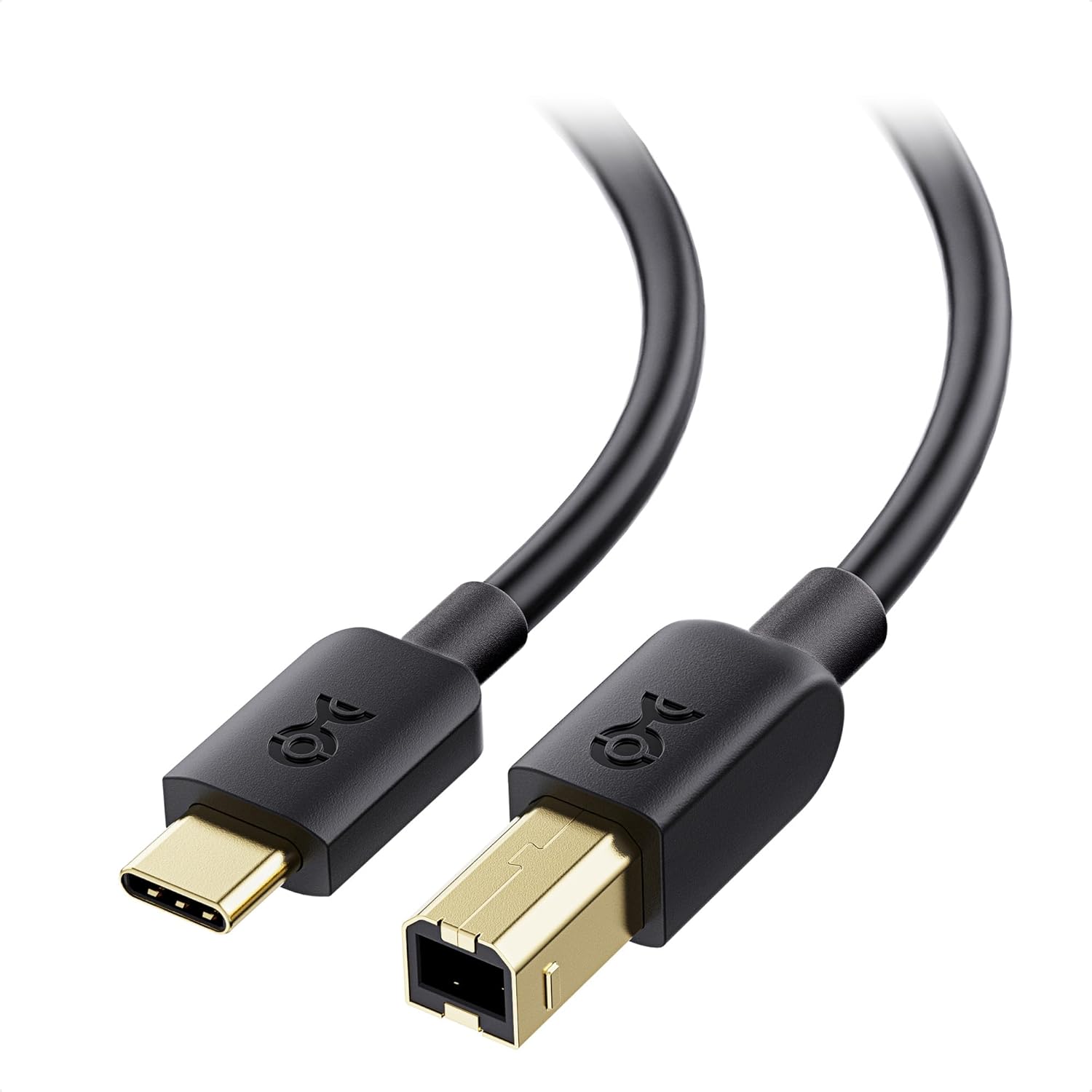
Cable Matters USB-C to USB-B Printer Cable, 2 m (Black) for Printers, Scanners and MIDI
Product description
The essentials
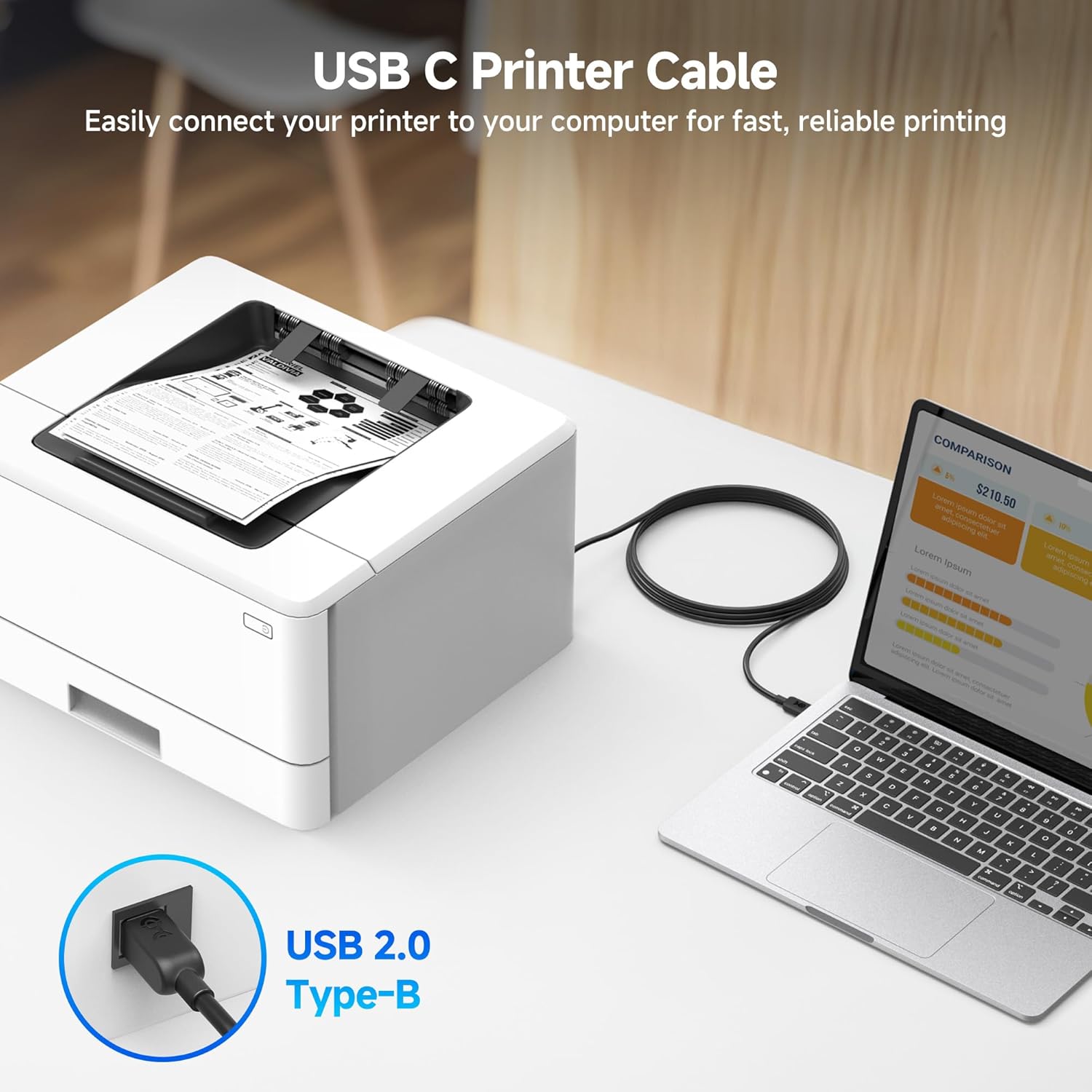
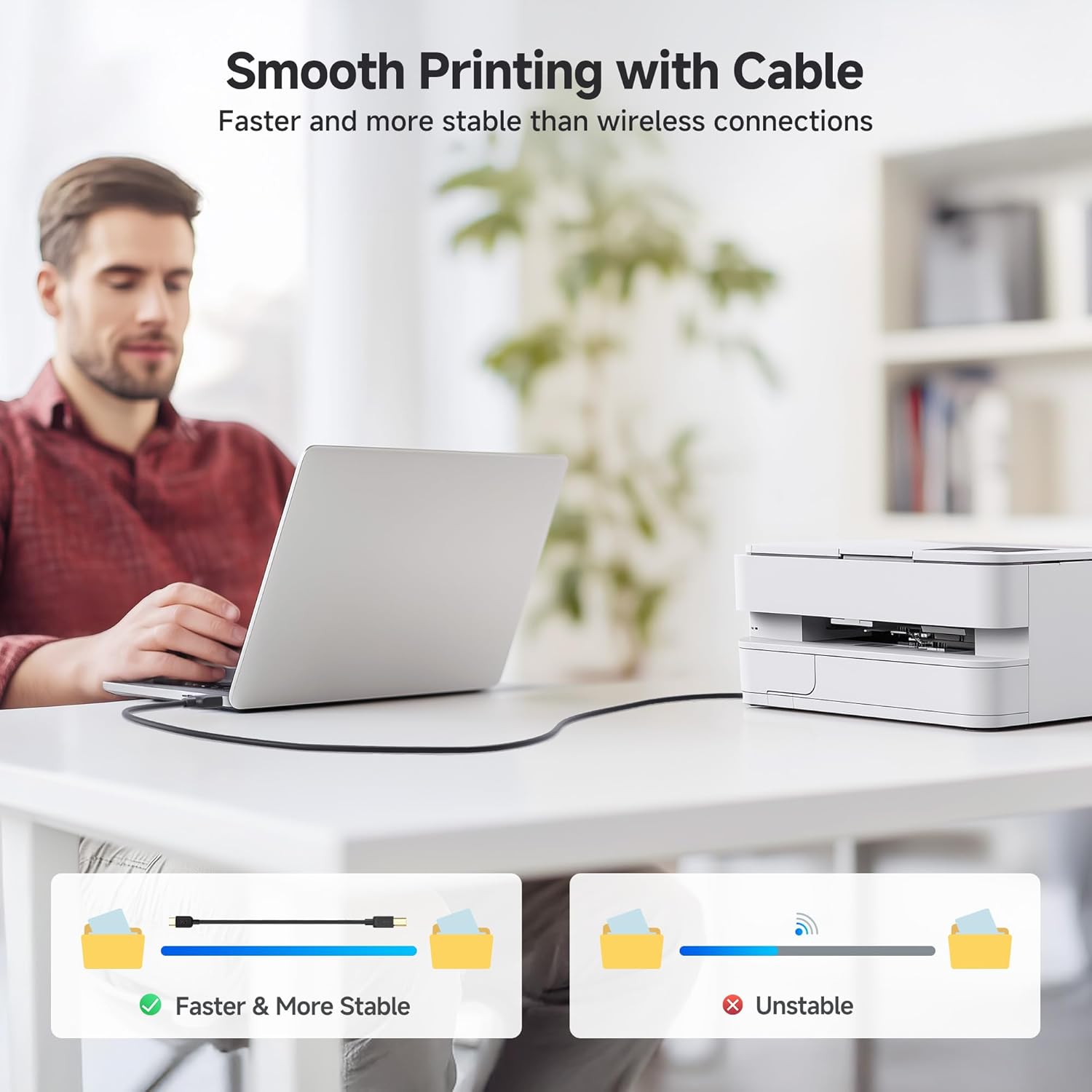
If you’ve got a newer laptop or desktop with a USB-C port but your printer, scanner or other older gear still uses a USB 2.0 Type-B connector, this 2 m Cable Matters USB-C to USB-B Printer Cable is exactly the kind of “just works” link you look for. It’s a wired connection (so you’re not relying on Wi‑Fi for document jobs) and it’s designed to keep things straightforward: plug the reversible USB-C in, then connect the Type-B end to the legacy device.
That said, it’s still worth checking that your target device really has a USB 2.0 Type-B port. If you’re dealing with a different connector type, a cable like this won’t magically bridge that gap.
What it’s for (and where it fits)
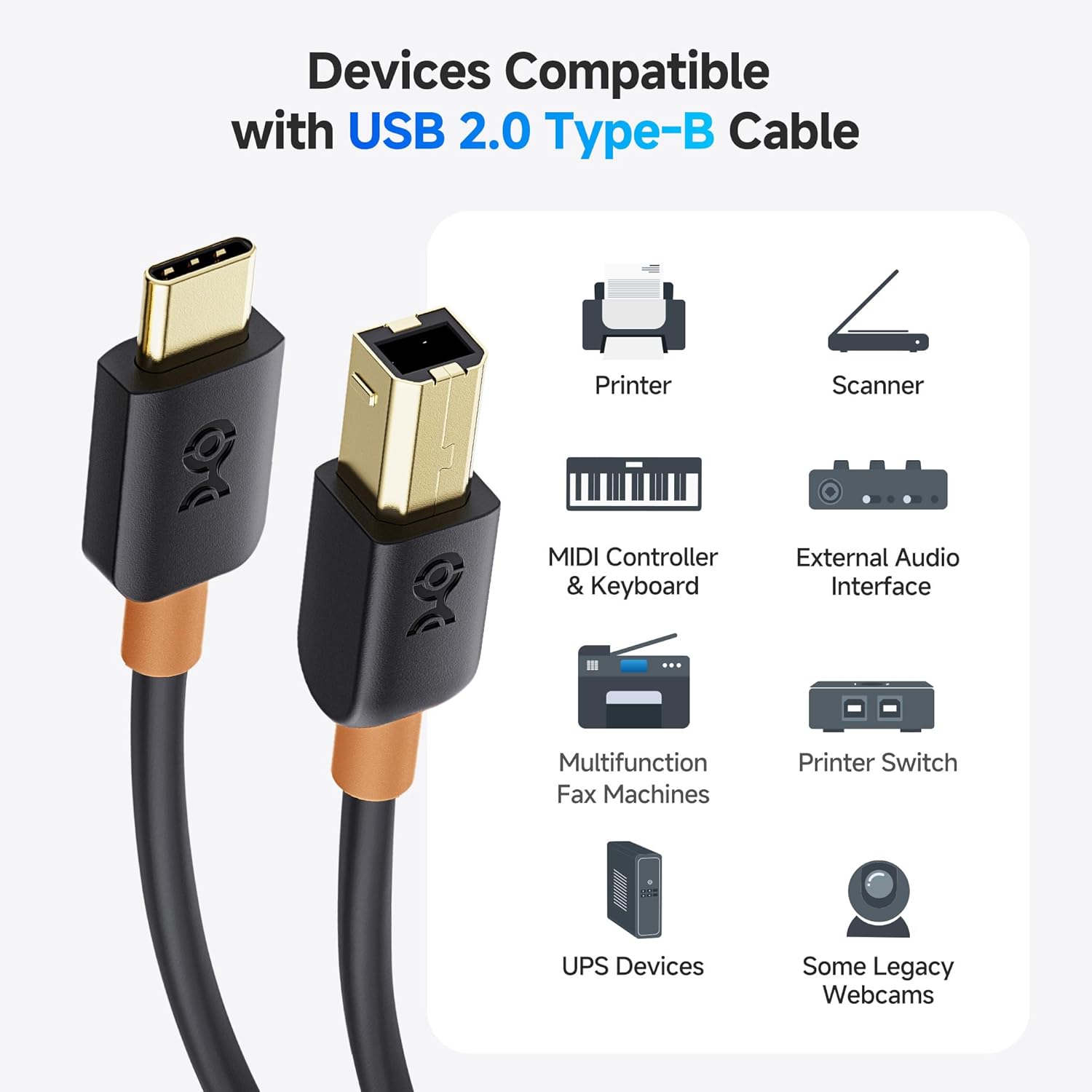
On paper, this cable is meant for computers with a USB Type-C port pairing with equipment that expects a USB 2.0 Type-B connection. The base description calls out a fairly wide set of real-world uses, including: - Printers, scanners and legacy external hard drives that use USB Type-B - Printer switches and other “legacy” peripherals with USB 2.0 Type-B - MIDI controller and MIDI keyboard setups that use USB Type-B - Development boards and UPS units that expose USB Type-B
A practical scenario: you’ve got an ultrabook or Chromebook-style device with USB-C only, and you want to print or scan a batch of documents in a reliable way. Instead of wrestling with wireless settings (and possible buffering or flaky network conditions), you connect the printer or scanner directly and get back to work.
Key takeaways (what stands out)
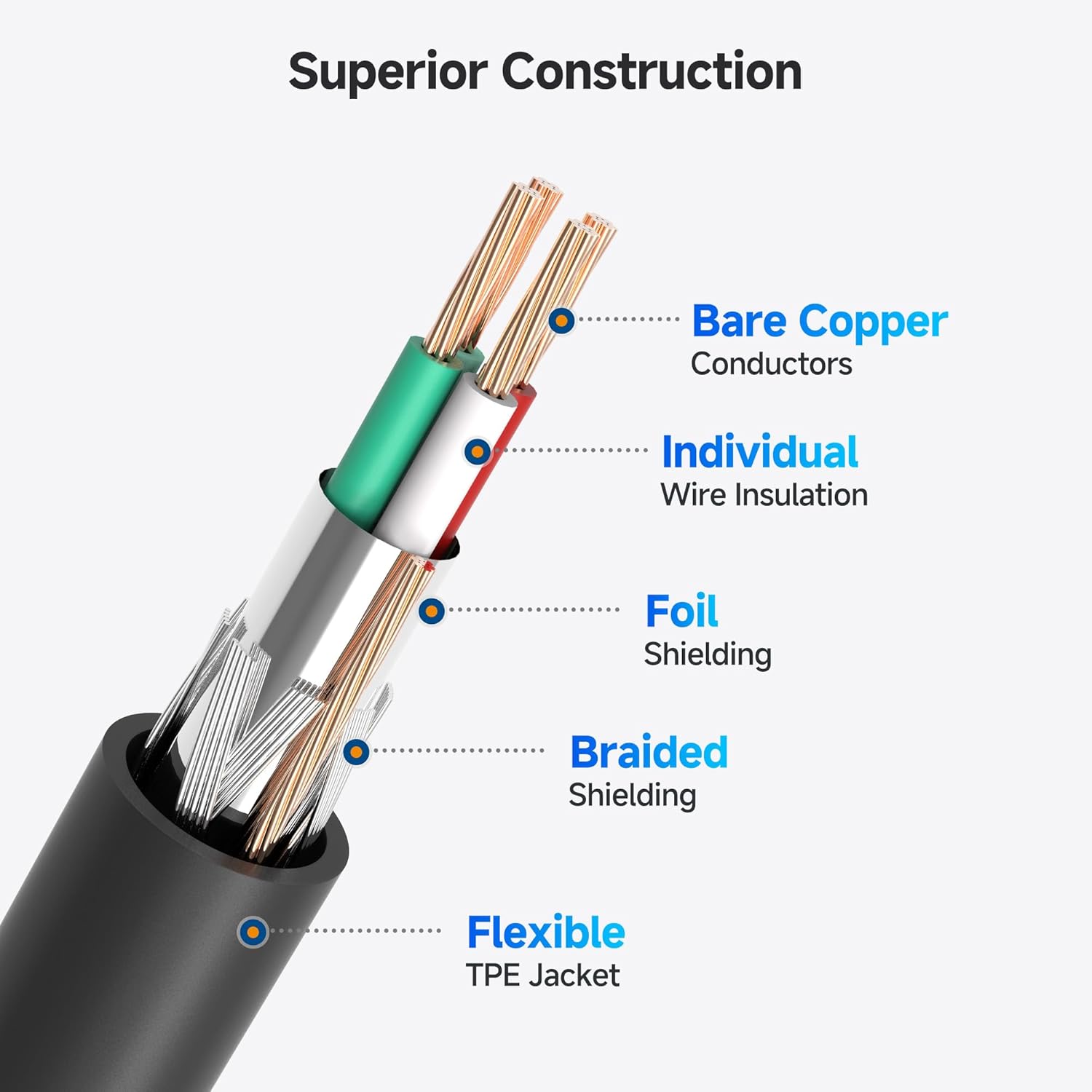
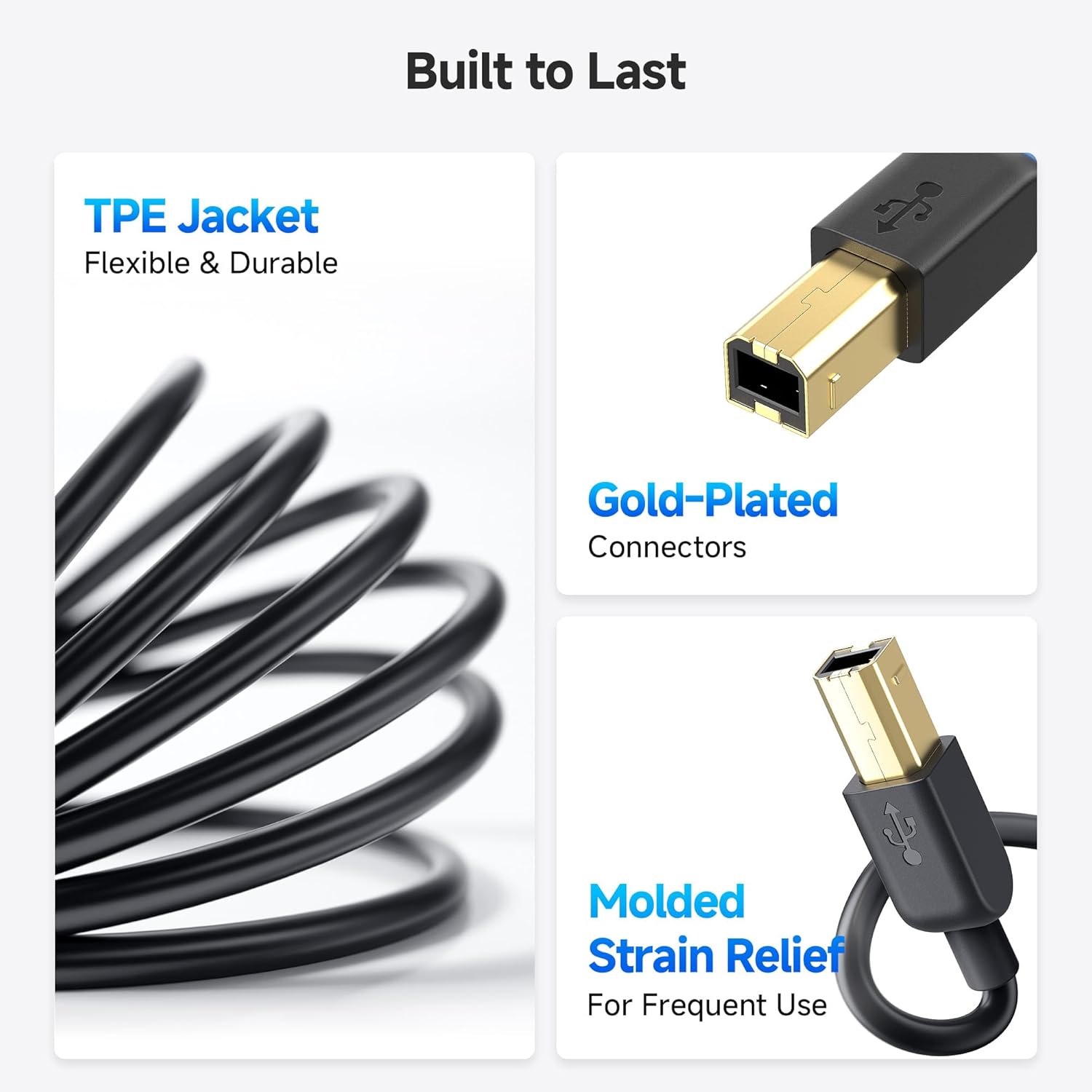
Where this cable aims to feel reassuring is in the physical connection and the signal path. The USB-C connector is described as reversible, so you don’t have to keep checking orientation while you’re setting up at a desk. The cable is also described as flexible and built with sturdy construction, plus USB connectors with moulded strain relief—handy if you unplug it fairly often.
It’s also fully shielded, with the promise of improved transmission performance and protection against EMI/RFI noise. That’s the kind of detail that can matter for devices where consistent data transfer is the whole point, even if it’s not something most people see day-to-day.
Tech specs (the details that affect buying)
- Type: USB Type-C to USB 2.0 Type-B printer/MIDI cable
- Length: 2 m
- Data rate: Hi-Speed USB 2.0 up to 480 Mbps
- Compatibility focus: devices with a USB Type-B port, including USB 2.0 printers/scanners/legacy peripherals
- Connector: reversible USB-C, USB Type-B with a robust connector described as clicking into place
How to use it day to day
This is the sort of cable you typically keep in the “desk drawer” and bring out when you’re setting up or moving between devices.
A couple of practical tips from the way it’s described: - If your printer/scanner is on the other side of the desk, 2 m gives you a reasonable run without feeling like you’re permanently tethered. - Because the USB-C is reversible and described as easy to plug and unplug, it’s less fiddly when you’re swapping between a laptop and a desktop.
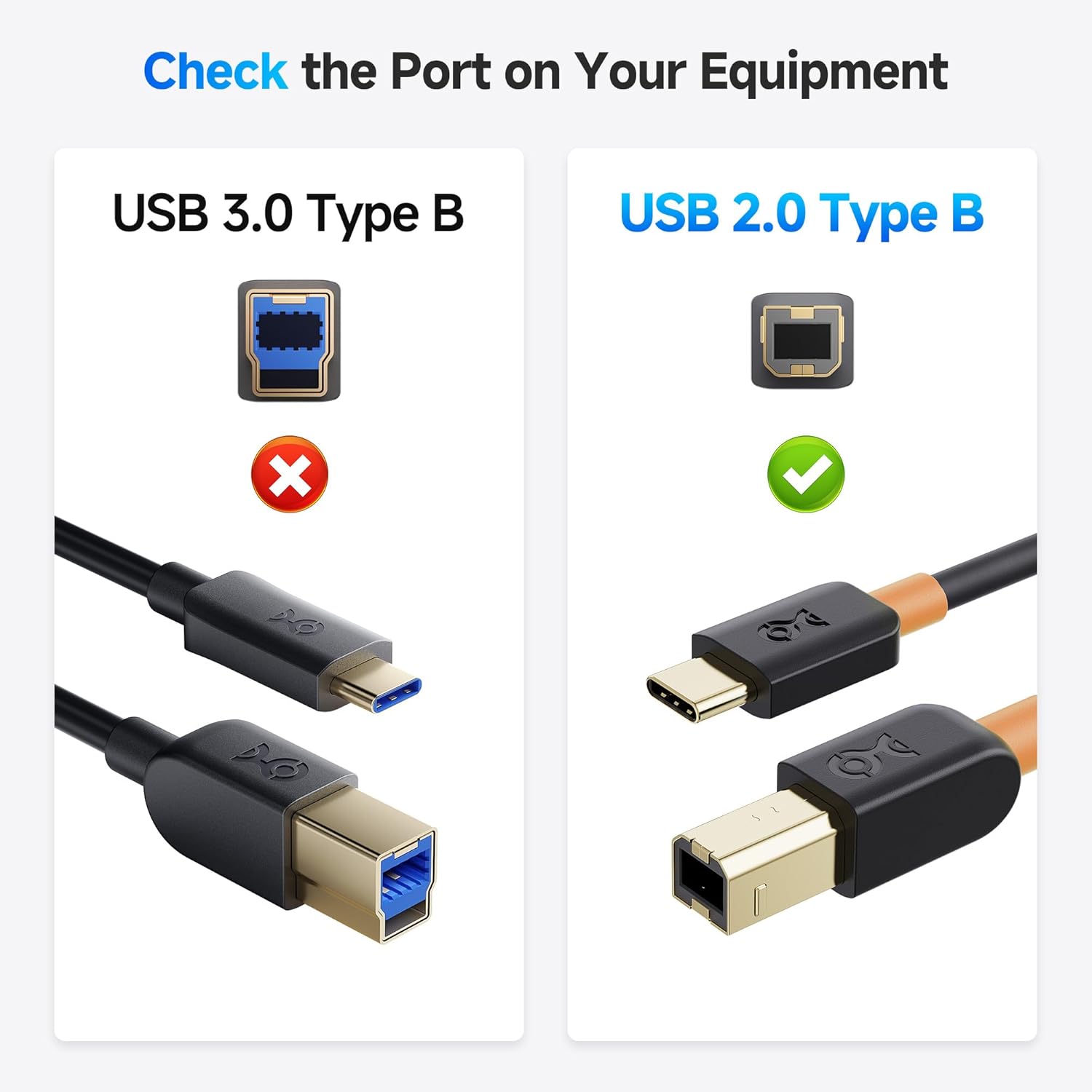
One limitation to keep in mind: this cable is focused on USB 2.0 speeds and legacy Type-B devices. If you’re trying to use it for modern Type-A/other formats, or you need faster interfaces than USB 2.0, this may not be the right match.
Is it worth it?
A solid pick if you need a USB-C to USB-B lead for a printer, scanner, legacy external drive, or a MIDI controller/keyboard that uses USB Type-B. It makes sense when you want a direct cable connection for printing or scanning (rather than depending on Wi‑Fi for document tasks), and when you value a reversible, sturdy USB-C plug plus shielding.
You may want to skip it if your equipment doesn’t have a USB 2.0 Type-B port, or if you’re expecting the cable to solve a different kind of connectivity issue (for example, the device uses a different connector standard, or you require something beyond USB 2.0 class performance).
Finally, if you’re the type of person who likes peace of mind when buying cables, this one is described as backed by a lifetime warranty and product support.
Mini FAQ
Will this work with any USB-C device?
It’s built for computers with a USB-C port, but it specifically targets devices that have a USB 2.0 Type-B port on the peripheral side. If your printer or scanner uses a different connector, you’ll need the right lead for that format.
Does the cable support fast data transfer?
The description states Hi-Speed USB 2.0 up to 480 Mbps. For typical printing and scanning workflows on USB 2.0 connections, that’s the relevant figure.
Is the USB-C end easy to plug in?
Yes—according to the description, the USB-C connector is reversible, and it’s designed to plug/unplug without needing to check orientation.
What’s the main benefit versus using Wi‑Fi?
The cable enables a direct USB connection for printing or scanning important documents. That can be more consistent than relying on Wi‑Fi, especially if the network setup isn’t ideal.
How long is the cable?
It’s 2 m long, aimed at typical desk setups where the printer/scanner isn’t immediately next to the computer.