

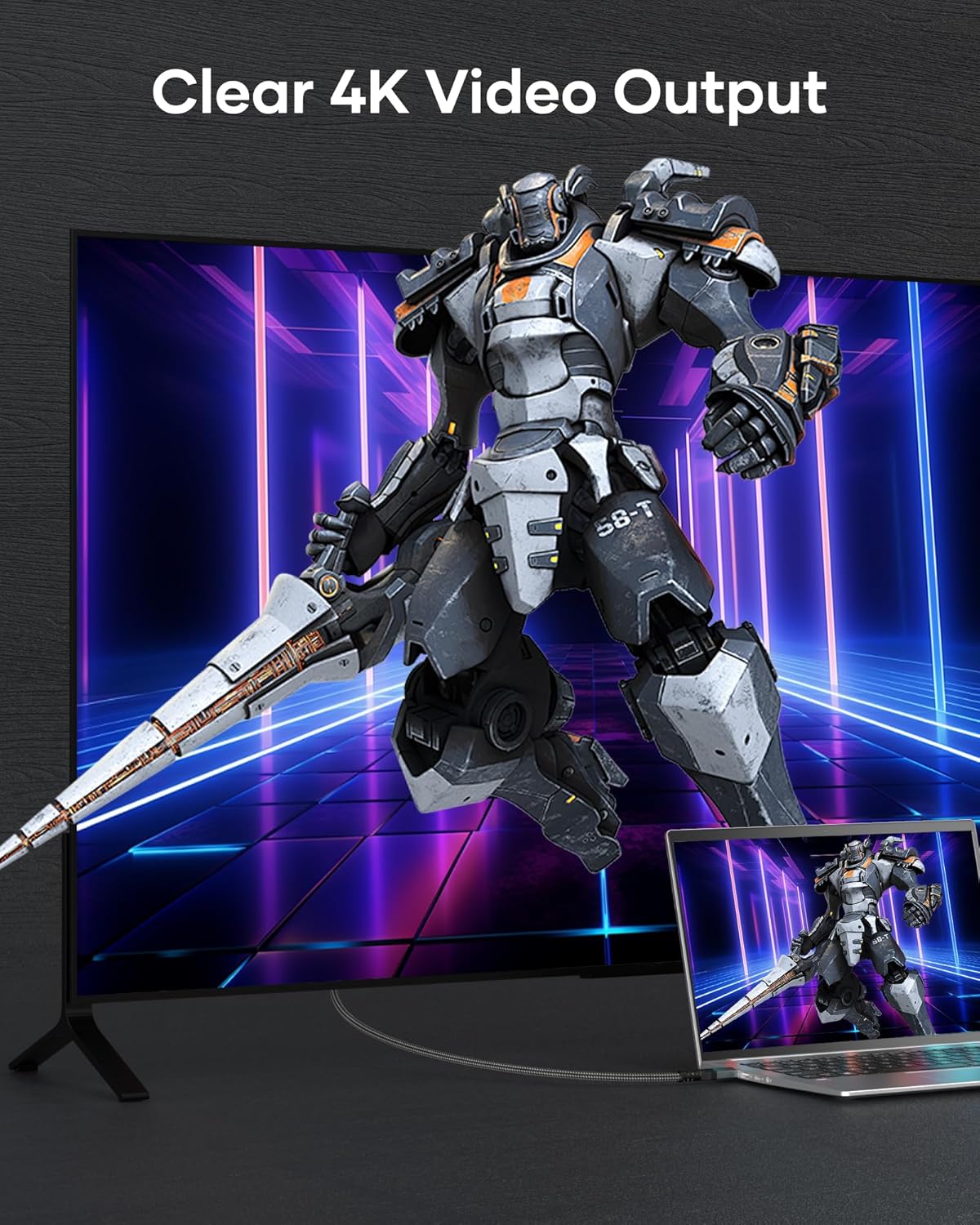
BRV Explorer Mini HDMI to HDMI Cable 2m: 4K@60Hz, 1440p@144Hz, Mini HDMI 2.0 to HDMI
Product description
What it is
The BRV Explorer Mini HDMI to HDMI Cable is a dual-way HDMI connection designed to carry high‑quality audio and video from devices with a Mini HDMI port to a standard HDMI display. It’s marketed as a compact, durable option for those who need reliable signal transmission from cameras, tablets, laptops or small form‑factor devices to TVs, monitors or projectors.
Who it’s for
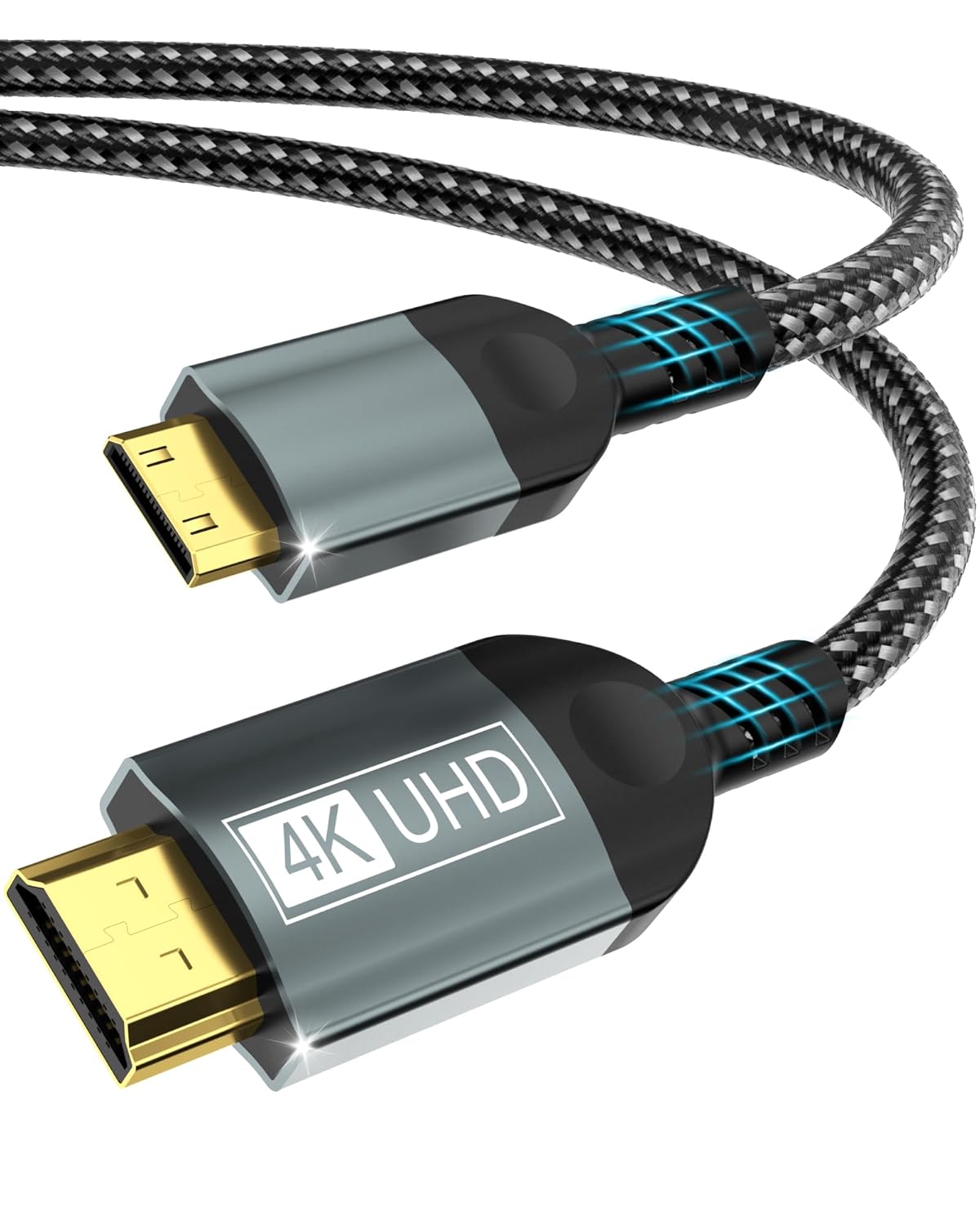
If you own devices with a Mini HDMI output—such as certain cameras, Raspberry Pi setups, some laptops or compact projectors—and want a clean link to a larger screen without drivers, this cable is worth considering. It also targets users who value straightforward, plug‑and‑play use with 4K and high refresh rates when supported by the source and display.
What matters on paper
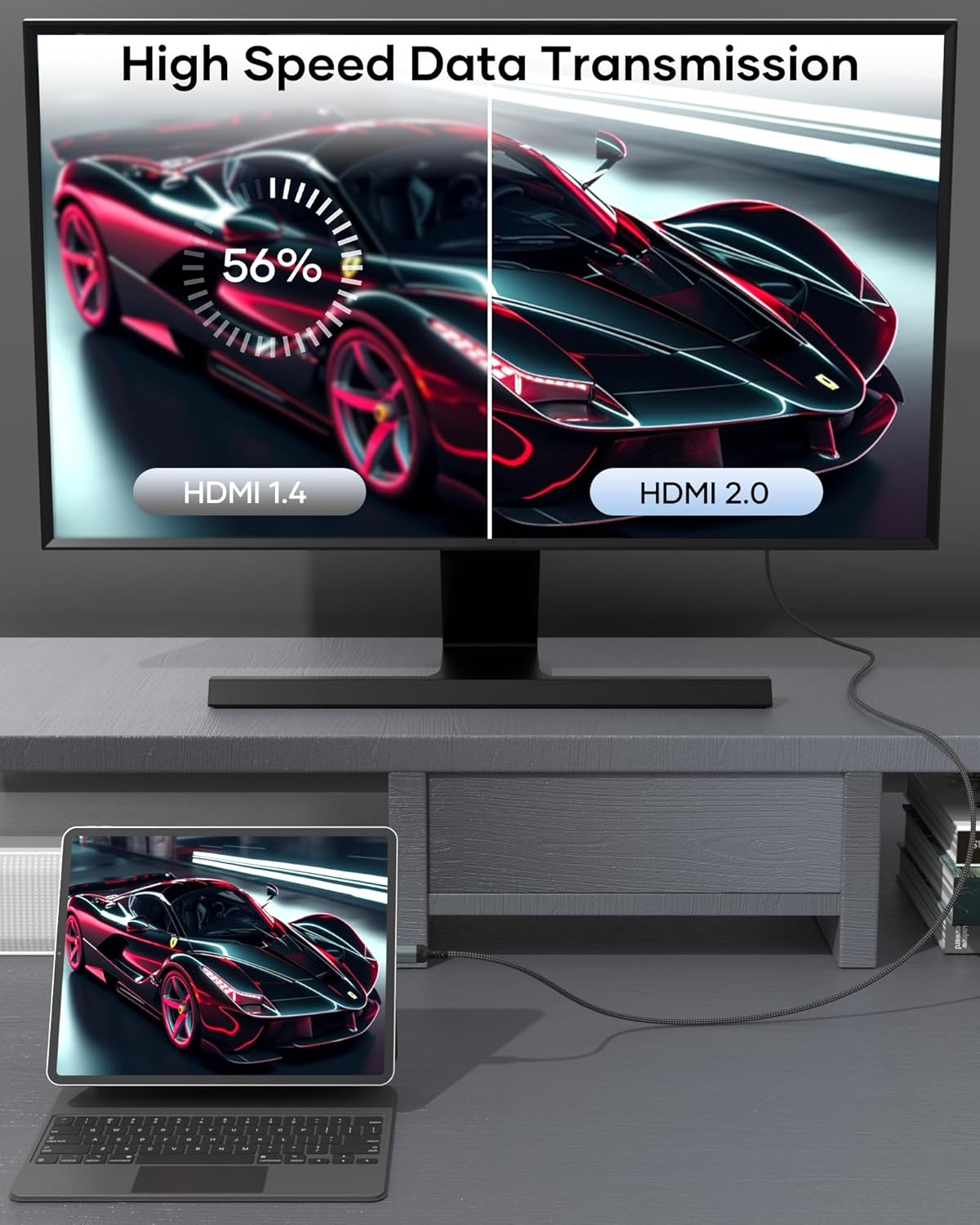
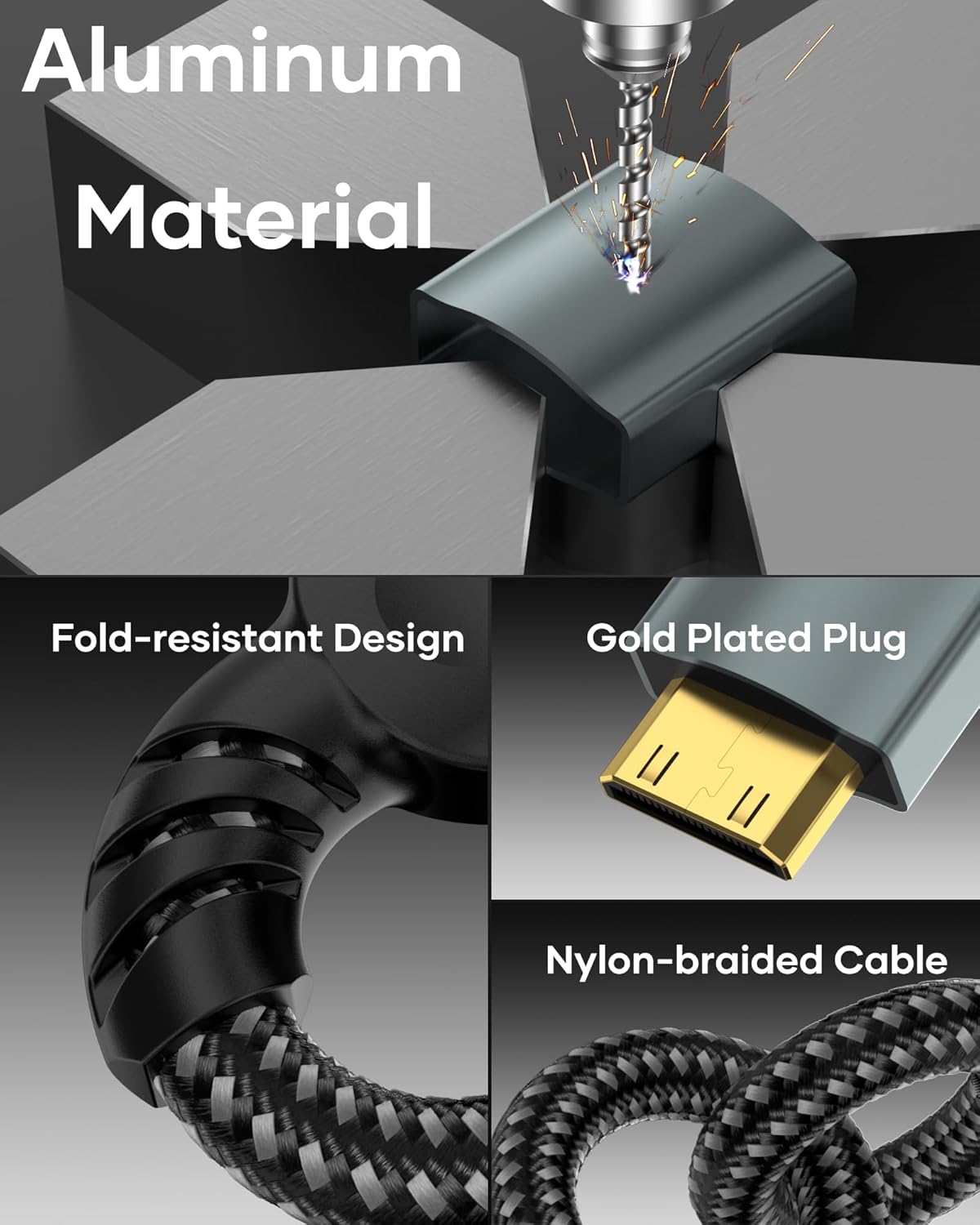
The cable claims support for 4K at 60Hz (3840x2160) with a bandwidth up to 18 Gbit/s, and backward compatibility with 4K@60Hz and 2K@120Hz/1080p. It also mentions Dolby 3D Full HD audio features and a bi‑directional Mini HDMI transmission, meaning it can handle Mini HDMI to HDMI and HDMI to Mini HDMI connections. The construction highlights triple shielding and a nylon/metal build to resist wear, aiming for durability and stable signal transmission without requiring drivers.
How it performs in real use
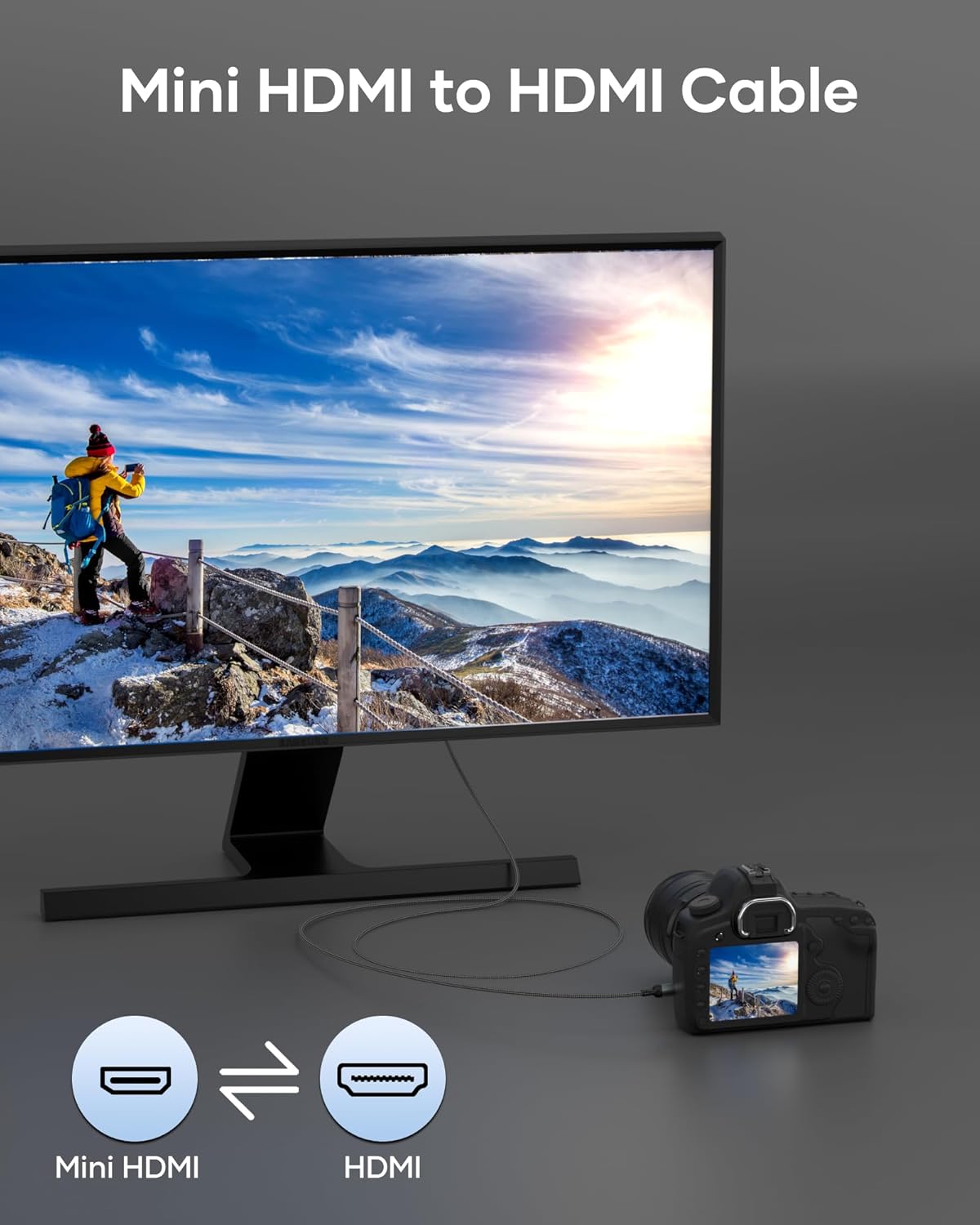
On the surface, the setup is straightforward: connect from a Mini HDMI port on a device (like a Raspberry Pi Zero or a camera) to an HDMI input on a TV or monitor. The claimed triple shielding should help reduce interference in busy environments, which can matter if you’re streaming from a camera in a living room or lab. In practice, you’ll get a clean picture and audio pass‑through where both ends support the corresponding standards.
What to watch out for
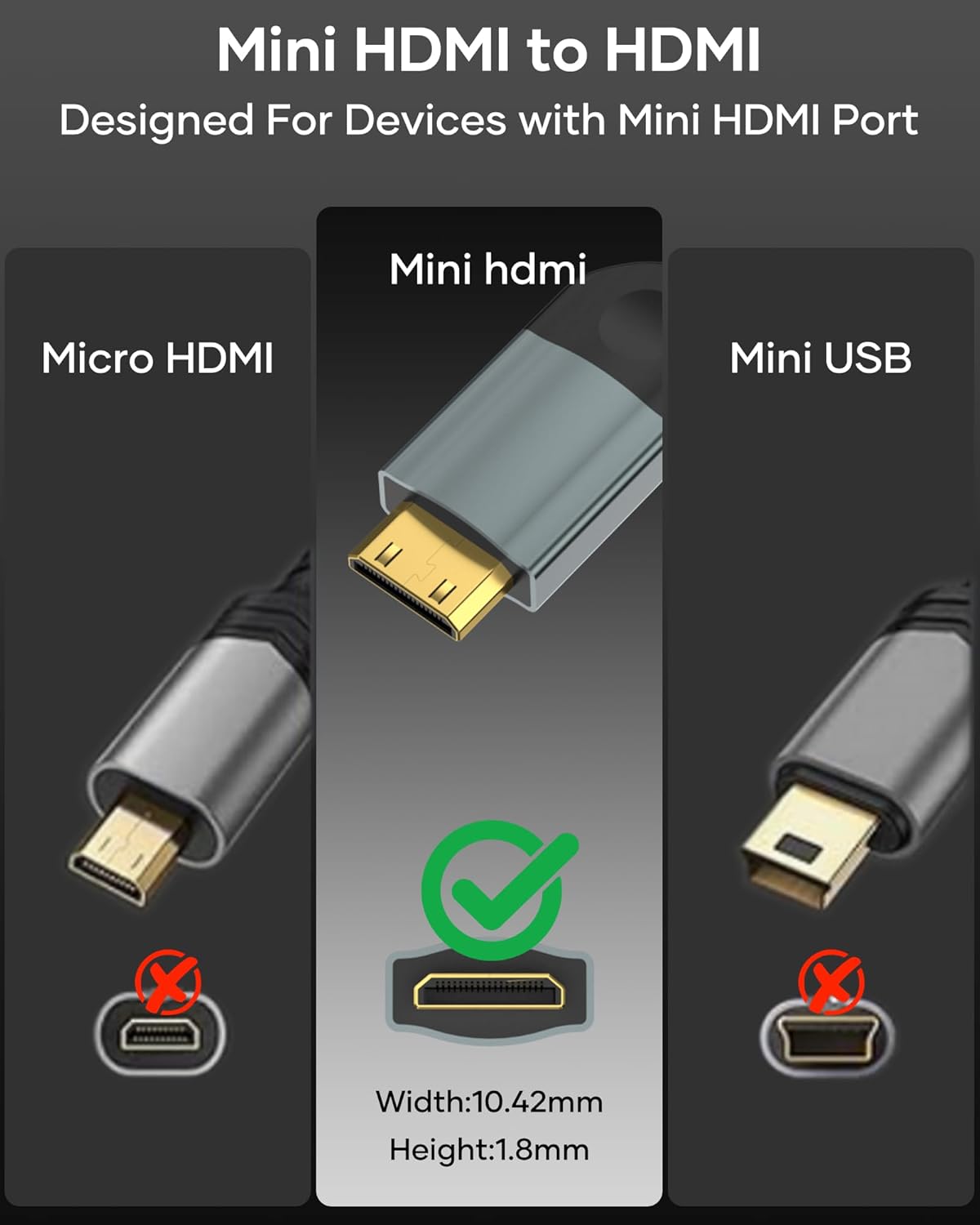
Not all Mini HDMI ports are created equal. The note about ensuring your device truly has a Mini HDMI port (not micro HDMI or micro USB) is important—if misidentified, you won’t get a signal at all. The cable’s performance depends on the source and display capabilities: you may not achieve 4K60 or 144Hz if either end cannot support those modes. It’s also worth noting that “bi‑directional” capability is convenient, but may not unlock additional features if your devices don’t natively drive the higher refresh rates.
Strengths and limitations
What stands out is the focus on durable materials and a simple, driver‑free connection with high‑resolution support. The nylon/metal construction suggests good longevity, and the triple shielding is a sensible detail for reducing interference. However, the actual experience hinges on the connected gear. If you’re using devices that top out at lower resolutions or refresh rates, you won’t see the full 4K/144Hz promise. For those prioritising a tidy, robust cable for occasional camera to display use, it can be a sensible choice, for others chasing the newest HDMI features or longer cable runs, it may feel mid‑range.
What you’ll notice in daily use
A practical scenario: you’ve got a DSLR or camcorder with Mini HDMI, you want to review footage on a larger screen in the studio. Plug‑in, switch the display input, and you should see a sharp picture with sound flowing through to the display. If you’re running a Raspberry Pi Zero, you’ll want to confirm that the Pi’s Mini HDMI output is active and that the connected HDMI display can accept the signal at the chosen resolution.
Before you buy: quick checklist
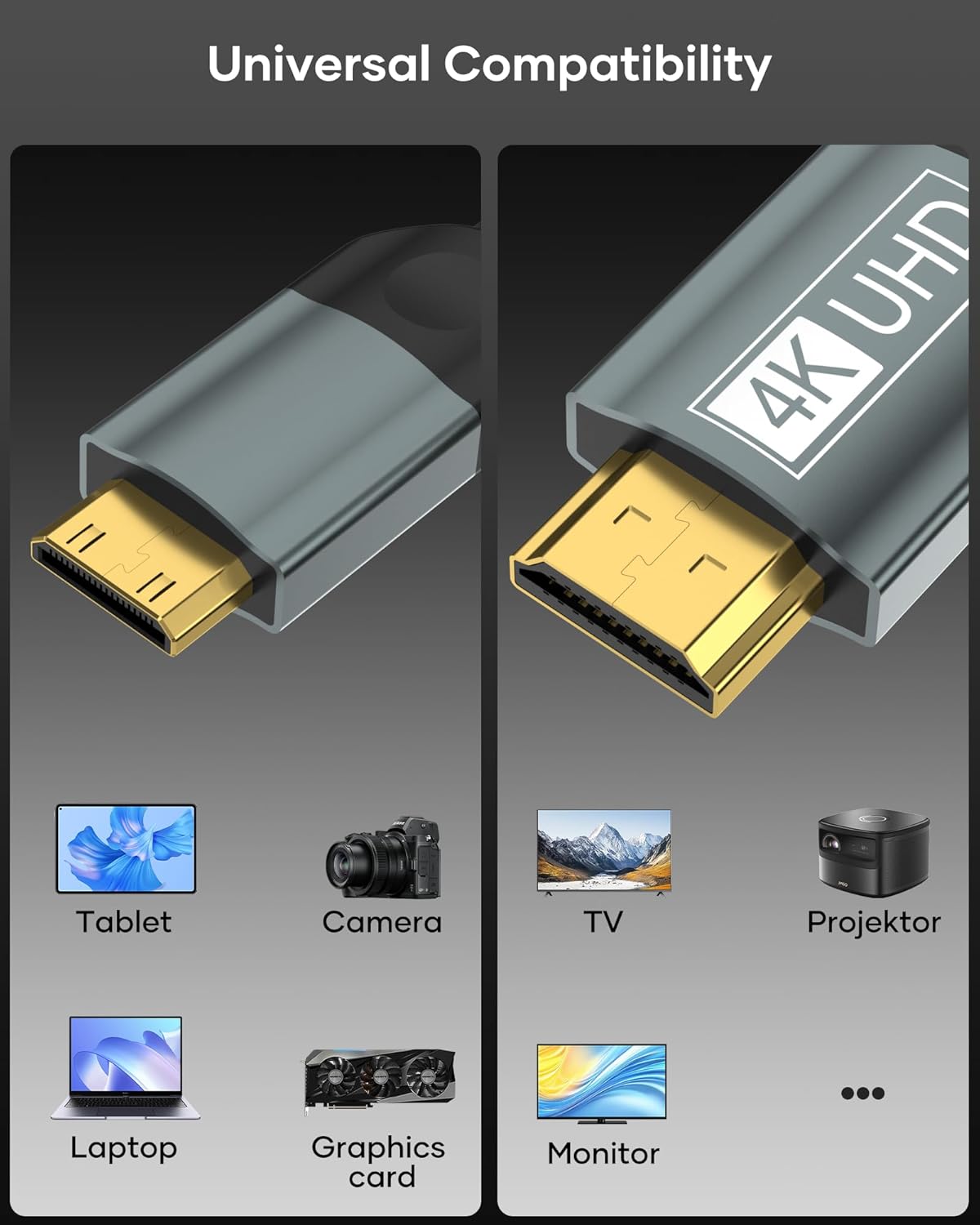
- Confirm your device has a genuine Mini HDMI port (not micro HDMI or micro USB).
- Check that your source and display support the desired mode (4K@60Hz or 2K@120Hz/1080p).
- Consider cable length: 2m is convenient, but longer runs can introduce signal loss if extensions are used.
- Inspect the build quality: nylon outer, metal connectors, and shielding are signs of durability for regular use.
- Ensure both ends have compatible HDMI standards to fully leverage high‑refresh or HDR features if required.
Tech specs at a glance
- Resolution: up to 4K@60Hz, backward compatible to 4K@60Hz and 2K@120Hz/1080p
- Bandwidth: up to 18 Gbit/s
- Transmission: bi‑directional Mini HDMI to HDMI (Mini HDMI port required on source)
- Construction: nylon and metal build with triple shielding
- Compatibility notes: designed for Mini HDMI devices, listed examples include Raspberry Pi Zero and DSLR cameras
Is it worth it?
You’ll like it if you prioritise a straightforward, durable link from Mini HDMI devices to HDMI displays and you expect solid 4K capability where supported. It’s not the best option if you need a longer cable, if your gear won’t push 4K60 or 144Hz, or if you require a premium active cable with extended spec support. Better avoided if you’re after heavy gaming at ultra‑high refresh rates or purely budget footwear for occasional screen mirroring. If you favour a compact, well‑built option that covers common Mini HDMI use cases without fuss, this BRV Explorer Mini cable could be a sensible fit.
Quick FAQ
- Do I need drivers for this cable? No, it’s designed to work driver‑free with compatible displays.
- Will it work with micro HDMI devices? No, it requires a genuine Mini HDMI port.
- Can I use it with laptops and projectors? Yes, as long as the devices have Mini HDMI and HDMI ports and support the desired resolutions.
- Is 4K60 always achievable? Only if both the source and display support 4K@60Hz and the HDMI bandwidth is sufficient.
Final verdict
For users with Mini HDMI sources who want a reliable, relatively compact cable that supports high‑resolution output and non‑video‑driven devices like cameras or small PCs, this cable offers a balanced combination of build quality and feature set. If your setup is primarily desktop‑class and you need longer cable runs or higher refresh headroom, you may want to compare with alternatives that push beyond the 2m length or offer enhanced active signal management.