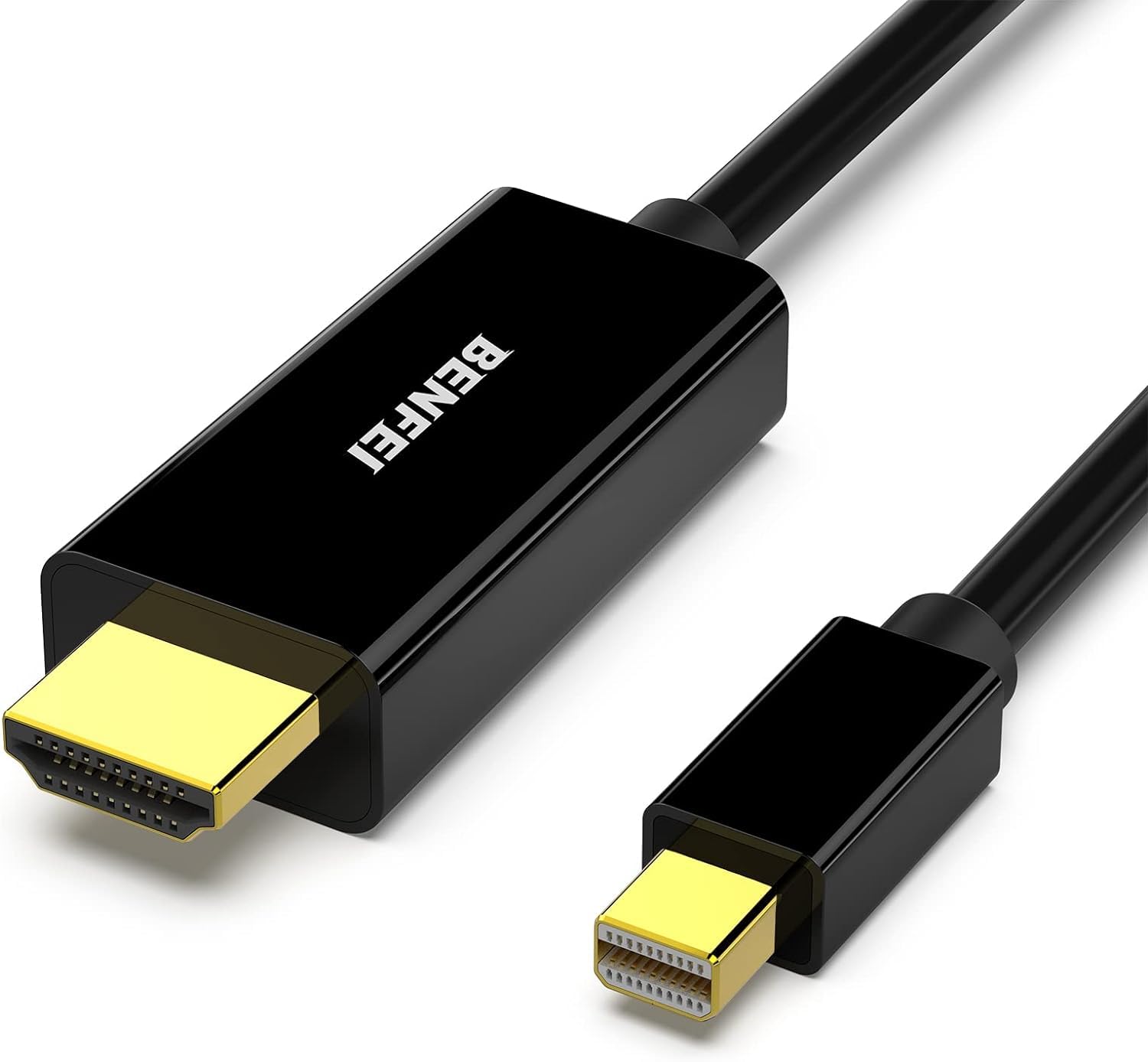
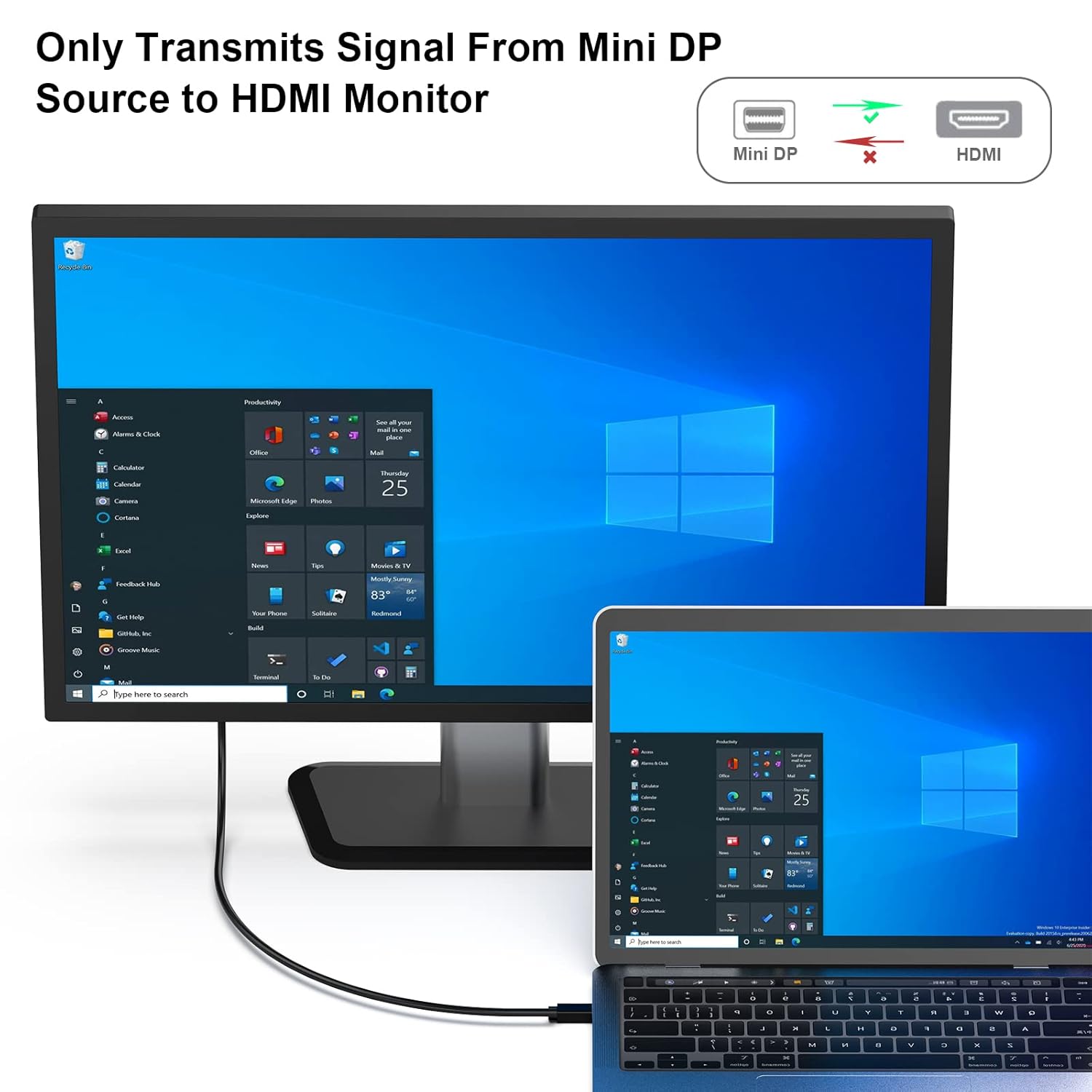
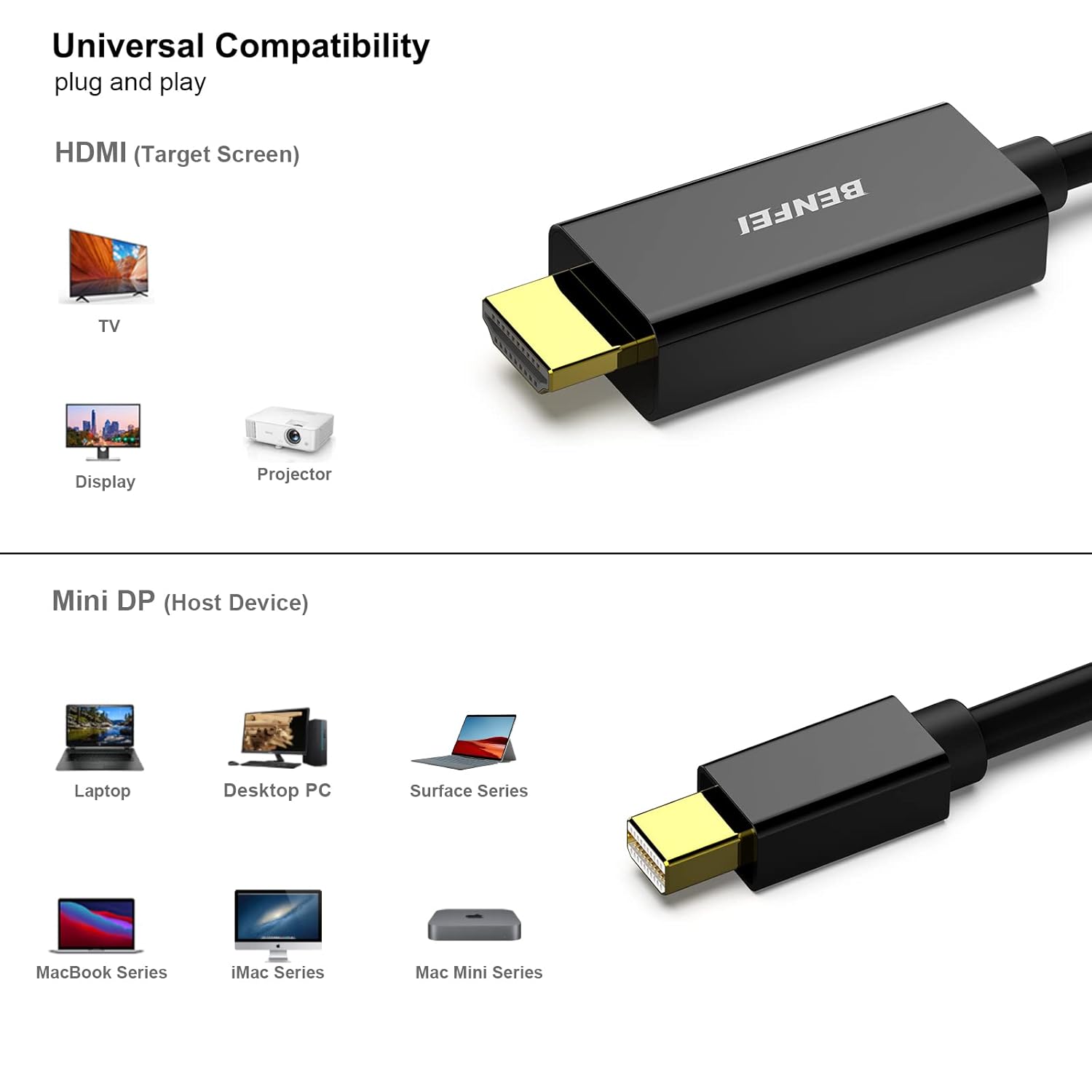
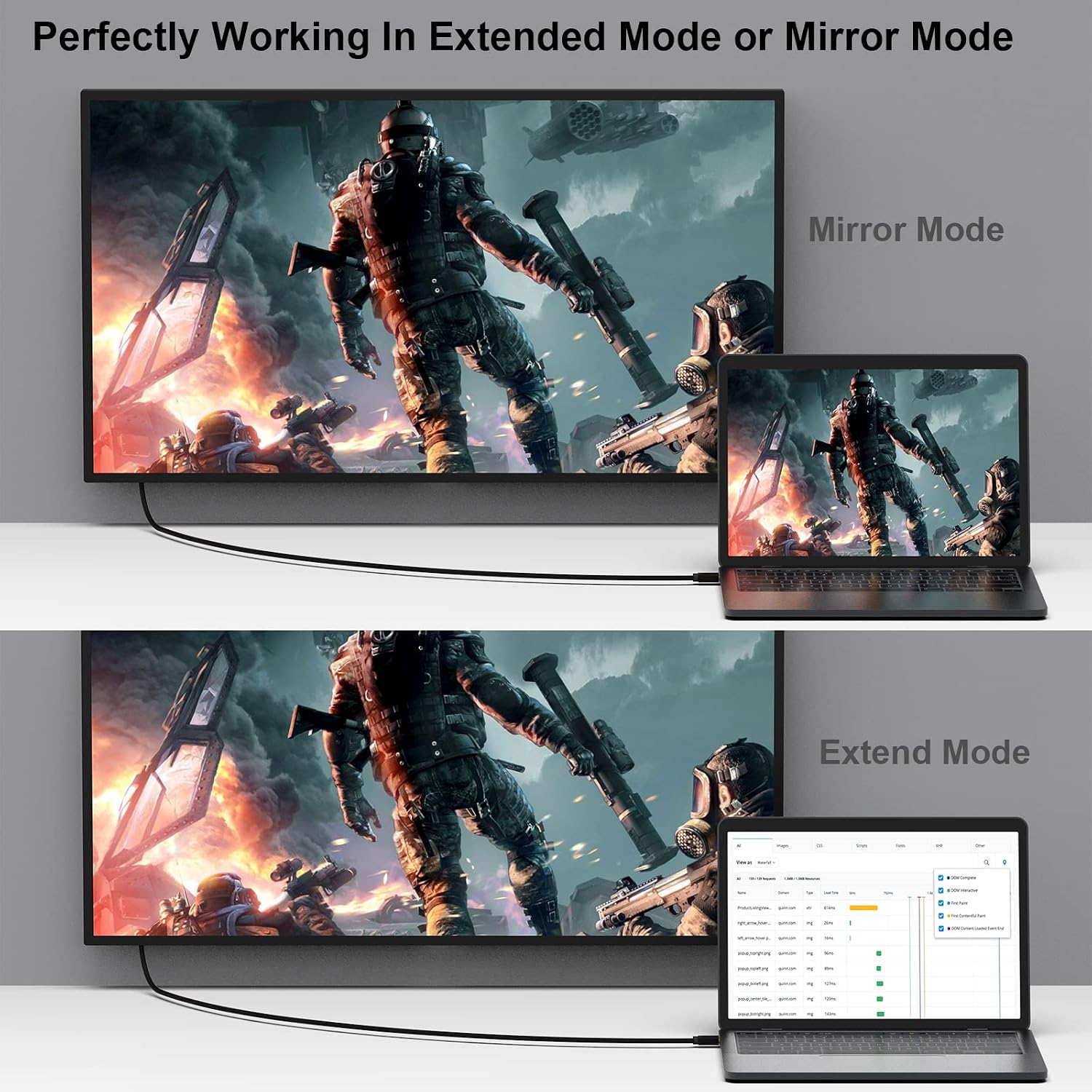
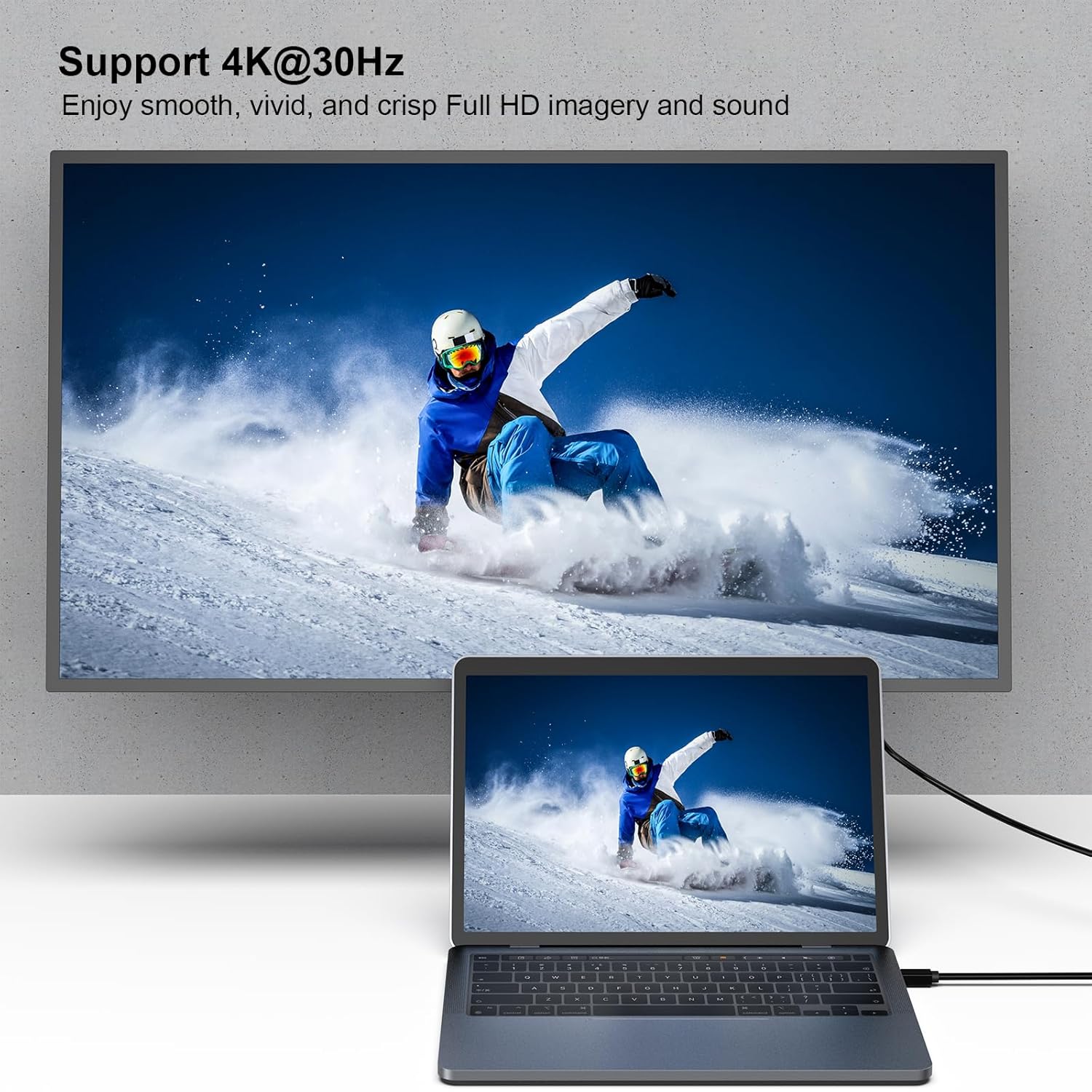
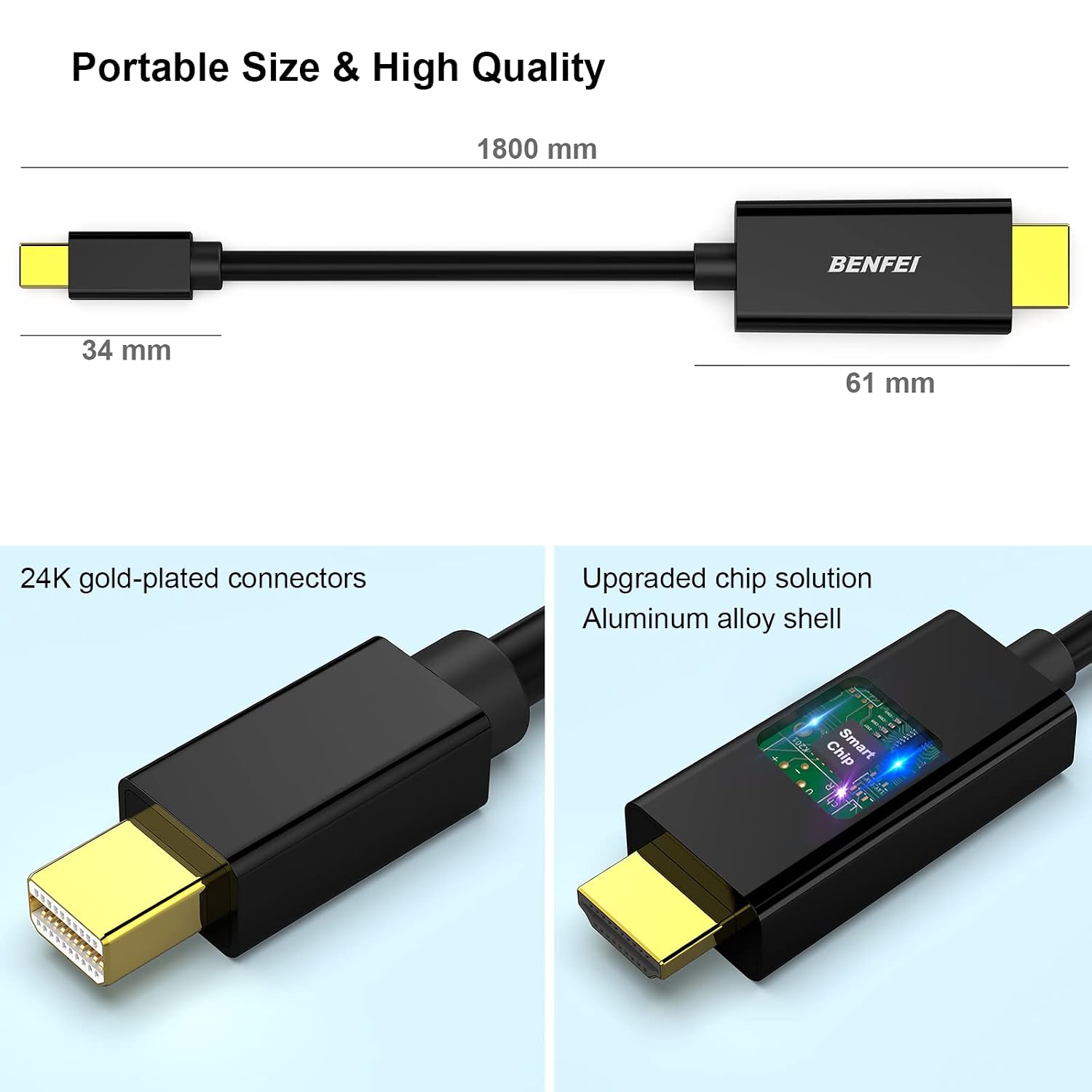
What it is and what it’s for\nThe Benfei Mini DisplayPort to HDMI cable set is a two-pack solution designed to carry audio and video from a computer with a Mini DisplayPort to an HDMI display. With a length of 1.83 metres, it aims to offer a straightforward, plug-and-play way to connect compatible devices such as laptops, tablets, or docks to monitors, projectors or TVs. It’s positioned as a practical upgrade for those who want a reliable, simple cable to mirror or extend a display without investing in new adapters or dongles.\n\n## How it works\nThe cables use a dedicated Mini DisplayPort to HDMI signal path and are built with 24K gold-plated copper connectors to help maintain a stable connection and clear AV transmission. The design emphasises durability with a stated bend lifespan of over 15,000 cycles, which should translate into everyday use that lasts. It’s important to note that this product is not compatible with Thunderbolt 3, so users with newer Thunderbolt-enabled devices should consider alternatives if they require full Thunderbolt support.\n\n## What stands out\nOn paper, the combination of multiple shielding for data integrity and the gold-plated connectors is aimed at reducing signal loss and interference. The inclusion of two cables in the pack adds convenience for users who regularly connect to more than one display or who want spare cables in different spaces. The warranty (18 months) and customer service promise some reassurance for ongoing usage.\n\n## Strengths and limitations in use\n- Strengths: straightforward setup, two cables in the box, durable construction with a long bend lifespan, stable audio/video transmission when used with compatible devices, reasonable warranty window.\n- Limitations: limited to Mini DisplayPort to HDMI, not compatible with Thunderbolt 3, and the compatibility list is extensive but may not include every newer model. Users should verify their device’s outputs and supported formats before purchase.\n\n## Who it’s for\nIf you’re using older Macs (e.g., certain MacBook Air/Pro models), some Windows laptops with Mini DisplayPort, or specific docking scenarios, and you want a reliable HDMI display connection without extra adapters, this two-pack could be convenient. It may suit classrooms or small workspaces where quick, repeatable connections to a monitor or projector are beneficial.\n\n## When it makes sense to buy\nConsider this set if you value a simple, durable cable with dual-pack practicality and you’re certain your device outputs Mini DisplayPort signals to HDMI, not Thunderbolt 3. It’s sensible when you want a straightforward solution with a long enough lead for desk-to-projector setups or multi-location presentations.\n\n## When you might want to look elsewhere\nIf your devices rely on Thunderbolt 3/4, if you need audio return channel support through newer standards, or if you’re after a future-proofed USB-C/Thunderbolt ecosystem, this cable may not be the best fit. In such cases, assess alternatives that explicitly support Thunderbolt or USB-C video output.\n\n## What to check before buying\n- Confirm your computer’s output is Mini DisplayPort and supports HDMI on the other end.\n- Check the display device (HDMI input) supports the resolutions you intend to use.\n- Ensure you don’t require Thunderbolt 3 compatibility, as noted in the product details.\n\n## Practical usage example\nA typical setup might involve a MacBook Pro or MacBook Air connected to a classroom projector. You’d plug one end into the laptop’s Mini DisplayPort and the other into the projector’s HDMI input, enabling quick mirroring or extension for presentations. If you work across two rooms, the second cable lets you move the same display arrangement without swapping cables.\n\n## FAQ\n- Q: Is this compatible with Thunderbolt 3? A: No, the product is not compatible with Thunderbolt 3.\n- Q: How long are the cables? A: Each cable is 1.83 metres long.\n- Q: Does it carry both video and audio? A: The description indicates audio and video transmission, but ensure your source and display support HDMI AV output over Mini DisplayPort.\n- Q: How many cables are included in the pack? A: Two cables are included.\n\n## Buying decision\nIs it worth it? It makes sense if you prioritise a sturdy, dual-pack solution for Mini DisplayPort to HDMI in setups where Thunderbolt compatibility isn’t required and the devices involved are confirmed to support Mini DisplayPort to HDMI output. It may not be the best choice if you need Thunderbolt 3 features or future‑proof USB‑C/Thunderbolt connectivity. If you value durability, straightforward compatibility, and a reasonable warranty, this set can offer solid value for money in the right use cases.