

ATTACK SHARK V6 65g SUPERLIGHT Mouse with Magnetic Charging Dock
Product description
What it is
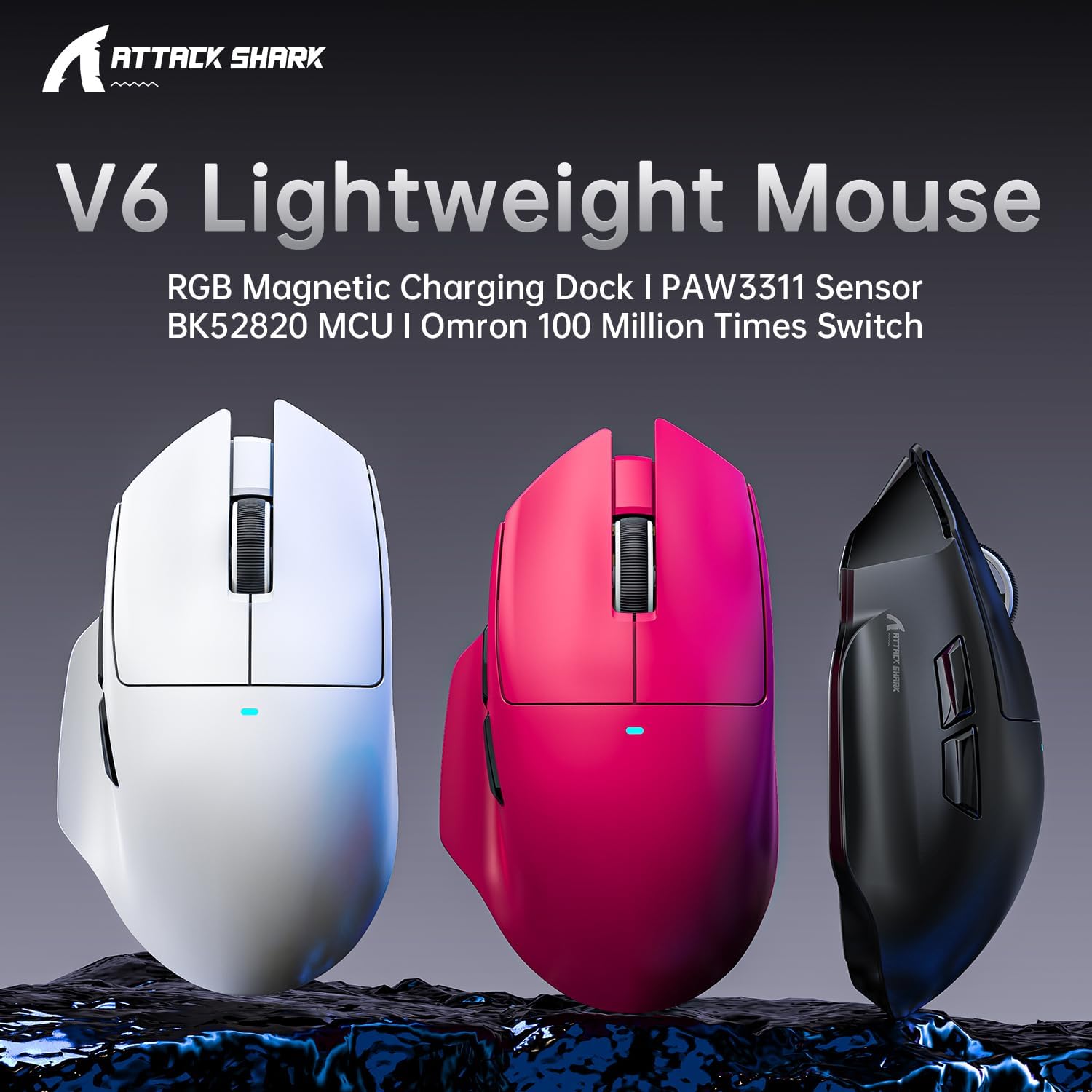
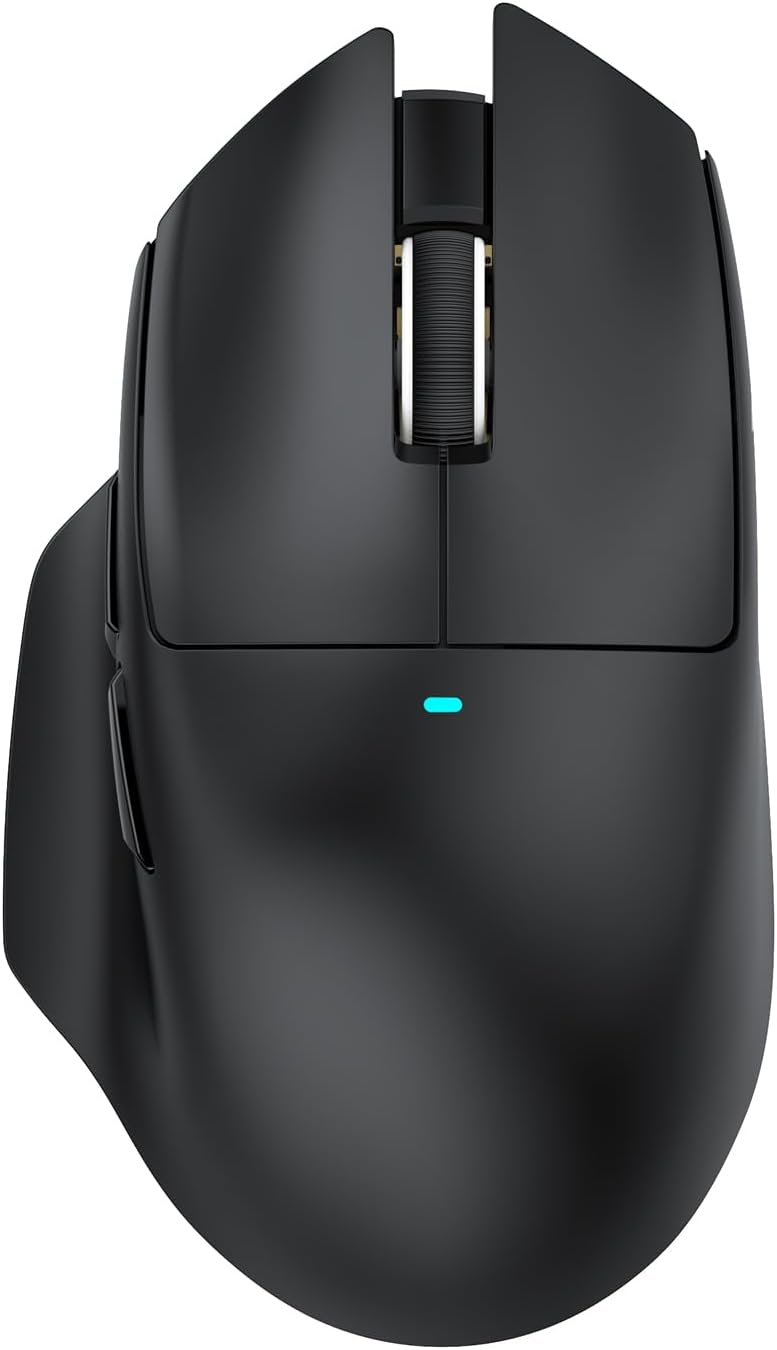
The ATTACK SHARK V6 is a featherlight gaming mouse designed to balance speed, precision and comfort. Weighing around 65g with a thumb rest, it targets gamers and busy power users who want low fatigue during long sessions, while offering a flexible setup thanks to multiple connection options.
Why it matters
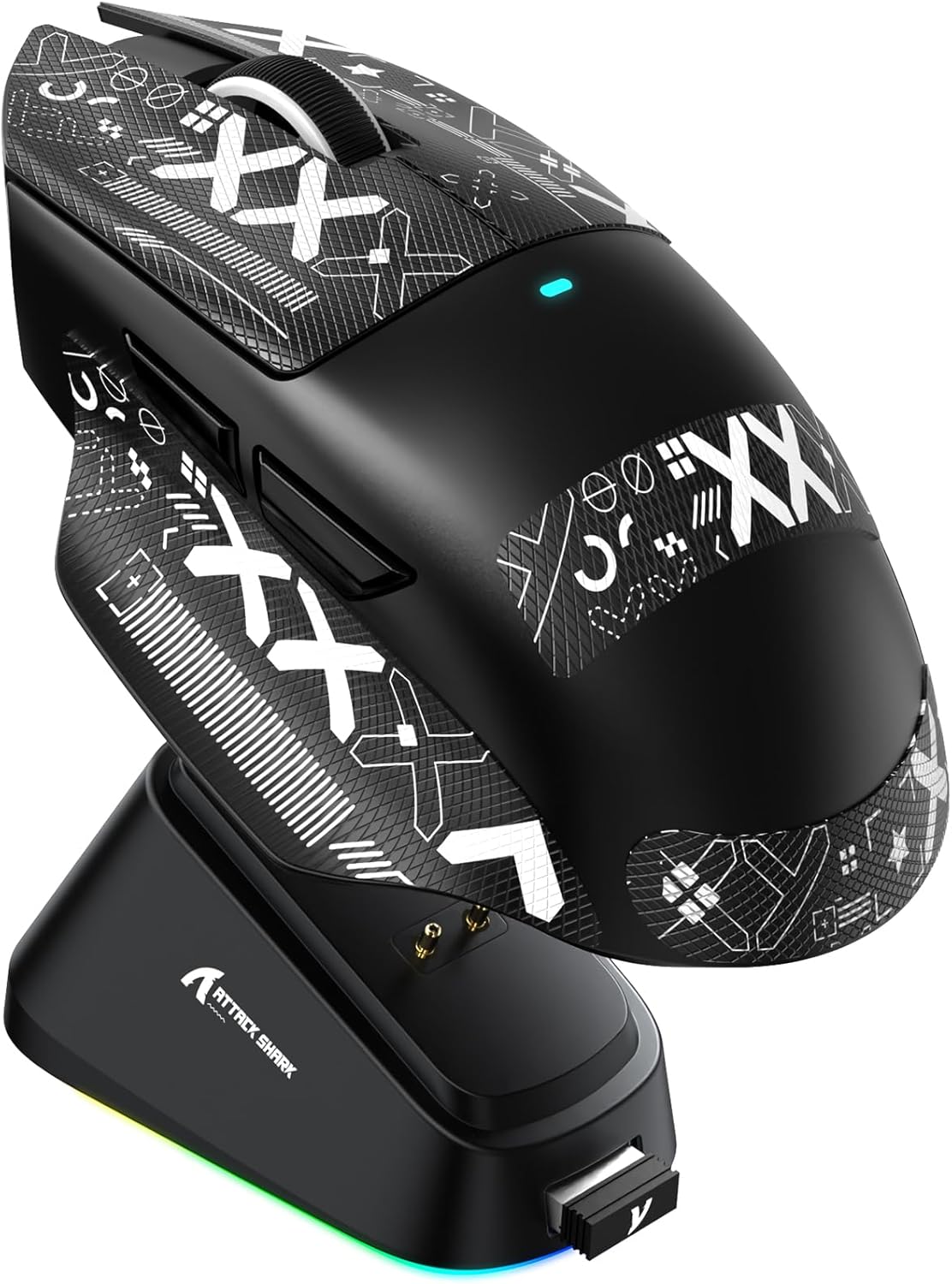
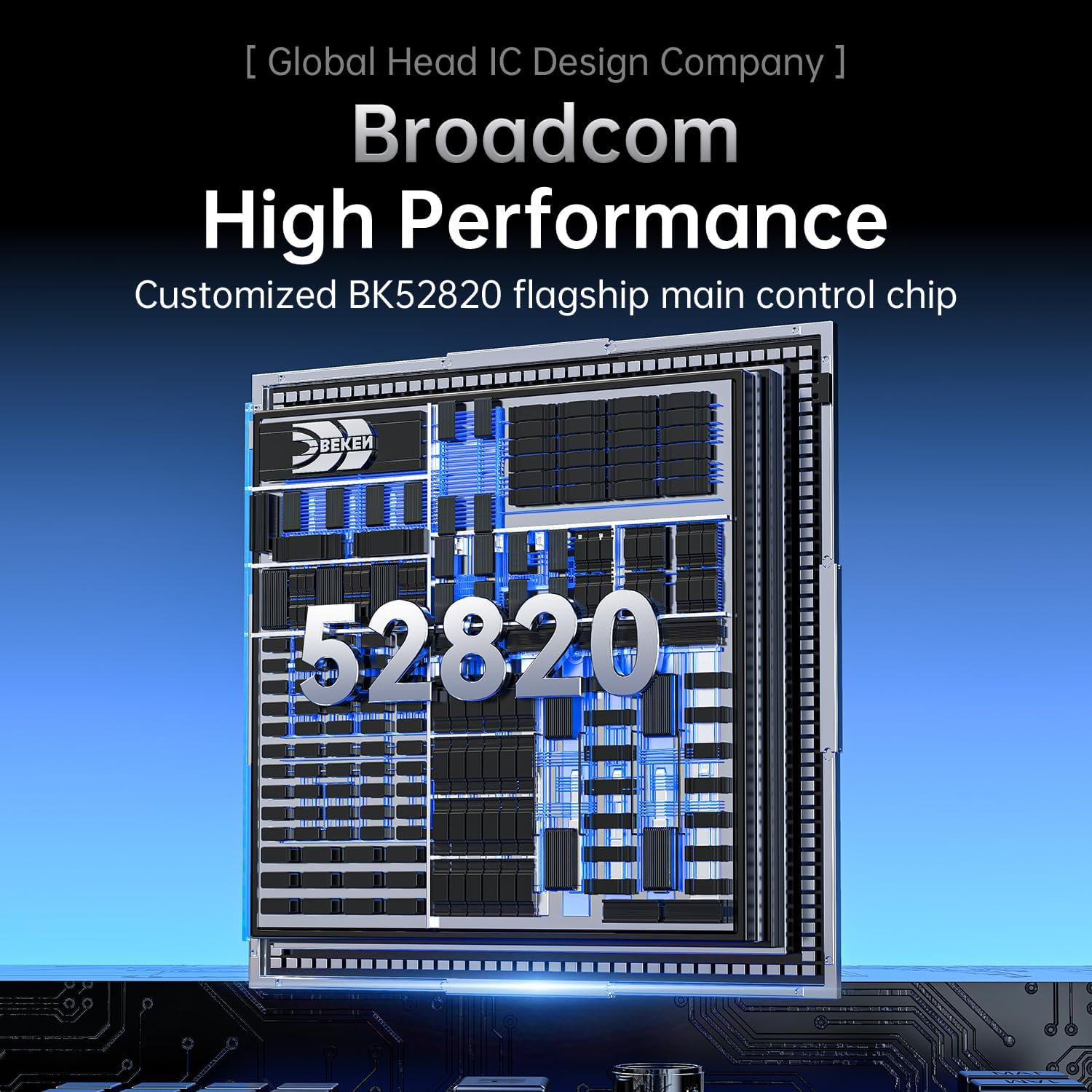
On paper, the V6 blends a high-performance PixArt PAW3311 sensor with a Broadcom BK52820 core for responsive tracking and efficient power use. The result should be smooth cursor control and reliability whether you’re sprinting across a map or navigating long documents. The inclusion of a magnetic charging dock promises easy recharging without wrestling cables during intense play or work.
Design and build
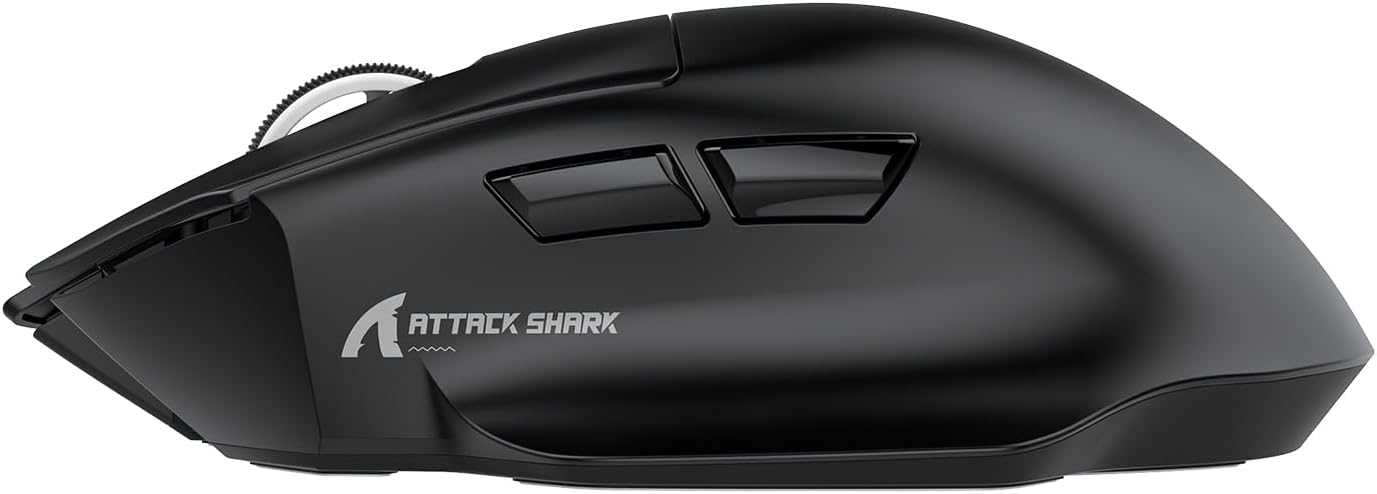
A true ultralight, the V6 emphasises nimble movement. The thumb rest supports a natural grip, which helps reduce grip fatigue in longer sessions. The build uses durable micro switches rated for over 100 million clicks, a detail that contributes to long-term reliability.
Performance snapshot
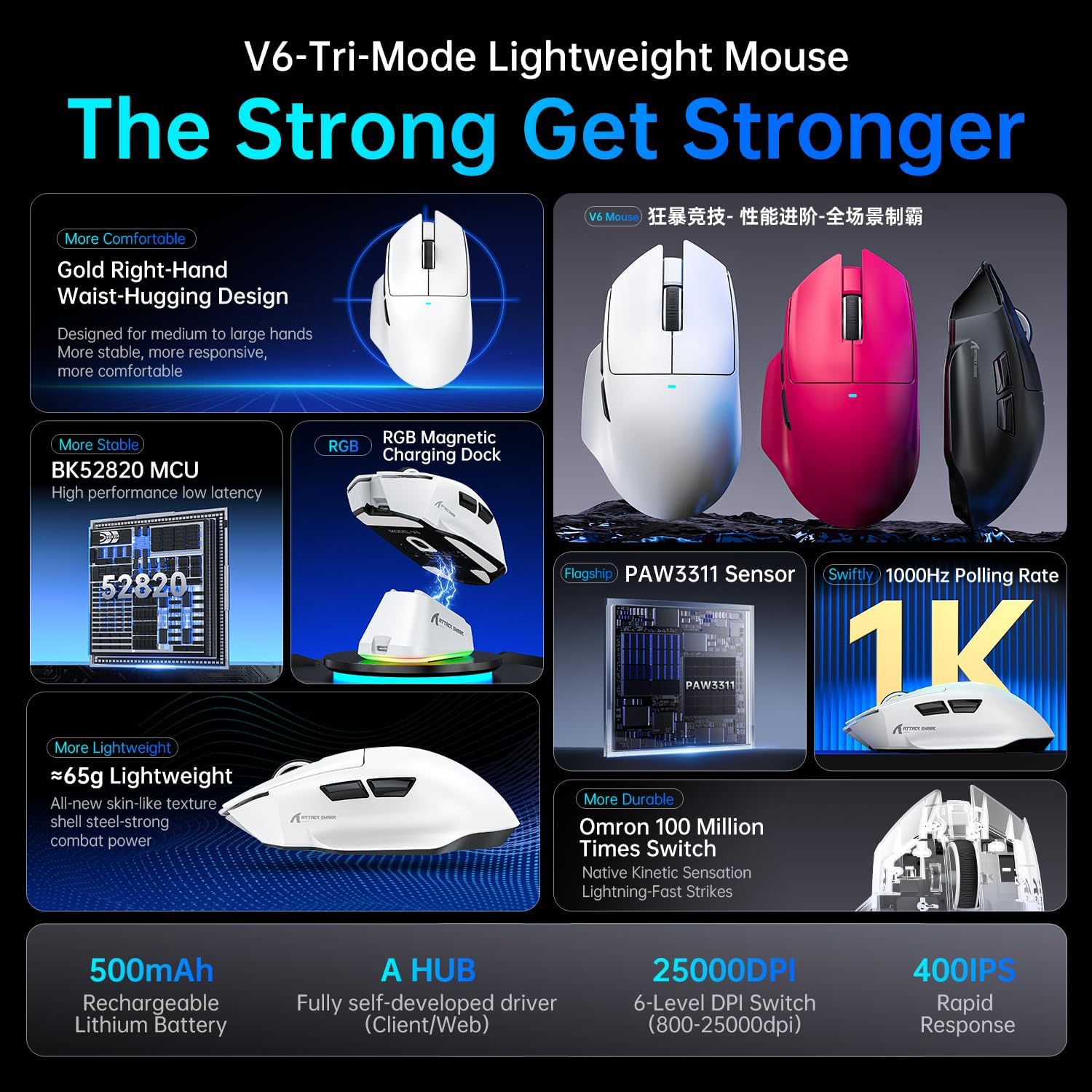
- Sensor: PixArt PAW3311 with up to 25,000 DPI, adjustable in 50 DPI steps via the driver for precise control.
- Acceleration: up to 40G, enabling quick responses in fast-paced games.
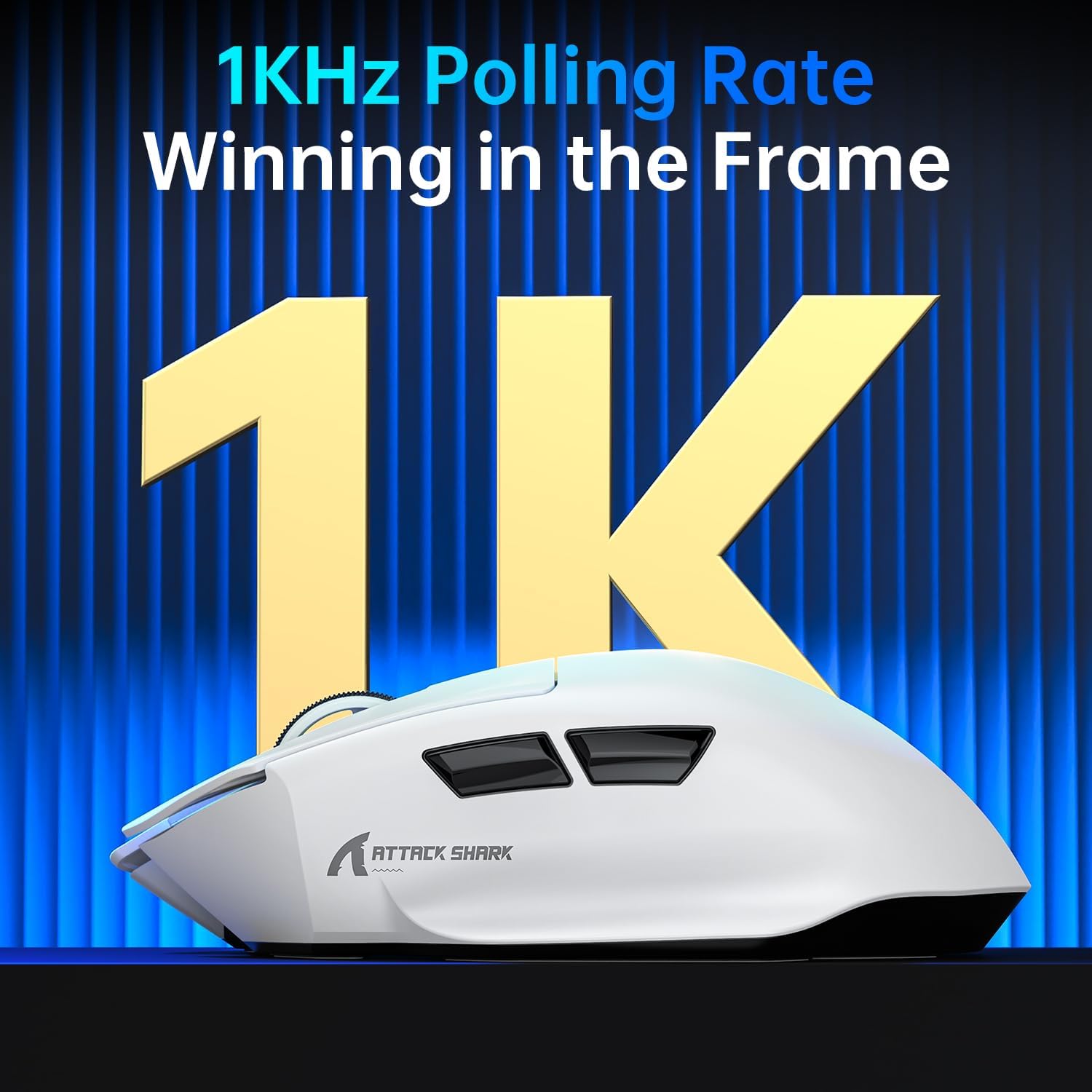
- Connectivity: tri-mode (wired, Bluetooth, and 2.4 GHz wireless) with a 1000Hz polling rate for low latency.
- Battery: 500 mAh capacity, aiming to support extended use between charges.
Connectivity and setup
The V6 supports wired, Bluetooth and 2.4GHz wireless connections. The smart cloud-based AI driver offers automatic recognition of connected devices and can be used as a standalone download or via cloud access for ongoing tweaks. This means you can tailor sensitivity, button mapping and profiles to your workflow or playstyle without digging through menus.
Battery life and charging
With a 500 mAh cell, expect a solid battery life for mixed usage. The magnetic charging dock aims to simplify charging, reducing downtime and keeping the mouse ready for the next session. As with any wireless device, real-world endurance depends on DPI settings, polling rate and how often Bluetooth is used.
Who it’s for
If you value portability and fast reflexes, the V6 suits players who want sleek balance between lightness and control, as well as professionals who benefit from a comfortable thumbrest. It may appeal to those who multi-task across devices (Win11, Xbox, PS, Mac) and appreciate a tidy desk without frequent charging interruptions.
When this might be the right choice
- You prioritise ultra-lightweight design for prolonged sessions.
- You want high DPI flexibility with fine increments for pixel-perfect precision.
- You need tri-mode connectivity to switch between devices and use cases without swapping mice.
- A magnetic dock for convenient charging aligns with a clutter-reduced setup.
Considerations and potential drawbacks
- The true feel of 65g depends on grip and palm/thumb contact, some users with larger hands may find it less comfortable for extended periods.
- While the DPI range is expansive, practical use may settle at moderate settings for most tasks, excessive DPI can be made less intuitive without driver tweaks.
- The cloud AI driver is convenient, but reliance on software means occasional updates or compatibility checks could be required.
- If you primarily game on a wired setup, the wireless features still add value, but you might not need all three modes every day.
What to check before buying
- Confirm the driver compatibility with your operating system and preferred device ecosystem.
- Check how you typically hold a mouse (palm, claw, or fingertip) and whether the thumb rest aligns with your grip.
- Consider whether you will use Bluetooth frequently or primarily rely on wired or 2.4 GHz wireless for local latency concerns.
Practical usage example
Imagine sprinting across a frantic FPS map: the V6’s light frame helps you move quickly without wrist strain, while the high DPI gives you the finesse to line up a precise headshot. At work, the same mouse can glide through spreadsheets and design apps thanks to accurate tracking and comfort during long sessions.
Final verdict
Is it worth it?
It’s a solid pick if you prioritise lightness, a capable sensor, and flexible connectivity for multi-device use. If you place a premium on a premium-feel magnet charging dock and a thumb-friendly shape, this model makes sense. It may not be the best option if you favour a heavier, planted feel or if you primarily game at very high DPI without driver customisation.
FAQ
- How does the magnetic charging dock improve daily use? It reduces fuss and keeps the mouse charged without fiddling with cables, which can be handy during long sessions.
- Can I customise DPI and button mapping easily? Yes, via the AI driver, with DPI steps of 50 up to 25,000 and adjustable button mapping.
- Is the mouse comfortable for left-handed users? The thumb rest and overall ergonomic design are tailored for right-handed use, left-handed comfort isn’t specified.