

Download app on Google Play


Imagen de Arteck Split Ergonomic Keyboard with 2.4G wireless comfort ⌨️ en OfertitasTOP
New offer
Thumbnail principal de Arteck Split Ergonomic Keyboard with 2.4G wireless comfort ⌨️
Thumbnail 1 de Arteck Split Ergonomic Keyboard with 2.4G wireless comfort ⌨️
Thumbnail 2 de Arteck Split Ergonomic Keyboard with 2.4G wireless comfort ⌨️
Thumbnail 3 de Arteck Split Ergonomic Keyboard with 2.4G wireless comfort ⌨️
Thumbnail 4 de Arteck Split Ergonomic Keyboard with 2.4G wireless comfort ⌨️
Thumbnail 5 de Arteck Split Ergonomic Keyboard with 2.4G wireless comfort ⌨️
Thumbnail 6 de Arteck Split Ergonomic Keyboard with 2.4G wireless comfort ⌨️

Arteck Split Ergonomic Keyboard with 2.4G wireless comfort ⌨️

amazon UK
Reviews
4,5
+1.373

Reviews

4,5
+1.373 reviews

Price

£59.99£39.11-35%
View in store
amazon UK
Price evolution · Historical minimum: £39.11

Product description

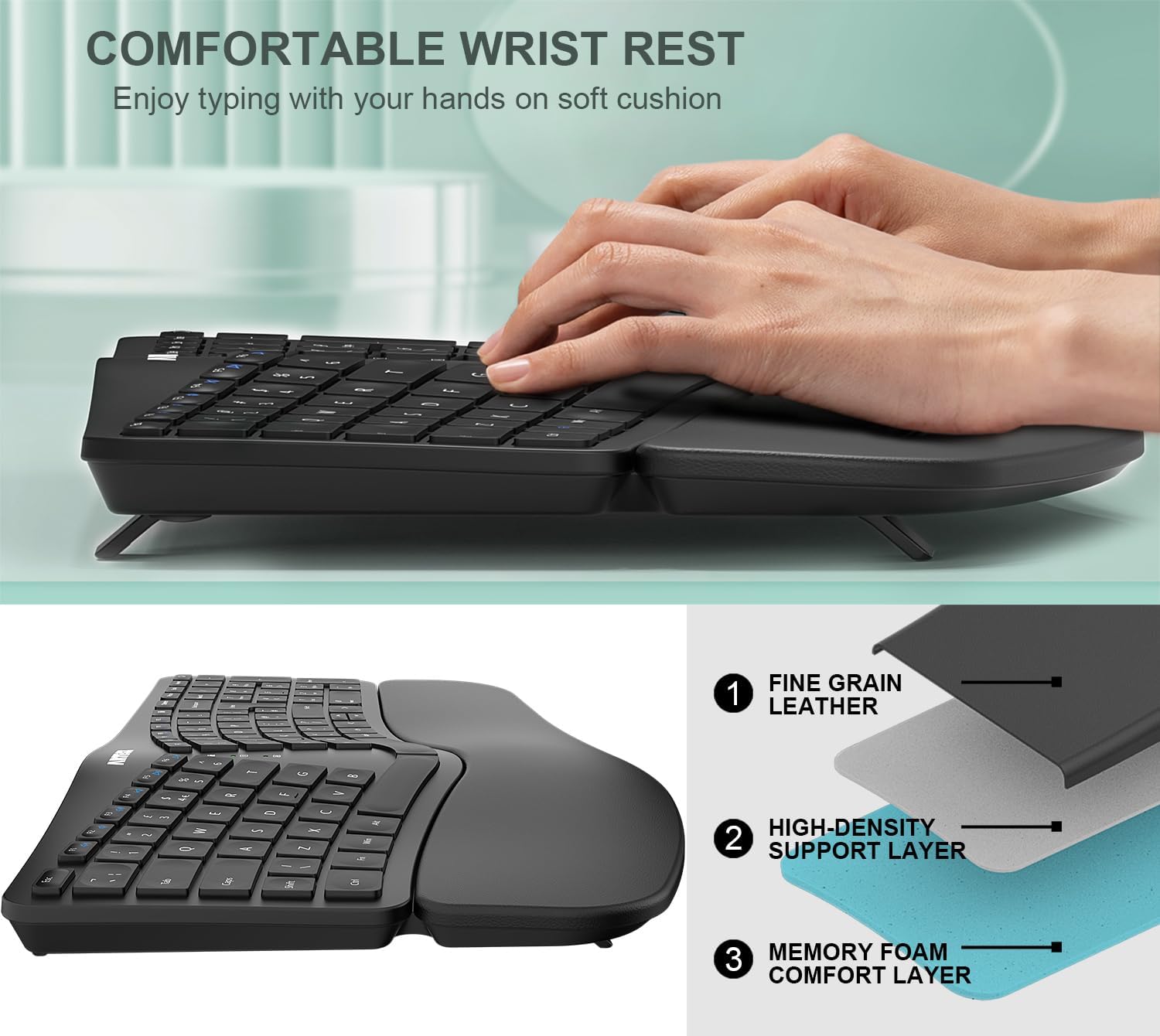
This split ergonomic keyboard from Arteck places hands in a more natural alignment to reduce strain during long typing sessions, making it useful for office work and home study. It combines a cushioned wrist and palm rest with a compact wireless layout, helping to keep wrists supported and shoulders relaxed.

Key Points
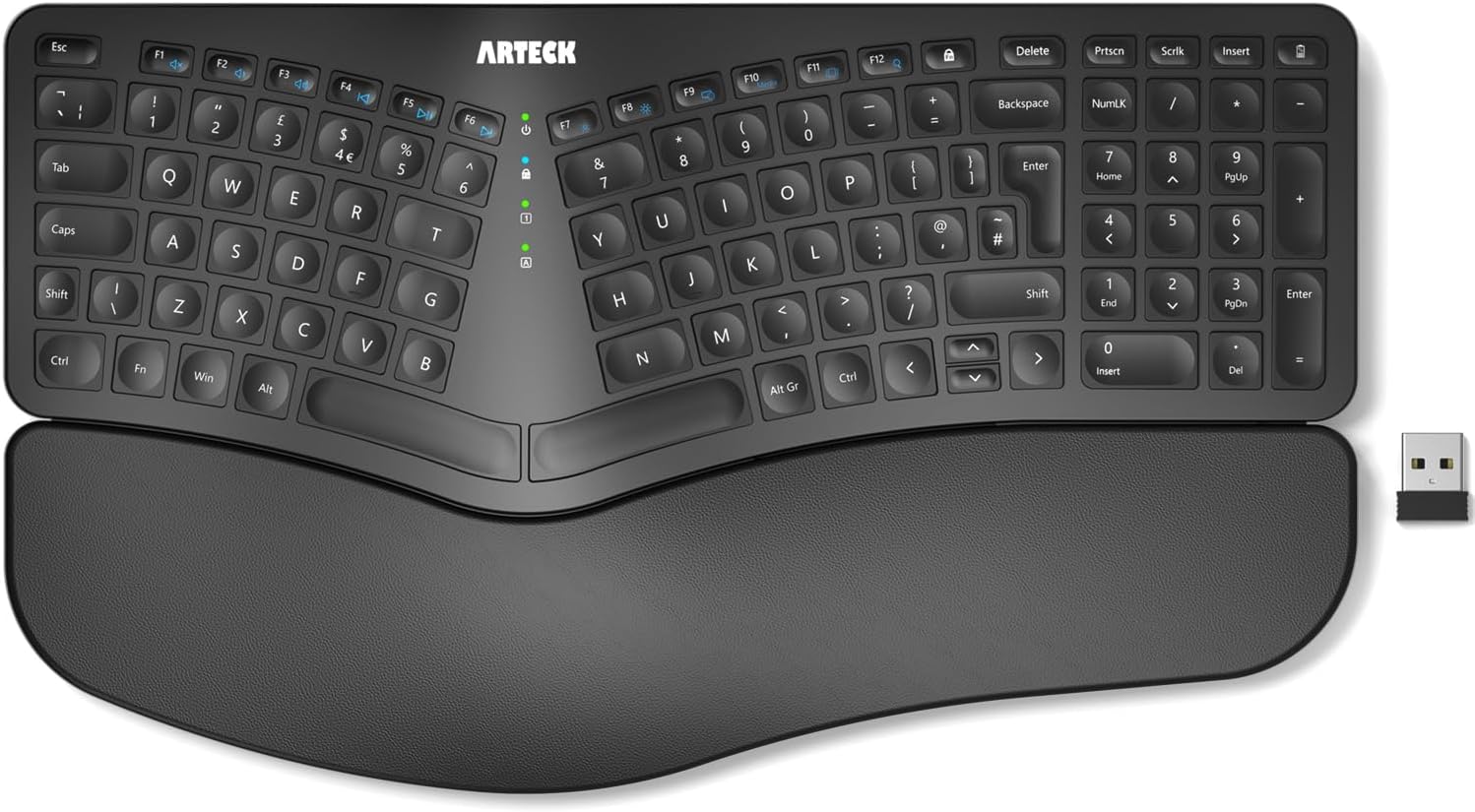
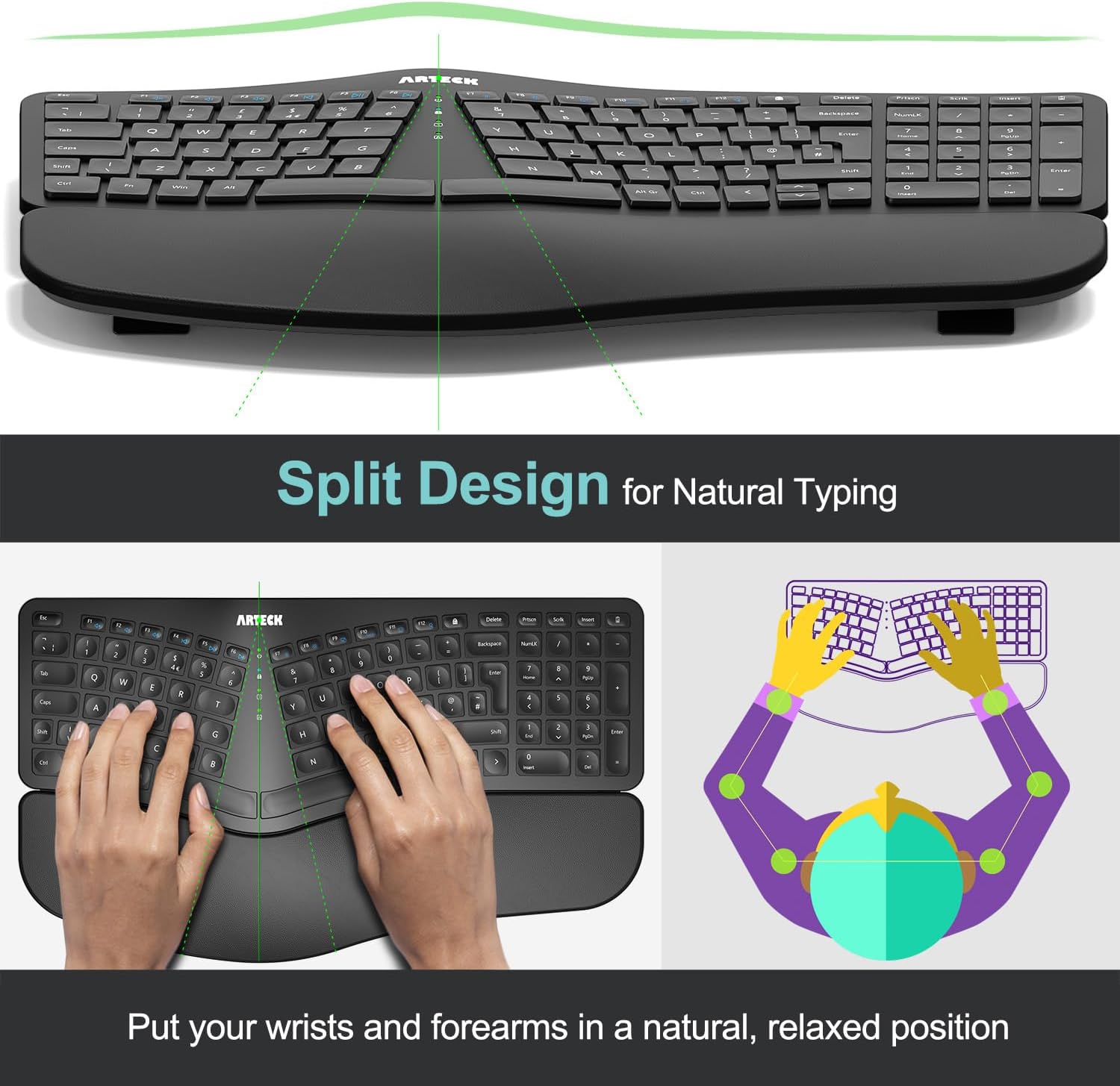
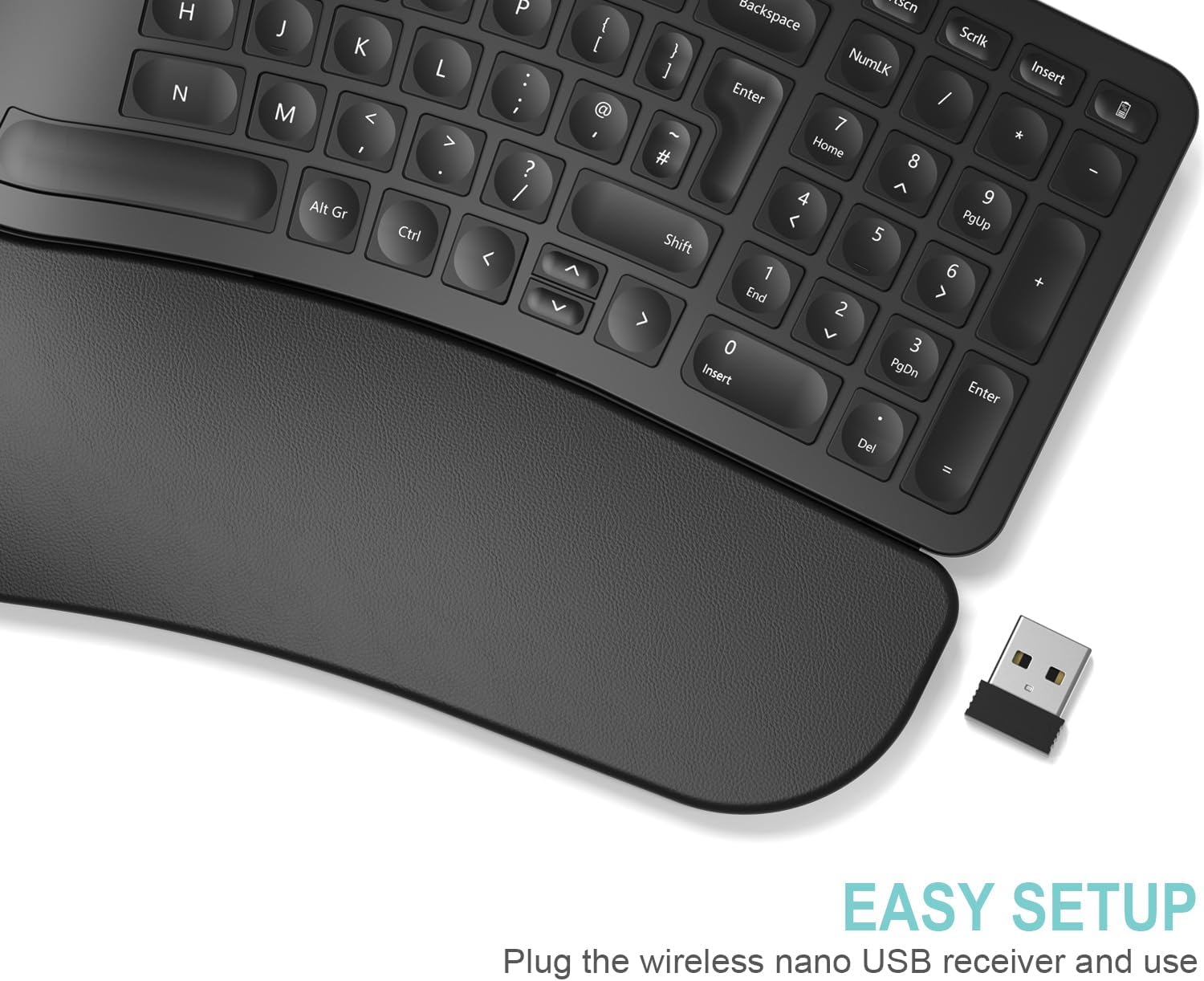
The split layout separates the key clusters to encourage a neutral wrist position and reduce ulnar deviation. The included soft cushioned wrist and palm rest adds padding for prolonged use and helps maintain a stable posture while typing. Connection is straightforward with the tiny 2.4 GHz nano USB receiver, so the keyboard works with most Windows computers and laptops without complicated pairing.
Battery life is one of the practical strengths of this model. The rechargeable lithium battery has an industry-high capacity and, according to the manufacturer, can last up to six months on a single charge with two hours of daily use. Consider that actual autonomy will depend on usage patterns and backlight settings if applicable. ⚡️

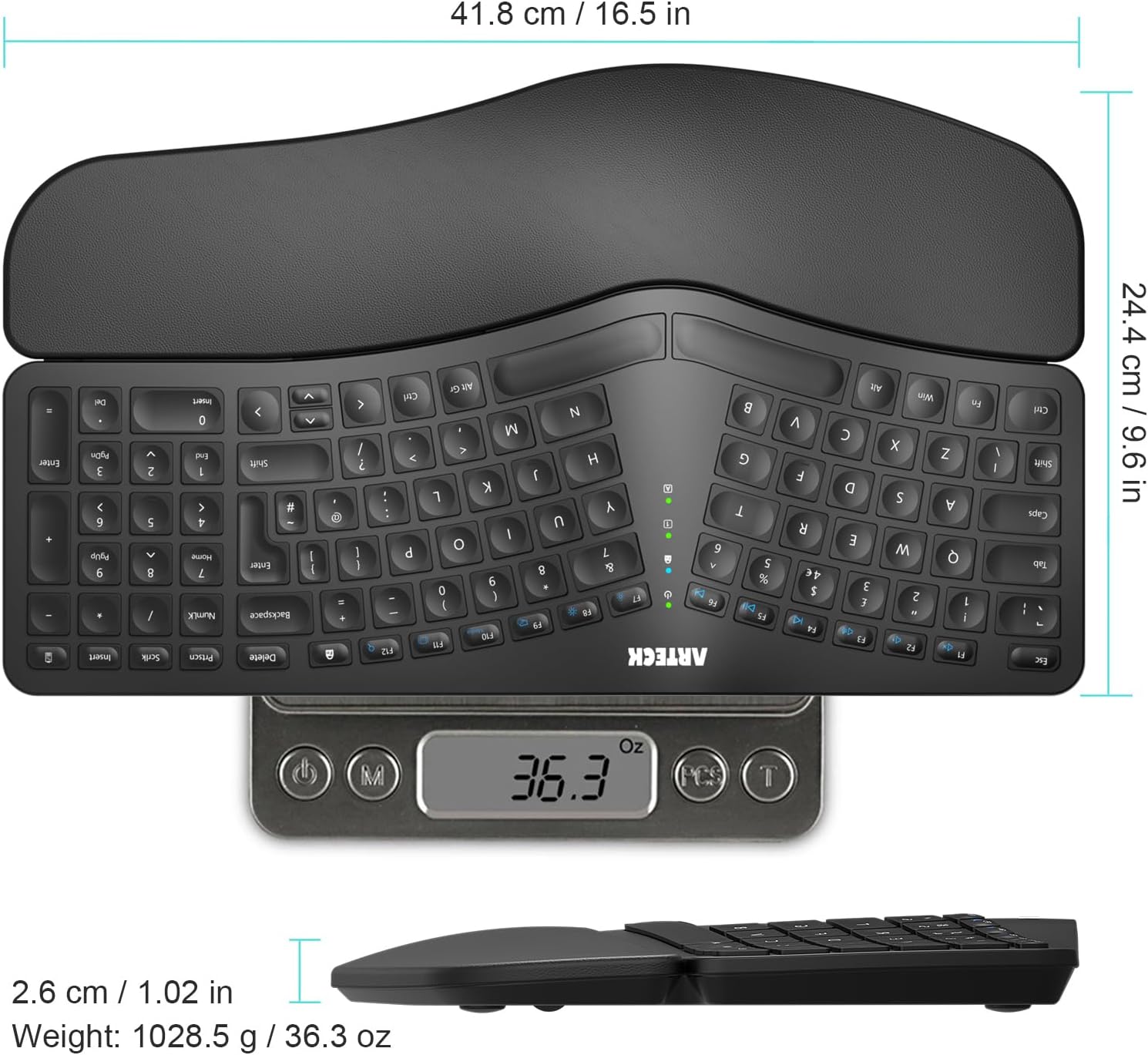
This keyboard is lightweight and portable enough to move between a desk and a laptop on the go. Its low-profile keys offer a quieter typing experience, which can be helpful in shared or quiet environments. For those who prefer a more compact desktop footprint, the separated halves still fit on a standard desk without demanding extra space.

Technical Specifications
  • Name: Arteck Split Ergonomic Keyboard
  • Connectivity: 2.4 GHz wireless via nano USB receiver
  • Battery: 6-month battery life (rechargeable lithium battery, based on 2 hours non-stop use per day according to the manufacturer)
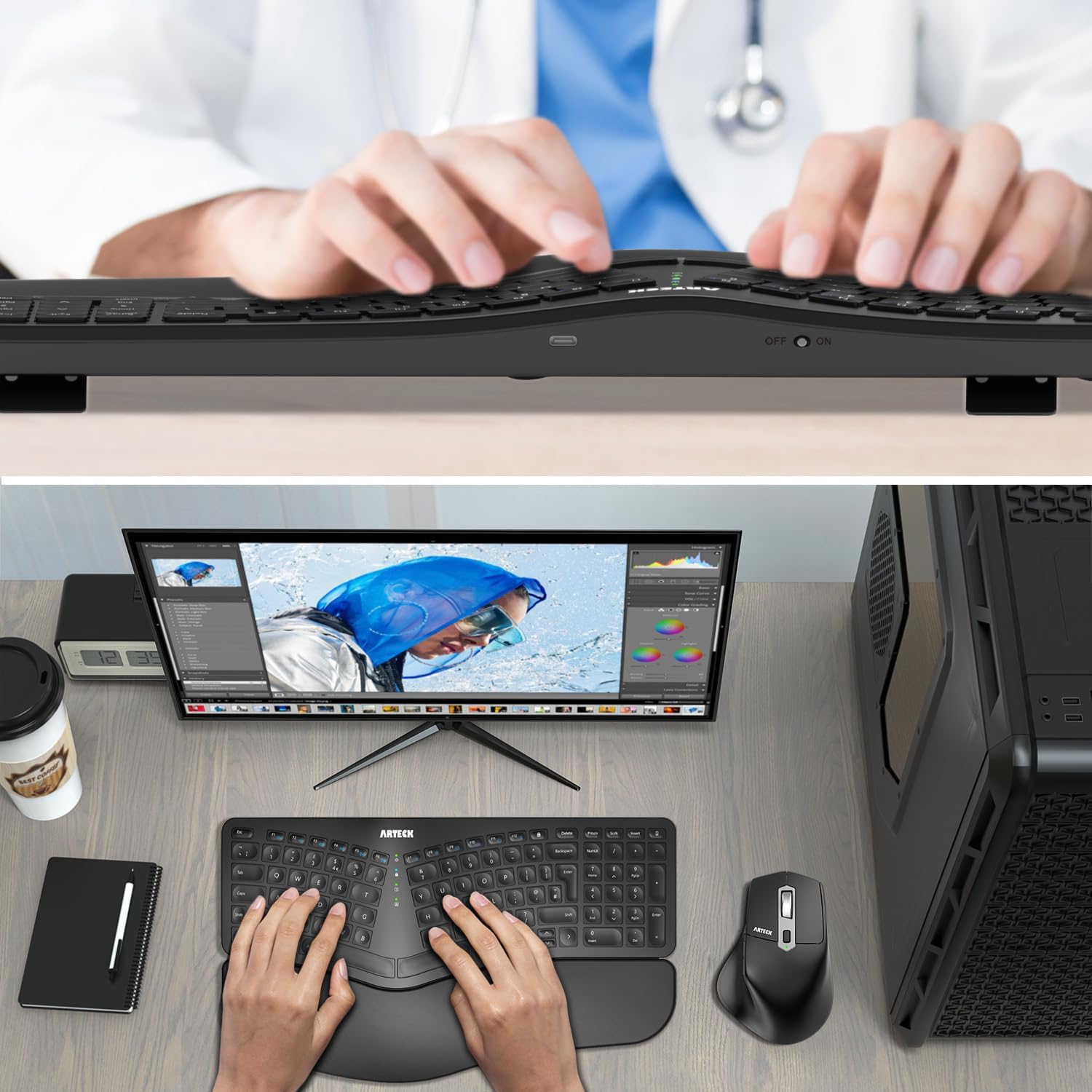
  • Included accessories: nano USB receiver, USB-C charging cable, cushioned wrist and palm rest
  • Compatibility: Windows computer and laptop

Usage Recommendations

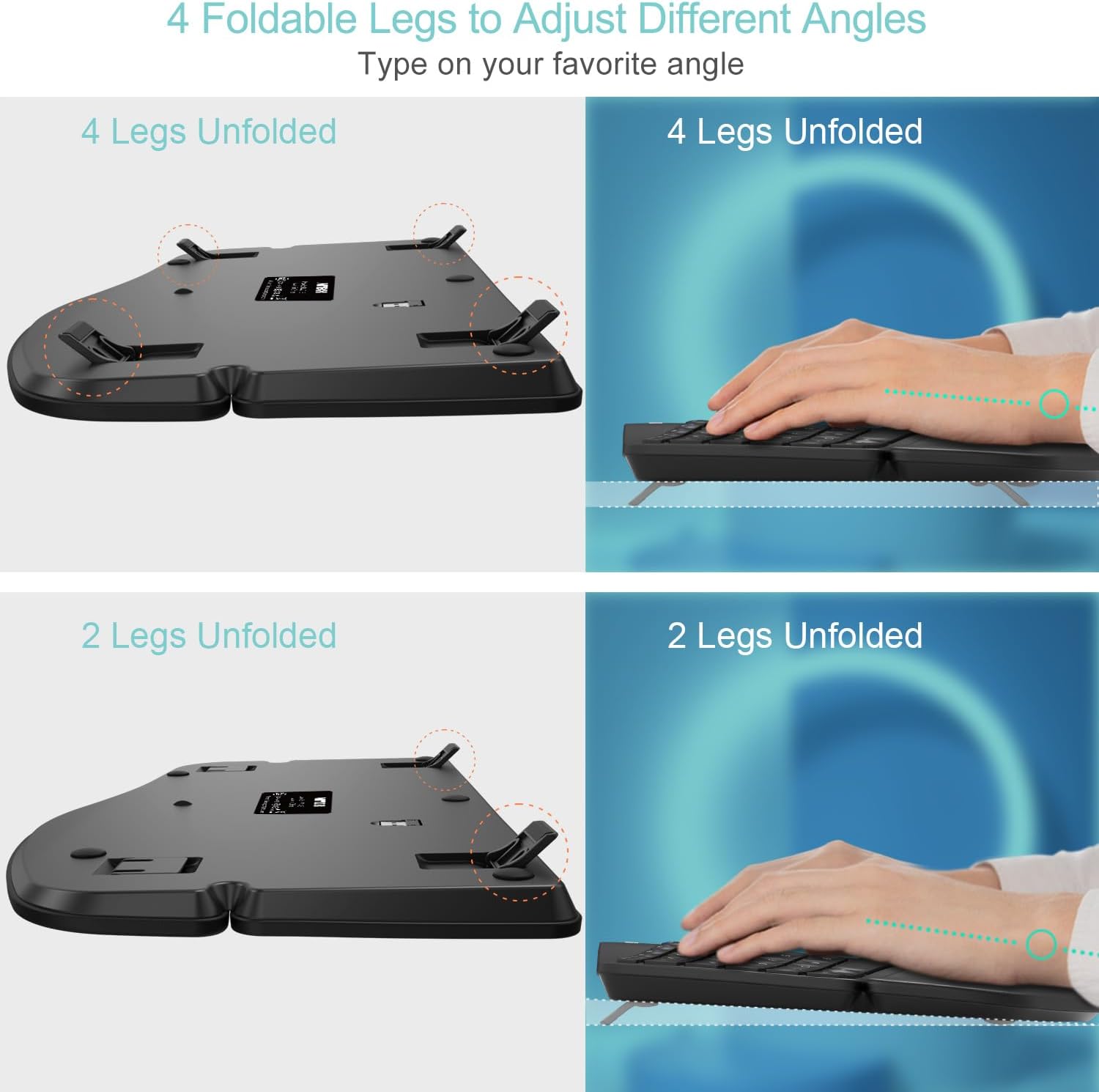
Place the two halves at shoulder width to align forearms and keep elbows at a comfortable angle. Allow the cushioned wrist and palm rest to support your wrists lightly rather than pressing down hard, as relaxed contact reduces pressure points. For laptop users, position the keyboard in front of the device and use a laptop stand to bring the screen to eye level and avoid neck strain. 🖥️

Note a few limitations to manage expectations. The 2.4 GHz receiver occupies a USB port on your computer, so an available port is required. Also, while the keyboard is optimised for Windows, some function keys may behave differently on other operating systems. If you need full cross-platform key mapping, consider checking compatibility before relying on specialised shortcuts.

View in store

Price evolution

Historical minimum: £39.11

Description:

This split ergonomic keyboard from Arteck places hands in a more natural alignment to reduce strain during long typing sessions, making it useful for office work and home study. It combines a cushioned wrist and palm rest with a compact wireless layout, helping to keep wrists supported and shoulders relaxed.

Key Points

The split layout separates the key clusters to encourage a neutral wrist position and reduce ulnar deviation. The included soft cushioned wrist and palm rest adds padding for prolonged use and helps maintain a stable posture while typing. Connection is straightforward with the tiny 2.4 GHz nano USB receiver, so the keyboard works with most Windows computers and laptops without complicated pairing.

Battery life is one of the practical strengths of this model. The rechargeable lithium battery has an industry-high capacity and, according to the manufacturer, can last up to six months on a single charge with two hours of daily use. Consider that actual autonomy will depend on usage patterns and backlight settings if applicable. ⚡️

This keyboard is lightweight and portable enough to move between a desk and a laptop on the go. Its low-profile keys offer a quieter typing experience, which can be helpful in shared or quiet environments. For those who prefer a more compact desktop footprint, the separated halves still fit on a standard desk without demanding extra space.

Technical Specifications
  • Name: Arteck Split Ergonomic Keyboard
  • Connectivity: 2.4 GHz wireless via nano USB receiver
  • Battery: 6-month battery life (rechargeable lithium battery, based on 2 hours non-stop use per day according to the manufacturer)
  • Included accessories: nano USB receiver, USB-C charging cable, cushioned wrist and palm rest
  • Compatibility: Windows computer and laptop

Usage Recommendations

Place the two halves at shoulder width to align forearms and keep elbows at a comfortable angle. Allow the cushioned wrist and palm rest to support your wrists lightly rather than pressing down hard, as relaxed contact reduces pressure points. For laptop users, position the keyboard in front of the device and use a laptop stand to bring the screen to eye level and avoid neck strain. 🖥️

Note a few limitations to manage expectations. The 2.4 GHz receiver occupies a USB port on your computer, so an available port is required. Also, while the keyboard is optimised for Windows, some function keys may behave differently on other operating systems. If you need full cross-platform key mapping, consider checking compatibility before relying on specialised shortcuts.