

Aqara Zigbee Door and Window Sensor 3-Pack
Product description
What it is and what it does
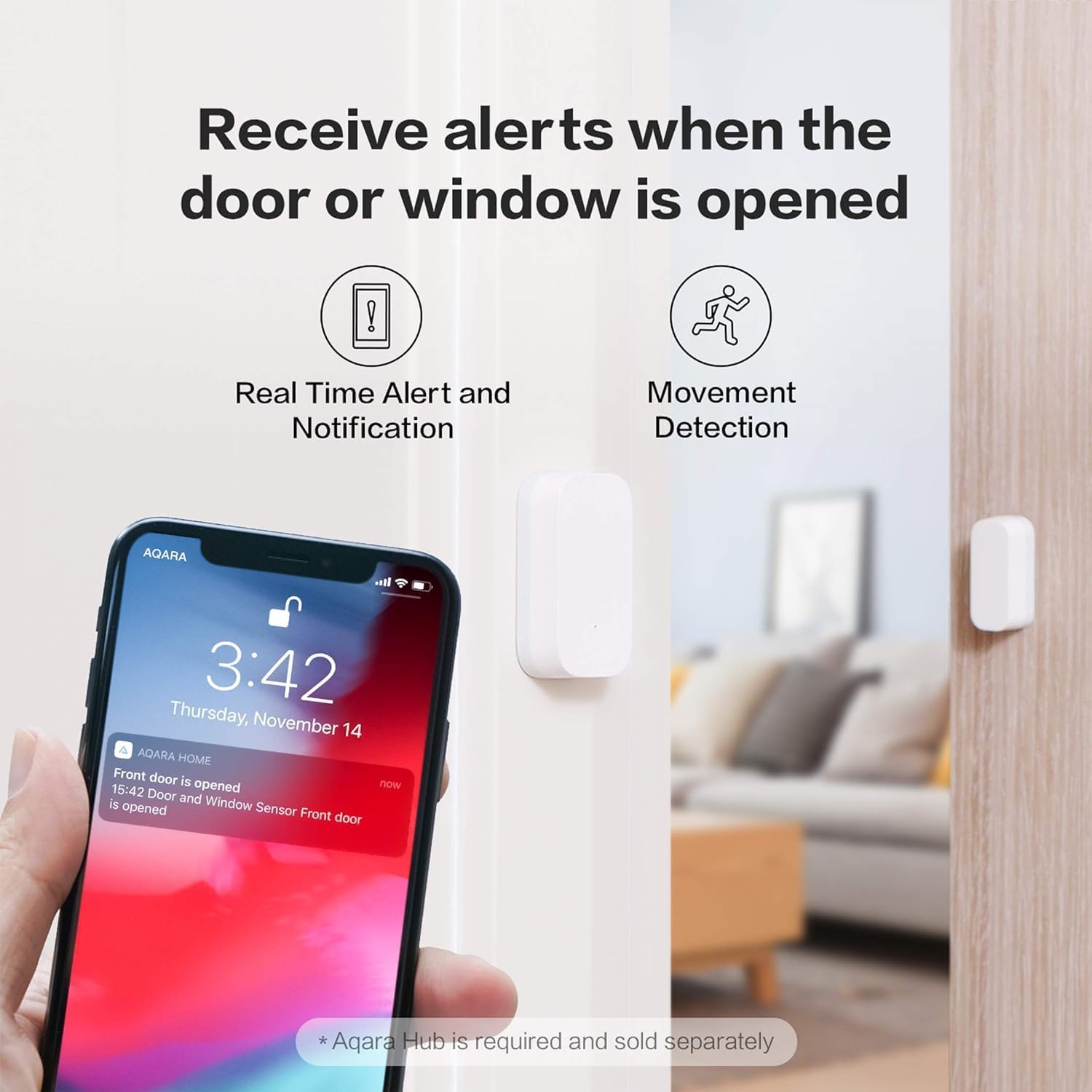
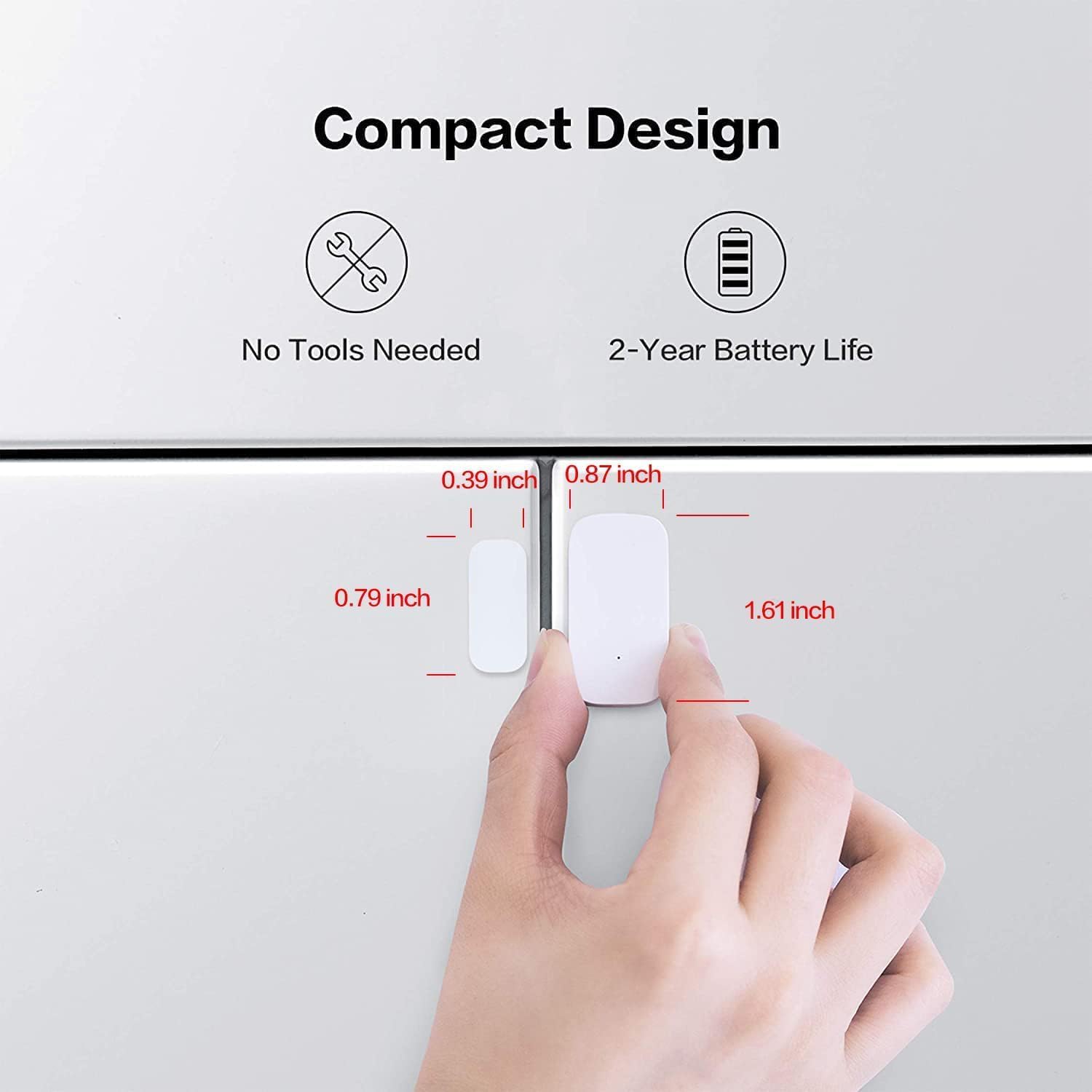
The Aqara Zigbee Door and Window Sensor 3-Pack is a compact wireless contact sensor designed to detect when doors or windows (and similar fixtures) are opened or closed. It’s intended to sit on the door frame or window sash and communicate status changes through a Zigbee network to a compatible Aqara Hub. On its own it’s part of a broader smart home system, not a standalone alert device.
How it works and what you’ll need
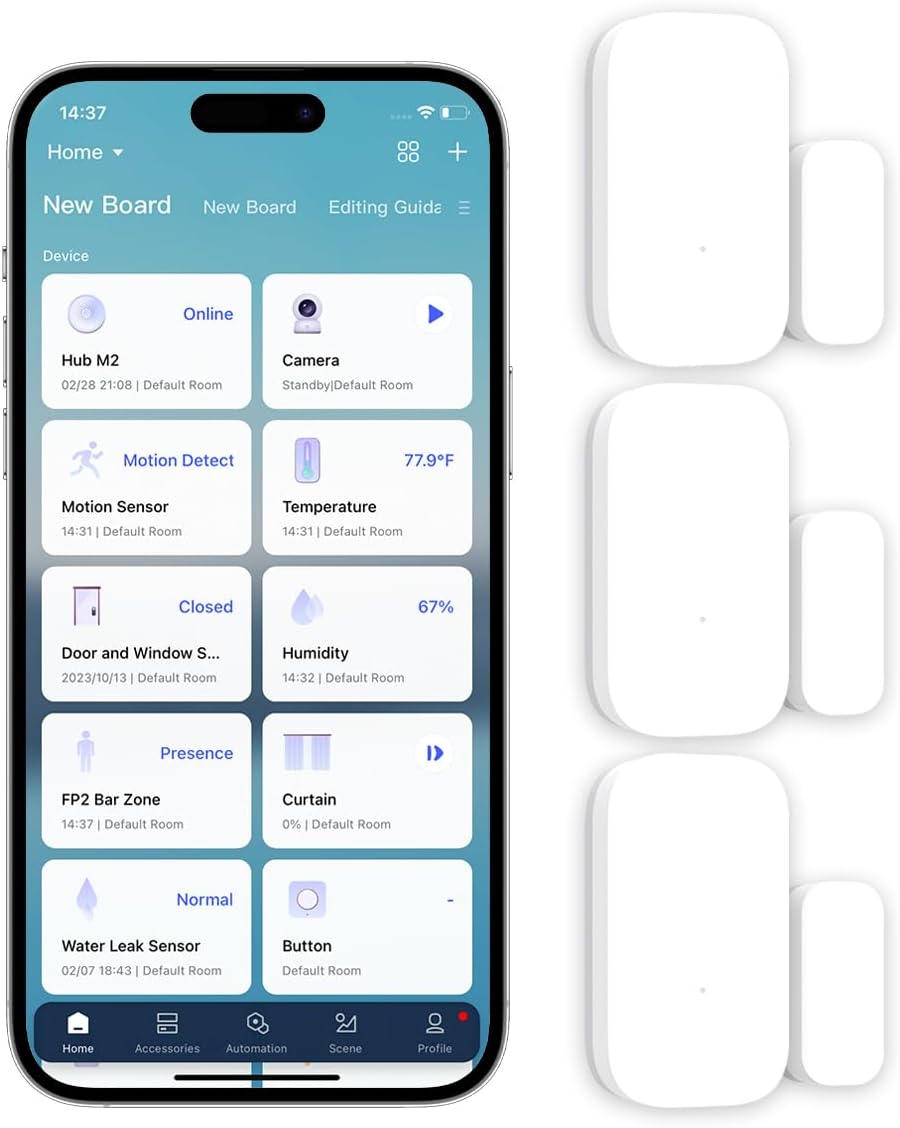
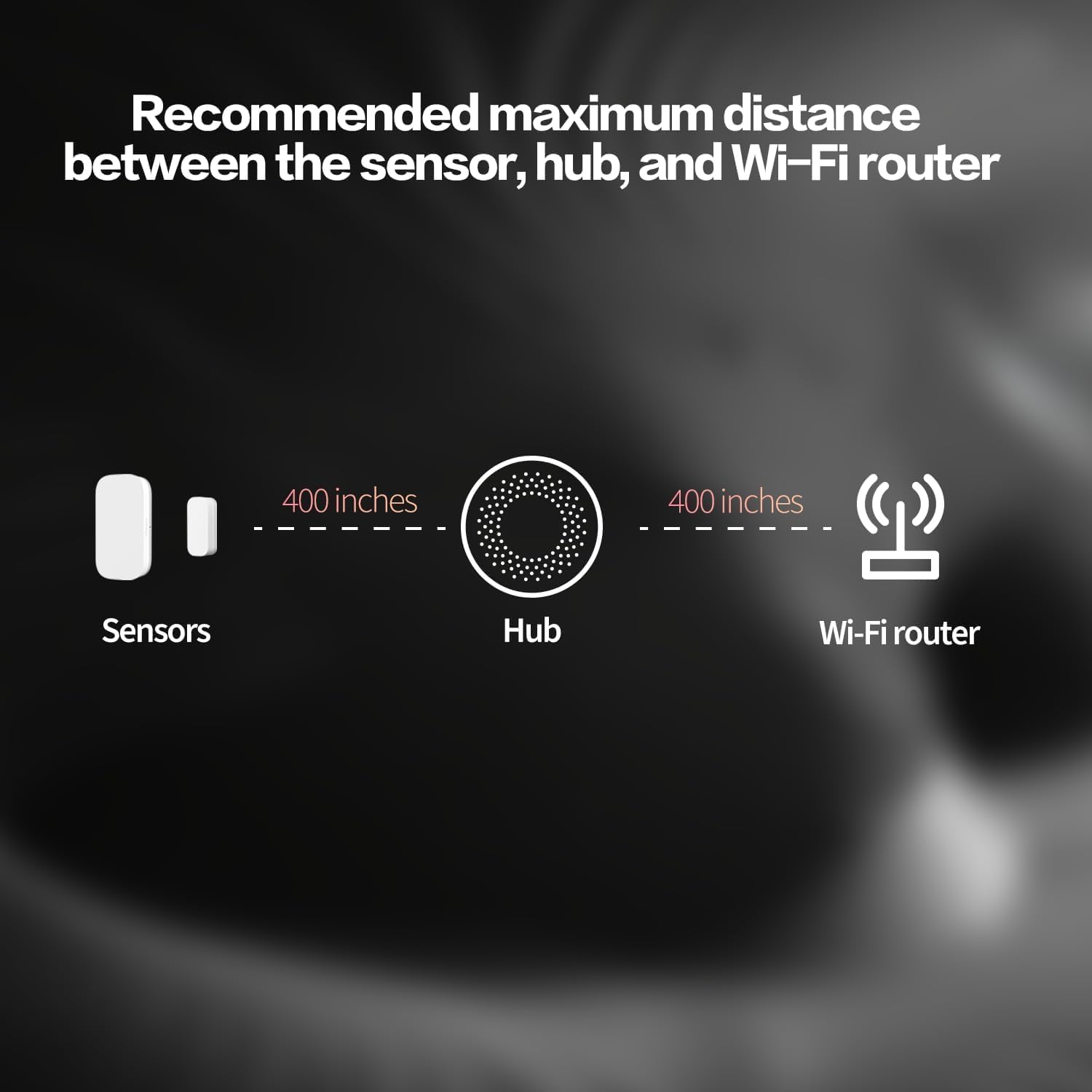
Setup hinges on a secured 2.4 GHz Wi‑Fi network and an Aqara Hub, with the hub handling alerts and automations. One Aqara Hub can connect up to 32 Aqara devices, so you can scale your setup if you’re building a small or medium smart home. The sensor supports voice control via Apple HomeKit and Alexa for hands‑free operation, and it can trigger automations when the door or window changes state.
What stands out on paper
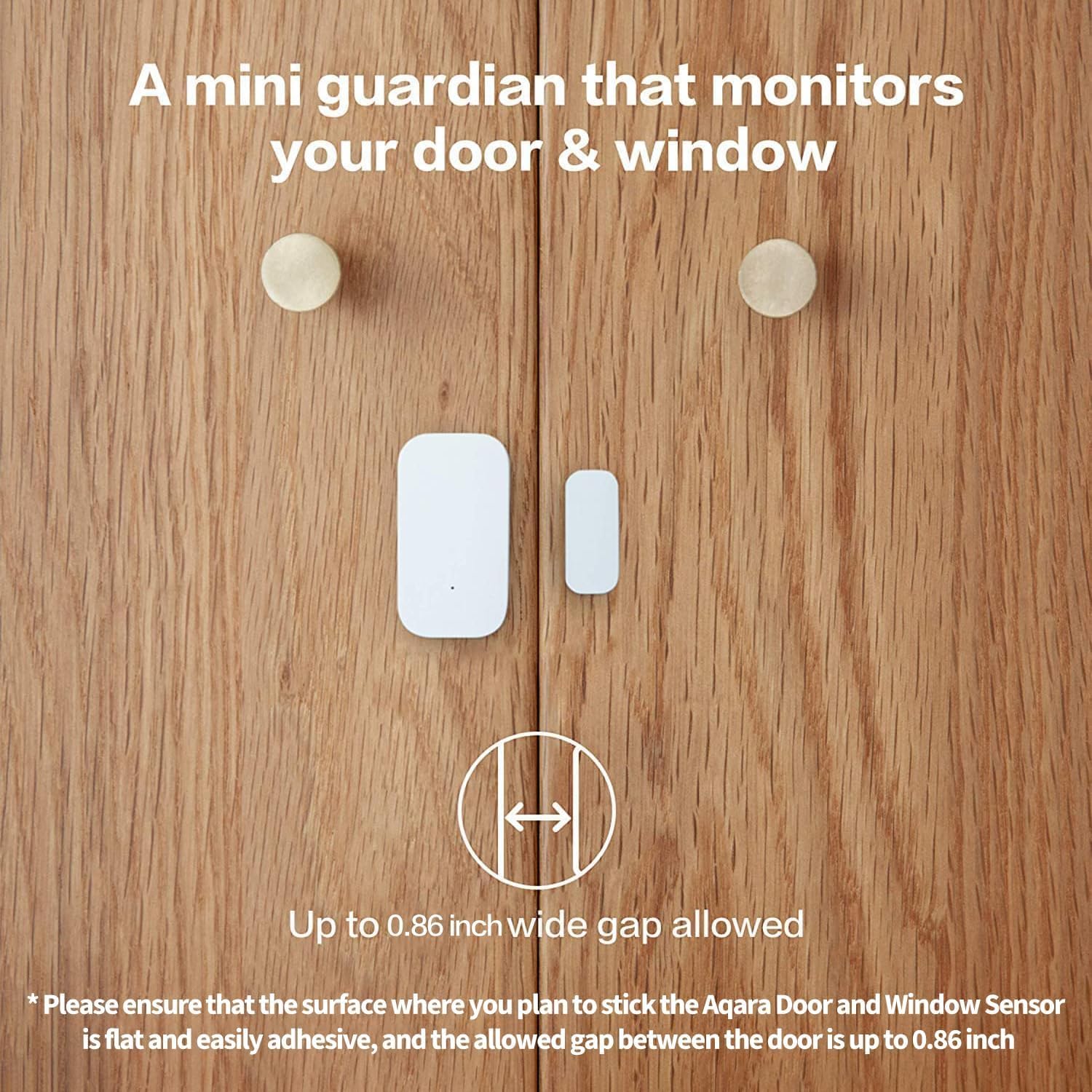
The sensor claims compatibility with a broad range of door, window, and cabinet styles, thanks to a 22 mm wide gap allowance. That means it should work with many common frames without requiring a special mounting situation. It’s designed for easy integration into existing routines, such as alerting you on unexpected openings or running automations when you leave a door ajar.
The good, the not-so-perfect
On the plus side, it offers real‑world automation potential: you can alert your phone if a door opens unexpectedly, or have other Aqara devices respond to a change in status. It’s also useful for people who want to participate in a broader HomeKit or Alexa ecosystem without buying separate sensors for each entry point. However, there are caveats: full functionality relies on the Aqara Hub and compatible app, and some advanced features may be limited or unavailable if you’re using third‑party USB dongles that Aqara doesn’t officially support. If you’re hoping for a “set and forget” device with zero hub, this isn’t the right approach.
Who it’s for
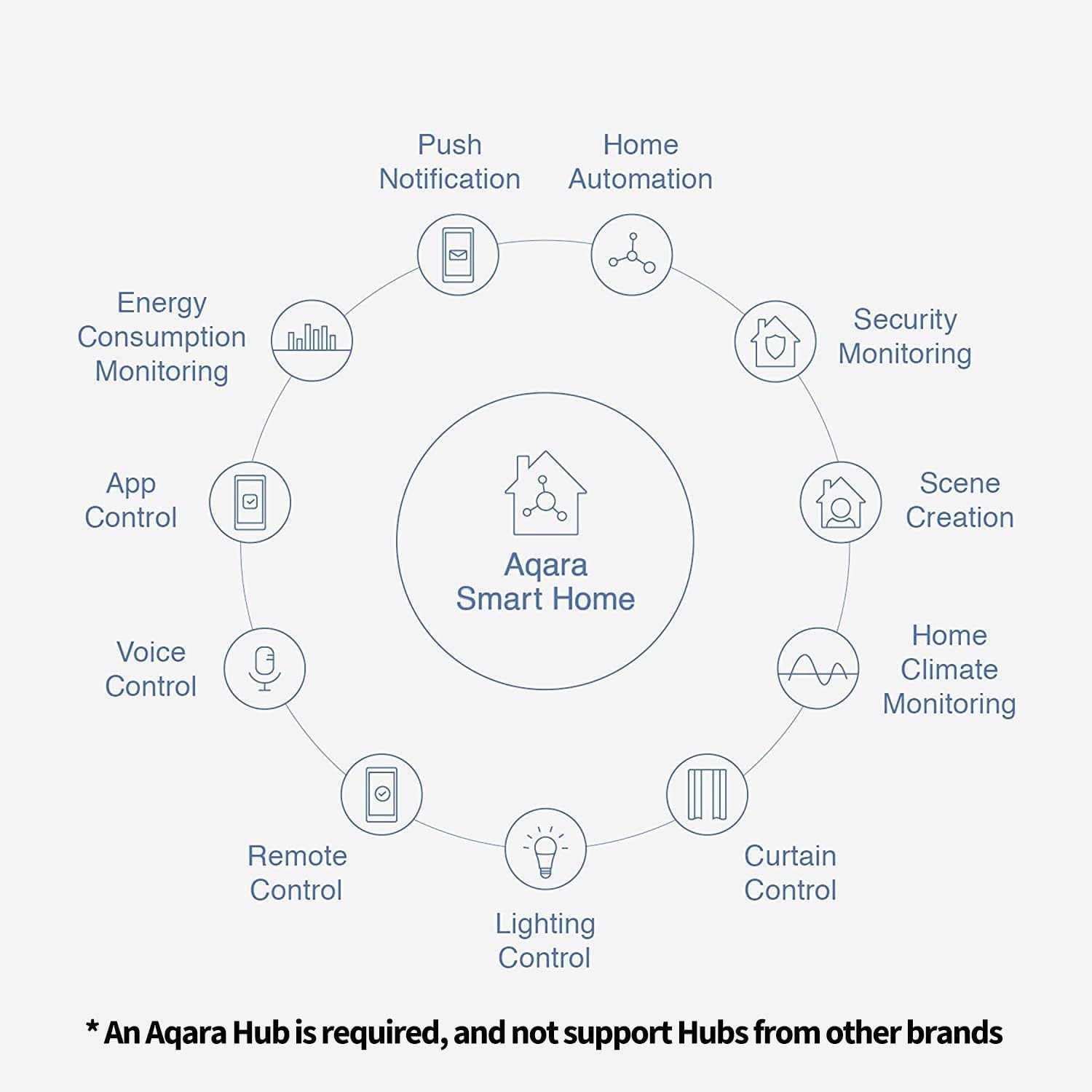
This 3‑pack is sensible if you have multiple entry points or want a cohesive entry‑point security/automation system that’s controlled via HomeKit or Alexa. It’s suited to homeowners who value integration with a central hub and who’re prepared to work within Aqara’s ecosystem. If you prioritise purely local devices with minimal setup, or if you’re not ready to commit to a hub‑based solution, you might look for alternatives with different requirements.
Who it isn’t ideal for
If you don’t already have an Aqara Hub, or you’re hoping for a stand‑alone sensor that communicates directly to your phone, this kit won’t fit. Also, if you need complete independence from a cloud‑based ecosystem, or if you plan to rely heavily on non‑Aqara platforms, the compatibility and feature set may feel restrictive.
When it makes sense to buy
Consider this kit if you’re building a coordinated smart home around HomeKit or Alexa and want to manage multiple entry points from a single hub. It’s sensible when you’re expanding an existing Aqara system and you can benefit from a bundled 3‑pack rather than purchasing singles. If your home has unconventional door or window geometries, check the mounting approach and gap requirements upfront to ensure the 22 mm wide gap will accommodate your situation.
What to check before buying
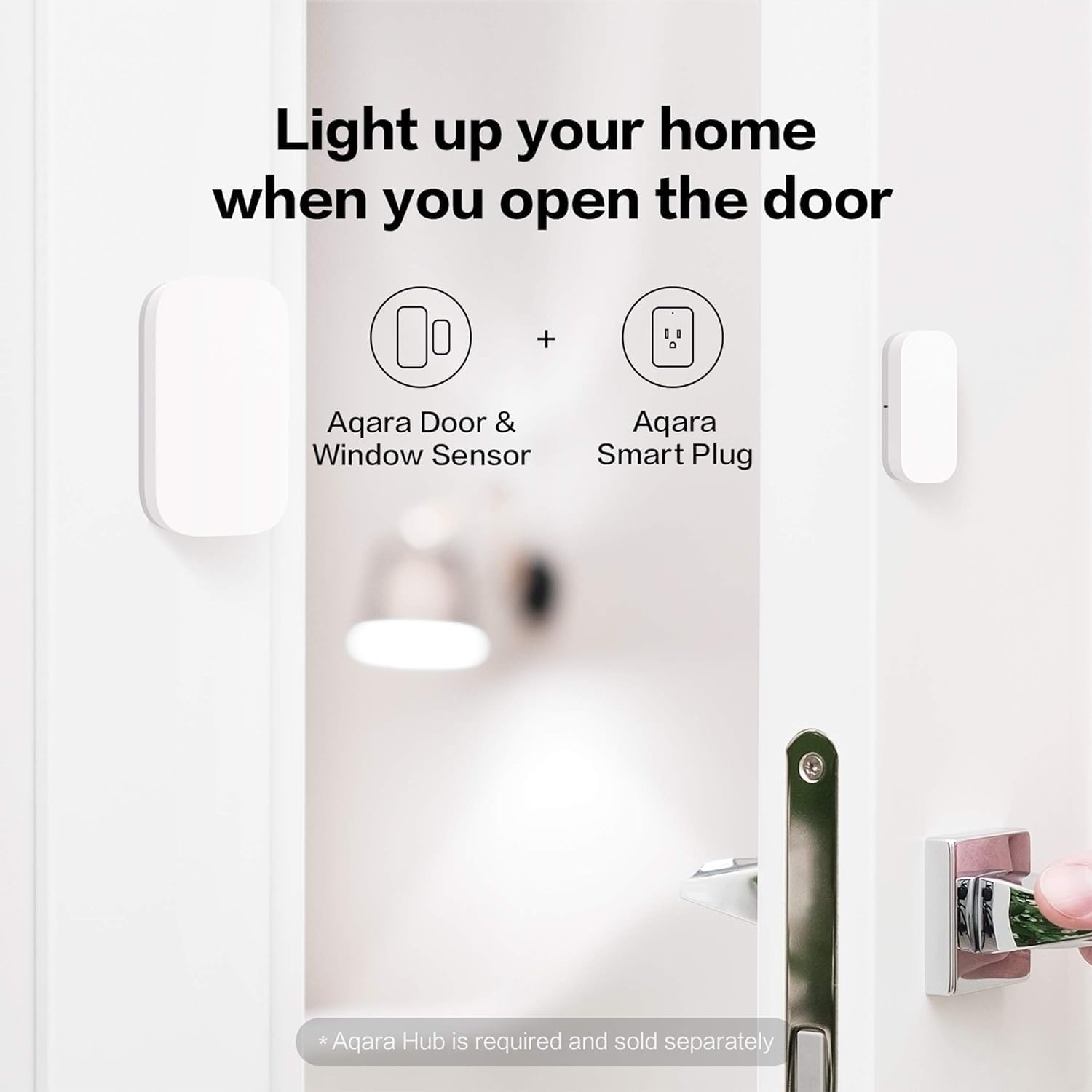
- Confirm you’ll be using an Aqara Hub (sold separately) to unlock alerts and automations.
- Ensure your Zigbee network is stable on the 2.4 GHz band.
- Consider whether your doors/windows meet typical mounting requirements and whether the 22 mm gap allowance applies.
- Be aware that Zigbee2MQTT or some third‑party dongles aren’t officially supported by Aqara, which may affect integration depending on your setup.
Practical use example
Imagine you leave for work and get a notification on your phone if the front door opens while you’re away. You can also automate lights or a siren to respond to a door opening, providing a layered sense of security without constant monitoring.
FAQ — quick answers
- Does this require the Aqara Hub to function? Yes, the hub is required for full functionality and is sold separately.
- Can I use it with Apple HomeKit? Yes, it’s compatible with HomeKit, as well as Alexa and Home Assistant in supported configurations.
- Will it work with non‑Aqara devices? Integrations are strongest within the Aqara ecosystem, third‑party dongles aren’t officially supported and may limit features.
Is it worth it?
It makes sense if you prioritise a hub‑based, cross‑platform entry sensor system and you’re already invested in HomeKit or Alexa. If your setup is small and you’re happy with simple, stand‑alone alerts, you may find the hub requirement adds complexity. Not the best choice if you need universal compatibility outside Aqara’s ecosystem or if you’re not prepared to manage multiple devices through a hub.