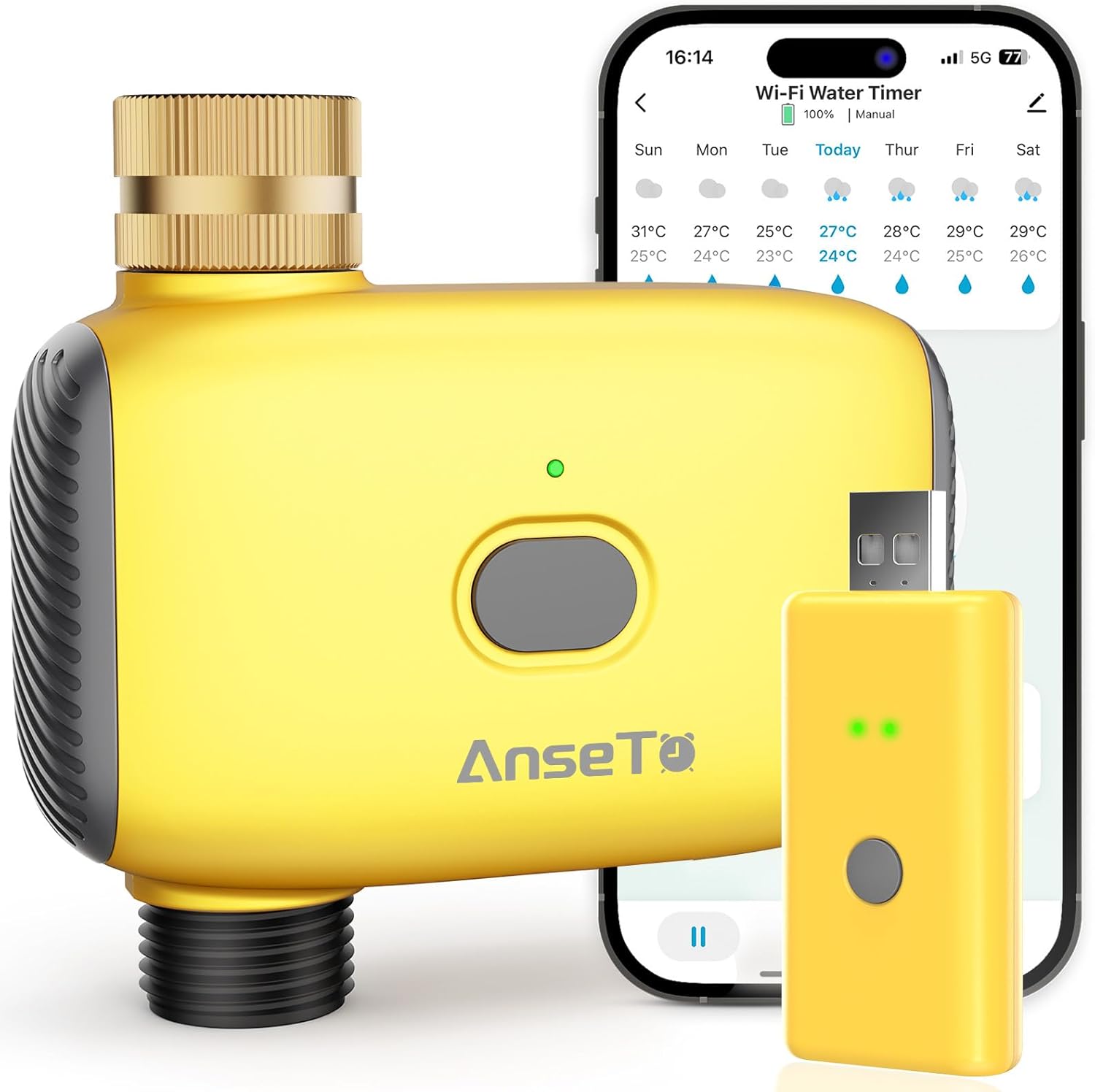
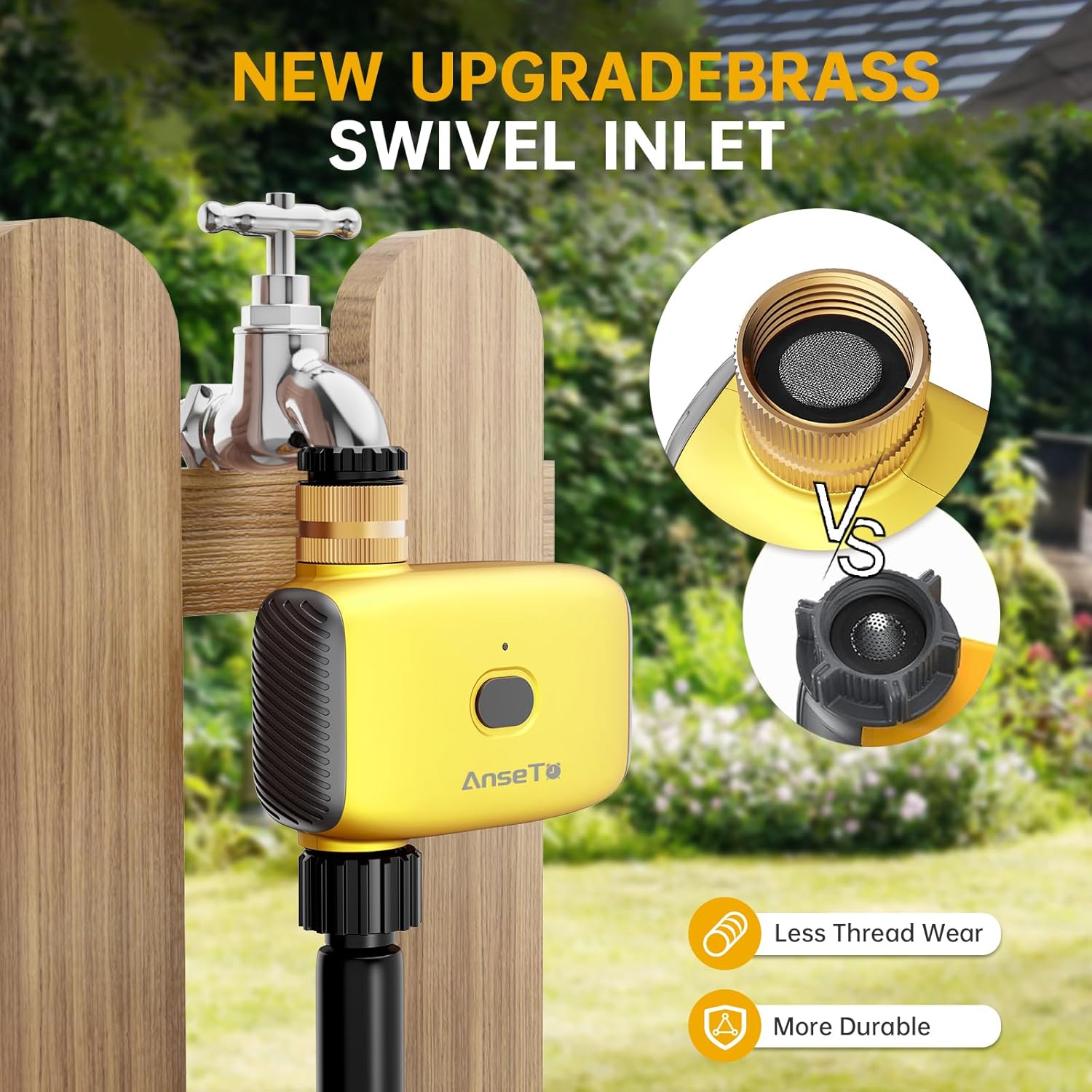
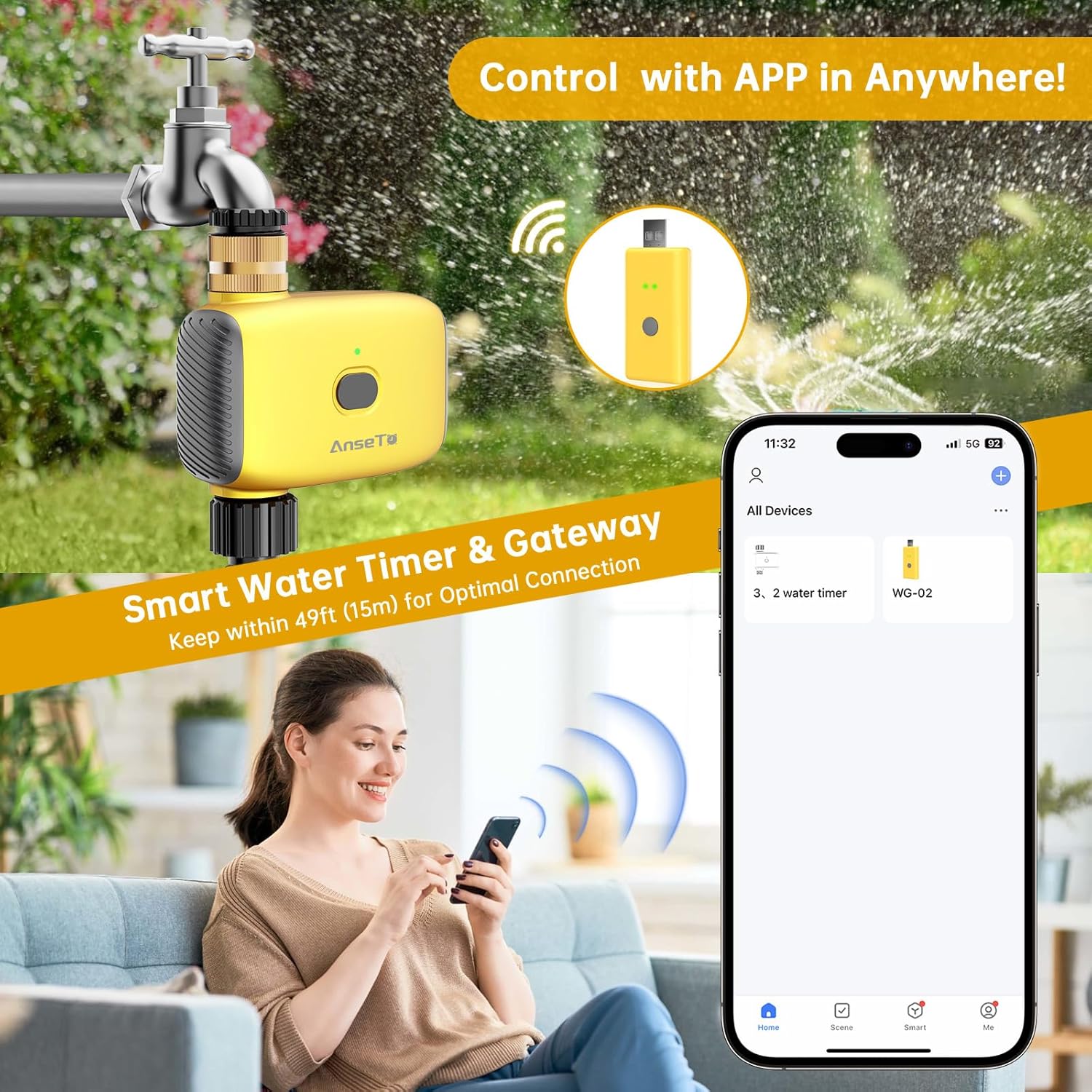
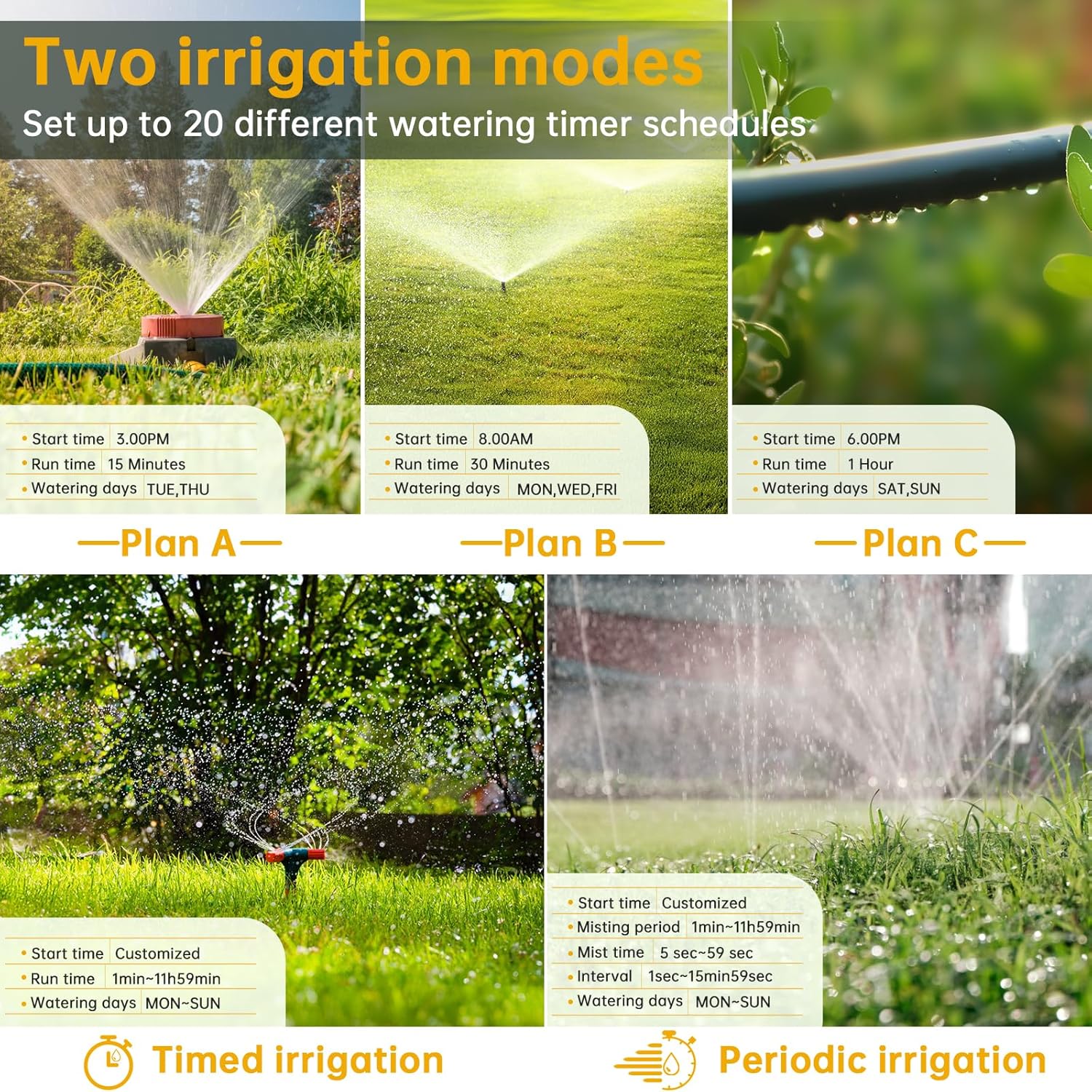
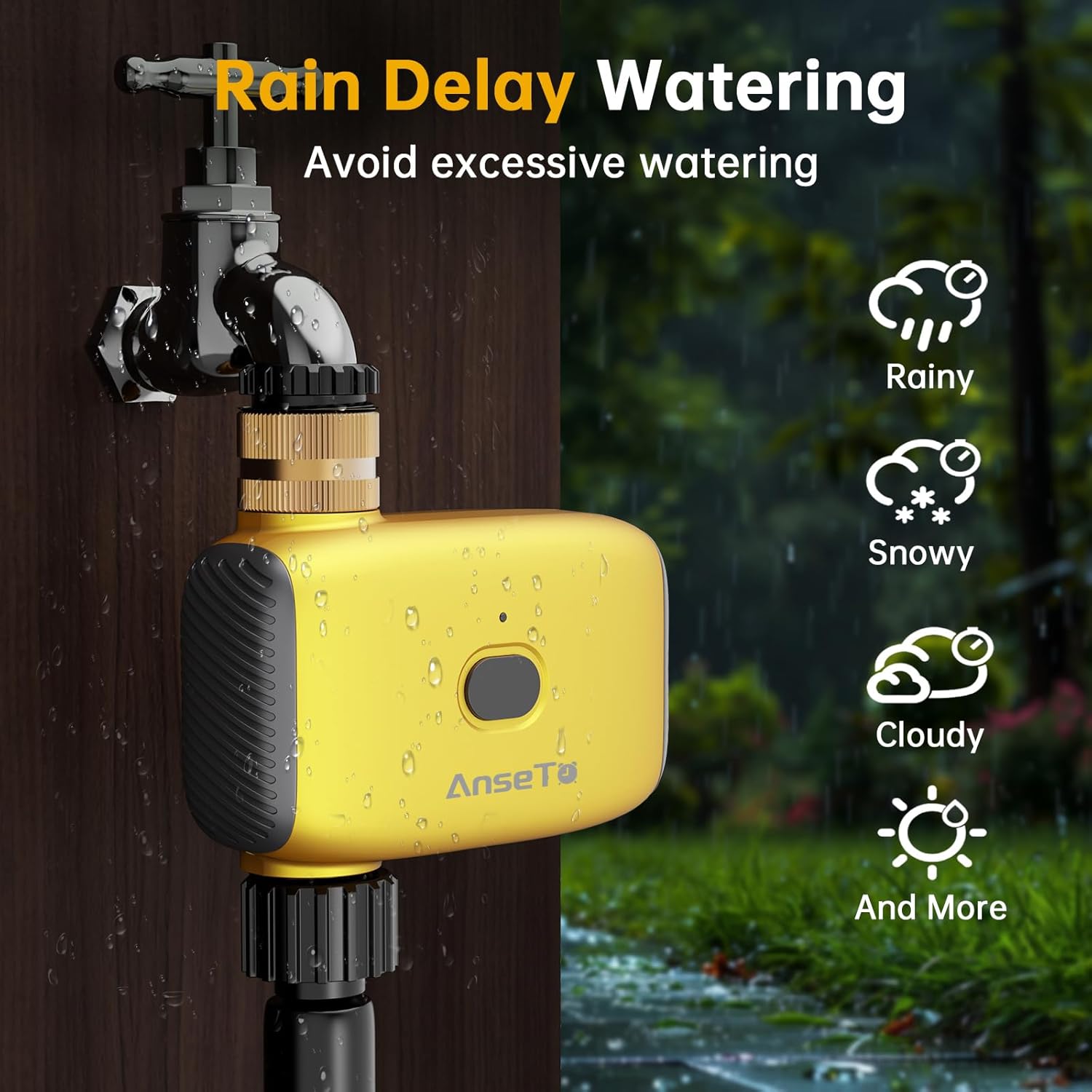
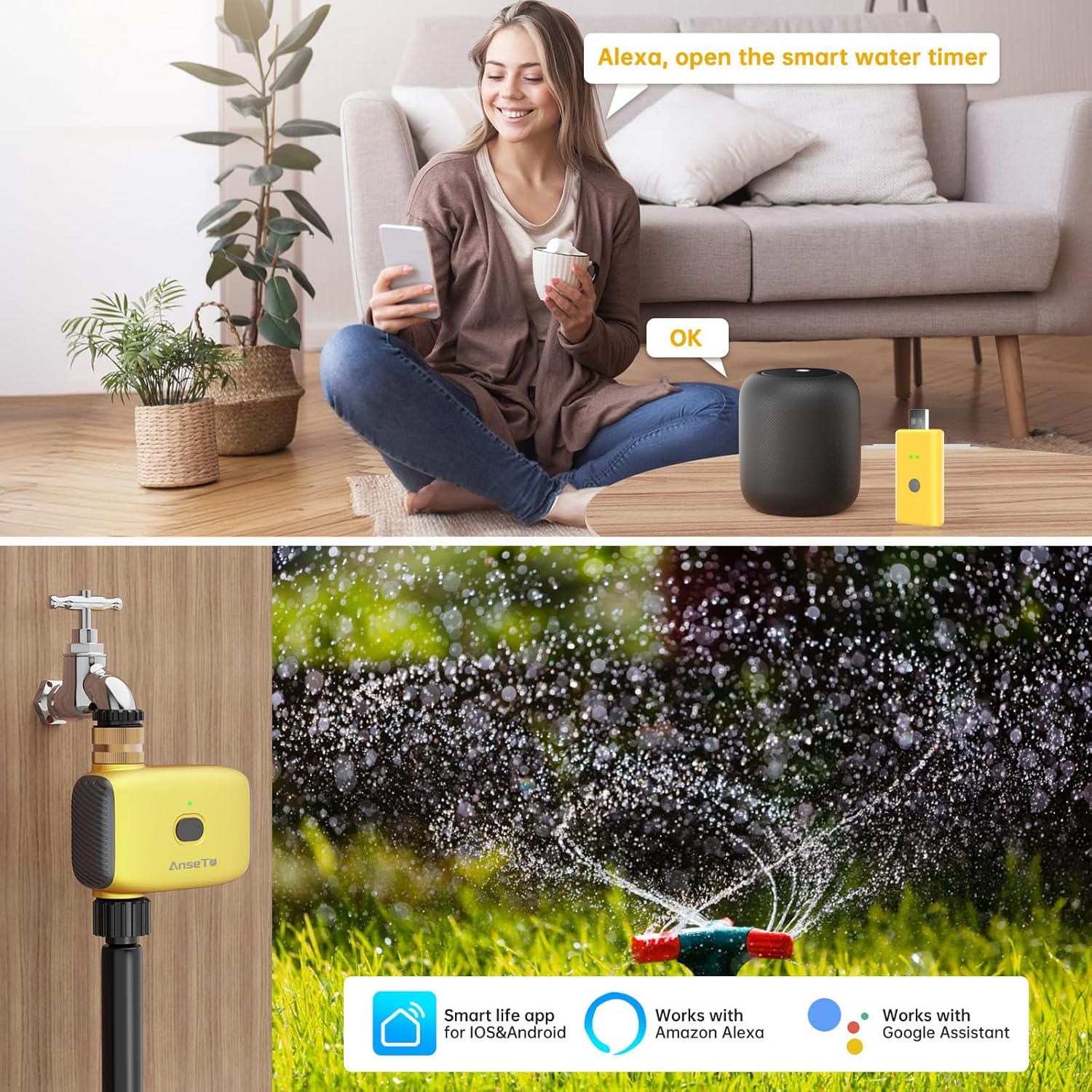
What it is and what it does\nThe AnseTo Irrigation Timer is a WiFi-enabled hose timer designed to automate watering for gardens, lawns, greenhouses and containers. It works with a companion app and voice assistants, so you can start or stop watering with your voice or from anywhere, provided you have a data connection. On paper, it aims to simplify garden care by removing the need to remember watering schedules and by offering remote control when you’re away.\n\n## How it fits into daily life\nIf you travel or have a busy schedule, this timer promises worry-free watering. You can set automatic schedules or use manual mode to water on demand without altering the pre-set plan. The option to delay watering—matching local weather or personal preferences—helps conserve water and prevent over-watering. The product emphasises compatibility with Alexa and Google Assistant, so voice control can slot into a smart home routine.\n\n## The good and the not-so-good\nOn the positive side, the remote control via app and voice support are practical for casual gardeners who want convenience without complex setups. The ability to pause or delay watering based on weather forecasts is a sensible feature. A potential limitation is the need for a stable 2.4GHz Wi‑Fi connection for the initial setup and ongoing operation, which means coverage gaps could affect reliability.\n\n## Who it’s for\nThis timer is suitable for homeowners with gardens, patios, pools, greenhouses or potted plants who value automation and integration with smart home ecosystems. It may appeal to those who travel or want to reduce manual watering tasks. \n\n## When it makes sense to buy\nConsider this timer if you want hands-free irrigation, remote monitoring while away, and voice-control capabilities. It’s practical for people who already use Smart Life app and own a compatible hub or smart speakers.\n\n## When you might want to pass\nIf you don’t have reliable Wi‑Fi at the watering station or if you require very precise, high‑spec irrigation scheduling, you may find limitations in the basic automation model. It also depends on whether your setup is compatible with the initial 2.4GHz Wi‑Fi requirement and how well the 24/7 app connectivity holds up in your home.\n\n## What to check before you buy\n- Confirm you can connect to a 2.4GHz Wi‑Fi network for the initial setup.\n- Ensure you have a smart speaker or hub for voice control if you want hands-free operation.\n- Think about your watering needs: do you want automatic schedules plus occasional manual watering?\n- Consider where the timer will be used: outdoor conditions and cable routing can matter for durability and access.\n\n## Practical example of use\nImagine returning from a day trip to find a garden that’s been watered according to the latest schedule, with a rain delay automatically applying after a weather check. If a sudden extra watering is needed, you can trigger a manual watering session via the app or voice command without disturbing the configured plan.\n\n## FAQ (practical, based on available data)\n- Can I water while away from home? Yes, via the app if you have internet access.\n- Does it work with Alexa and Google Assistant? Yes, it supports voice control.\n- Is there a rain-delay feature? Yes, you can delay watering for 24, 48 or 72 hours.\n- Do I need a gateway to use it? The base setup involves connecting the timer to a gateway as part of the Smart Life ecosystem.\n\n## Is it worth it?\nWorth considering if you want remote control, voice integration and weather-aware watering, provided you’re comfortable with a 2.4GHz Wi‑Fi setup and the app-based ecosystem.