

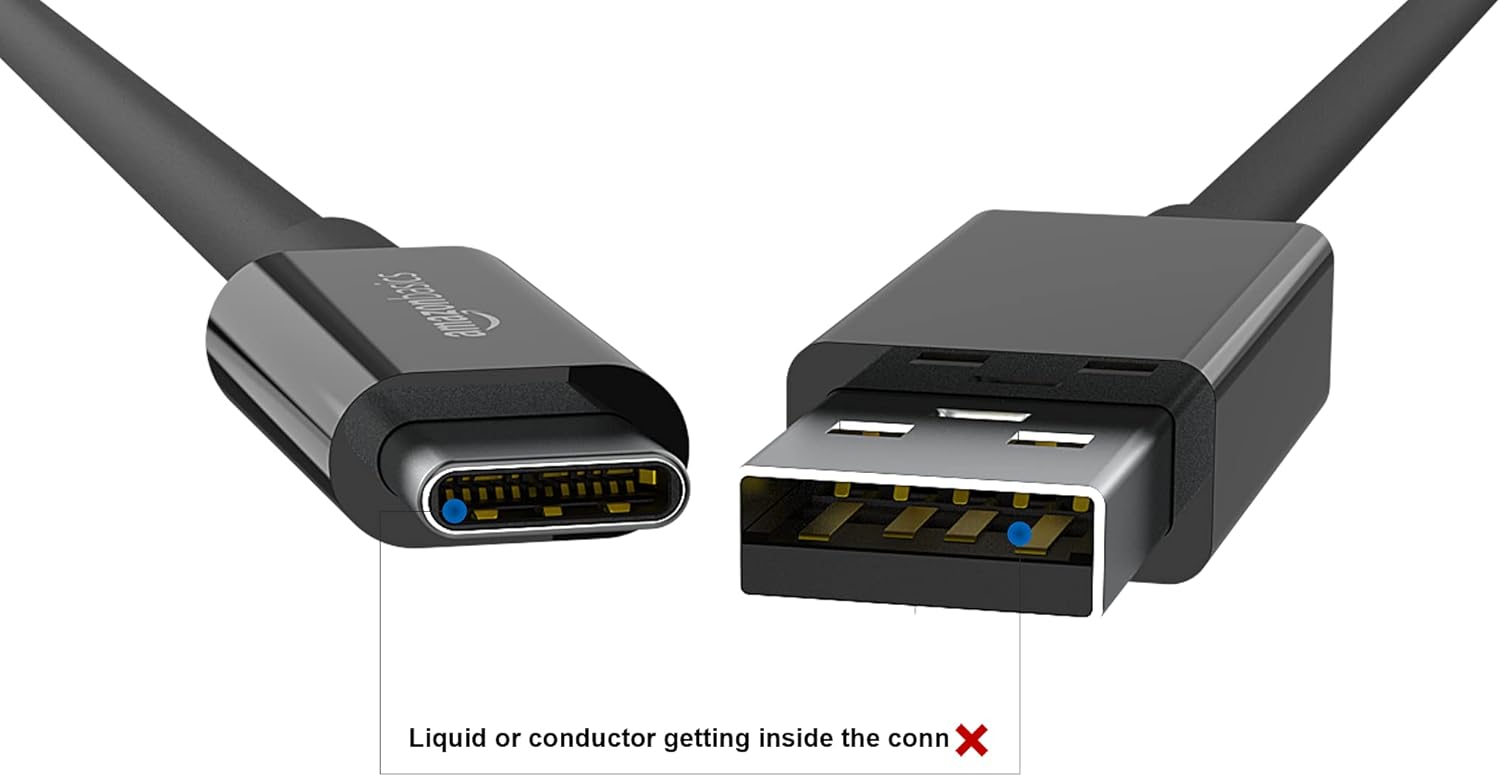
Amazon Basics USB-C to USB-A 3.1 Gen 2 Cable: 0.9 m, 10 Gbps, 15W Fast Charge, USB-IF Certified
Product description
What it is
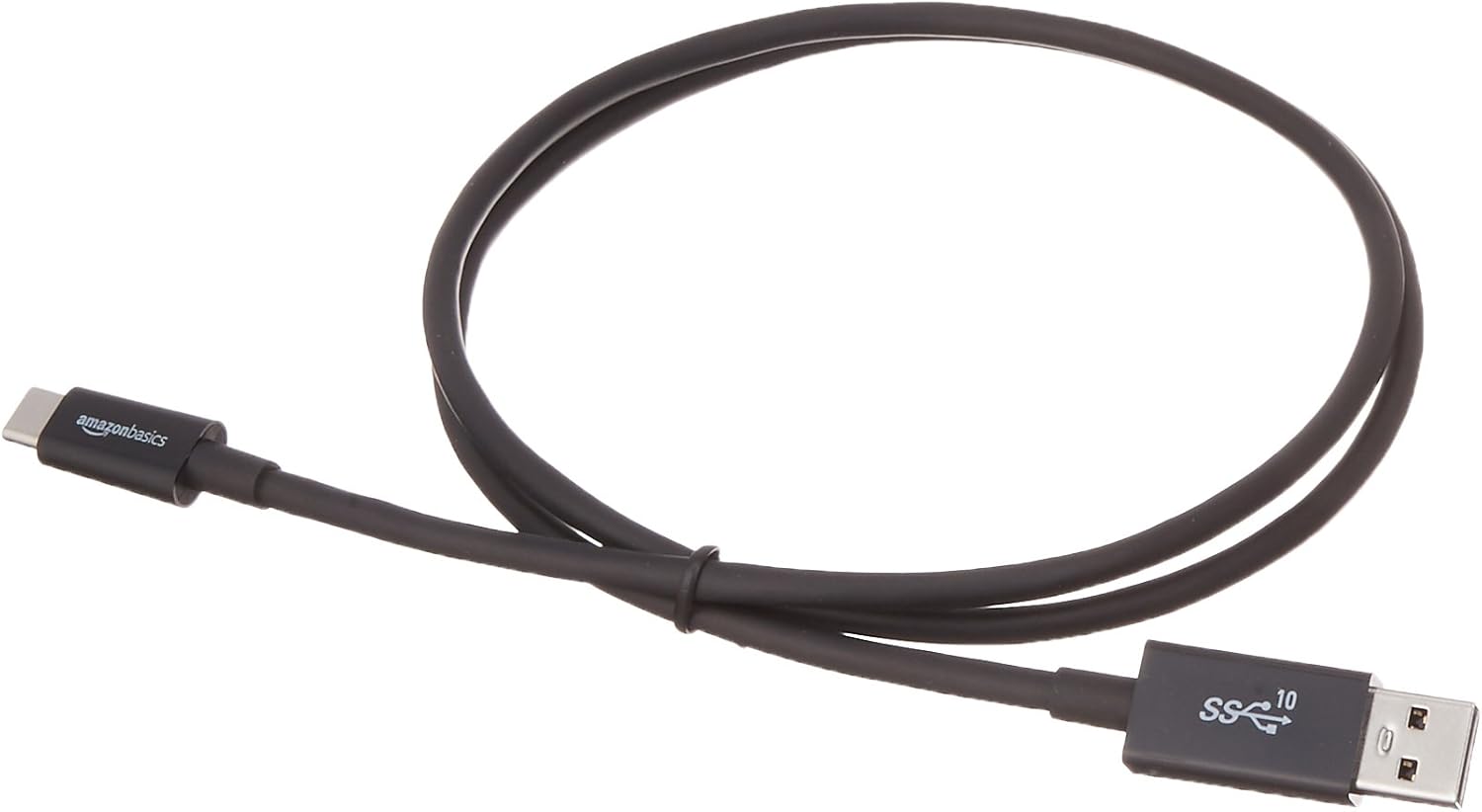
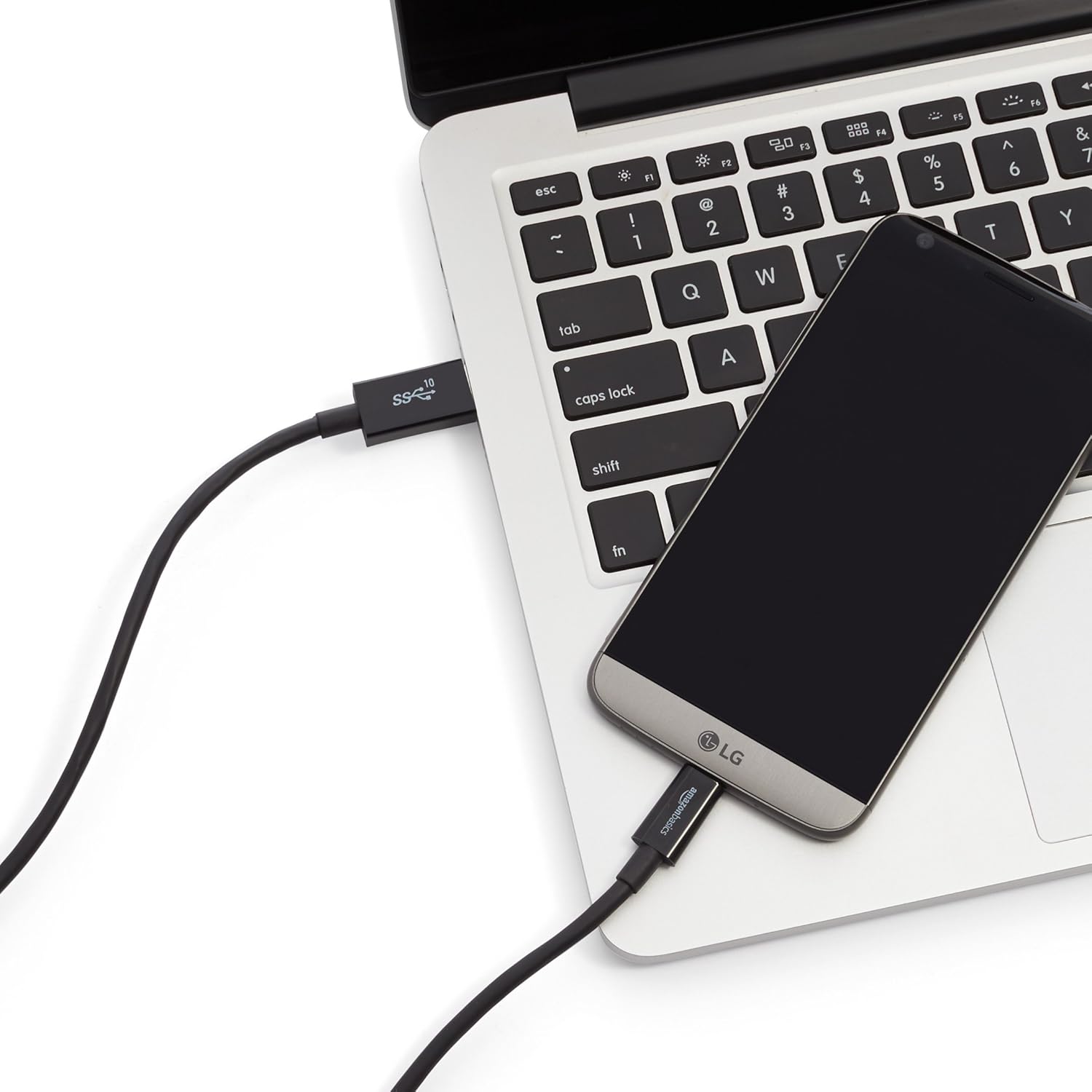
A practical USB-C to USB-A 3.1 Gen 2 cable from amazon Basics. It’s designed to connect USB-C powered devices to standard USB-A ports for charging and data transfer. At 0.9 m, it offers a flexible length for desk setups, car charging, or bedside use without becoming a nuisance.
What it solves
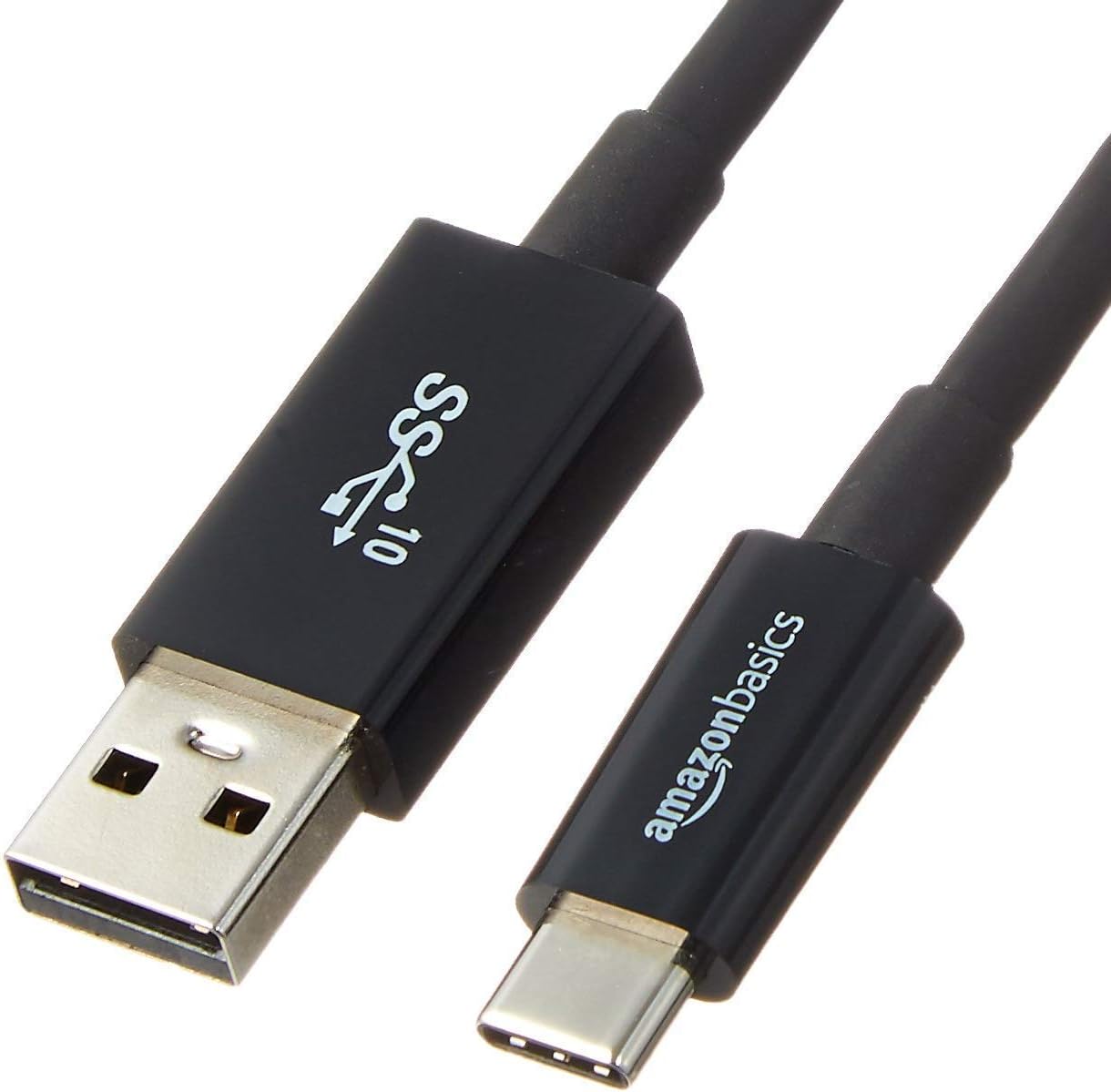
If you regularly move data between phones, tablets and laptops or need to power devices from a USB-A charger, this cable provides a straightforward conduit. It supports fast charging up to 15W (5V/3A) and can handle data transfer up to 10 Gbps with compatible gear, making it a sensible everyday upgrade for mixed-device ecosystems.
Key features at a glance
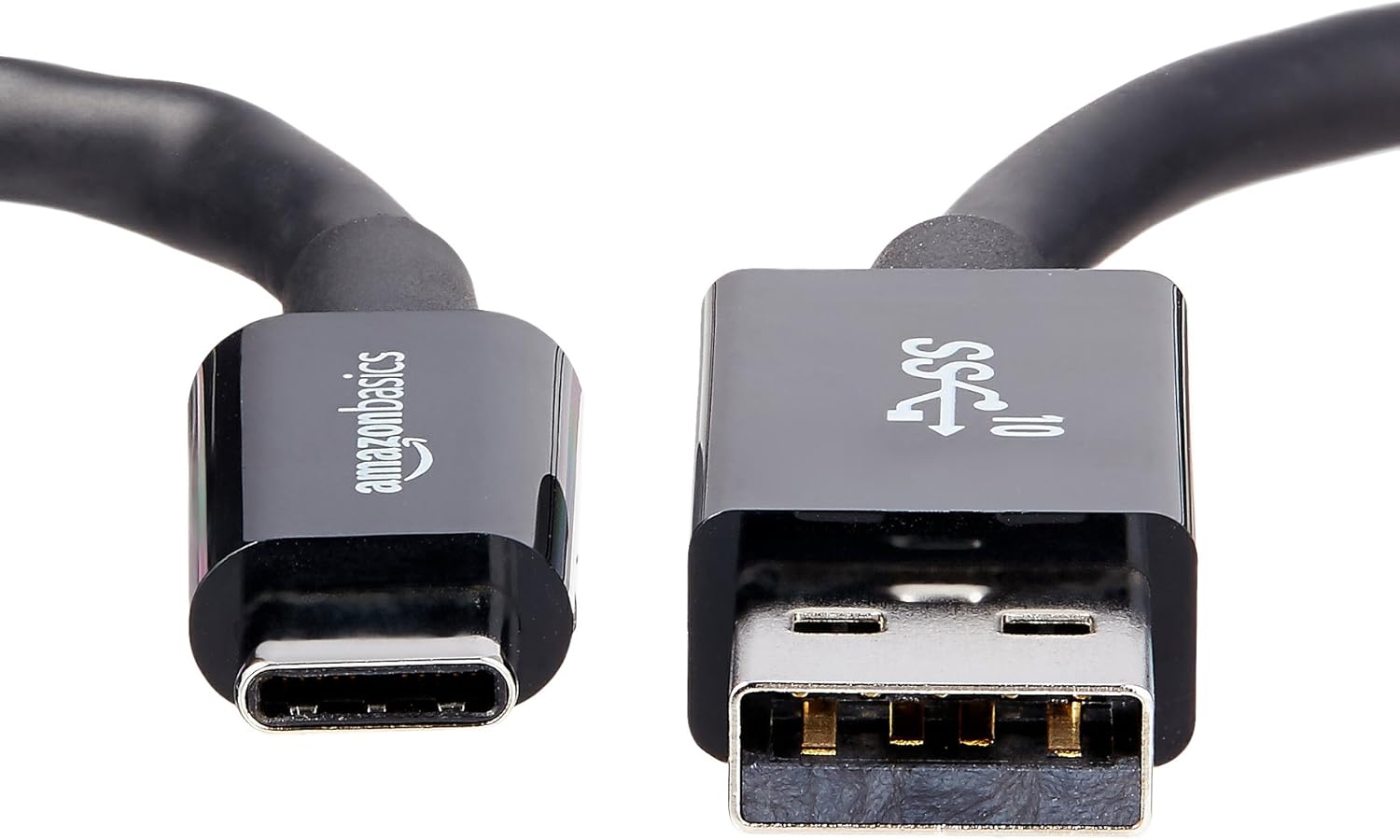
- USB-IF certified for reliability and interoperability with a range of devices.
- USB-C to USB-A 3.1 Gen 2 connection, enabling fast data transfer and charging on the go.
- Data speeds up to 10 Gbps and charging up to 15W, with the caveat that charging speed may be limited for Power Delivery (PD) devices.
- Length: 0.9 m (about 3 feet), a handy middle ground between portability and reach.
- Compatible with USB 3.0 and USB 2.0 devices, broadening its usable range.
Who it’s for
This cable suits users with USB-C devices who frequently connect to USB-A accessories or chargers—think smartphones, tablets, some laptops, external drives, or low-power peripherals. It’s particularly practical if you want a dedicated charging/data cable that won’t clutter your setup and remains affordable.
What stands out in use
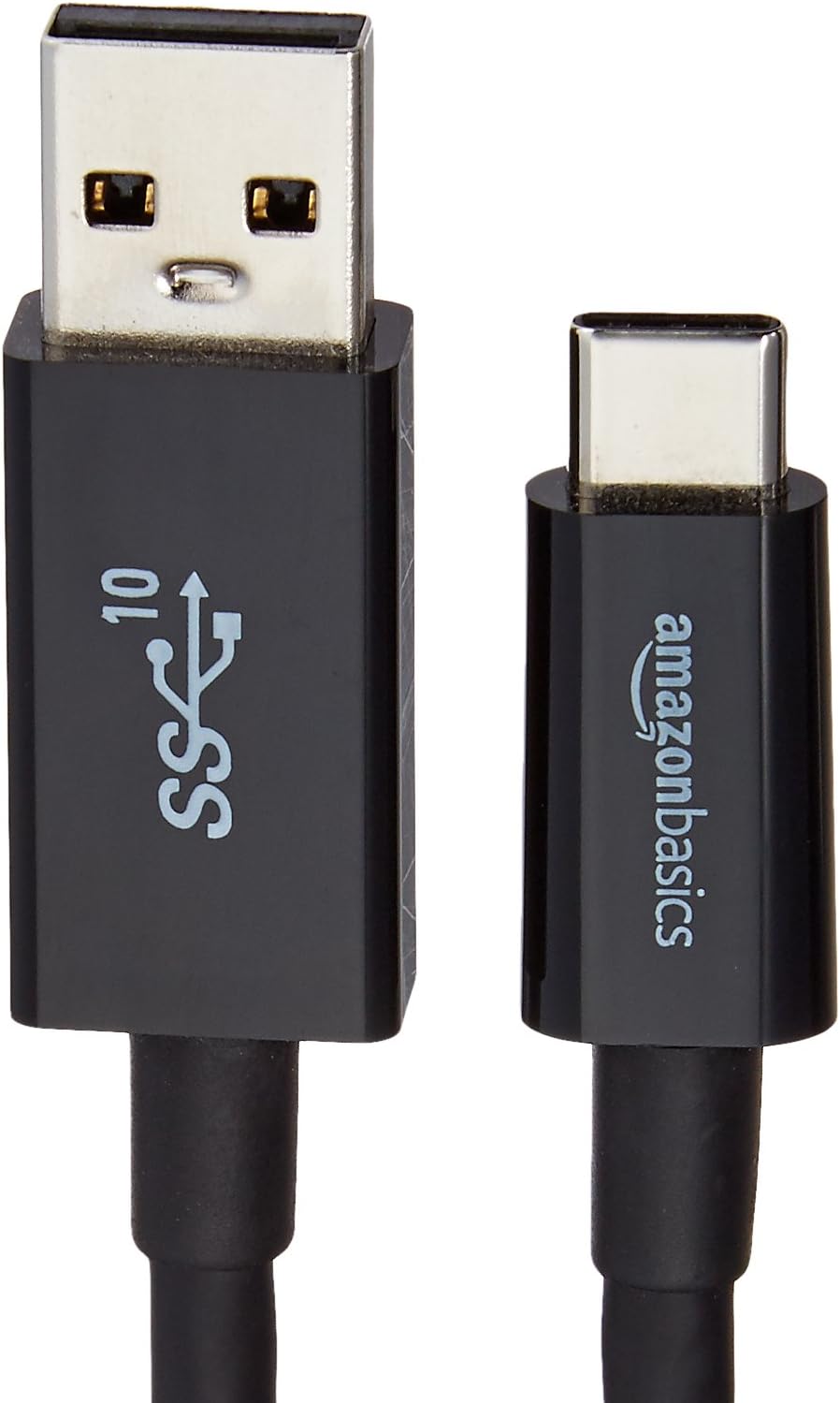
In day-to-day use, you’ll notice the simplicity of a single cable that covers charging and data transfers with older USB-A hubs or chargers. It’s not a premium high-end cable, but for basic to mid-range USB-A compatibility, the certified standard helps avoid compatibility surprises. If you prioritise peak PD charging for newer laptops or devices, you may find the charging speed less than optimal.
Practical limits to keep in mind
- The 15W ceiling means it isn’t the best option for high-watt PD charging to power larger laptops or fast-charging PD devices at maximum rate.
- Speed claims assume devices and ports support USB 3.1 Gen 2, with older USB standards, speeds will drop.
- Cable strength and shielding aren’t detailed beyond the USB-IF certification, for rough handling or heavy bending, consider how you plan to route it.
Who should consider alternatives
If you rely on PD-enabled charging for demanding devices or require more than 15W of power, a cable designed for higher wattage PD or a USB-C to USB-C option might serve you better. Similarly, if you mostly transfer large files between high-end devices, you may want a cable that emphasises top-tier data throughput with other terminations.
What to check before buying
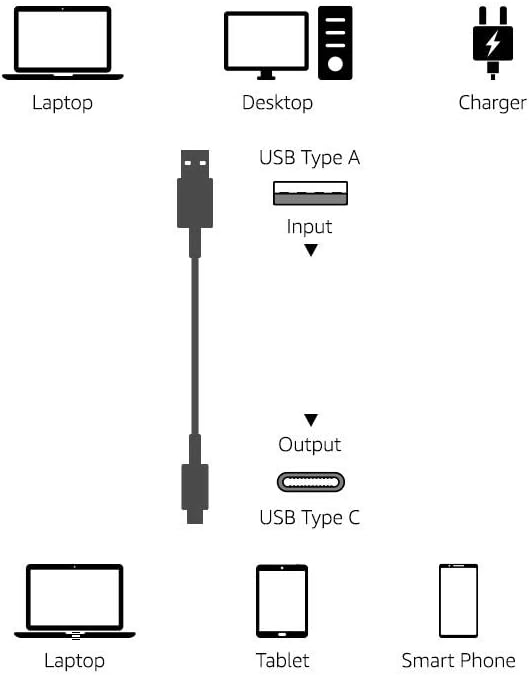
- Confirm you have USB-A ports or chargers that you intend to use with this cable.
- Check whether your devices support USB 3.1 Gen 2 to ensure you get close to the 10 Gbps data rate.
- Consider the cable length you actually need, at 0.9 m it is mid-sized, not the shortest nor the longest.
- Be mindful of charging expectations if PD support is critical for your setup.
In context: how it compares to core alternatives
This cable presents a pragmatic approach for mixed ecosystems, balancing data transfer capability with charging enough for everyday devices. If your workflow relies on USB-C to USB-C or USB-C to Lightning for higher throughput and charging speed, you’d likely look at other cable formats. For most simple office, travel or home setups, this USB-C to USB-A option hits a practical middle ground.
FAQ
- Is it suitable for data transfer between a smartphone and a laptop? Yes, provided both devices support USB 3.1 Gen 2 or compatible speeds.
- Can I use it for PD charging to power a laptop? Not at high PD wattages, 15W is the stated limit, so it’s more suited to phones, tablets and similar devices.
- Does it work with USB-A chargers that are non-PD? Yes, it should charge and transfer data with standard USB-A chargers and devices that support the specs.
Is it worth it?
It makes sense if you need a reliable, certified USB-C to USB-A cable for charging and data transfer across a mixed device set, and you don’t demand very high PD charging or USB-C–to–USB-C data speeds. If your priority is maximum charging power or highest possible data throughput, you may want a different setup.