

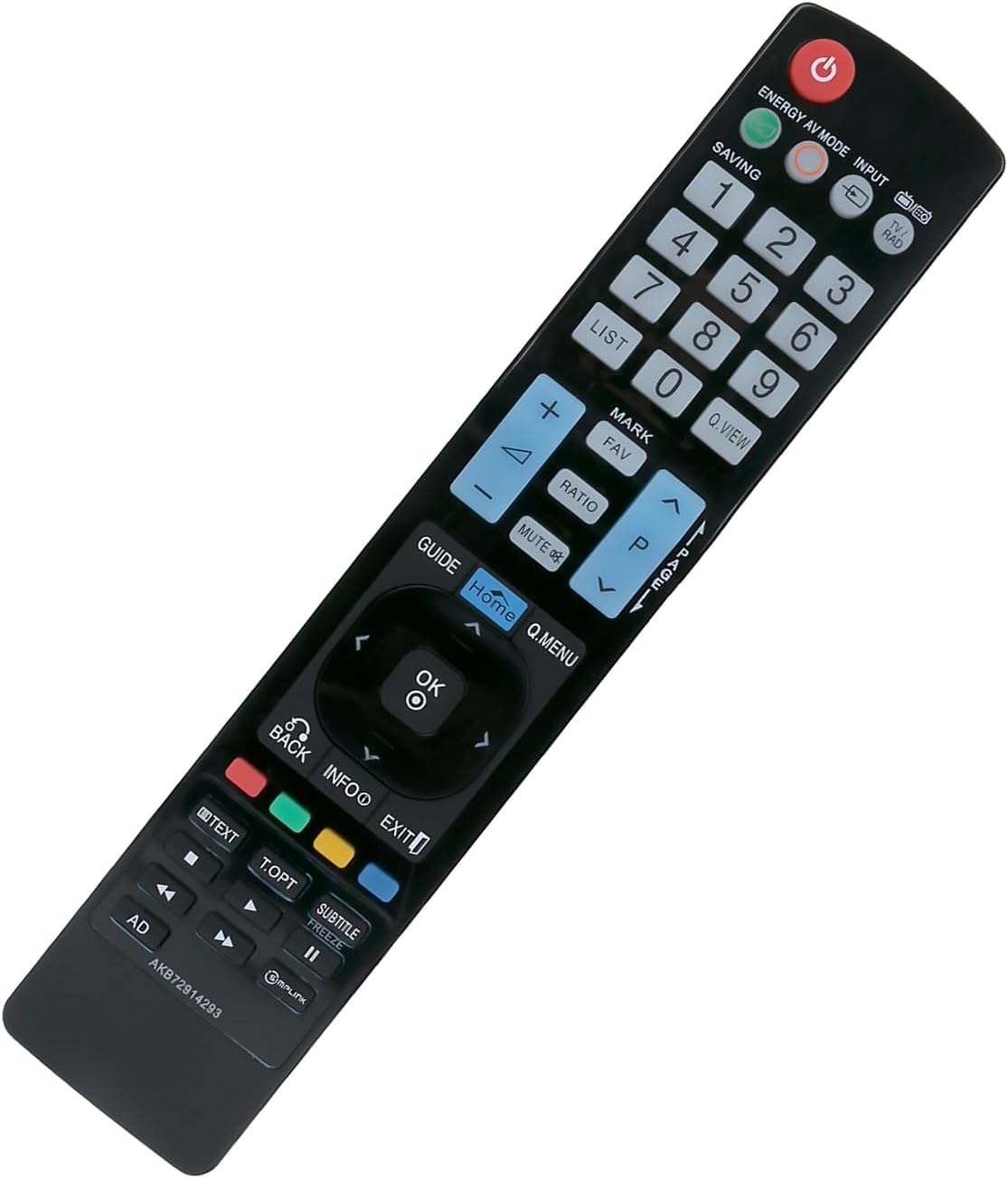
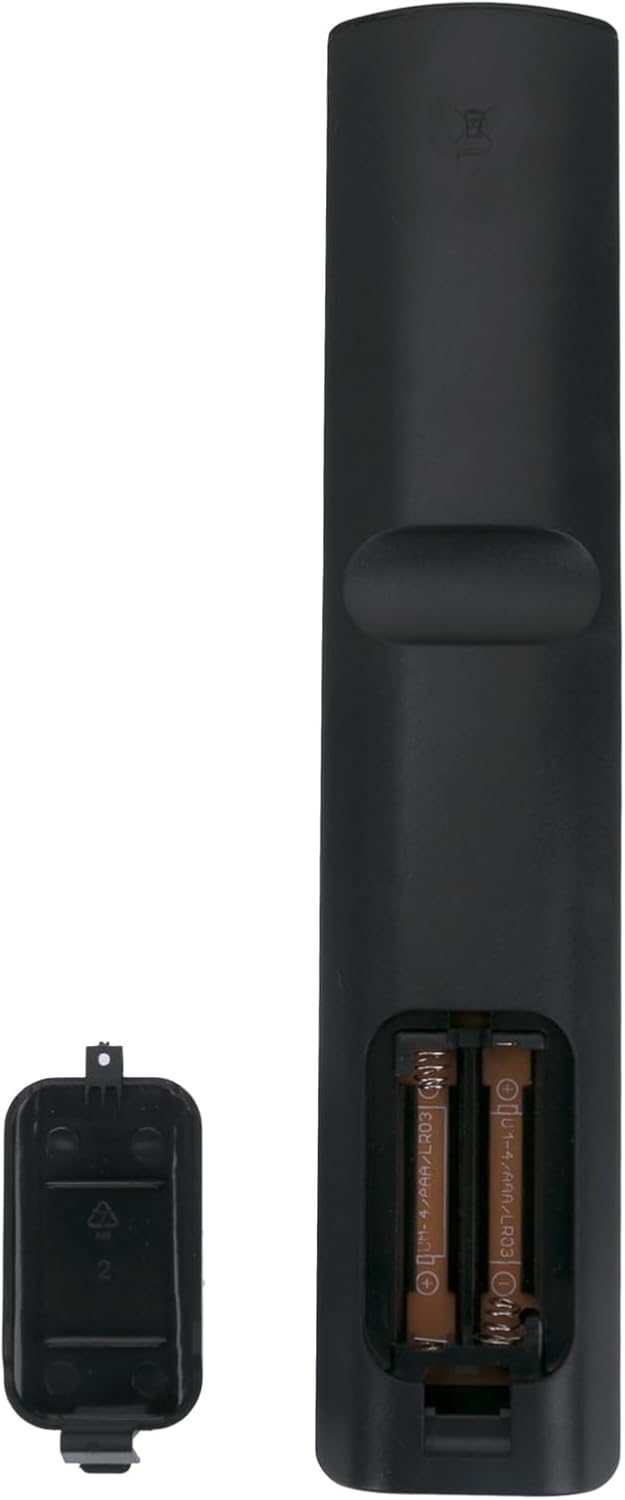
AKB72914293 Replacement Remote for LG Plasma TV
Product description
This replacement remote control is an economical alternative for operating older LG plasma televisions, offering basic channel, volume and menu control without additional setup. If you need a quick swap for a damaged handset, this replacement remote control for LG Plasma TV works by simple battery insertion according to the manufacturer, so it can be put into service immediately.
Key Points
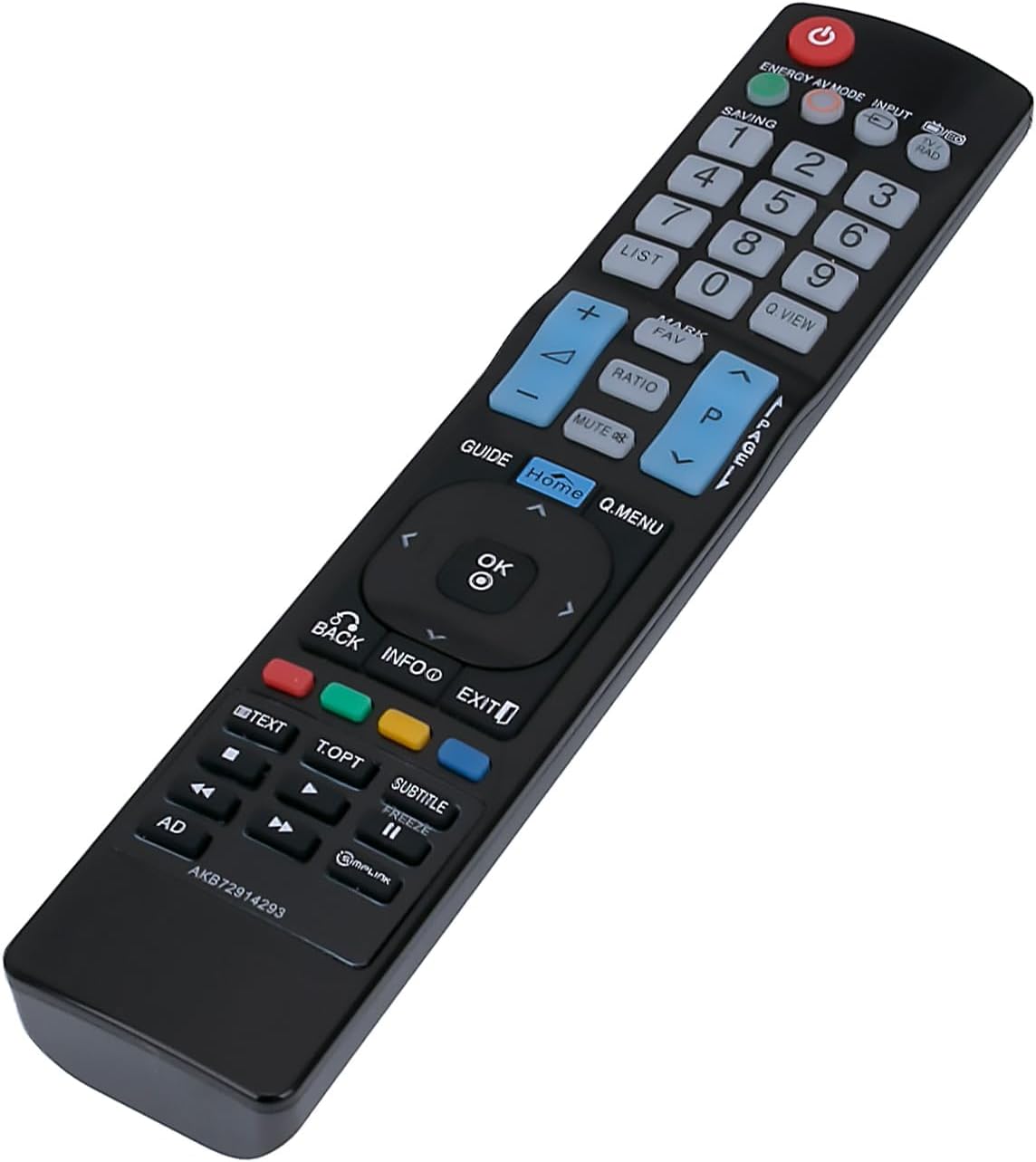
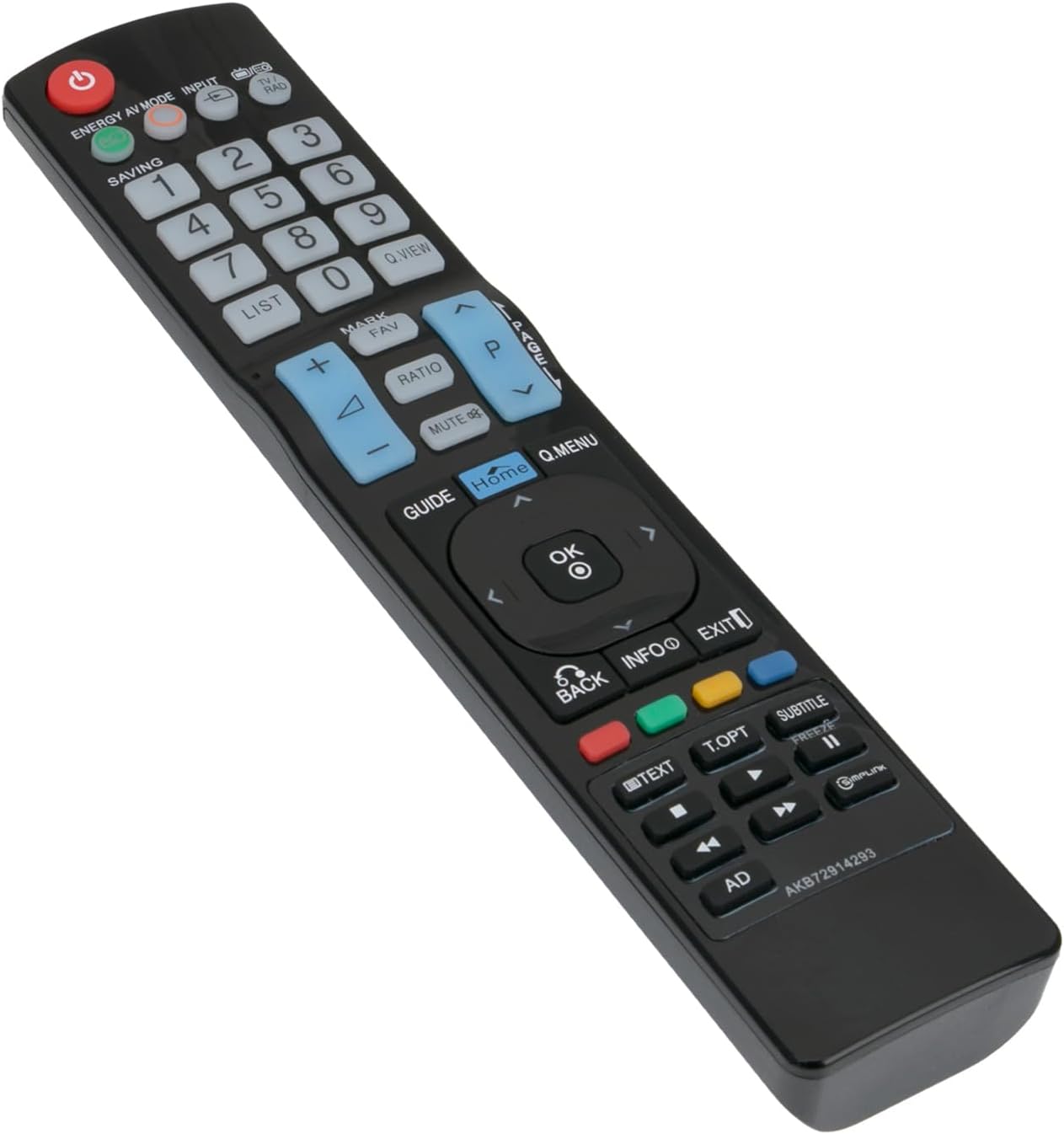
The VINABTY replacement remote is compatible with a long list of LG models from legacy plasma and LCD ranges, making it useful when an original remote is lost or broken. It supports multiple model codes including AKB72914293, AKB72915207 and AKB72915244 among others, and is presented as a direct-substitute option that replicates primary functions. The layout and labelled keys mimic common LG remotes, which helps reduce the learning curve for everyday TV control. 📺
This remote does not require special programming or pairing. According to the manufacturer, simply inserting a fresh battery is normally enough to restore basic operation, which suits users who prefer a plug-and-play replacement rather than a programmable universal remote. 🔋
A practical detail to consider is that advanced features introduced in some later LG sets may not be fully supported, so functions beyond standard navigation and volume control could be limited. Also, the appearance and materials may differ slightly from OEM units, which is typical for third-party replacements.
Technical Specifications
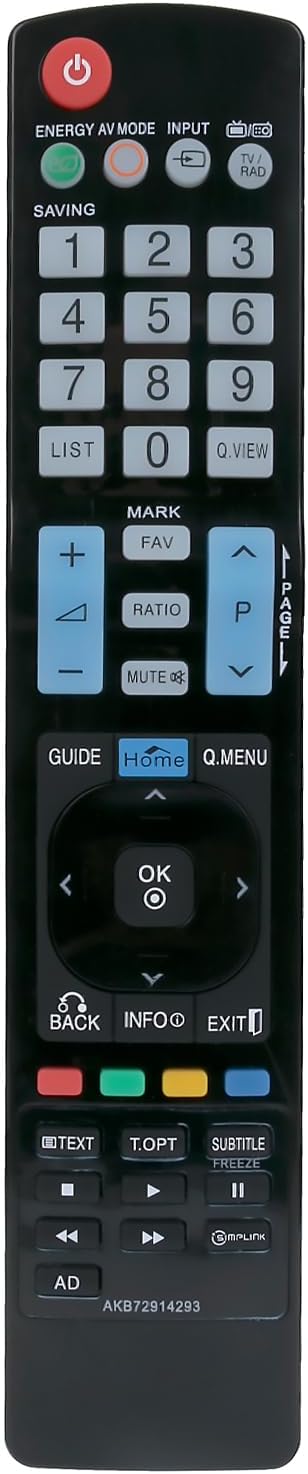
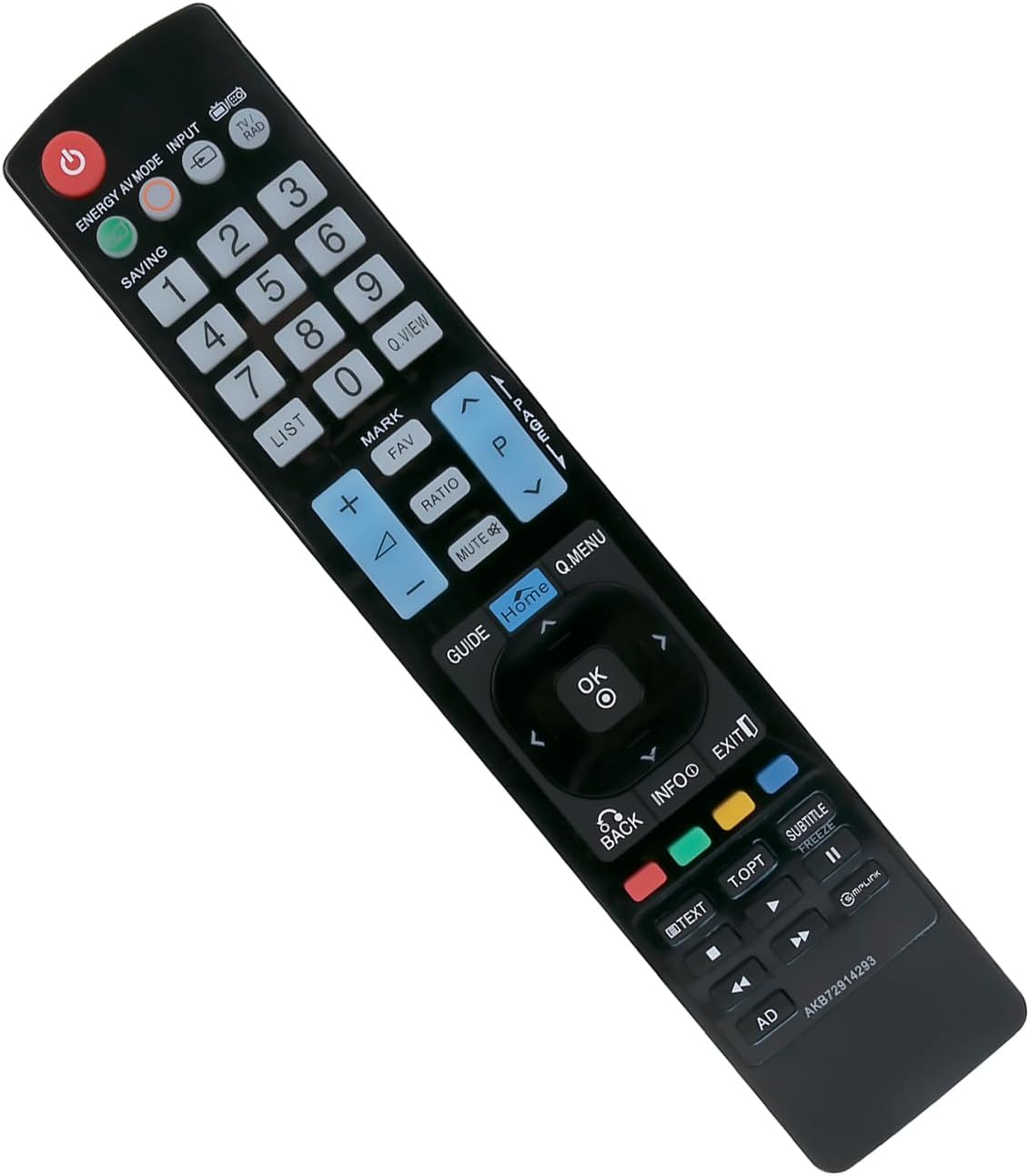
- Name: VINABTY AKB72914293
- Compatibility: AKB72914293, AKB72915207, AKB72915244, AKB72914202, AKB72915246, AKB73275606, AKB72915217 and numerous LG model codes listed by the manufacturer
- Power: battery operated, insert a new battery to use according to the manufacturer
- Functionality: basic TV control including power, channel, volume and menu navigation
- Programming: no programming required for standard use, according to the manufacturer
Usage Recommendations
For straightforward replacement, remove the old handset batteries and test this remote with the same TV model number printed on the set or in its documentation. If your TV supports additional smart functions or networked control, check whether those features require an original remote or a dedicated app. For best results, use a fresh battery when first operating the unit and verify each key to ensure the functions you need are present. ✅
Consider keeping the original remote’s model code to hand when checking compatibility, because some LG ranges used multiple versions of remotes with small functional differences.