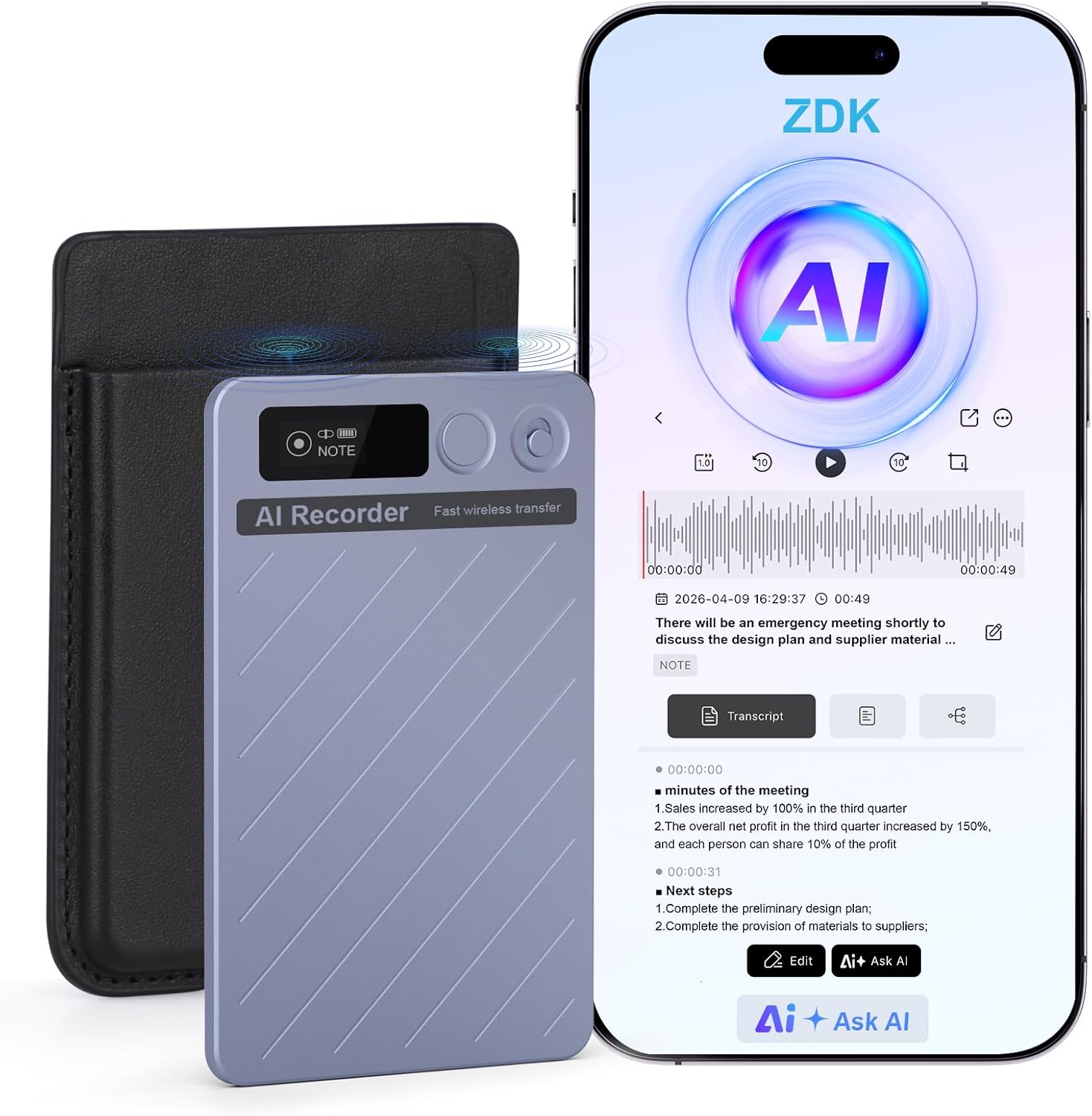
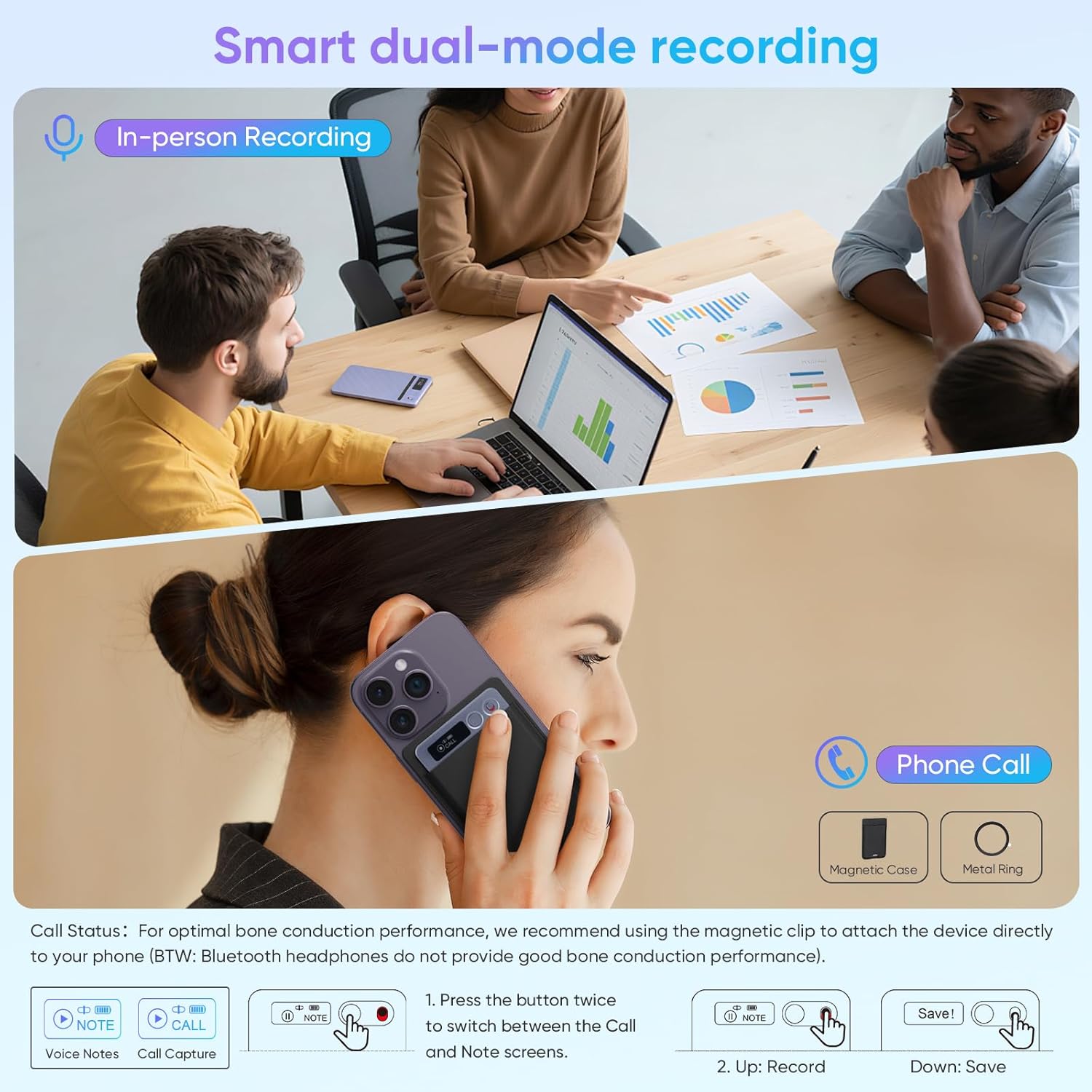
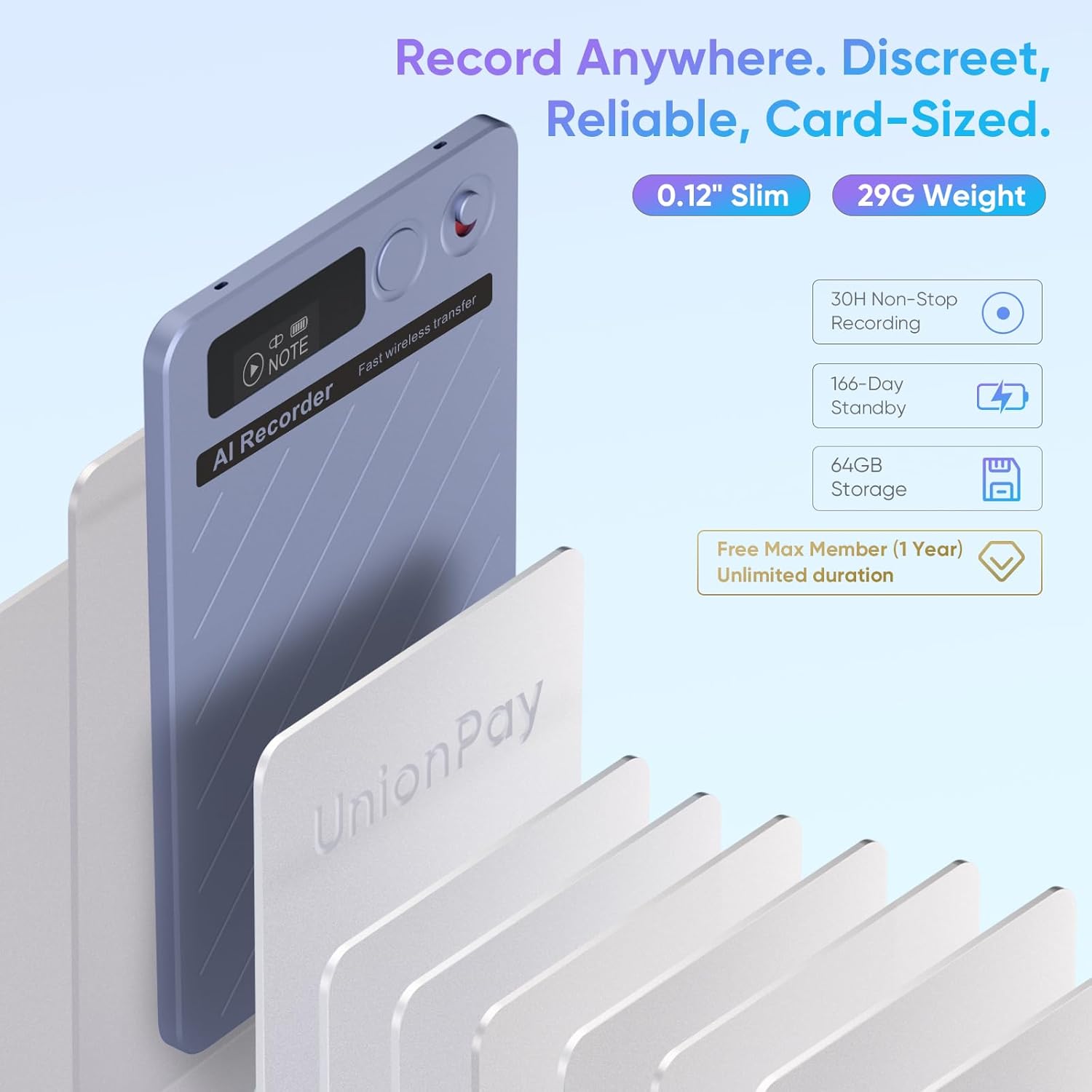
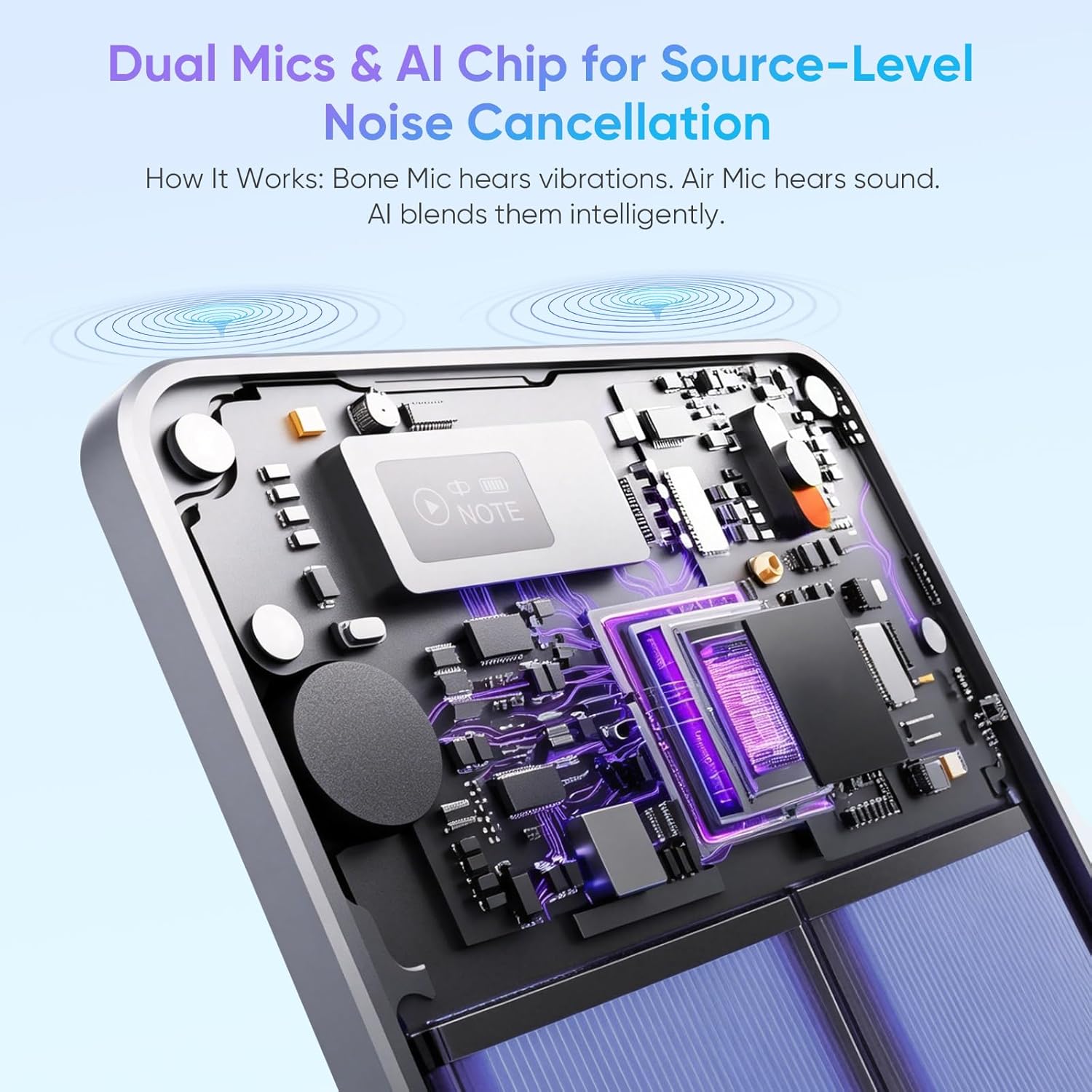
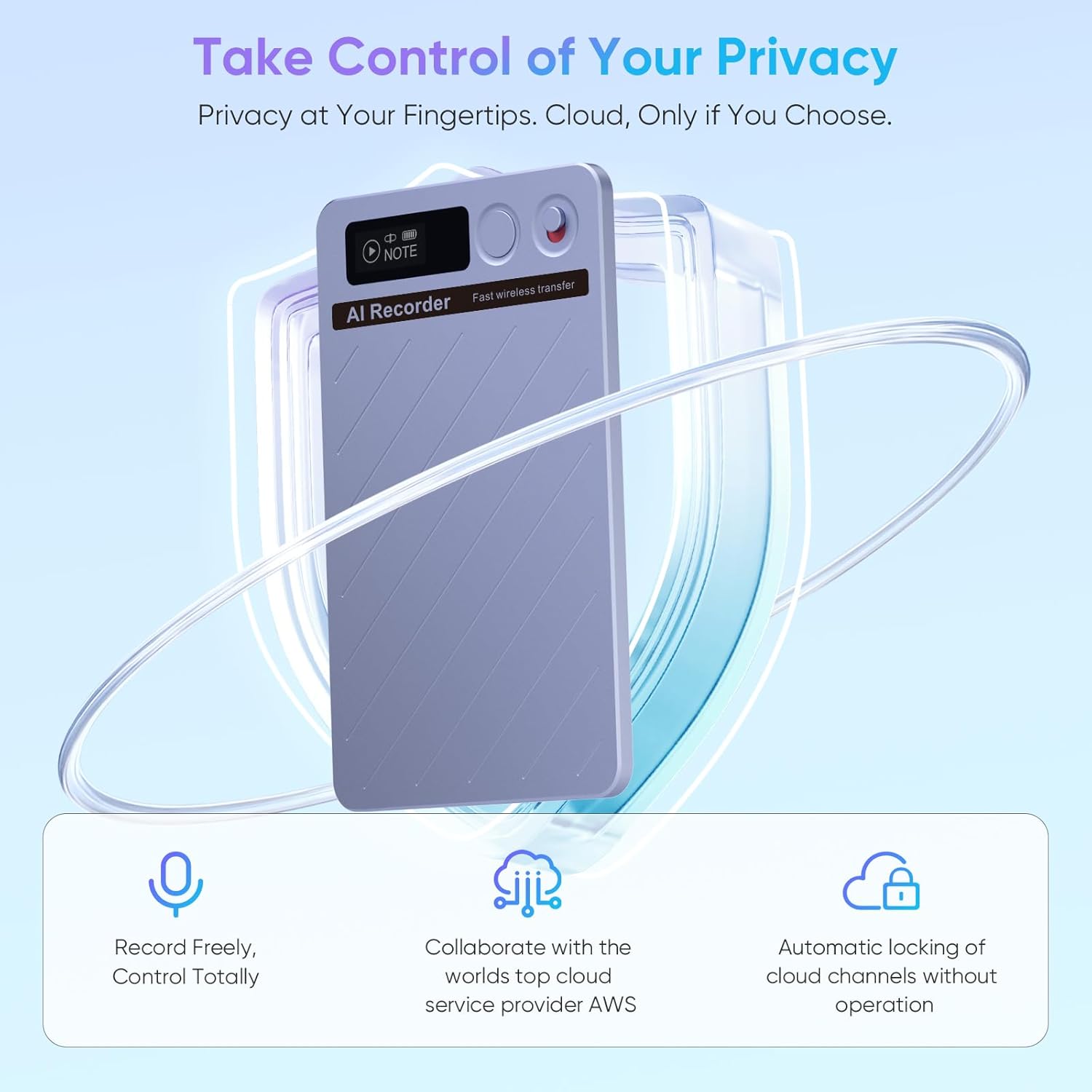
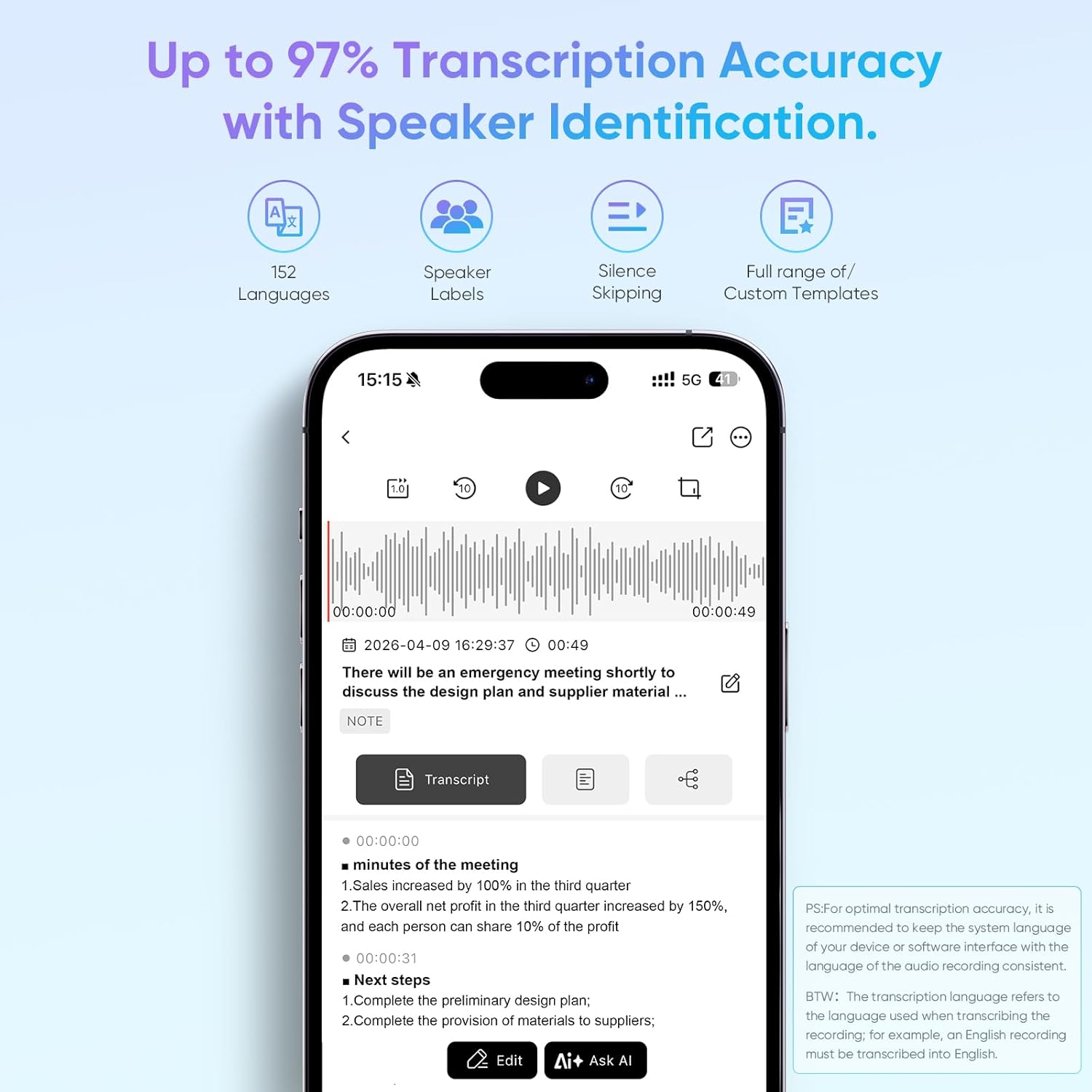
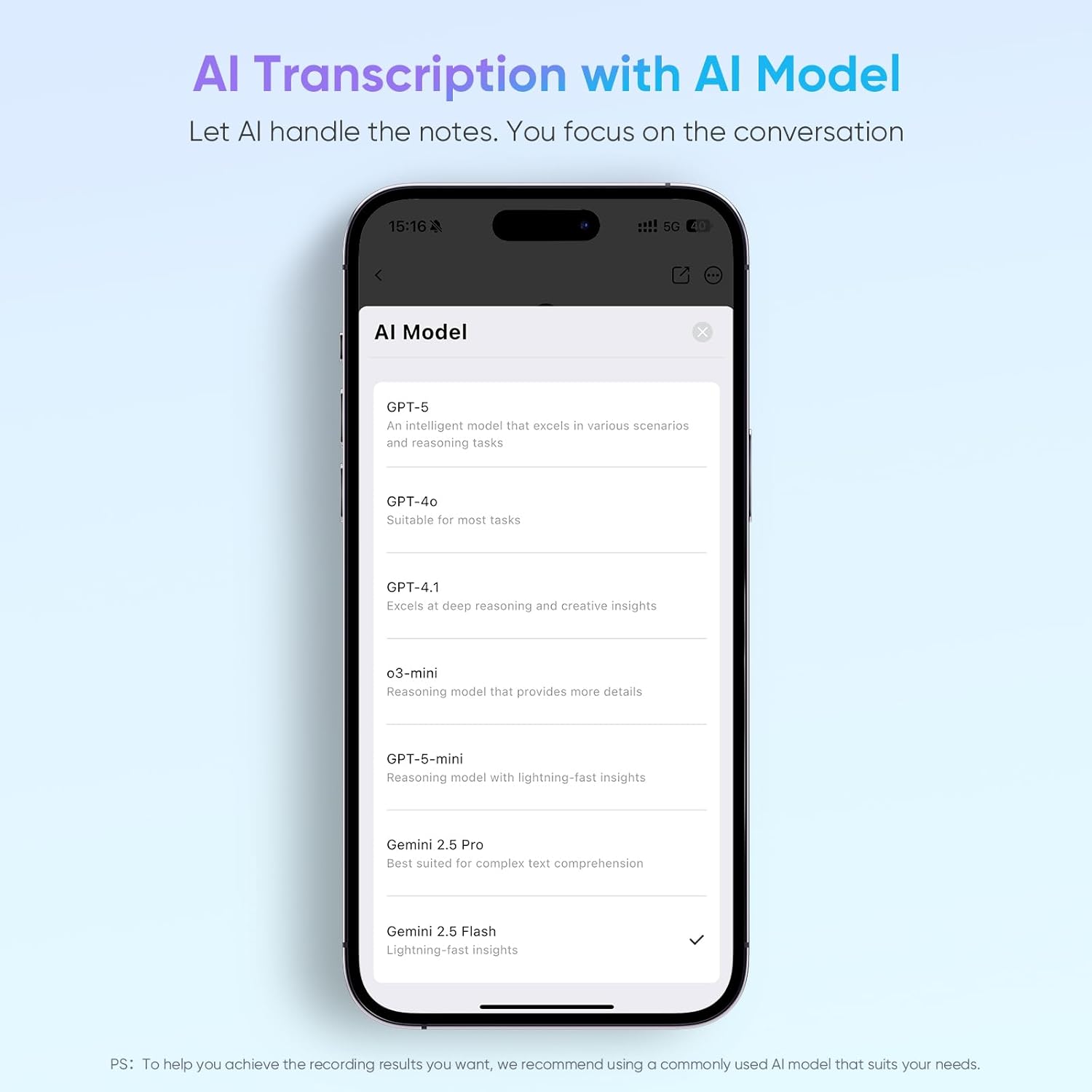
What it is and what it solves\nThis AI-powered voice recorder combines robust recording with transcription and smart summarisation. It supports high-precision transcription in up to 152 languages and can automatically identify and label speakers. The device then organises recordings into actionable notes, mind maps, and key points, helping you turn meetings, lectures, or daily notes into structured documents.\n\n## How it performs in practice\nOn the surface, it combines a compact pocket design with a 64GB internal storage, ensuring all recordings and transcripts stay local by default for privacy. You can access and manage files via a dedicated app, which emphasises privacy and control over your data. Battery life is notable, with up to 35 hours of continuous recording and a standby life that can stretch to 166 days. Real-world use tends to show it working best in formal settings—meetings, academic talks, or field notes—where accurate capture and quick organisation save time.\n\n## What stands out\nTwo high-performance microphones — MEMS for clear human voices and a bone conduction mic to reduce ambient noise — work with smart noise reduction to help audio stay legible in busy rooms. The on-board LCD display makes it easy to check status and battery without digging into the app. The device is slim (around 3 mm) and light (about 30 g), so it travels discretely in a pocket or small bag, with one-touch recording for instant capture.\n\n## Potential limitations\nThe quality of AI-generated summaries and the accuracy of transcription depend on language, accent and recording conditions. While the claim is high (up to 99% transcription under ideal conditions), real-world results can vary, especially in noisy environments or with multiple speakers. The brand is not stated here, so support and ecosystems may differ from more familiar names. If you prioritise fully offline use, verify exactly how the app handles data locally versus cloud processing.\n\n## Who it’s for\nThis looks suited to professionals who attend long meetings or lectures and need reliable notes without manual transcription. It also benefits students and researchers who want a quick way to convert audio into shareable notes and documents. If you want strong privacy with local storage and a built-in screen for quick checks, this device offers a practical balance.\n\n## Who it isn’t for\nIf you rely on constant high-fidelity multi-speaker transcription in very noisy environments, or if you prefer a device with an established brand ecosystem and extensive third-party accessory support, you might want to compare alternatives.\n\n## Quick considerations before buying\nCheck how the app handles data—local storage is promised, but consider whether you need cloud access for backups or collaboration. Consider whether 64GB is sufficient for your typical recording length and whether you’ll benefit from the automatic summaries and mind maps for your use case. Also think about your typical environments: a quiet meeting room is ideal, while bustling venues may challenge transcription accuracy.\n\n## Practical usage example\nDuring a long team briefing, you can press the one-touch button to start recording, glance at the LCD to verify status, and later rely on the app to generate a structured outline and bullet-point notes from the transcript. This can help you prepare a concise report without re-listening to the entire session.\n\n## Is it worth it?\nShould you buy it? If you value hands-off transcription with organised notes and you’re comfortable with local storage alongside app-based management, it’s worth considering. If you require ultra-robust offline performance in very noisy settings or need a brand with a broader accessory ecosystem, you may want to explore alternatives.\n\n## FAQ\n- How many languages can it transcribe in? Up to 152 languages, subject to recording conditions.\n- Does the device record locally or upload to the cloud by default? Recordings and transcripts are stored locally by default, with access via the app.\n- How long does the battery last on a full charge? Up to 35 hours of continuous recording, standby can reach around 166 days.\n- Is the AI summarisation available for every language? The feature is offered by the AI engine, availability may vary by language and content.