

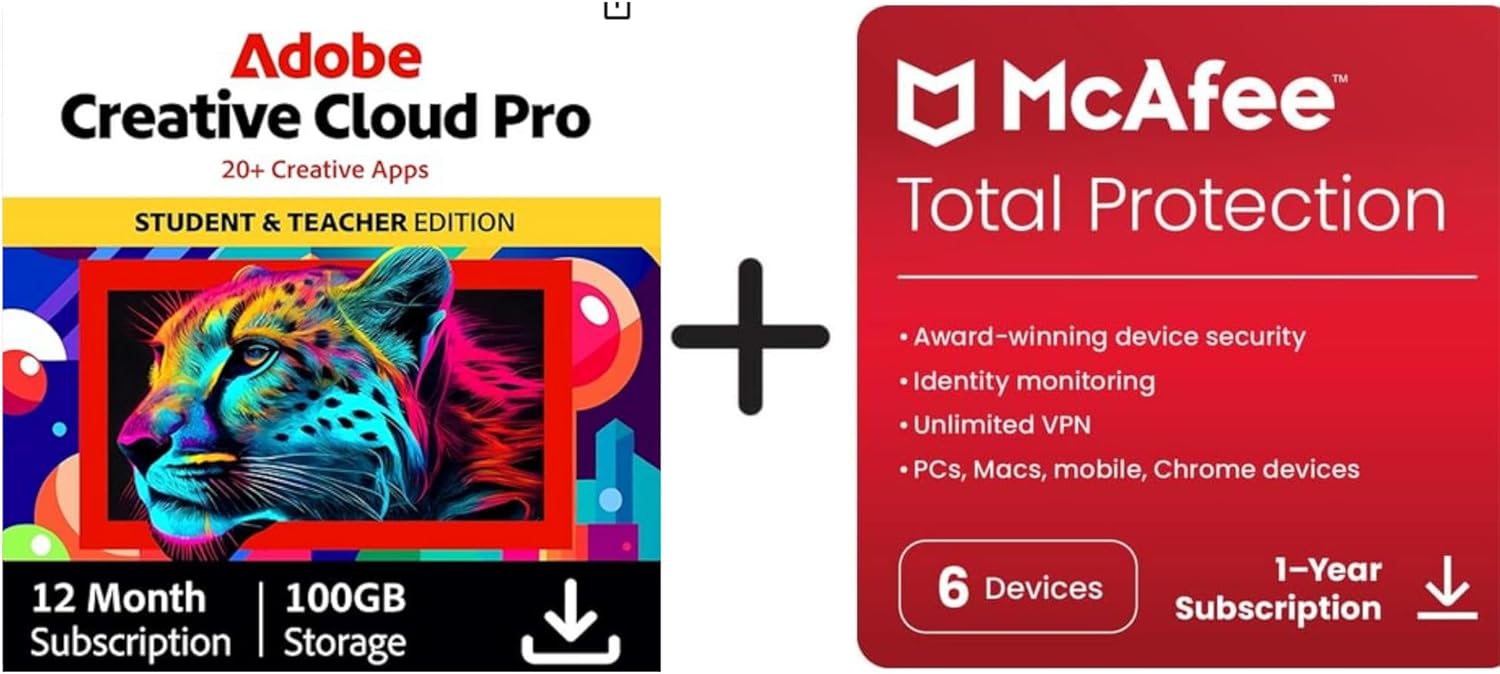
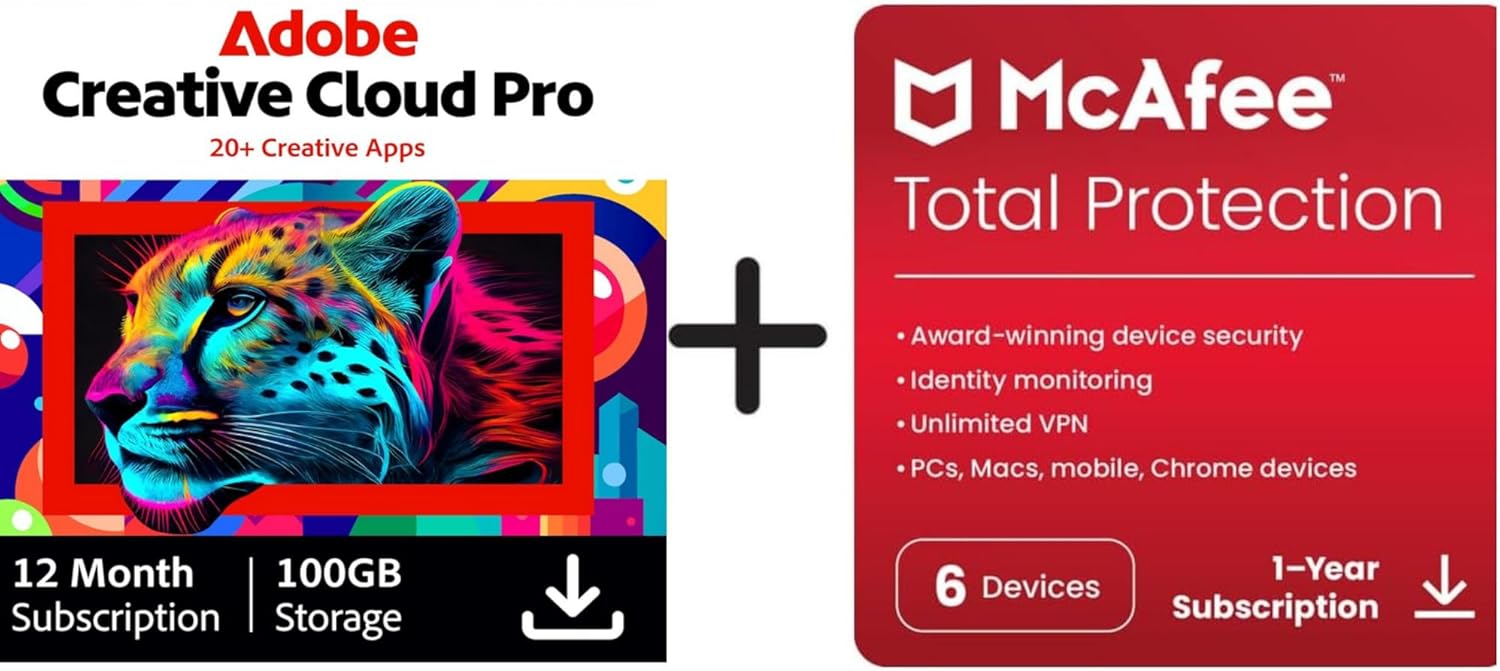
Adobe Creative Cloud All Apps Student + McAfee Total Protection 2026 (6 Devices, 12 Months) – Activation Code by Email
Product description
What this product is and who it’s for
This is a bundled software offer combining full access to Adobe Creative Cloud All Apps for students with McAfee Total Protection 2026. It covers up to 6 devices for 12 months and is activated via email code. On the surface, it targets students who want a wide suite of creative tools alongside reliable device security and online privacy as they work on assignments, portfolios or personal projects. If you’re weighing value for money, the key question is whether you’ll actually use the breadth of apps and the security features across multiple devices throughout the year.
Practical value and what it solves
Creative Cloud All Apps includes the core desktop and mobile tools you’d expect for design, video, photography and document work. For a student, the appeal is having access to industry-standard software in one package rather than buying individual licences. McAfee Total Protection adds antivirus, secure VPN and privacy features, which can be useful when you’re connecting through campus networks or public Wi‑Fi. The combined offer can simplify budgeting and reduce the hassle of juggling multiple subscriptions.
What stands out (on the surface)
- All apps licence for Adobe Creative Cloud, the breadth of tools is the primary selling point.
- Security and privacy features are provided by McAfee, with real-time protection and a VPN as part of the package.
- Activation is delivered by email, which is convenient for students who frequently switch devices.
What to be cautious about
- The value hinges on actual usage of Creative Cloud apps: if you only need one or two tools, this bundle may feel excessive.
- McAfee’s security suite adds an extra cost and set of features, if you already have protection or don’t use VPN regularly, you might not leverage the full package.
- The licence is for 12 months and 6 devices, consider whether your device count and timeframe align with your course requirements—students often shift devices or graduate before the year ends.
Who this is best for
- Students who plan to develop a portfolio or course work across multiple disciplines (design, video, photography, UX) and need rapid access to a broad toolkit.
- Those who value bundled security and privacy features to cover multiple devices on a shared network.
- Buyers who prefer a single purchase with one activation process rather than separate subscriptions.
Who it isn’t ideal for
- If your main need is a single Adobe app (e.g., Photoshop or Illustrator) rather than the full suite, this bundle may be overkill.
- If you don’t use public Wi‑Fi or don’t require VPN protection, the McAfee portion may feel secondary.
- If you’re unsure you’ll stay within the 6-device limit or will finish the course before 12 months, there could be waste.
When it makes sense to buy
- When you want a wide creative toolkit coupled with security across several devices for a full academic year.
- If you can utilise Adobe’s cloud-based collaboration features and want a consistent, cross-device workflow.
When to reconsider
- If cost is a concern and you’re not planning to use the full range of Creative Cloud apps or VPN features.
- If you’re already covered by institutional licences or other security solutions that you trust.
What to review before purchasing
- Confirm you can activate the code by email and that it applies to a 12‑month period from activation.
- Check the maximum number of devices allowed and whether your current devices fit within that ceiling.
- Consider whether you will truly benefit from the breadth of Adobe apps for your current courses or projects.
Practical usage example
Imagine you’re designing a student portfolio: you’d typically sketch ideas in Illustrator, draft layouts in InDesign, prototype pages in XD or Figma, layer edits in Photoshop, and finish videos in Premiere Pro. Having all these apps available on a laptop, tablet, and a school computer could streamline the workflow from concept to final presentation, all under one licence and with cloud syncing.
FAQ (short answers)
- Does the bundle include full versions of all apps for the entire year? Yes, subject to the 12‑month term and device limit.
- Is the McAfee protection active on all devices simultaneously? The plan supports up to 6 devices, features include antivirus and VPN, as described.
- Can I transfer the activation to a new device if one is replaced? This depends on the activation terms, the activation code by email is the entry point, but transfers aren’t detailed here.