



AceGamer Wireless Controller for PS4 with audio
Product description
This wireless controller for PS4 brings motion motors and an audio function into a compact gamepad that works with PS4, PS4 Pro and Windows PC, helping you play with rumble feedback and wired or wireless connectivity. It includes RGB mini LED indicators and an anti-slip finish, which aim to keep control steady during longer sessions and casual competitive play. 🎮
Key Points
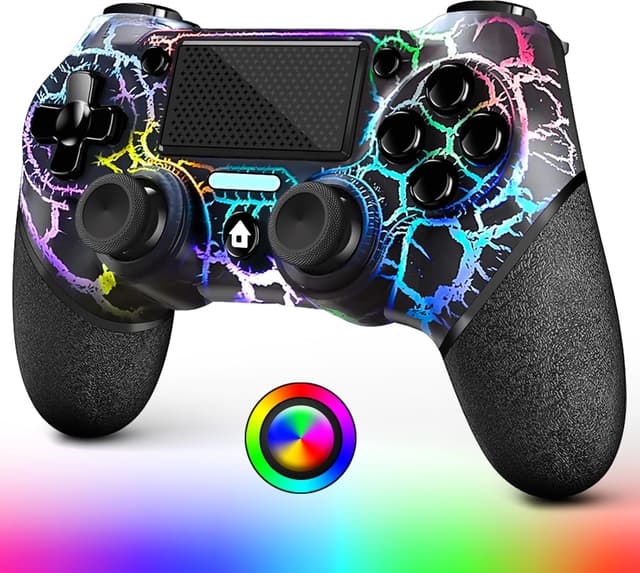
The controller pairs with PS4 consoles and Windows PCs, and requires the included USB cable for the first connection to a console. For PC pairing by Bluetooth, press and hold the Share and Home buttons for three seconds until the white light flashes, then select the device named "Wireless Controller" in your system Bluetooth menu. The unit has motion sensors and an audio passthrough function that can route game sound through a headset when connected.
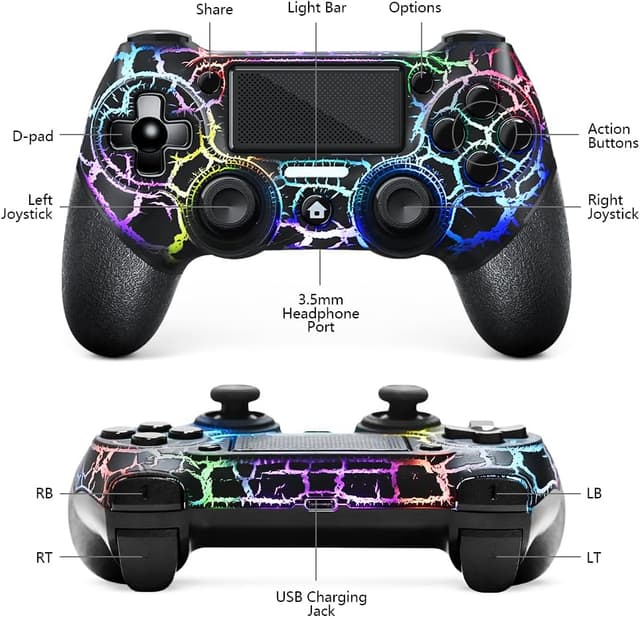
Battery life has been increased compared to similar models thanks to a larger cell that supports the RGB lighting, although using lighting modes will reduce total runtime. The pad also features a turbo function that allows any button to be configured for rapid input and offers three turbo frequency settings adjusted via the Share button and the right joystick. Consider that advanced features such as turbo and lights may require a short learning curve to set up.
Technical Specifications
- Name: AceGamer Wireless Controller for PS4
- Battery capacity: 1000 mAh
- Connectivity: Bluetooth and USB Type-C wired connection
- Compatibility: PS4, PS4 Pro, PS4 Slim, Windows PC
- Lighting modes: Coloured light, Breathing light, Flashing light; brightness adjustable in four levels
- Included items: USB Type-C charging cable, user manual

Usage Recommendations
For the first use with a PlayStation console, connect the controller using the supplied cable to initialise pairing and charge the battery. When pairing to a PC wirelessly, press and hold Share and Home until the white indicator flashes, then follow your operating system prompts to add "Wireless Controller". If you want to conserve battery life, reduce LED brightness or disable lighting modes during extended play. 🔋
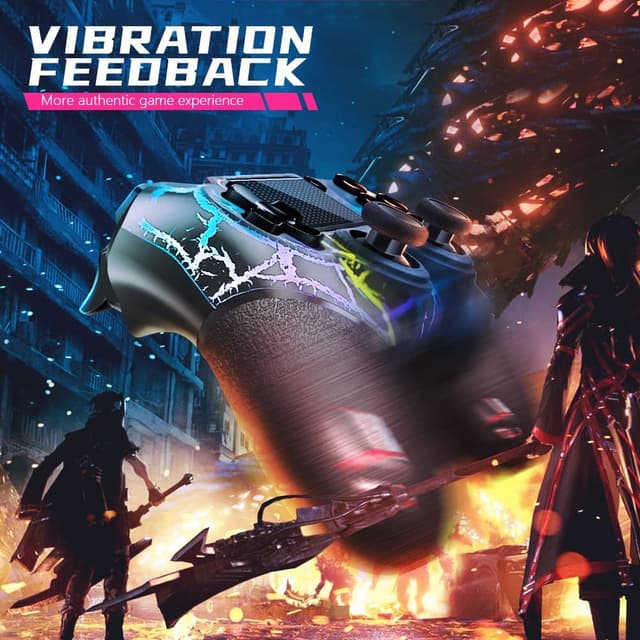
The turbo feature is useful for rapid-fire actions in compatible titles, but it is best to configure and test the turbo button in a practice mode or a non-competitive environment before using it in online matches. Adjust the vibration and motion sensitivity through in-game settings where available to balance immersion and comfort during long sessions.