

ACAVICA 10.1" IPS Android 15 Sat Nav Radio for Mercedes Benz Sprinter MK2 NCV3 (2006–2018)
Product description
Plug-and-play Android upgrade for the Sprinter
If you’re running a Mercedes Sprinter MK2 (NCV3) from this 2006–2018 window, this ACAVICA 10.1" IPS head unit is aimed at giving you a modern, app-based experience without needing wire-cutting or coding. The pitch here is simple: replace the older factory-style setup with a 10.1-inch Android 15 radio that adds wireless CarPlay/Android Auto, GPS navigation, and a bigger screen for maps and day-to-day use.
On paper, it ticks plenty of boxes for drivers who want something practical—deliveries, tradesmen, and anyone who spends time on the road and actually uses their sat nav every day. The “plug & play” approach and pre-wired harness concept are the kind of details that can make an upgrade feel less stressful than going down the DIY wiring route.
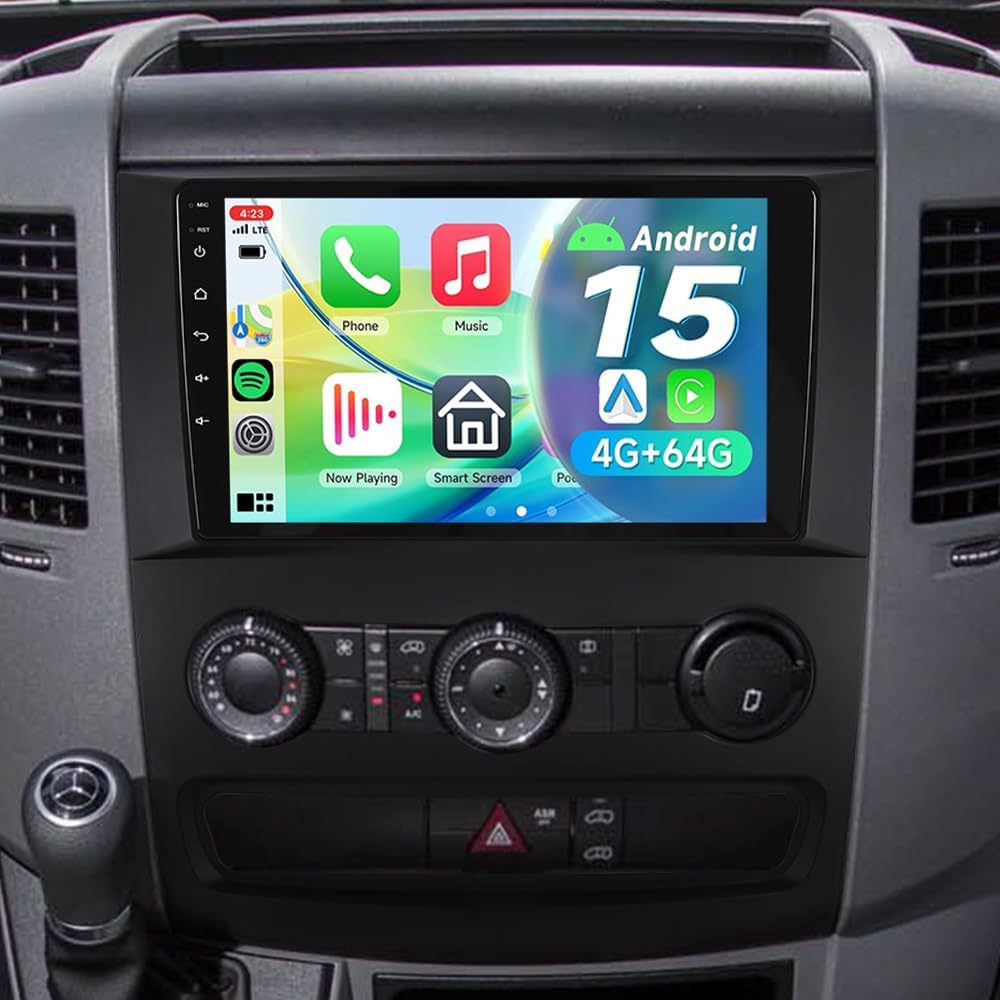
That said, you’ll still want to check fit and camera/SWC support expectations for your exact Sprinter setup, because the listing talks in terms of compatibility and settings. It’s not always “press power and it’s perfect” with older vans—depends quite a lot on the existing head unit hardware and how the vehicle responds to the programmed steering wheel controls.
What you’ll notice day to day
The big day-to-day change is the screen and interface. You get a 10.1-inch IPS display with a stated 1280×800 resolution, plus an anti-glare finish designed for better visibility. If you’ve ever tried to read a sat nav while parked with glare across the dash, this is one of those upgrades that can feel immediately more usable.
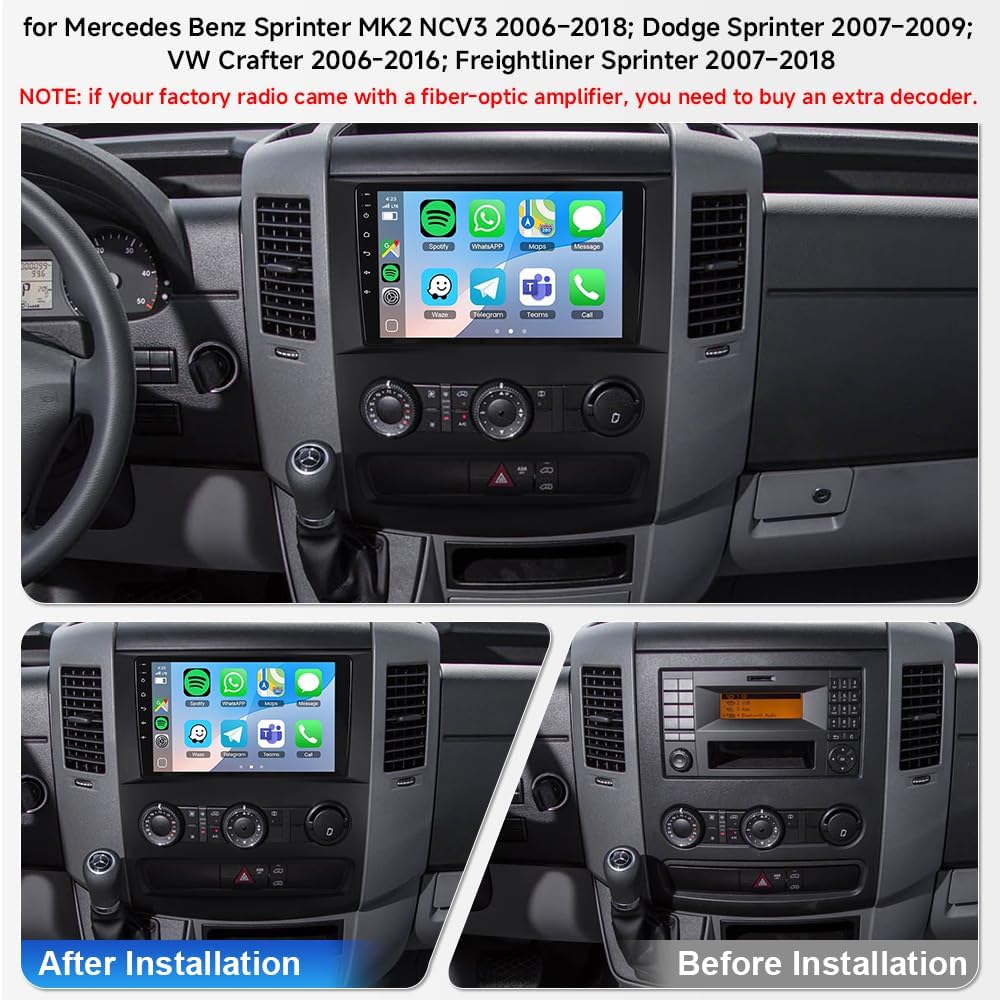
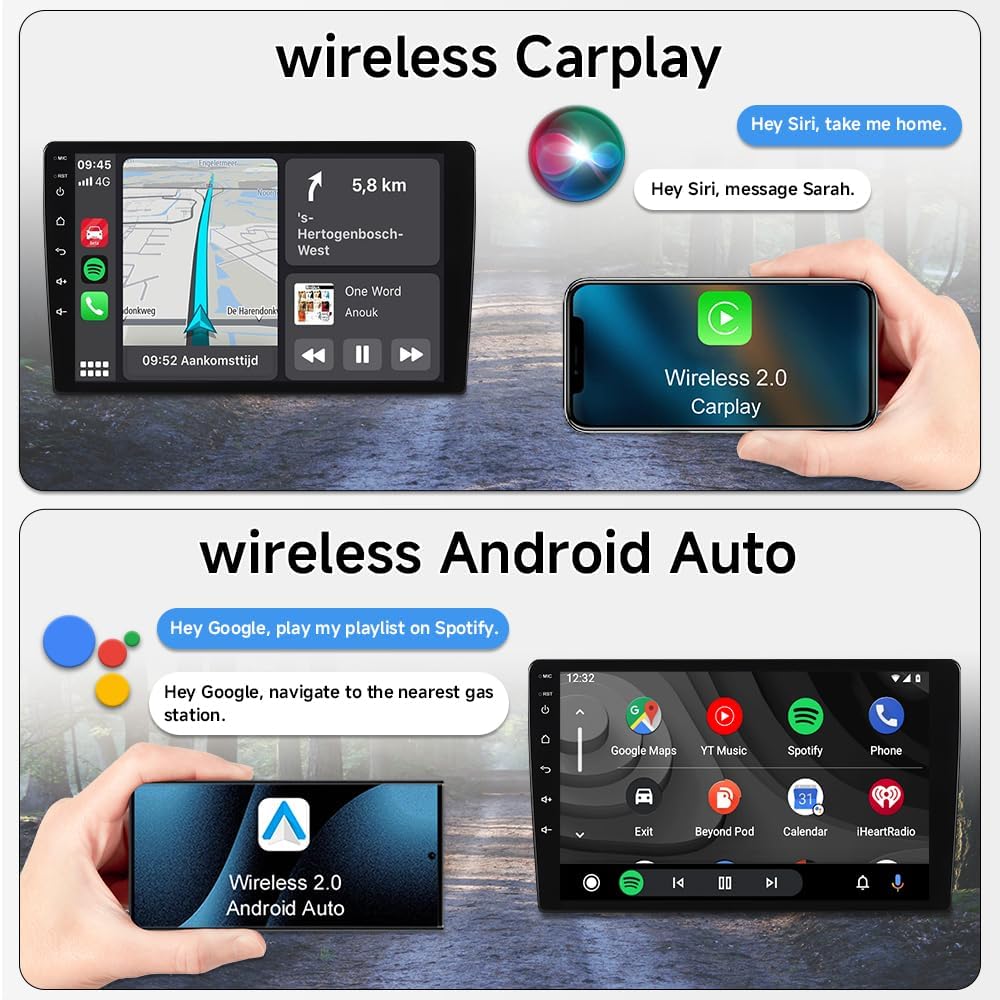
For “busy life” driving, the unit is built around multitasking. It’s specified as 4GB RAM + 64GB ROM and runs Android 15, so switching between maps, apps, and music is the focus. Wireless CarPlay and Android Auto are also included, meaning you can use your phone for navigation and media without plugging in—useful when you’re swapping between routes during the day.
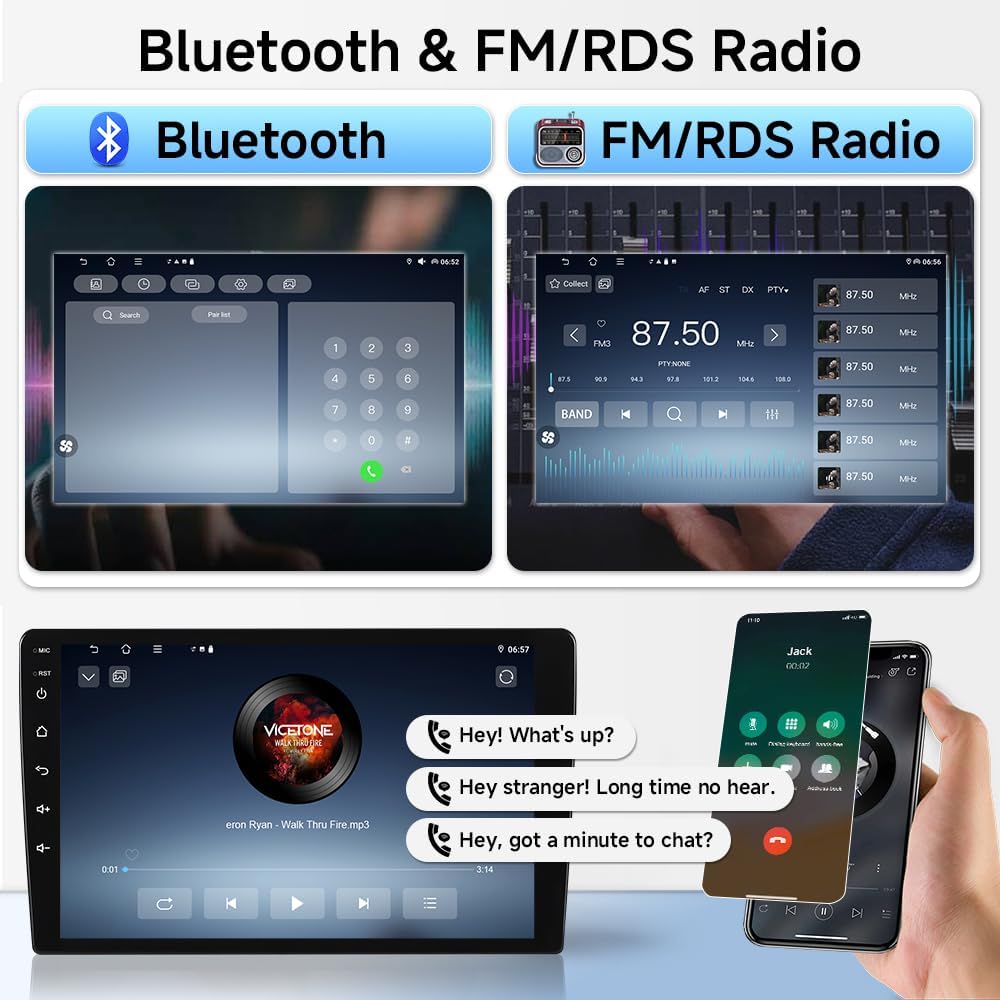
If you regularly listen to radio updates (news, weather, traffic) while you work, the inclusion of FM/RDS is a sensible extra, rather than forcing everything through apps.
Connectivity and smartphone integration
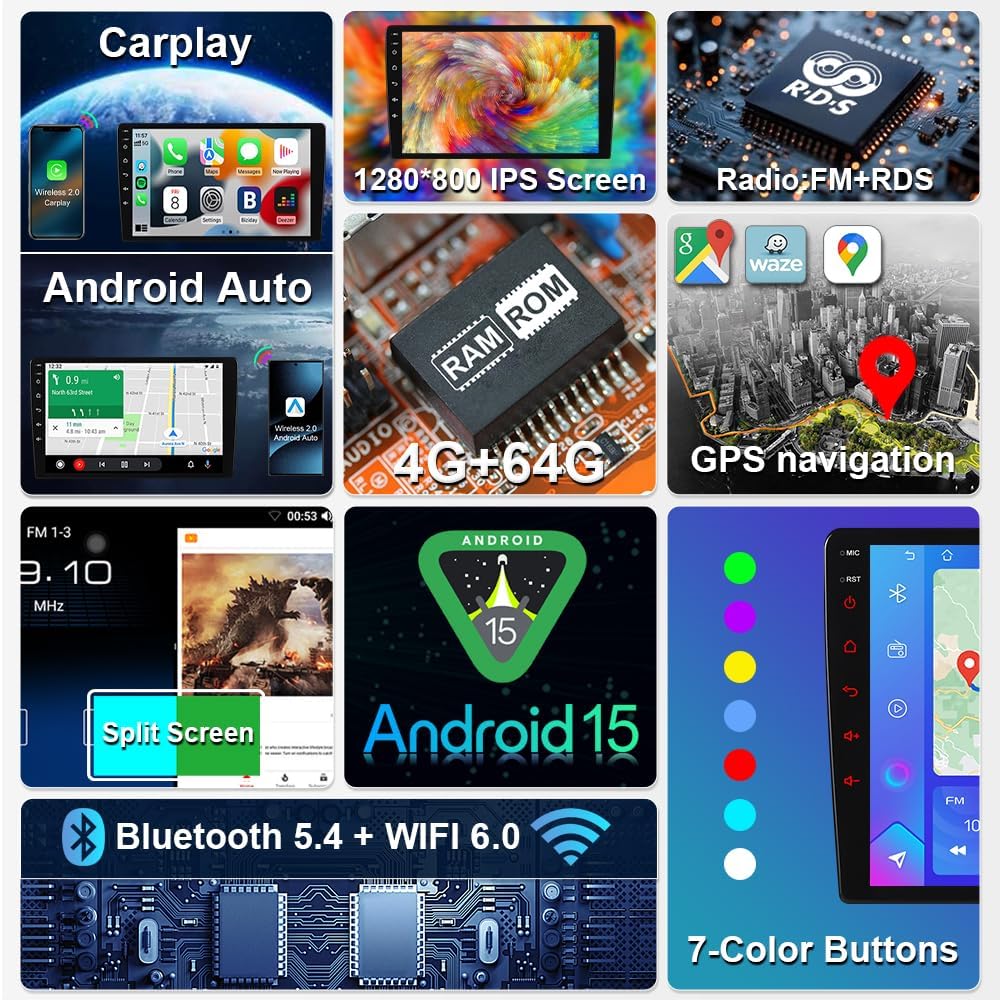
Wireless CarPlay and Android Auto are supported, plus Bluetooth 5.4. The wireless side isn’t just a gimmick either: the listing also calls out WiFi 6 for stable, high-bandwidth connectivity and low-latency GPS updates (so long as your phone/network scenario behaves as expected).
There’s also mention of voice control via Siri or Google Assistant, which is handy when you’re trying to keep eyes forward—particularly in stop-start city driving or when you’re in and out of the van.
One limitation to keep in mind: wireless integration quality can depend on your phone model and signal conditions. If you often park under heavy interference (or you dislike wireless links), you may find yourself wanting a more predictable wired setup.
Audio tuning, DSP, and radio basics
For sound, the key feature is the built-in Digital Sound Processor (DSP) with adjustable EQ tuning. That’s the feature you’ll use when the van’s acoustics don’t quite match what you’re used to—road noise and cabin reflections are real, especially with bigger vehicles. The idea is that you can tune the audio to your preferences rather than leaving it at whatever the factory defaults were.
It also supports FM/RDS radio, which can be genuinely useful when you want quick updates without relying on data.
Camera support and steering wheel controls (SWC)
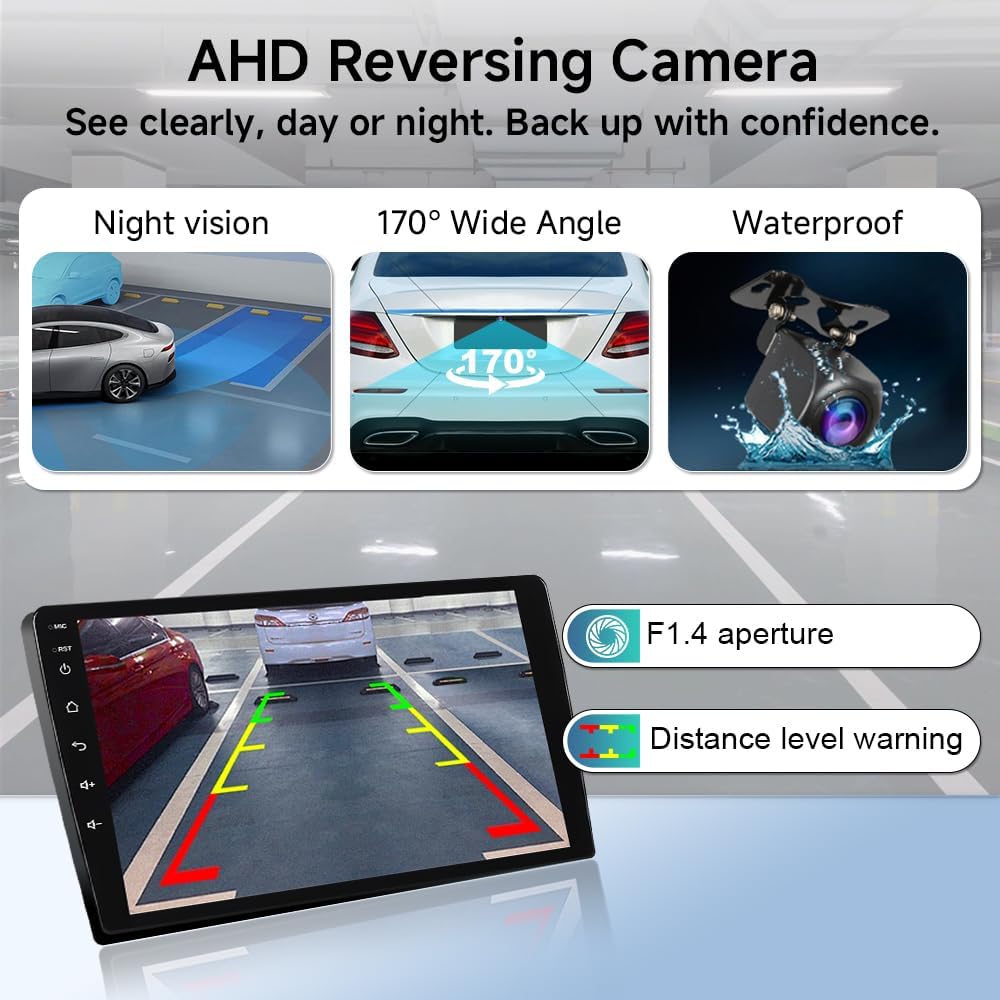
Two practical install-adjacent points are mentioned: camera compatibility and steering wheel control support. The listing frames it as smooth installation even for first-time installers, and says steering wheel controls are supported via a configuration path (including options like CarSetting → Factory Setting and CAN type setup).
Here’s the sensible way to think about it: if your van already uses SWC and you want the buttons to keep doing their job after the upgrade, this is a positive sign. If your vehicle’s current configuration doesn’t match those setting steps, you may need a bit of patience during setup—or potentially have a local installer double-check.
Tech summary for the decision
- Android 15 head unit with 4GB RAM + 64GB ROM for app and navigation use.
- 10.1" IPS display with a stated 1280×800 resolution and an anti-glare finish.
- Wireless CarPlay and Android Auto, plus Bluetooth 5.4 and WiFi 6.
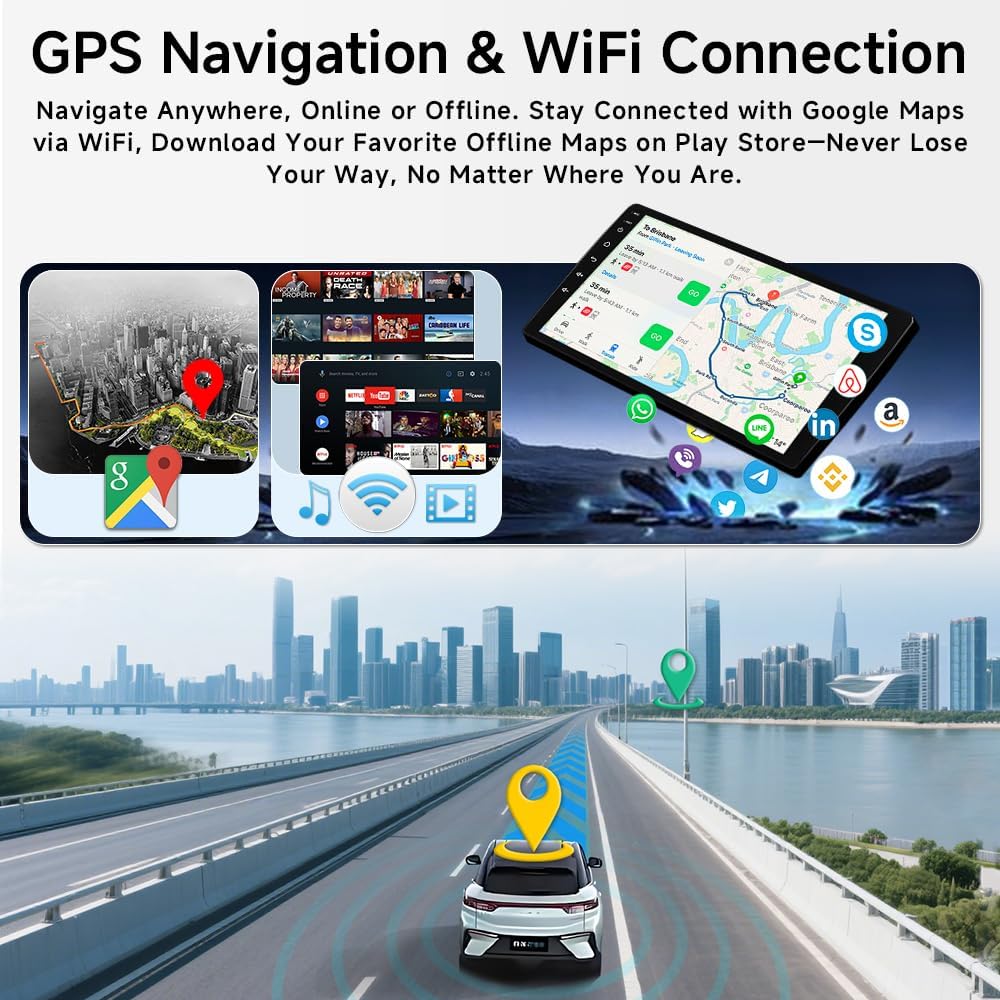
- Built-in GPS navigation and FM/RDS support.
- DSP audio processing with adjustable EQ.
- Listed as compatible with Mercedes Benz Sprinter MK2 NCV3 models from 2006–2018, including the W906 reference and the MK2 NCV3 range.
Even without going too deep into specs, the overall positioning feels like a mid-range feature pack: you get modern connectivity and a larger screen, but it’s not marketed as a premium audio system or a fully OEM-level replacement for every detail.
Who it suits best (and who should be cautious)
It makes sense if you’re trying to modernise a Sprinter MK2 setup: you want wireless phone mirroring, a larger sat nav screen, and you’d like the option to tune audio via DSP. It’s especially relevant if you’re the kind of driver who uses their head unit constantly—routes, calls, deliveries, and music throughout the day.
It may not suit you if you’re expecting a zero-effort, guaranteed match for every accessory scenario (for example, certain camera setups or steering wheel button programming). Also, if your priority is purely “better radio/sat nav” with minimal reliance on apps and phone connectivity, you might find simpler systems more predictable.
Is it worth it?
Worth considering if you’re upgrading a 2006–2018 Mercedes Sprinter MK2 (NCV3) and you want a plug-and-play style Android 15 experience: a 10.1-inch IPS screen for maps, wireless CarPlay/Android Auto for day-to-day use, and DSP-based audio tuning.
Better avoided if you don’t want wireless phone integration, or if your current setup’s SWC/camera behaviour isn’t straightforward—because steering wheel controls and camera compatibility can depend on vehicle configuration. In short: it’s a strong choice for drivers who actually use apps and navigation daily, but it may not be the best fit for anyone looking for a “set it once and forget it” upgrade with zero setup time.