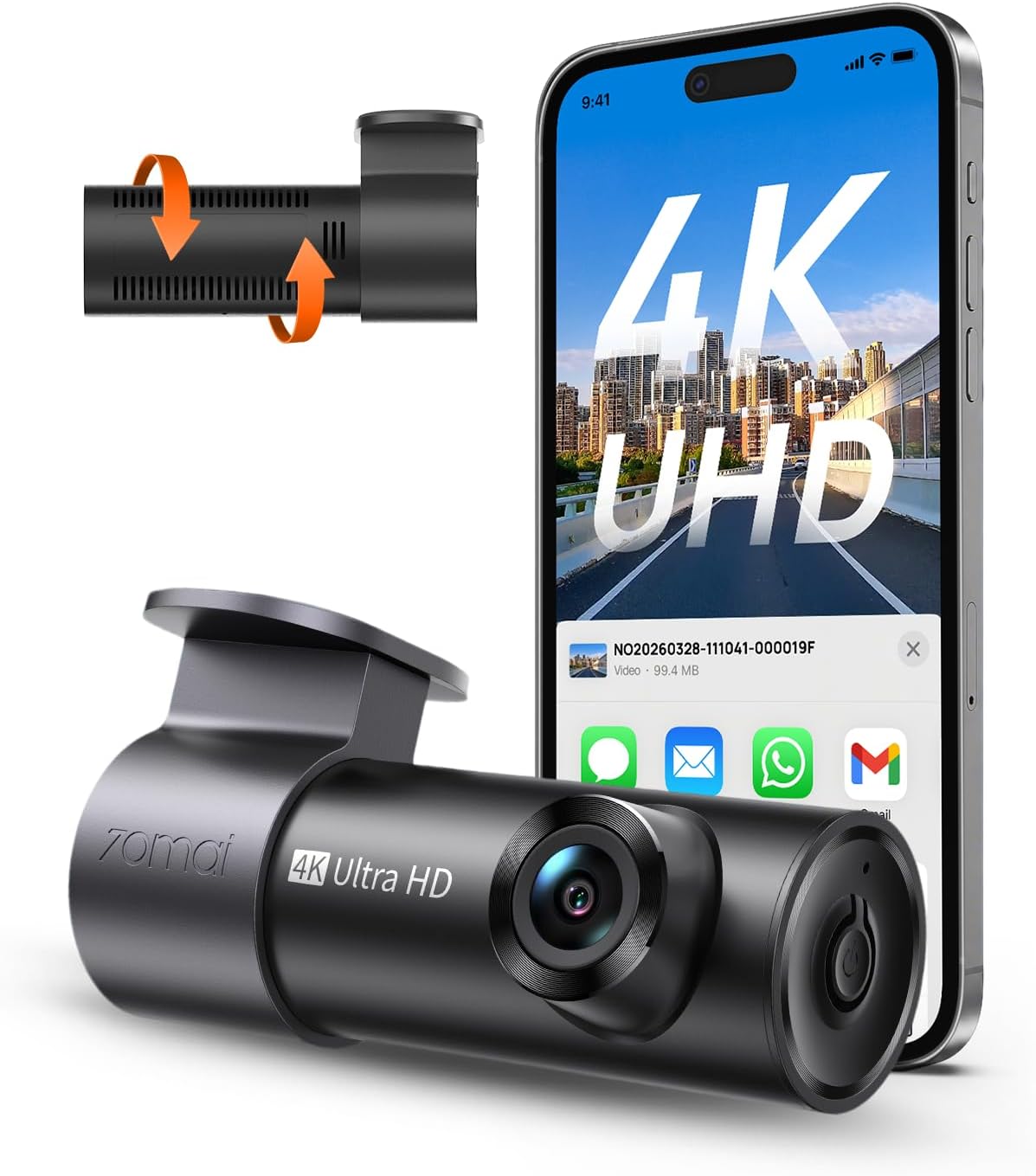
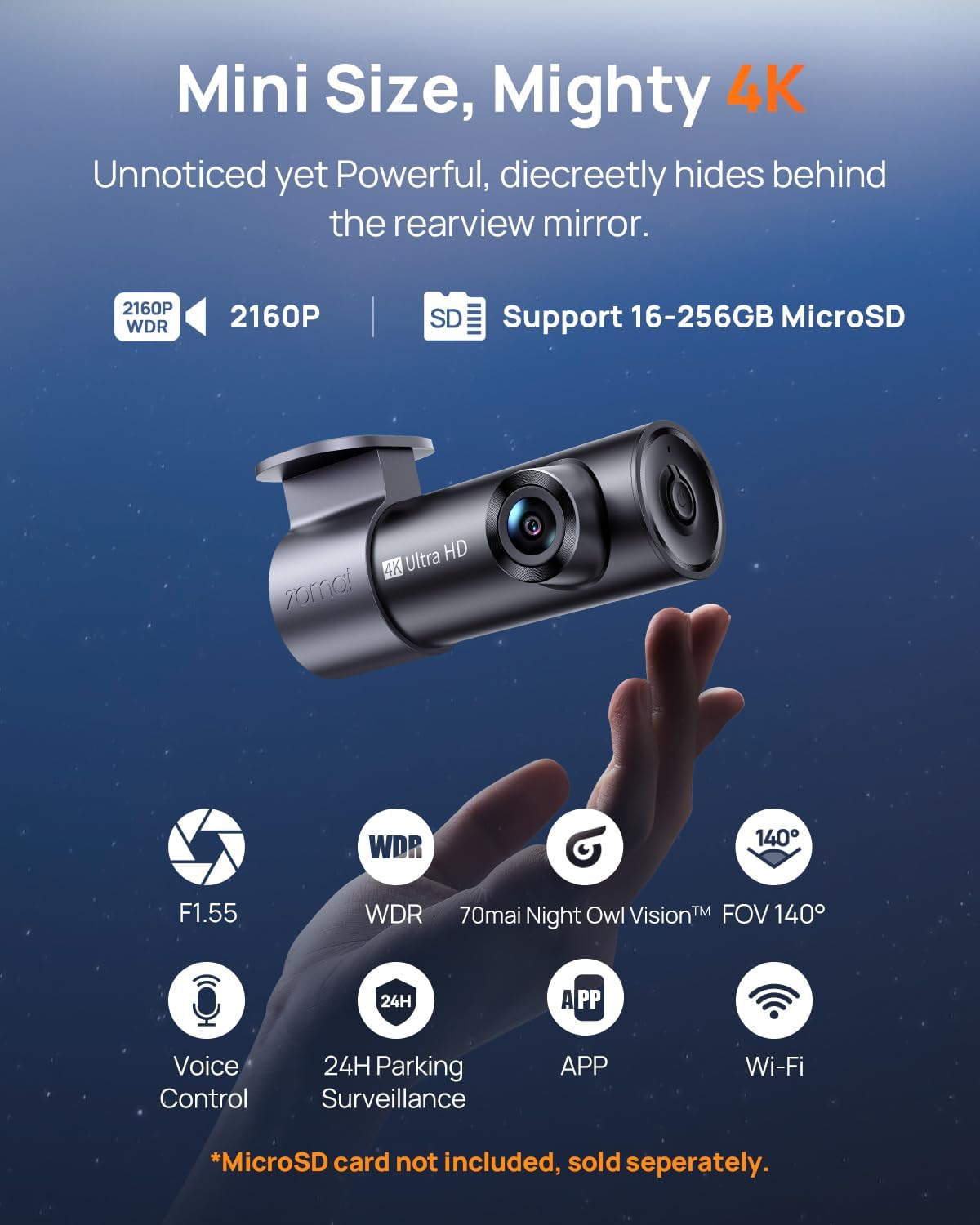
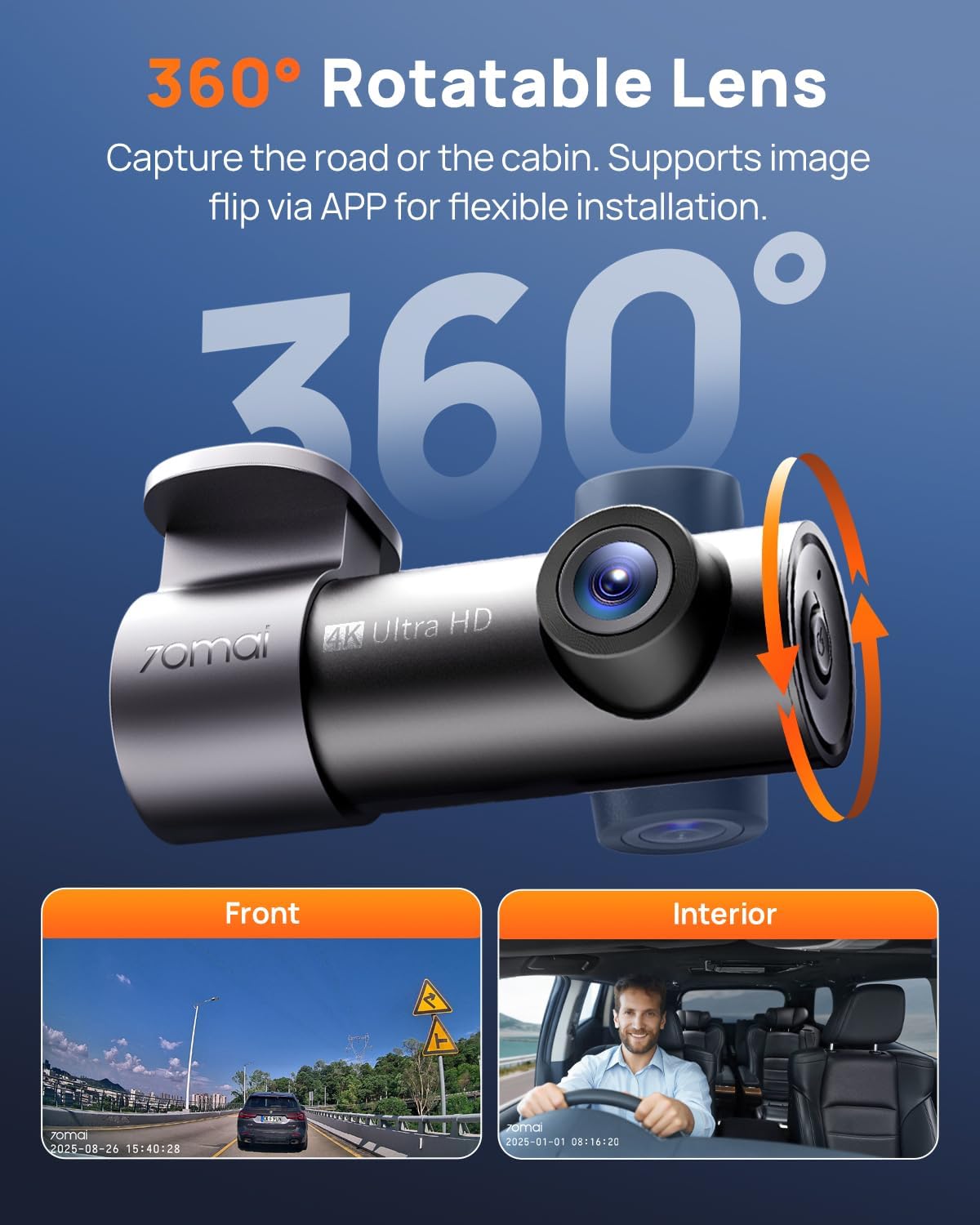
What this is and what problem it solves\nThe 70mai Dash Cam M310 Plus 4K is a compact, screen-free dash camera designed to sit discreetly in your vehicle while offering high-quality recordings. Its ultra‑compact body (92.6×43.1×46.5mm) and 360° manual rotation mean you can mount it on the front windscreen or rear window and still capture the area that matters. If you ever need to install it upside down, the app provides flip and mirror options, so you won’t have to worry about image direction. In short, this is a camera aimed at everyday drivers who want a straightforward, minimal‑noise way to document journeys and incidents without cluttering the cabin.\n\n## Core recording quality and field of view\nOn the street, the M310 Plus records in true 4K (3840×2160), which on paper promises greater detail than standard 1080p. The 140° wide‑angle lens is positioned to balance coverage with distortion, aiming to reduce blind spots while keeping details like number plates legible in many scenarios. If you prioritise clarity at speed or want a record that captures wider context, this camera is positioned to meet that need, without the excessive edge distortion you sometimes get with ultra‑wide designs.\n\n## Night vision and image quality\nThe camera uses a large F1.55 aperture and a six‑element lens stack to improve light intake and reduce distortion. Combined with WDR and a 3D noise reduction algorithm, it should help keep footage usable in tunnels or poorly lit streets. It’s not claiming miracle performance, but for urban night driving you’ll likely notice crisper footage than you would from a basic unit.\n\n## Emergency recording and what that means in practice\nA notable feature is the 210s emergency recording capability. The dash cam normally loops in short segments (1–3 minutes) but when a collision is detected, it can merge video from before the impact with the impact clip and up to 30 seconds after the event. This contiguous, longer clip can be valuable for liability and insurance claims because it provides more context than a single moment. It isn’t a guarantee of evidence in every scenario, but it’s a sensible improvement over standard loop recording.\n\n## Parking monitoring and time‑lapse mode\nFor parked cars, the unit offers 24‑hour monitoring and time‑lapse recording. Time‑lapse compresses footage to save storage and power, recording at 1 frame per second and turning 30 minutes of footage into about 1 minute. If a collision is detected in parking mode, the camera wakes and records a 30‑second emergency video. Note that you’ll need a separately sold hardwire kit to enable these parking features, which is a common requirement for continuous power in many dash cams.\n\n## What you get and what it requires\nThe device supports microSD cards up to 256GB, enabling sizeable local storage for 4K footage. It relies on a companion app for control, including video flip/mirror settings and general management. However, to enable full parking monitoring and time‑lapse features, a dedicated hardwire kit is required. If you prefer simple plug‑and‑play setups, keep this in mind as it affects how you’ll use it in a parked state.\n\n## Practical use and who it’s for\nIf you drive in varying light conditions, want reasonably sharp daytime footage, and value a compact, unobtrusive form factor, the M310 Plus is worth considering. It’s likely to suit motorists who want a step up from entry‑level cameras in terms of resolution and night performance, but don’t necessarily need the most feature‑rich or expensive option. It may not be the best fit for someone who wants a screen to review footage on the device itself or who requires fully plug‑and‑play parking surveillance without sourcing extra accessories.\n\n## Things to check before buying\n- Confirm your vehicle mounting space and whether you’ll rely on the 360° rotation to capture interior or exterior views.\n- Plan for storage: 4K footage consumes space, so factor in the size of your microSD card and whether you’ll use time‑lapse to conserve it.\n- If you want parked‑state automation in continuous fashion, ensure you can source the necessary hardwire kit and install it safely.\n- Check whether the app supports the exact orientation and mirroring you prefer, especially if you mount the camera in an unconventional spot.\n\n## The alternatives you’re weighing\nThis camera sits between basic 1080p units and higher‑end 4K models with more complex parking surveillance. If you mainly drive in daylight and don’t need 4K for every clip, a lower‑resolution option might be easier on storage. If you want top‑tier night performance and standalone parking sensing, a more expensive model with built‑in power management and more robust parking modes could be more aligned with your needs.\n\n## Should you buy it? Is it worth it?\nThe M310 Plus offers a compelling combination of compact size, true 4K capture, and a thoughtful approach to emergency recording. It’s a sensible pick if you value video quality and practical parking features, but you should be aware that full parking functionality relies on an additional hardwire kit. If your priority is plug‑and‑play simplicity, you may prefer a model with included parking power, or you might view the hardwire setup as a manageable DIY task. You’ll like it if you want clear daytime detail and solid night performance without a bulky camera attached to your windscreen. It may not be the best option if you expect continuous 24/7 surveillance straight out of the box without extra wiring.\n\n## Quick FAQ\n- Does it require a screen? No, it’s screen‑free and app‑controlled.\n- What resolution does it record at? 4K (3840×2160).\n- Is parking mode ready to go? It supports parking monitoring with a separate hardwire kit.\n- How much storage can I use? Up to 256GB microSD.\n- Can it be installed upside down? Yes, with app‑level flip/mirror settings.