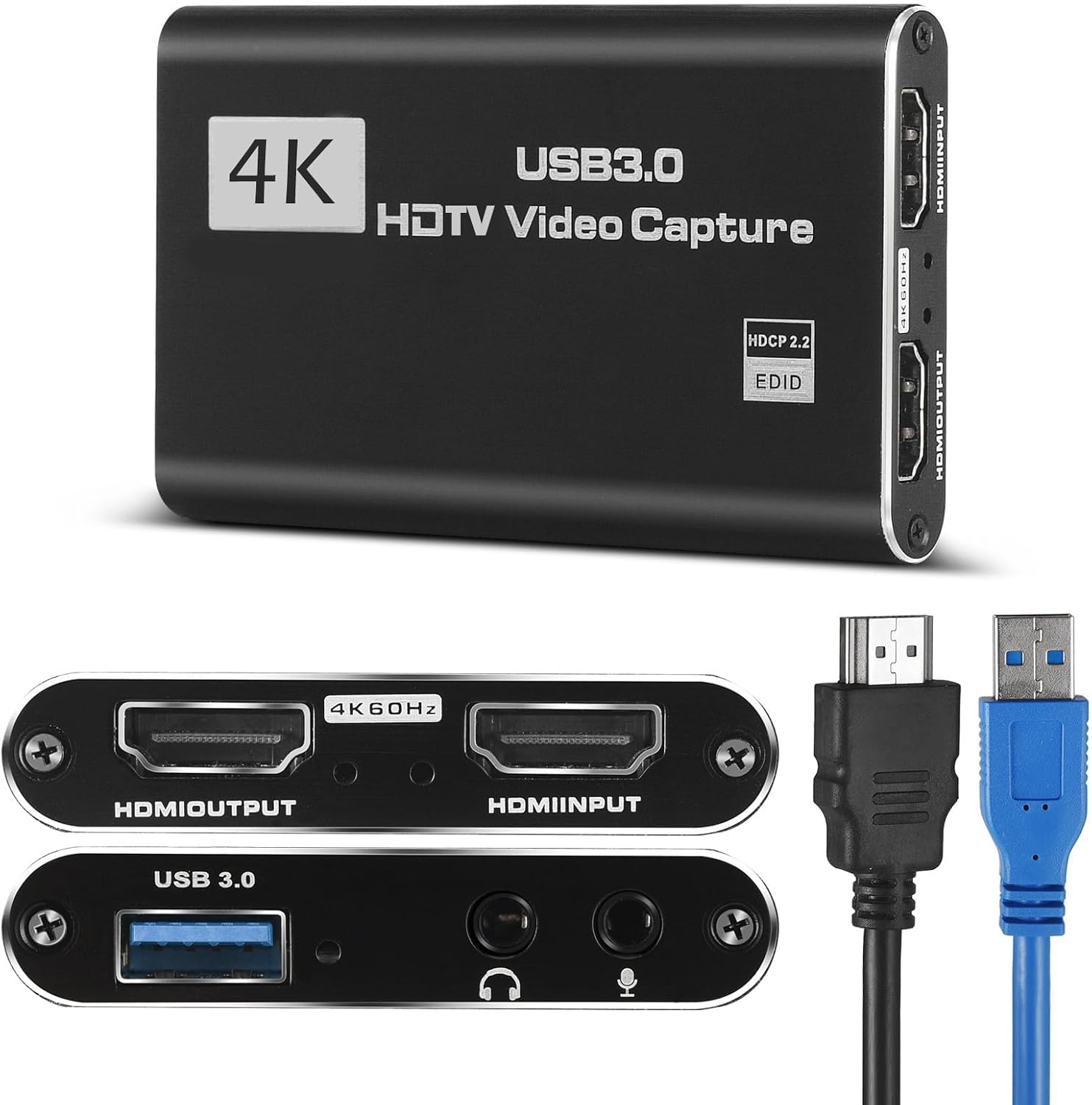
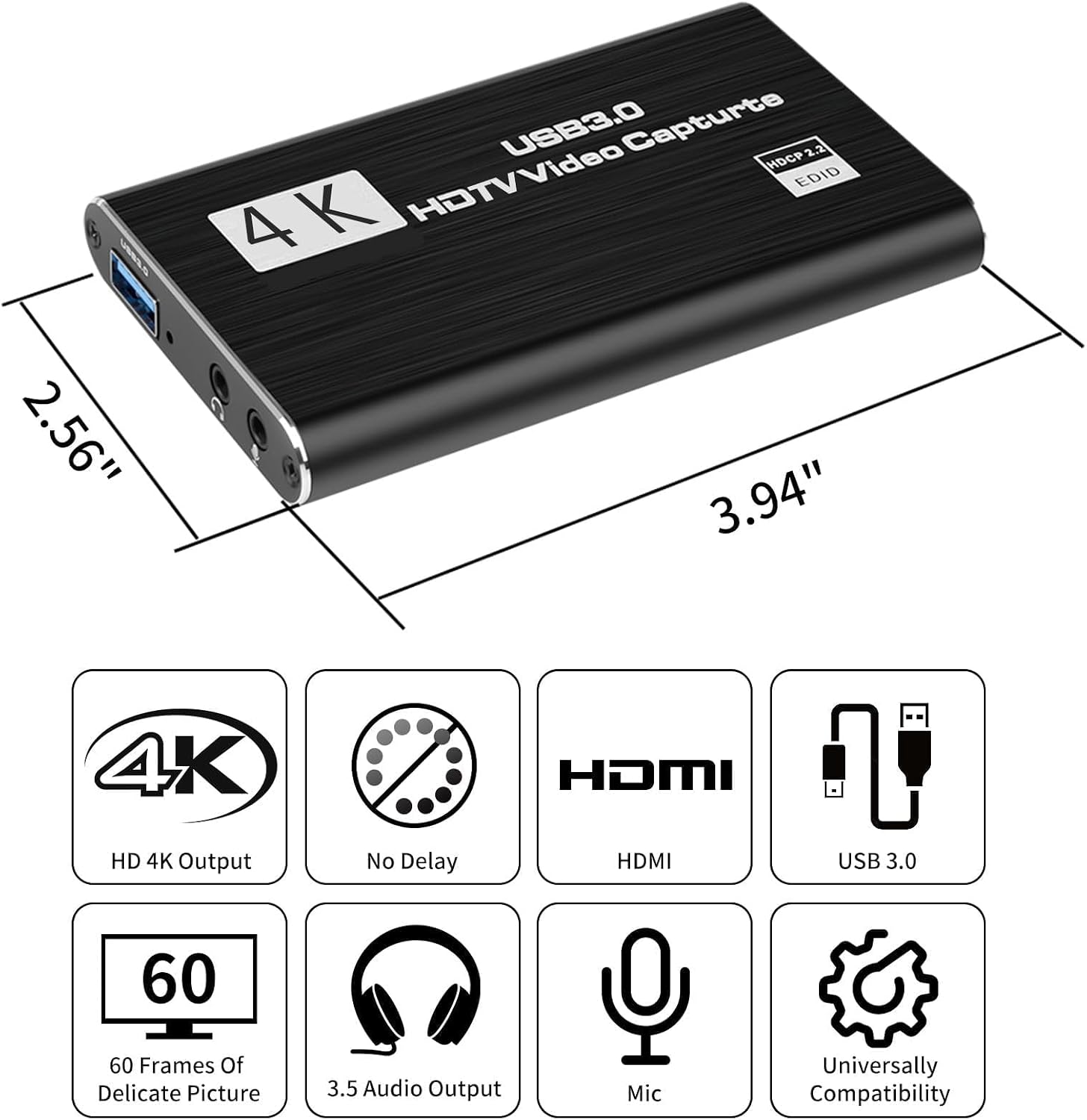
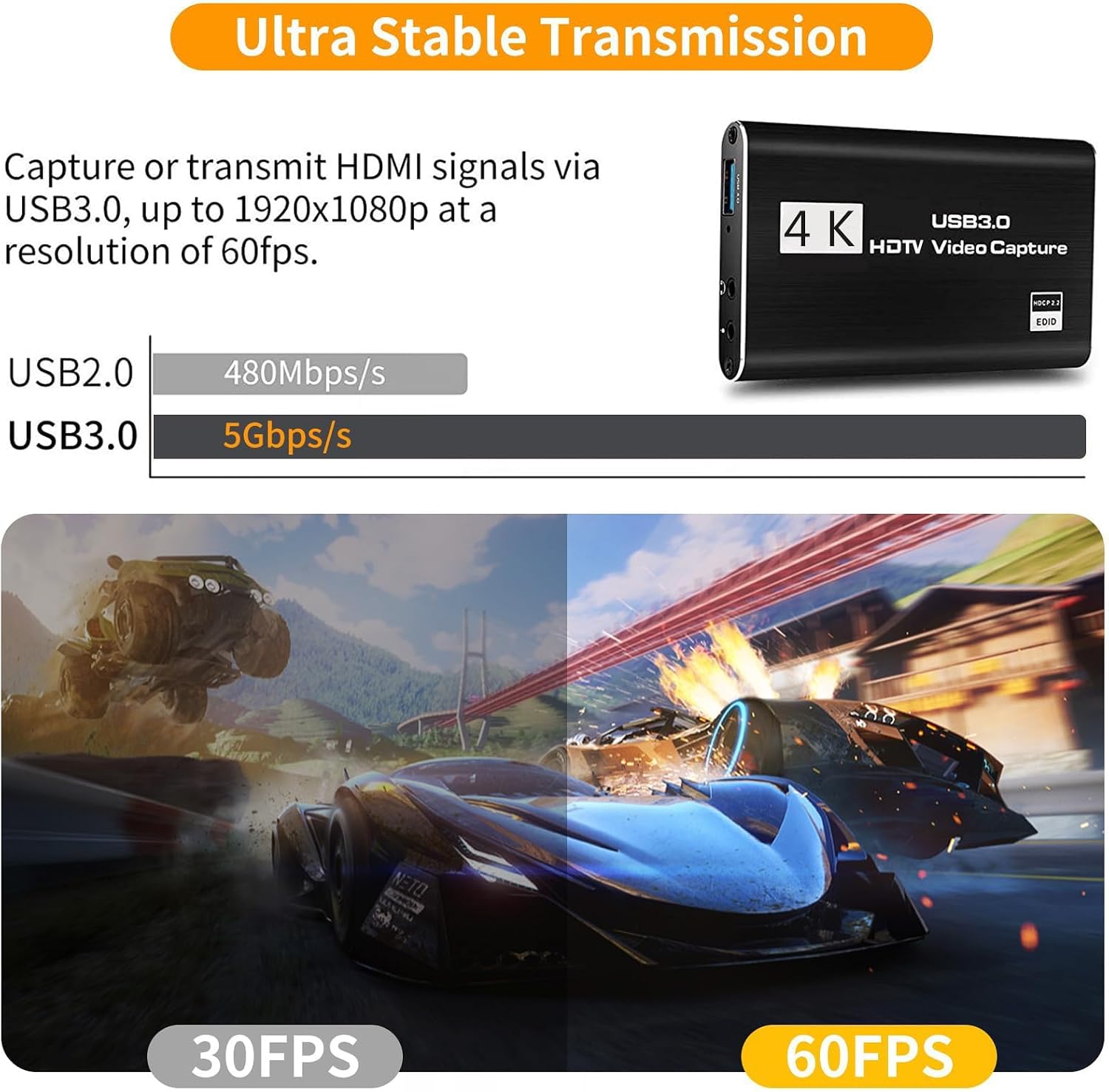
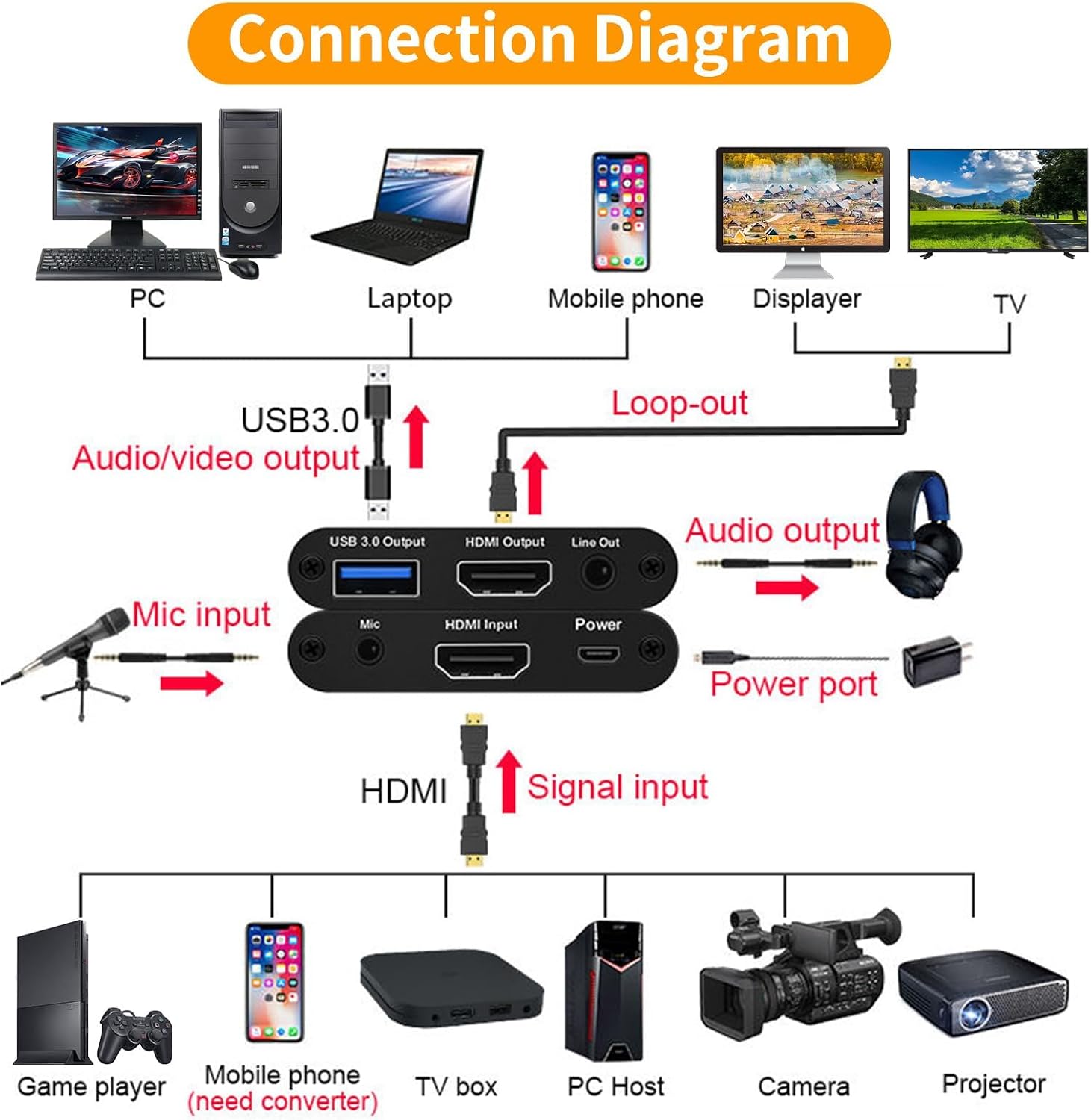
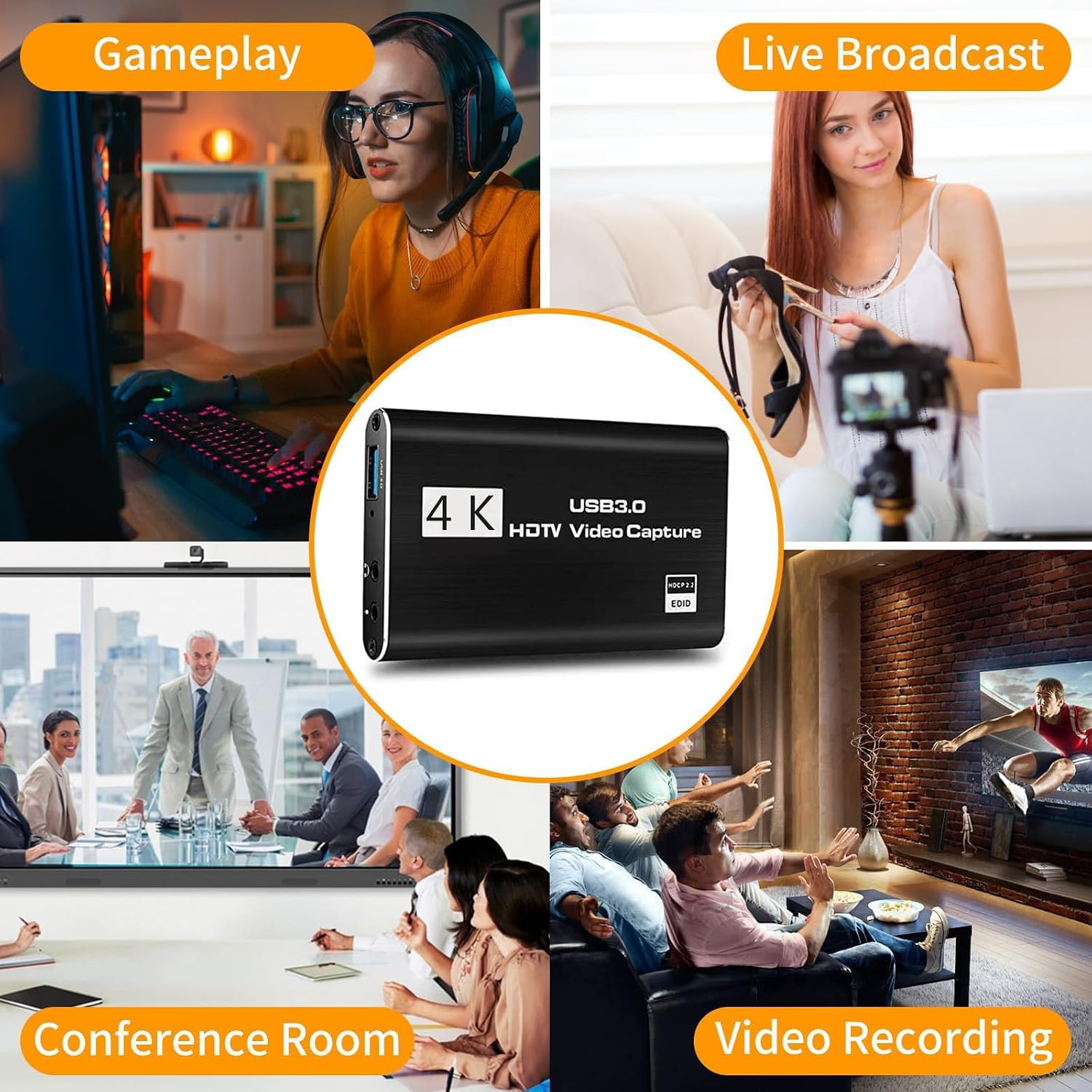
What it is and what it solves\nThis is a compact 4K HDMI video capture device designed to turn your gaming, video calls, or livestreams into an easily shareable feed. It supports up to 4K@60fps HDMI input with a 1080p@60fps USB 3.0 output, and it includes a 3.5mm microphone input and output for simple voice capture. On paper, it’s meant to be plug-and-play, with automatic detection as a webcam and no separate power supply required. For many users, this means fewer setup hurdles when you want to stream from a console, camera, or PC to platforms like OBS or Twitch.\n\n## Design and build quality\nThe card is housed in a stylish aluminium alloy shell, which helps with heat dissipation and gives a compact, durable profile. The emphasis on a solid chassis suggests it’s built for regular use, whether you’re gaming, recording, or delivering video in a conference setting. However, it’s worth noting that the device’s performance will still depend on your computer, capture software, and connection stability.\n\n## How it works in practice\nIf you prioritise a straightforward setup, this device aims to be instant to recognise as a webcam—no drivers required. In real-world use, you’ll connect HDMI sources such as a Nintendo Switch, PS4, or a camera, then link USB to your computer. The capture path supports 4K input while streaming or recording at 1080p60, with the HDMI loop-out able to carry 4K at 30fps for your monitor or external display. Practically, this means you can capture crisp gameplay moments and commentary simultaneously.\n\n## Audio and voice options\nAudio input and output are provided via a 3.5mm jack, allowing you to use headphones for monitoring or attach a microphone for live commentary. If you want to add external narration while gaming, this can be a convenient, low-friction route. It’s not a built-in USB microphone, so you’ll want to account for how you capture voice in your streaming setup.\n\n## Compatibility and ecosystem\nThe card is described as broadly compatible with Windows, macOS, and Linux, and is positioned as a flexible option for a range of devices—PS4, Nintendo Switch, cameras, webcams, and DSLRs. In practice, users often find this kind of device works well with OBS and similar software, but you may need to tweak input/output settings to balance CPU load and frame stability. If you already have a specific streaming workflow, check that the capture card slots neatly into it without introducing latency or dropped frames.\n\n## What stands out and where it may fall short\nOn the plus side, the combination of 4K input, 1080p60 output, and plug-and-play convenience makes it appealing for those who want a simple upgrade from basic capture options. The aluminium shell and a compact footprint add to its perceived durability. On the downside, the actual performance hinges on your host machine and software stack. Users chasing extremely high-end colour fidelity or ultra-low latency may need to evaluate alternative solutions with dedicated drivers or more robust hardware acceleration.\n\n## Who it’s for\nIf you’re starting out with live streaming or want an affordable, no-fuss capture card for console gameplay, this device aligns with that need. It also suits small home studios, classroom setups, or casual content creators who value ease of use over top-tier pro-grade features. It may be less ideal for professional editors or streamers who demand the absolute lowest latency or advanced audio routing.\n\n## When it makes sense to buy\nChoose this capture card if you want a straightforward upgrade to capture 1080p60 gameplay or screen capture with loose integration into OBS, without chasing expensive gear. It’s a sensible option when your priority is a compact form factor, a simple USB-C or USB-A connection, and compatibility with multiple systems.\n\n## What to check before you buy\n- Ensure your PC or Mac supports USB 3.0 for the claimed 1080p60 streaming.\n- Confirm your streaming software recognises the device as a webcam and supports HDMI source input.\n- Consider your audio needs: the 3.5mm port is handy for external mics and monitoring, but plan how you’ll manage onboard or system audio in your mix.\n- If you plan to push 4K input, verify whether your capture workflow requires 4K passthrough at 30fps or if you’re content with 1080p60 recording.\n\n## Practical use case in real life\nImagine firing up a Switch, capturing a heated moment in a platformer, and streaming with live narration. You’ll route the HDMI signal to the card, connect the USB lead to your PC, and use your preferred software to mix video and commentary. With the 3.5mm mic input, you can keep your headset or a dedicated mic into the same mix, avoiding extra adapters. It’s not the most feature-rich setup in the world, but for a quick, dependable stream it delivers.\n\n## FAQ (quick references)\n- Does it require drivers? No driver or external power supply is required, it should be recognised automatically in most software.\n- What resolutions are supported? HDMI input up to 4K@60fps, output via USB 3.0 up to 1080p60 with a 4K@30fps loop-out.\n- Can I use it for video calls? Yes, if your conferencing software accepts a webcam input from the device.\n\n## Is it worth it?\nIf you’re after a compact, plug-and-play capture card that delivers 1080p60 with a 4K input option and basic audio capabilities, it’s worth considering. It may fall short for users needing ultra-low latency or advanced audio routing, in which case you might look for devices with more mature software support or dedicated drivers.