

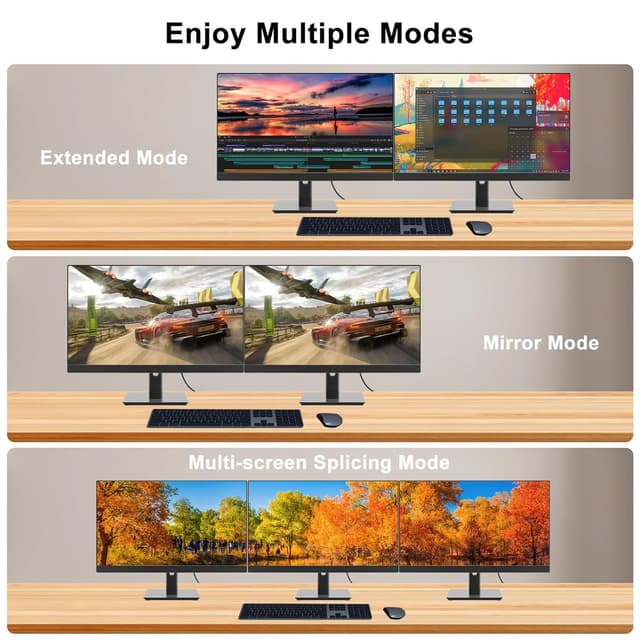
4K DisplayPort to HDMI Cable 2m (DP to HDMI, 4K@30Hz) – Uni-directional, gold-plated plugs
Product description
The essentials
A DisplayPort to HDMI cable is one of those simple fixes that can save a lot of faff—when your setup supports it. This 2m DP to HDMI cable is designed to send video and audio from a DisplayPort source to an HDMI display, using a unidirectional connection (DP → HDMI only). If you’re trying to hook up a laptop, desktop, or graphics card output to a monitor, TV or projector, this is the kind of cable that can do the job without extra boxes or drivers.
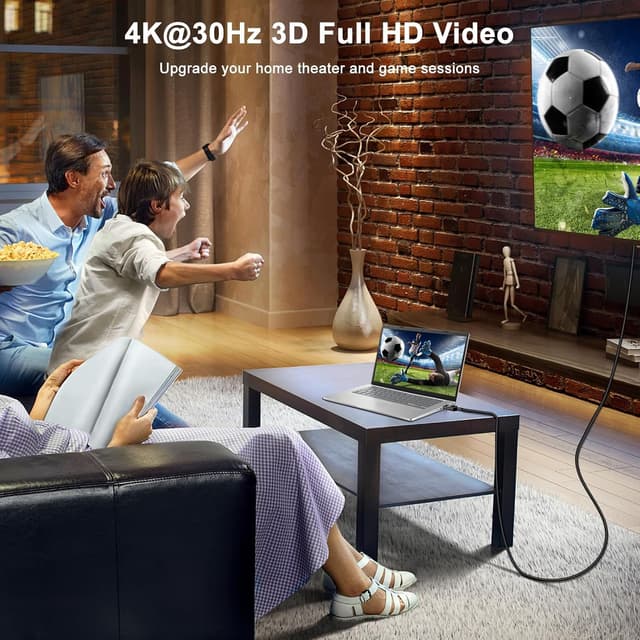
On paper, the headline is resolution support: up to 4K@30Hz and 2K@60Hz, with 1080p Full HD covered for everyday use. It also claims uncompressed digital audio up to 7.1 channels, plus triple-layer shielding intended to help keep audio and video in step.
Still, there’s a key limitation you should not gloss over: it’s not bi-directional. So if you were hoping to use it the other way around (HDMI source into a DisplayPort screen), this won’t suit that plan.

What to expect from it in real setups
Think of this cable as a practical bridge between a DisplayPort output and an HDMI input. A common scenario: you’ve got a work laptop or a small PC with DisplayPort, and you want a bigger monitor or a projector for presentations. With a plug-and-play design, the idea is that you can connect and get going quickly—just plug it in. No external power, and no driver hunting.
For day-to-day use like browsing, spreadsheets, office calls, streaming, and casual gaming, the combination of 1080p support and the stated 4K@30Hz ceiling is often enough. Where things can feel a bit more constrained is for high-refresh-rate PC gaming at 4K, because the cable’s stated top-end for 4K is 30Hz. If you’re chasing very smooth motion at the highest resolution, you may find you need to lower resolution or accept a lower refresh rate.
There’s also an audio angle: if your HDMI display supports audio output and you route sound through it, the cable’s uncompressed digital audio claim (up to 7.1 channels) is worth considering. Shielding is mentioned to help reduce disruptions that can show up as glitches, artefacts or delays.

Key points
The cable supports DisplayPort (1.2) to HDMI (1.4) for resolutions up to 4K@30Hz and 2K@60Hz. It’s unidirectional, meaning it’s made for DP source devices into HDMI displays, not the reverse. It’s designed for plug-and-play use with gold-plated connectors and a durable build (PVC cord, aluminium shell). On the audio side, it’s intended to pass digital audio up to 7.1 channels while keeping audio/video synchronised.
Worth noting: marketing claims are never the whole story, so real performance also depends on your source device, display, and how demanding the signal is for your specific use.
Where it stands out (and where it may fall short)
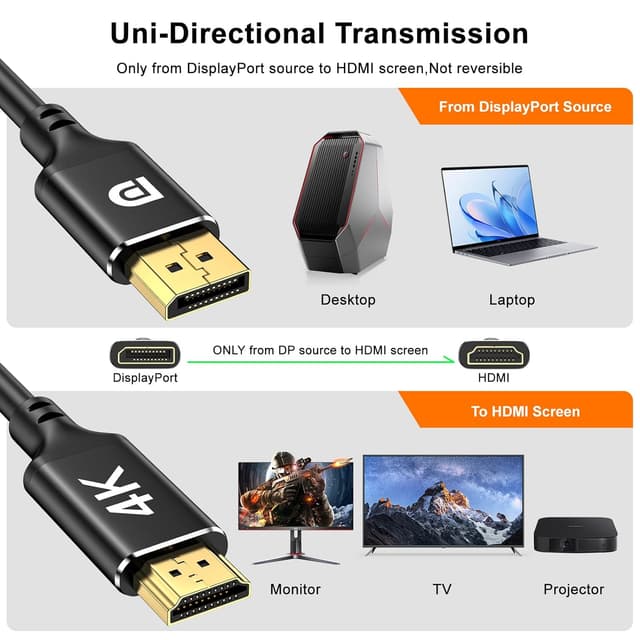
This cable’s strongest selling point is clarity of purpose. It’s built specifically as a DP → HDMI cable, so if your hardware matches that direction, you’re likely to get an uncomplicated connection experience.
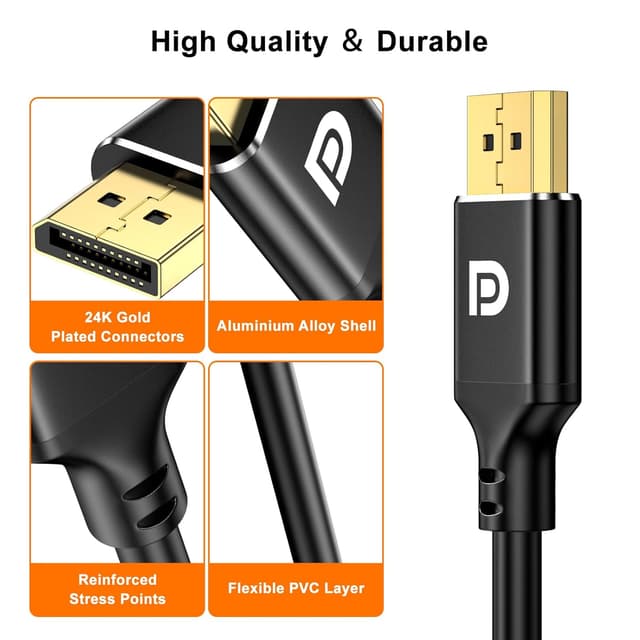
The build details are also the kind that matter when cables get moved around: gold-plated plugs, aluminium shell, and PVC outer covering. It’s also described as using tinned copper and triple-layer shielding, which is aimed at stable audio/video signals—particularly useful in busy home offices, gaming setups, or projection situations where cables are regularly plugged in and out.
That said, it may not be the best choice if your goal relies on bi-directional switching or if you’re trying to connect an HDMI-only source (like some consoles or HDMI-first devices) into something expecting DisplayPort input. The entry is explicit: don’t expect HDMI-to-DP support, and it’s not for HDMI source devices.
Tech specs
- Name: 4K DisplayPort to HDMI Cable 2m
- Type: DisplayPort (DP) to HDMI (HDMI) cable
- Format: Unidirectional (DP to HDMI only)
- Capacity: Supports resolutions up to 4K@30Hz and 2K@60Hz, 1080p Full HD
- Display: For use with HDMI TVs, monitors and projectors
- Material: PVC cord, tinned copper (internal), triple-layer shielding, aluminium shell
- Colour: Not stated
Compatibility & requirements
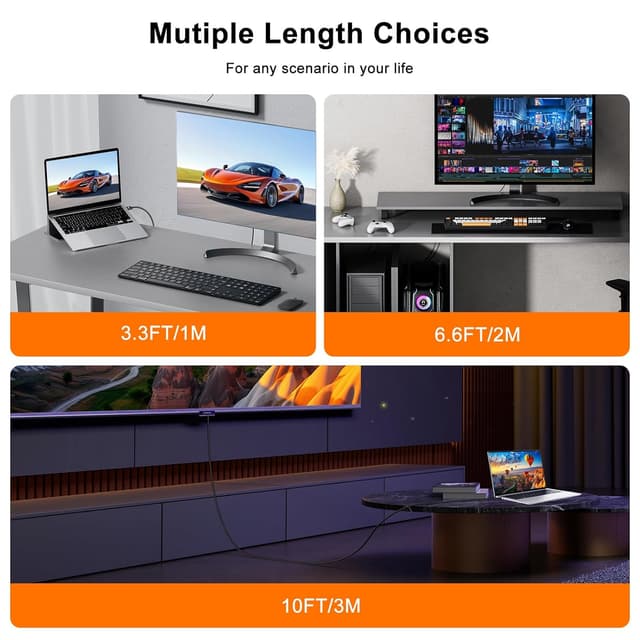
This is a DP to HDMI cable, so it’s meant for DisplayPort sources feeding HDMI displays. The description points to compatibility with laptops and desktop towers with DisplayPort, as well as graphics cards from AMD and NVIDIA, and endpoints like Dell, NVIDIA, AMD, Lenovo monitors, TVs and projectors.
You should double-check two things before ordering: the direction of your ports (DP out into HDMI in) and whether your source is actually DisplayPort. If your source only has HDMI output, this cable is explicitly not intended to convert HDMI to DisplayPort.
Mini FAQ
Is this cable bi-directional?
No. It’s unidirectional, designed for DisplayPort to HDMI only (DP source → HDMI display).
What resolutions does it support?
It’s stated to support up to 4K@30Hz and 2K@60Hz, with 1080p Full HD also covered.
Will audio come through to the HDMI display?
The cable claims audio pass-through with uncompressed digital audio up to 7.1 channels, aimed at keeping audio and video in sync.
Is it truly plug-and-play?
The description says it’s plug-and-play with no drivers or external power needed, assuming your devices support the DP-to-HDMI connection direction.
Should you buy it?
Buying verdict
It’s a sensible buy if your source device has DisplayPort output and you want a straightforward DP to HDMI link to a monitor, TV or projector, especially for everyday work, streaming, presentations, or general gaming at resolutions up to 4K@30Hz.
You may want to skip it if you need HDMI-to-DisplayPort conversion, bi-directional switching, or very high refresh performance at 4K—this cable’s stated 4K refresh limit is 30Hz, so it could feel limiting depending on what you’re aiming for.
If you’ve got the right port pairing (DP out, HDMI in) and you value a durable, shielded cable with plug-and-play setup, this one ticks the practical boxes. Just make sure the direction and your target resolution/refresh are realistic for your setup before you commit.