

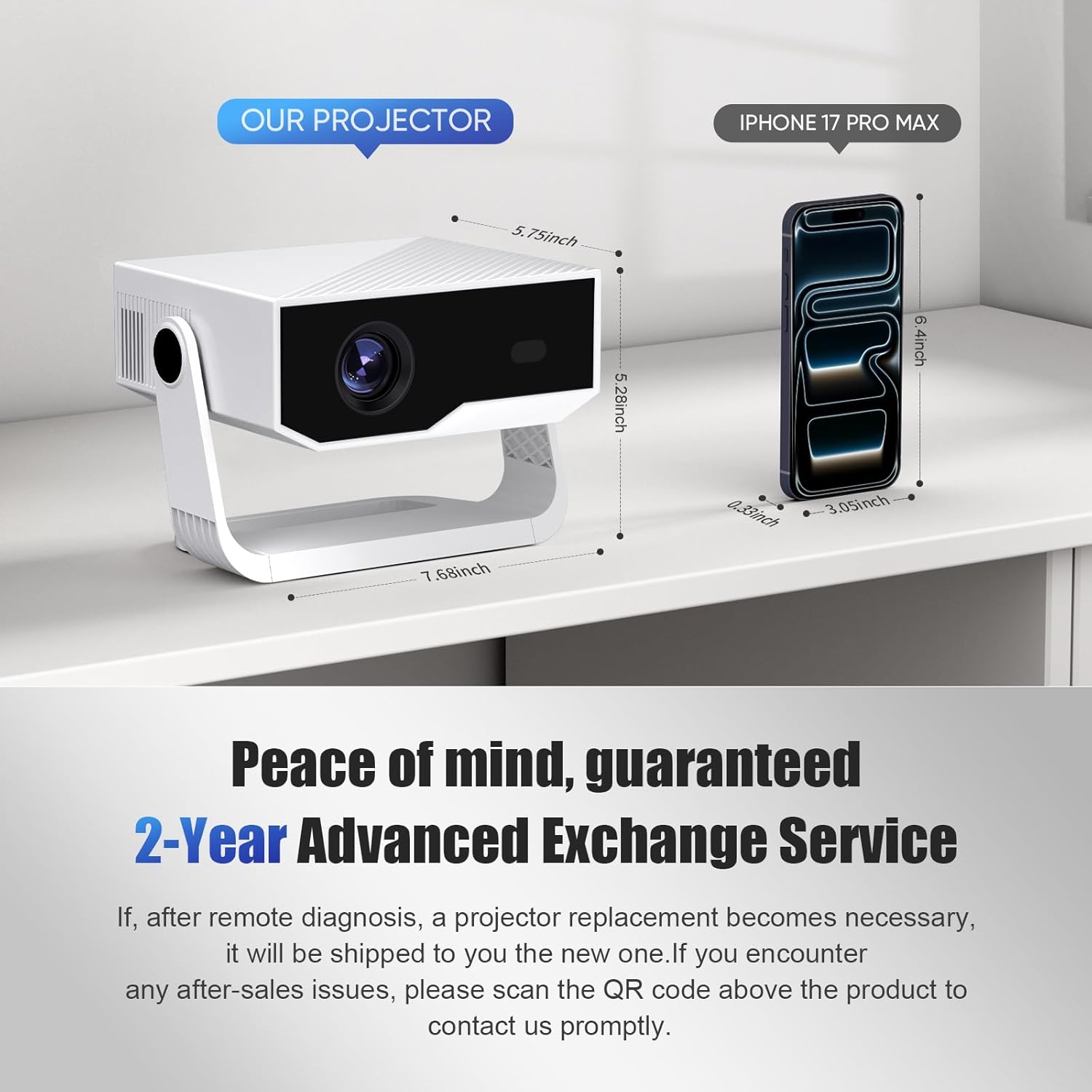
2026 Smart Projector Android 14 Mini Projector with WiFi 6, Bluetooth 5.2 and Built-in Apps
Product description
The essentials
This 2026 smart mini projector is built around one big idea: you shouldn’t need a separate TV box just to stream. With Android 14 built in, you can download apps directly onto the projector, then connect to WiFi 6 for streaming—so fewer cables and fewer dongles to juggle. On paper, it’s aimed at people who want an easy bedroom or home-cinema setup that can move between rooms quickly.
It also leans into convenience. Auto keystone correction is designed to keep the image looking properly rectangular even if you shift the projector angle. There’s also electronic focus (again, to reduce manual fiddling) which is handy when you’re setting it up on a side table or shelf and don’t want a long trial-and-error session.
Key features that affect day-to-day use
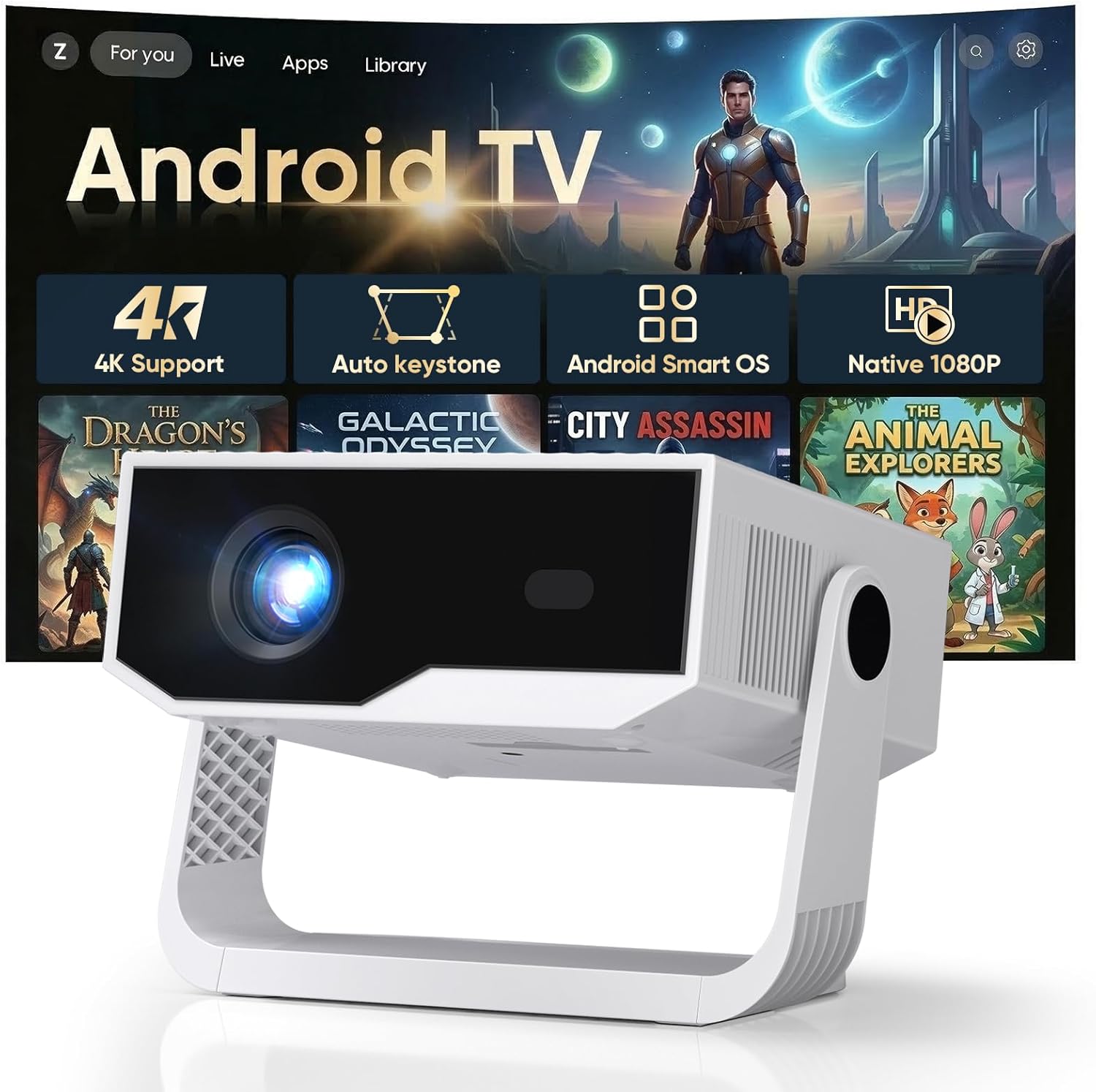
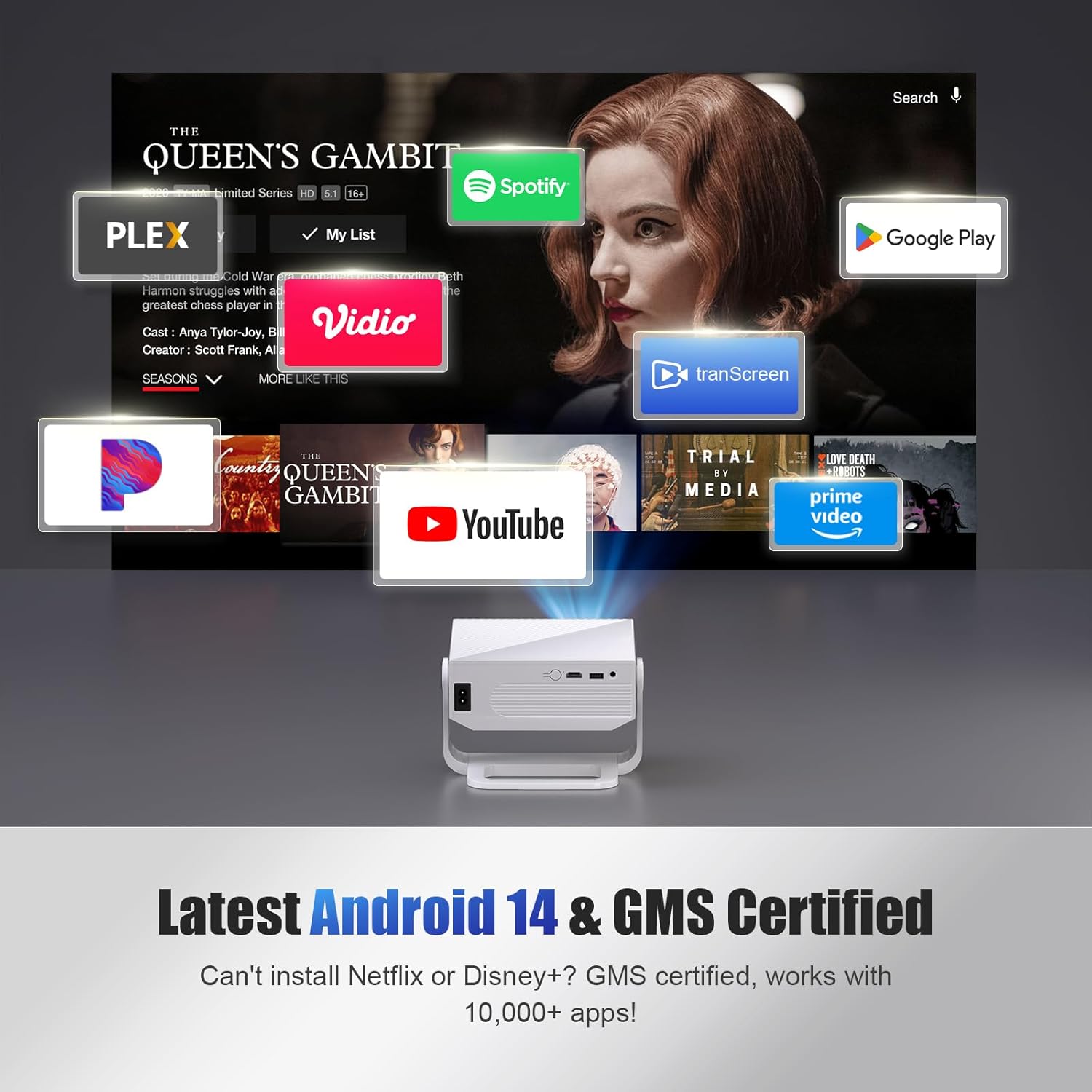
Android 14 with built-in apps is the standout practical feature. If you’ve ever spent more time sorting inputs than actually watching, this approach can feel refreshing: the projector is the platform, not a monitor that depends on external devices.
For wireless audio and connectivity, it includes Bluetooth 5.2—useful if you want to pair a soundbar or external speaker rather than rely on whatever the built-in audio can do. WiFi 6 is there to support smoother streaming and mirroring, which matters most when you’re watching continuously rather than testing once or twice.
There’s also a 270° rotatable stand. That’s a small spec on paper, but it can be surprisingly relevant in real life—if you want to lie back in bed and still get a decent projection, being able to reposition the projector without it feeling awkward is genuinely helpful.
One more thing to note: the “4K supported” headline is paired with “native 1080p” in the description. It’s not uncommon for products in this category to use upscaling or support modes, but it’s worth understanding so your expectations match what the device is actually meant to deliver.
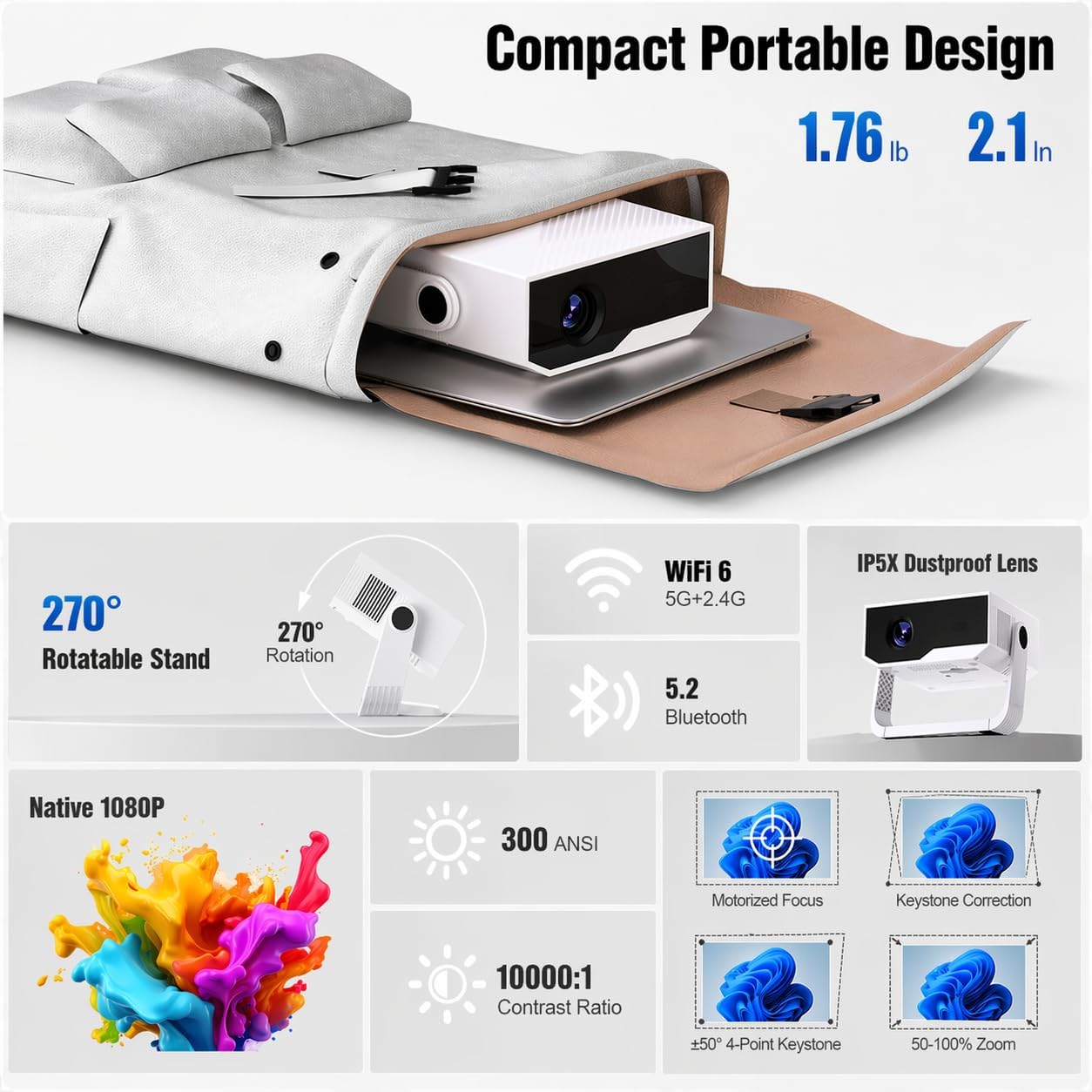
Image performance: what to expect (and what to double-check)
The listing positions this projector around a high-brightness figure and a cinema-style viewing experience, mentioning 4K & 1080p native support alongside very high lumens. The trouble is that, without more context about measurement method, actual room conditions matter a lot. A bright projector can still look mediocre if the room is very bright, and it may not replace a proper cinema setup for serious home-theatre fans.
Still, for casual movie nights, sports clips, and weekend gaming in a bedroom or living room, the combination of auto-correction and electronic focus is the part you’ll notice most. It reduces the “why does it look wonky?” moment—especially when you’re moving it from one location to another.
Where it shines vs where it can fall short
It’s not a bad fit if you want a portable projector that’s quick to set up, has built-in streaming capability, and supports wireless audio. If you’re swapping between bedroom and living room often, the auto keystone correction and focus help keep setups consistent.
It may not be the best choice if you’re expecting top-tier, no-compromise picture quality in bright rooms or you’re the sort of buyer who obsesses over calibration and performance metrics. On paper it promises a lot, but in this size/price class, the real-world viewing will still depend heavily on screen distance, throw setup, and ambient light.
Also, the product description references compatibility via screen mirroring using a phone app and QR-code connection. That can be convenient, but it does mean you’re relying on the mirroring workflow and the app experience—not just a simple one-touch ecosystem.
Practical setup ideas (how you’ll actually use it)
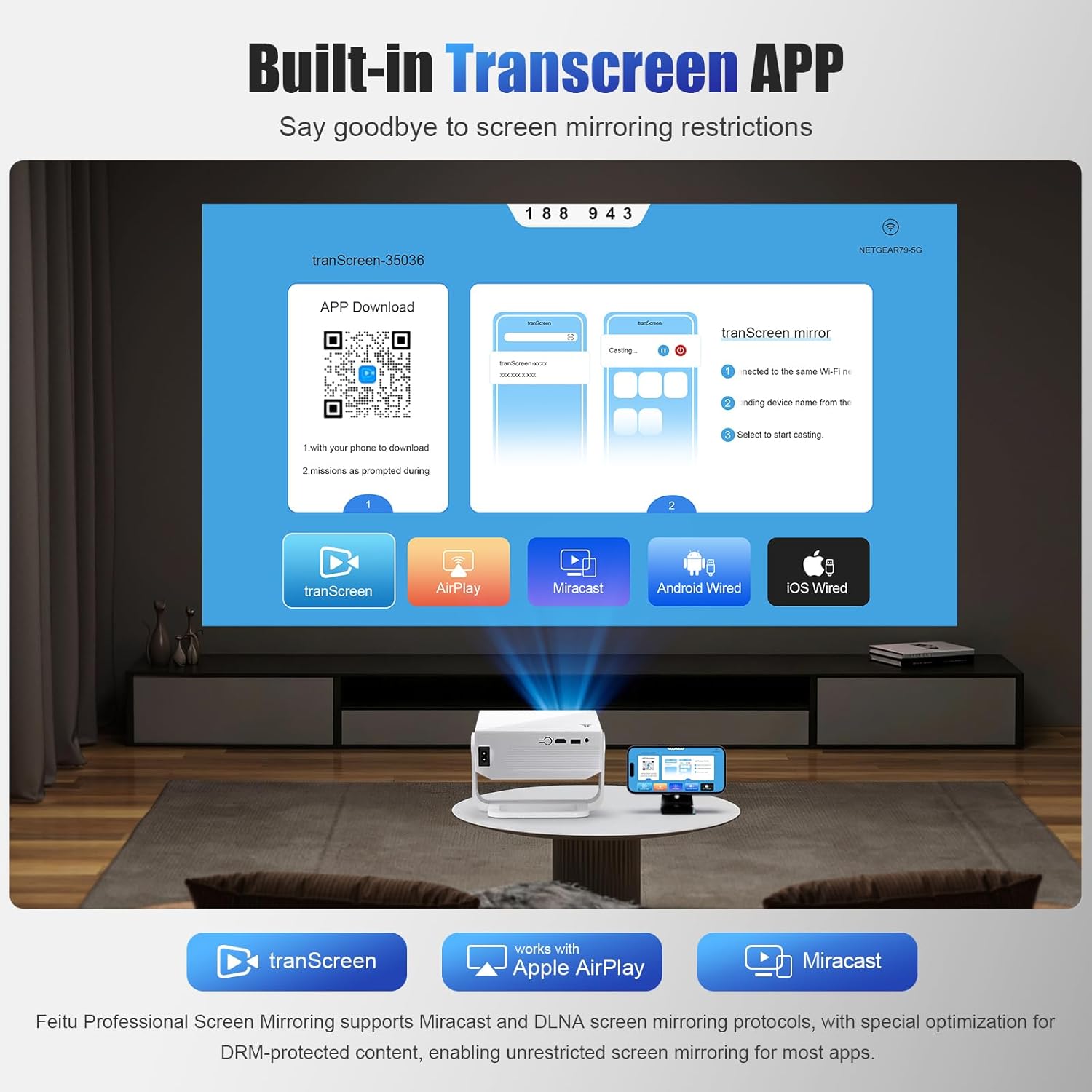
If you’re setting it up in the bedroom, try this: place it roughly where you’d normally set a small lamp or side table, then use the auto keystone correction and electronic focus so the image snaps into a clean rectangle. Once it’s aligned, you can treat it like a “streaming TV” without adding another device.
For lying-down viewing, the rotatable 270° stand gives you more freedom to aim the projector without turning your entire seating plan into a yoga routine. That’s the kind of detail that makes a portable projector feel genuinely liveable.
Care & maintenance you don’t have to overthink
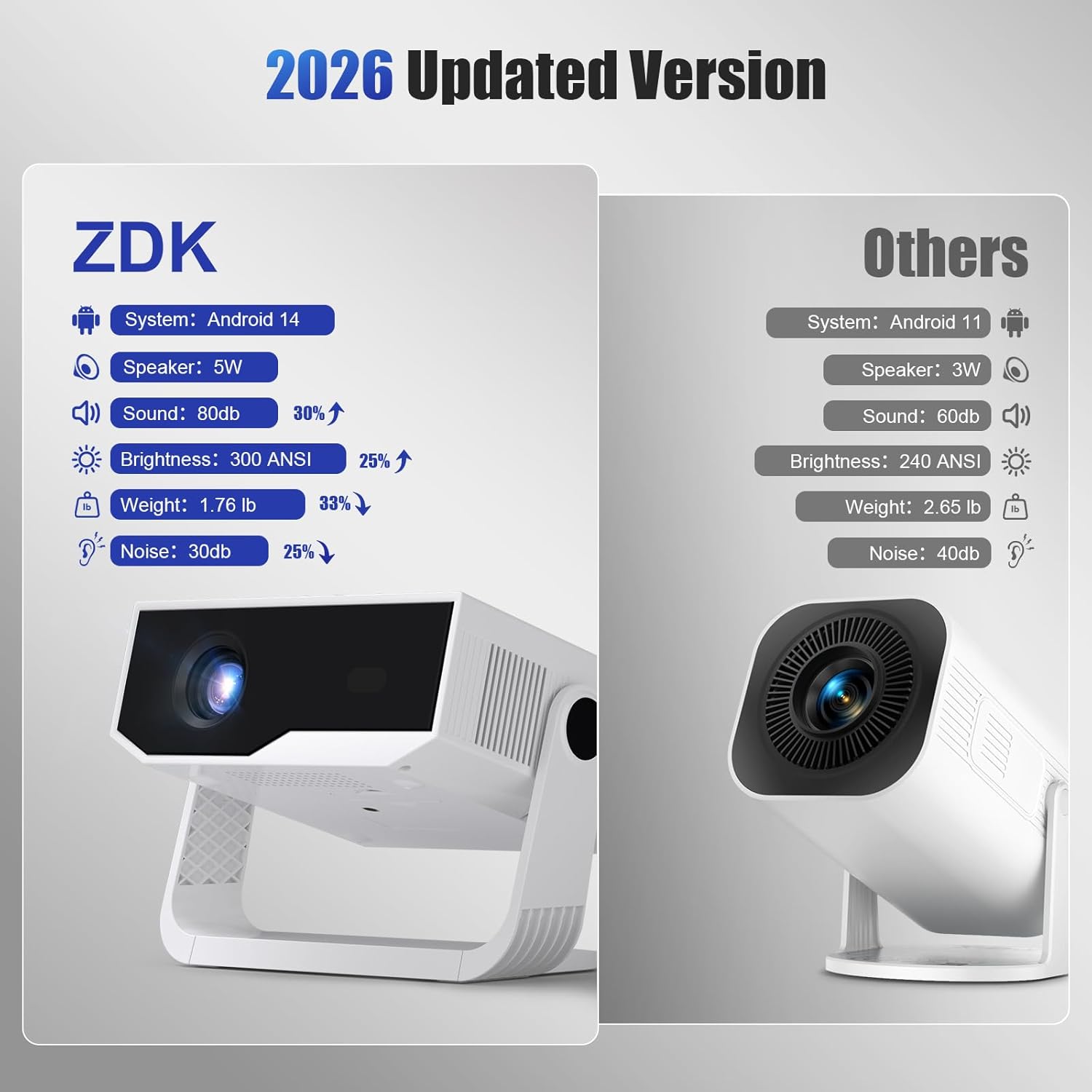
The listing mentions an integrated dust filter design, with a filter that’s designed to be easy to remove and clean. That’s a sensible feature for a device you might move between rooms—or use occasionally outdoors—because dust build-up can affect long-term performance. It’s not glamorous, but it’s the sort of maintenance step that can help the projector keep performing as expected.
Is it worth it?
It makes sense to buy this 2026 Smart Projector if you want a mini projector for bedroom or home viewing where built-in apps and WiFi 6 reduce cable clutter, and you value quick image setup thanks to auto keystone correction and electronic focus. The Bluetooth 5.2 is also a practical bonus if you already use a soundbar or prefer external audio.
You may want to skip it if you’re mainly buying for the absolute best picture quality in challenging lighting, or if you prefer a more straightforward, device-by-device approach without relying on app-based screen mirroring. It could also leave you slightly underwhelmed if you expect “true 4K” performance—because the description points to native 1080p.
Mini FAQ
What’s the advantage of Android 14 here?
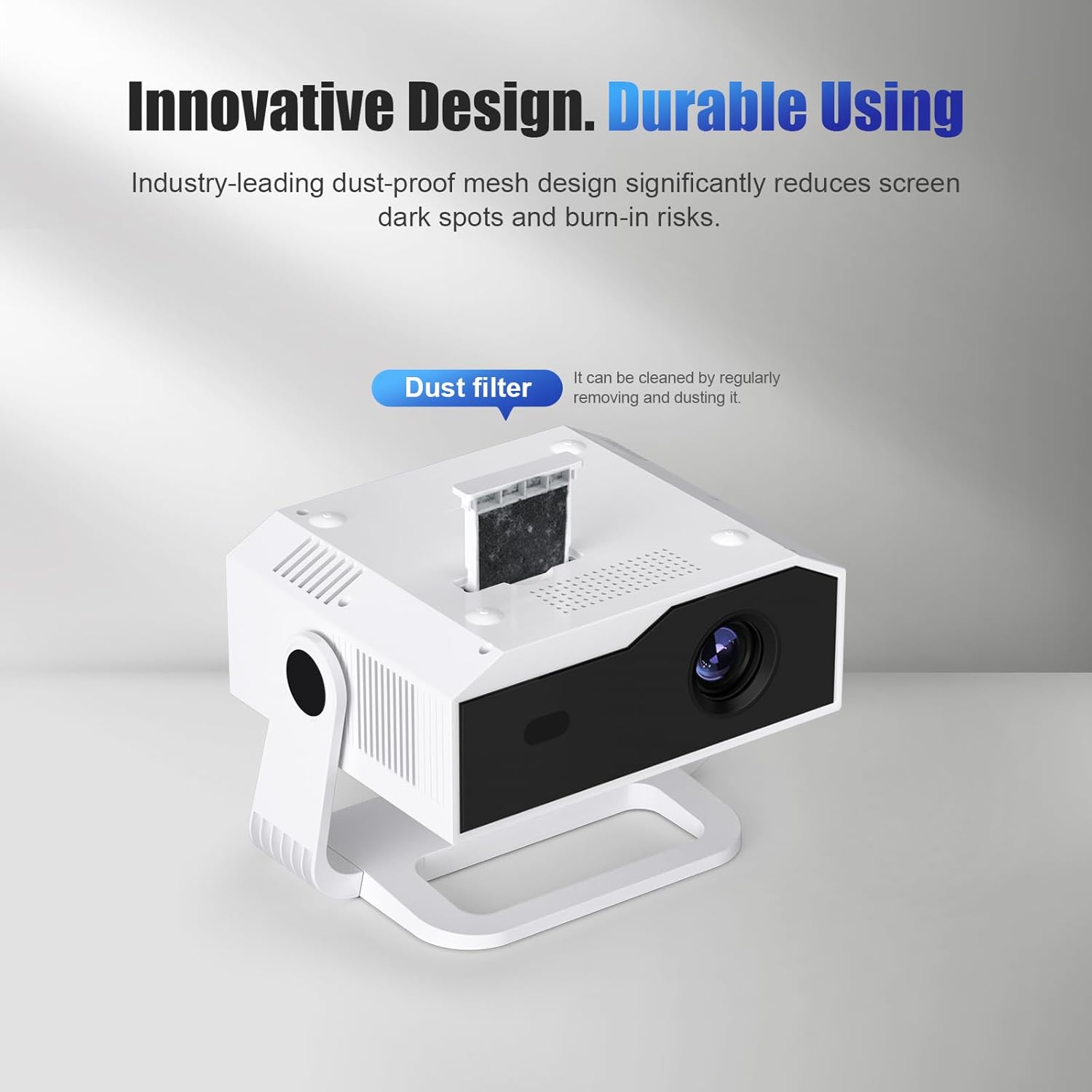
The main benefit is that it’s a built-in platform: you can download apps directly onto the projector and stream over WiFi 6 without needing an extra TV dongle.
Does it need manual setup to look straight?
Not as much as you’d usually expect. The projector is described as having auto keystone correction and electronic focus to help achieve a rectangular image quickly.
Can I use wireless audio?
Yes, Bluetooth 5.2 is included, which is designed for pairing external audio such as a soundbar.
Is it really 4K?
The description says 4K is supported while the native resolution is 1080p. If you care about exact resolution behaviour, it’s worth keeping that distinction in mind before you buy.
What about screen mirroring compatibility?
The listing explains screen mirroring through a phone app (with QR code connection). That approach should suit users who are happy to set up mirroring via the app workflow.