

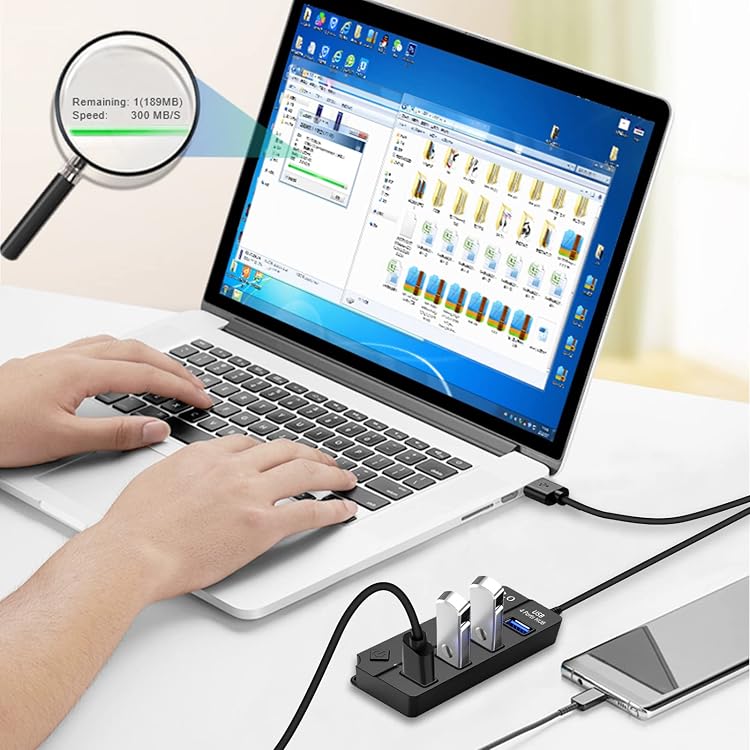
HORJOR USB 3.0 Hub, 4-Port Splitter with Individual Switches and LEDs
Product description
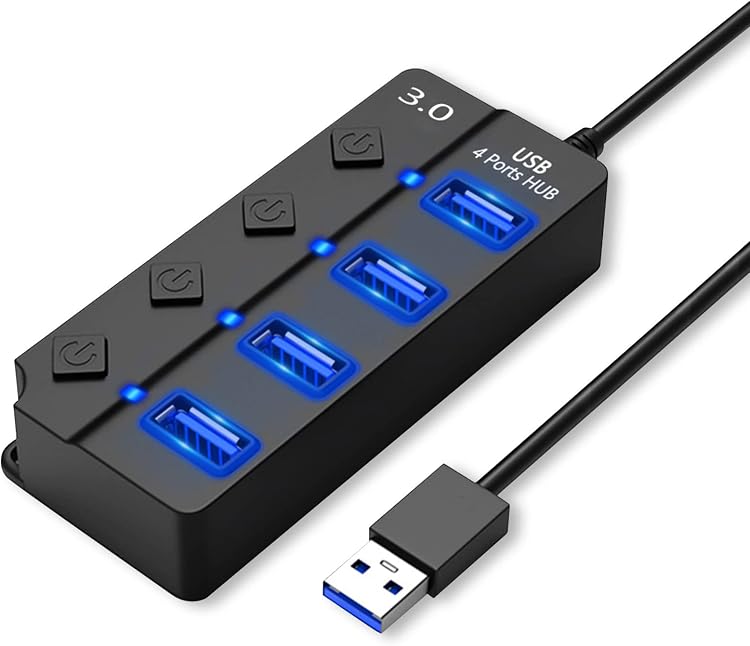
If your desktop or laptop needs more USB connections for everyday peripherals, the HORJOR hub expands one USB connection into four ports. It combines one USB 3.0 port with three USB 2.0 ports, so you can connect devices such as a keyboard, mouse and USB flash drive without treating every port as the same kind of connection.
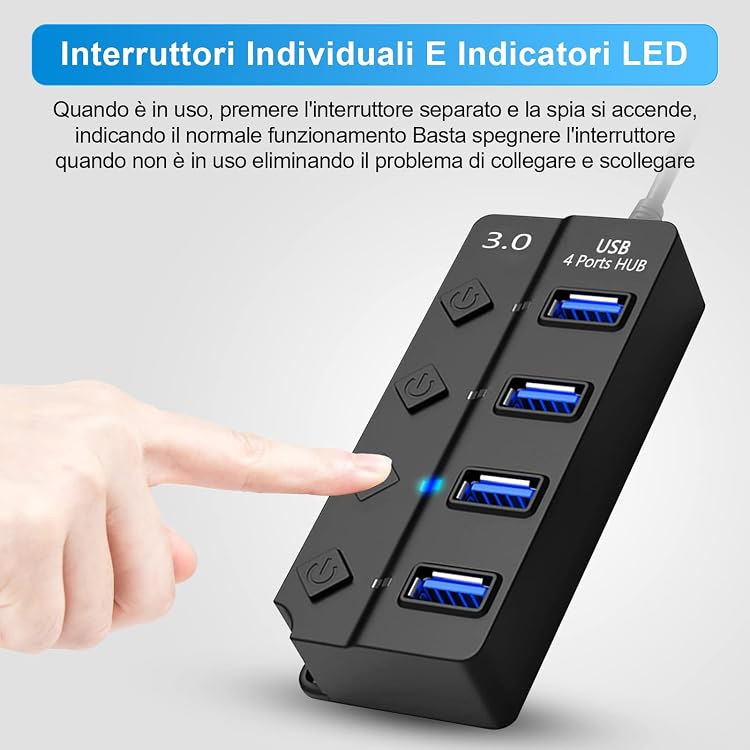
Individual switches and indicator lights make it easier to manage connected devices at the hub itself. Its main distinction is also a practical limit: only one of the four ports is USB 3.0.
Tech specs
- Name: HORJOR USB hub
- Type: USB hub
- Ports: 4 total — 1 USB 3.0 and 3 USB 2.0
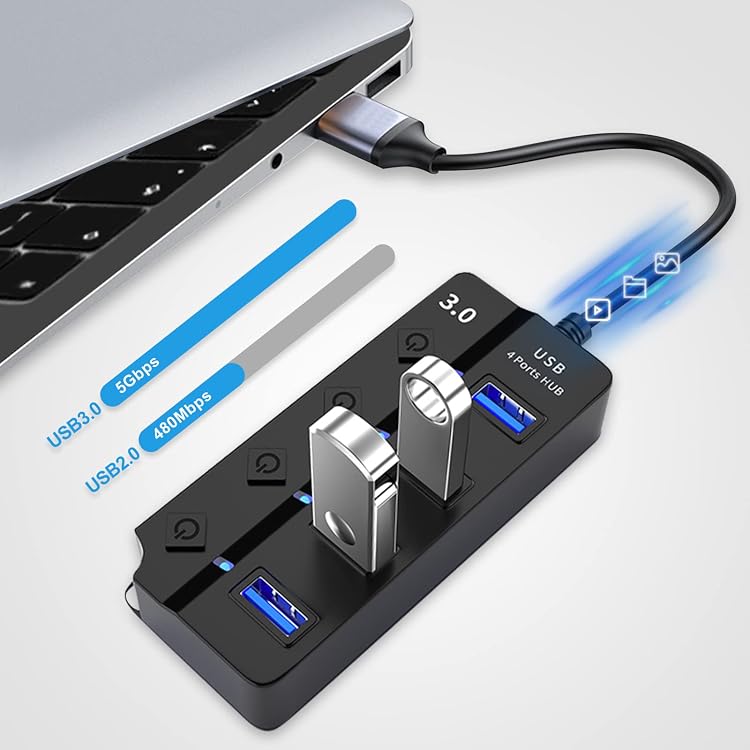
- Data transfer rate: Up to 5 Gigabits Per Second on the USB 3.0 port
- Connectivity: USB, DC 5V power port
- Compatibility: Desktops, laptops, keyboards, mice and USB flash drives, Windows, Mac and Chromebook OS
- Material: Plastic
- Colour: Black
- Dimensions: 10.5L x 5W x 2H centimetres
- Features: Separate switches and indicator lights, plug and play, with no driver required
Everyday use
This layout suits a desk where several everyday accessories need to stay connected. For example, a keyboard and mouse could use the USB 2.0 ports while a flash drive or hard drive uses the USB 3.0 port for data transfer. The indicator lights show the working status, and the separate switches let you turn off a chosen connected device without repeatedly unplugging it.
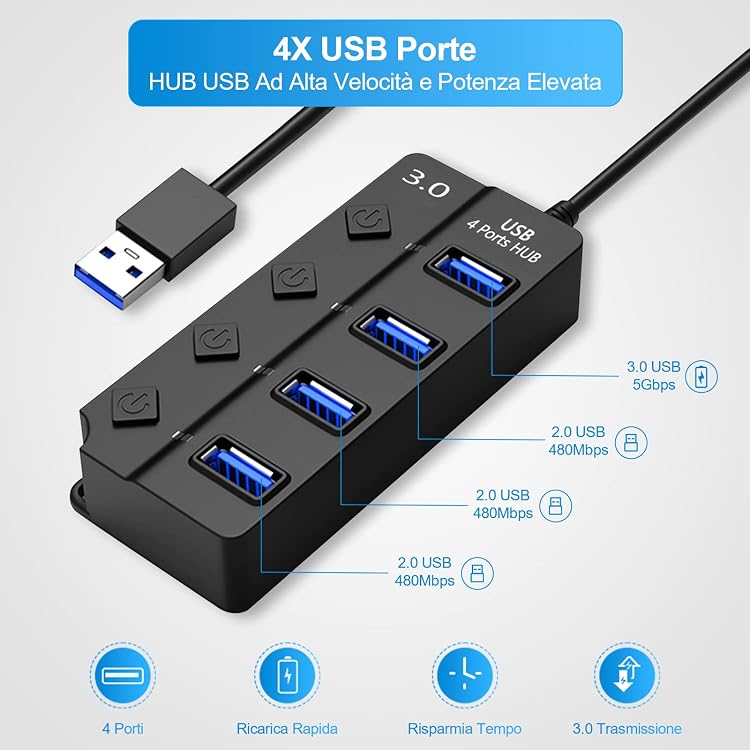
The mix of port types is worth bearing in mind when choosing what to connect. The listed transfer rate of up to 5 Gigabits Per Second applies to the USB 3.0 port, the product details do not give a transfer rate for the USB 2.0 ports. If several devices need USB 3.0 data transfer, a hub with more USB 3.0 ports would be a closer match. For a mix of basic peripherals and one device using the faster port, this arrangement is more relevant than buying a hub with four ports of the same type.
Getting the most from it
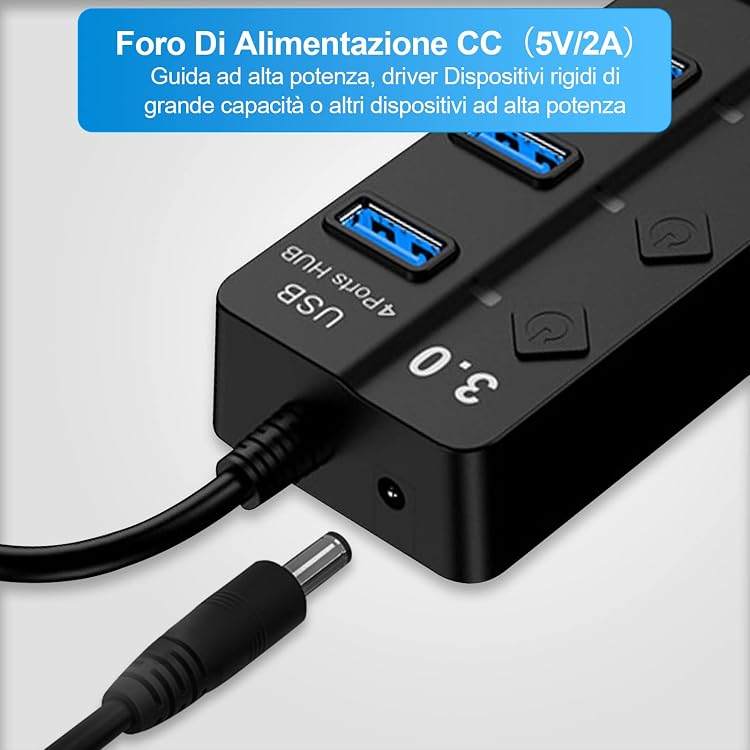
Connect devices according to how you use them: reserve the USB 3.0 port for a flash drive or hard drive when faster data transfer matters, and use the USB 2.0 ports for a keyboard, mouse or other compatible peripherals. The individual switches are useful when you want to manage a device at the hub rather than unplug its cable. It also has a DC 5V power port, though the product details do not say whether a power supply is included.
It makes sense if you need a straightforward way to add ports and value separate control over connected devices. Better avoided if your setup depends on having several USB 3.0 ports, as this model provides just one.
What to clarify
Can I connect a keyboard and mouse? Yes. Both are listed as compatible devices, and the three USB 2.0 ports are described as suitable for peripherals such as these.
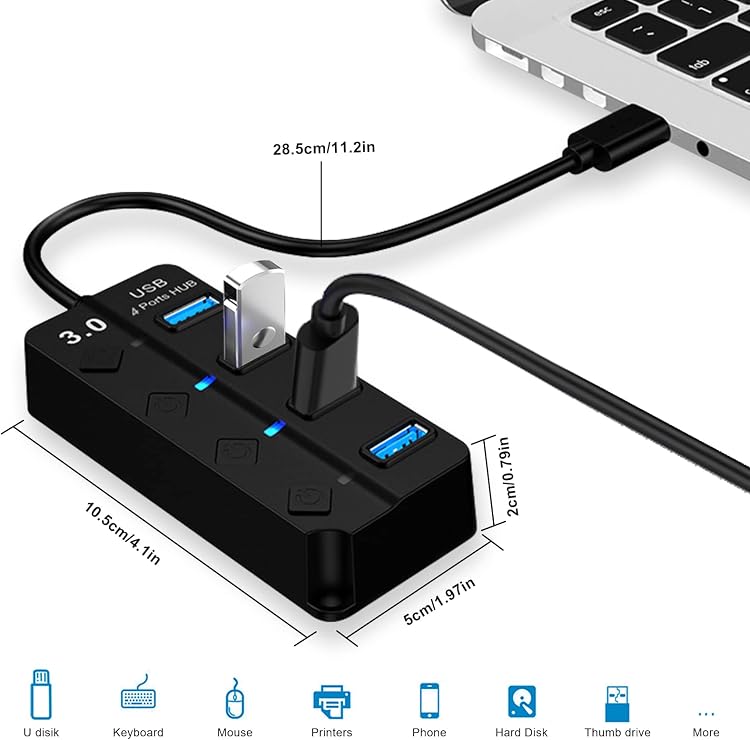
Which port is intended for a flash drive or hard drive? The USB 3.0 port is identified for storage devices, with a stated transfer rate of up to 5 Gigabits Per Second.
Does it require a driver? The product information describes it as plug and play and says no driver is required.
When it makes sense
Choose this HORJOR hub if your main need is four connections for a mixed desk setup, with individual switches and one USB 3.0 port for a storage device. If your priority is fast data transfer across multiple devices at once, the single USB 3.0 port is the deciding drawback, otherwise, the combination of extra USB 2.0 connections and simple device control matches a more everyday expansion need.