

GameSir G7 SE Xbox Controller with Hall Effect Sticks, Triggers and Back Buttons
Product description
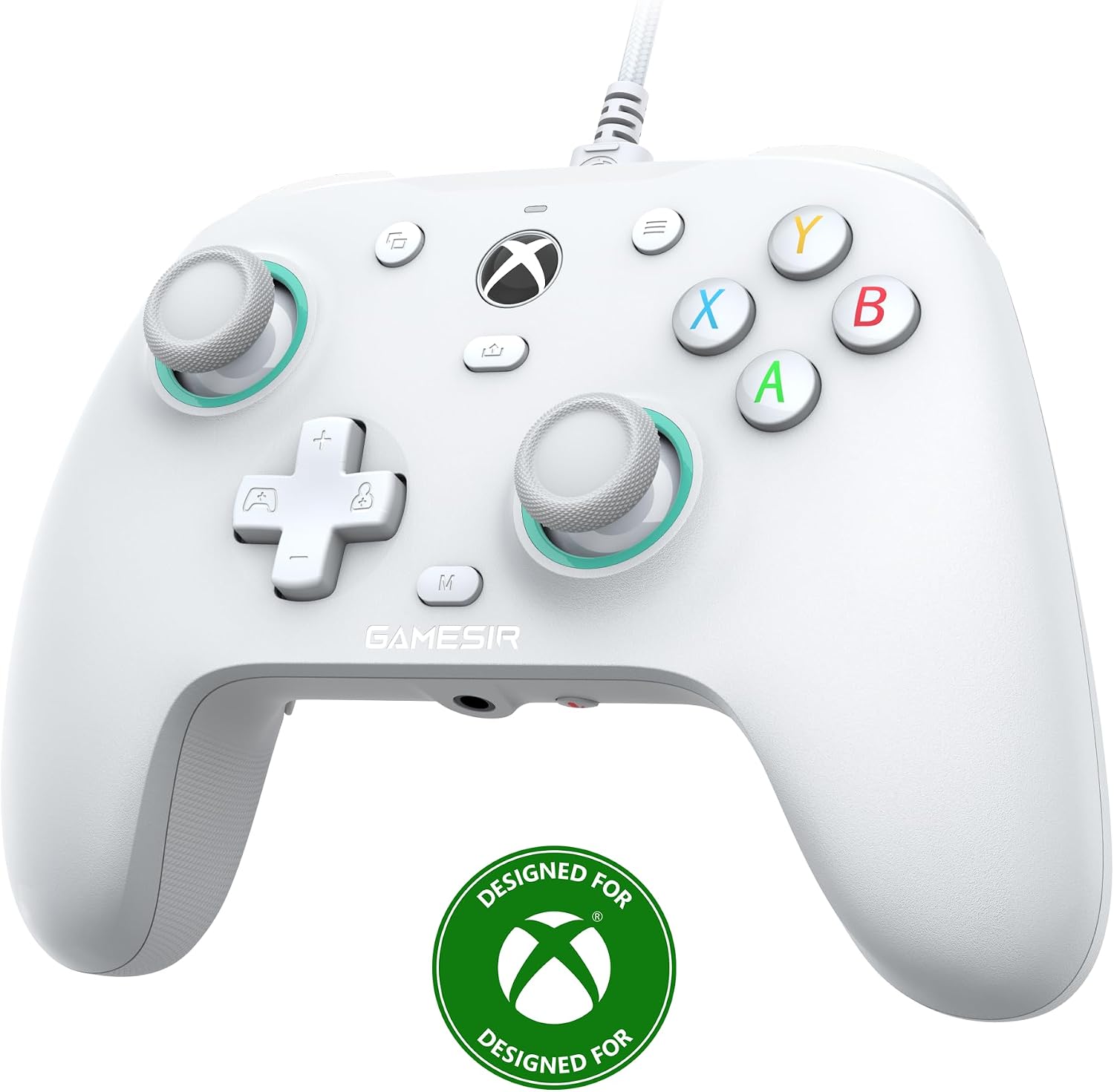
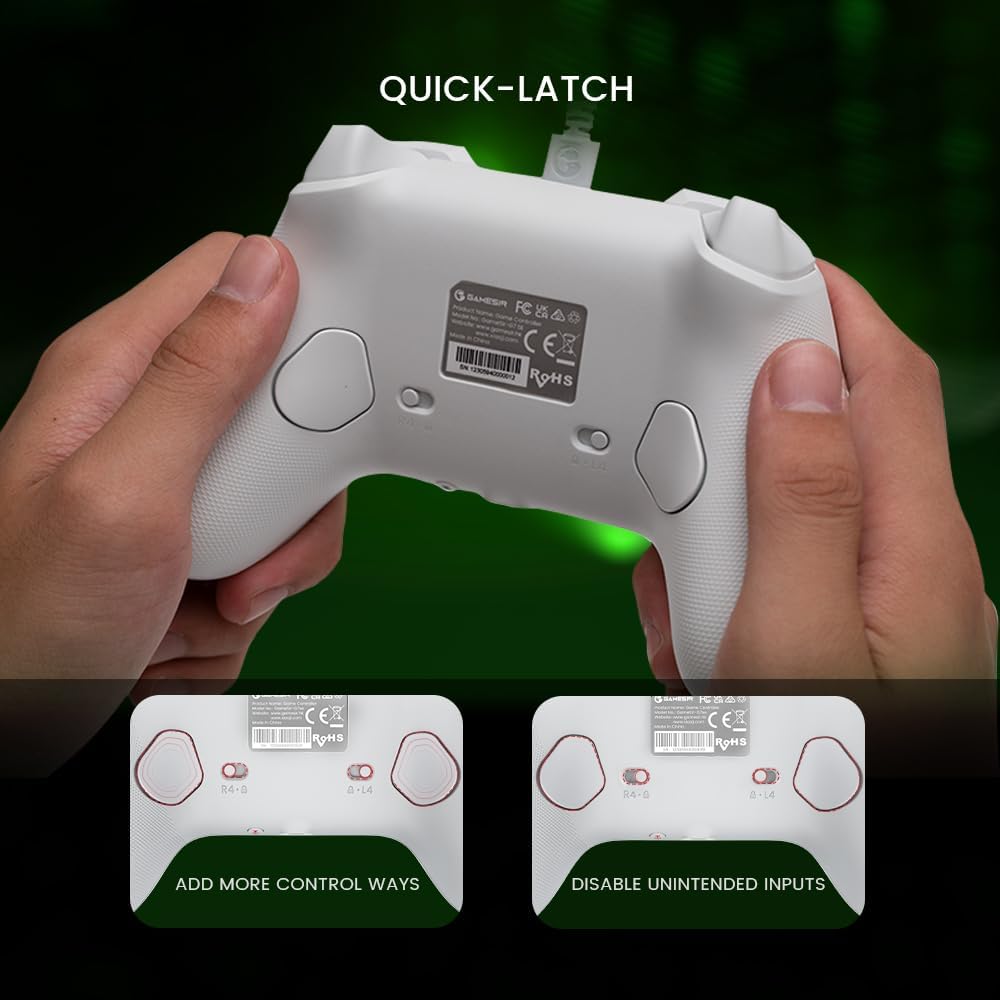
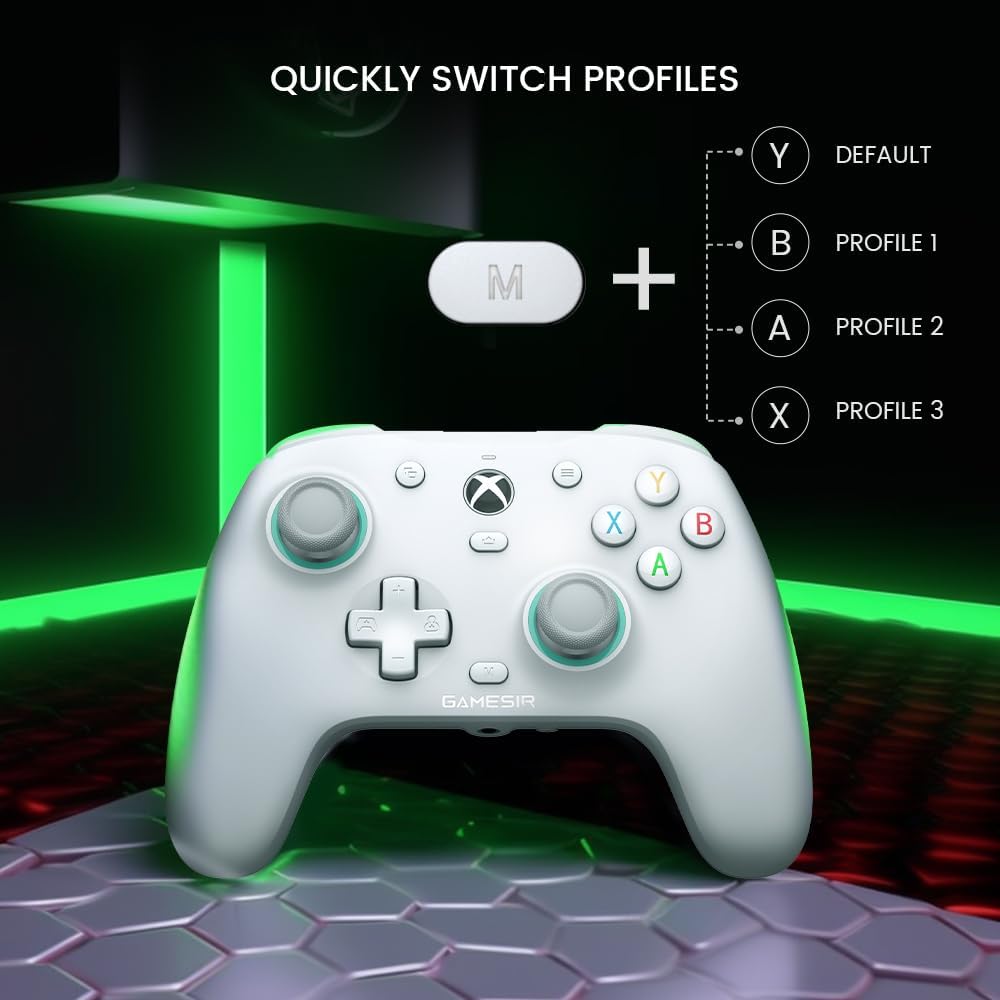
The GameSir G7 SE is an Xbox controller with Hall Effect sticks and triggers, designed to give you smooth, precise control during play. Its two additional back buttons let you assign favourite mappings and use them as you play, with or without software.
Officially licensed by Xbox, it works with Xbox One, Xbox Series X/S and Windows 10/11. A 3.5 mm earphone port adds a convenient connection point for headphones.
Worth noting
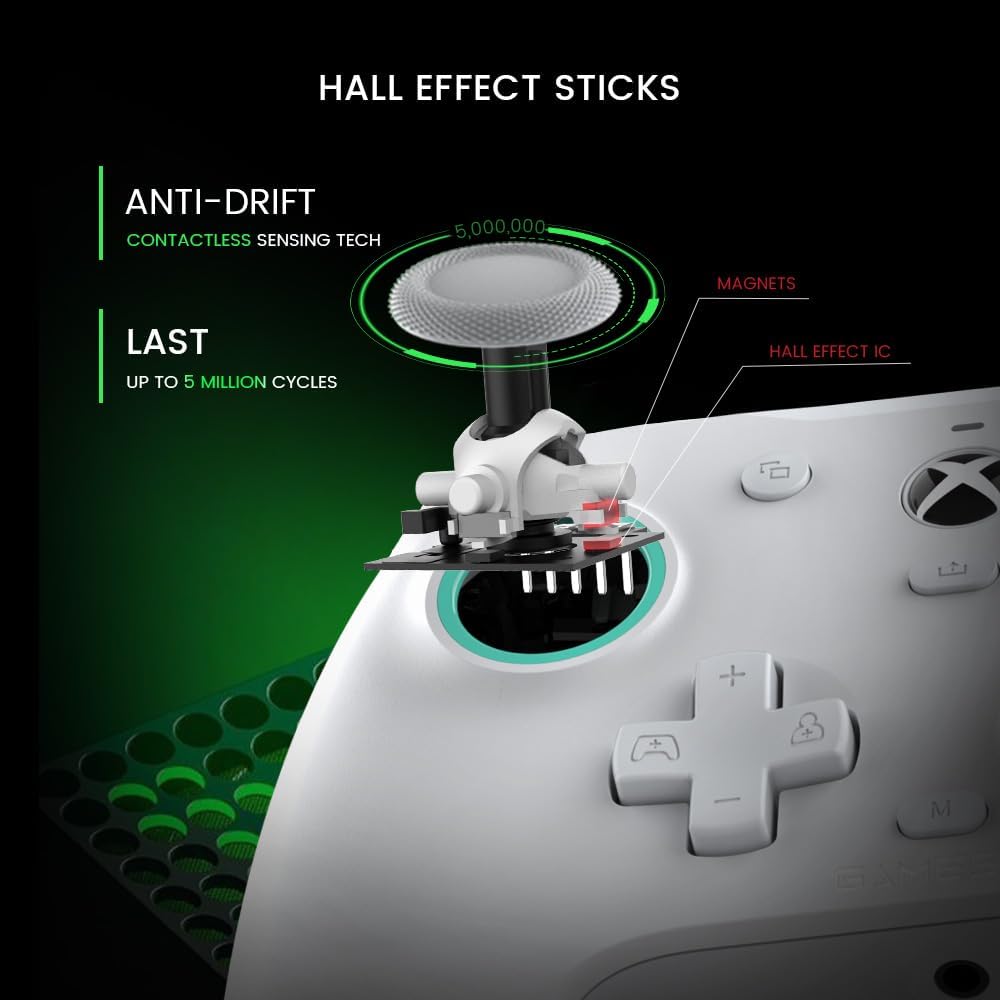
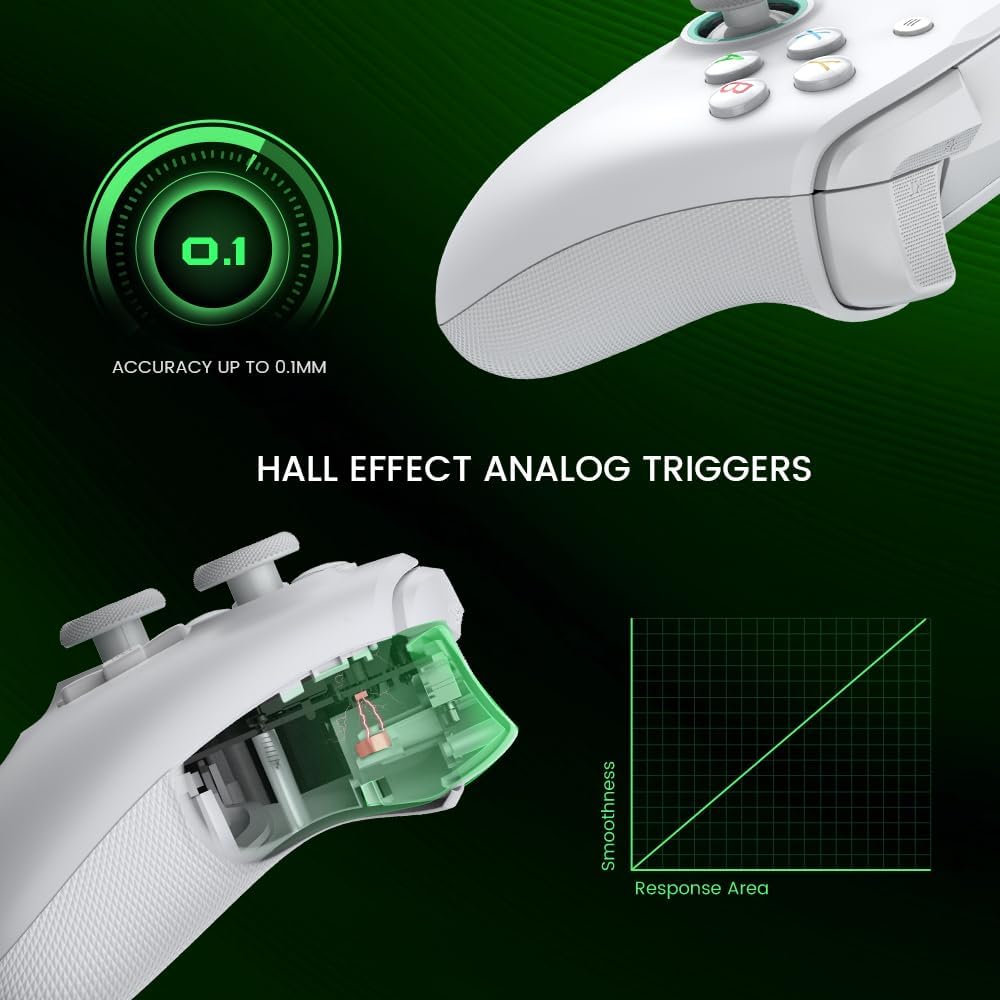
Hall Effect sticks and triggers are the standout controls on the G7 SE. They are designed for consistent smoothness and precision, making the controller a considered choice for players who want more control over movement and trigger input. The two back buttons provide extra mapping options without changing your grip to reach the main controls. You can set mappings during gameplay and sync them in real time.
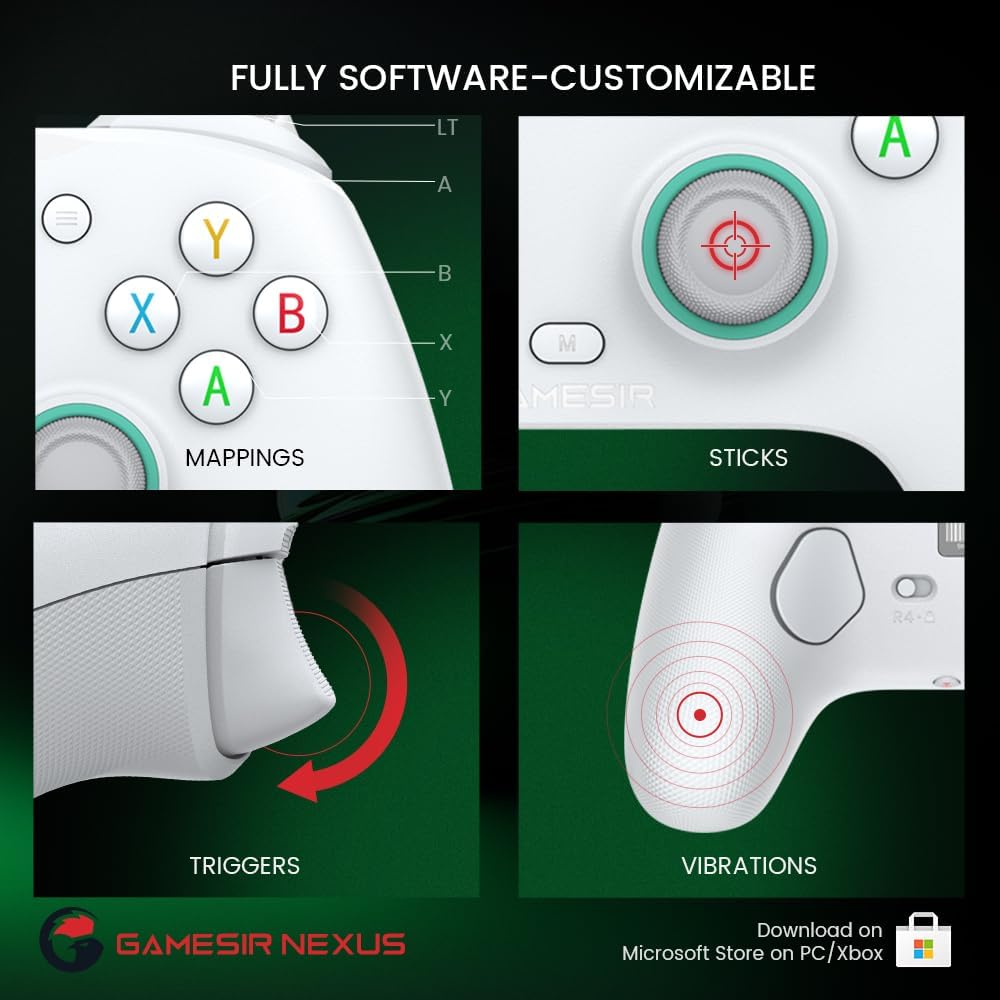
The magnetic faceplate can be changed to personalise the controller’s appearance. For further control customisation, the GameSir Nexus software lets you map buttons, adjust stick and trigger zones, change D-pad diagonals and configure vibration.
Buyer feedback is mixed. Some players praise the controller’s feel and report no stick drift, while others raise concerns about build feel, responsiveness and cable disconnections. These are individual experiences rather than a guarantee of how every controller will perform.
How it fits
The G7 SE is compatible with Windows 10/11 PCs, Xbox One and Xbox Series X/S consoles. Its 3.5 mm earphone port provides a direct place to connect headphones. The controller’s extra back buttons and customisable settings suit players who want to tailor their control layout, while the magnetic faceplate offers a straightforward way to change its look.
Compared with a controller that keeps every input in the standard layout, the G7 SE offers extra assignable buttons and adjustments through GameSir Nexus. You can also programme the back buttons without software, so changing a mapping during play does not have to depend on opening the app.
Best use cases
Use the back buttons for mappings you want close to hand during a match or while moving between actions in a game. Hall Effect sticks and triggers provide the core control features, while the Nexus app gives you options to adjust the inputs to suit your preferences. The 3.5 mm port is useful when you want to connect headphones to the controller.
For example, a player using the G7 SE on an Xbox Series X/S can set preferred back-button mappings, then fine-tune stick and trigger zones in GameSir Nexus. On a Windows 10/11 PC, the same controller offers a familiar gamepad format with those customisation options available as well.
When it makes sense
The GameSir G7 SE makes sense for Xbox and PC players who want Hall Effect sticks and triggers, two programmable back buttons and settings they can personalise. It brings those controls together with Xbox licensing, cross-platform compatibility and a magnetic faceplate, making it a practical fit for players who value both adaptable inputs and a changeable look.