

Yoturetoys AI drawing projector
Product description
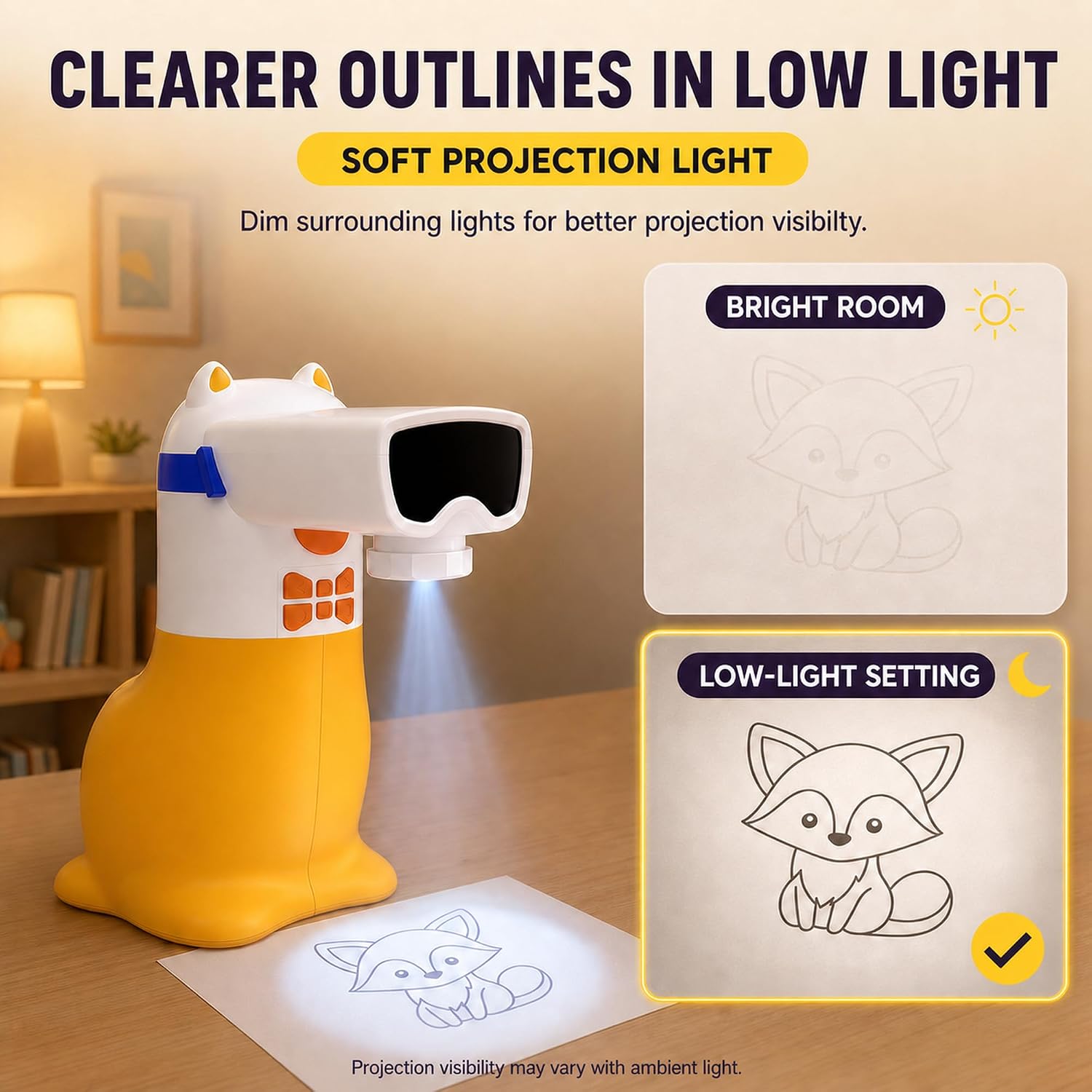
For a rainy afternoon or a quiet stretch at the kitchen table, this projector gives kids a picture to trace and colour rather than starting with a blank page. The Yoturetoys AI drawing projector can show built-in images, pictures made from typed ideas and photos, plus extra themed packs in its app. It’s aimed at children ages 5–12, though younger kids may need help with the app and setup.
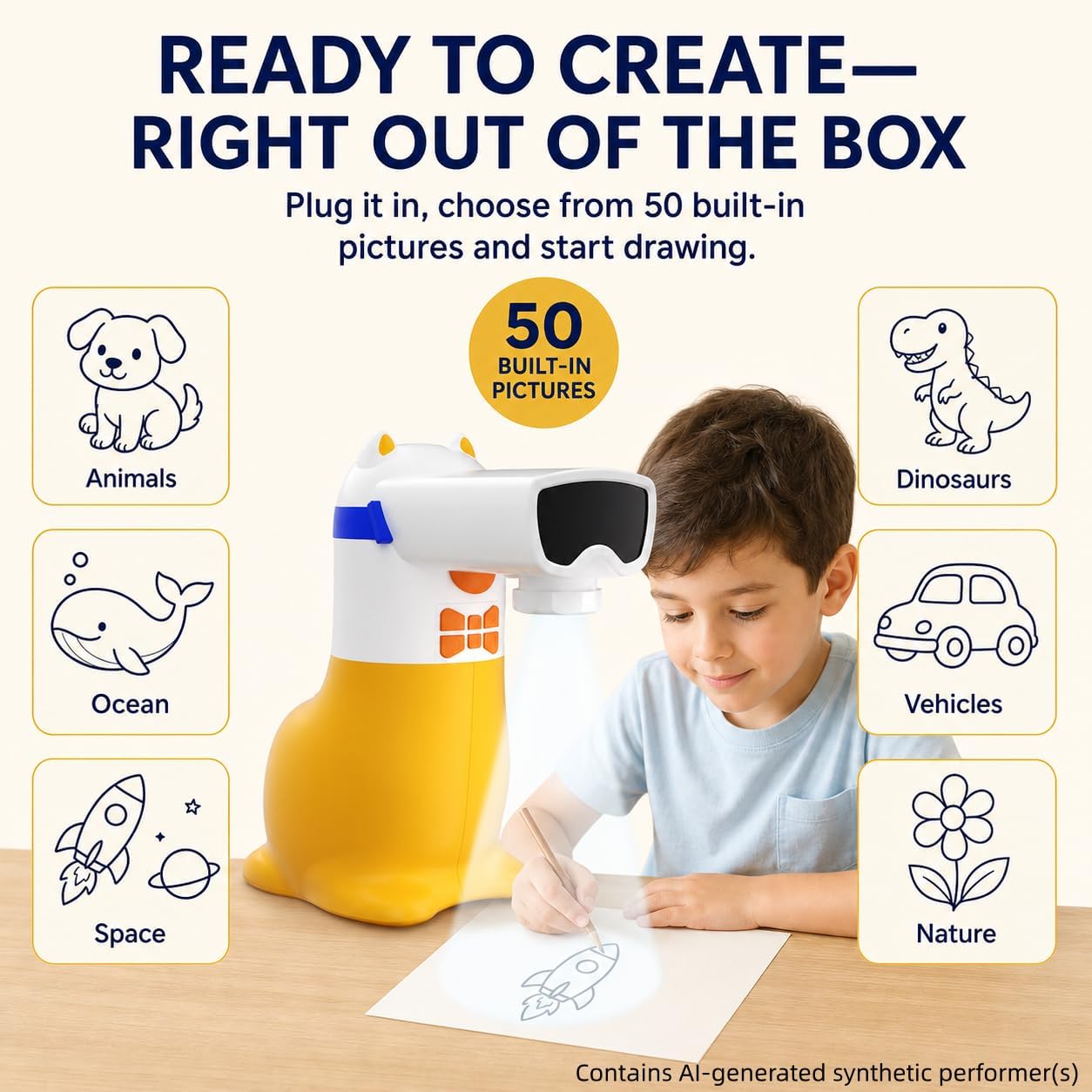
There are 50 pictures available right away, so creative time doesn’t have to begin with a download.
Technical details
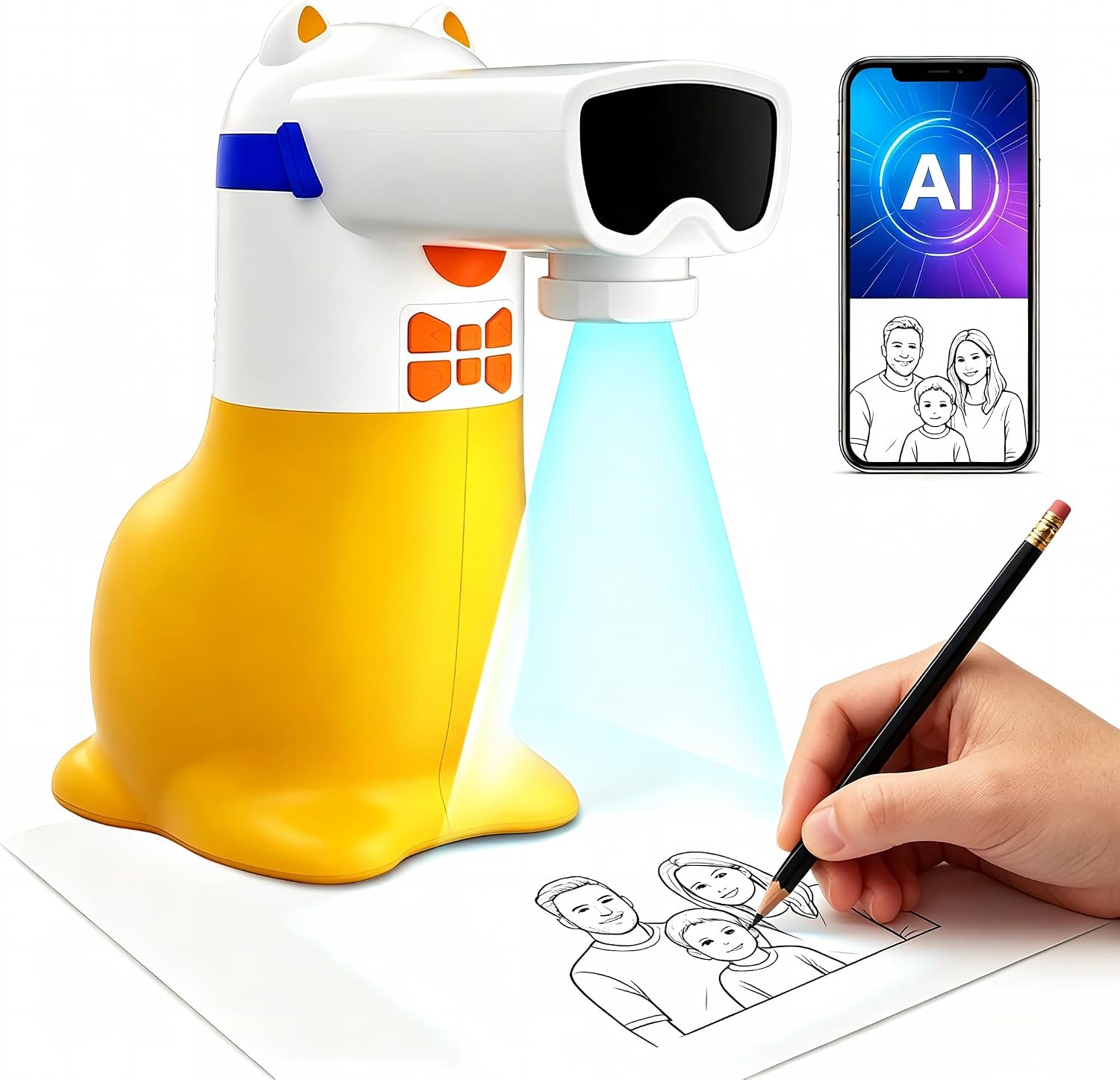
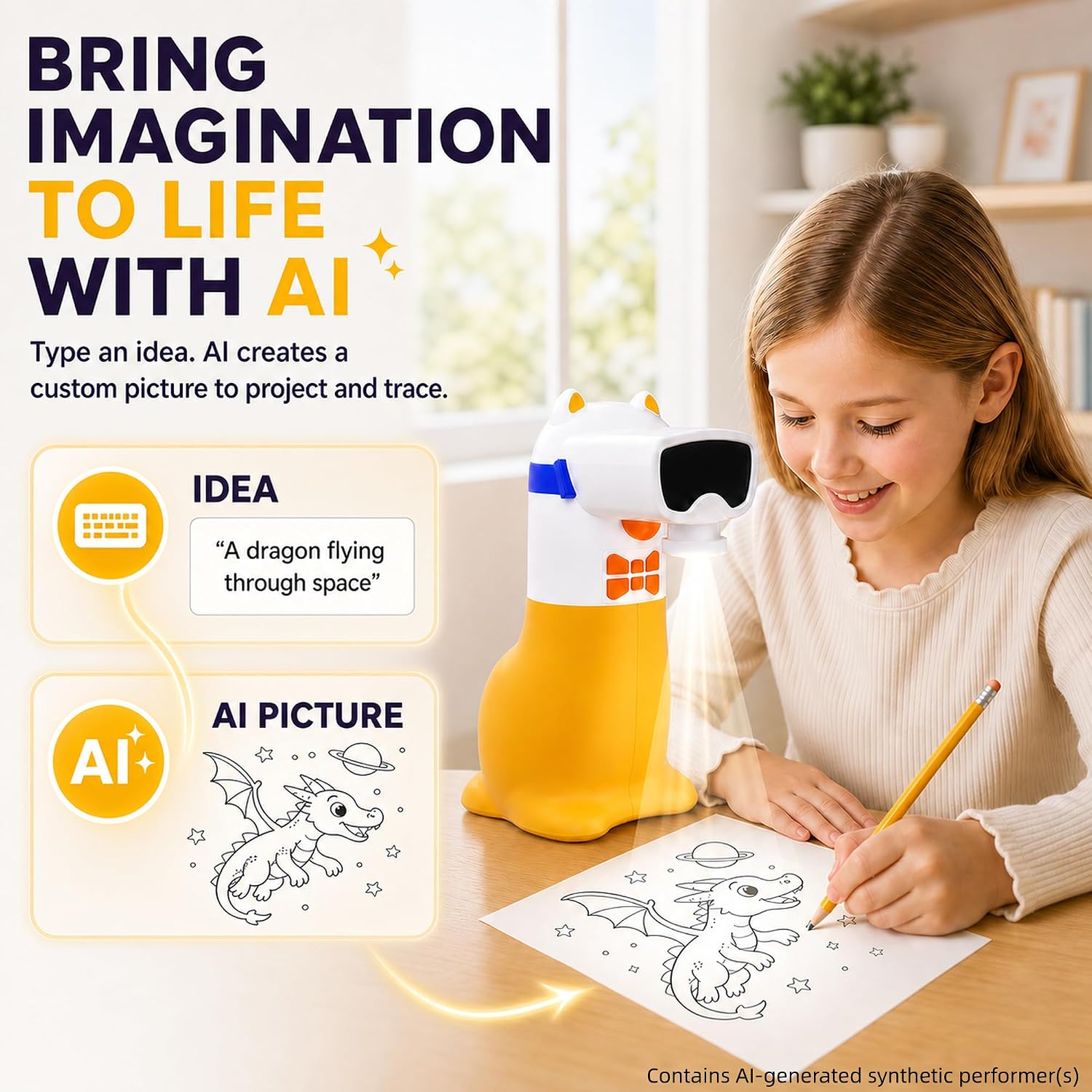
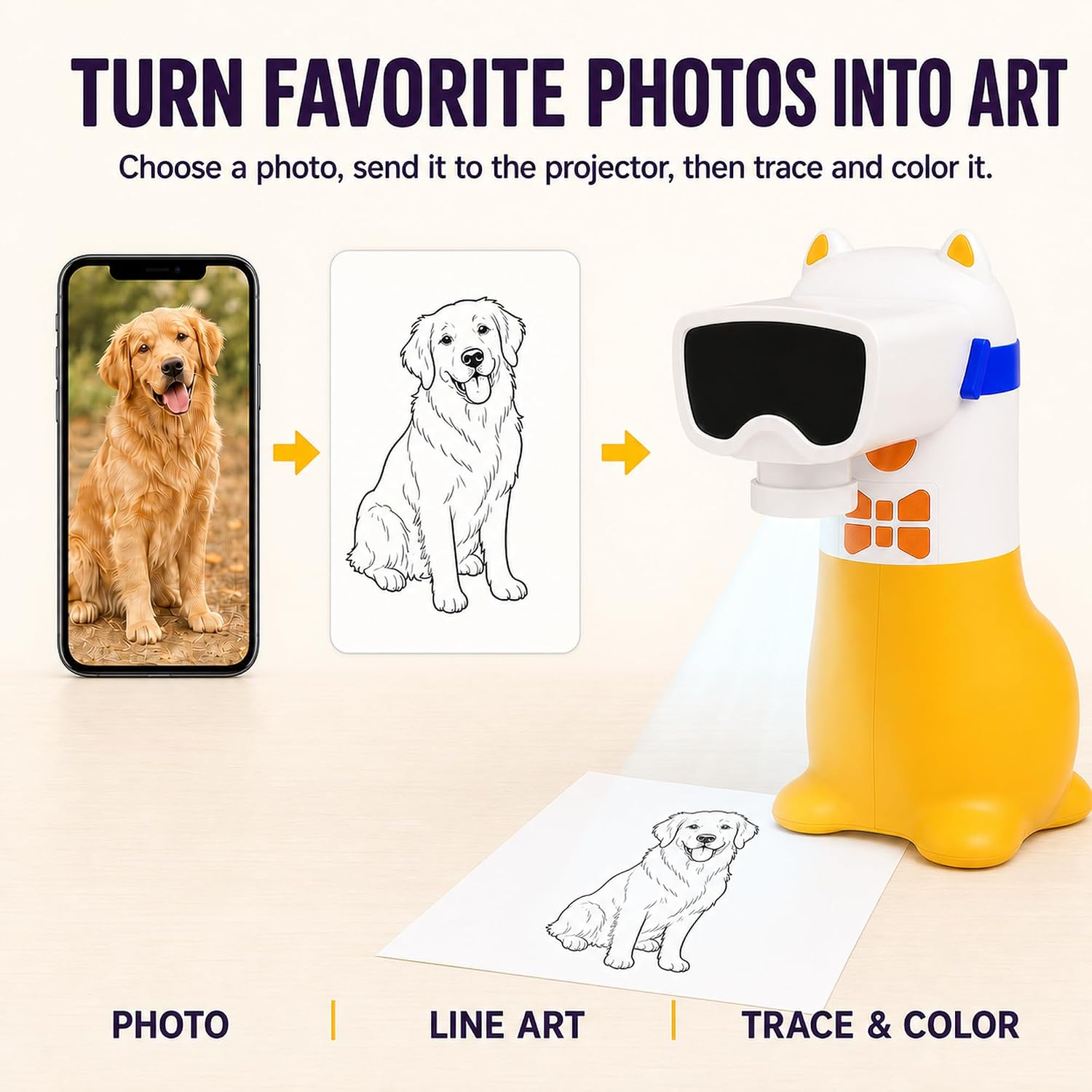
The projector includes 50 built-in pictures and works with drawing and learning packs available through the app. Kids can type an idea, such as a dancing dragon, and use the resulting image as a tracing template. They can also choose a photo of family, pets, toys or a special moment, then project and colour the image themselves.
Learning packs cover themes such as animals, holidays, stories, letters, numbers and ocean life. In these packs, a built-in speaker reads numbers and English words aloud as related pictures appear. That audio is not included with regular drawing packs, so it’s worth distinguishing the learning content from the standard drawing activities.
Compatibility and requirements
This is a corded projector, not a rechargeable toy: it has no built-in lithium battery and needs to stay connected using the included USB cable. The listed power options are a compatible 5V/1A adapter or a portable power bank, neither is described as included. The app is used to access custom images and additional packs, but details about supported devices or app requirements aren’t provided.
The practical trade-off is straightforward. A battery-powered drawing toy is easier to move around without a cable, while this design depends on a nearby power source. In return, the included pictures can be used without first finding physical content cards or an SD card.
Usage tips
For a simple first session, switch on the projector, choose one of the built-in pictures and let your child trace the outline before adding colour. That makes it easier to get started than asking them to invent a whole drawing from scratch. Once they’re comfortable, try a typed idea or a familiar pet photo through the app and let them decide how to finish the picture.
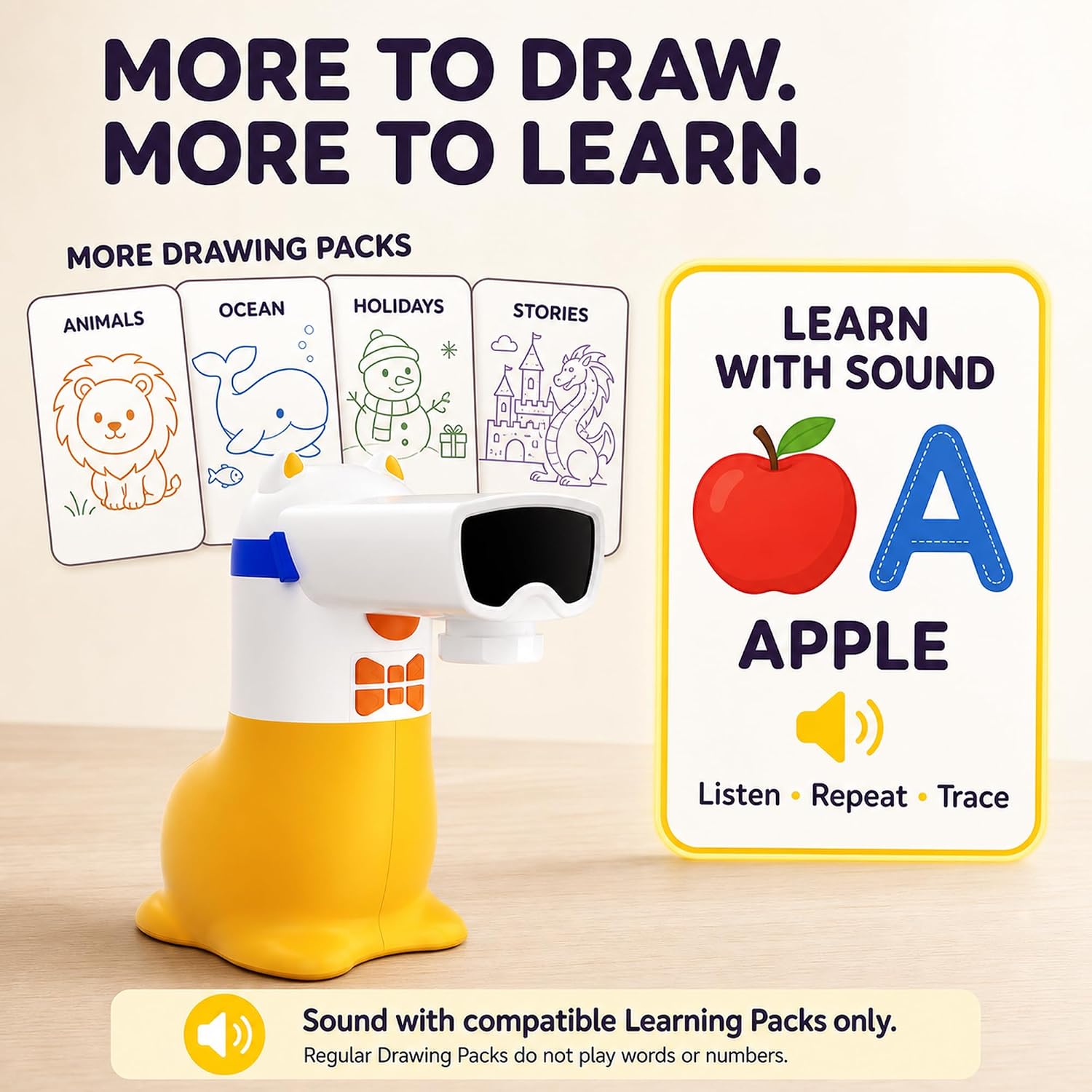
Keep the USB connection close to the drawing spot, and treat the learning packs as a separate activity when spoken words or numbers are useful. It’s a good option if you want one toy to support both tracing and guided picture-based learning. It may not suit you if you need a cordless projector or want every drawing pack to include spoken prompts.
Before you decide

Can kids use it without the app? Yes. The 50 built-in pictures provide a starting point without needing app-based custom images or extra packs.
Can a child project their own photos? The product description says photos can be selected in the app and turned into pictures for tracing and colouring.
Does every pack read words aloud? No. Spoken numbers and English words are described for learning packs, regular drawing packs don’t include that audio.
Before buying
Choose this if the appeal is turning ideas, personal photos and ready-made pictures into hands-on tracing activities, with optional learning content in the app. The fixed USB connection is the main limitation to plan around: it needs to remain plugged into a compatible power source while in use. If freedom to move between rooms matters more than app-based images and learning packs, a cordless drawing toy may be a better fit.