

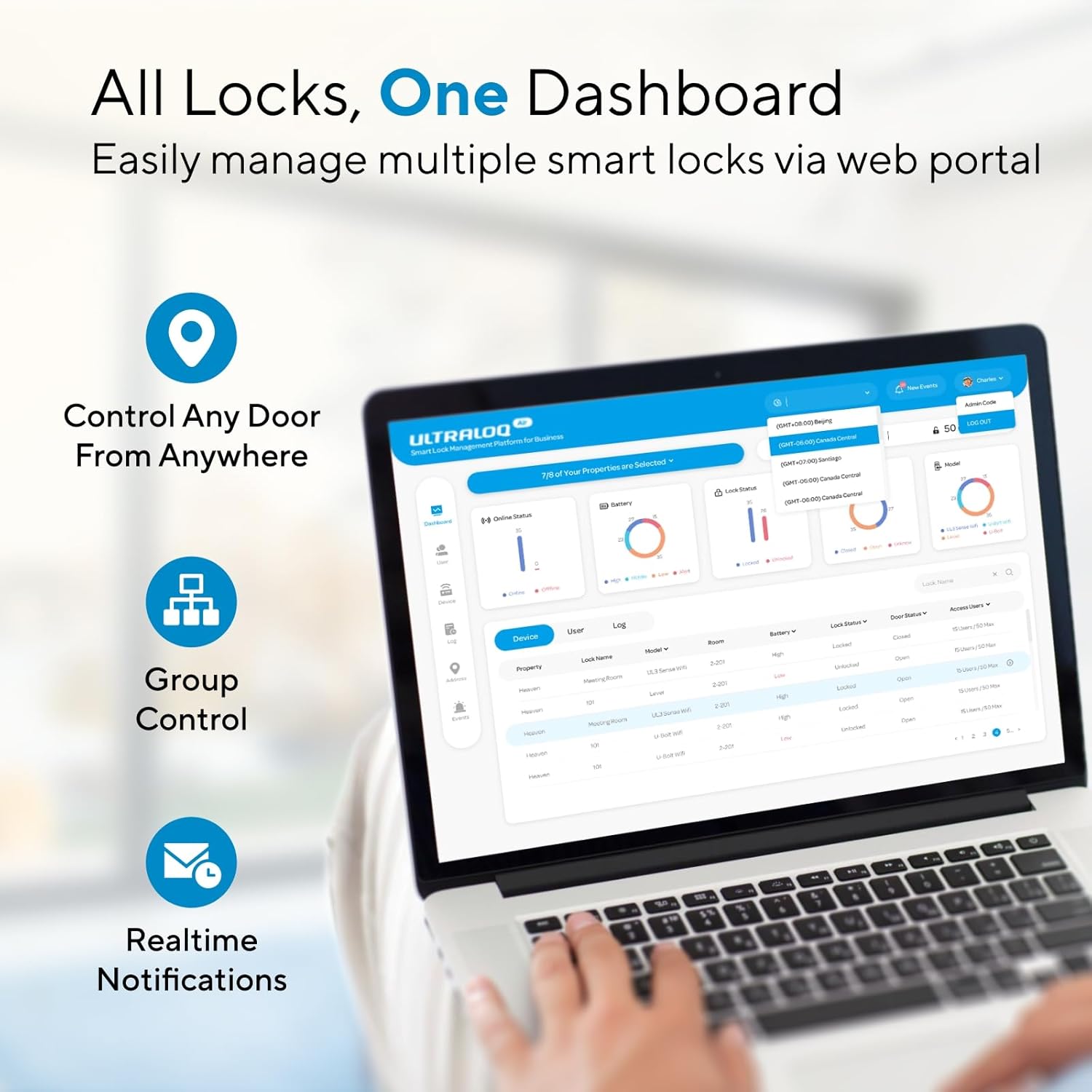
ULTRALOQ U-Bolt Pro WiFi Smart Deadbolt with Fingerprint ID and Door Sensor
Product description
For households and shared spaces that need more than one way to manage door access, the ULTRALOQ U-Bolt Pro WiFi combines a fingerprint reader, keypad and smartphone controls in a single deadbolt.
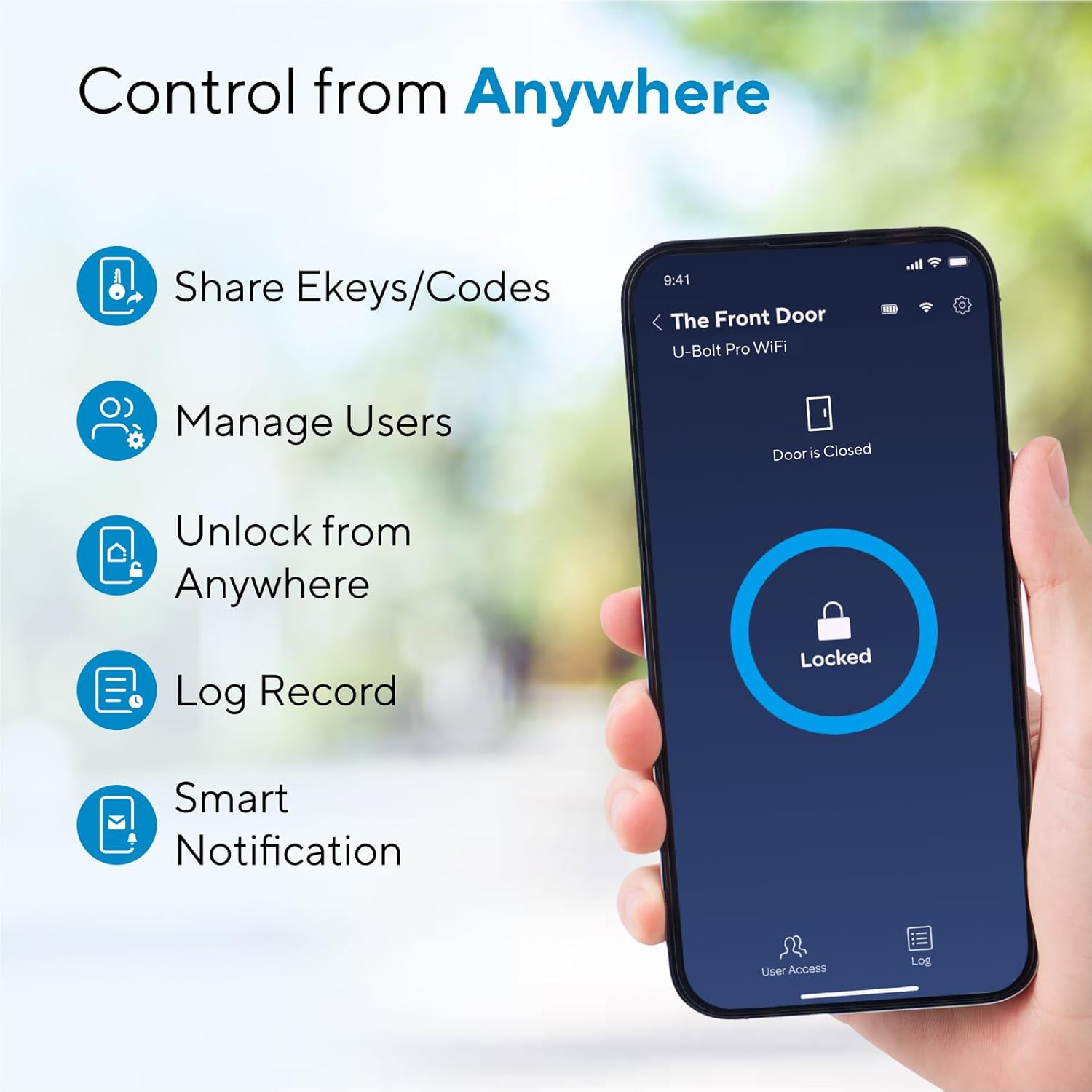
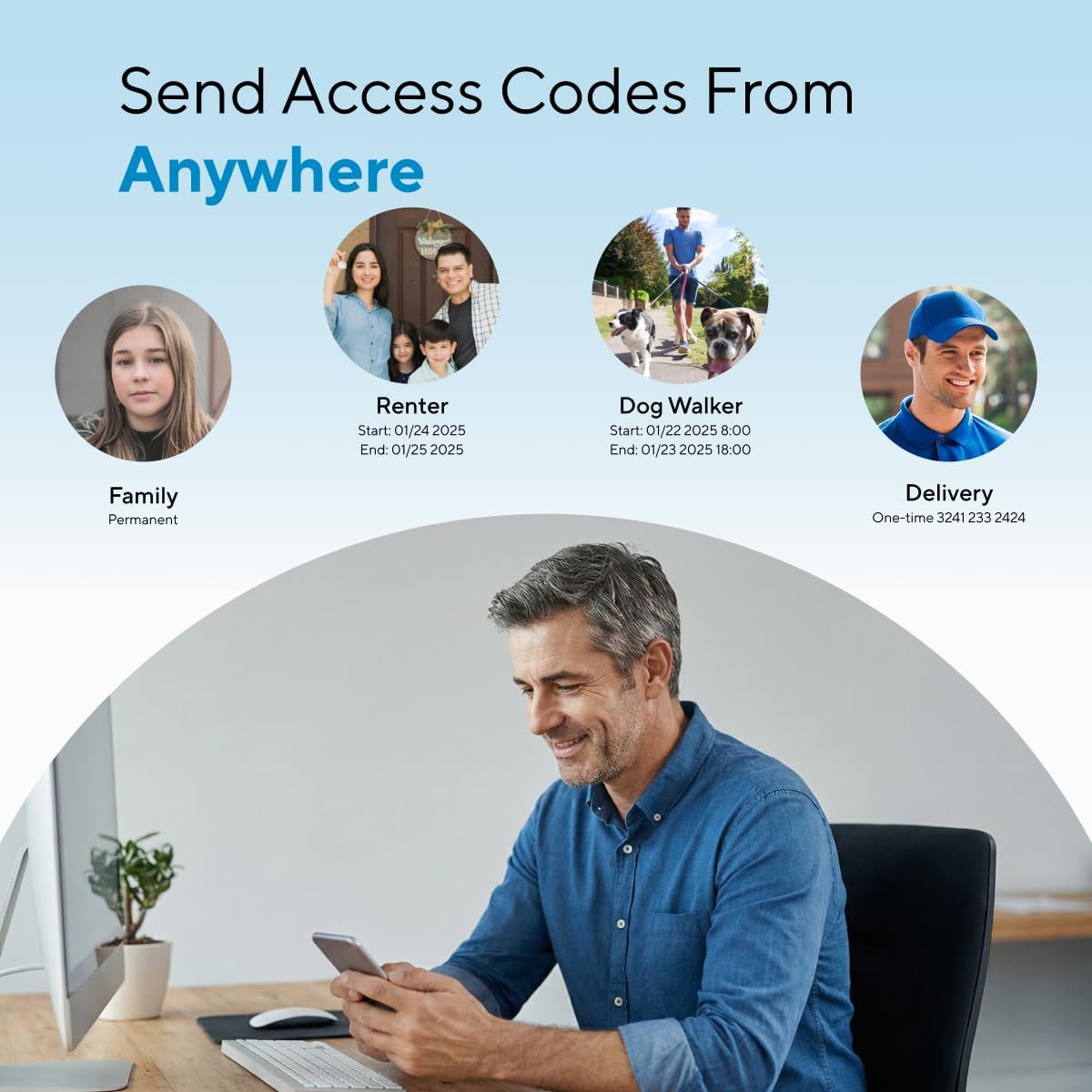
Built-in Wi-Fi lets you lock or unlock remotely, share access and check an entry log without adding a separate hub. It connects on 2.4 GHz Wi-Fi only.
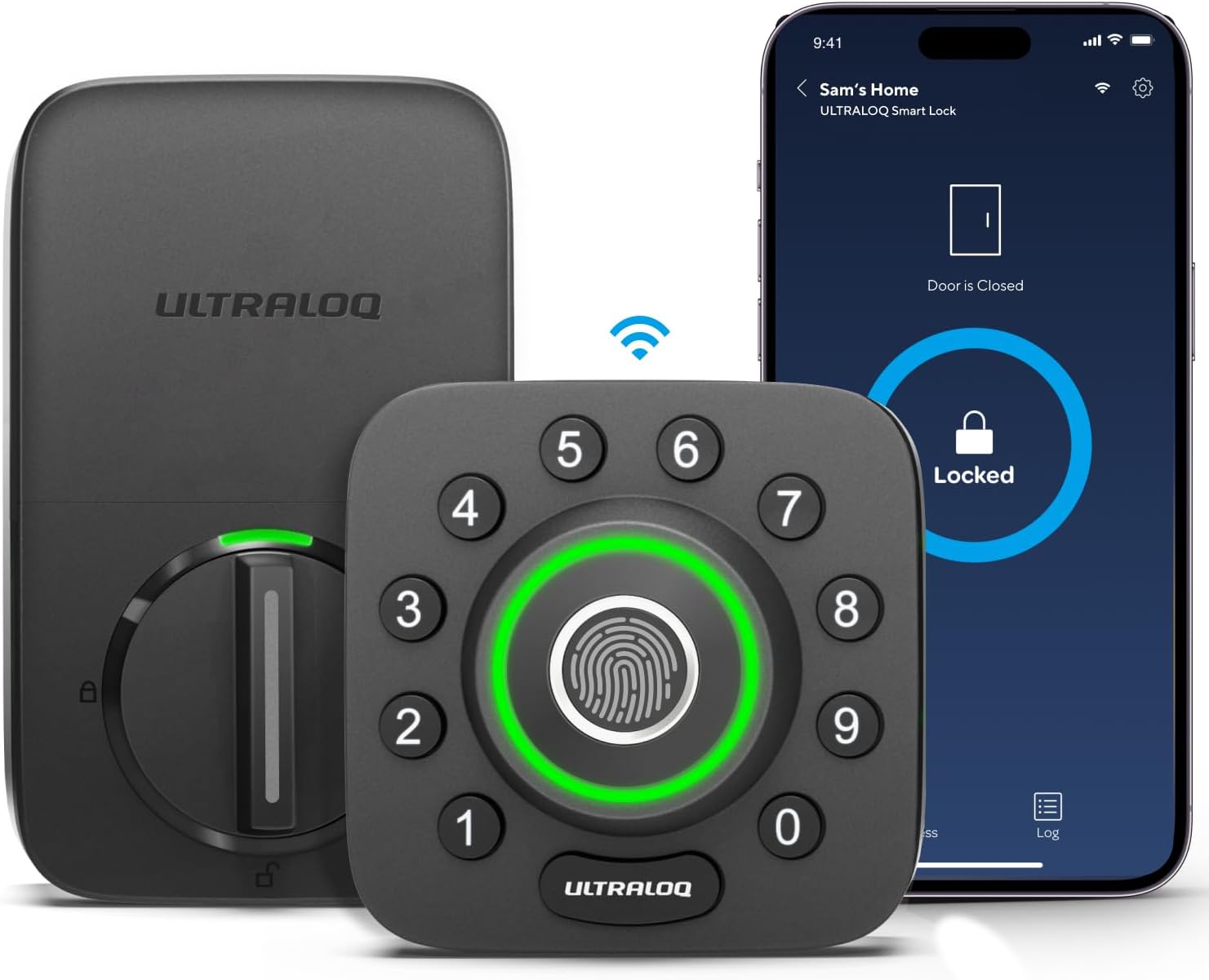
The door sensor adds status checks and open-door alerts. Auto-lock and approach-based auto-unlock are designed to reduce routine trips back to the door, although buyer feedback reports mixed experiences with reliability and fingerprint recognition.
What to know
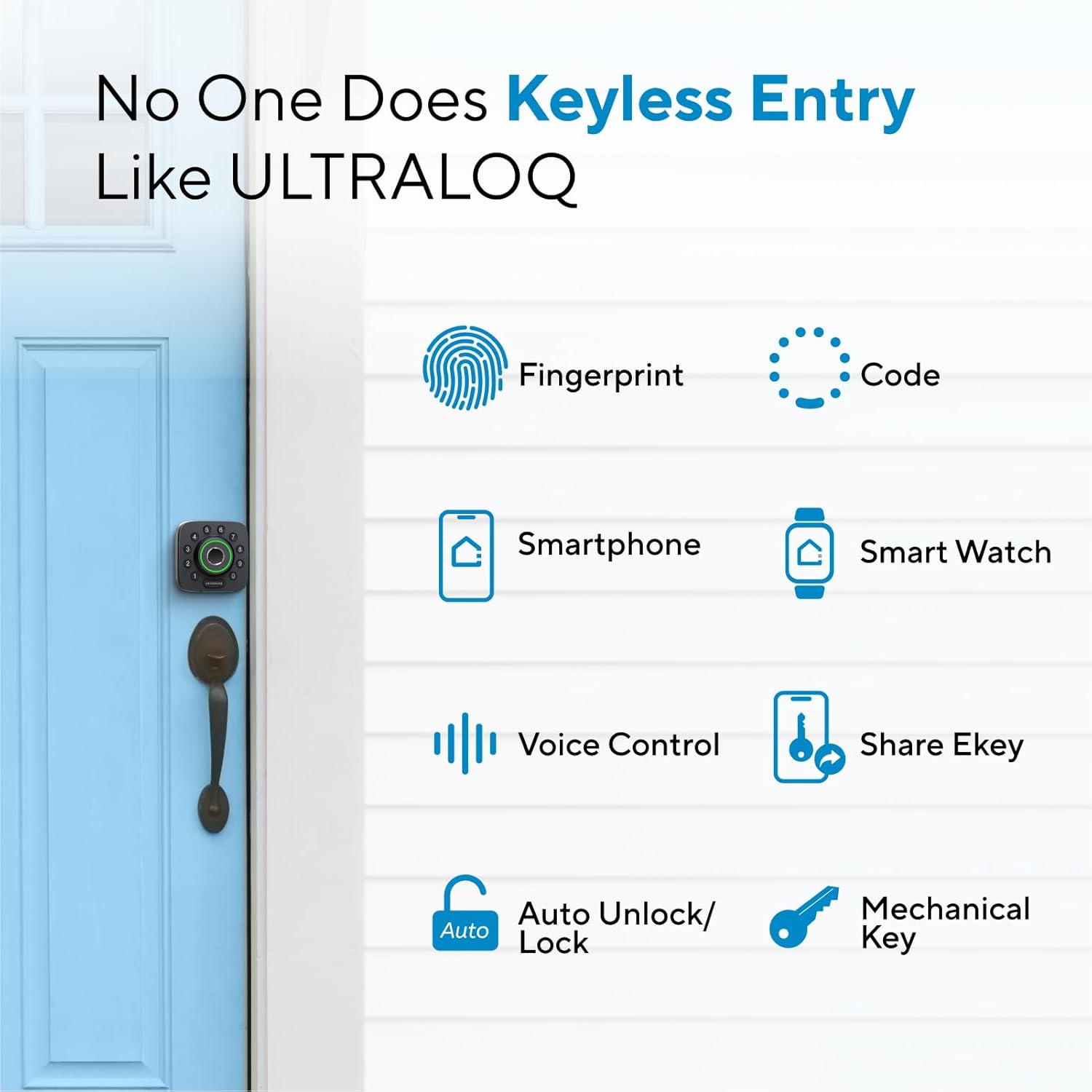
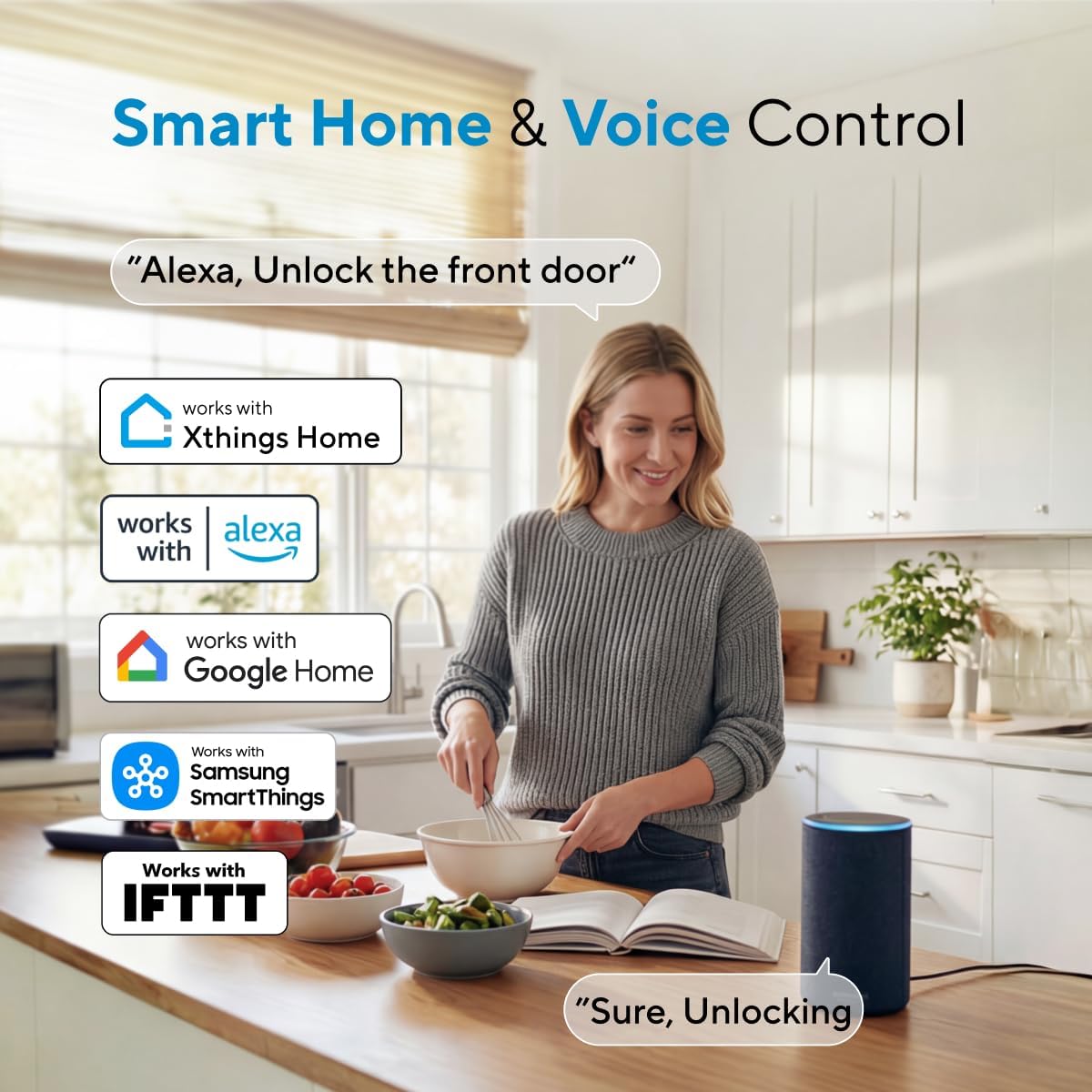
This is a connected deadbolt with several access methods: fingerprint ID, an anti-peep keypad, the U Home app and two mechanical keys. You can also share eKeys or codes remotely. Alexa, Google Assistant, Google Home, SmartThings and IFTTT integration are listed, giving it a role in a broader smart-home setup as well as standalone app control.
The lock meets the stated ANSI Grade 1 standard and has an IP65 rating for dust and weather resistance. Those details may matter for an exposed exterior lock, but they do not establish how it will perform in every local climate. The listing describes compatibility with most US standard left- or right-handed doors, that does not confirm a fit for every Canadian door, so check your door and existing deadbolt setup before replacing hardware.
Buyer feedback is favourable about having multiple access options and app-based locking, but experiences with installation, reliability and fingerprint recognition vary. Some buyers also report frequent battery replacement, including reports of four AA batteries lasting about two weeks. Treat that as a reported concern rather than a guaranteed battery interval.
How it fits
It suits you if you want to manage access for family members, guests or a shared property without relying on a single key. A practical example is sending a temporary code or eKey to a visitor, then using the app and entry log to manage or review access. The door sensor and alerts may also help when you want to know whether the door is left open.
Compared with a basic keypad deadbolt, this model adds fingerprint access, remote app control and smart-home integrations. That broader feature set is useful when remote access or multiple entry methods matter, a simpler lock may be a better fit if you only need local key or code entry. It may not suit you if frequent battery changes would be a major drawback, given the battery concerns reported by some buyers.
How to use it
The listed setup replaces an existing deadbolt and is described as a screwdriver installation. Connect the lock to a 2.4 GHz Wi-Fi network to use remote app functions, share access and receive alerts. Fingerprints, keypad codes and app access offer different ways to unlock, while the included mechanical keys provide a non-digital option.
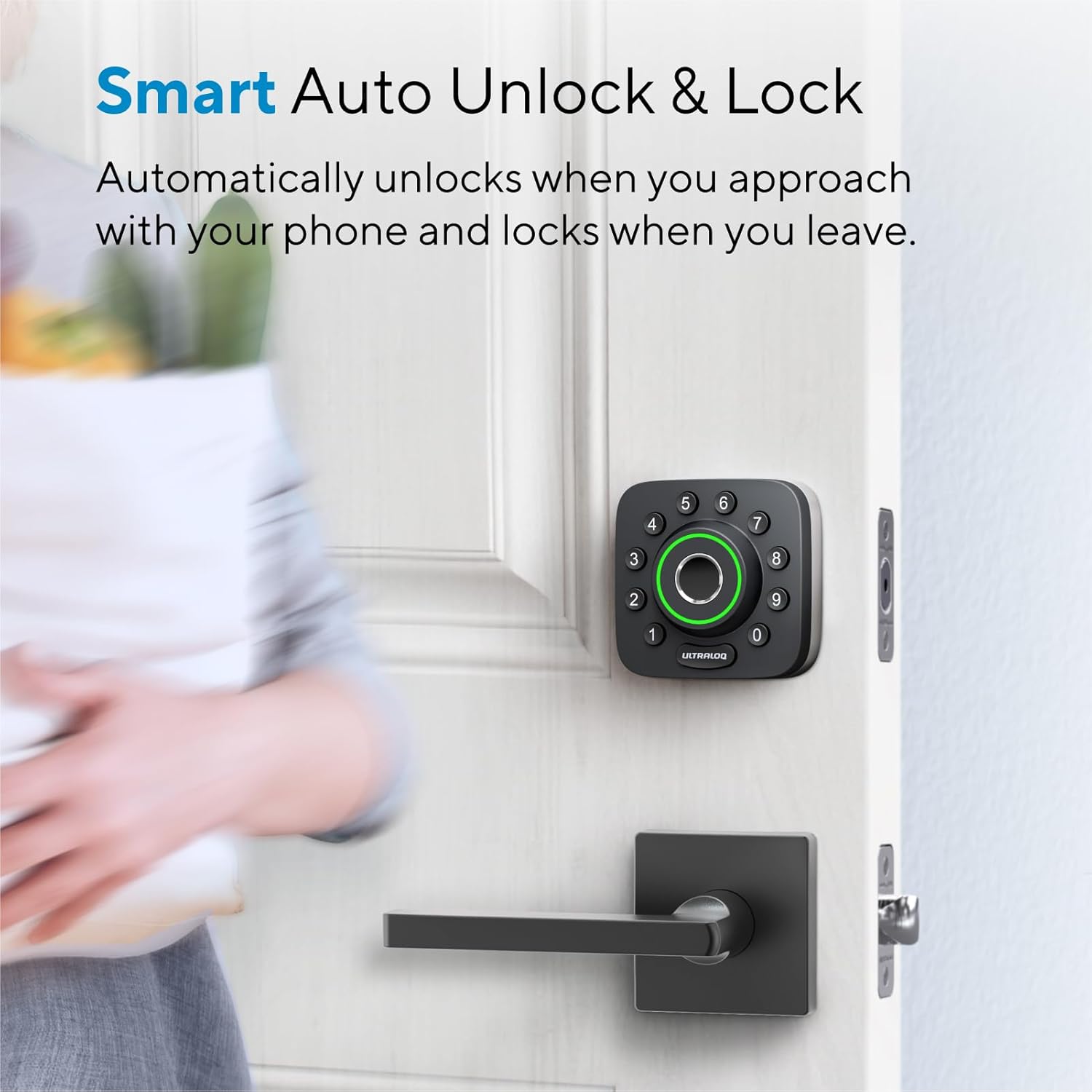
Auto-lock is intended to engage when the door closes, and auto-unlock can respond as you approach with your smartphone. Since buyers describe mixed results with installation, fingerprint reading and automatic locking, these functions may take setup and adjustment to work as expected in your routine.
Questions before you buy
Does it need a separate hub? No separate hub is required for the built-in Wi-Fi connection, but the listed network support is 2.4 GHz Wi-Fi only.
Can someone unlock it without the app? Yes. The listed alternatives include fingerprint ID, the keypad and two mechanical keys, access codes can also be shared.
Is it confirmed to fit every Canadian door? No. The listing refers to most US standard left- or right-handed doors, not every Canadian door configuration. Confirm compatibility with your door before replacing the deadbolt.
Buying verdict
The U-Bolt Pro WiFi is worth considering when remote access, several unlocking methods and door-status alerts are more useful than keeping the setup simple. Its strongest practical case is a home or shared property where different people need managed access. The 2.4 GHz Wi-Fi requirement, stated US-standard door fit and reported battery and reliability concerns are important trade-offs, choose a simpler deadbolt if those connected features are not priorities.