

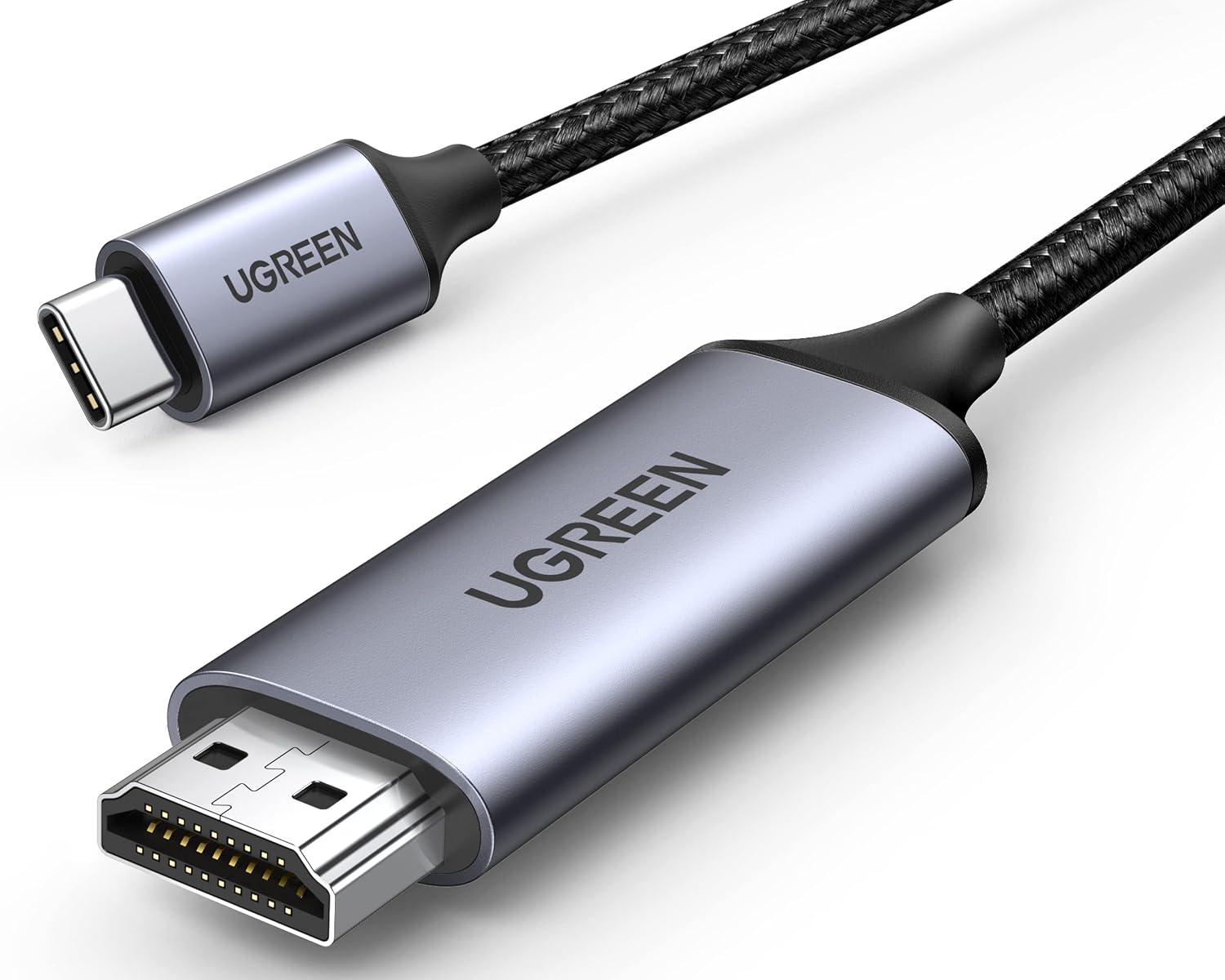
UGREEN USB-C to HDMI cable 4K 60Hz
Product description
Where it shines
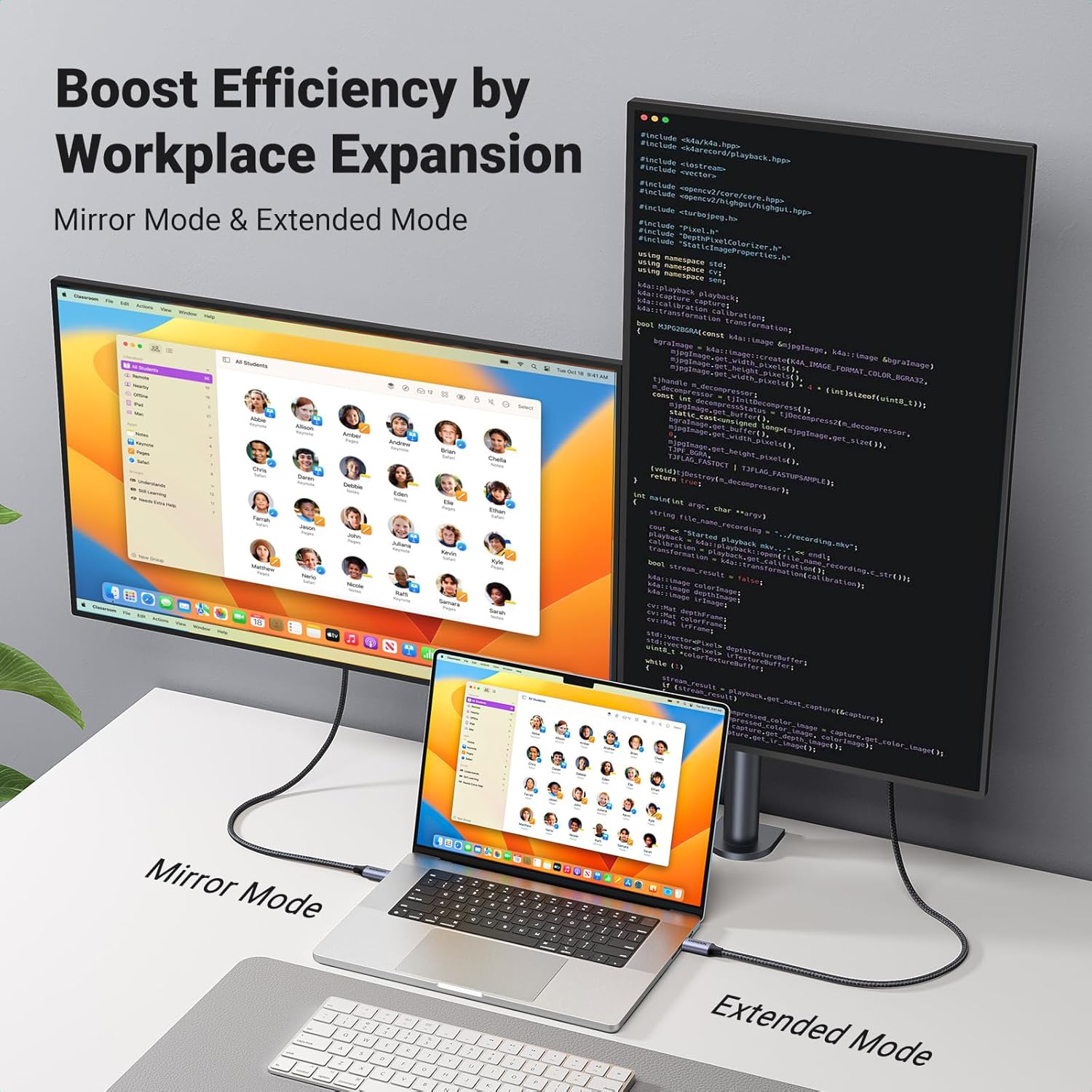
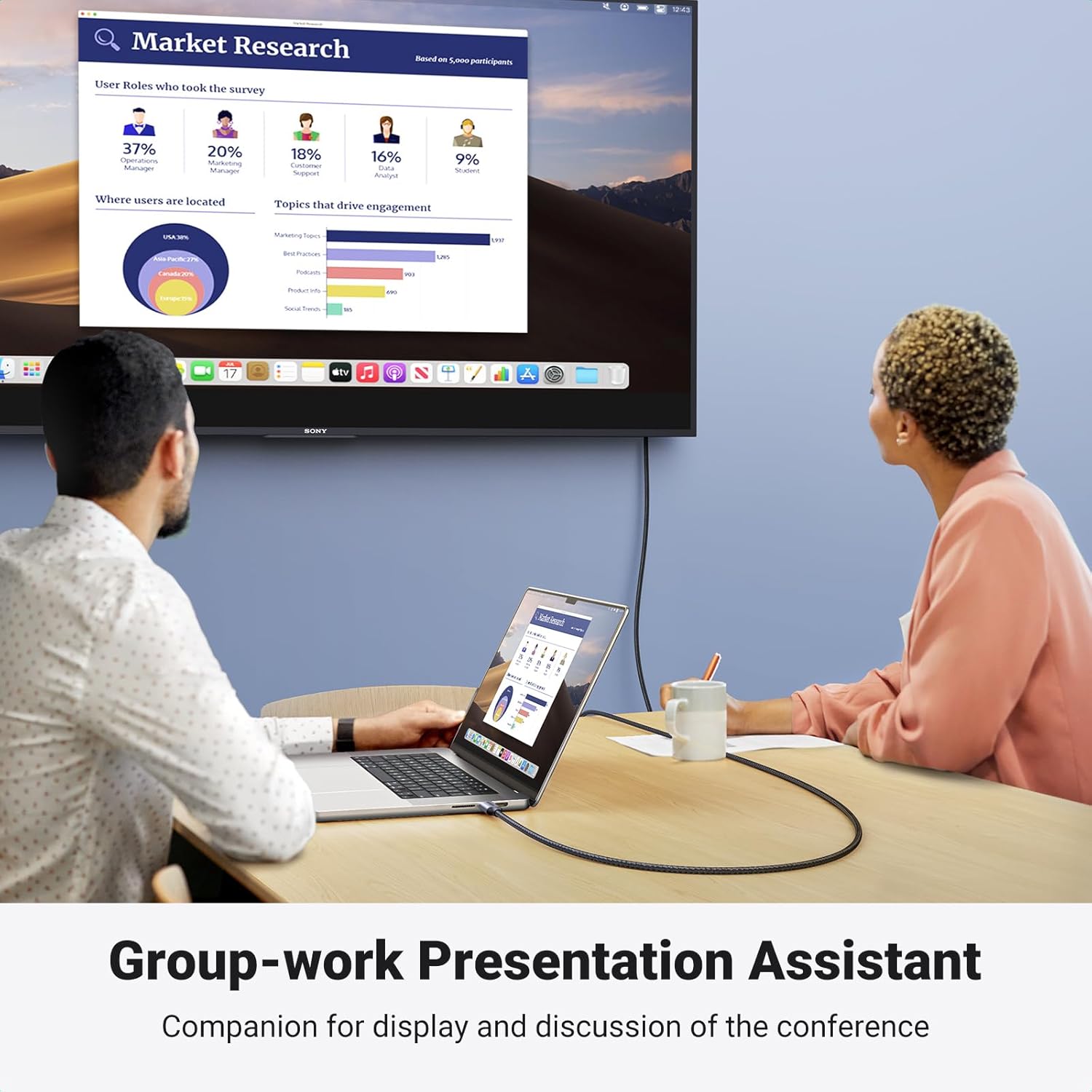
For a presentation in a meeting room or a film on a larger screen, this UGREEN USB-C to HDMI cable connects a compatible USB-C device directly to an HDMI display. There’s no separate adapter in the setup, which keeps a laptop-and-projector connection simple.
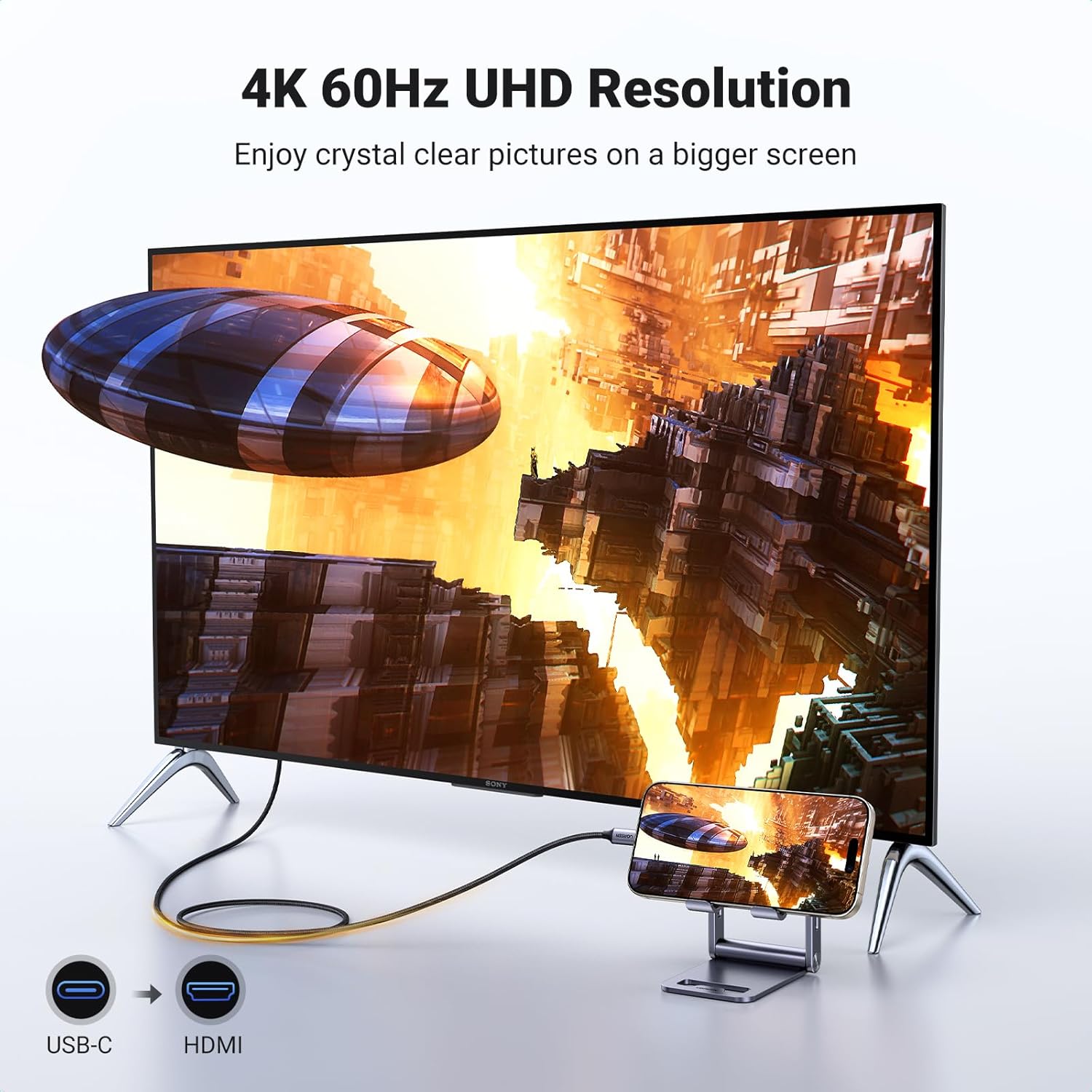
It can also send audio and video together, so you can connect a tablet or phone to a TV for a live event or a show. The cable is 6.6FT long, with a braided cord intended to resist wear and tangling during regular handling.
If you prioritize a direct cable connection for a compatible device, this is a practical format, if you prefer a cable that works with any USB-C port or connects in either direction, this one has a more specific job.
What matters most
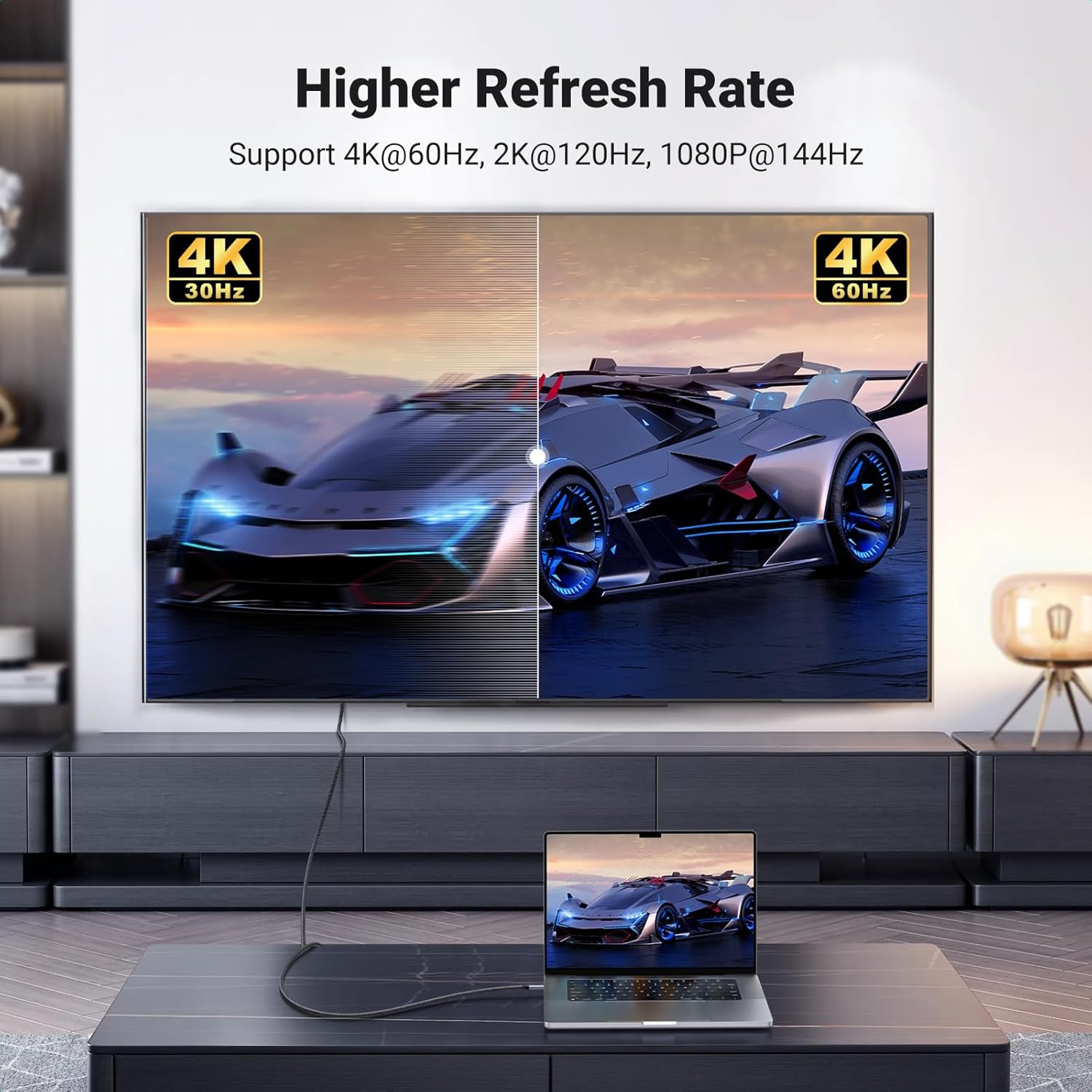
The headline display modes are 4K at 60Hz, with backward compatibility for 2K at 120Hz and 1080p. The actual result depends on the connected devices and display: the source needs USB-C with DisplayPort Alt Mode, or a compatible Thunderbolt 3 or 4 connection, and the screen needs an HDMI input.
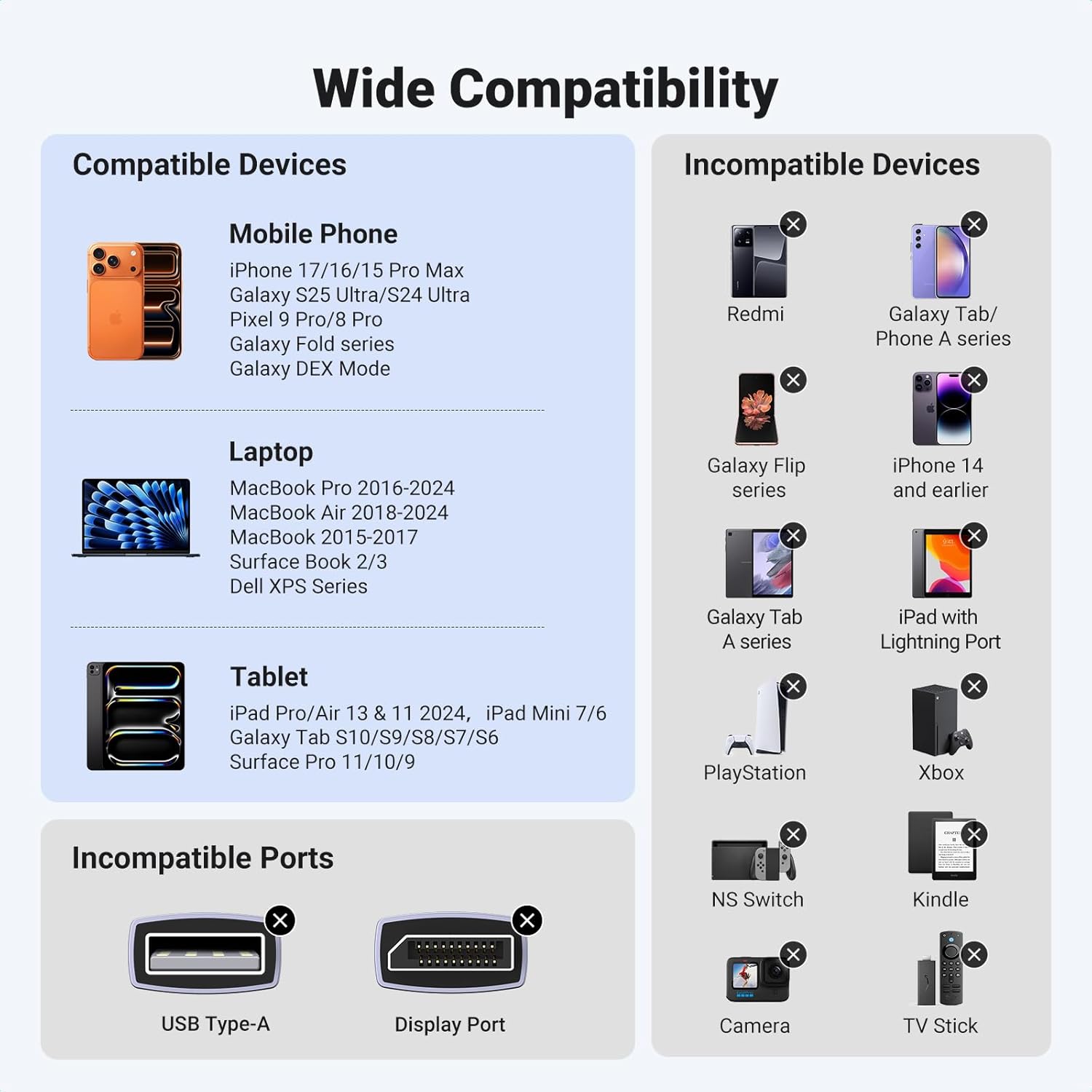
The connection is one-way, from USB-C to HDMI. It isn’t intended to connect an HDMI source to a USB-C display, and the description specifically excludes USB-C portable monitors. That distinction matters if you’re choosing a cable for a travel monitor rather than a TV, projector or other HDMI display.
It’s also not a substitute for a Lightning or Micro USB cable. Older devices without a compatible USB-C video output won’t become suitable just because the connector fits. The plug-and-play design is driver-free, but that doesn’t remove the need for DP Alt Mode support on the source device.
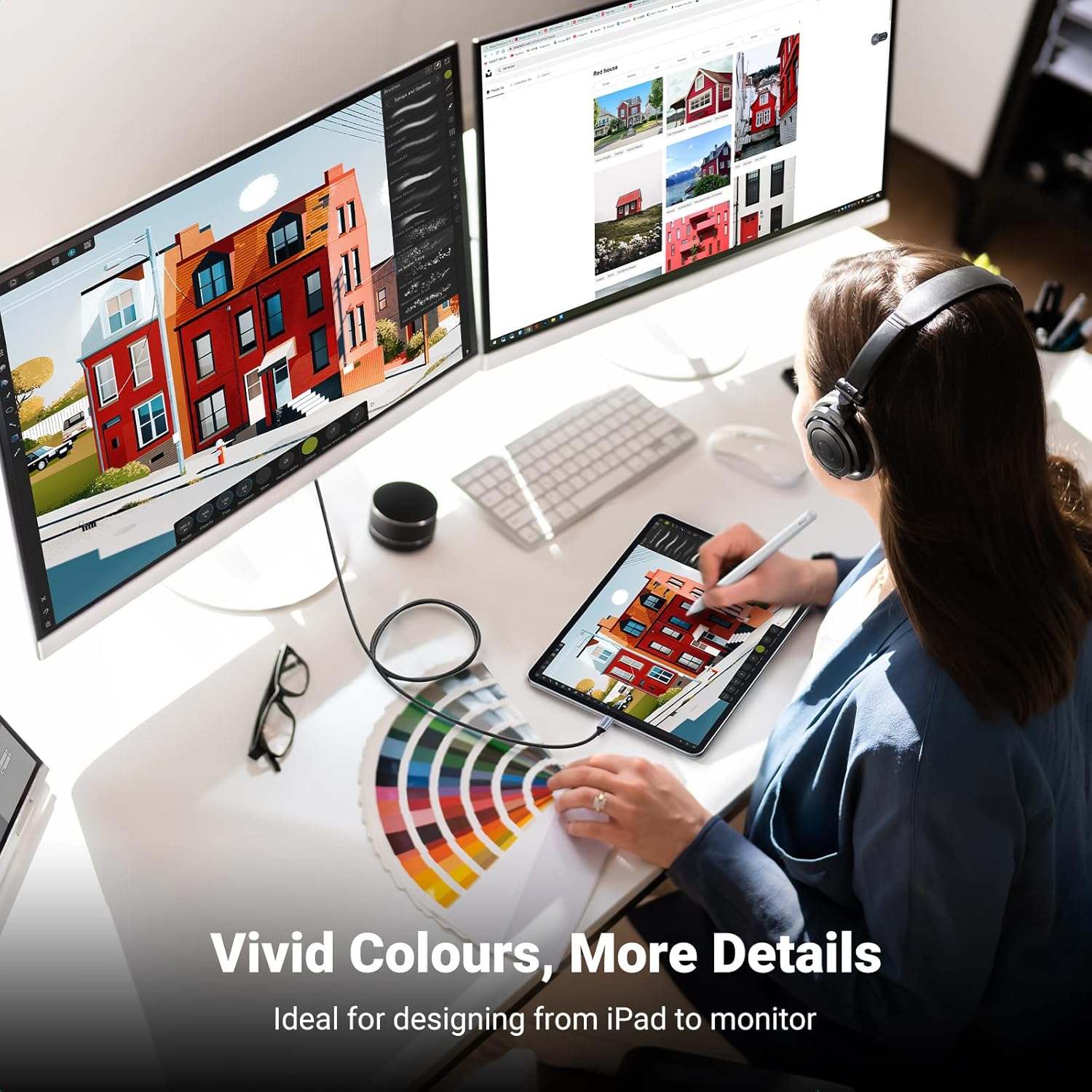
For a desk setup, picture connecting a compatible laptop to a projector before a meeting: one cable carries the picture and sound, without a separate adapter to keep track of. The metal-plated connectors and three layers of shielding are presented as durability and signal-transmission features, the braided covering may suit a cable that gets packed away often, though no care instructions or durability testing are provided.
Best use cases
This cable makes the most sense for a compatible MacBook, iPad Pro, Galaxy device or USB-C laptop when the destination is an HDMI-equipped TV, monitor or projector. Check the exact device’s video-output support rather than relying on the USB-C socket alone. The listed compatibility includes devices such as MacBook, Dell XPS and Surface models, but the requirement remains USB-C video output through DP Alt Mode or compatible Thunderbolt.
It’s a fit if your usual connection is USB-C source to HDMI screen and you want audio and video over one cable. It’s not for you if you need bidirectional use, a USB-C monitor connection, or support for a phone that uses Micro USB or Lightning.
In closing
Choose it for a straightforward link between a compatible USB-C device and an HDMI display, especially for presentations or watching content on a TV. Before choosing, confirm both ends: your source must support video over USB-C, and your display must accept HDMI. If either part of that setup is different, a cable or adapter made for that connection will be a better match.