

TempPro TempAir TP50 Digital Hygrometer and Indoor Thermometer with Max/Min Records
Reviews
Price
Product description
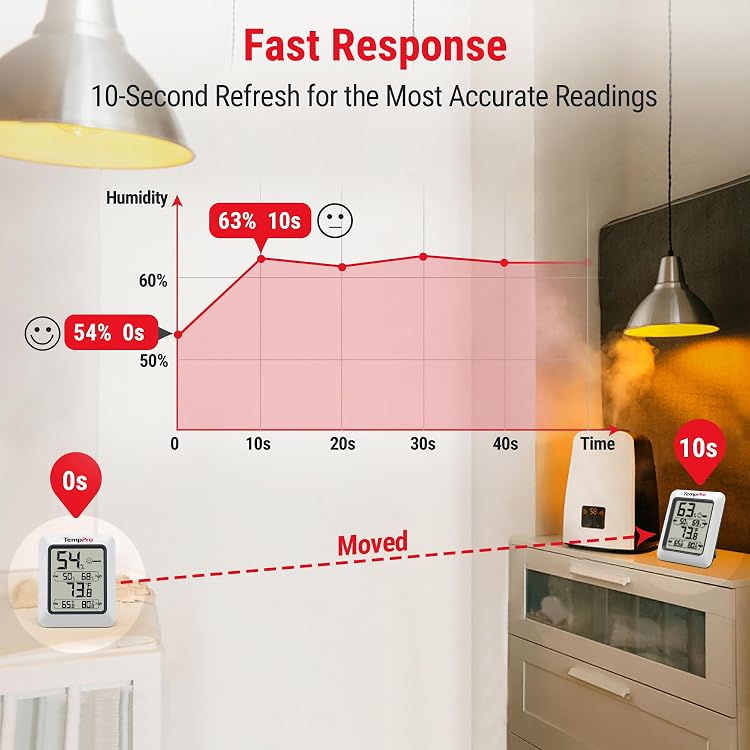
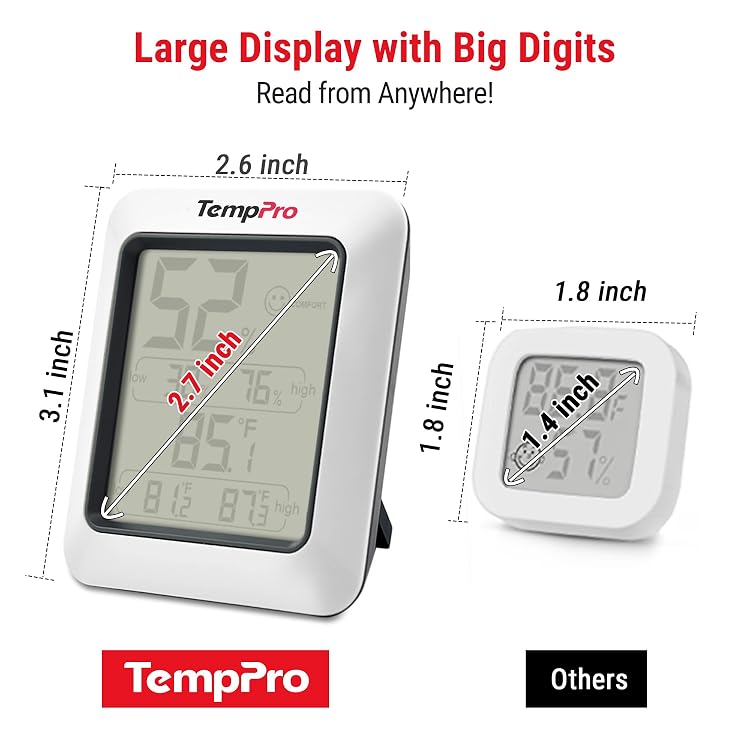
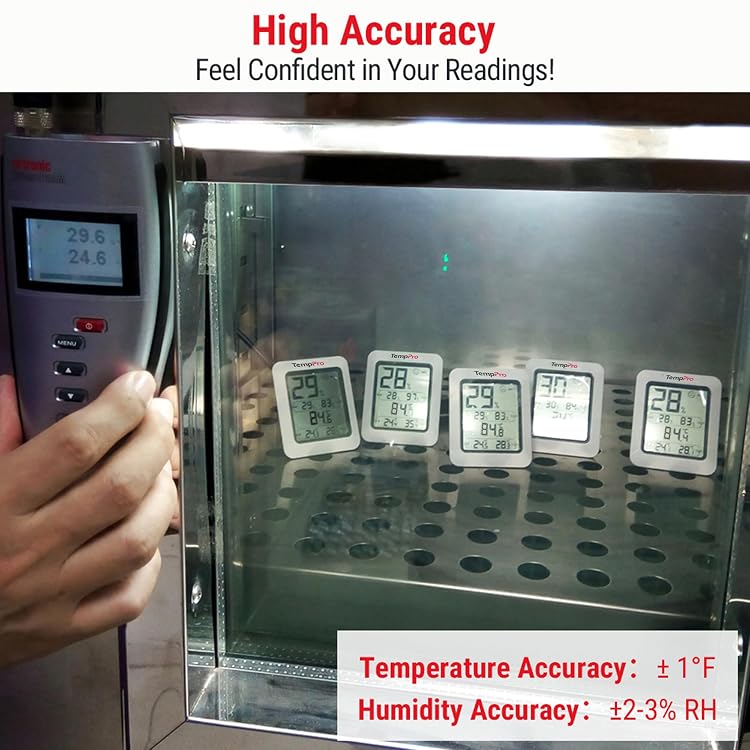
A large LCD and a quick-glance humidity indicator make the TempPro TempAir TP50 useful for checking indoor conditions without interpreting a long list of readings. It measures temperature and humidity, shows whether conditions are DRY, COMFORT or WET, and refreshes its measurements every 10 seconds.
High and low records add context to the current reading, so you can compare changes and decide whether to adjust your home environment. If you need more than a temperature-only thermometer, the TP50 brings humidity information into the same compact display.
What to know
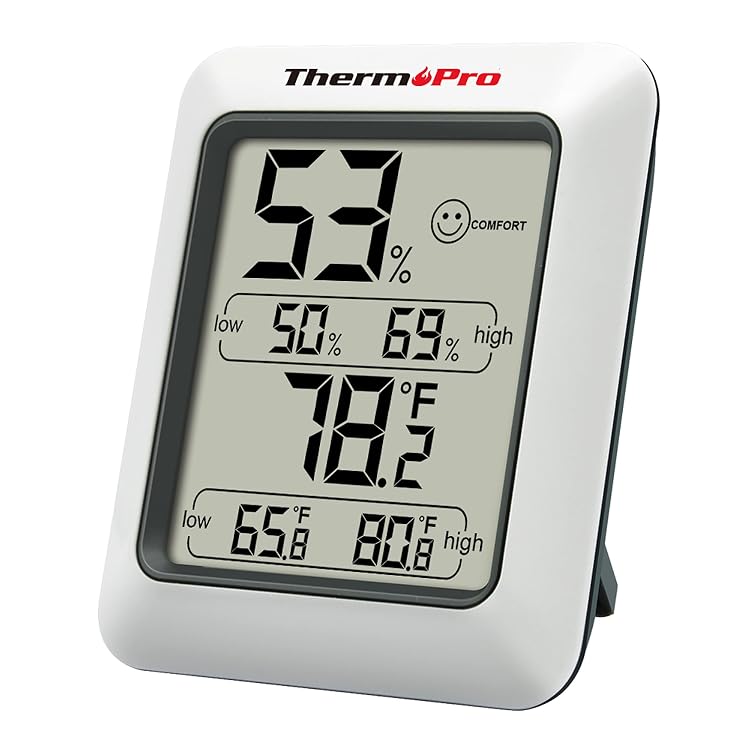
The display combines temperature and relative humidity readings with a simple status icon. High and low records for both measurements help you spot the range reached since the records were last cleared, rather than relying only on a momentary check. A °F/°C selector lets you choose the temperature scale that suits your household.
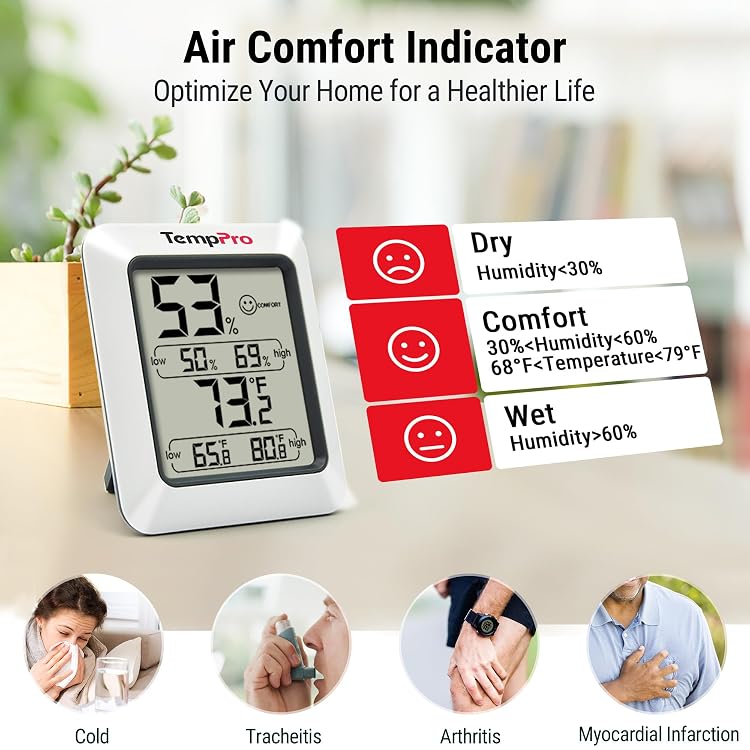
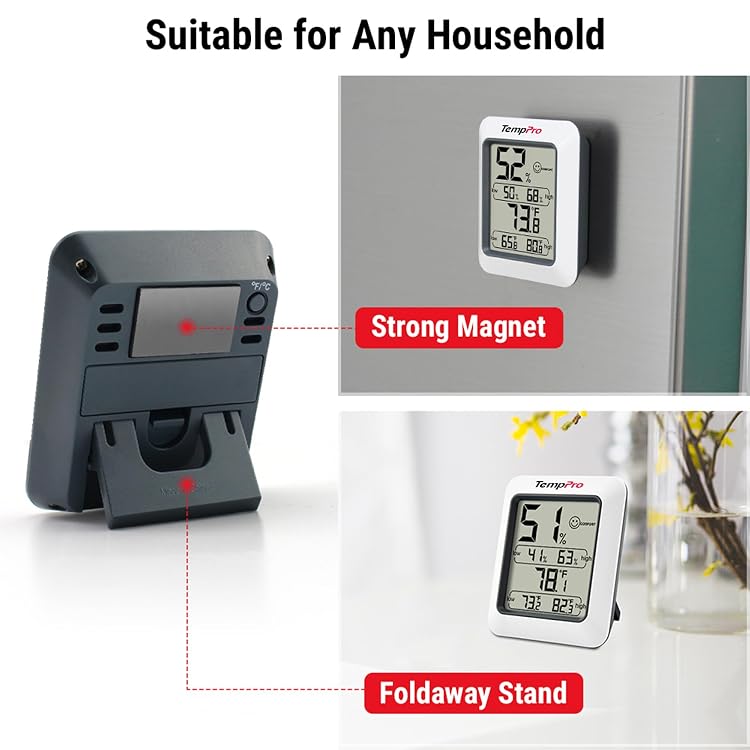
For example, place it in a room where humidity varies through the day and check the display as part of your regular home routine. The readings update every 10 seconds, while the DRY/COMFORT/WET indicator makes the humidity level easier to scan at a glance. The tabletop stand suits a counter or shelf, and the magnetic back gives you another placement option on a compatible metal surface.
Buyers often highlight the readable screen, convenient size and ease of use. Some also appreciate being able to move the meter between locations, which is useful when you want to compare conditions around the home. These are customer impressions, the practical draw is the combination of temperature, humidity and high/low records in one device.
How to use it
Set the TP50 on its tabletop stand or attach its magnetic back to a suitable metal surface, then select °F or °C for the temperature display. Use the current readings for a quick check and the high/low records to see how conditions have varied. The included AAA battery powers the monitor, so it is ready for everyday indoor monitoring without a separate wired display.
Who it’s for
This monitor suits households that want to keep an eye on both temperature and humidity in one place. It can also be useful for checking conditions in a greenhouse or other setting where humidity readings matter, as well as for people who prefer a compact display they can reposition. If your main need is only a temperature reading, a basic thermometer is a simpler approach, choose the TP50 when the humidity indicator and recorded highs and lows are useful to your routine.
Before you decide
What does the humidity indicator show? It labels the conditions DRY, COMFORT or WET, giving you a quick visual cue alongside the humidity reading.
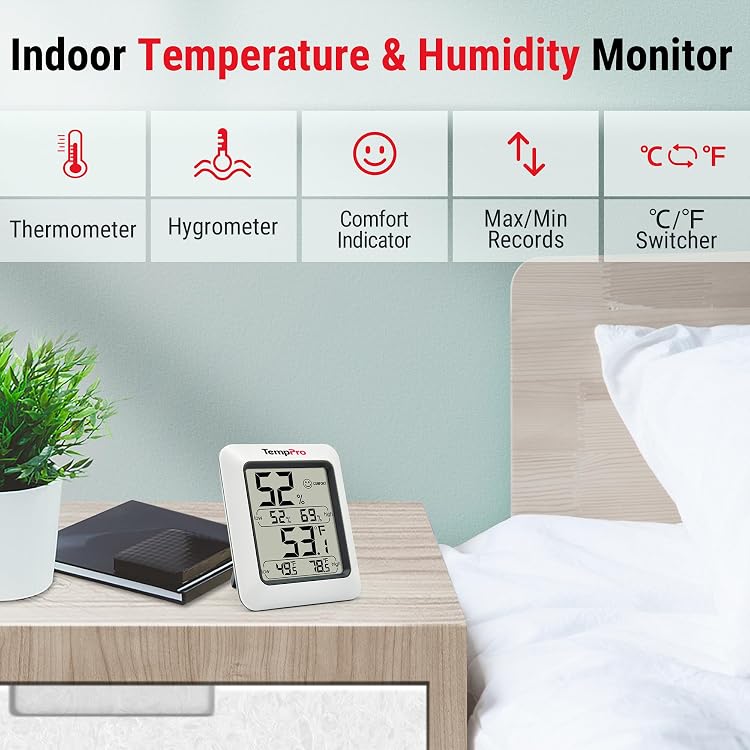
Can I switch between Celsius and Fahrenheit? Yes. Use the °F/°C selector to choose the temperature scale shown on the display.
How can I place the monitor? Use the tabletop stand on a counter or shelf, or use the magnetic back on a compatible metal surface.
When it makes sense
The TempPro TempAir TP50 is a practical fit when you want a clear, portable way to monitor indoor temperature and humidity together. Its status indicator, high/low records and flexible placement make routine checks straightforward at home or in a greenhouse.