

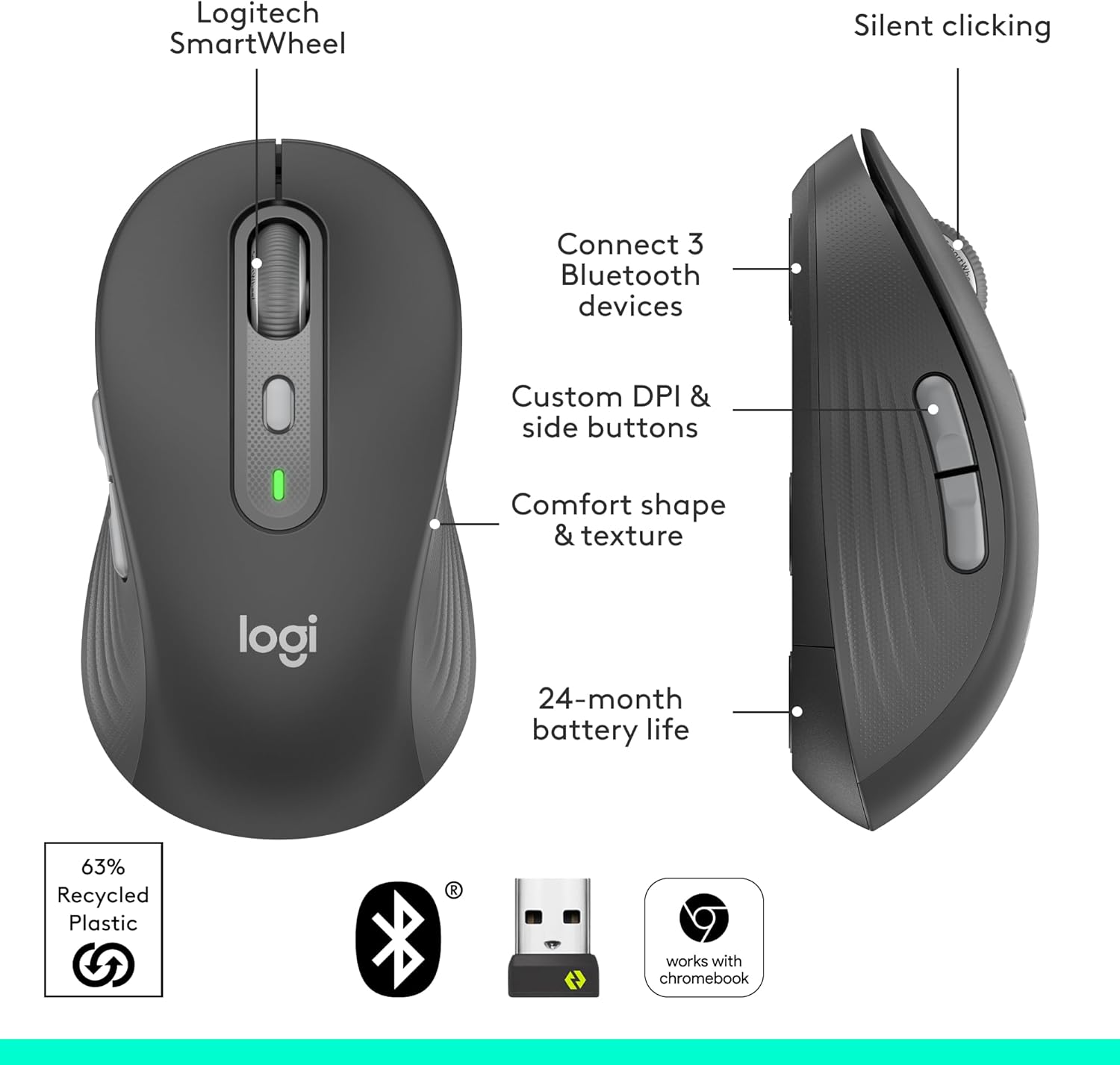
Logitech wireless mouse, Large
Product description
Comfort in hand
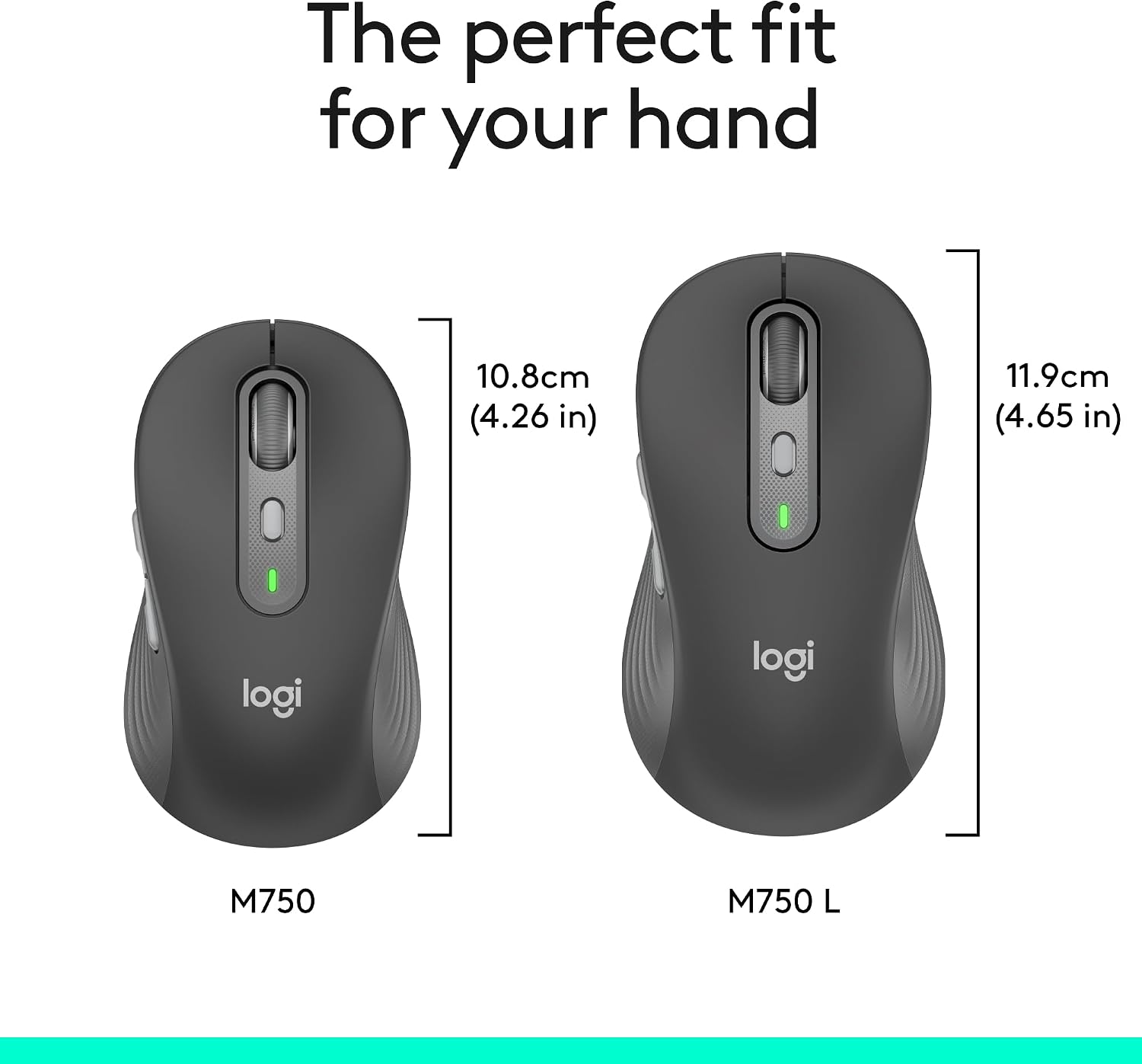
The contoured shape, soft thumb area and rubber side grips are designed to keep your hand supported during long sessions. The Large size is the version to consider if you have larger hands.
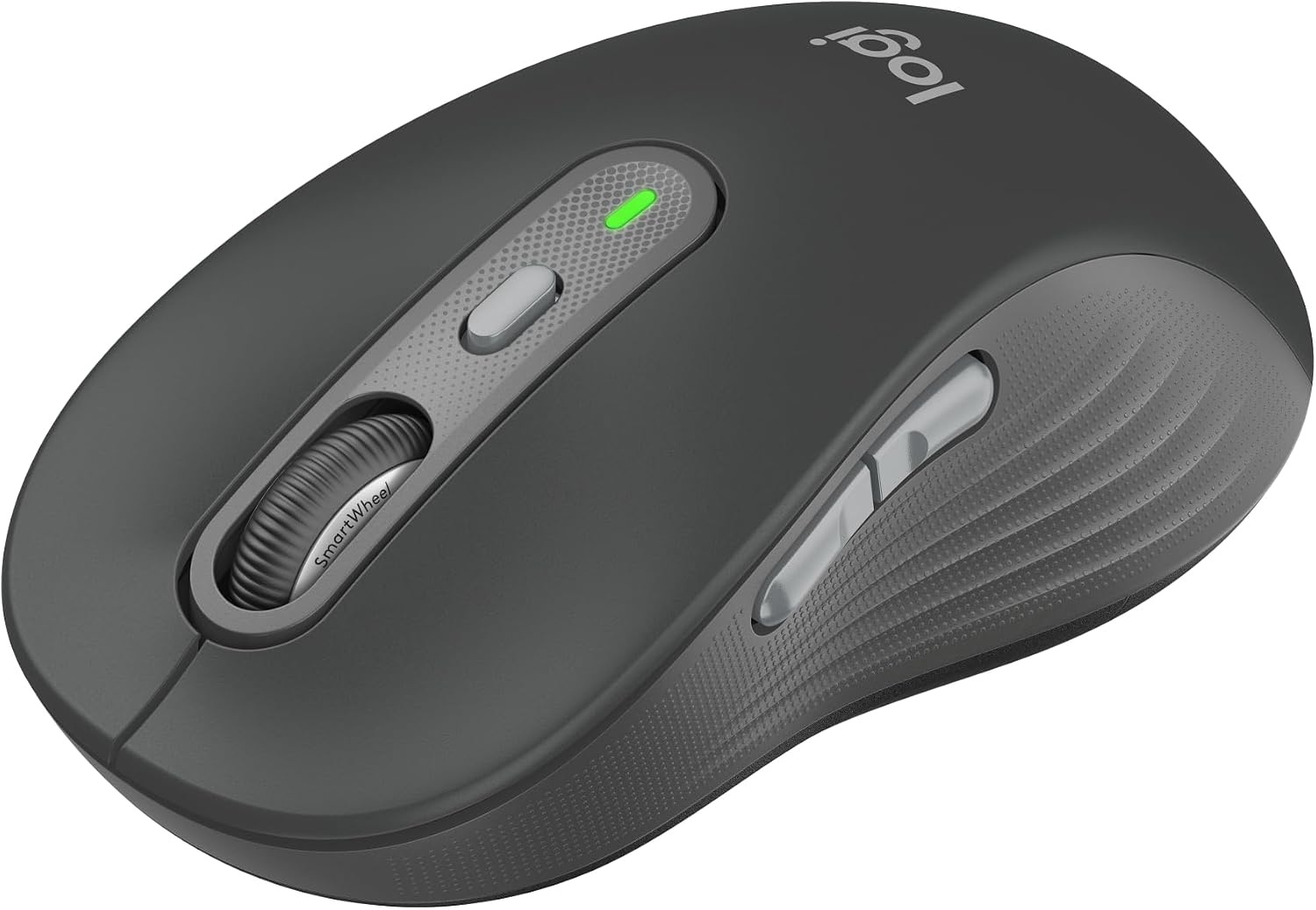
The side grips also give your thumb a defined place to rest, rather than leaving the mouse surface smooth all around.
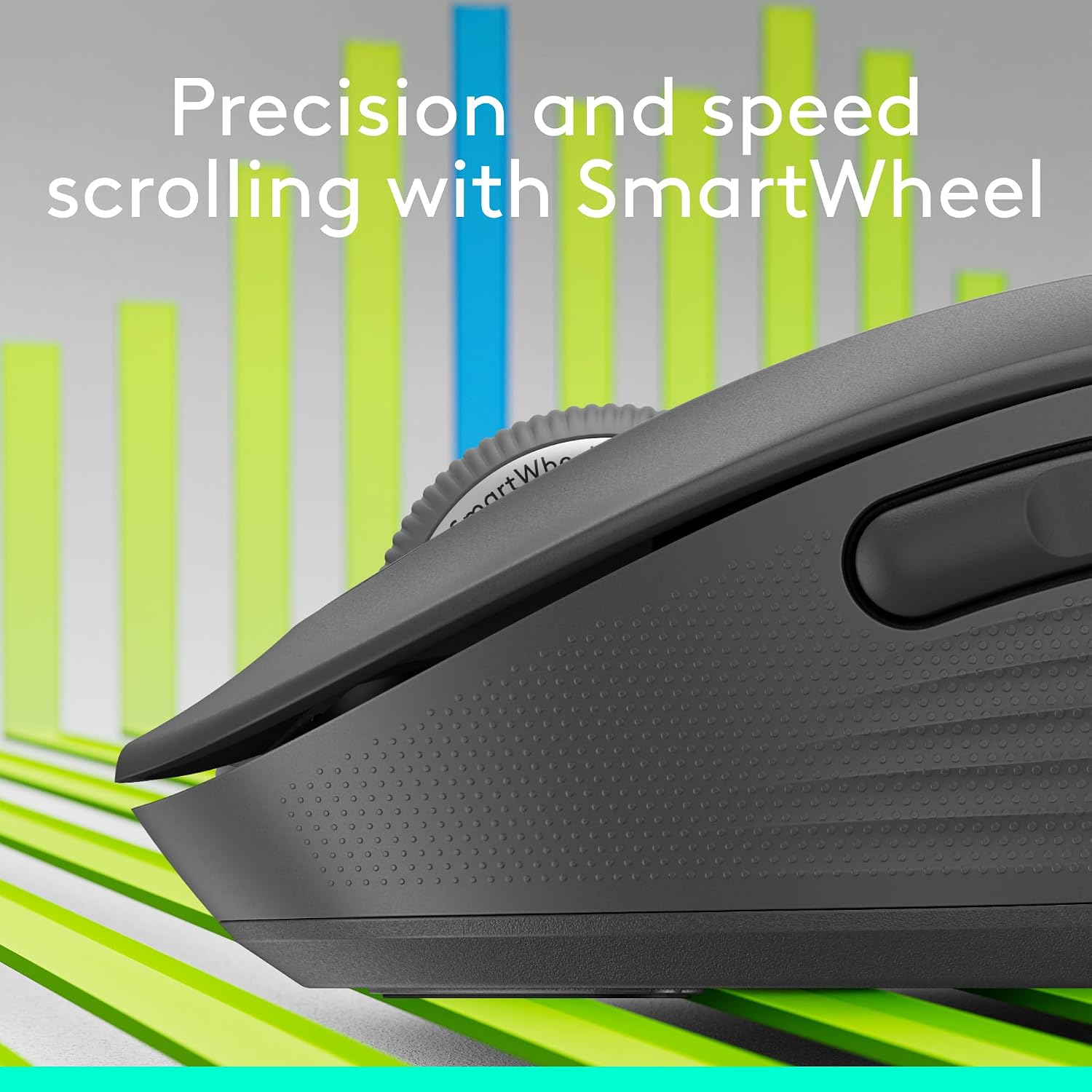
For a workday that moves between documents and long web pages, the SmartWheel switches from line-by-line precision to faster scrolling with a flick. That can make one mouse more convenient than a basic model with a single scroll mode.
Pros
- SmartWheel switches between precise scrolling and faster movement through long pages.
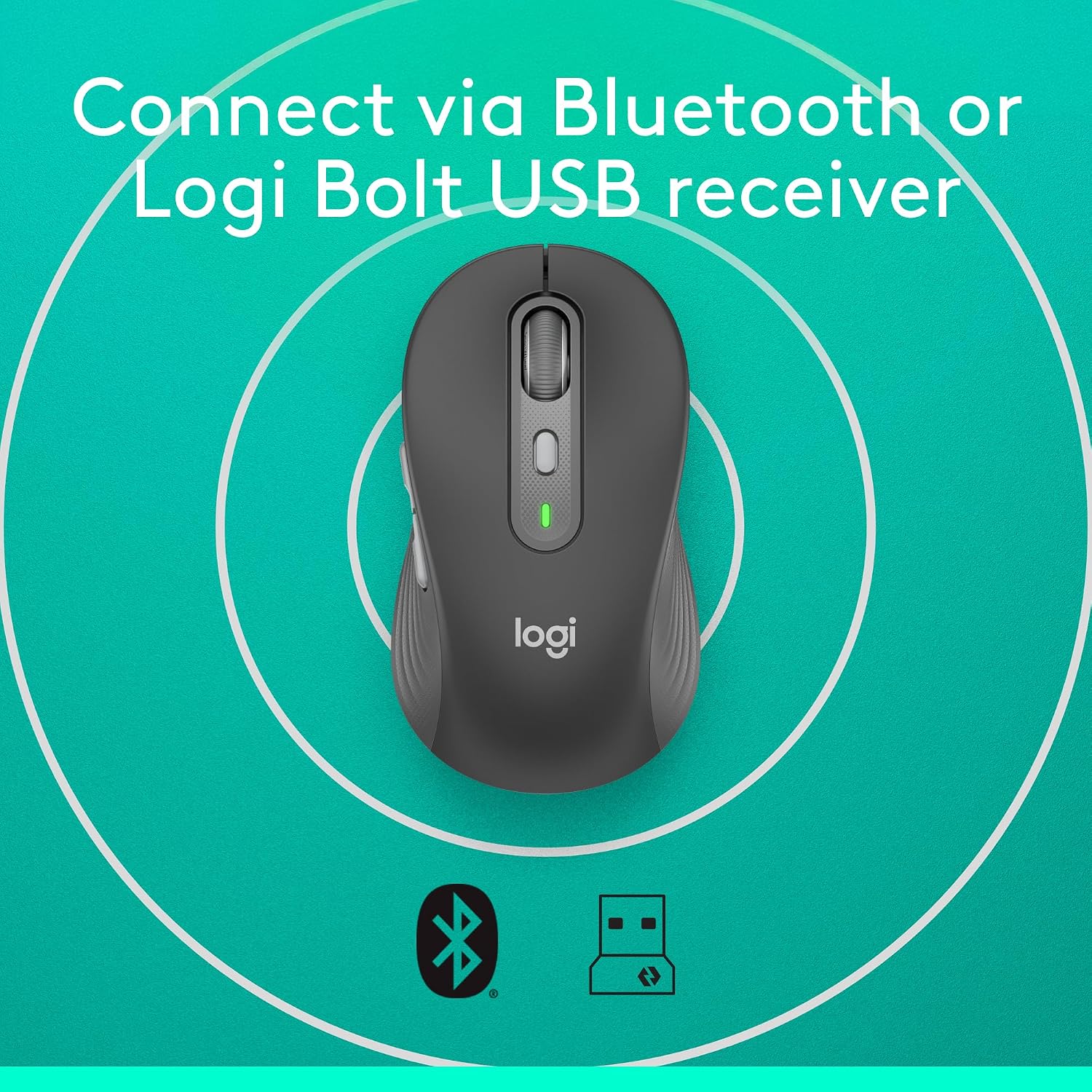
- Connects to up to three Bluetooth devices, with Easy-Switch for moving between them.
- Logitech Flow can transfer text, images and files between Windows and macOS devices.
- SilentTouch is listed as reducing click noise by 90%, which may suit a shared office or a quiet home workspace.
- Side buttons can be customized in Logitech Options+ on Windows and macOS.
- The stated battery life is up to 24 months from the included single AA battery.

A practical example: you could use the precise wheel mode while working through a document, then switch modes to move through a long webpage. If your day also involves a Windows computer and a Mac, device switching and Flow add another layer of convenience. Would those extras matter more than having a simpler mouse with fewer controls? That depends on how often you switch tasks and devices.
Spec sheet
- Type: Wireless mouse
- Size: Large
- Colour: Graphite
- Connection: Bluetooth, pairs with up to three devices
- Scrolling: SmartWheel with precision and fast-scroll modes
- Buttons: Customizable side buttons through Logitech Options+ on Windows and macOS
- Battery: One included AA battery, up to 24 months of battery life
- Compatibility: Windows, macOS, Linux, ChromeOS, iPadOS and Android
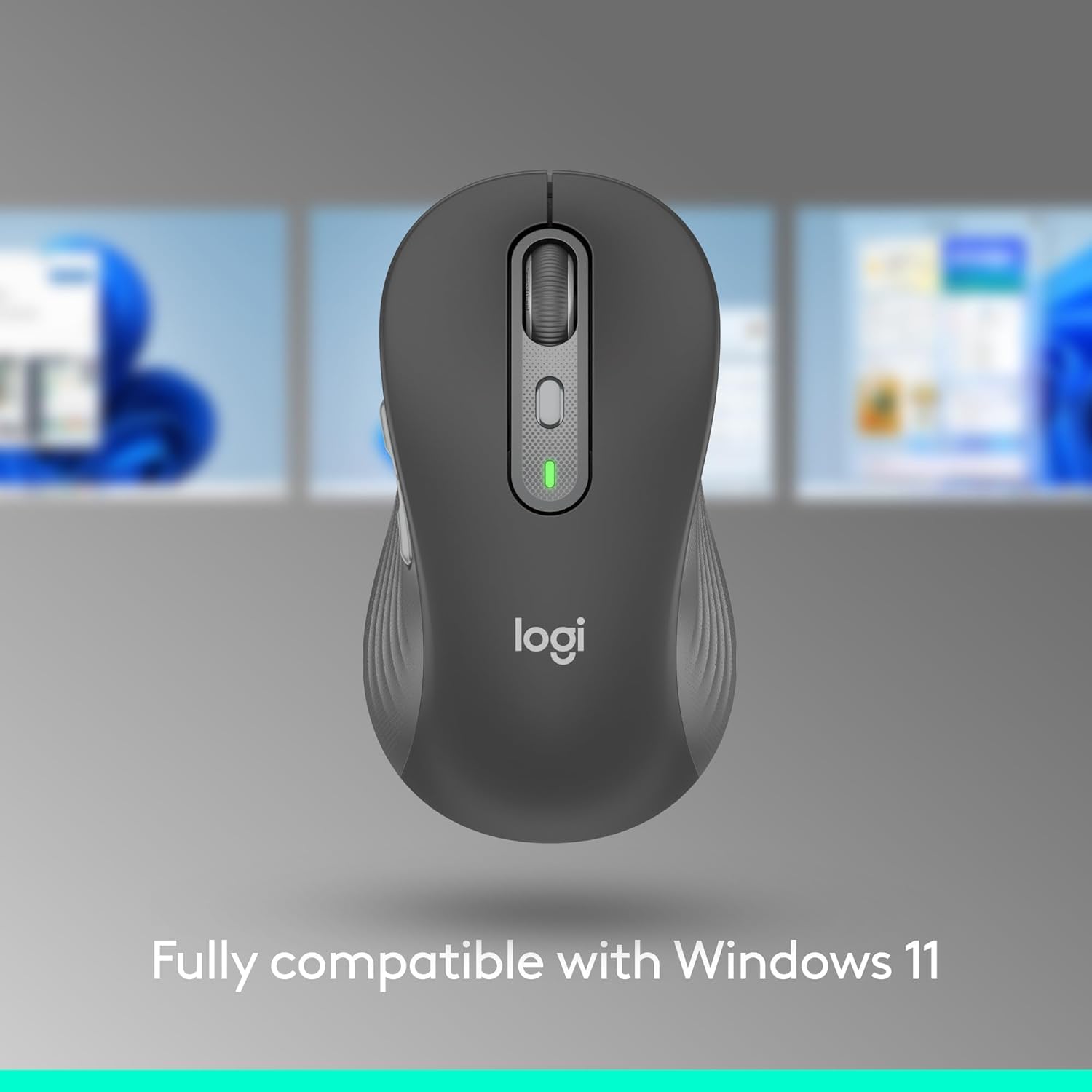
The broad compatibility list describes the mouse, but not every added feature works across every listed system. Flow is described for Windows and macOS, and button customization through Options+ is also listed for those two operating systems. Without trying it, the sensible takeaway is to check whether your main device supports the specific extras you want, rather than assuming every feature carries over.
What I’d decide
It makes sense if you want a larger wireless mouse for longer work sessions, value quieter clicks, or regularly switch between Bluetooth devices. Its appeal is the combination of shape, scrolling modes and shortcuts, rather than just basic pointer control.
It won’t suit you if you need to customize the side buttons on Linux, ChromeOS, iPadOS or Android, the supplied details only specify Logitech Options+ for Windows and macOS. And if you prefer a compact mouse or do not need multi-device controls, this Large model’s extra features may not add much to your everyday use.