

Amazon Fire TV Stick 4K Streaming Device with HDR10+, Wi-Fi 6 and Alexa+
Product description
Product specs
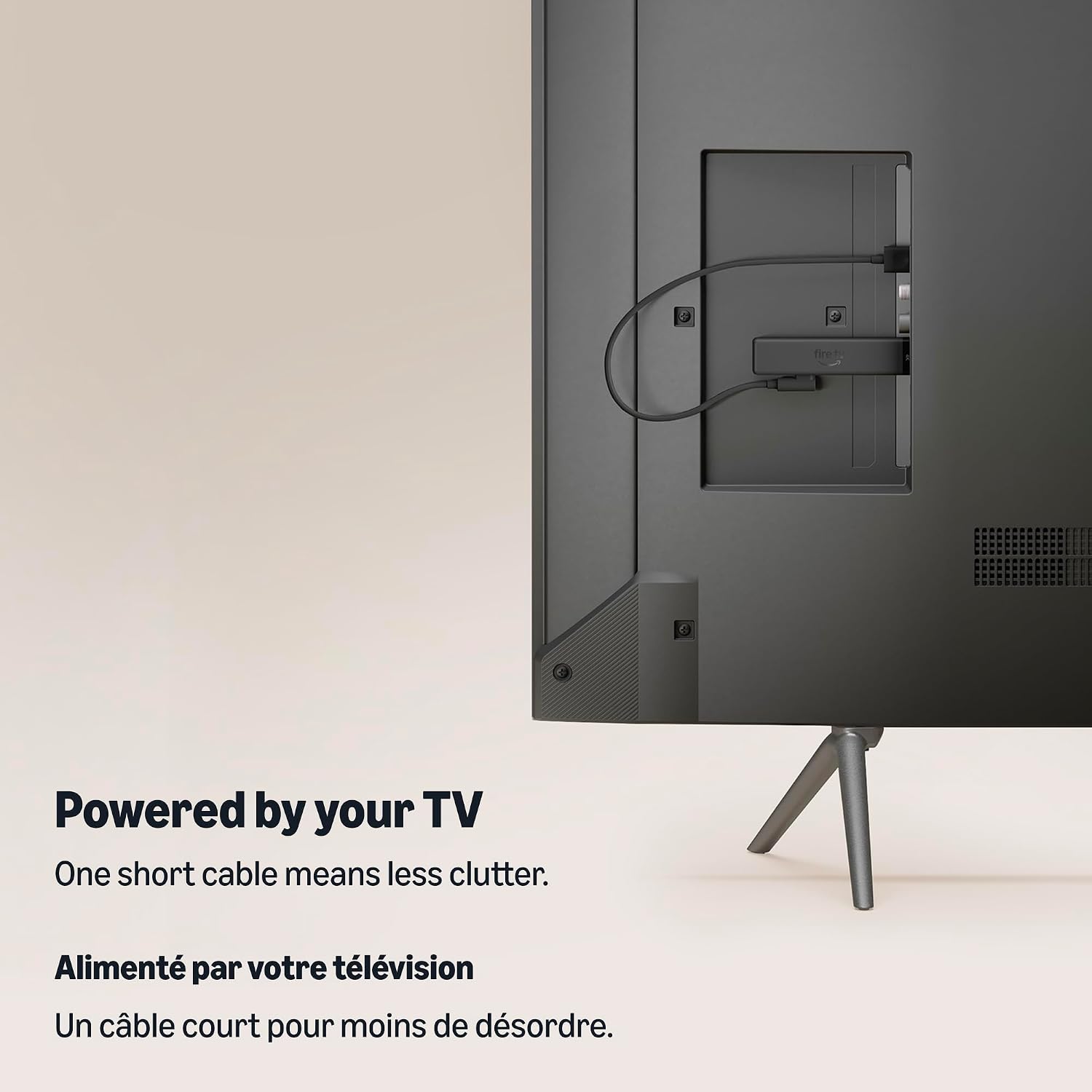
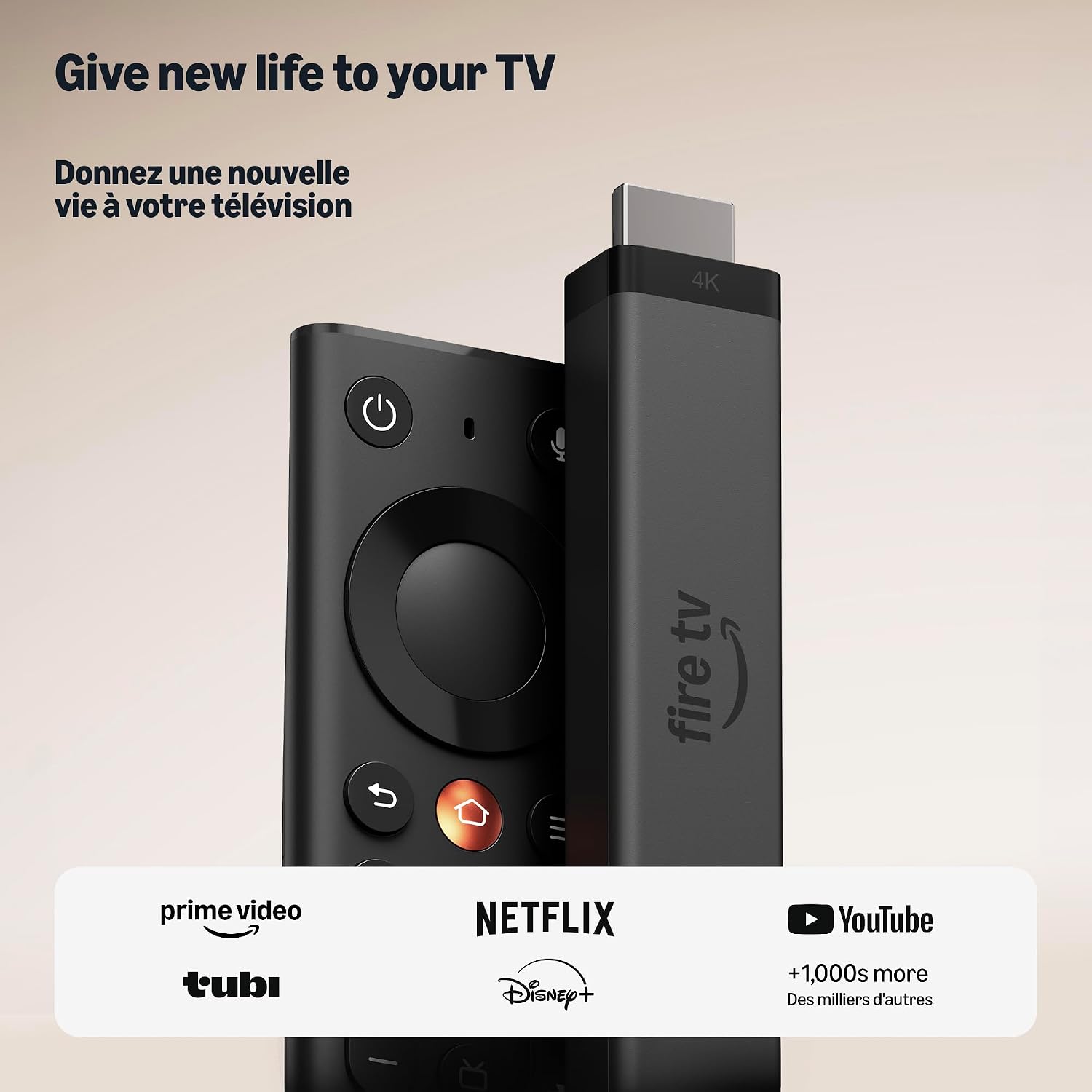
Set up 4K streaming for movie night by plugging the Fire TV Stick 4K into your TV’s HDMI port. It supports 4K viewing with HDR10+, bringing rich colour, contrast and sharp detail to compatible content on a 4K TV. Wi-Fi 6 support and the included Fire TV Remote make it easy to bring streaming apps and live TV together in one place.
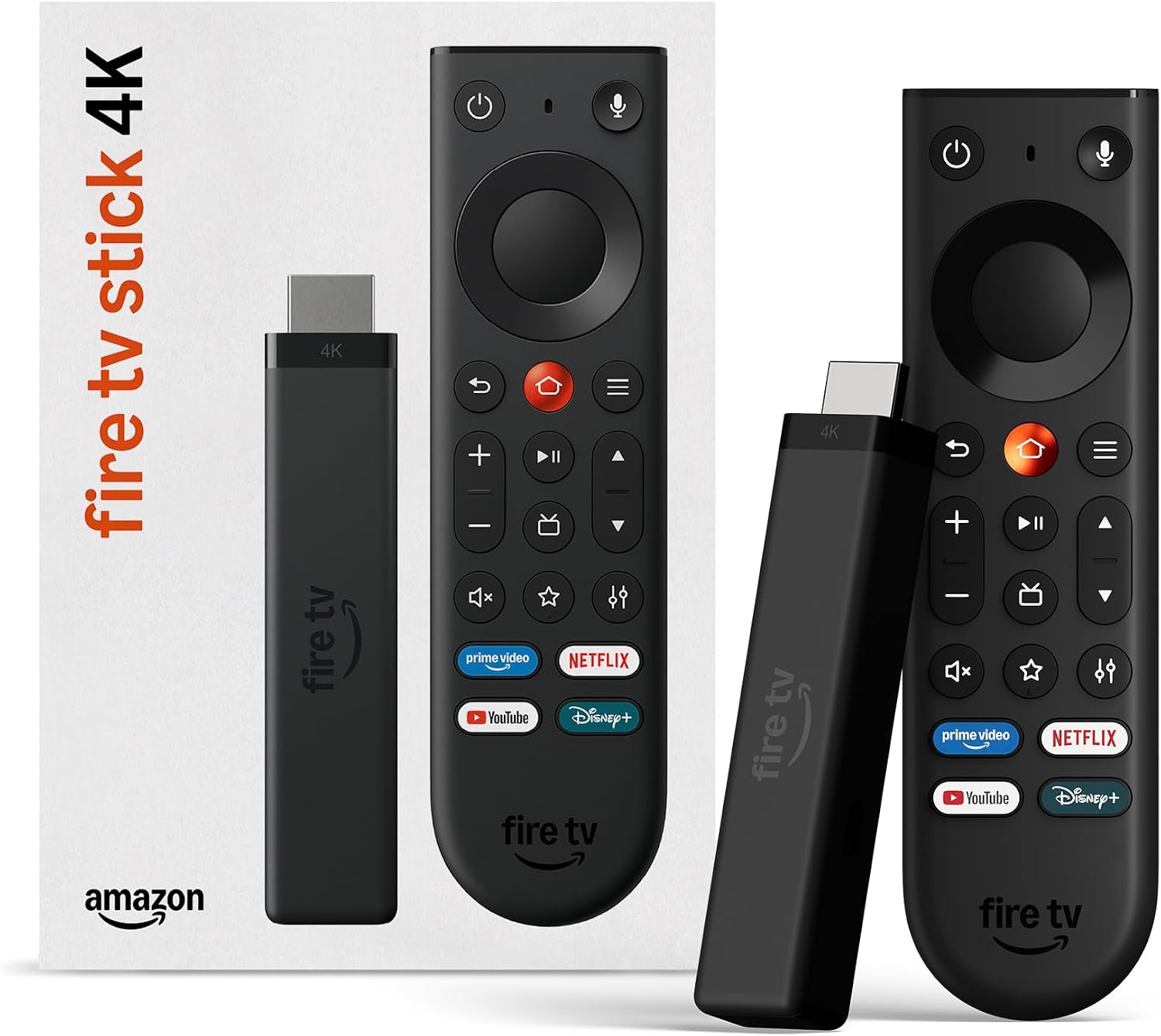
The remote has TV power and volume controls, a navigation ring, and dedicated buttons for the Shortcut Panel, Fire TV experience menu and Live TV. Direct Power lets the stick draw power from the TV, so setup doesn’t require a wall adapter.
- Type: 4K streaming device
- Connectivity: Wi-Fi 6, HDMI
- Display support: 4K with HDR10+
- Voice assistant: Alexa+
Usage tips
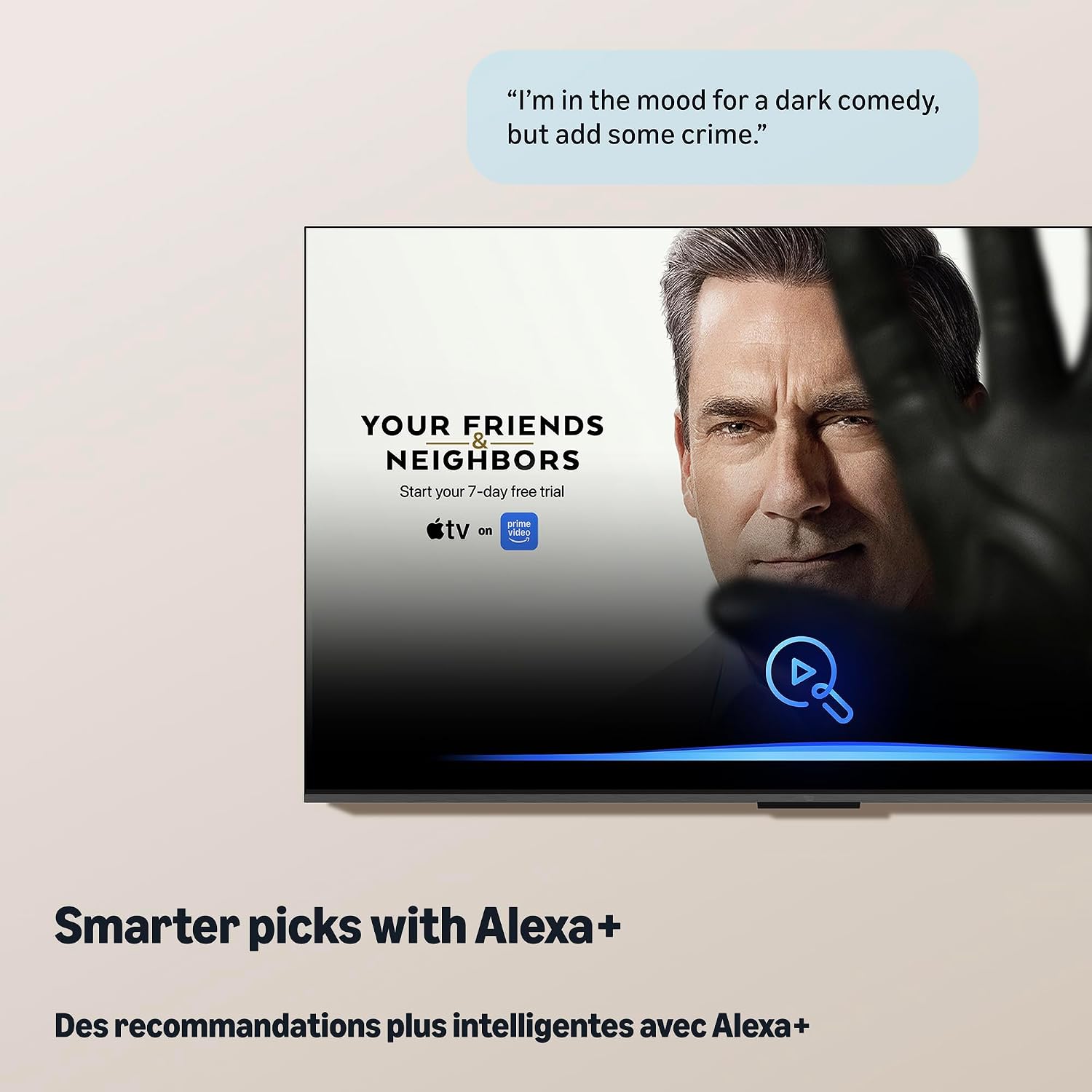
Connect the stick to an HDMI port on your TV, then use the remote to navigate the Fire TV experience. For 4K viewing, pair it with a 4K TV, HDR10+ helps present supported shows and films with vivid colour and contrast. Press the voice button to ask Alexa+ for viewing recommendations or to manage smart home controls.
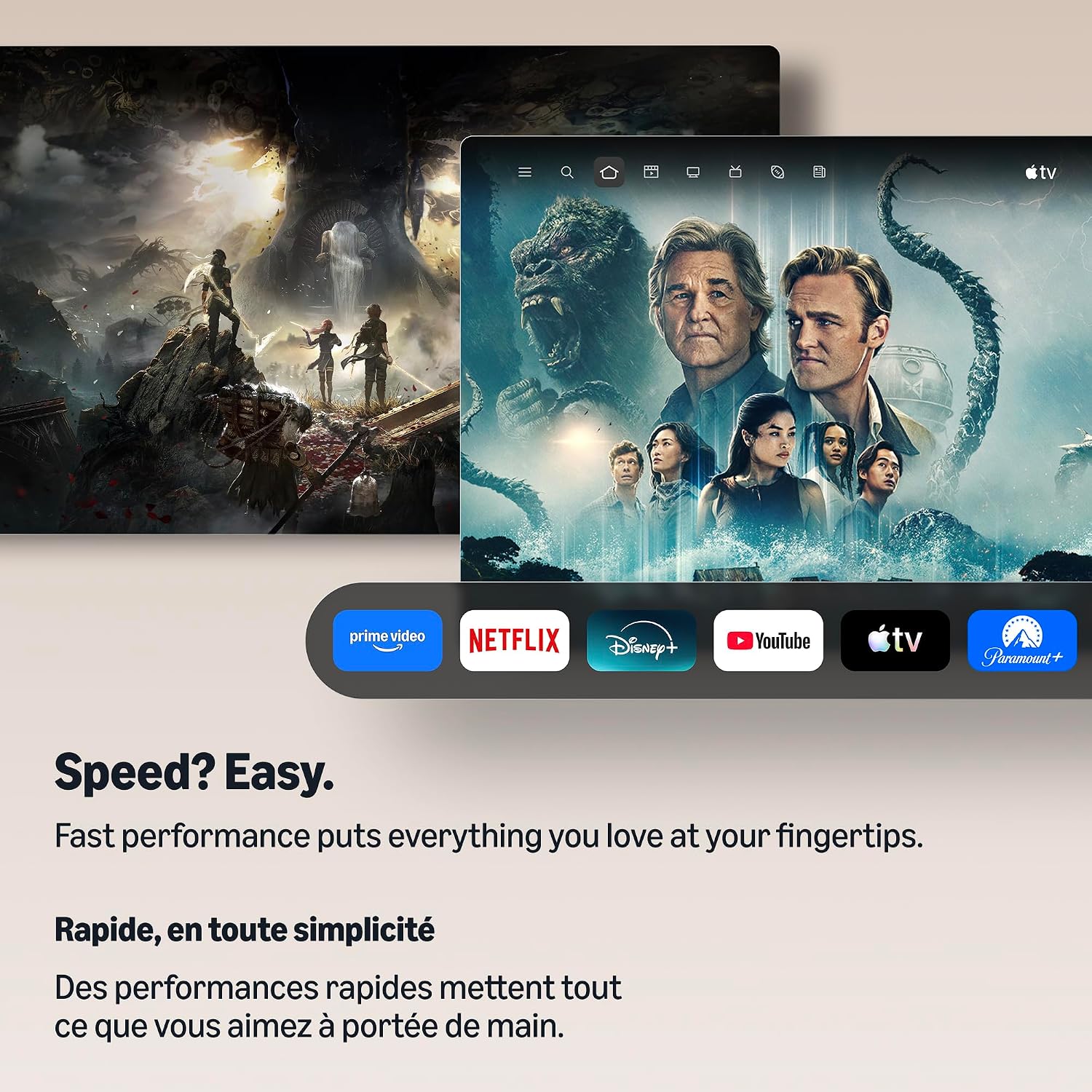
The service brings apps such as Prime Video, Netflix, YouTube, Disney+, Apple TV, Crave and CBC Gem together with free, ad-supported content and live TV. Subscription fees may apply to some services. If you’d rather browse shows and apps from one streaming interface than jump between separate TV menus, the Fire TV Stick offers a convenient way to bring those options together.
Everyday use
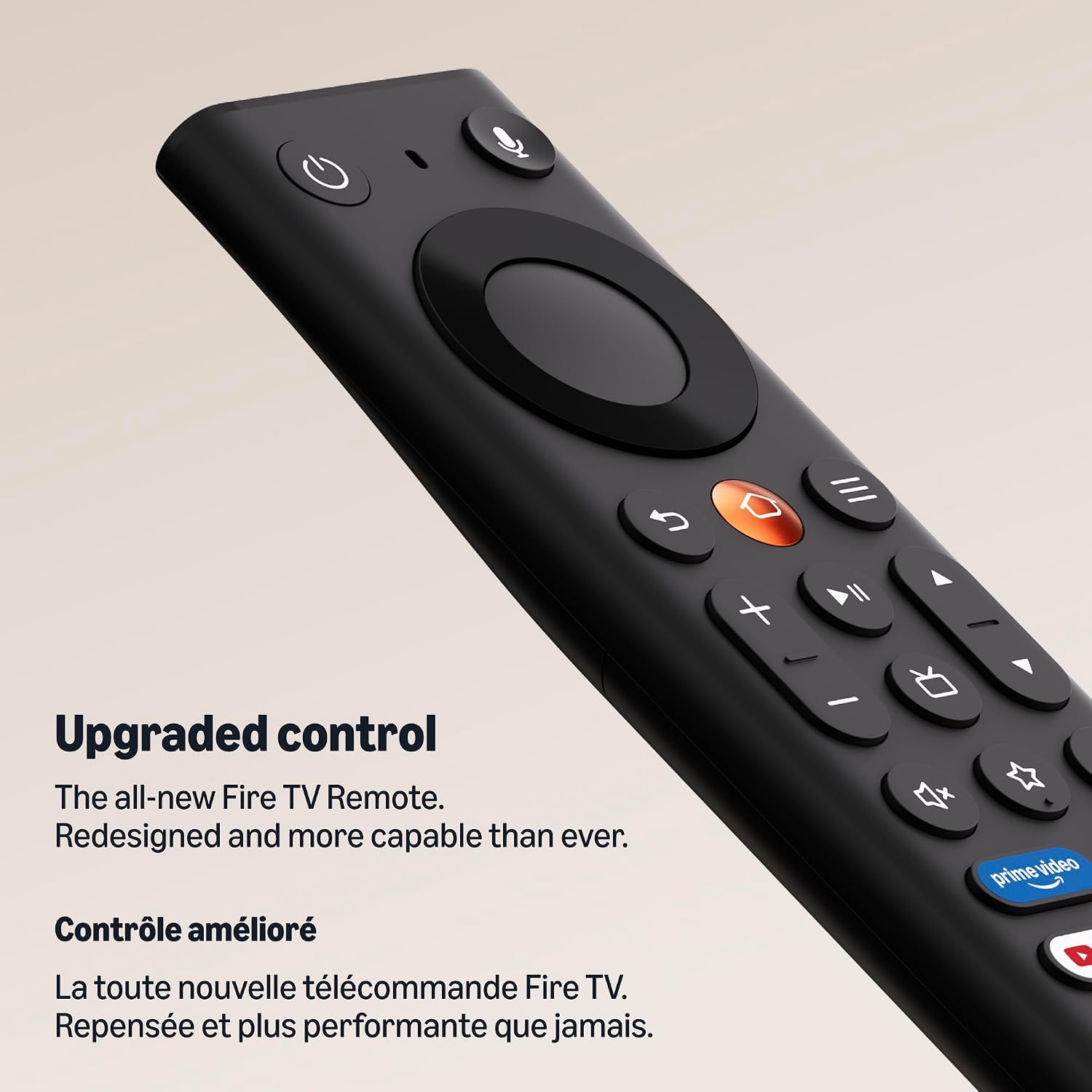
Use the navigation ring to browse, the Live TV button to jump to live programming, or the voice remote to search for a show and request recommendations. The Fire TV experience also organizes content into dedicated categories, lets you pin favourite apps, and provides access to games, music and smart home controls. When the TV is off, its power and volume controls are also available on the same remote, reducing the need to switch controllers for basic TV functions.
Buyer feedback is mixed on performance, speed, responsiveness and the remote. Some buyers also report software compatibility, connectivity and reliability concerns. These are reported experiences rather than guaranteed outcomes, the product’s stated features include Wi-Fi 6 support and a remote designed for navigation, voice search and TV controls.
What to clarify
What connection does setup require? Plug the stick into a TV’s HDMI port. Direct Power allows it to draw power from the TV without a wall adapter.
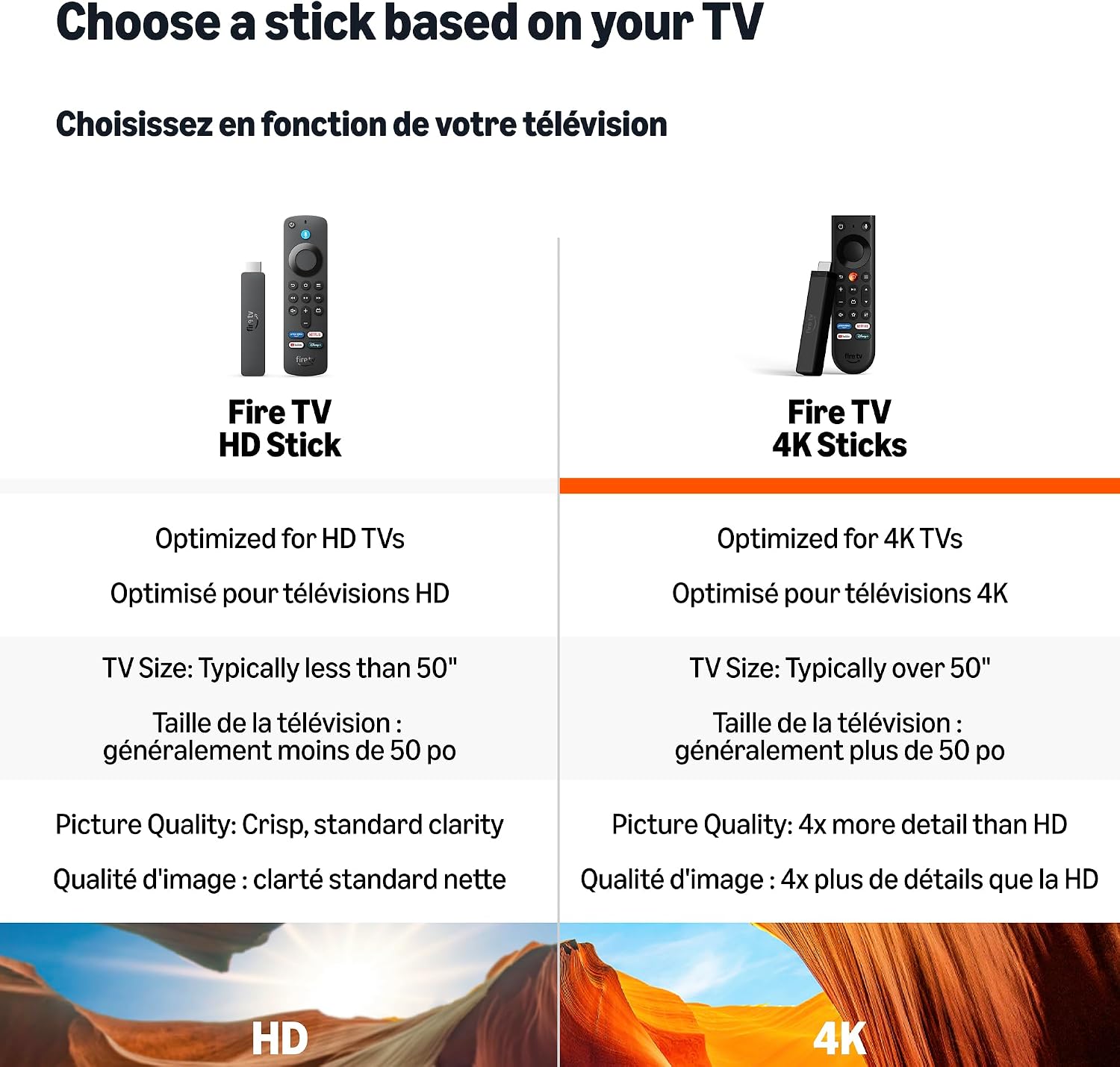
What do I need for 4K viewing? A 4K TV lets you make use of the stick’s 4K support. HDR10+ is supported for compatible content.
Are streaming apps and subscriptions included? The Fire TV experience offers access to apps including Netflix, Crave and CBC Gem, as well as free, ad-supported content. Subscription fees may apply to some services.
When it makes sense
Choose the Fire TV Stick 4K to add a consolidated streaming interface to a TV with an HDMI port, with 4K and HDR10+ support for viewing on a compatible screen. Its Wi-Fi 6 support, voice search, live TV access and remote with TV controls suit everyday browsing and watching from one device.