

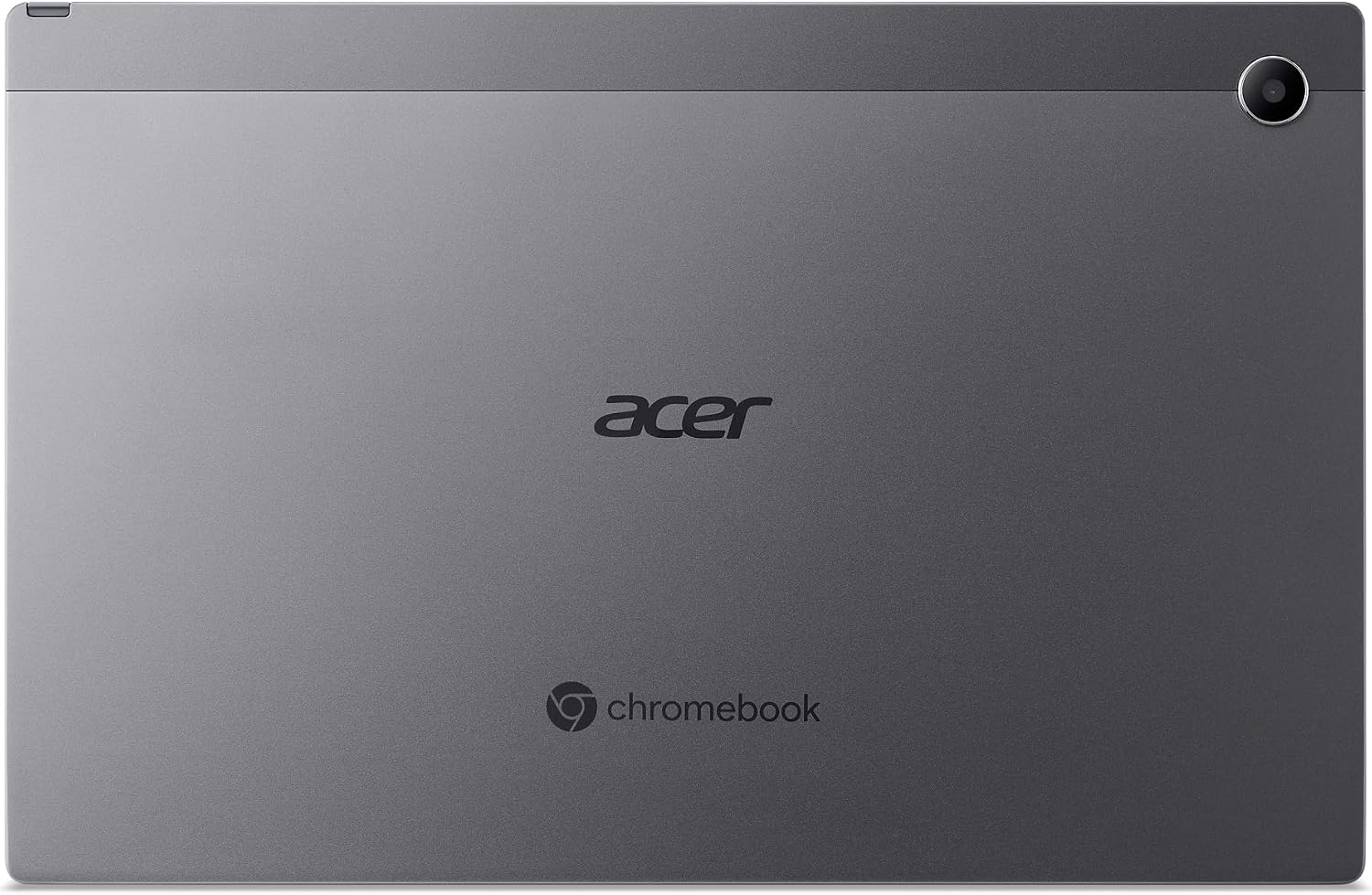


Acer Chromebook Tab 311 CW311-3HN-K5HK Detachable 11-inch WUXGA Chromebook
Reviews
Price
Product description
Some study routines are built around typing, while others call for touch input and a more flexible screen. The Acer Chromebook Tab 311 brings both approaches together in a detachable design. Its WUXGA display gives lessons, reading and everyday tasks a clear workspace. A folio keyboard and USI 2.0 stylus are included for switching between ways of working.
Tech summary
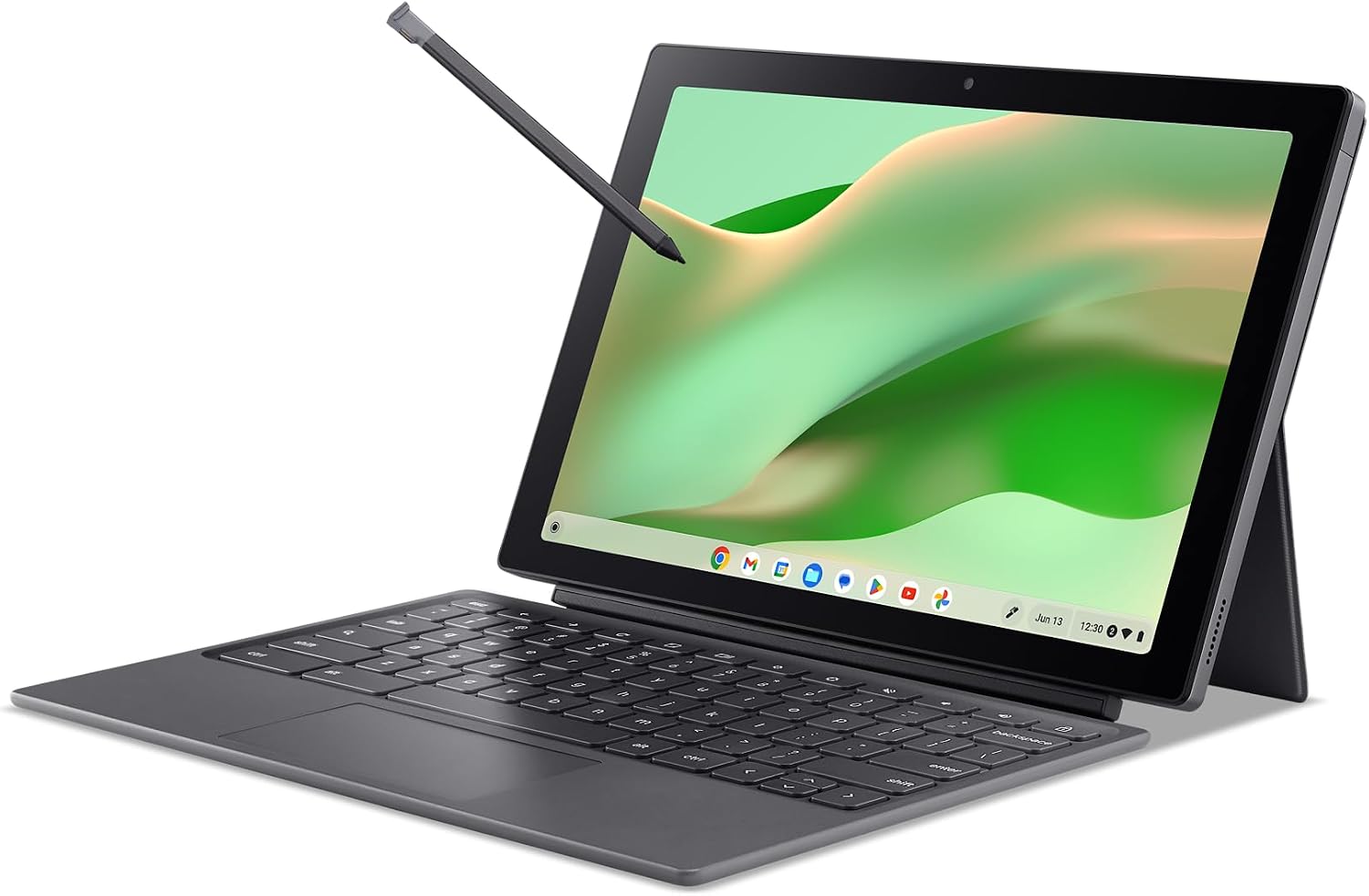
- Display: 11-inch multi-touch WUXGA screen, 1920 x 1200 resolution
- Processor: MediaTek Kompanio 520
- Memory: 8GB LPDDR4X
- Storage: 128GB eMMC, with a microSD card slot
- Operating system: ChromeOS
- Design: Detachable tablet with adjustable kickstand
- Input: Folio keyboard and USI 2.0 stylus
- Cameras: 2MP front-facing camera and 5MP auto-focus rear camera
- Battery life: Up to 10 hours

The combination of touch, keyboard and pen input makes this Chromebook adaptable for different parts of a school day. Type up assignments with the folio keyboard, then detach the tablet for reading or use the stylus for handwritten notes and screen interactions. The kickstand supports hands-free viewing at an adjustable angle, whether following a lesson or reviewing material at a desk. With 8GB of memory and a MediaTek Kompanio 520 processor, it is equipped for student tasks and everyday ChromeOS use.
Everyday use
ChromeOS provides a familiar setting for browsing, schoolwork and using Google apps such as Gmail, Docs, Photos and YouTube. Wi-Fi and Bluetooth support wireless connections, while the headphone/speaker jack provides an audio connection for listening. The front camera is suited to video calls, and the rear camera can capture photos or other reference material. A practical study scenario is keeping the tablet propped up to follow a lesson, then detaching it to read or annotate on the touchscreen.
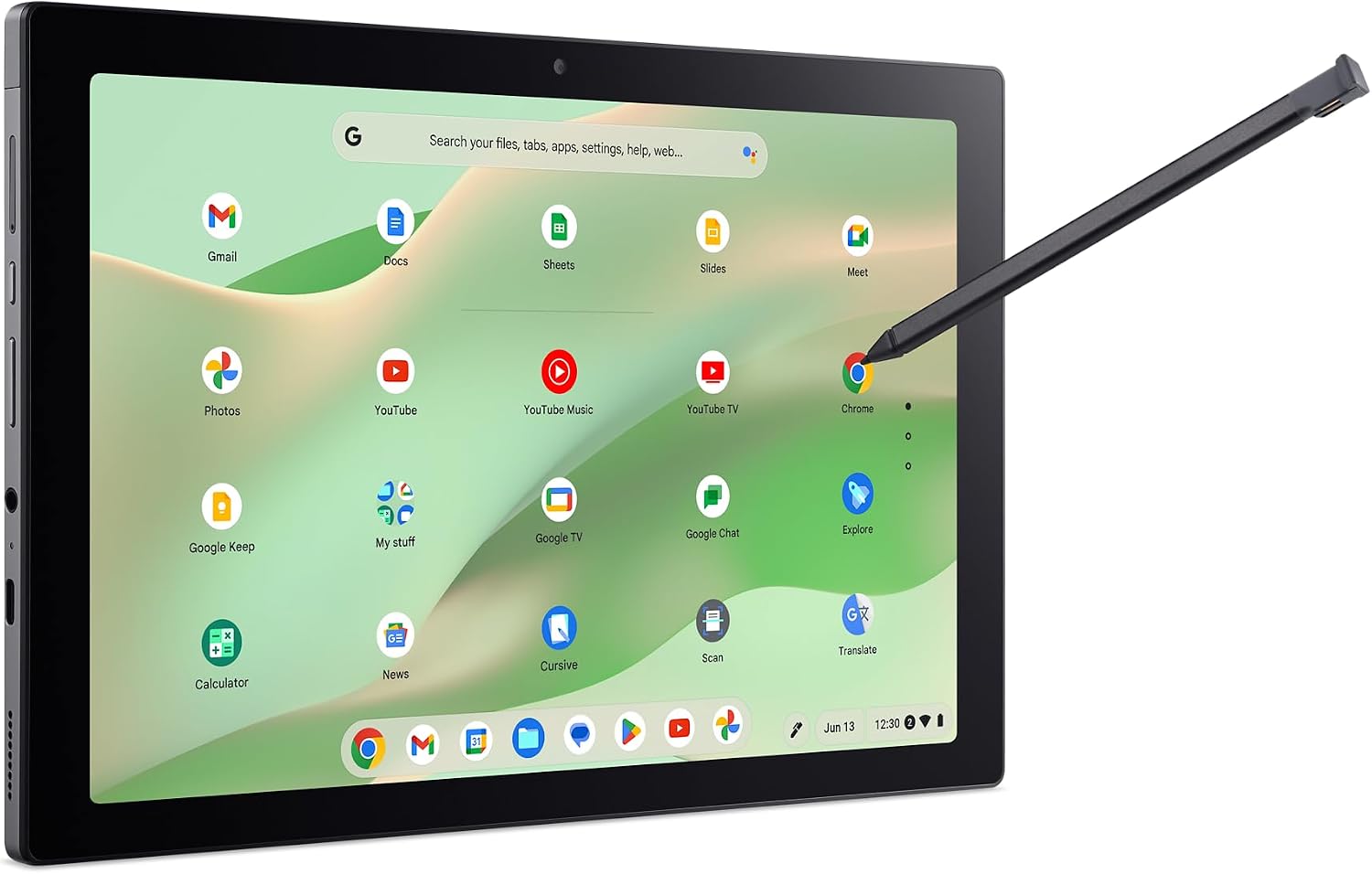
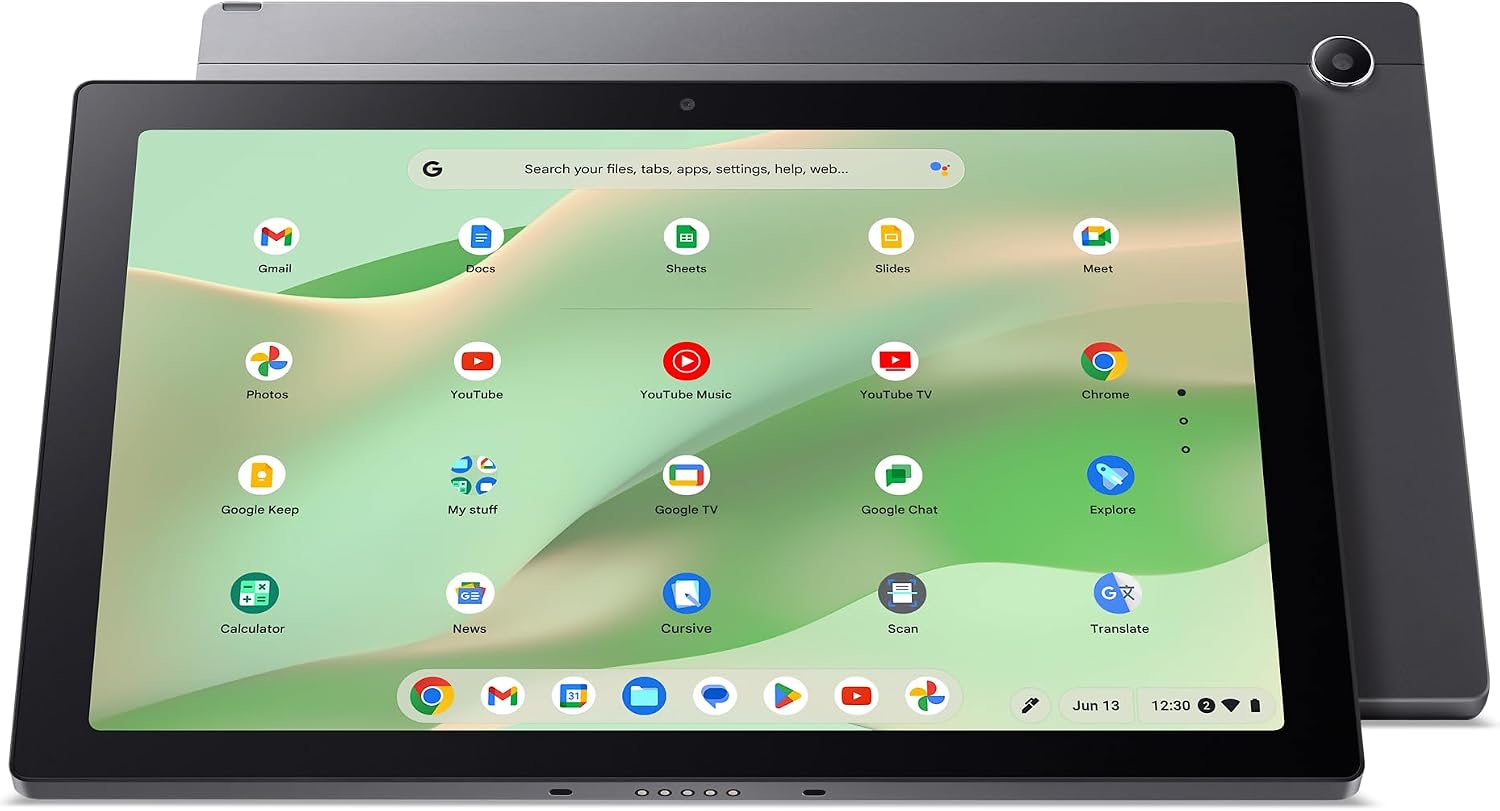
The 128GB eMMC storage provides space for files on the device, and the microSD card slot offers another way to work with compatible card storage. For people choosing between a conventional keyboard-led setup and a tablet-focused one, the detachable format brings both into a single device, with the keyboard and stylus ready for different tasks.
Getting the most from it
Use the folio keyboard when writing, organizing class notes or working through documents, and switch to touch or the USI 2.0 stylus when direct screen input suits the task. The adjustable kickstand helps position the display for viewing or typing at a desk. For a student moving between lessons, reading and assignments, this combination keeps the interaction flexible without changing devices. The stated battery life of up to 10 hours also supports use across a range of daily activities between charges.
When it makes sense
The Chromebook Tab 311 is a good fit for students who want a compact, detachable device for school tasks, reading and everyday use, with keyboard and stylus input included. Buyers often highlight its compact size, quick start-up and usefulness for school, feedback about reliability, overall value and the stylus experience is mixed. Its central benefit is the choice of how to work: type, use the touchscreen or pick up the stylus, with ChromeOS and a WUXGA display supporting the routine.