

Belkin MMA007btGY MagSafe iPhone Continuity Camera Mount for Mac
Product description
Technical details
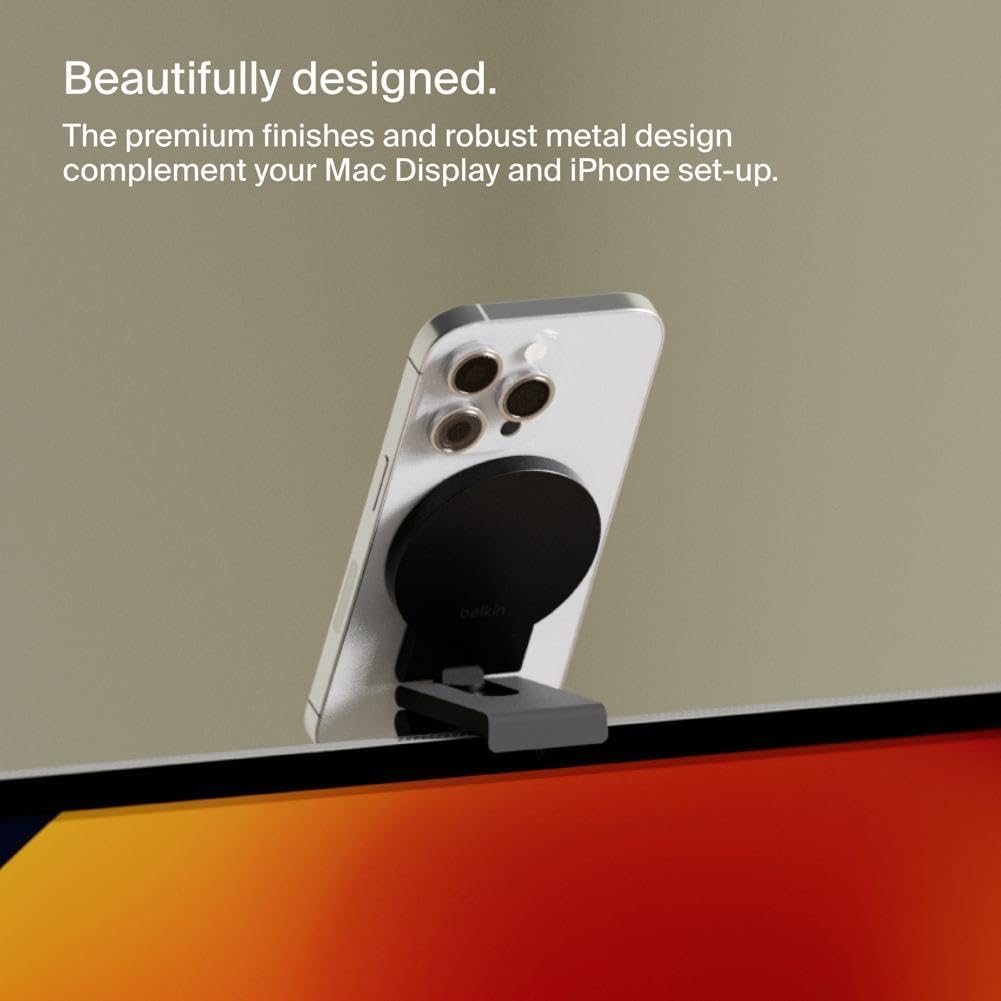
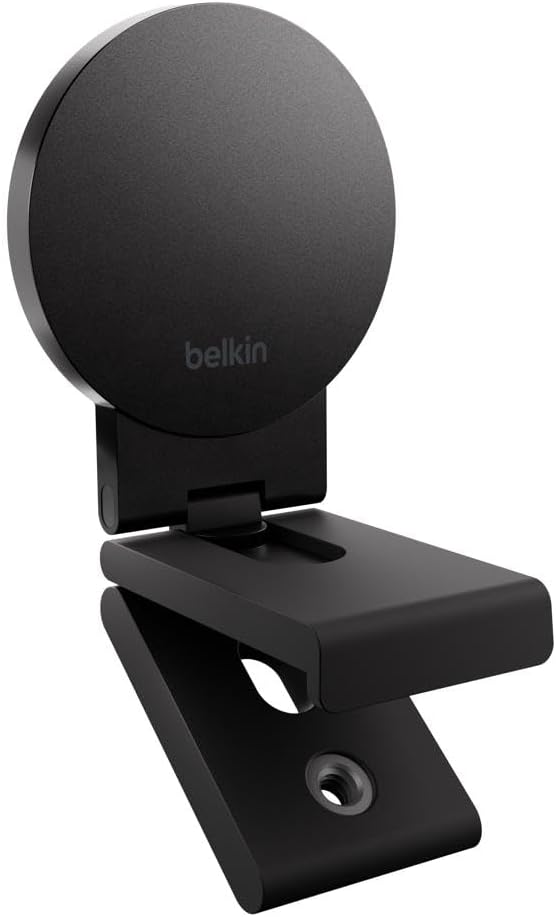
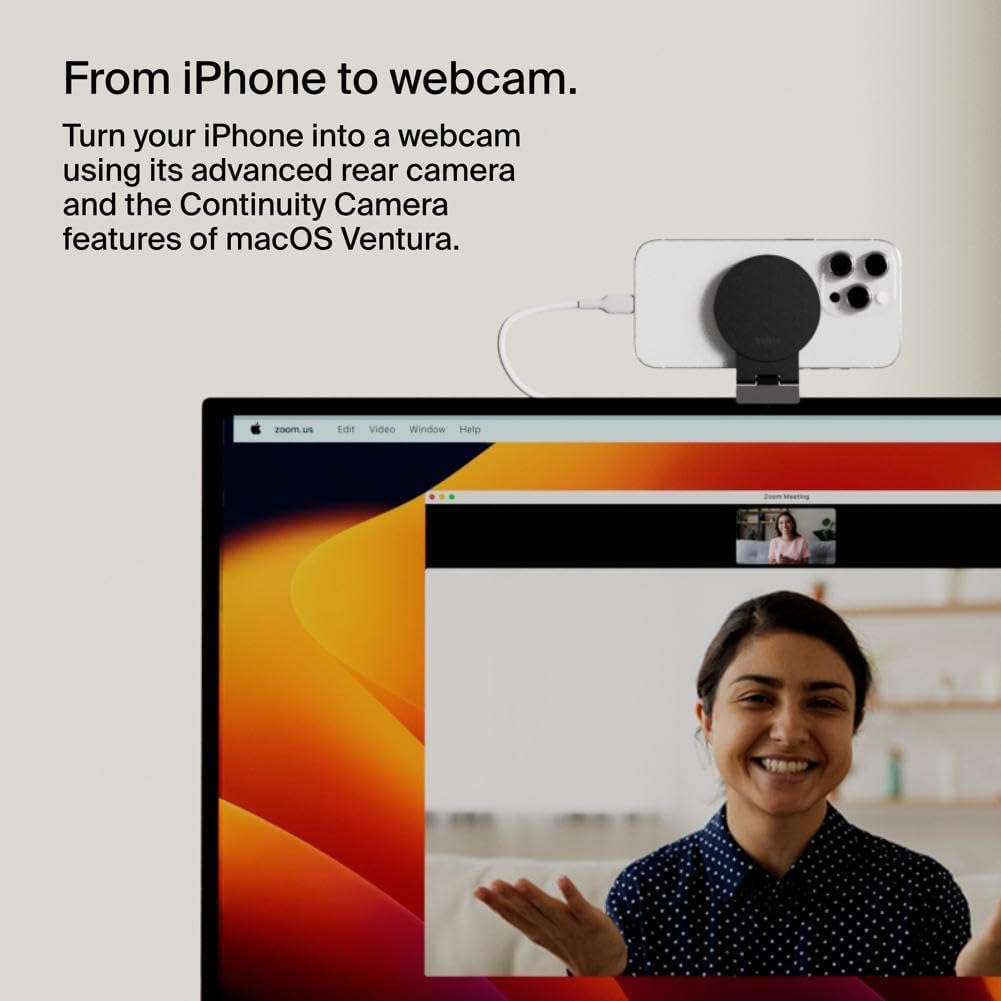
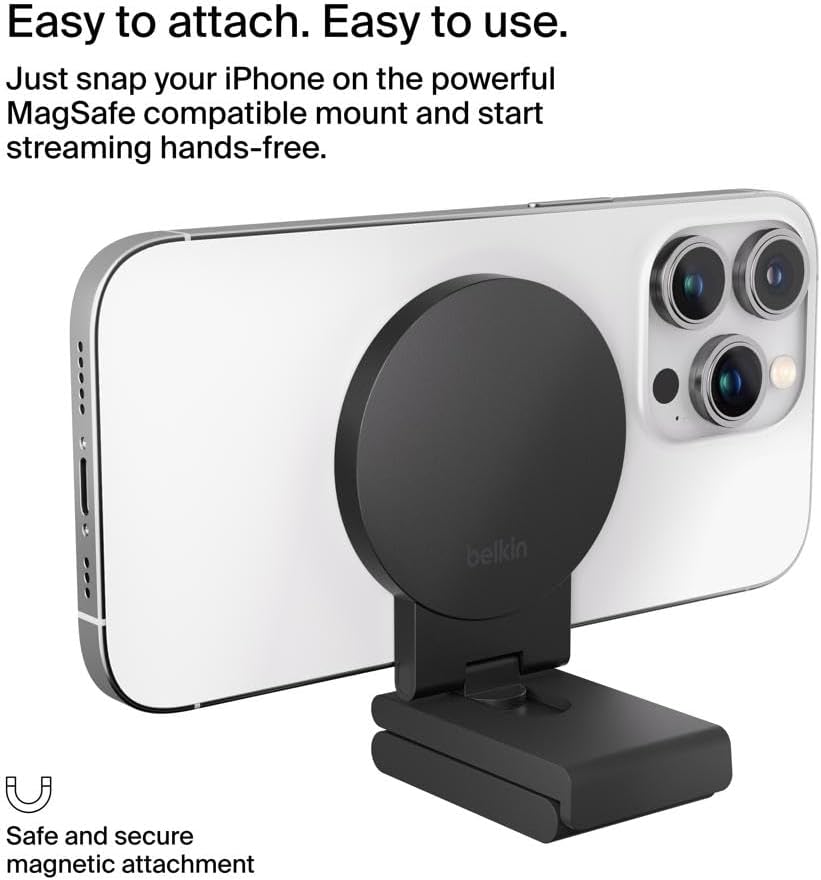
Made with a metal construction, the Belkin MMA007btGY is a magnetic mount for using a compatible iPhone as a Continuity Camera. It attaches to supported Mac desktops and displays, letting you use your iPhone’s rear camera for video calls, streaming or content creation. If you want a fixed position at your desk, attach it to a compatible display, if you need a different setup, its standard tripod thread gives you another mounting option.
- Type: MagSafe iPhone mount for Mac desktops and displays
- Colour: Black
- Dimensions: 5.9 x 7.2 x 2.3 centimetres
- Material: Metal construction
- Compatibility: iPhone 12 and later with MagSafe, iMac 2017 and later, iMac Pro 2017, Studio Display, Pro Display XDR and most external monitors up to 55 inches
- Software: Continuity Camera with macOS Ventura and later
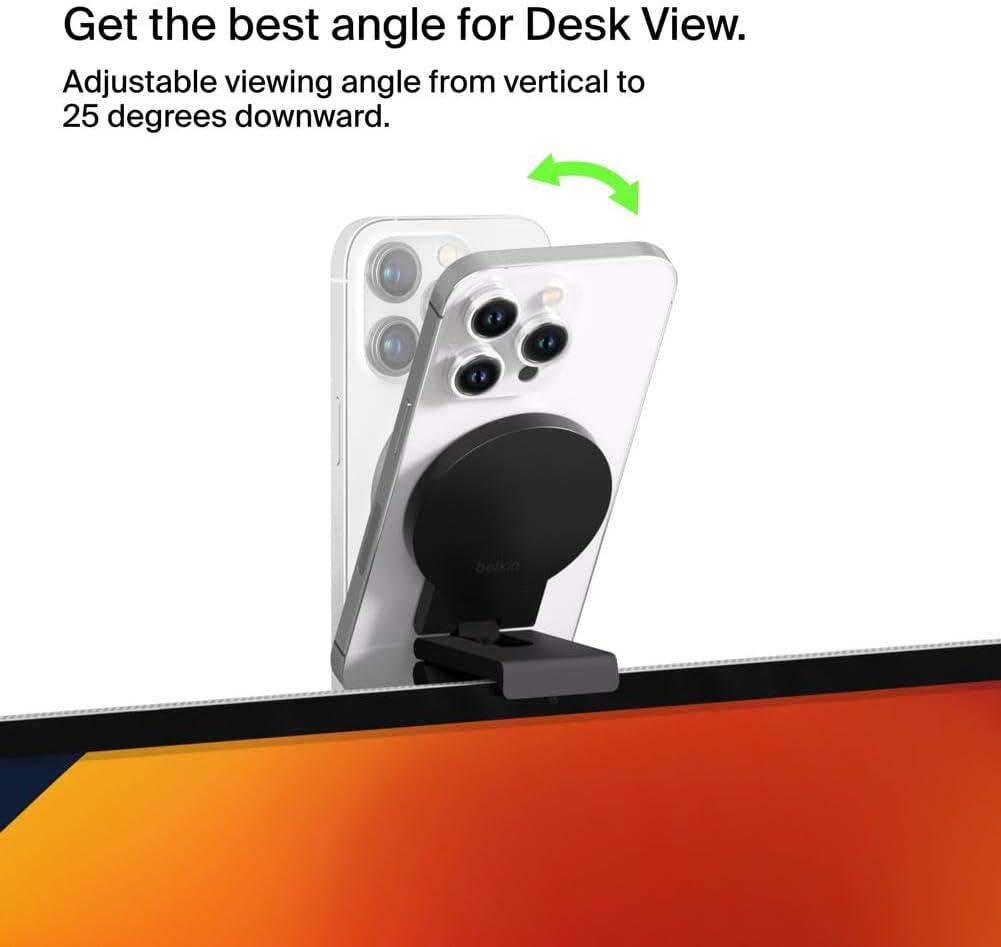
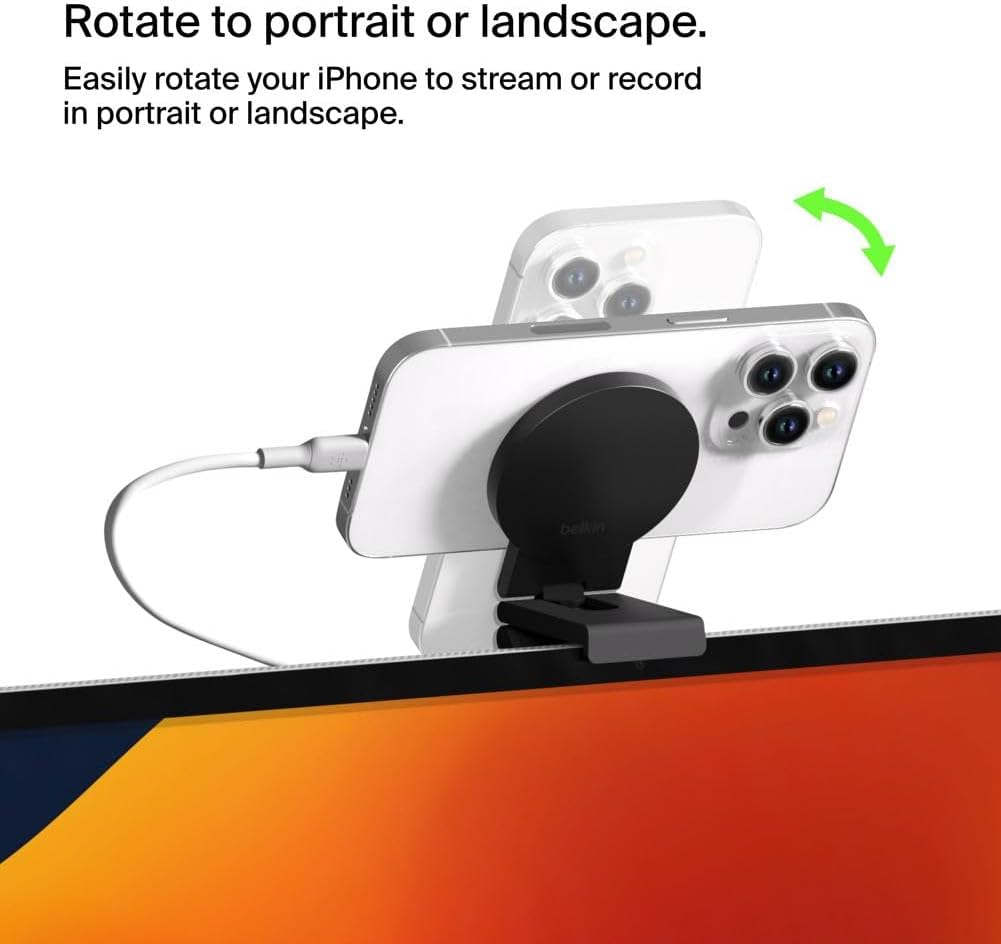
- Viewing position: Landscape or portrait, with an adjustable angle from vertical to 25 degrees downward
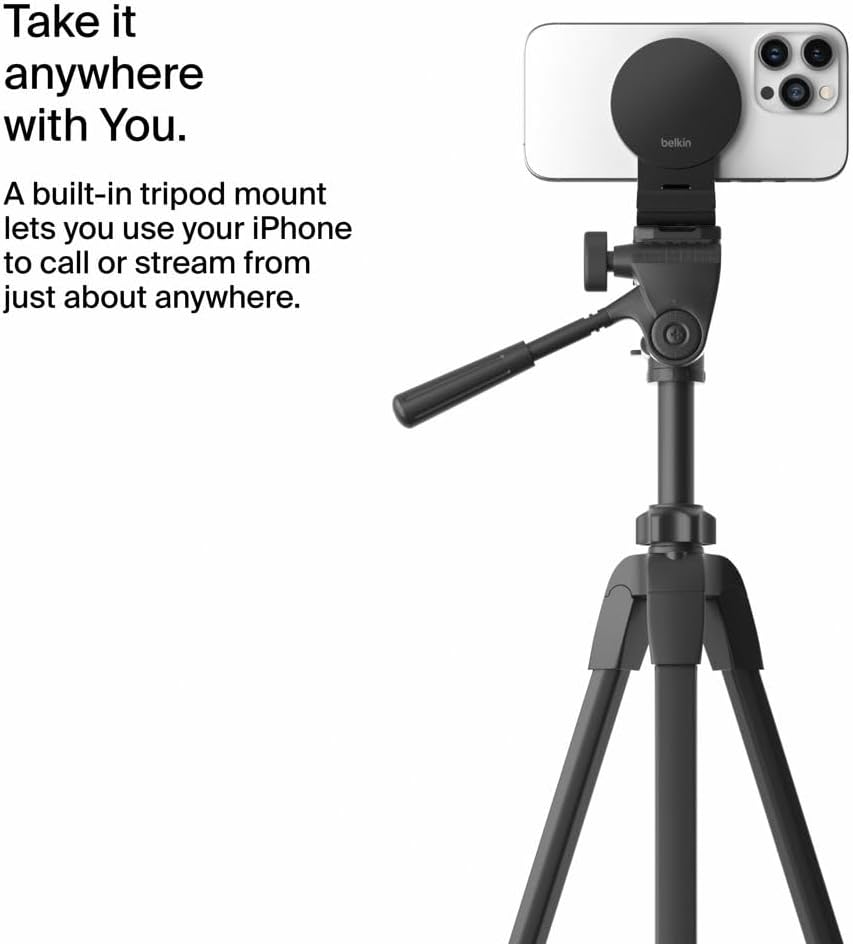
- Mounting: Magnetic attachment and standard 1/4-inch tripod screw thread
Tips for day-to-day use
Place the mount on a compatible desktop or display, then attach your MagSafe-compatible iPhone to the magnetic surface. Choose landscape or portrait to suit the call, recording or stream, and adjust the hinge to set the viewing angle. With Continuity Camera enabled on a Mac running macOS Ventura or later, the phone’s rear camera can serve as the camera for your Mac-based video use.
For a regular desk setup, mounting the phone on the display keeps it positioned for hands-free calls while you continue using other apps. The magnetic attachment makes it straightforward to attach or remove the phone between tasks. The standard 1/4-inch thread also suits a tripod-based arrangement when that placement works better than attaching the mount directly to a display. Buyers’ feedback is mixed: some say the mount works well, while others raise concerns about hinge durability and the product’s build. The adjustable angle and magnetic positioning are the main practical features for choosing how to frame your setup.
What you get
The package includes the Belkin iPhone Mount with MagSafe for Mac desktops and displays. Use it as a dedicated position for your phone when making calls or creating content at a compatible desk, or attach it to a tripod using the standard thread. The mount is designed for MagSafe-compatible iPhones from the iPhone 12 generation onwards and supports both portrait and landscape positioning, so you can adapt the phone’s orientation to the task.
Is it worth it?
This mount is aimed at people who want to use a compatible iPhone as a Mac webcam without holding it during a call or recording. Its magnetic attachment, adjustable viewing angle and support for portrait and landscape orientations make it useful for a desk-based setup, while the tripod thread adds another way to position it. Choose it for the convenience of bringing your iPhone’s rear camera into a Continuity Camera workflow on a supported Mac and display.