

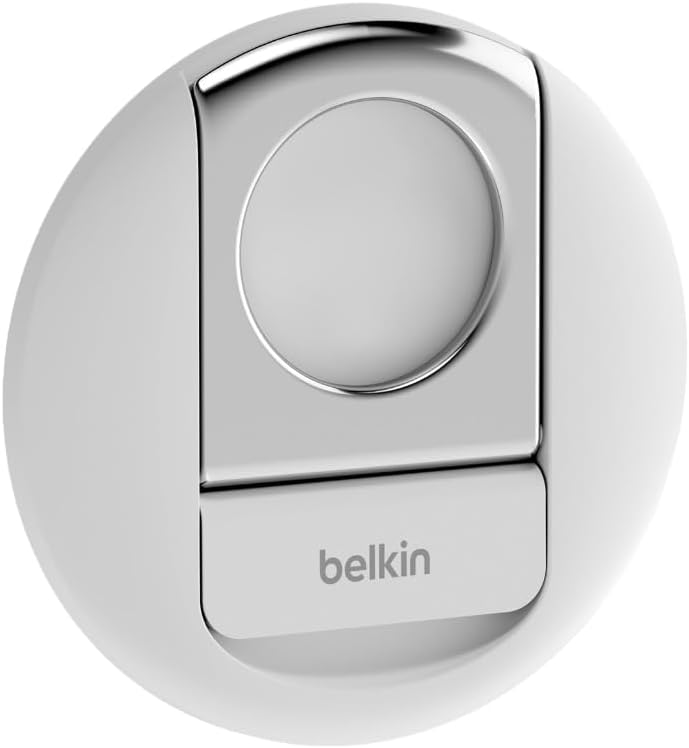
Belkin MagSafe iPhone camera mount
Product description
What to know
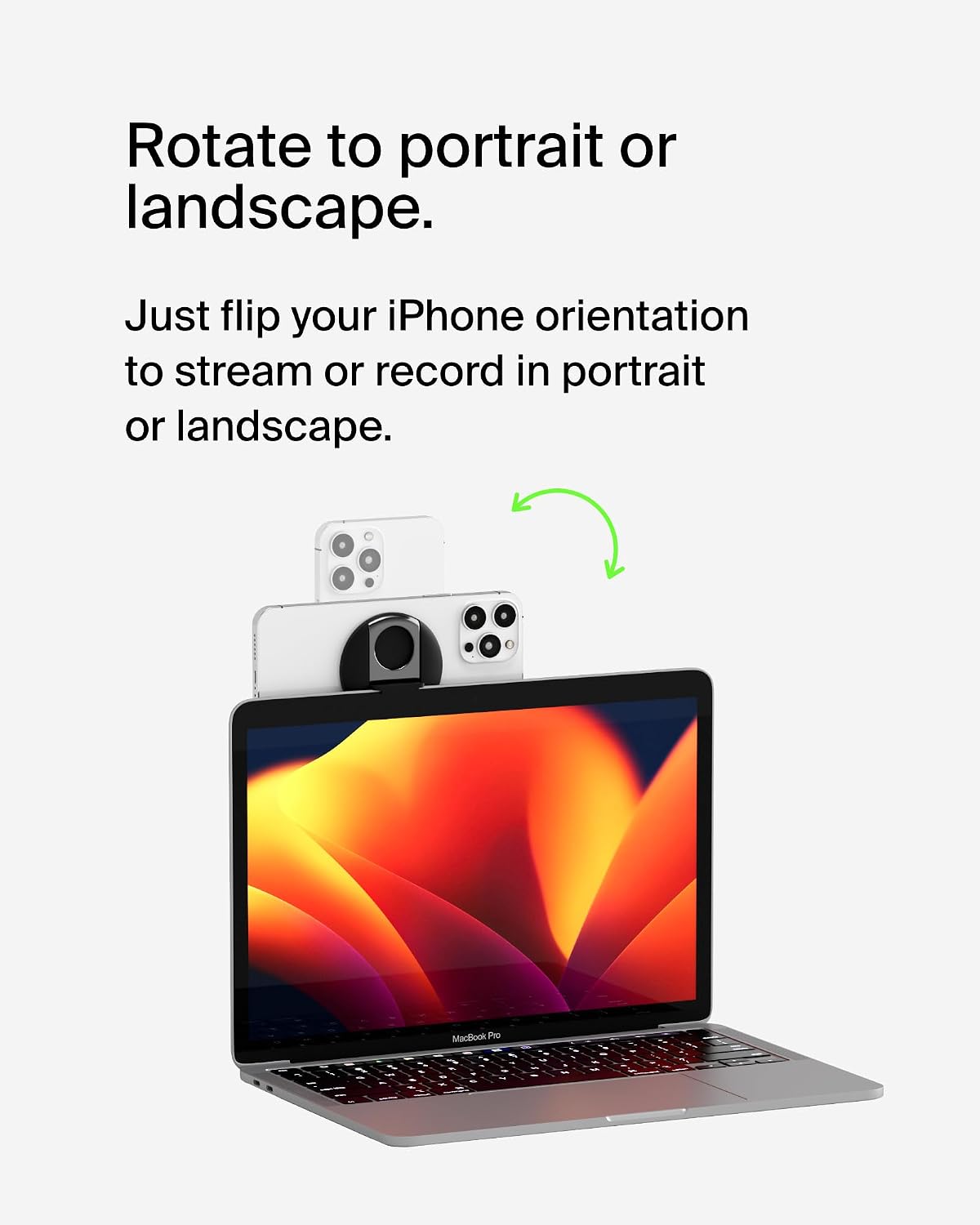
If your laptop video calls look flat or awkwardly framed, using your iPhone’s camera as a webcam may be a practical alternative. This Belkin mount is designed to attach a compatible iPhone to a MacBook for hands-free use with Continuity Camera.
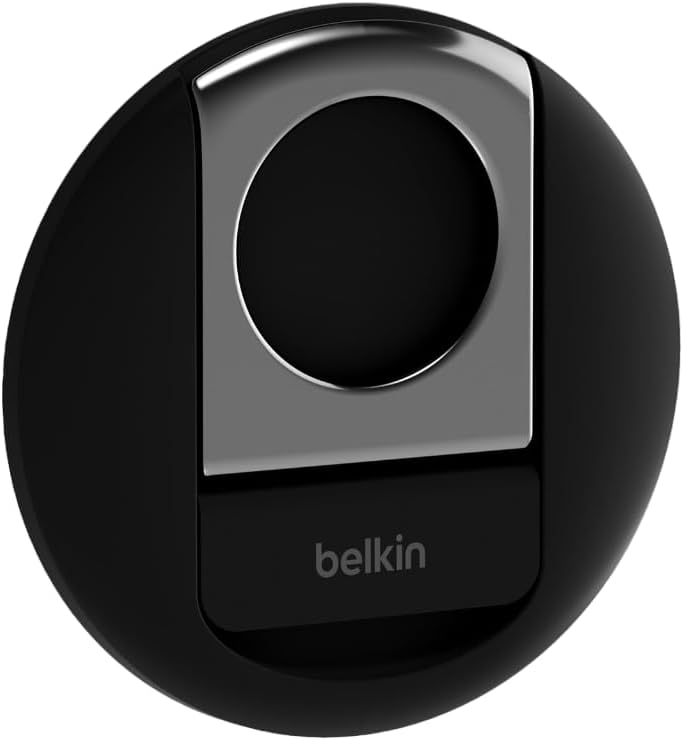
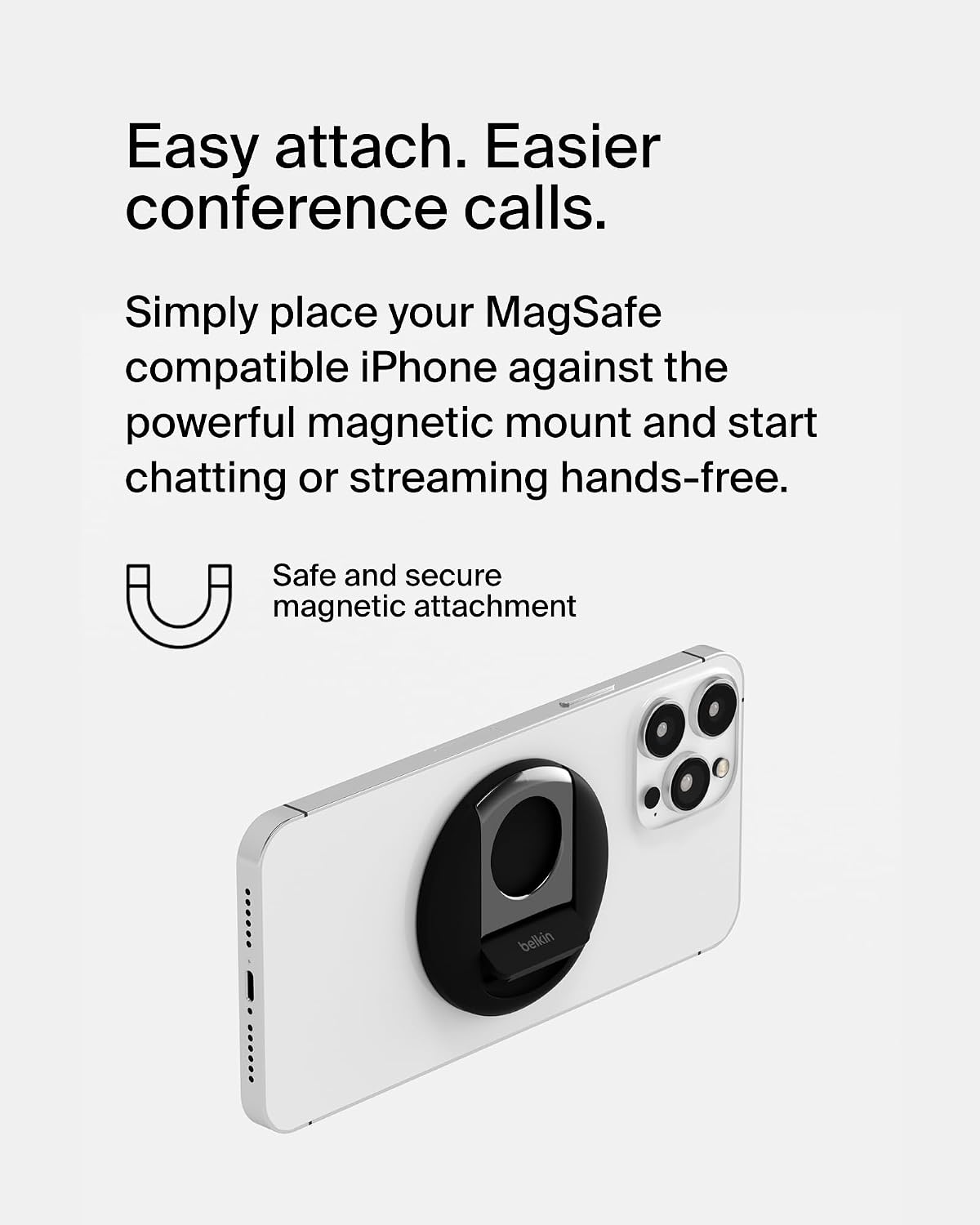
It holds the phone magnetically, so you can position it for a call without balancing it on a stack of books. That also makes it easier to keep your hands free while you chat or stream.
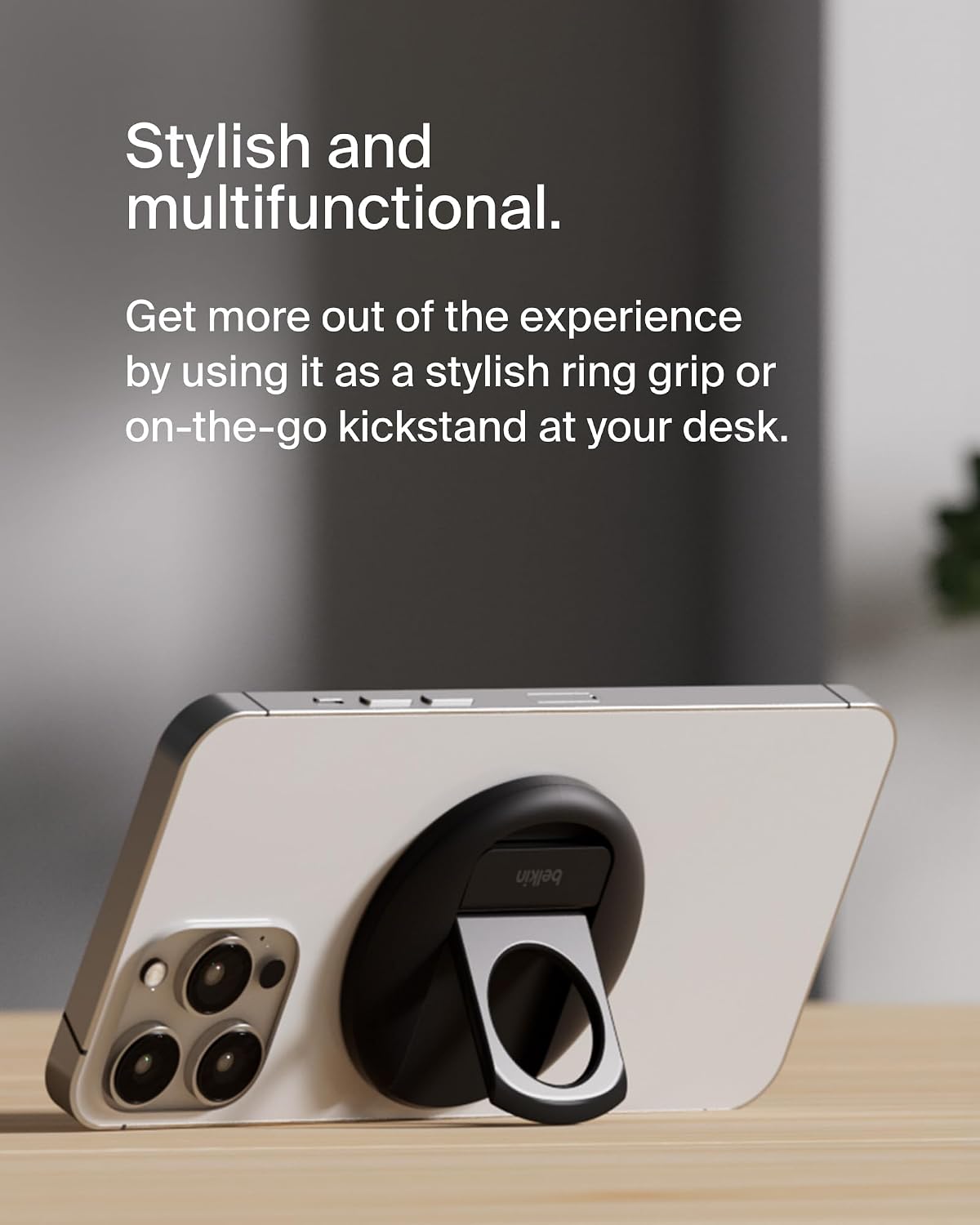
You can turn the iPhone between portrait and landscape, and the mount is also described as a ring grip and kickstand that detaches for carrying. Keep in mind that the phone needs to be MagSafe-compatible, the listing describes support for iPhone 12 and later, but doesn’t give details about case compatibility.
Best use cases
This setup makes most sense for video calls, streaming or chatting from a MacBook when you’d rather use your iPhone’s camera system than rely on a built-in laptop camera. For example, you could attach the phone before a work call, rotate it to portrait for a vertical conversation, then switch to landscape for a wider view. The mount is intended to work without interrupting other apps or videos on the MacBook.
It’s a good option if you already use a compatible iPhone and want a detachable way to position it with a MacBook Pro or MacBook Air. If you mainly need a simple stand for a phone away from your laptop, a standalone desk stand may suit that job better. The listing doesn’t provide dimensions or describe the mount’s materials, so there’s limited information for comparing its size or finish with other accessories.
Tips for day-to-day use
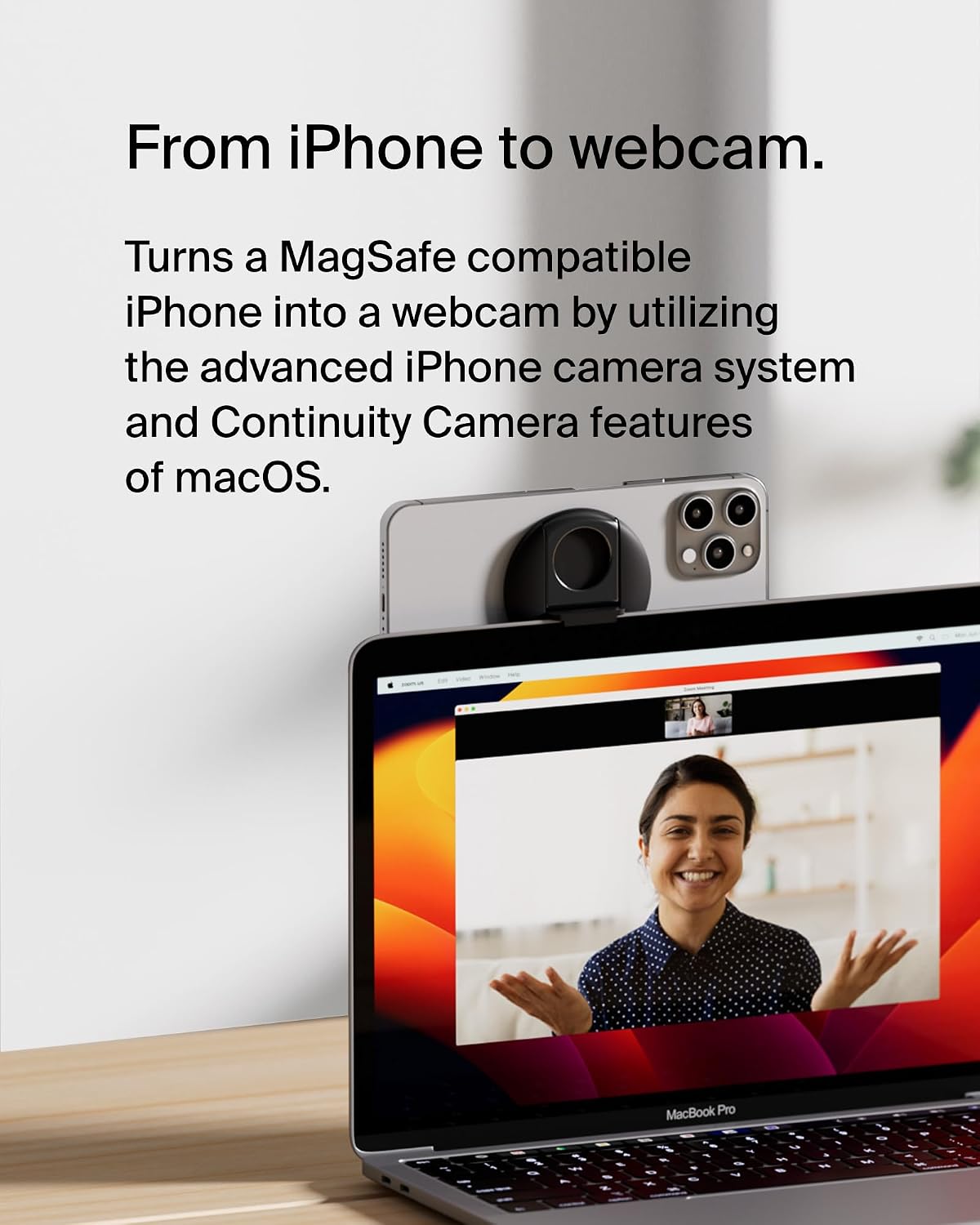
Attach the phone before starting a call, then choose portrait or landscape to suit the conversation or content. Since the mount can also act as a ring grip and kickstand, you can detach it when you’re finished at the MacBook rather than treating it as a fixed webcam accessory. Its magnetic attachment is the main convenience here, there’s no separate clamp described in the listing.
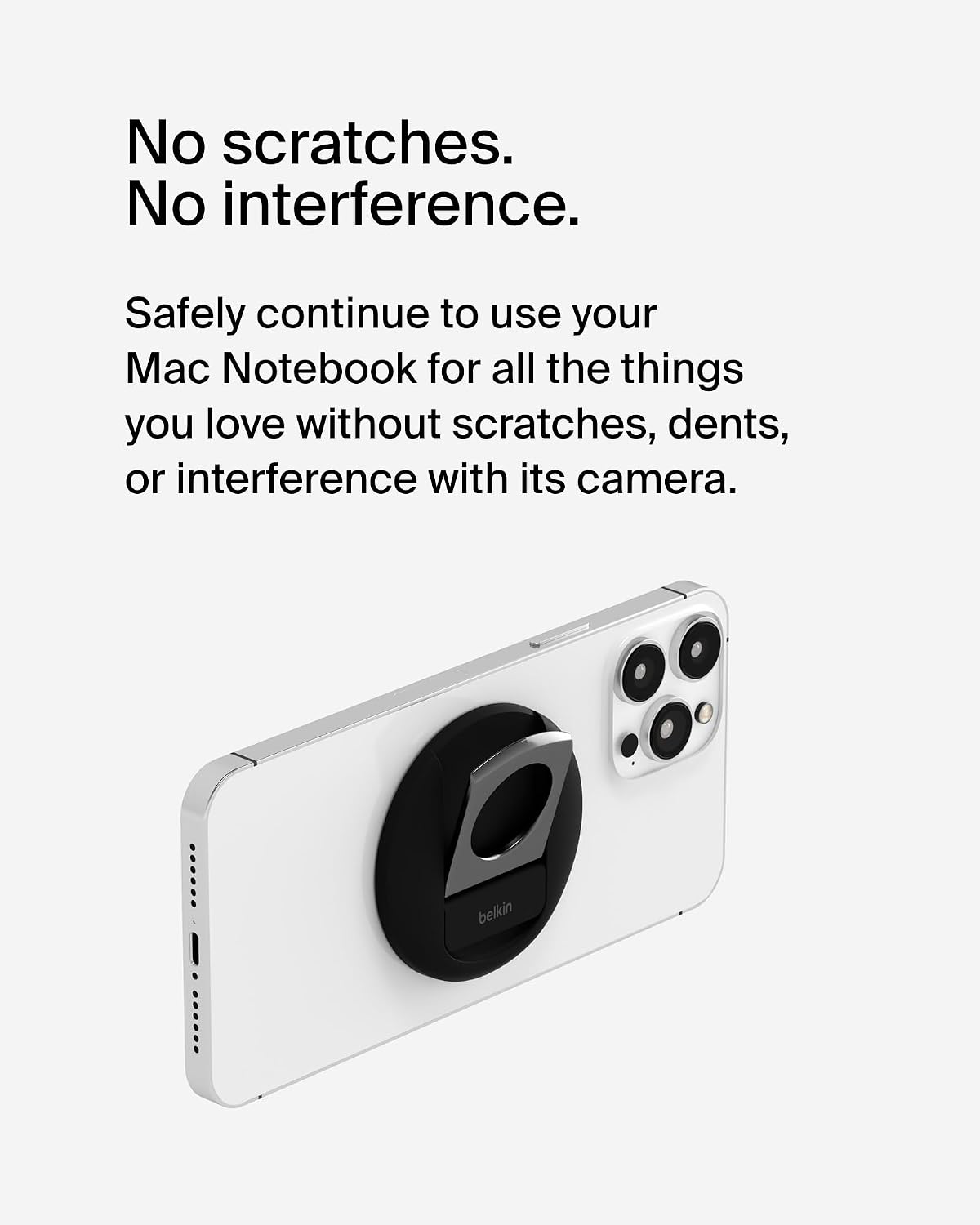
The product is presented for use with MagSafe-compatible iPhones and MacBook Pro and Air models. Continuity Camera features depend on the latest macOS, according to the product details, so this isn’t a universal phone holder for every laptop or handset. If you use a case, the available information doesn’t confirm whether the mount attaches through it.
Three specific questions
Can you change the phone’s orientation? Yes. The mount is described as allowing portrait or landscape positioning.
Does it only work as a webcam mount? No. The listing also describes it as a ring grip and kickstand, and says it can be detached for carrying.
Which iPhones are listed as compatible? The product details specify MagSafe-compatible iPhone 12 and later. They don’t give further case-compatibility information.
Is it worth it?
If you want to use a compatible iPhone as a MacBook webcam and value quick magnetic attachment, adjustable orientation and a mount that can double as a grip or kickstand, this Belkin accessory has a clear use case. It’s a more integrated approach than propping a phone beside the laptop, but it relies on MagSafe compatibility and Continuity Camera rather than working as a general-purpose stand. It may not suit you if you need confirmed case support or a holder for devices outside the listed setup.